AI Architectural Design Tool
Free AI for Architecture & AI Building Design
The AI architectural design tool on gotimage2.com is the free AI for architecture workflow powered by the GOT IMAGE 2 Pro model. Pick a building typology, optionally type a brief about site, climate, materials, or program, and a sharp 4K architectural visualization lands in the tab in about fifteen seconds — glass towers, sustainable eco-resorts, parametric museums, smart-city masterplans, minimalist villas, and civic cultural centers. Free AI building design — no login, no email, no card, no Revit or Rhino plugin.
Try the AI Architectural Design Tool — Free Right Here
Pick a building typology, optionally describe site, climate, materials, or program, and the AI architectural design tool returns a 4K architectural visualization in about fifteen seconds — no signup
AI Architectural Design Tool — Free AI for Architecture
Pick a building typology, optionally type a brief about site, climate, materials, or program, and hit Generate. The AI architectural design tool returns a sharp 4K architectural visualization — free, no sign up.
Made with the AI Architectural Design Tool
Real 4K outputs from the AI architectural design tool — every typology, no account
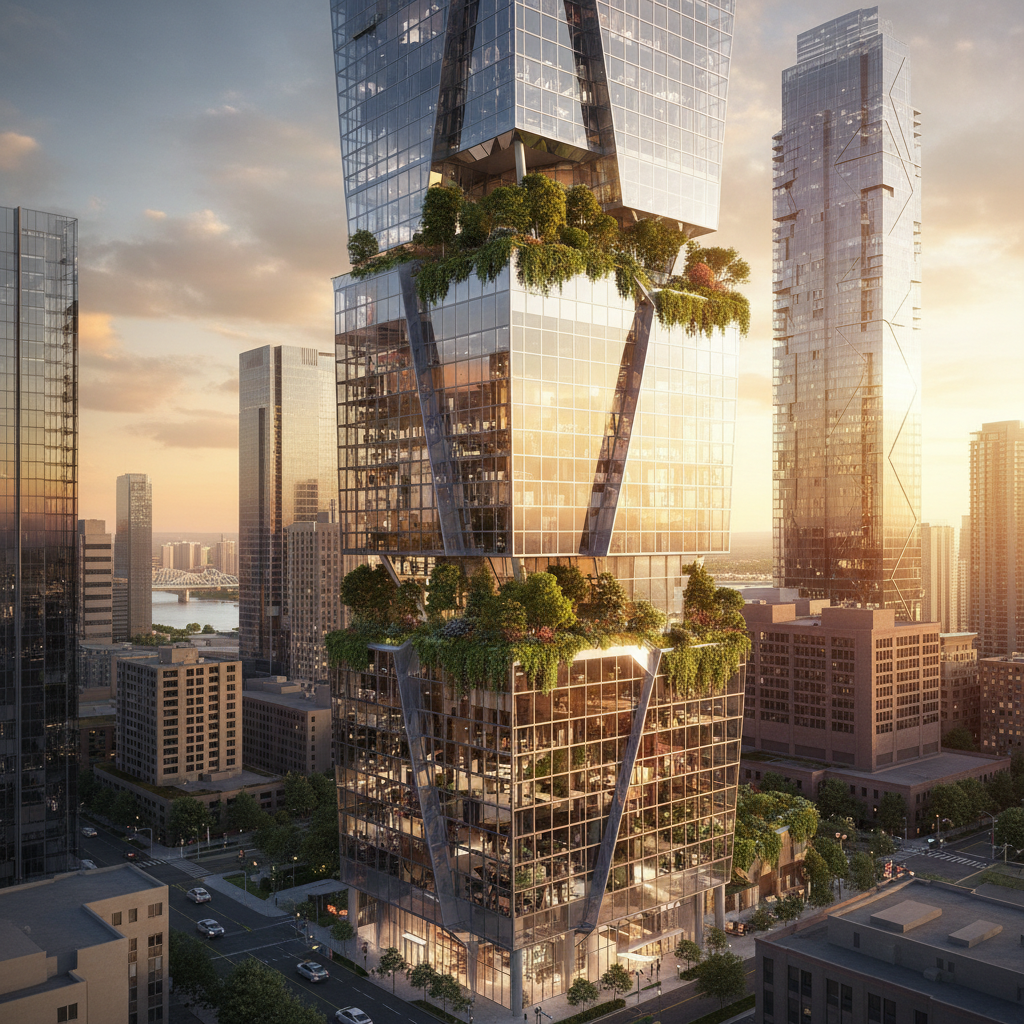
Glass Tower Concept
AI Architectural Design Tool
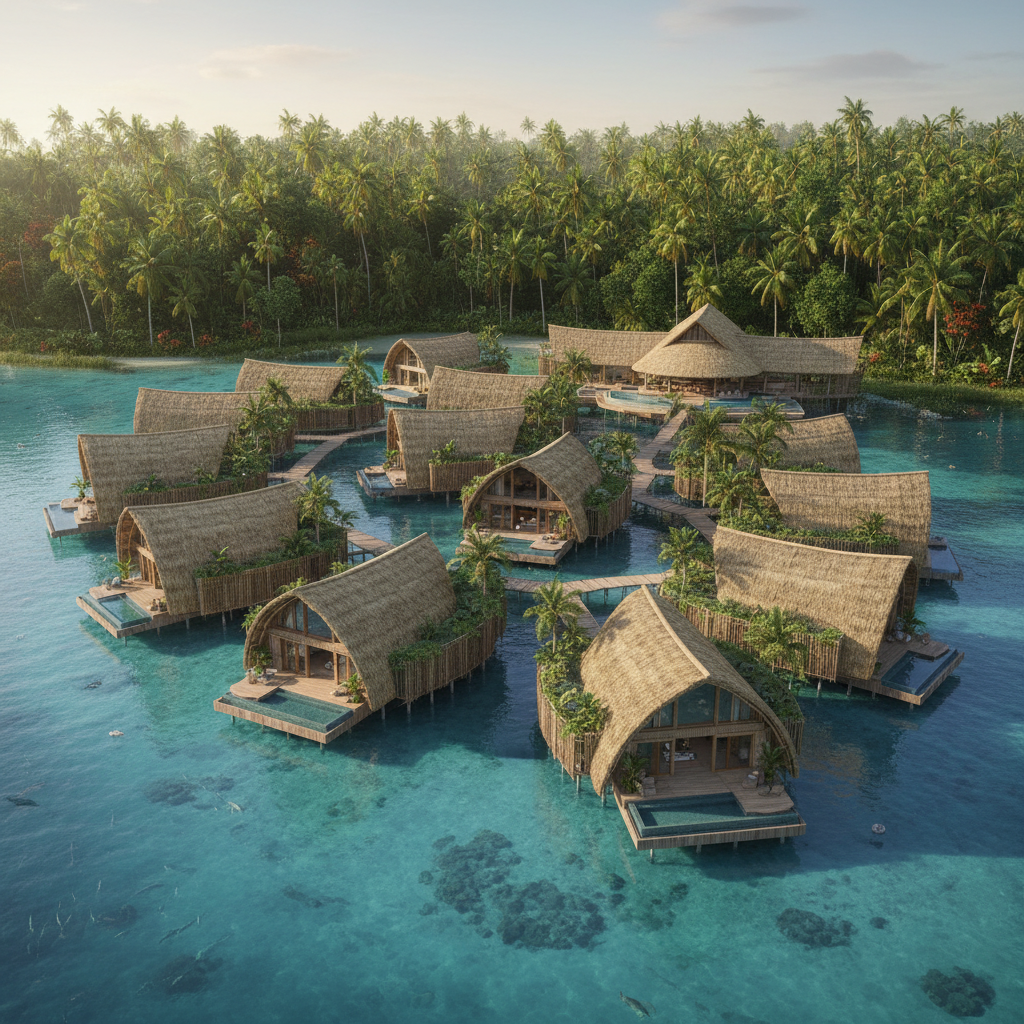
Sustainable Eco-Resort
AI Architectural Design Tool
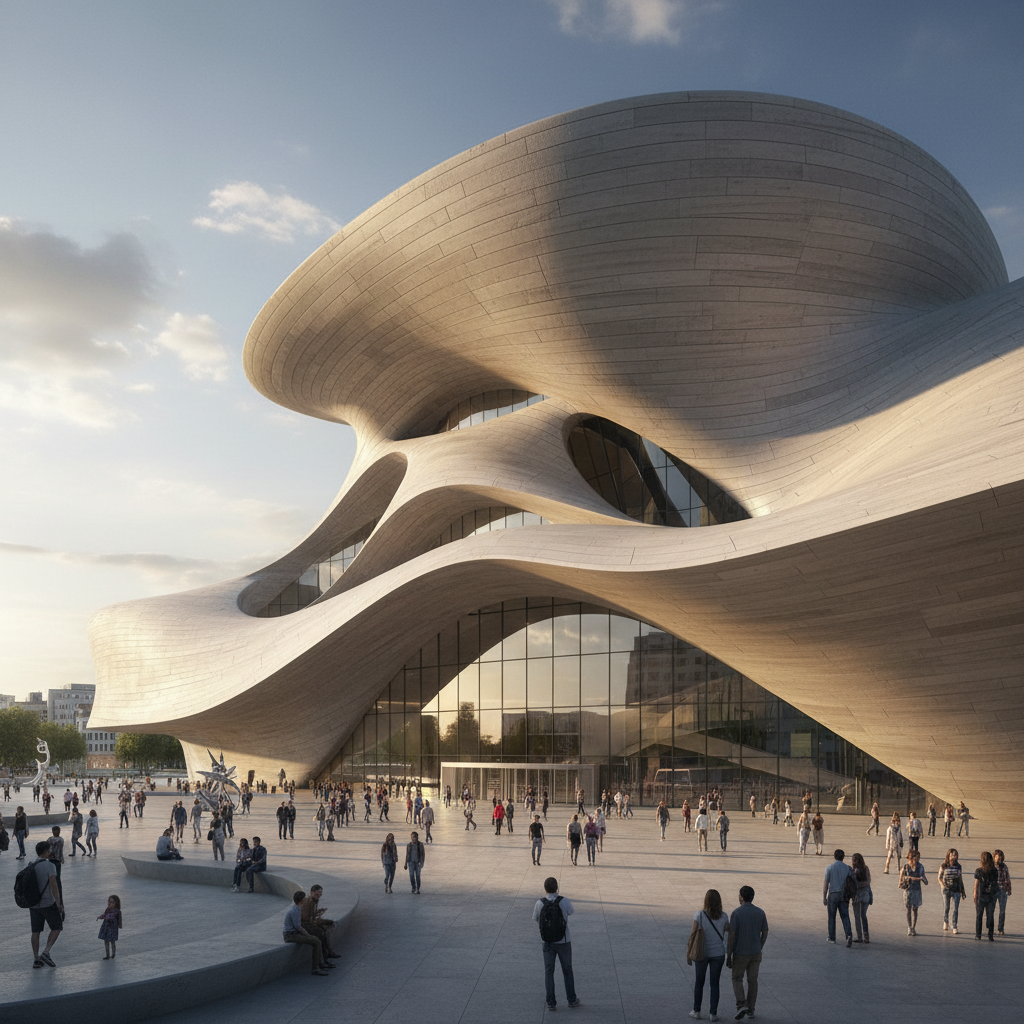
Parametric Museum
AI Architectural Design Tool
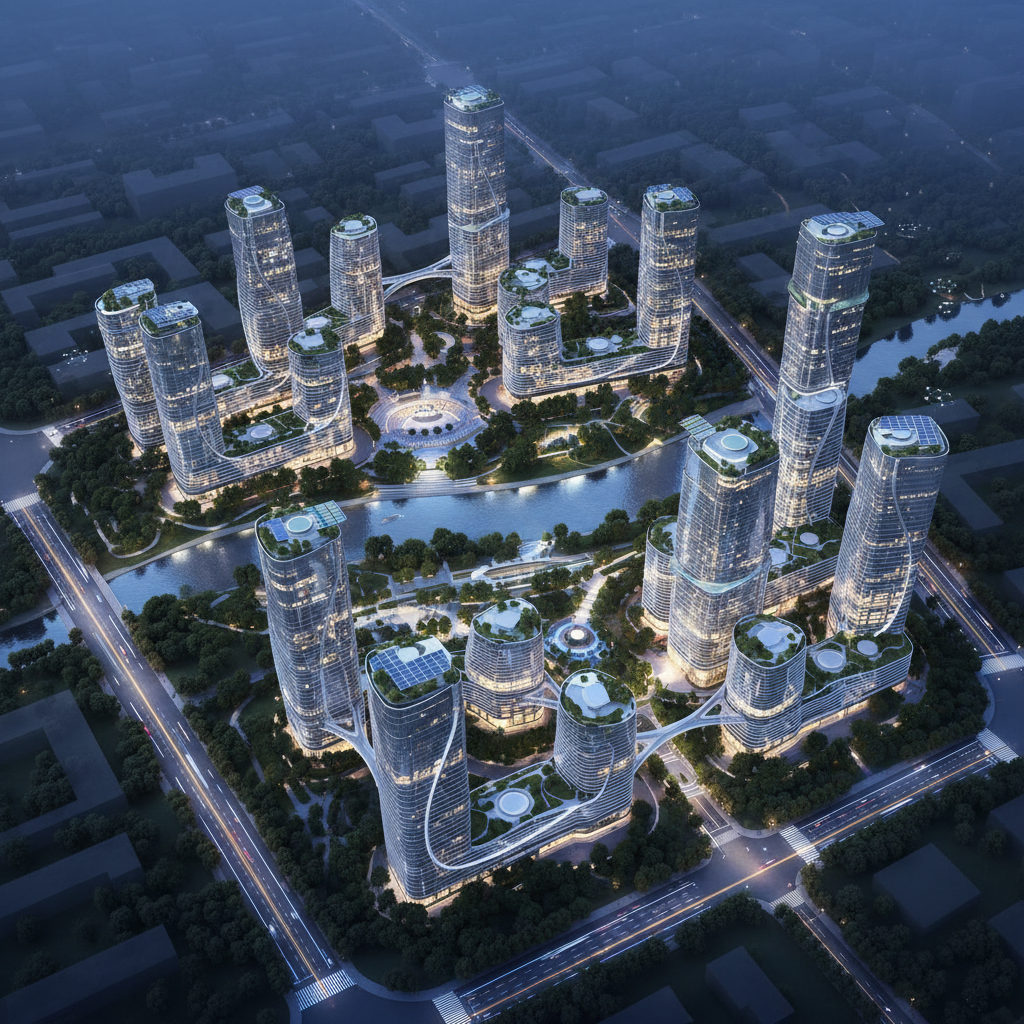
Smart City Masterplan
AI Architectural Design Tool
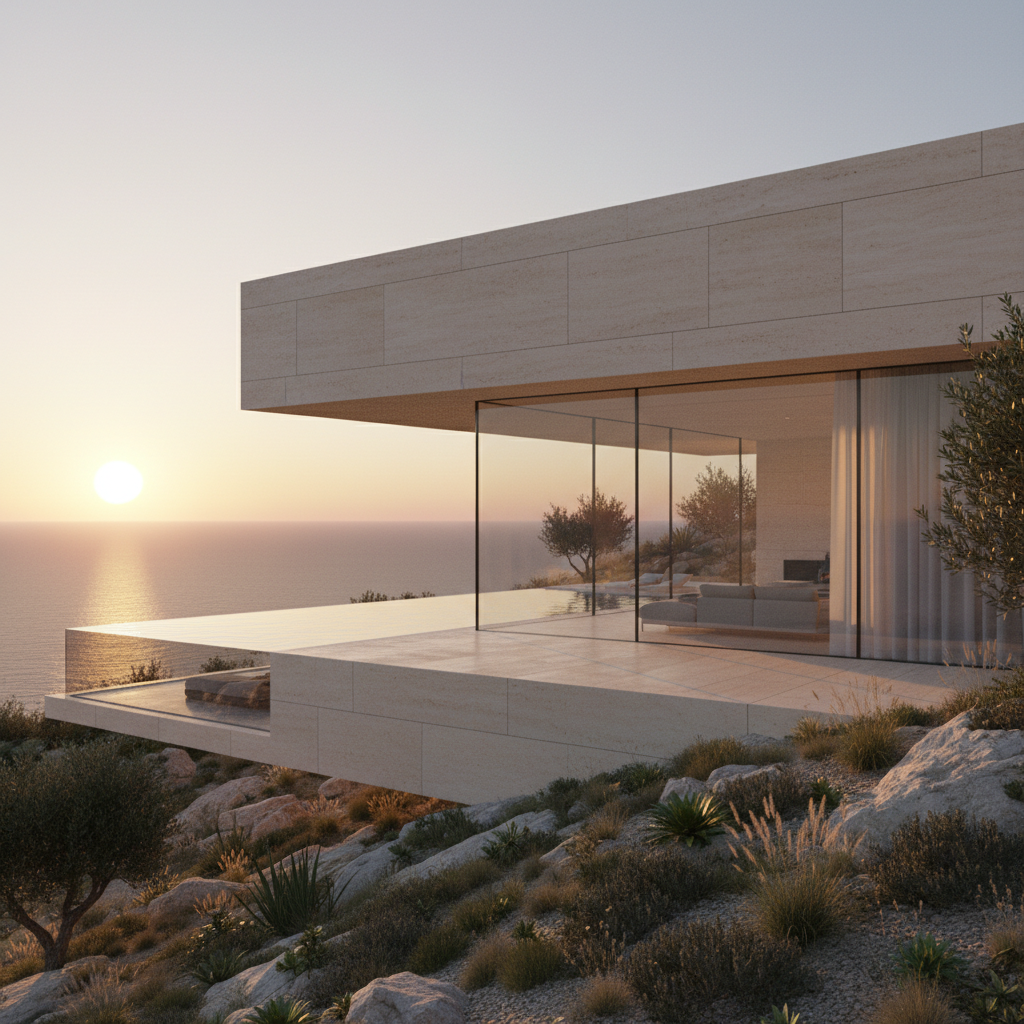
Minimalist Hillside Villa
AI Architectural Design Tool
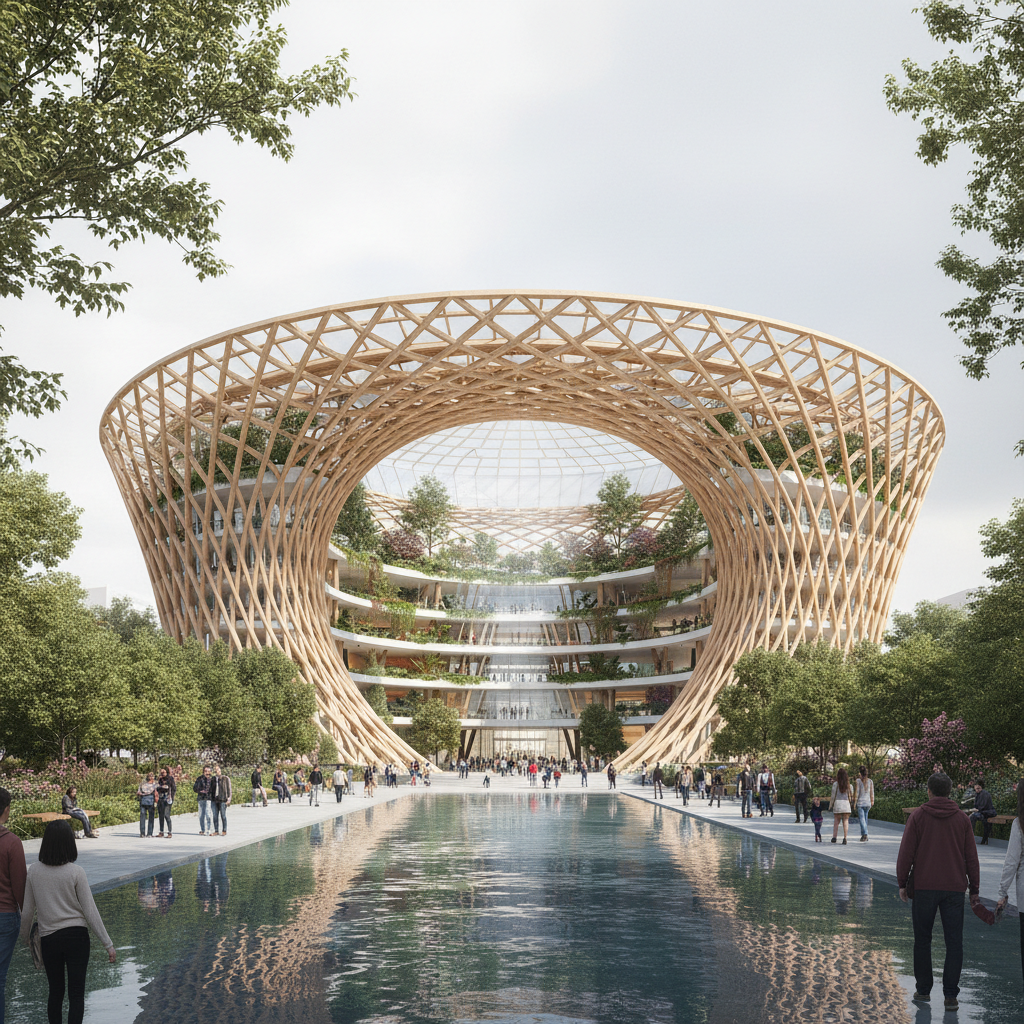
Cultural Center
AI Architectural Design Tool
How the AI Architectural Design Tool Works
Three steps, zero accounts, instant 4K architectural visualization
Pick a Building Typology
Choose from six tuned presets in the AI architectural design tool: Glass Tower, Eco-Resort, Parametric Museum, Smart City, Luxury Villa, or Cultural Center. Each preset is hand-tuned with the right facade language, massing, palette, and lighting for that architecture typology.
Add Your Site Brief
Optionally type a brief about site, climate, materials, or program — "coastal site at golden hour", "dense urban infill in Tokyo", "hot-arid climate with shading screens". The AI architectural design tool routes to GOT IMAGE 2 Pro and stitches your brief into the chosen typology, materiality, and lighting.
Save Your 4K Render
In about 15 seconds the AI architectural design tool paints a 4K architectural visualization into the tab. Right-click → Save, or use the Download button. Sharp enough for client pitch decks, competition boards, RFP responses, studio websites, or printed display boards. No watermark, no signup wall.
Why the AI Architectural Design Tool Wins
Free AI for architecture — Pro-tier model, brief-aware generation, zero friction
Six Architecture Typologies
Glass towers, sustainable eco-resorts, parametric museums, smart-city masterplans, minimalist villas, and civic cultural centers — each preset in the AI architectural design tool is hand-tuned with its own facade language, massing, palette, and lighting.
Massing & Materiality Built In
The AI architectural design tool paints faceted curtain walls, timber lattices, fluid concrete shells, polished travertine, and rooftop landscaping with the right scale figures and entourage — no manual material library or render setup.
No Revit or Rhino Required
No 3D model, no V-Ray scene, no Lumion light study, no Enscape camera setup. Pick an architecture preset, type a short brief, and a polished 4K architectural visualization lands in the tab in fifteen seconds.
Free, No Sign Up
The AI architectural design tool is free with no credit card, no email, no plugin OAuth, no trial countdown. Open the page, pick a building typology, hit Generate — every single time, on every device, without an account.
Site- & Brief-Aware Generation
Pass an optional brief — climate, site context, program, materials, scale — and the AI architectural design tool weaves it into the preset. "Coastal site at golden hour", "dense urban infill", "hot-arid climate with shading screens" — the AI building design output matches your story.
Sustainable & Biophilic Ready
Several presets in the AI architectural design tool are tuned for sustainable architecture concepts — biophilic timber facades, integrated solar canopies, vertical gardens, green roofs — so eco and net-zero pitches look the part out of the box.
AI Architectural Design Tool vs Lumion, Enscape & Hired Visualizer
Free AI building design versus traditional render engines and human commissions
| Feature | AI Architectural Design Tool | Lumion / Enscape / Hired Visualizer |
|---|---|---|
| Sign up required | No | Yes (paid license · or visualizer intake) |
| 3D model needed | No — text brief only | Yes — Revit, Rhino, ArchiCAD or SketchUp model |
| Time per render | ~15 seconds | Hours of scene setup · days for a hired render |
| Cost per render | $0 free tier | $1.5–3K/yr software · $300–$3K commission |
| Output resolution | 4K native PNG | 4K possible · long render times |
| Architecture typologies | 6 tuned presets | Open-ended · model + scene-setup skill required |
| Materials & entourage | Built into preset | Manual library, lighting, scale figures |
| Watermark on free output | No | Often yes on free / trial tiers |
| Iteration cost | 15s per new variant | Re-render time per scene change |
| Starting paid price | $2.99 (optional) | $1.5K–$3K/yr software · per-render commission |
AI Architectural Design Tool FAQ
Honest answers about the free AI architectural design tool
AI Architectural Design Tool — Free AI for Architecture with GOT IMAGE 2 Pro
The AI architectural design tool on gotimage2.com is the free AI for architecture workflow powered by the GOT IMAGE 2 Pro model. The page you are reading is the dedicated architectural-render workflow for searches like "AI architectural design tool", "AI for architecture", "AI building design", "AI architectural visualization", and "AI design software" — they all land here, on the same AI architectural design tool with the same free no-signup access. There is no sign-up screen, no email confirmation, no Google or Apple SSO handoff, no plugin install in Revit, Rhino, ArchiCAD, or SketchUp, and no phone-number verification. You open the page, scroll to the tool, pick one of six tuned building typologies, optionally type a short site or program brief, and hit Generate — about fifteen seconds later a sharp 4K architectural visualization paints back into the tab, ready to drop into a client pitch deck or competition board.
Why does the AI architectural design tool beat Lumion, Enscape, V-Ray, Twinmotion, and a hired 3D visualizer for early-stage AI building design? Three reasons. First, the AI architectural design tool runs on GOT IMAGE 2 Pro — the same Pro-tier model paying customers use, with no "free tier downgrade" applied to anonymous users. Second, the six presets are pre-tuned for proper architectural visualization: facade language, massing, materiality, lighting, scale figures, and entourage are all baked in, so you skip the V-Ray scene setup or Enscape camera study and get publication-ready architectural visualization on the first try. Third, it is genuinely free with no $1,500–$3,000-per-year render-engine license, no subscription seat fees per studio, and no $300–$3,000-per-image visualizer commission. The site-brief field lets you weave in climate, urban context, program, and material palette without writing a long prompt, so the AI for architecture output stays on-concept without an hour of re-rolls.
The six tuned presets in the AI architectural design tool cover the typologies ninety percent of architects, interior designers, urban planners, real-estate developers, and architecture students actually pitch. Glass Tower for high-rise commercial and mixed-use concepts (faceted curtain walls, cantilevered terraces, vertical gardens, dramatic ground-up perspective). Eco-Resort for sustainable hospitality projects (timber-and-bamboo overwater villas, thatched curved roofs, biophilic landscaping, drone perspective). Parametric Museum for sculptural civic and cultural concepts (fluid concrete shells, modernist Zaha Hadid–inspired curves, public plaza scale). Smart City for urban planning and masterplan storytelling (mixed-use towers, green corridors, autonomous vehicle boulevards, twilight blue hour). Luxury Villa for high-end residential renders (cantilevered concrete volumes, glass walls, infinity pools at sunset, travertine and minimalist landscape). Cultural Center for civic and public AI architectural visualization (timber-lattice facades, atrium skylights, public plaza with reflecting pool). Each preset in the AI design software is a hand-tuned prompt — facade language, massing, palette, lighting, atmosphere, scale figures — so non-prompt-engineers and non-3D-artists still get a polished architectural visualization that reads as studio-crafted.
Try the AI architectural design tool right now without committing to anything. There is no credit card, no "start free trial" gate, no email-required confirmation, and no follow-up sequence. Whether you are an architect concepting a competition entry, an interior designer exploring spatial mood before detailed drawings, an urban planner storyboarding a masterplan for community engagement, a real-estate developer preparing a project pitch deck, an architecture student building a portfolio, or a homeowner sketching a renovation idea, the AI architectural design tool renders identically on Mac, Windows, Linux, Chromebook, iPhone, or Android, and returns the same clean 4K PNG architectural visualization. Open the tool above, pick a building typology, optionally type your site brief, and let the AI architectural design tool paint a Pro-tier render into the tab. AI architectural design tool, AI for architecture, AI building design, AI architectural visualization, AI design software — one page, one prompt, one 4K render, zero signup steps. That is the entire promise of the AI architectural design tool, and it stays that simple every time you come back.