
AI Background Remover
Remove Image Backgrounds Free
Upload any photo and our AI background remover strips the background in seconds — clean edges around hair, fur and fine detail. Keep the cutout, or swap in a new backdrop. Free, no sign up.
Try the AI Background Remover — Free
Upload a photo, pick the result you want, and download a clean cutout in seconds
AI Background Remover
Upload a photo and remove or replace its background in seconds
Upload one clear photo — a product shot, portrait, pet, logo or apparel flat lay all work — and the AI background remover will cut the subject out with clean edges
Tip: a well-lit photo where the subject is in focus gives the AI background remover the tightest edges — especially around hair, fur and thin details like glasses or straps.
Backgrounds Removed with GOT IMAGE 2
Cutouts across the photo types people upload most
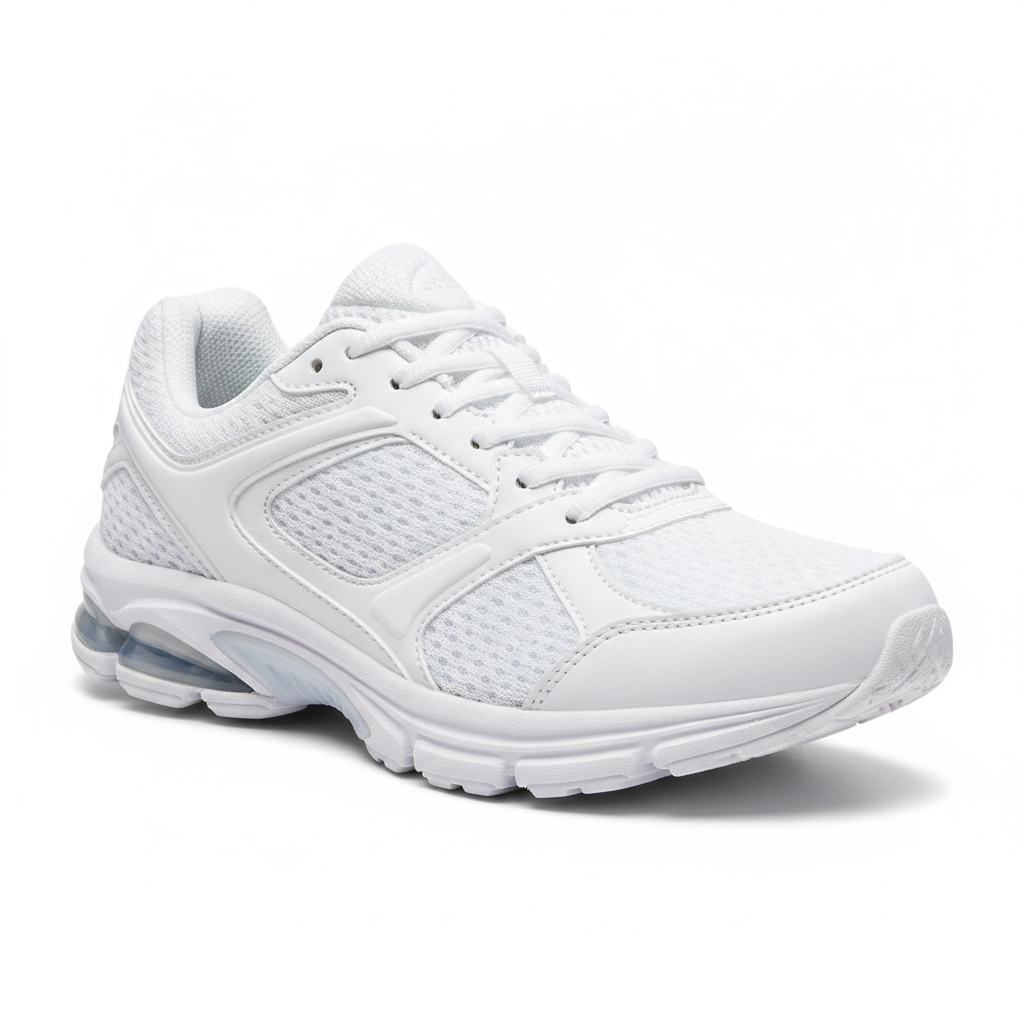
Product Cutout
Made with GPT Image 2

Portrait Cutout
Made with GPT Image 2
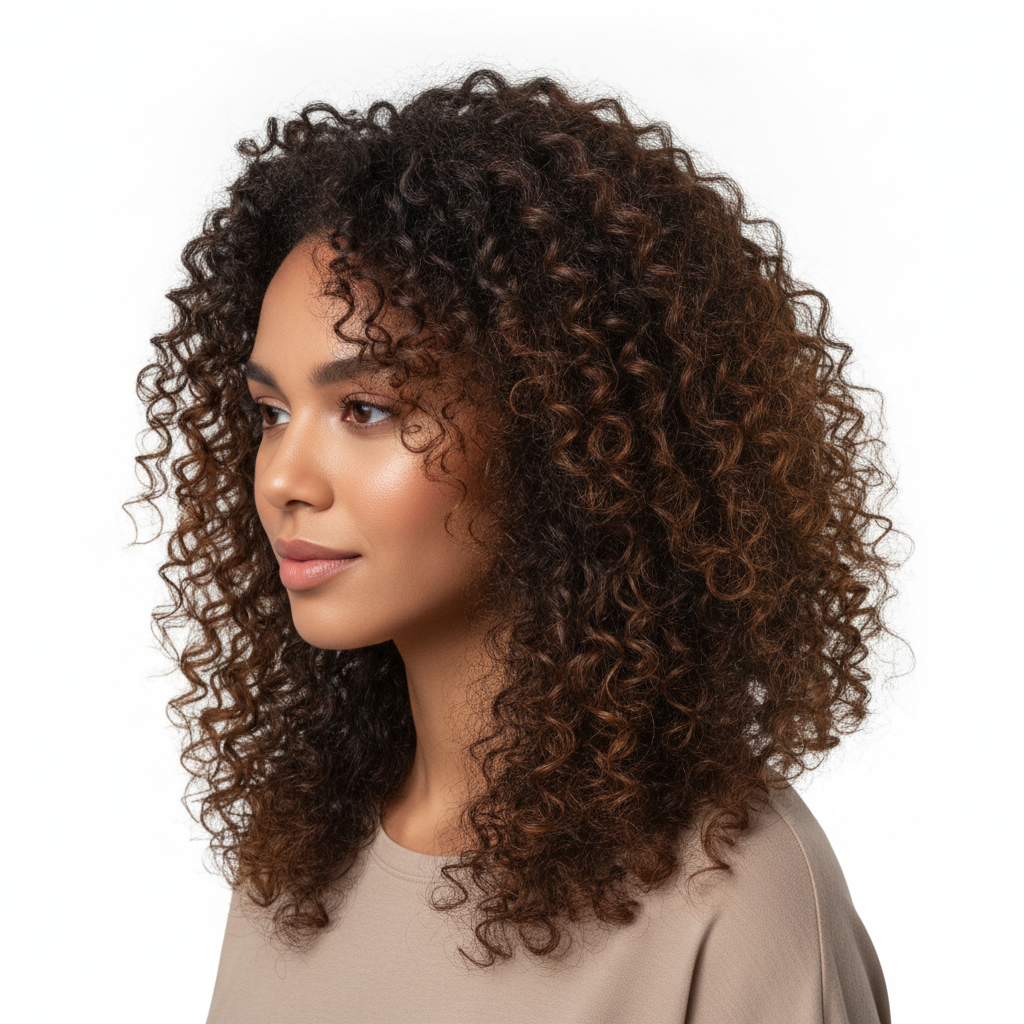
Hair-Level Detail
Made with GPT Image 2
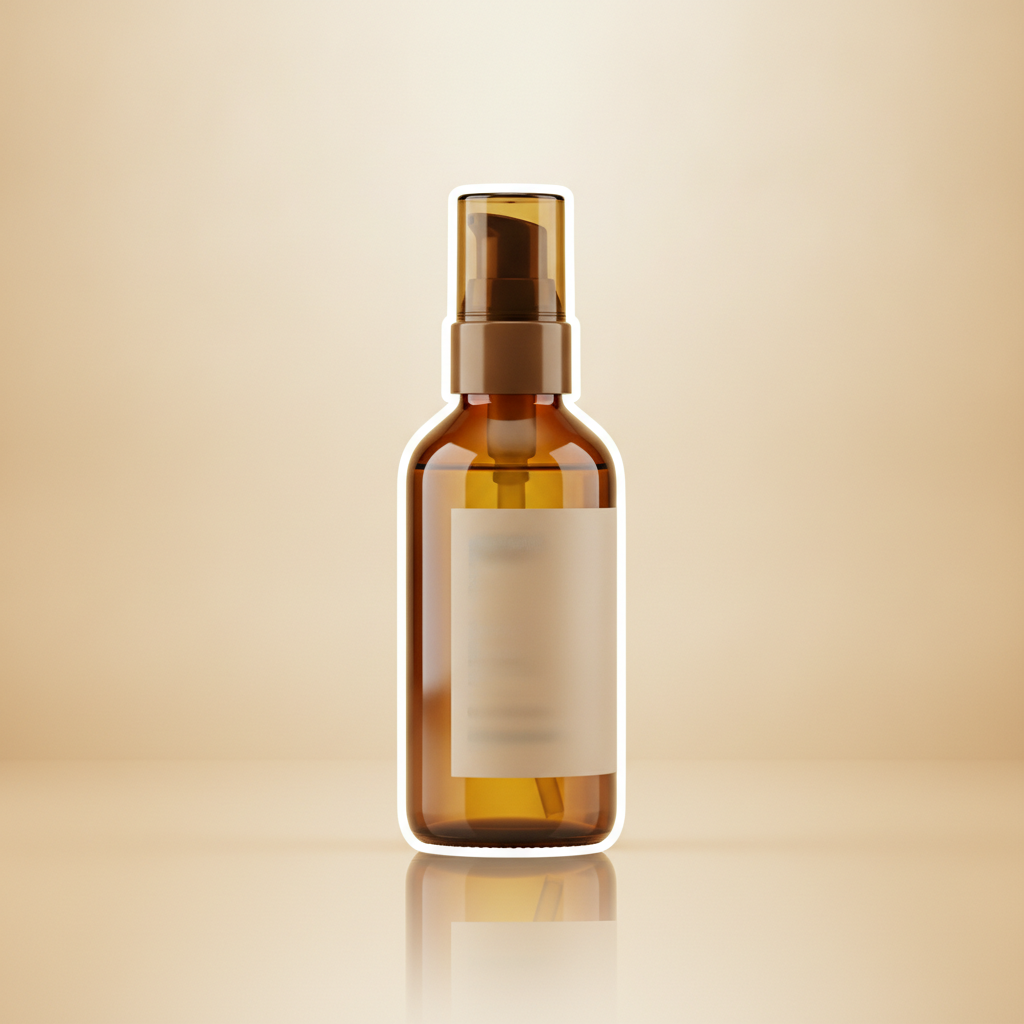
New Background
Made with GPT Image 2
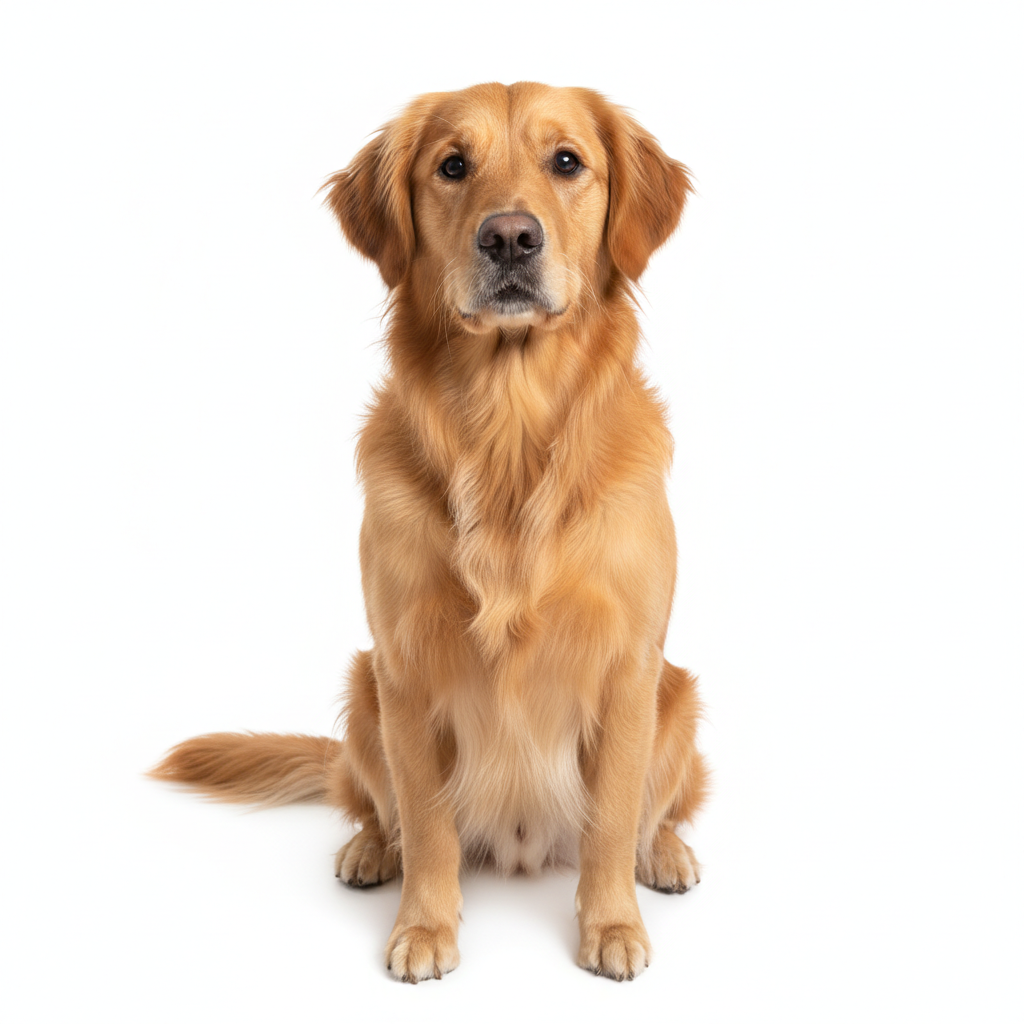
Pet Cutout
Made with GPT Image 2
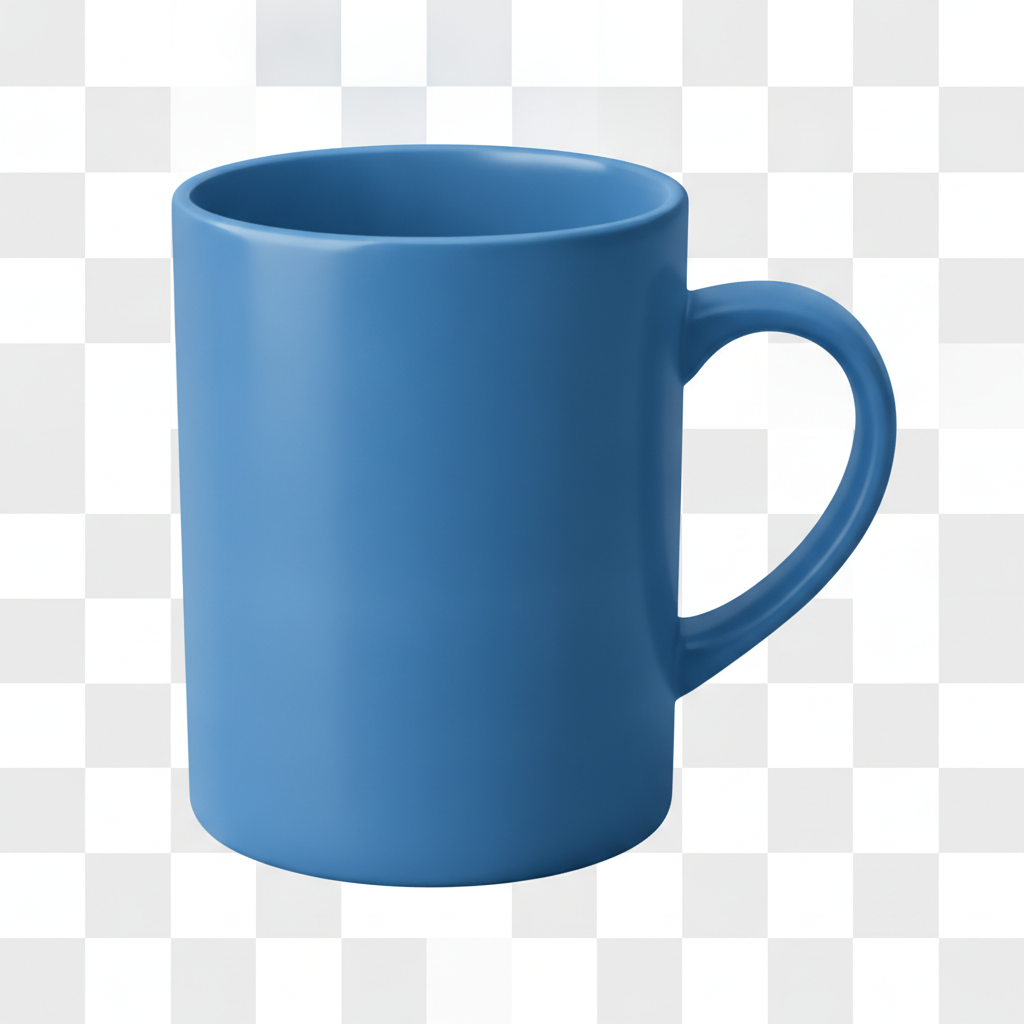
Transparent Background
Made with GPT Image 2
How the AI Background Remover Works
Remove the background from any image in three simple steps
Upload Your Photo
Drop in any JPG or PNG — a product shot, a portrait, a pet photo, or a logo you need isolated.
Pick Your Result
Choose White Background, Transparent Cutout, Studio Backdrop, or Replace Background — the AI background remover handles the edges.
Download It
Your image comes back in seconds with the background gone. Save it and use it anywhere.
Why People Love This AI Background Remover
A fast, free way to get a clean cutout from any photo
One-Click Cutouts
Upload a photo and the AI background remover finds the subject and strips the background automatically — no manual masking or lasso work.
Hair & Fur Precision
Clean edges even on curly hair, pet fur and thin details, with none of the halo or white fringe a basic background eraser leaves behind.
Remove or Replace
Delete the background entirely, drop the subject on pure white, or swap in a studio backdrop or described scene — all from the same tool.
High-Res Download
Download your cutout at high resolution, ready for a product listing, a website, a deck or a print layout.
Seconds Per Image
What takes minutes in a photo editor takes seconds here. Run a whole batch of listing photos in the time one manual cutout would take.
Free & No Sign Up
Try the AI background remover instantly with no account and no cost. Remove your first background right away.
What You Can Use the Background Remover For
From product listings to profile photos
Product & E-Commerce
Get the clean white backgrounds Amazon, Etsy and Shopify listings expect. Run a whole catalogue through the AI background remover and every product photo comes back consistent and listing-ready.
Portraits & Profile Photos
Turn a phone selfie into a clean headshot by removing a cluttered room behind you. The background remover cuts around hair precisely, then drops you on white, a solid colour, or a studio backdrop.
Design & Marketing Assets
Isolate logos, icons, apparel flat lays and cut-out subjects to drop into posters, decks, thumbnails and ads. A clean cutout composites into any layout without a visible background box.
New Backgrounds
Do not just erase — replace. Put a product on marble, a portrait in warm golden-hour light, or a subject on a seamless gradient, with shadows and lighting that make the new background look real.
AI Background Remover FAQ
Everything you need to know about removing image backgrounds
The Free AI Background Remover for Clean Cutouts
The GOT IMAGE 2 AI background remover takes any photo and separates the subject from everything behind it in seconds. Instead of tracing a selection by hand, refining a mask edge, and still ending up with a white halo around someone's hair, you upload the image, choose the result you want, and GPT Image 2 does the cutting. Because the model actually understands what the subject is, the background remover follows hair strands, pet fur, feathered fabric edges, and thin details like glasses frames or chair legs that colour-based background erasers routinely destroy.
Online sellers, freelance designers, marketers and job hunters all reach for an AI background remover for the same reason: a clean cutout is the difference between an image that looks professional and one that looks improvised. Product photos need the pure white backgrounds that Amazon, eBay, Etsy and Shopify listings expect. Headshots need the cluttered living room behind you gone. Poster and thumbnail work needs subjects that composite into a layout without a visible background box. All of that is a single upload here.
Removing the background is only half the job, so this tool also replaces it. Pick Studio Backdrop for a seamless e-commerce gradient, Solid Colour for a social profile picture, Product Scene to put an item on marble with a believable reflection, or Outdoor Background to relight a portrait in warm golden-hour light. In each case the AI keeps your subject unchanged and matches the new lighting and shadow to the scene, so the result reads as a photograph rather than a paste-up.
Ready for a clean cutout? Scroll up to the tool, upload your photo, and let the AI background remover strip the background in seconds — completely free and with no sign up. Need more than a cutout? Try the AI product image enhancer for listing-ready shots, the AI image editor for broader edits, or the AI headshot generator for a full professional portrait.