AI Image Cropper
Smart AI Photo Cropping Tool, Free
The AI image cropper on gotimage2.com is the smart image cropping workflow powered by the GOT IMAGE 2 Pro model. Pick a crop preset, optionally type a brief about subject, mood, or headline text space, and a sharp 4K image lands in the tab in about fifteen seconds — Instagram square, YouTube thumbnail, vertical story, product banner, landscape print, or LinkedIn headshot. Crop images with AI for free — no login, no email, no card. Same Pro-tier model paying customers use.
Try the AI Image Cropper — Free Right Here
Pick a crop preset, optionally describe your subject or headline text space, and the AI image cropper returns a 4K crop in about fifteen seconds — no signup
AI Image Cropper — Smart AI Photo Cropping Tool
Pick a crop preset, optionally type a brief about your subject, mood, or headline text space, and hit Generate. The AI image cropper returns a sharp 4K crop — free, no sign up.
Made with the AI Image Cropper
Real 4K outputs from the AI image cropper — every crop preset, no account

Instagram Square Crop (1:1)
AI Image Cropper
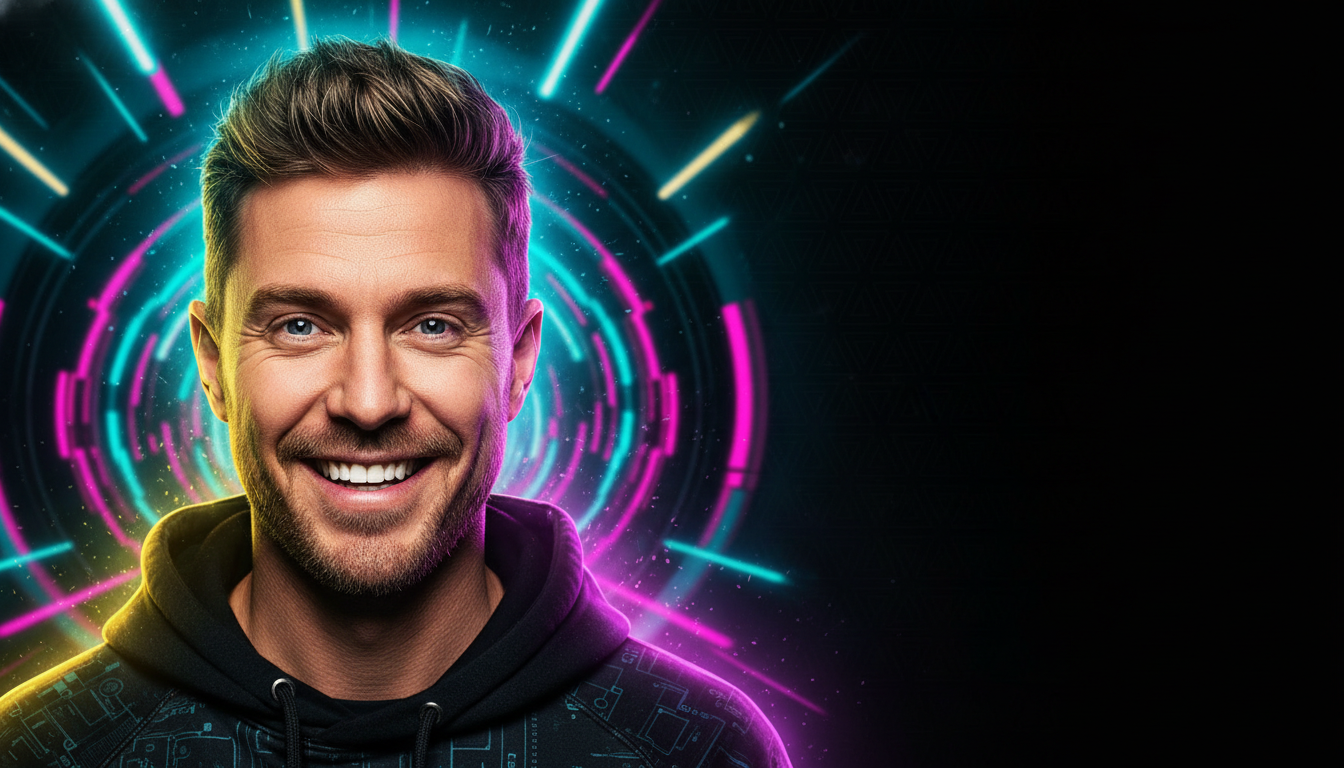
YouTube Thumbnail Crop (16:9)
AI Image Cropper
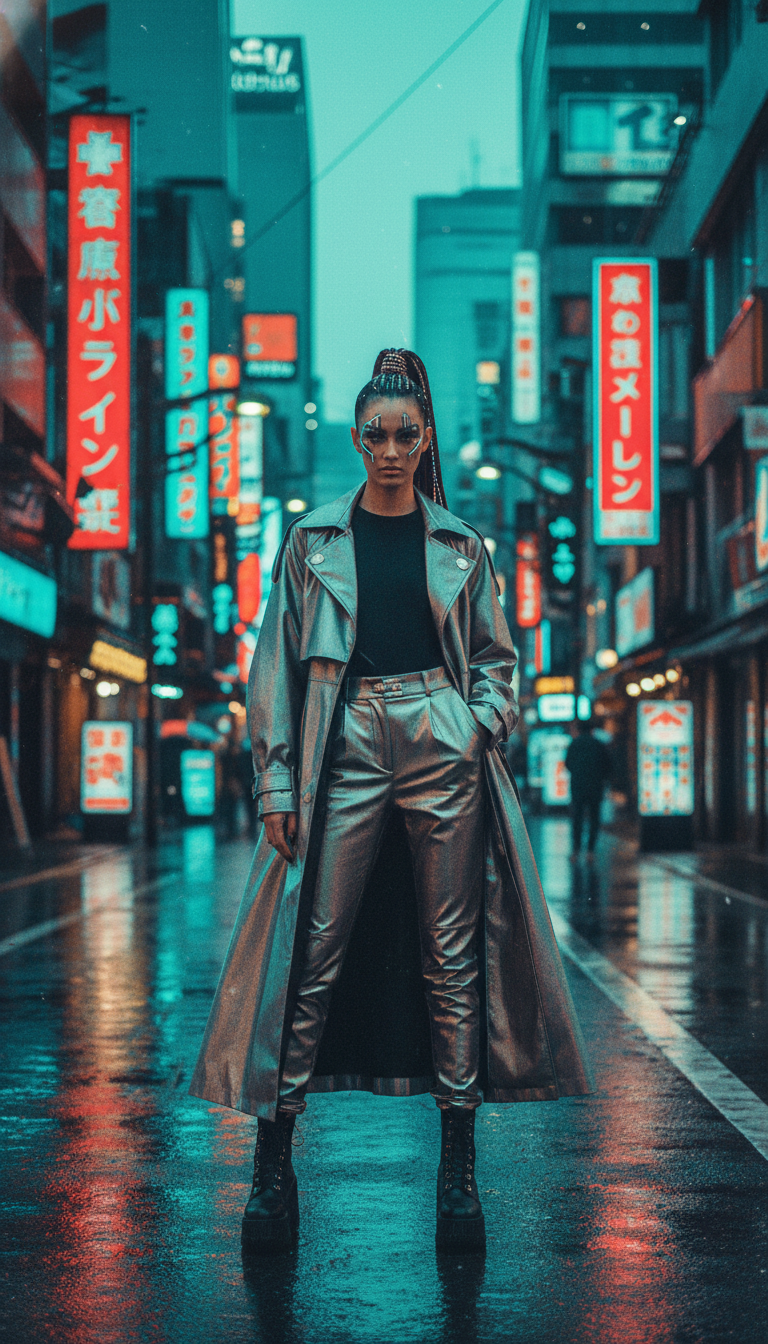
Story Vertical Crop (9:16)
AI Image Cropper
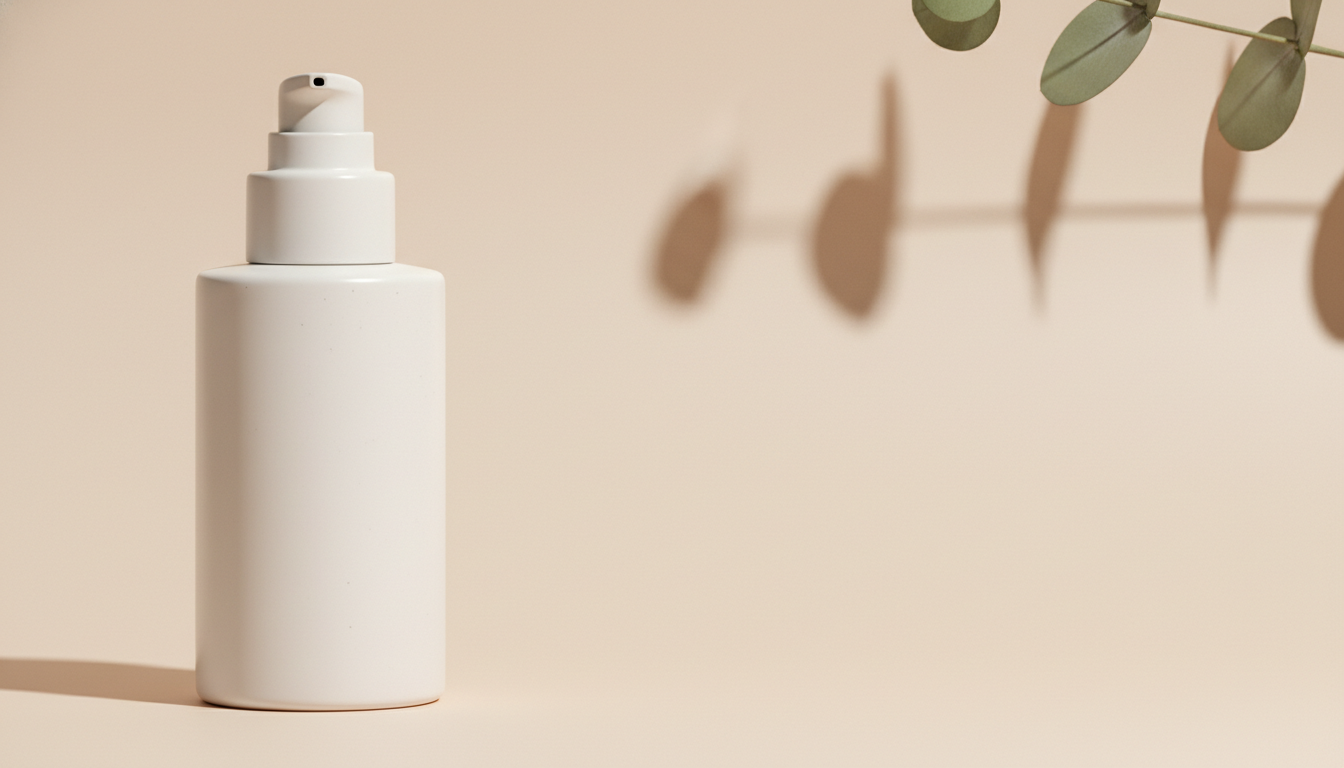
Product Banner Crop (16:9)
AI Image Cropper
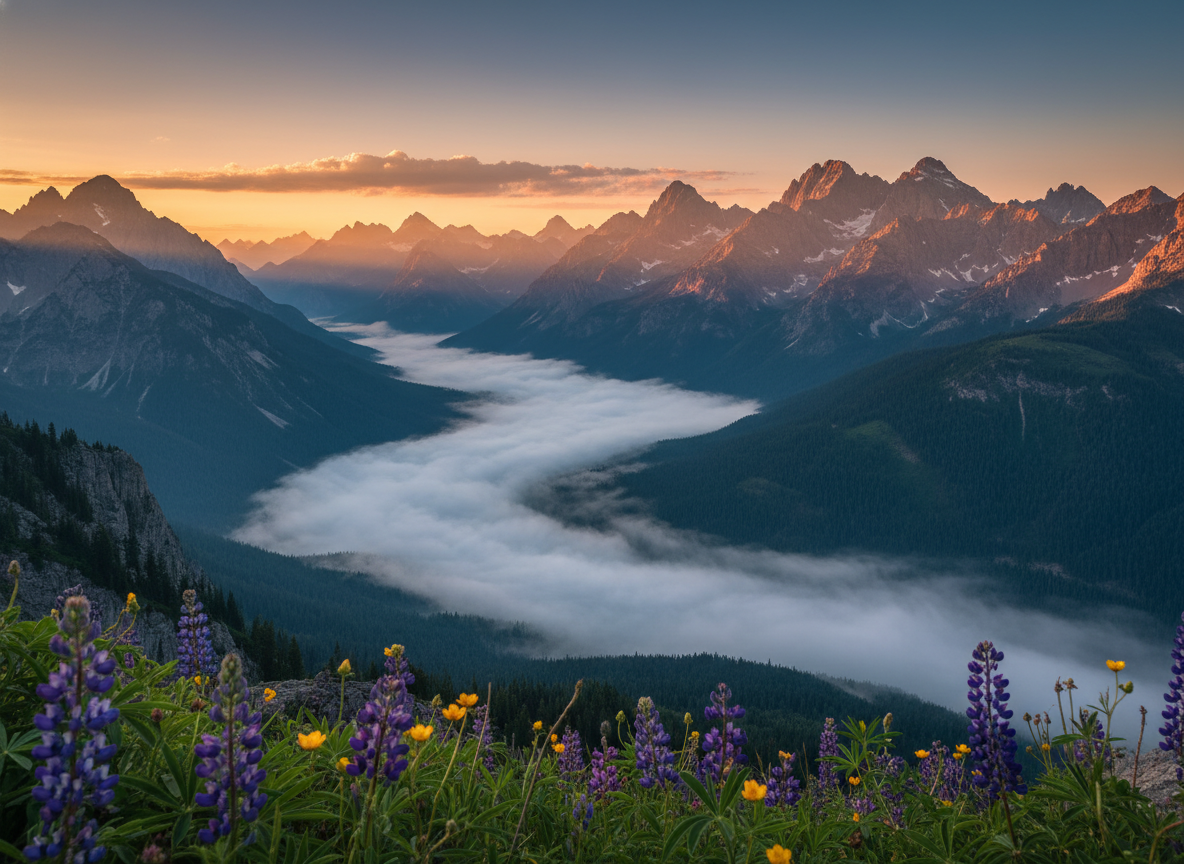
Landscape Print Crop (4:3)
AI Image Cropper

LinkedIn Headshot Crop (3:4)
AI Image Cropper
How the AI Image Cropper Works
Three steps, zero accounts, instant 4K smart image cropping
Pick a Crop Preset
Choose from six tuned presets in the AI image cropper: Instagram Square 1:1, YouTube Thumbnail 16:9, Story Vertical 9:16, Product Banner 16:9, Landscape Print 4:3, or LinkedIn Headshot 3:4. Each preset is hand-tuned with the right aspect ratio, composition rule, palette, and reserved text space for that platform.
Add Your Subject Brief
Optionally type the subject, mood, palette, or what headline text the crop should reserve space for — "fitness coach with reserved space for motivational headline", "skincare bottle on left third", "mountain sunrise leveled horizon". The AI image cropper routes your brief into GOT IMAGE 2 Pro and applies the right composition rule for that aspect ratio.
Save Your 4K Crop
In about 15 seconds the AI image cropper paints a 4K cropped image into the tab. Right-click → Save, or use the Download button. Sharp enough for Instagram feed posts, YouTube thumbnails, TikTok covers, ecommerce hero banners, printed wall art, or LinkedIn profile photos. No watermark, no signup wall.
Why the AI Image Cropper Wins
Smart image cropping — Pro-tier model, composition-aware, zero friction
Six Tuned Crop Presets
Instagram square, YouTube thumbnail, vertical story, product banner, landscape print, LinkedIn headshot — each preset in the AI image cropper is hand-tuned with the right aspect ratio, composition rule, palette, and text space, ready to drop straight onto Instagram, YouTube, TikTok, Shopify, or printed wall art.
Smart Composition Awareness
The AI image cropper understands rule-of-thirds, leading lines, negative space for headline text overlay, face-centered headshot composition, product placement on the left or right third, and horizon leveling. The smart image cropping reads your use case and applies the composition rule that wins for that platform.
Every Aspect Ratio Covered
1:1 for Instagram feed and ecommerce thumbnails, 16:9 for YouTube and banners, 9:16 for stories and TikTok, 4:3 for landscape prints and tablets, 3:4 for portrait headshots and Pinterest. The AI photo cropping tool covers every ratio modern social and print platforms demand.
No Photoshop or Canva Setup
No Photoshop crop-handle dragging, no Canva template hunt, no Figma frame stacking, no manual aspect-ratio math. Pick a crop preset, type an optional brief, and a polished 4K AI image cropper render lands in the tab in fifteen seconds.
Free, No Sign Up
The AI image cropper is free with no credit card, no email, no Discord OAuth, and no trial countdown. Open the page, pick a crop preset, hit Generate — every single time, on every device, without an account.
Sharp 4K Crop Output
Native 4K PNG output from the AI image cropper scales cleanly from Instagram story crops and YouTube thumbnails up to printed A3 wall art and ecommerce hero banners without losing detail, compressing edges, or softening the focus subject.
AI Image Cropper vs Photoshop & Canva
Smart image cropping versus manual crop-handle dragging and template editors
| Feature | AI Image Cropper | Photoshop / Canva |
|---|---|---|
| Sign up required | No | Yes (Adobe ID or Canva account) |
| Time per crop | ~15 seconds | 5–15 min dragging crop handles + recompose |
| Composition awareness | Rule-of-thirds, leading lines, text space — automatic | Manual — designer judgment required |
| Cost per crop | $0 free tier | $22.99/mo Photoshop · $13/mo Canva Pro |
| Output format | 4K painted crop PNG | Cropped PNG/JPG (varies) |
| Aspect ratios supported | 6 tuned crop presets | Manual numeric input each time |
| Reserved text space | Painted in — clean negative space for headline copy | Manual layer planning required |
| Iteration cost | 15s per new variant | Re-crop every aspect ratio manually |
| Watermark on free output | No | Often yes on free tiers |
| Starting paid price | $2.99 (optional) | $22.99/mo Photoshop · $13/mo Canva Pro |
AI Image Cropper FAQ
Honest answers about the free AI image cropper
AI Image Cropper — Smart AI Photo Cropping Tool with GOT IMAGE 2 Pro
The AI image cropper on gotimage2.com is the smart image cropping workflow powered by the GOT IMAGE 2 Pro model. The page you are reading is the dedicated AI photo cropping tool for searches like "AI image cropper", "smart image cropping", "AI photo cropping tool", and "crop images with AI" — they all land here, on the same AI image cropper with the same free no-signup access. There is no sign-up screen, no email confirmation, no Google or Apple SSO handoff, no Discord OAuth modal, and no phone-number verification. You open the page, scroll to the tool, pick one of six tuned crop presets, optionally type a short subject brief, and hit Generate — about fifteen seconds later a sharp 4K crop paints back into the tab, ready to drop into your YouTube thumbnail, Instagram feed grid post, TikTok cover, Shopify hero banner, printed wall art, or LinkedIn profile photo.
Why does the AI image cropper beat Photoshop, Canva, and traditional croppers for fast crop work? Three reasons. First, the AI image cropper runs on GOT IMAGE 2 Pro — the same Pro-tier model paying customers use, with no "free tier downgrade" applied to anonymous users. Second, the six presets are pre-tuned for full-stack composition: aspect ratio, subject placement, rule-of-thirds, leading lines, palette, and reserved headline-text space all painted in the same visual language. You skip the Photoshop crop-handle dragging and the Canva template hunt, and get composition-aware AI photo cropping tool output on the first try. Third, it is genuinely free with no Adobe Creative Cloud subscription, no $22.99/month Photoshop seat, and no $13/month Canva Pro lock-in. The brief field lets you weave in subject details — the kind of professional, the headline message, the season, the palette — without writing a long prompt, so the crop images with AI output stays on-target without an hour of re-rolls.
The six tuned presets in the AI image cropper cover the crop moments ninety percent of YouTubers, Instagram creators, ecommerce sellers, photographers, and marketing teams actually need to ship every week. Instagram Square 1:1 for feed posts, ecommerce thumbnails, and Pinterest-style square pins (smart auto-crop on rule-of-thirds intersections, balanced negative space, vibrant editorial color grade). YouTube Thumbnail 16:9 for video thumbnails, banner art, and Twitch covers (face on the left third with bold expressive emotion, dynamic high-contrast background, clean negative space on the right reserved for headline text). Story Vertical 9:16 for Instagram stories, TikTok reels, Snapchat, and YouTube Shorts (full-length subject perfectly centered head-to-toe, atmospheric background, cinematic film-grain). Product Banner 16:9 for Shopify hero banners, Amazon A+ content, and email headers (premium product on one third, generous clean negative space for headline copy and CTA button, soft natural shadow). Landscape Print 4:3 for printed wall art, photo-book hero spreads, and tablet wallpaper (perfectly leveled horizon at the lower third, rich layered atmospheric depth, vibrant editorial color grade). LinkedIn Headshot 3:4 for LinkedIn profile photos, corporate website team pages, and printed business cards (smart face-detection auto-crop, eye-level framing with shoulders, soft blurred office background, clean studio lighting). Each preset in the smart image cropping tool is a hand-tuned prompt — aspect ratio, composition rule, palette, lighting, text space — so non-designers and casual creators still get a polished crop that reads as designer-crafted.
Try the AI image cropper right now without committing to anything. There is no credit card, no "start free trial" gate, no email-required confirmation, and no follow-up sequence. Whether you are a YouTuber prepping a thumbnail for a video that drops tonight, an ecommerce seller drafting a Shopify hero banner for a product launch, an Instagram creator iterating on square feed posts and 9:16 story crops from the same campaign, a real-estate photographer cropping listing photos into print and web ratios, a marketing manager exporting Facebook square ads and TikTok 9:16 ads from one brief, or a professional refreshing a LinkedIn headshot, the AI image cropper renders identically on Mac, Windows, Linux, Chromebook, iPhone, or Android, and returns the same clean 4K PNG. Open the tool above, pick a crop preset, optionally type your subject and headline text space, and let the AI image cropper paint a Pro-tier smart crop into the tab. AI image cropper, smart image cropping, AI photo cropping tool, crop images with AI — one page, one prompt, one 4K crop, zero signup steps. That is the entire promise of the AI image cropper, and it stays that simple every time you come back.