AI Image Extender
Outpaint & Expand Any Photo
Upload a photo and our AI image extender outpaints new, matching scenery beyond the edges — so you can uncrop, widen, or change the aspect ratio in seconds. No squashing, no cropping, no design skills. Free, no sign up, ready to download.
Try the AI Image Extender — Free
Upload a photo, choose how to expand it, and get a seamless larger image in seconds
AI Image Extender
Upload a photo and outpaint new matching scenery beyond the edges
Upload a photo, choose how to extend it, and click Generate
Tip: photos with simple, continuous backgrounds (sky, walls, tabletops, landscapes) produce the most seamless extensions.
Photos Expanded with the AI Image Extender
A few examples of seamless outpainting and uncropping
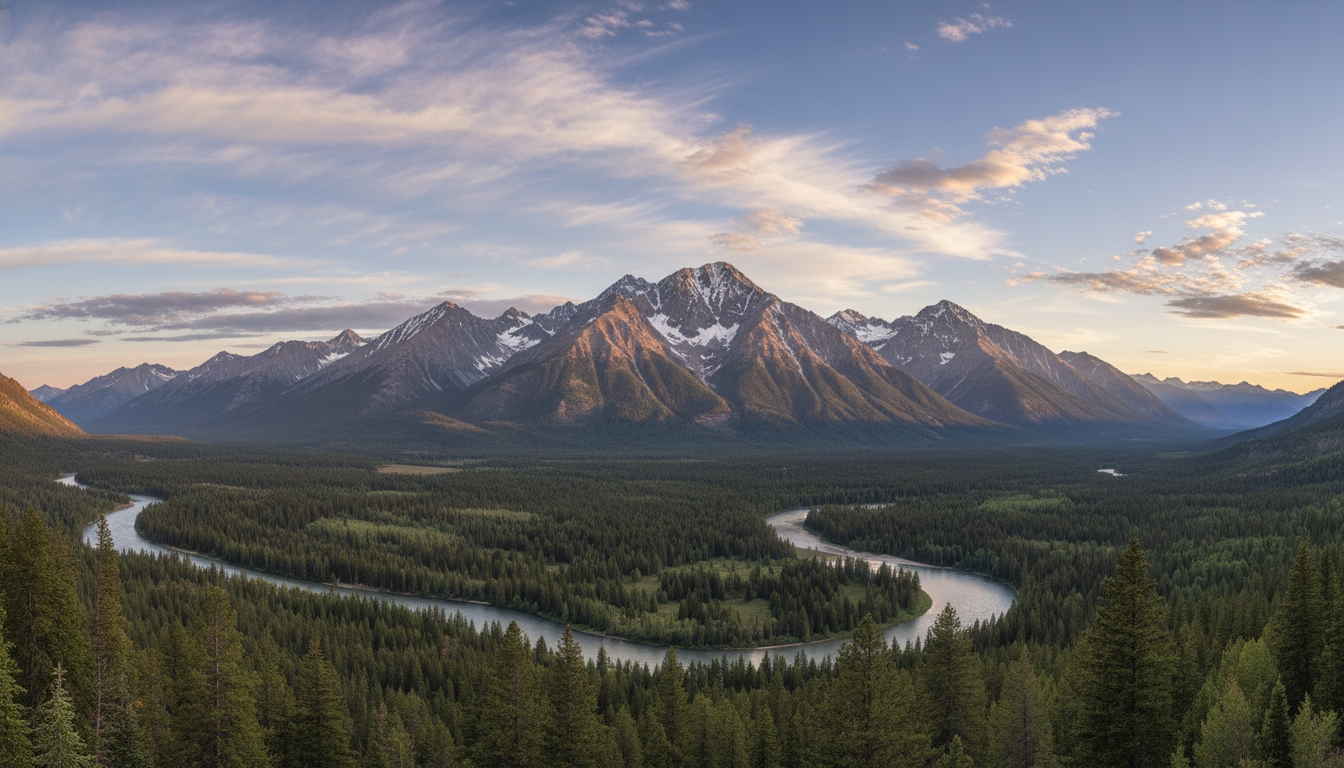
Wide Panorama
Made with GPT Image 2
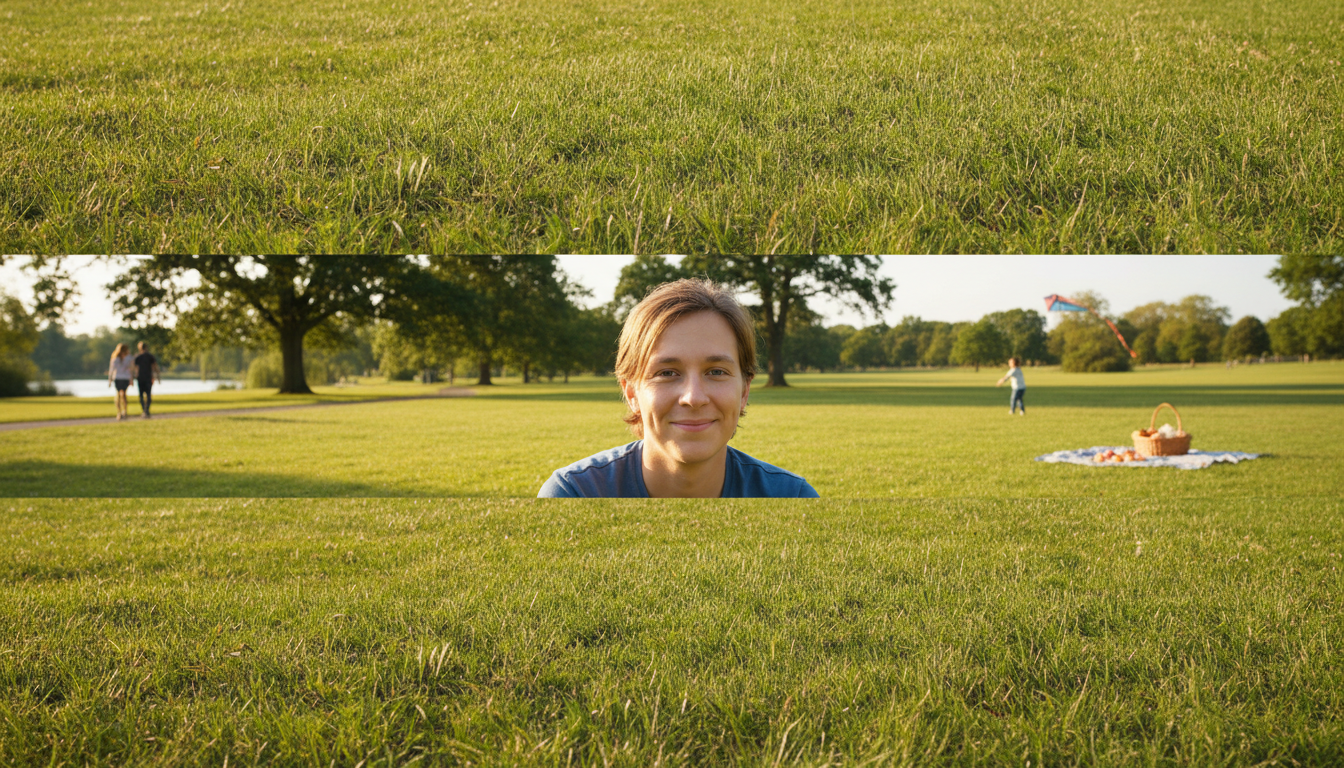
Portrait Expanded
Made with GPT Image 2
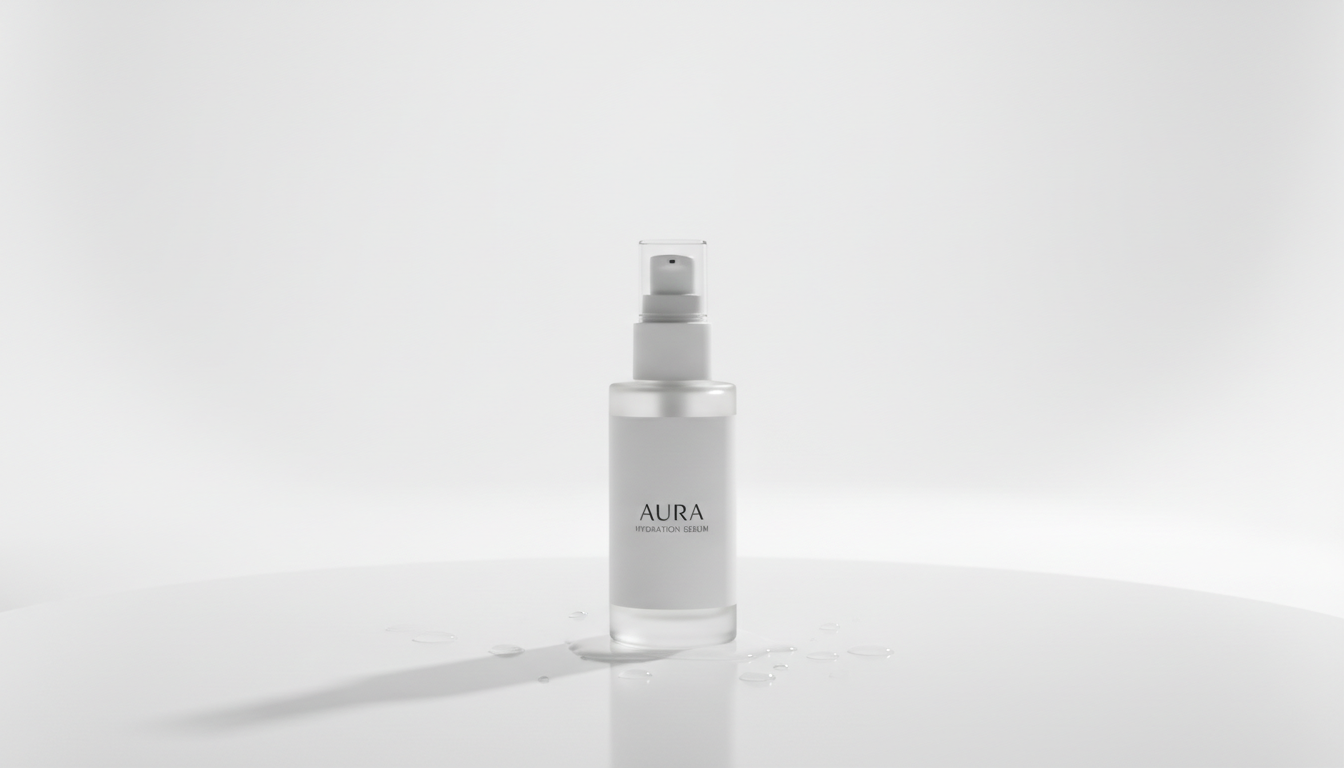
Product Uncrop
Made with GPT Image 2
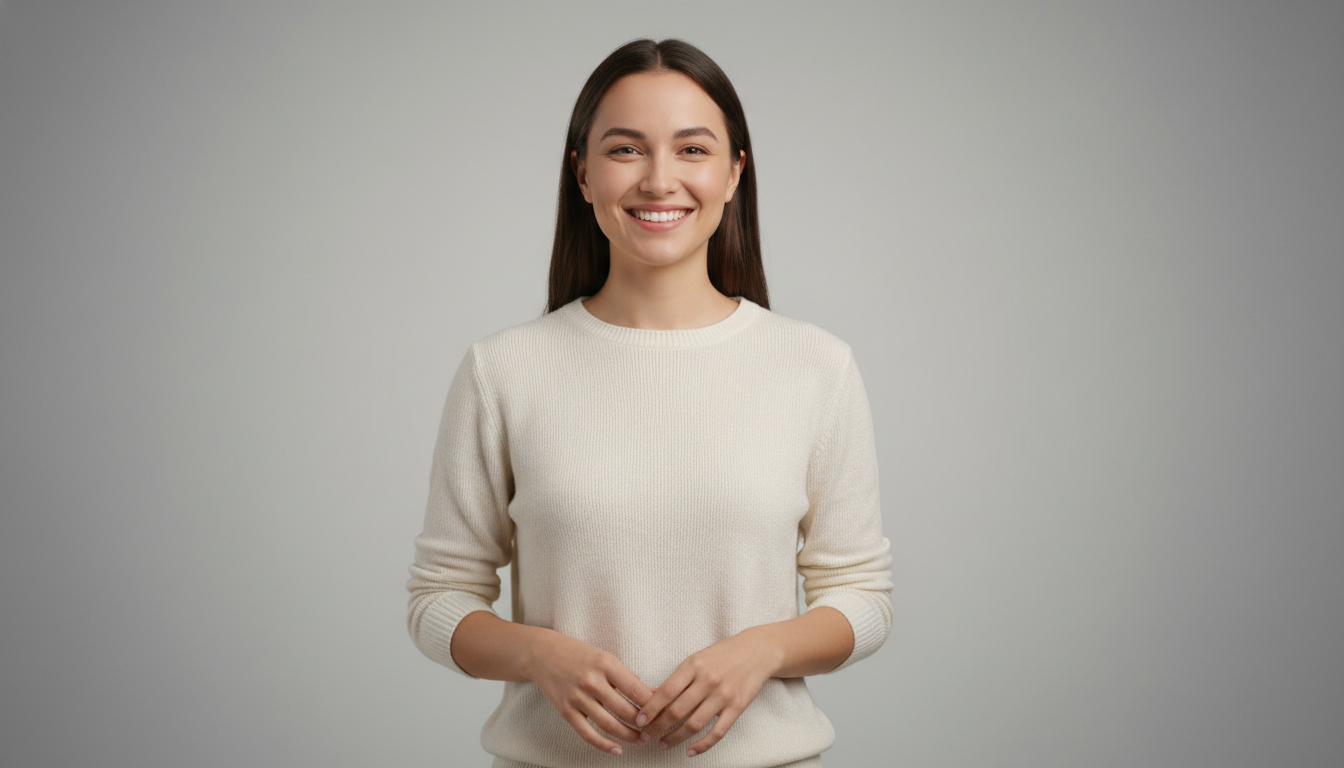
Headshot Uncrop
Made with GPT Image 2
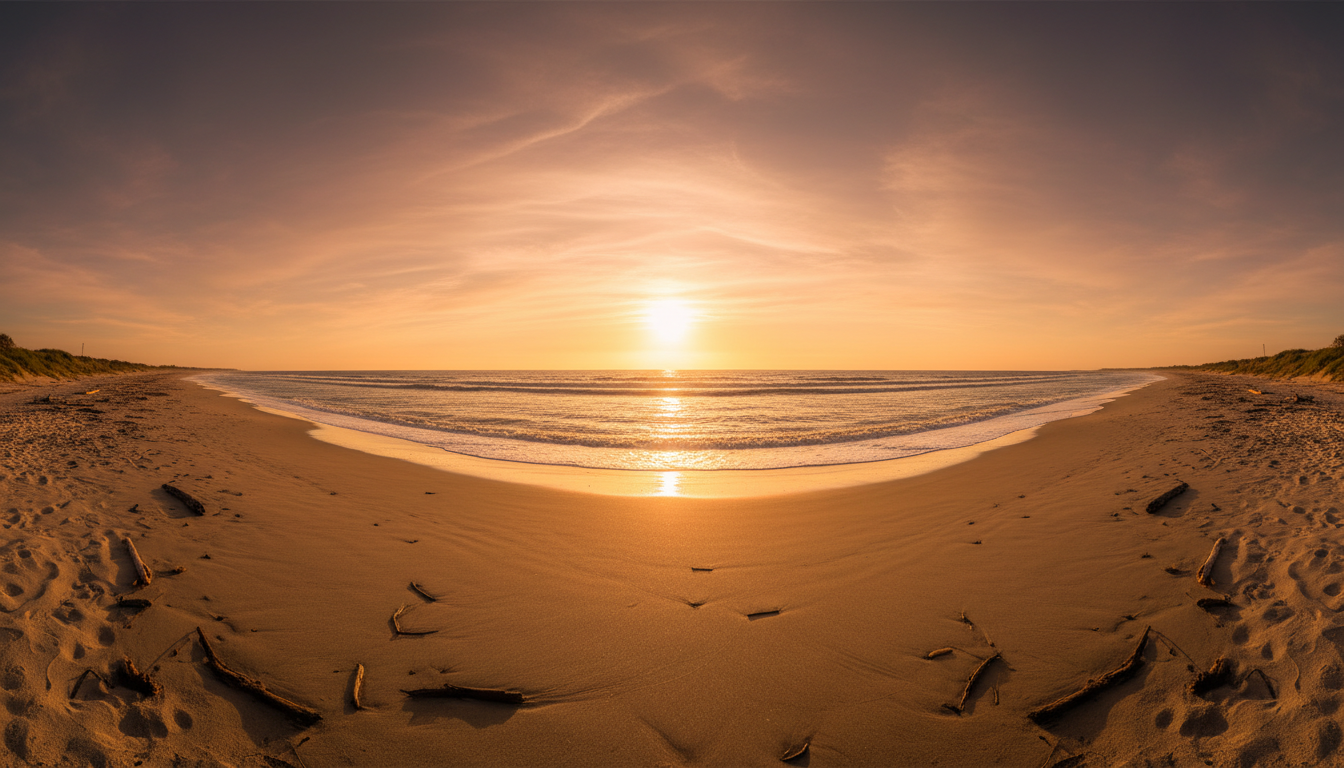
Beach Panorama
Made with GPT Image 2
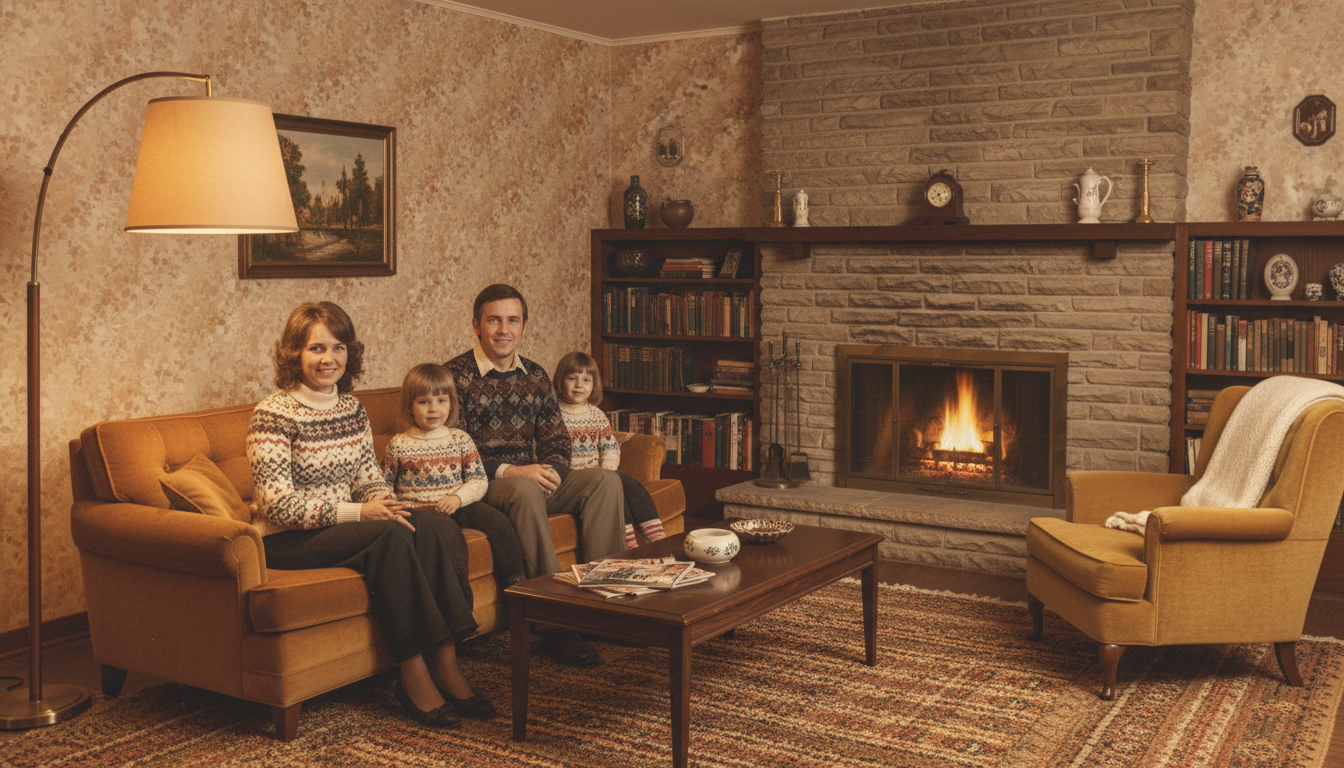
Old Photo Restore
Made with GPT Image 2
How the AI Image Extender Works
Expand any photo in three simple steps
Upload Your Photo
Add the image you want to expand. Photos with simple, continuous backgrounds give the cleanest, most seamless extensions.
Choose How to Extend
Pick widen to panorama, extend to portrait, uncrop all sides, or expand the background to your liking.
Generate & Download
Click generate and the AI image extender outpaints new matching scenery in seconds. Download your larger image instantly.
Why Creators Love This AI Image Extender
A fast, seamless way to expand any photo beyond its edges
Seamless Outpainting
Powered by GPT Image 2, the AI image extender paints new background beyond your photo edges that matches the original lighting, color, and perspective.
Uncrop Any Photo
Reveal more of the scene that was cropped out. The AI image extender expands all four sides so you get back the breathing room your shot needed.
Change Aspect Ratio
Turn portrait into landscape, square into panorama, or any ratio you need — without squashing or cropping your subject.
Results in Seconds
No masking, no manual cloning. Upload a photo, choose how to expand it, and your extended image appears in just a few seconds.
Free & No Sign Up
Try the AI image extender instantly with no account, no watermark, and no cost. Download and use your expanded image right away.
High-Quality Output
Get crisp, high-resolution expanded images that hold up on social media, web banners, and print without visible seams.
What You Can Do with the AI Image Extender
One photo, ready for any size or placement
Resize for Social Media
Every platform wants a different size. Extend one photo into stories, posts, banners, and thumbnails without cropping out your subject.
Website & Ad Banners
Turn a tight shot into a wide hero image with room for headlines and buttons, using seamless outpainted background.
Uncrop Old Photos
Recover photos that were cropped too tightly or had edges torn away. The AI image extender rebuilds the missing scene around your subject.
E-commerce Product Shots
Add clean padding around a product so it fits marketplace requirements, with a continuous studio background generated automatically.
AI Image Extender FAQ
Everything you need to know about outpainting and uncropping
The Free AI Image Extender for Seamless Outpainting and Uncropping
The GOT IMAGE 2 AI image extender grows any photo beyond its original borders in seconds. Instead of cropping your image down or stretching it out of shape, the AI image extender uses GPT Image 2 to outpaint brand-new scenery that continues the lighting, color, texture, and perspective of your shot. Upload a photo, choose how you want to expand it — widen to a panorama, extend to portrait, or uncrop all four sides — and the AI fills the new space with content that blends in so naturally it looks like the original camera captured it.
Outpainting, also called generative fill or uncropping, used to require careful masking and hours in photo-editing software. This AI image extender makes it a one-click job. Because every expansion is generated on the spot, you can keep regenerating until the new edges look perfect, and you can try as many directions and aspect ratios as you like. The tool is especially good at extending continuous backgrounds such as skies, walls, tabletops, and landscapes, where the generated areas merge invisibly with the original photo.
Creators reach for the AI image extender whenever a photo is the wrong shape for where it needs to go. Resize a single image into stories, posts, and wide banners without losing your subject; rebuild a tight or torn old photo so the full scene returns; add clean padding around an e-commerce product to meet marketplace rules; or turn a tall portrait into a cinematic landscape for a website hero. There is no sign up, no watermark, and no cost to try — just upload, pick a direction, and expand.
Ready to give your photos more room? Scroll up to the tool, upload your image, choose how to extend it, and let the AI image extender outpaint the rest. From quick social-media resizes to careful uncropping of treasured photos, you can expand any image into the size and shape you need in just a few seconds.