AI Mood Board Creator
Free AI for Mood Boards & Visual Planning
The AI mood board creator on gotimage2.com is the free AI for mood boards workflow powered by the GOT IMAGE 2 Pro model. Pick a board type, optionally type a vibe brief about palette, season, materials, or audience, and a sharp 4K AI inspiration board lands in the tab in about fifteen seconds — fashion editorials, weddings, interiors, brand identity, travel itineraries, and product launches. Free digital mood board tool — no login, no email, no card, no Pinterest holes or Figma layout work.
Try the AI Mood Board Creator — Free Right Here
Pick a mood board type, optionally describe palette, season, materials, or audience, and the AI mood board creator returns a 4K AI inspiration board in about fifteen seconds — no signup
AI Mood Board Creator — Free AI for Mood Boards
Pick a mood board type, optionally type a brief about palette, season, materials, or audience, and hit Generate. The AI mood board creator returns a sharp 4K AI inspiration board — free, no sign up.
Made with the AI Mood Board Creator
Real 4K outputs from the AI mood board creator — every board type, no account
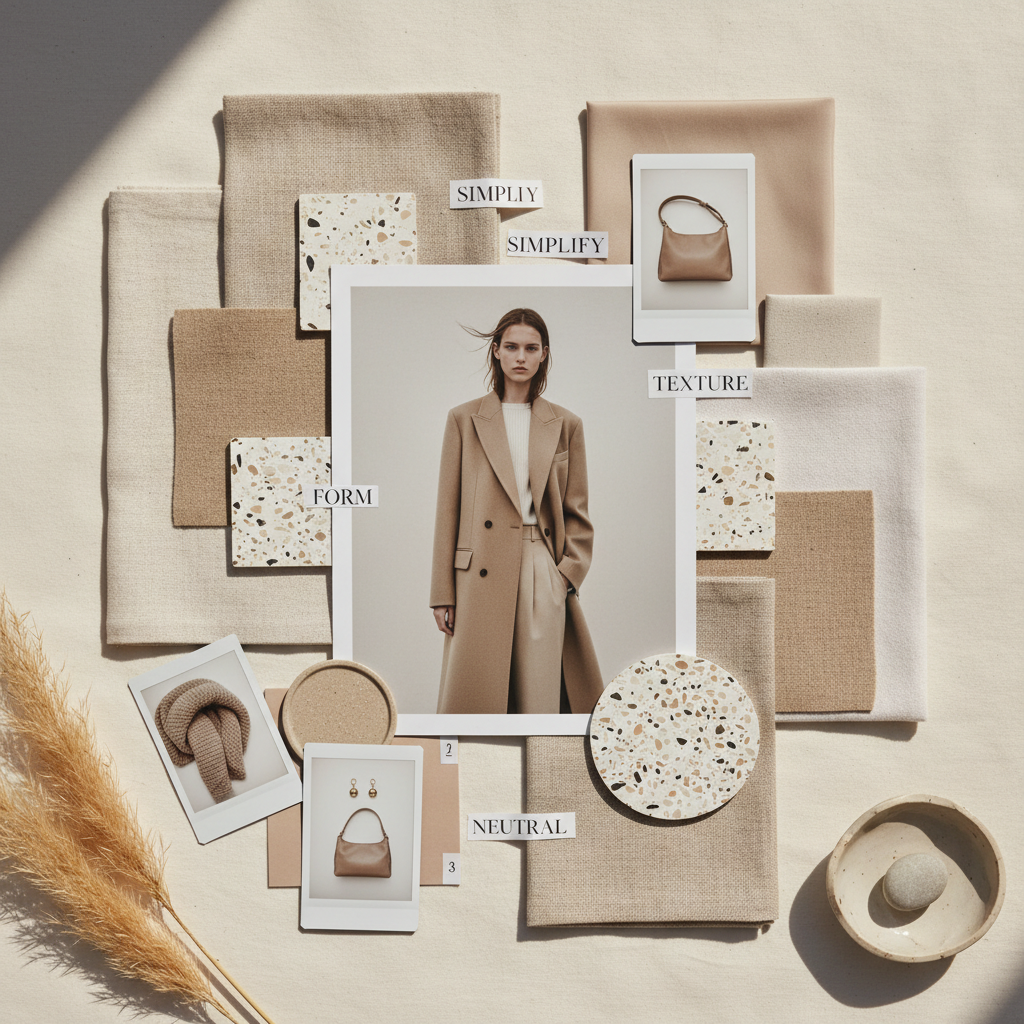
Minimalist Fashion Board
AI Mood Board Creator
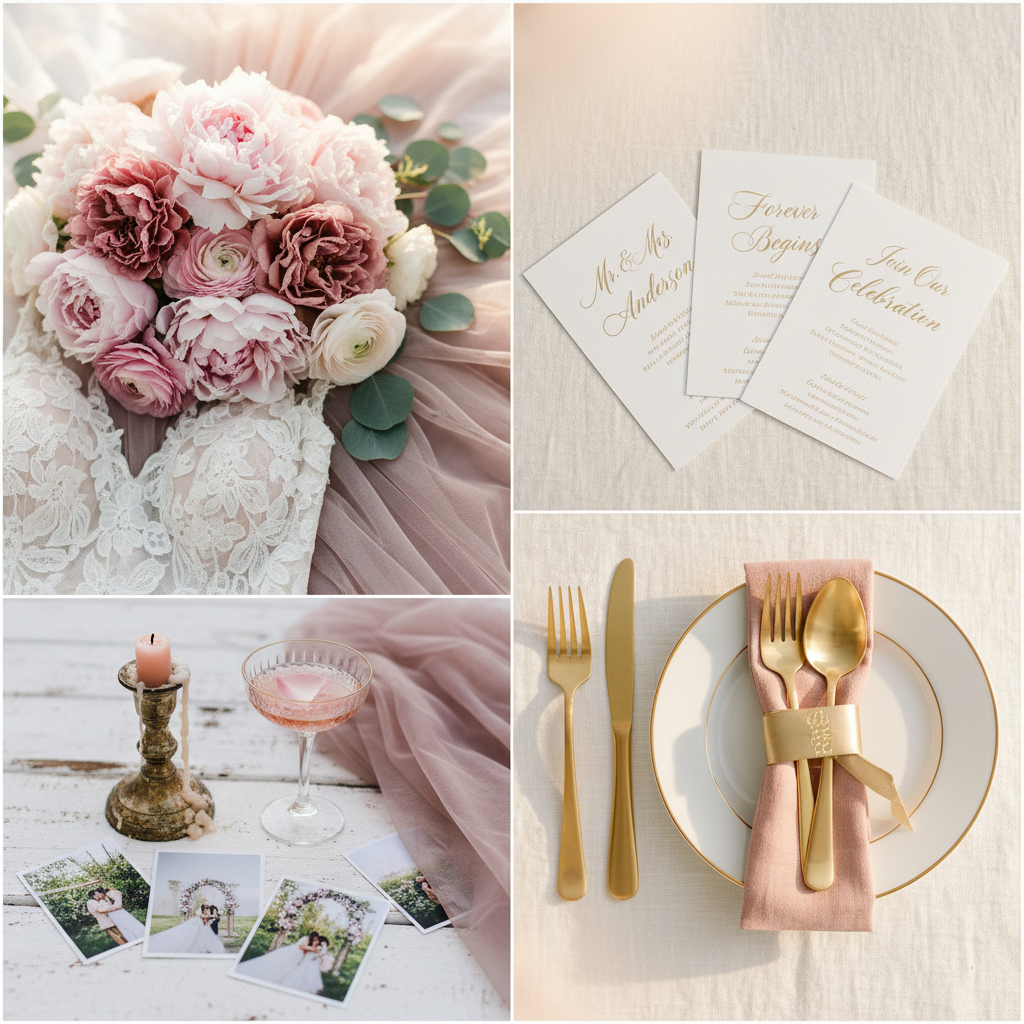
Romantic Wedding Board
AI Mood Board Creator
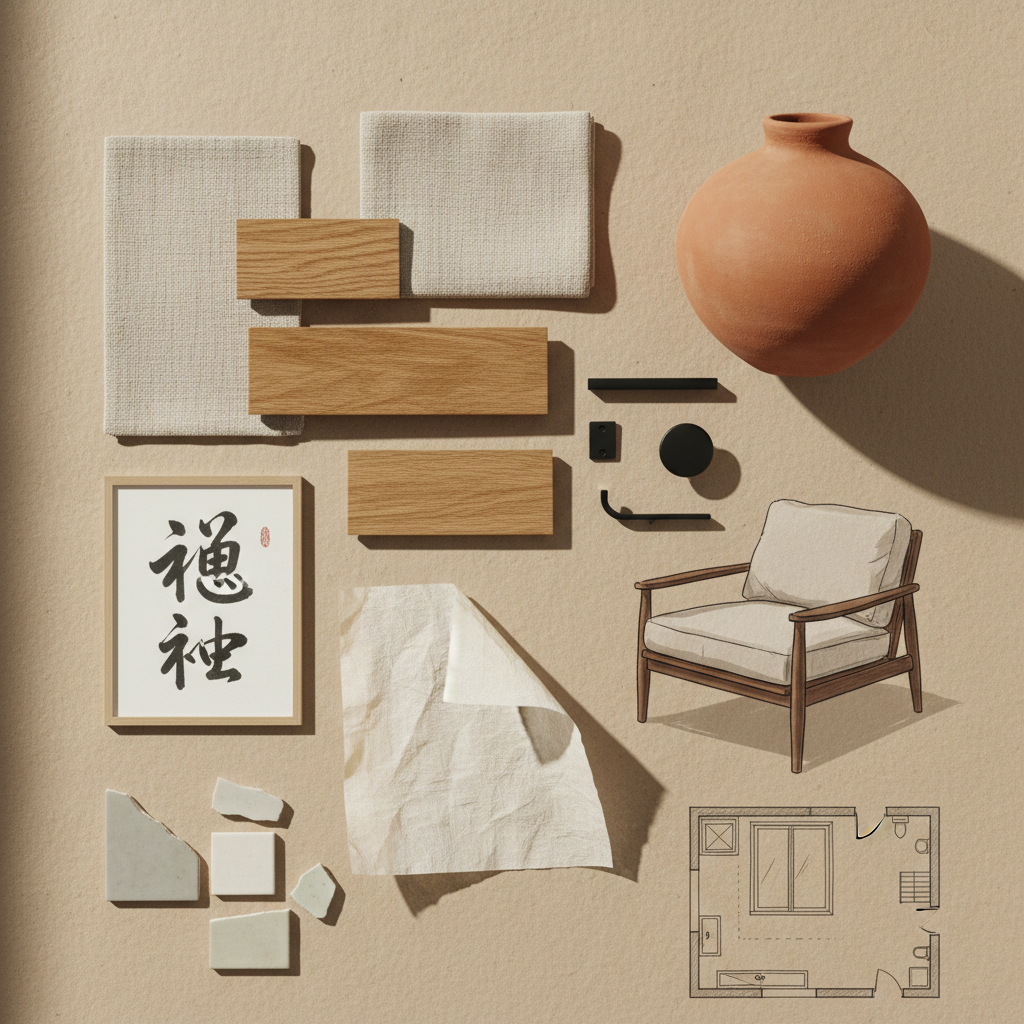
Japandi Interior Board
AI Mood Board Creator
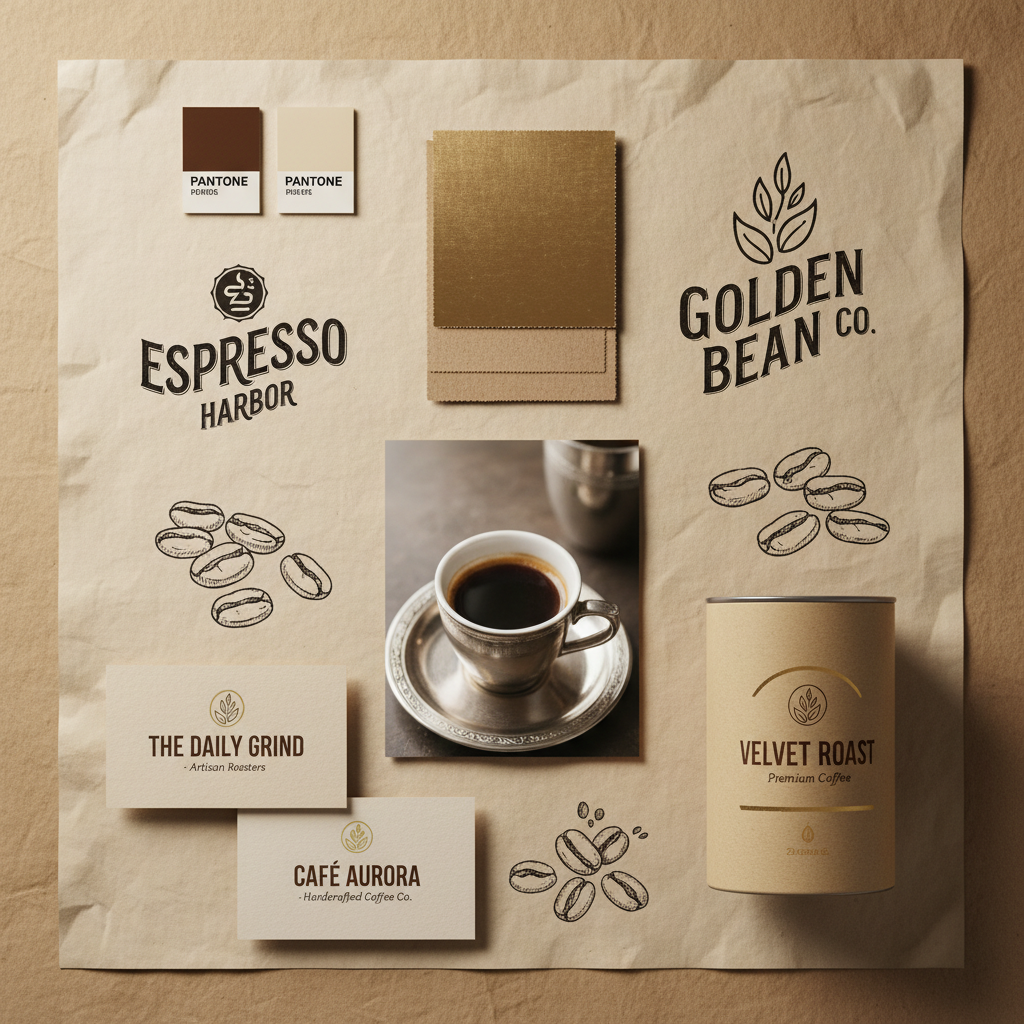
Coffee Brand Identity
AI Mood Board Creator
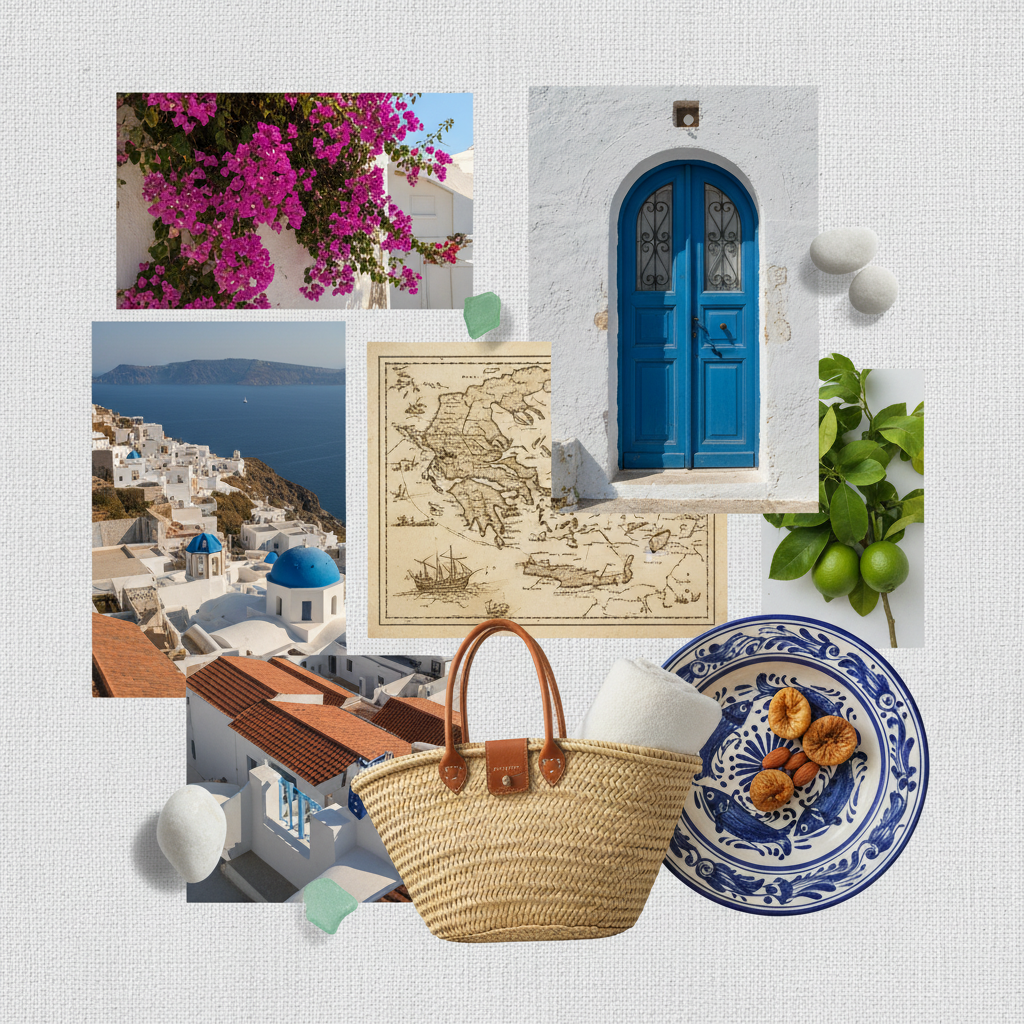
Mediterranean Travel Board
AI Mood Board Creator
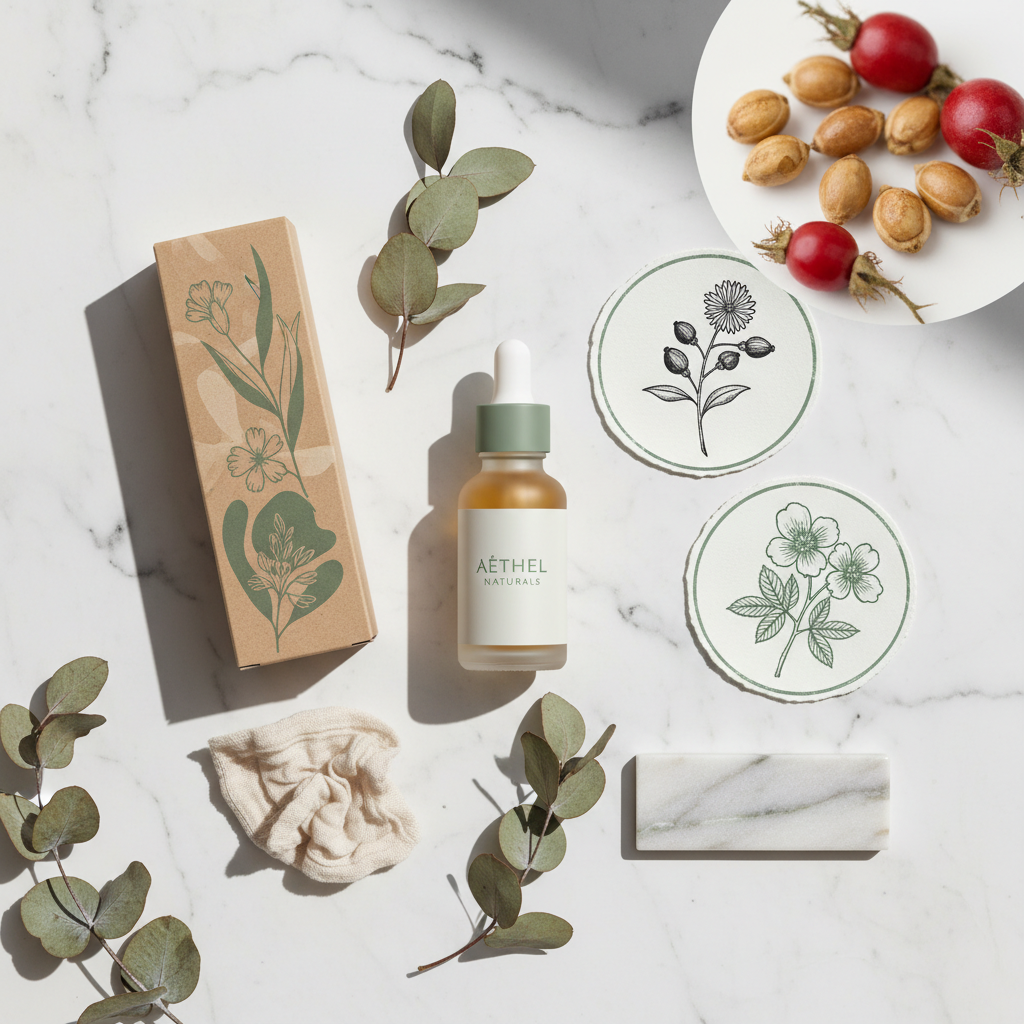
Clean Beauty Launch Board
AI Mood Board Creator
How the AI Mood Board Creator Works
Three steps, zero accounts, instant 4K AI inspiration board
Pick a Mood Board Type
Choose from six tuned presets in the AI mood board creator: Fashion Editorial, Wedding, Interior Design, Brand Identity, Travel, or Product Launch. Each preset is hand-tuned with the right palette language, materials, photography style, typography, and props for that visual planning context.
Add Your Vibe Brief
Optionally type a brief about palette, season, materials, or audience — "coastal summer wedding in dusty blue", "Scandinavian winter interior in oat and ash", "vintage espresso brand in kraft and cream". The AI mood board creator routes to GOT IMAGE 2 Pro and stitches your brief into the chosen board type, palette, and props.
Save Your 4K Board
In about 15 seconds the AI mood board creator paints a 4K AI inspiration board into the tab. Right-click → Save, or use the Download button. Sharp enough for client kick-off decks, wedding inspiration shares, brand direction reviews, shoot pre-pro guides, or printed display boards. No watermark, no signup wall.
Why the AI Mood Board Creator Wins
Free AI for mood boards — Pro-tier model, brief-aware generation, zero friction
Six Tuned Mood Board Types
Fashion editorials, wedding inspiration, interior design concepts, brand identity directions, travel itineraries, and product launch boards — each preset in the AI mood board creator is hand-tuned with its own palette, materials, photography, typography, and props.
Cohesive Palette & Materials
The AI mood board creator paints palette swatches, fabric chips, hardware samples, paper textures, and surface photography in one consistent lighting setup — so every AI inspiration board looks studio-styled, not stitched together from random Pinterest pins.
No Pinterest, Figma or InDesign Setup
No Pinterest scrolling, no Figma layout grid, no InDesign master pages, no Canva drag-and-drop. Pick a mood board type, type an optional vibe brief, and a polished 4K visual planning board lands in the tab in fifteen seconds.
Free, No Sign Up
The AI mood board creator is free with no credit card, no email, no plugin OAuth, no trial countdown. Open the page, pick a mood board type, hit Generate — every single time, on every device, without an account.
Brief- & Vibe-Aware Generation
Pass an optional brief — palette, season, material focus, audience — and the AI mood board creator weaves it into the preset. "Coastal summer wedding in dusty blue", "Scandinavian winter interior in oat and ash", "vintage espresso brand in kraft and cream" — the AI inspiration board output matches your story.
Original Imagery, Not Stock
Every digital mood board tool render is generated from scratch — no clipped Pinterest pins, no stock photo libraries, no licensing question marks. The AI for mood boards output is yours to drop into a client deck without chasing image rights.
AI Mood Board Creator vs Pinterest, Milanote & Canva
Free AI inspiration board versus traditional clipping and layout tools
| Feature | AI Mood Board Creator | Pinterest / Milanote / Canva |
|---|---|---|
| Sign up required | No | Yes (account required to save) |
| Source imagery yourself | No — generated from brief | Yes — clip from Pinterest, Unsplash, etc. |
| Time per board | ~15 seconds | 1–4 hours of clipping and layout |
| Cost per board | $0 free tier | $0–$120/yr · plus your hours |
| Output resolution | 4K native PNG | Mixed — depends on clipped sources |
| Mood board types tuned | 6 hand-tuned presets | Open-ended · curation skill required |
| Imagery licensing | Original generation | Per-clip licensing question |
| Layout consistency | Single cohesive flat-lay | Manual grid alignment |
| Iteration cost | 15s per new variant | Re-clip and re-layout per change |
| Starting paid price | $2.99 (optional) | $10–$50/mo for pro tiers |
AI Mood Board Creator FAQ
Honest answers about the free AI mood board creator
AI Mood Board Creator — Free AI for Mood Boards with GOT IMAGE 2 Pro
The AI mood board creator on gotimage2.com is the free AI for mood boards workflow powered by the GOT IMAGE 2 Pro model. The page you are reading is the dedicated visual-planning workflow for searches like "AI mood board creator", "AI for mood boards", "digital mood board tool", "AI inspiration board", and "visual planning with AI" — they all land here, on the same AI mood board creator with the same free no-signup access. There is no sign-up screen, no email confirmation, no Google or Apple SSO handoff, no plugin install in Figma, Pinterest, Milanote, Canva, or InDesign, and no phone-number verification. You open the page, scroll to the tool, pick one of six tuned mood board types, optionally type a short vibe or palette brief, and hit Generate — about fifteen seconds later a sharp 4K AI inspiration board paints back into the tab, ready to drop into a client kick-off deck or shoot pre-pro guide.
Why does the AI mood board creator beat Pinterest, Milanote, Figma, Canva, and Adobe Express for early-stage visual planning with AI? Three reasons. First, the AI mood board creator runs on GOT IMAGE 2 Pro — the same Pro-tier model paying customers use, with no "free tier downgrade" applied to anonymous users. Second, the six presets are pre-tuned for proper AI inspiration board composition: palette swatches, material chips, photography snippets, typography samples, sketch fragments, and props are all baked in and lit consistently, so you skip the Pinterest scrolling and Figma layout grid and get a publication-ready digital mood board tool render on the first try. Third, it is genuinely free with no $10–$50-per-month Pinterest Business or Milanote Pro seat, no Adobe Creative Cloud subscription, and no per-image licensing question on clipped references. The vibe-brief field lets you weave in palette, season, material focus, and audience without writing a long prompt, so the AI for mood boards output stays on-concept without an hour of re-rolls.
The six tuned presets in the AI mood board creator cover the visual planning contexts ninety percent of designers, wedding planners, interior stylists, brand strategists, content creators, photographers, and project managers actually pitch. Fashion Editorial for editorial shoots and look-book moodboarding (neutral palettes, linen and silk swatches, model photography, terrazzo samples). Wedding for romantic ceremony and reception planning (blush florals, lace and tulle, calligraphy invitations, gold flatware, soft golden light). Interior Design for residential and commercial spatial concepts (Japandi oak and oat, matte black hardware, terracotta vases, washi paper, floor plan sketches). Brand Identity for packaging and visual identity direction decks (palette chips, kraft paper, retro logo sketches, packaging mockups, typography lockups). Travel for itinerary storytelling and destination editorial pitches (Mediterranean cobalt and stucco, bougainvillea, vintage map snippets, Santorini door, woven straw). Product Launch for clean-beauty, wellness, and DTC brand launches (sage green palette, eucalyptus, frosted dropper bottles, recycled kraft, ingredient closeups). Each preset in the digital mood board tool is a hand-tuned prompt — palette, materials, photography, typography, props, lighting — so non-designers and non-Pinterest-curators still get a polished AI inspiration board that reads as studio-styled.
Try the AI mood board creator right now without committing to anything. There is no credit card, no "start free trial" gate, no email-required confirmation, and no follow-up sequence. Whether you are a designer concepting a kick-off deck, a wedding planner sharing a vibe with a client, an interior stylist exploring spatial mood before detailed drawings, a brand strategist storyboarding a packaging direction, a photographer building a shoot pre-pro guide, a product manager aligning a launch theme, an architecture student building a portfolio, or a content creator planning an Instagram series, the AI mood board creator renders identically on Mac, Windows, Linux, Chromebook, iPhone, or Android, and returns the same clean 4K PNG AI inspiration board. Open the tool above, pick a mood board type, optionally type your vibe brief, and let the AI mood board creator paint a Pro-tier visual planning board into the tab. AI mood board creator, AI for mood boards, digital mood board tool, AI inspiration board, visual planning with AI — one page, one prompt, one 4K board, zero signup steps. That is the entire promise of the AI mood board creator, and it stays that simple every time you come back.