AI Photo Cartoonizer
Turn Photos Into Cartoons Free
The AI photo cartoonizer on gotimage2.com is the free photo-to-cartoon tool powered by the GOT IMAGE 2 Pro model. Upload any photo — selfie, family, couple, kid, friends, pet — pick a cartoon style, and a sharp 4K cartoon image lands in the tab in about fifteen seconds. Pixar 3D, modern Disney 2D, Studio Ghibli anime, 90s Saturday morning, kawaii chibi, or comic book panel. Free AI photo cartoonizer — no login, no email, no card. Same Pro-tier model paying customers use.
Try the AI Photo Cartoonizer — Free Right Here
Upload your photo, pick a cartoon style, and the AI photo cartoonizer turns it into a 4K cartoon in about fifteen seconds — no signup
AI Photo Cartoonizer — Turn Photos Into Cartoons
Upload your photo, pick a cartoon style, and hit Generate. The AI photo cartoonizer returns a sharp 4K cartoon image in about fifteen seconds — free, no sign up.
Upload your photo (selfie, family, couple, kid, friends, pet — any clear photo works), pick a cartoon style below, and click Generate
Made with the AI Photo Cartoonizer
Real 4K outputs from the AI photo cartoonizer — every cartoon style, no account
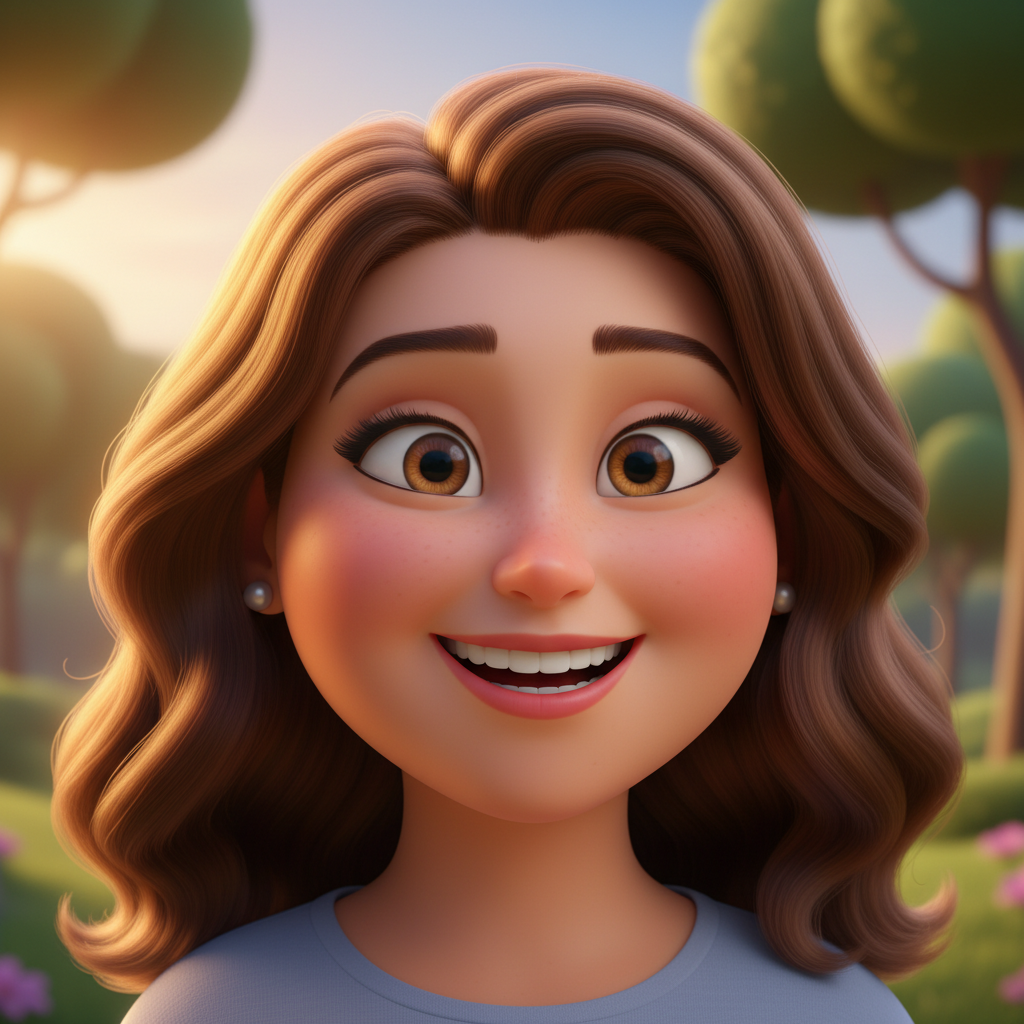
Pixar 3D Cartoon Portrait
AI Photo Cartoonizer
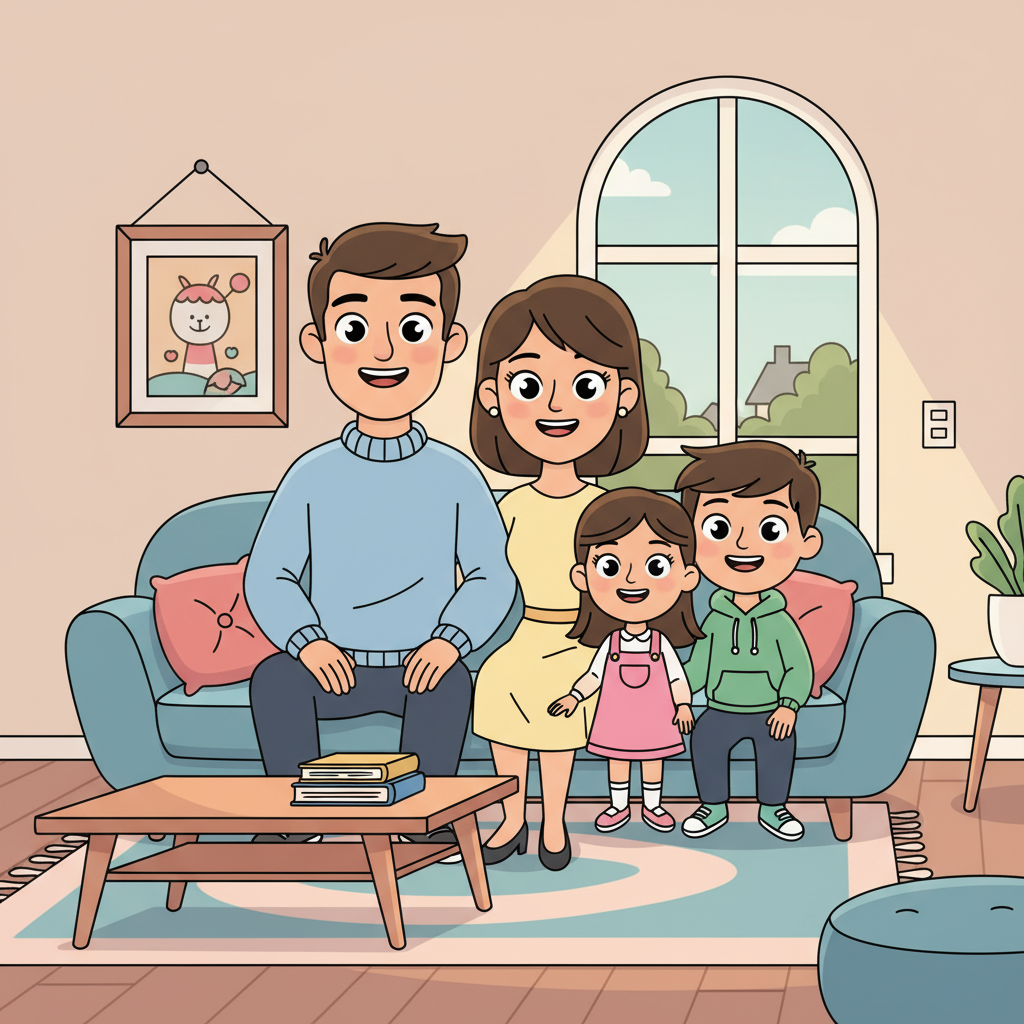
Modern 2D Disney Family
AI Photo Cartoonizer
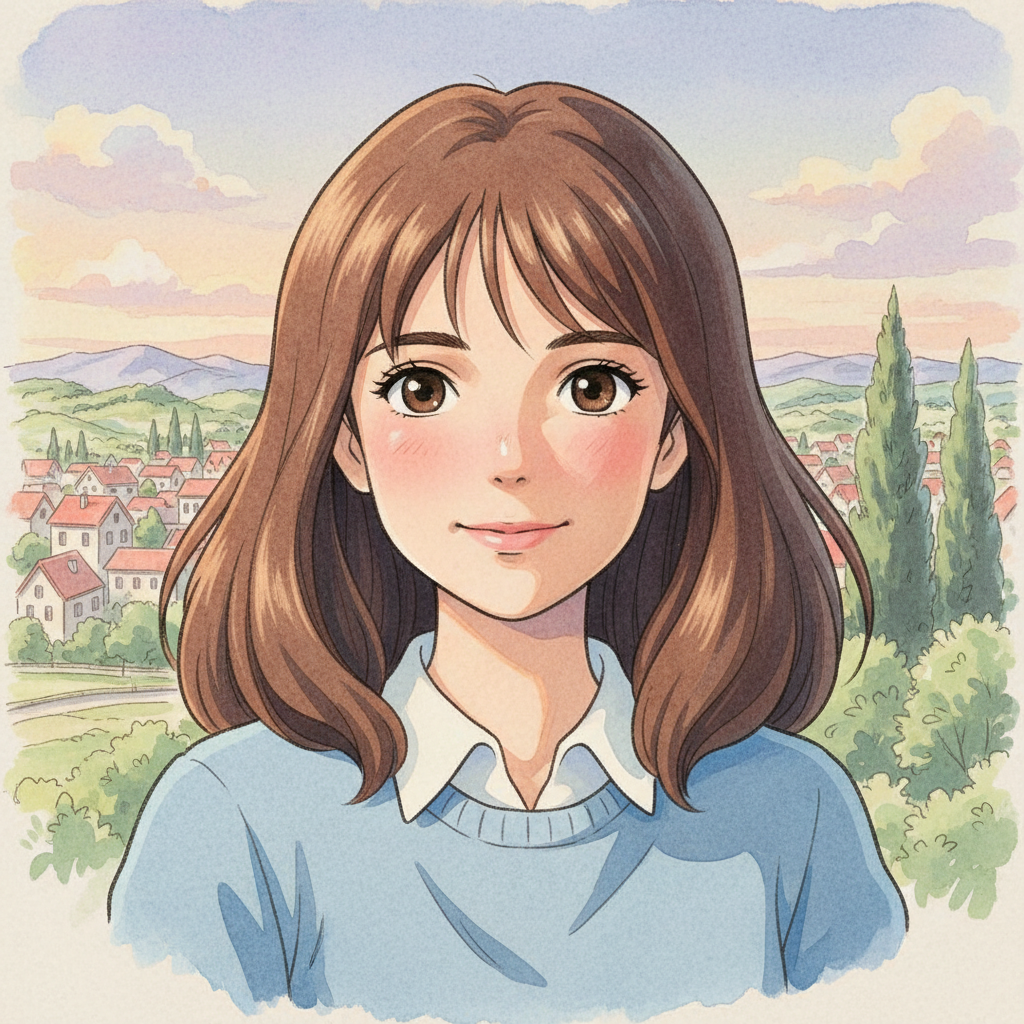
Ghibli Anime Selfie
AI Photo Cartoonizer
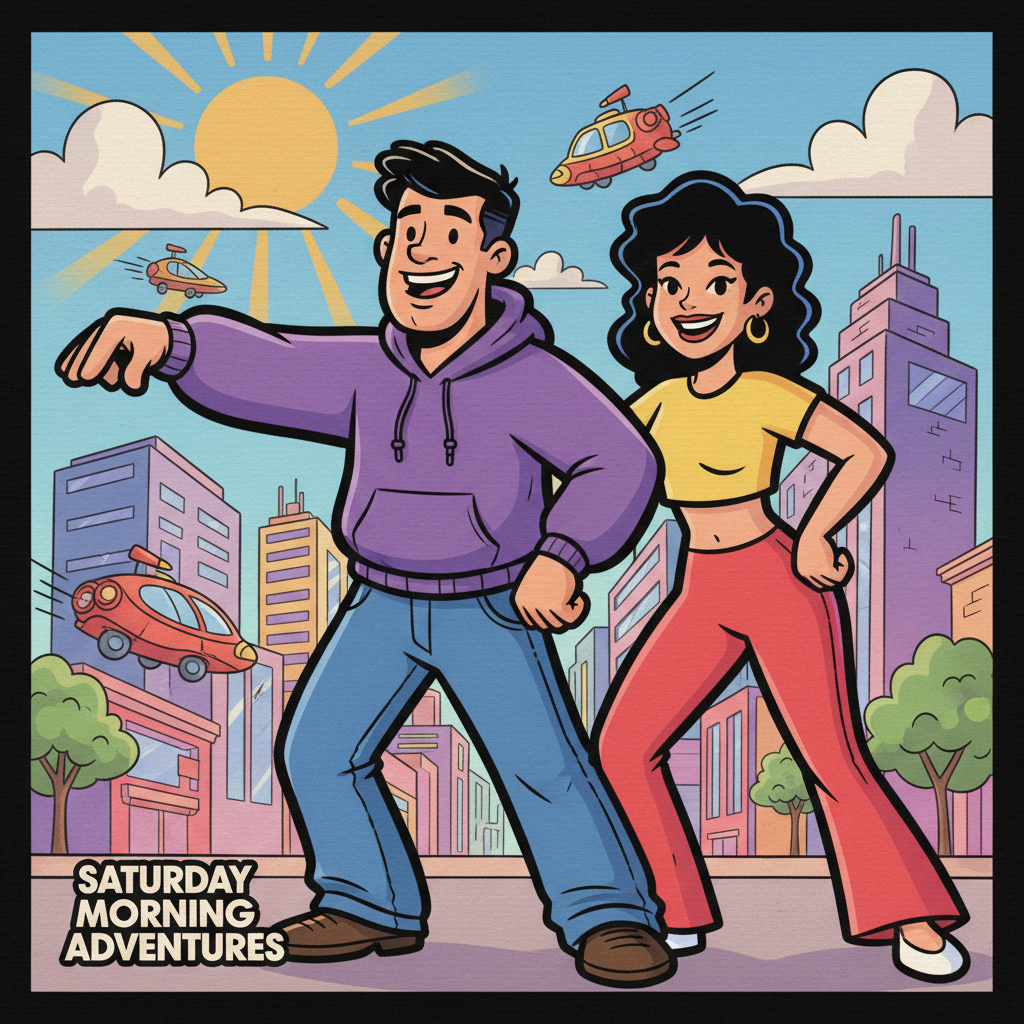
90s Saturday Morning
AI Photo Cartoonizer
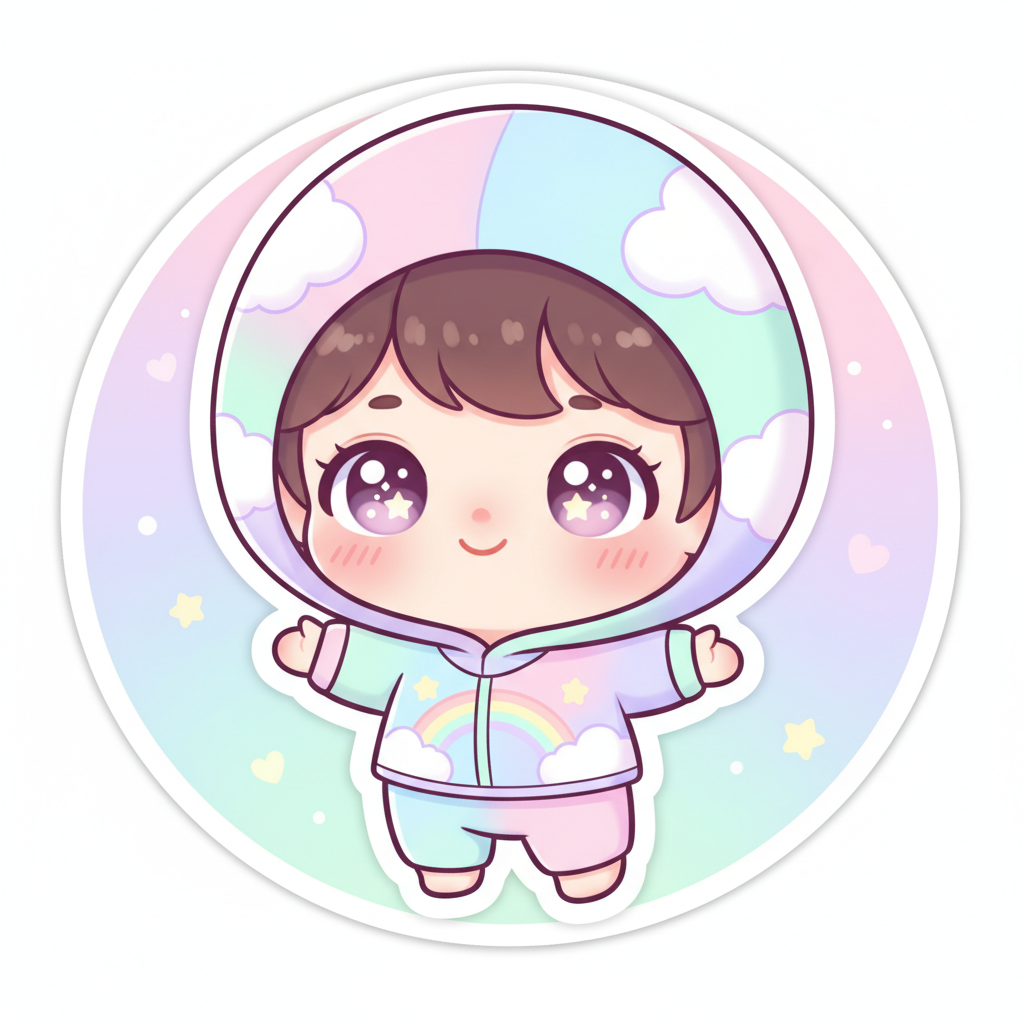
Kawaii Chibi Kid
AI Photo Cartoonizer
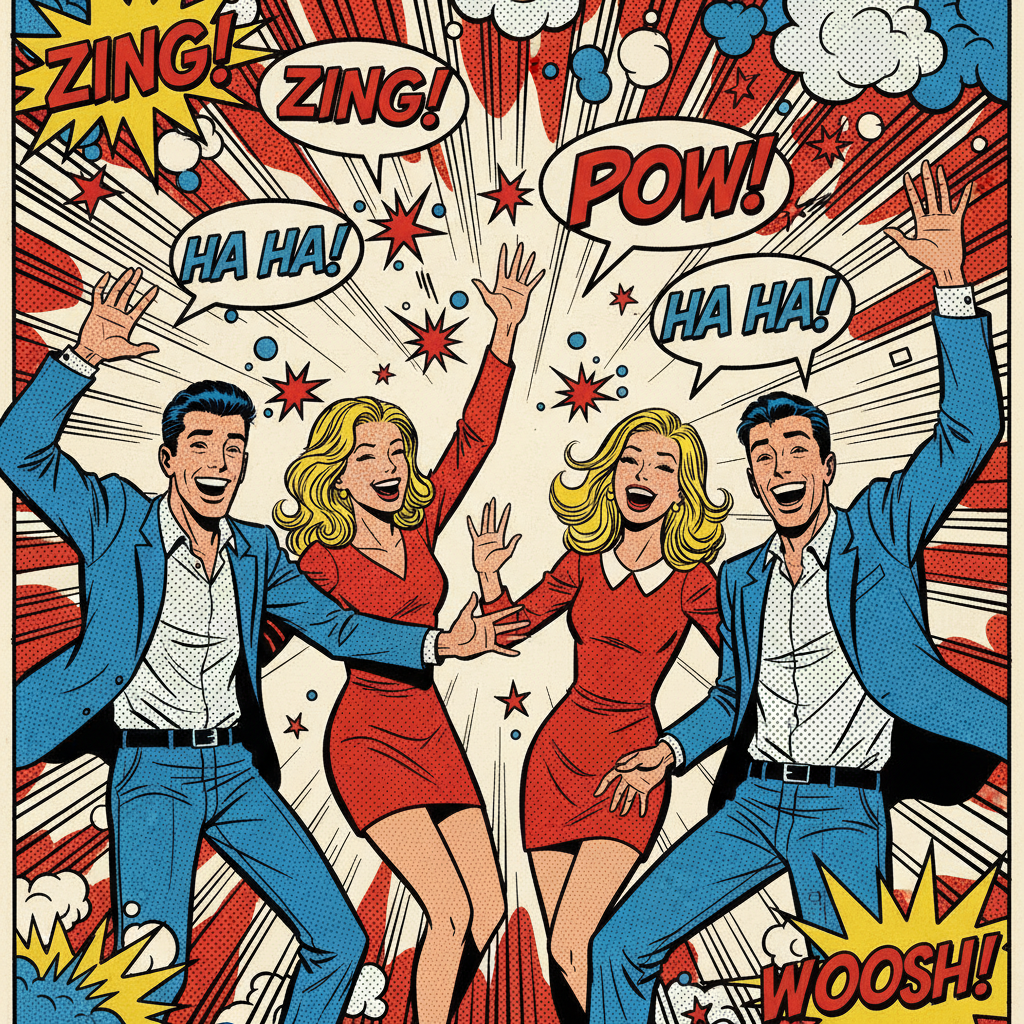
Comic Book Friends
AI Photo Cartoonizer
How the AI Photo Cartoonizer Works
Three steps, zero accounts, instant 4K cartoon image
Upload Your Photo
Drop in any clear photo — selfie, family snapshot, couple shot, kid portrait, friends group photo, even pet photos. The AI photo cartoonizer accepts JPG, PNG, and WebP. No size limits on the free anonymous tier for casual use.
Pick a Cartoon Style
Choose from six tuned presets in the AI photo cartoonizer: Pixar 3D, Modern Disney 2D, Ghibli Anime, 90s Saturday Morning, Kawaii Chibi, or Comic Book Panel. Each preset is hand-tuned with the right linework, palette, lighting, and composition for that cartoon tradition.
Save Your 4K Cartoon
In about 15 seconds the AI photo cartoonizer paints a 4K cartoon PNG into the tab. Right-click → Save, or use the Download button. Sharp enough for social media profile pictures, blog avatars, birthday card prints, family scrapbook pages, or printed gifts. No watermark, no signup wall.
Why the AI Photo Cartoonizer Wins
Free AI photo cartoonizer — Pro-tier model, real cartoon redraws, zero friction
Upload Any Photo
The AI photo cartoonizer accepts selfies, family photos, couples, kids, pets, group shots — any clear photo turns into a real cartoon in your chosen style. JPG, PNG, WebP all supported.
Six Cartoon Styles
Pixar 3D, modern Disney 2D, Studio Ghibli anime, 90s Saturday morning, kawaii chibi, comic book panel — each preset in the AI photo cartoonizer is hand-tuned with the right palette, line weight, and composition for that cartoon tradition.
15-Second Cartoonize
Every AI photo cartoonizer request comes back in about fifteen seconds. Cartoonize the same photo across all six styles in under two minutes — no queue, no slow-down on the free anonymous tier.
Free, No Sign Up
The AI photo cartoonizer is free with no credit card, no email, no Discord OAuth, no trial countdown. Open the page, upload your photo, pick a cartoon style, hit Generate — every single time.
Real Cartoon, Not Filter
Unlike one-click cartoon filter apps, the AI cartoon picture tool regenerates your photo with style-correct proportions, exaggerated expressions, and style-correct backgrounds. A chibi output really looks chibi, a Pixar output really looks Pixar.
Sharp 4K PNG Output
Native 4K PNG output from the AI photo cartoonizer scales cleanly from social tiles and YouTube thumbnails up to printed merch like mugs, t-shirts, posters, and canvas prints without losing the crisp cartoon line quality.
AI Photo Cartoonizer vs One-Click Cartoonize Apps
Free photo-to-cartoon AI versus typical cartoon-filter mobile apps
| Feature | AI Photo Cartoonizer | One-Click Cartoonize Apps |
|---|---|---|
| Sign up required | No | Usually yes |
| Real cartoon redraw | Yes — full regeneration | No (filter on photo) |
| Style-correct proportions | Yes — generated stylized | No (photo anatomy stays) |
| Real cartoon linework | Era-specific line weights | Generic edge filter |
| Cartoon styles supported | 6 tuned presets | One generic cartoonize |
| Output resolution | 4K native PNG | Phone screen size |
| Watermark on free output | No | Often yes |
| Time per cartoon photo | ~15 seconds | Instant filter |
| Print-quality output | Yes — 4K for merch | No — pixelates on print |
| Starting paid price | $2.99 (optional) | $5–$20/month |
AI Photo Cartoonizer FAQ
Honest answers about the free AI photo cartoonizer
AI Photo Cartoonizer — Turn Photos Into Cartoons with GOT IMAGE 2 Pro
The AI photo cartoonizer on gotimage2.com is the free photo-to-cartoon tool powered by the GOT IMAGE 2 Pro model. The page you are reading is the dedicated cartoonize workflow for searches like "AI photo cartoonizer", "turn photos into cartoons", "cartoonize photo online", "photo to cartoon AI", "AI cartoon picture tool", and "cartoon photo effect" — they all land here, on the same AI photo cartoonizer with the same free no-signup access. There is no sign-up screen, no email confirmation, no Google or Apple SSO handoff, no Discord OAuth modal, and no phone-number verification. You open the page, scroll to the tool, drag in your photo, pick one of six tuned cartoon styles, and hit Generate — about fifteen seconds later a sharp 4K cartoon image paints back into the tab, ready to download.
Why does the AI photo cartoonizer beat one-click cartoonize apps? Two reasons. First, it does not slap an outline filter on top of your photo — it regenerates the entire image in the chosen cartoon style. Stylized character proportions, exaggerated expressions, style-correct linework, era-correct color palettes (saturated 90s Saturday morning, pastel kawaii chibi, halftone comic book), and the right kind of background for that cartoon tradition. That means a "Pixar 3D" output of your selfie actually looks like a real Pixar character render with rounded soft skin and warm rim lighting, not a phone photo with a smoothing filter on top. Most cartoonize apps just apply edge-detection and posterize effects to whatever you upload — the underlying composition, anatomy, and lighting are still photographic, which gives them away as fake-cartoon. The AI cartoon picture tool is closer to a cartoon illustrator than to a filter app. Second, the AI photo cartoonizer runs on GOT IMAGE 2 Pro — the same Pro-tier model paying customers use, with no "free tier downgrade" applied to anonymous users.
The six tuned presets in the AI photo cartoonizer cover the cartoon traditions that ninety percent of bloggers, social creators, parents, friends, content marketers, classroom illustrators, and gift-makers actually need. Pixar 3D Cartoon for polished feature-film looks (rounded soft skin, warm rim lighting, expressive features, depth of field bokeh background). Modern Disney 2D for friendly contemporary characters (clean lines, flat pastel colors, expressive features, modern Disney channel and Cartoon Network short style). Ghibli Anime for soft hand-painted dreamy looks (watercolor backgrounds, pastel sky, large expressive anime eyes, classic Miyazaki painterly aesthetic). 90s Saturday Morning for thick-outline retro action heroes (bold black ink, saturated cel shading, dynamic poses, classic American hand-drawn animation aesthetic). Kawaii Chibi for ultra-cute mascots (oversized heads, sparkling eyes, pastel cotton candy palette, sticker-clean outlines). Comic Book Panel for pop art kinetic energy (halftone dots, primary red blue yellow palette, speed lines, retro comic book panel art). Each preset in the AI cartoon picture tool is a hand-tuned prompt — line weight, palette, lighting, composition — so you do not need to know prompt engineering to get an image that reads as a real cartoon from that tradition.
Try the AI photo cartoonizer right now without committing to anything. There is no credit card, no "start free trial" gate, no email-required confirmation, and no follow-up sequence. Whether you are making a fun profile picture from a selfie, turning a family photo into a Pixar-style birthday card, illustrating a kid-friendly blog post, building a chibi avatar from a webcam snap, prepping a Ghibli-style scrapbook page, or just having fun cartoonizing pet photos with friends, the AI photo cartoonizer renders identically on Mac, Windows, Linux, Chromebook, iPhone, or Android, and returns the same clean 4K PNG. Open the tool above, drag in a photo, pick a style, and let the AI photo cartoonizer paint a Pro-tier cartoon image into the tab. AI photo cartoonizer, turn photos into cartoons, cartoonize photo online, photo to cartoon AI, AI cartoon picture tool — one page, one upload, one 4K cartoon image, zero signup steps. That is the entire promise of the AI photo cartoonizer, and it stays that simple every time you come back.