AI Photo Collage Maker
Free AI Collage Tool, No Sign Up
The AI photo collage maker on gotimage2.com is the free AI collage tool powered by the GOT IMAGE 2 Pro model. Pick a collage preset, optionally type a brief about theme, names, dates, or season, and a sharp 4K photo collage lands in the tab in about fifteen seconds — travel memories, wedding album, family honeycomb, portfolio magazine, birthday story, or graduation yearbook. Free digital collage creation with AI — no login, no email, no card. Same Pro-tier model paying customers use.
Try the AI Photo Collage Maker — Free Right Here
Pick a collage preset, optionally describe theme, names or dates, and the AI photo collage maker returns a 4K photo collage in about fifteen seconds — no signup
AI Photo Collage Maker — Free AI Collage Tool
Pick a collage preset, optionally type a brief about theme, names, dates, or season, and hit Generate. The AI photo collage maker returns a sharp 4K photo collage — free, no sign up.
Made with the AI Photo Collage Maker
Real 4K outputs from the AI photo collage maker — every collage preset, no account
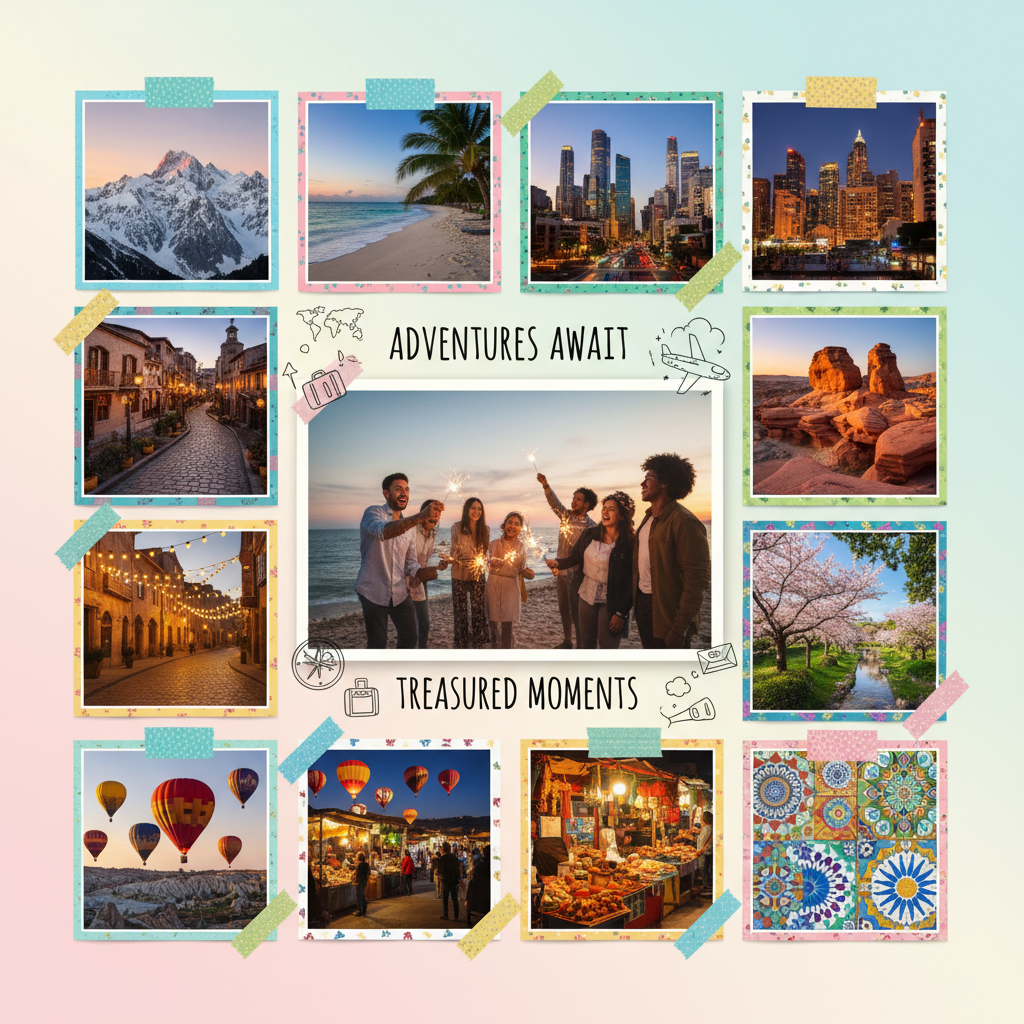
Travel Memories Collage
AI Photo Collage Maker
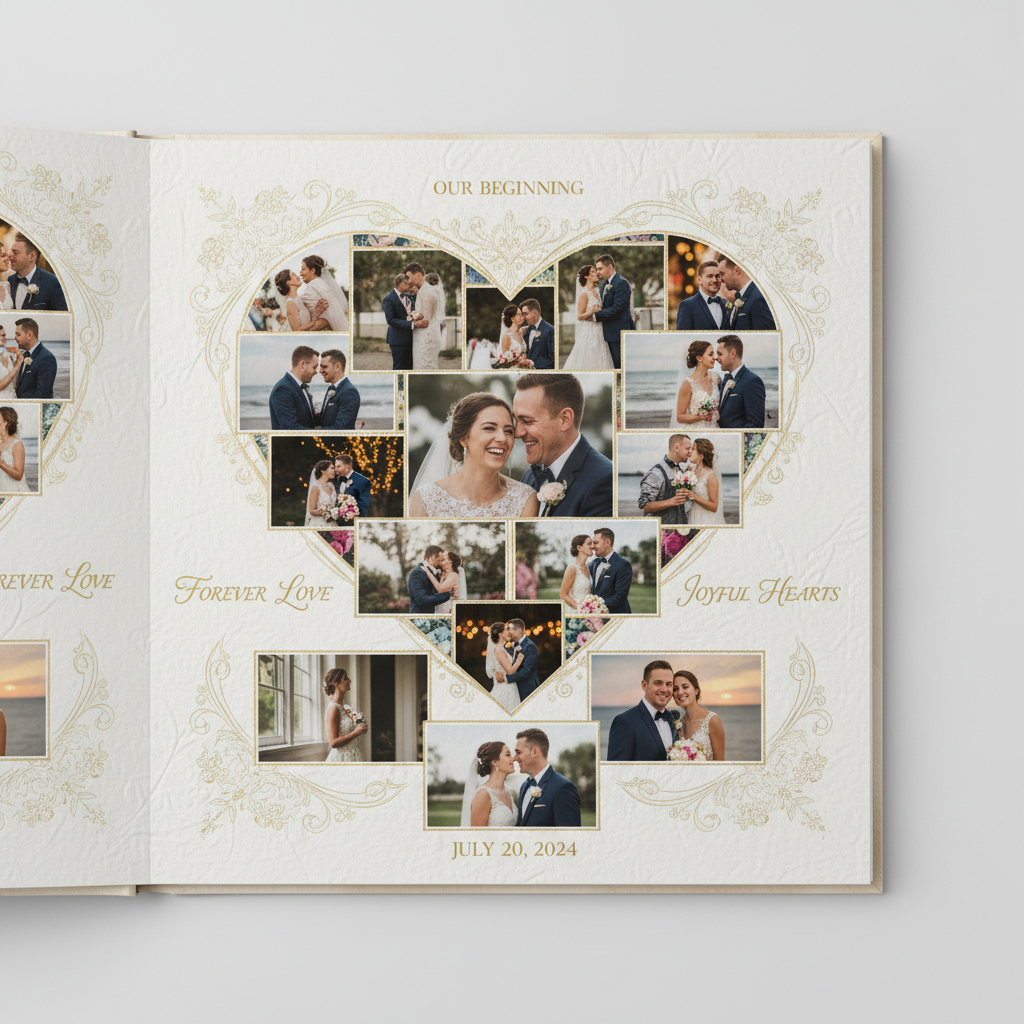
Wedding Album Collage
AI Photo Collage Maker
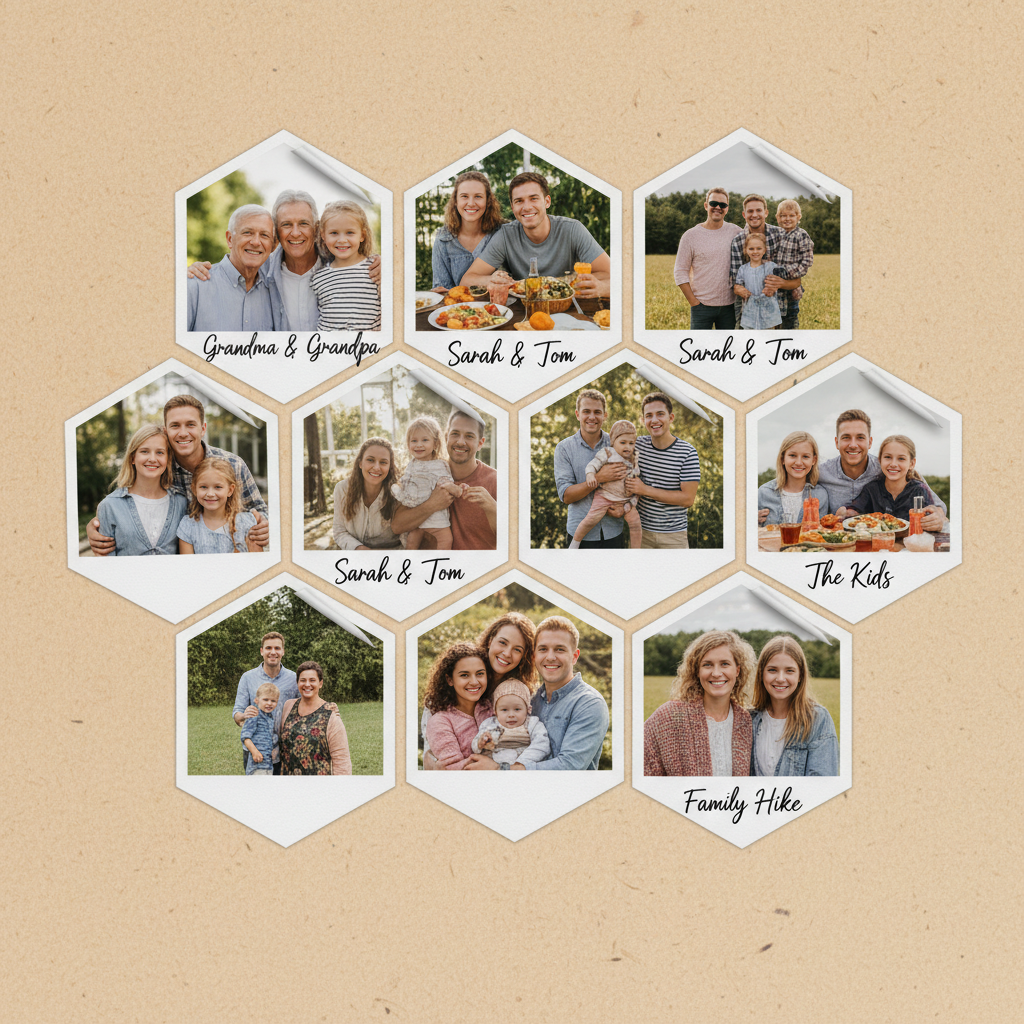
Family Honeycomb Collage
AI Photo Collage Maker
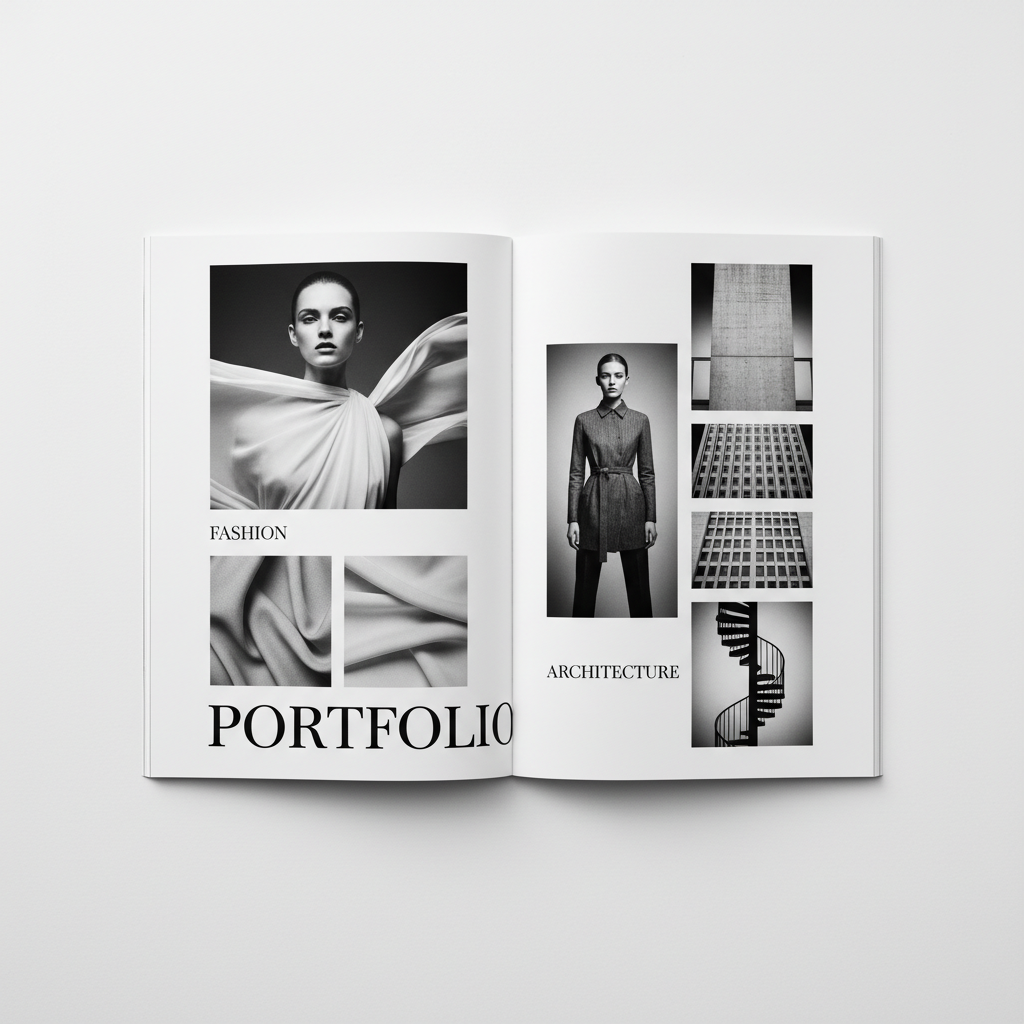
Portfolio Magazine Collage
AI Photo Collage Maker
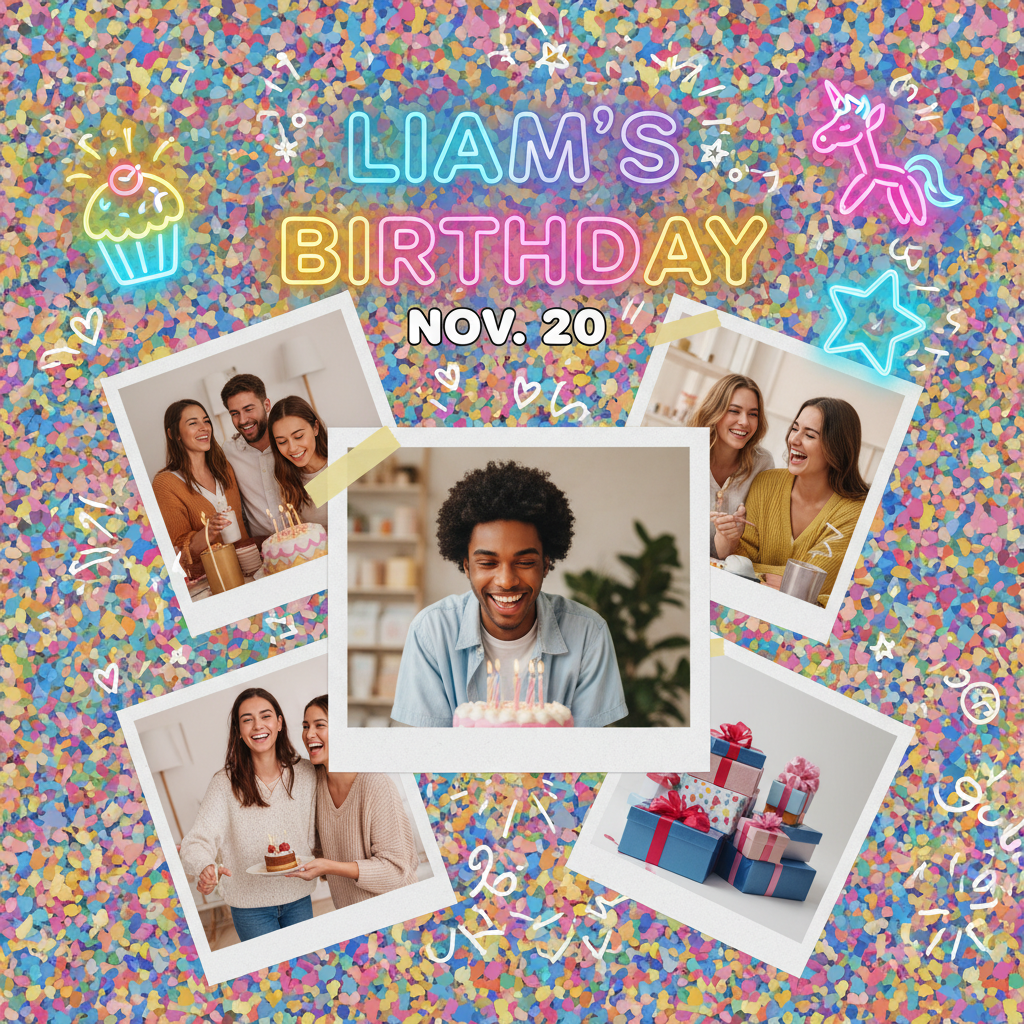
Birthday Story Collage
AI Photo Collage Maker
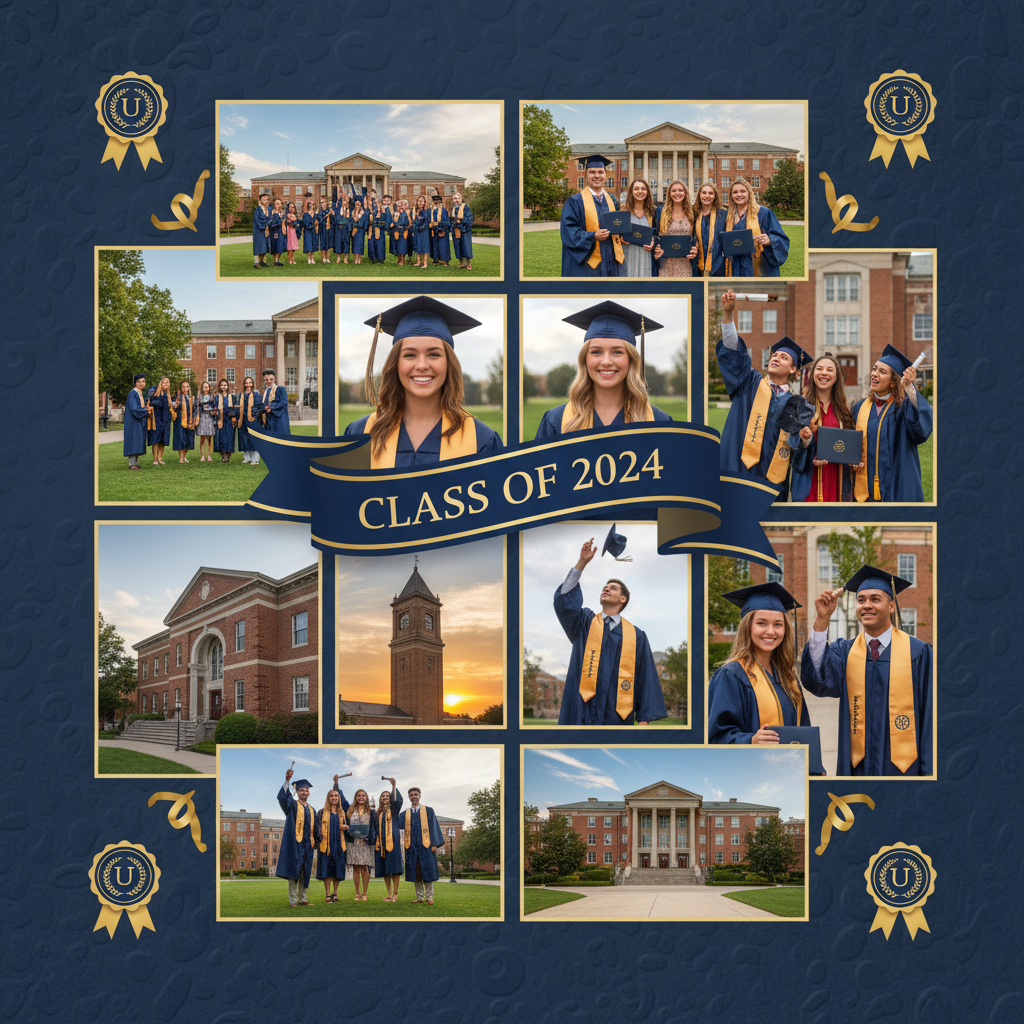
Graduation Yearbook Collage
AI Photo Collage Maker
How the AI Photo Collage Maker Works
Three steps, zero accounts, instant 4K AI memory collage
Pick a Collage Preset
Choose from six tuned presets in the AI photo collage maker: Travel Memories, Wedding Album, Family Honeycomb, Portfolio Magazine, Birthday Story, or Graduation Yearbook. Each preset is hand-tuned with the right layout grid, palette, decorative accents, and typography for that collage type.
Add Your Memory Brief
Optionally type the trip name, couple, year, season, or theme — "Greece honeymoon 2024", "baby first year", "Class of 2026", "summer road trip 2025". The AI photo collage maker routes your brief into GOT IMAGE 2 Pro and stitches it into the chosen preset, palette, and typography.
Save Your 4K Photo Collage
In about 15 seconds the AI photo collage maker paints a 4K AI memory collage into the tab. Right-click → Save, or use the Download button. Sharp enough for Instagram story collages, TikTok memory recaps, Pinterest pins, printed scrapbook pages, or photo-book hero spreads. No watermark, no signup wall.
Why the AI Photo Collage Maker Wins
Free AI collage tool — Pro-tier model, brief-aware design, zero friction
Six Tuned Collage Presets
Travel memories, wedding album, family honeycomb, portfolio magazine, birthday story, graduation yearbook — each preset in the AI photo collage maker is hand-tuned with its own layout grid, palette, decorative accents, and typography, ready to drop straight onto Instagram, TikTok, Pinterest, or printed wall art.
Cohesive Layout & Typography
The AI photo collage maker paints layout grid, decorative accents, headline typography, and background composition in one consistent style — so every AI collage tool output reads as designer-crafted scrapbook art, not a generic template fill.
No Photoshop or PicCollage Setup
No PicCollage template hunt, no Canva paywall, no Photoshop layer juggling, no Figma frame stacking. Pick a collage type, type an optional brief, and a polished 4K AI collage tool render lands in the tab in fifteen seconds.
Free, No Sign Up
The AI photo collage maker is free with no credit card, no email, no Discord OAuth, and no trial countdown. Open the page, pick a collage preset, hit Generate — every single time, on every device, without an account.
Brief-Aware Memory Details
Pass an optional trip name, couple name, year, season, or theme and the AI collage tool weaves it into the preset — "Greece honeymoon 2024", "baby's first year", "Class of 2026" — so the digital collage creation with AI matches your actual memory.
Sharp 4K Collage Output
Native 4K PNG output from the AI photo collage maker scales cleanly from Instagram story collages and Pinterest pins up to printed A3 scrapbook pages and photo-book hero spreads without losing detail or compressing edges.
AI Photo Collage Maker vs Canva & PicCollage
Free AI photo collage maker versus template editors and manual photo apps
| Feature | AI Photo Collage Maker | Canva / PicCollage |
|---|---|---|
| Sign up required | No | Yes (Canva account or PicCollage Pro) |
| Time per photo collage | ~15 seconds | 20–60 min dragging photos into a template |
| Layout & decoration flexibility | Open — grid, palette, accents all generated | Limited to template library or sticker pack |
| Cost per collage | $0 free tier | $13/mo Canva Pro · $4.99/mo PicCollage |
| Output format | 4K painted collage PNG | Template-based PNG/JPG (varies) |
| Collage types supported | 6 tuned collage presets | Hundreds of templates · template-fit required |
| Background & decorative accents | Painted in — washi tape, confetti, gold leaf | Sticker pack browse or extra search effort |
| Iteration cost | 15s per new variant | Re-edit every photo placement manually |
| Watermark on free output | No | Often yes on free tiers |
| Starting paid price | $2.99 (optional) | $13/mo Canva · $4.99/mo PicCollage |
AI Photo Collage Maker FAQ
Honest answers about the free AI photo collage maker
AI Photo Collage Maker — Free AI Collage Tool with GOT IMAGE 2 Pro
The AI photo collage maker on gotimage2.com is the free AI collage tool powered by the GOT IMAGE 2 Pro model. The page you are reading is the dedicated photo collage workflow for searches like "AI photo collage maker", "create photo collages", "AI collage tool", and "digital collage creation with AI" — they all land here, on the same AI photo collage maker with the same free no-signup access. There is no sign-up screen, no email confirmation, no Google or Apple SSO handoff, no Discord OAuth modal, and no phone-number verification. You open the page, scroll to the tool, pick one of six tuned collage presets, optionally type a short memory brief, and hit Generate — about fifteen seconds later a sharp 4K AI memory collage paints back into the tab, ready to drop into your Instagram feed grid post, TikTok recap reel, Pinterest pin board, or printed scrapbook page.
Why does the AI photo collage maker beat Canva, PicCollage, and Photoshop for memory work? Three reasons. First, the AI photo collage maker runs on GOT IMAGE 2 Pro — the same Pro-tier model paying customers use, with no "free tier downgrade" applied to anonymous users. Second, the six presets are pre-tuned for full-stack collage design: layout grid, photo composition, palette, decorative accents, typography, and background atmosphere all painted in one consistent style. You skip the Canva template hunt and the PicCollage subscription paywall, and get designer-grade AI collage tool output on the first try. Third, it is genuinely free with no Canva Pro subscription, no $13/month plan, and no $4.99/month PicCollage Pro lock-in. The brief field lets you weave in trip name, couple, year, or season without writing a long prompt, so the digital collage creation with AI output stays on-memory without an hour of re-rolls.
The six tuned presets in the AI photo collage maker cover the collage moments ninety percent of travelers, couples, parents, photographers, and social-media creators actually want to celebrate. Travel Memories for trip recap scrapbooks, road-trip albums, and bucket-list grids (vibrant grid layouts, paper-tape borders, soft pastel scrapbook backgrounds, hand-drawn travel doodles). Wedding Album for save-the-dates, ceremony hero pages, and engagement-announcement art (elegant heart-shaped layouts, ivory cream backgrounds, gold floral accents, refined calligraphy script labels). Family Honeycomb for grandparent gifts, holiday cards, and milestone family albums (cozy hexagonal honeycomb grids, warm beige backgrounds, polaroid corner frames, handwritten name labels). Portfolio Magazine for photographer portfolios, fashion look-books, and creative agency case studies (minimalist black-and-white asymmetric magazine grids, generous white space, bold contemporary serif typography). Birthday Story for Instagram-story birthday recaps, TikTok celebration reels, and printed birthday cards (playful confetti backgrounds, rotated tilt photos, neon party stickers, bold bubble typography). Graduation Yearbook for printed yearbook spreads, graduation announcement cards, and LinkedIn celebration posts (formal navy-and-gold palettes, ribbon banners with year, gold diploma seal accents, refined serif typography). Each preset in the AI memory collage tool is a hand-tuned prompt — layout, palette, accents, typography — so non-designers and casual creators still get a polished collage that reads as designer-crafted.
Try the AI photo collage maker right now without committing to anything. There is no credit card, no "start free trial" gate, no email-required confirmation, and no follow-up sequence. Whether you are a traveler prepping a Greece honeymoon scrapbook, a couple drafting a save-the-date hero, a parent making a baby's first-year album, a photographer building a portfolio look-book spread, a social-media creator celebrating a birthday on Instagram story, or a graduating student designing a Class of 2026 yearbook page, the AI photo collage maker renders identically on Mac, Windows, Linux, Chromebook, iPhone, or Android, and returns the same clean 4K PNG. Open the tool above, pick a collage preset, optionally type your trip name, couple, year, or theme, and let the AI photo collage maker paint a Pro-tier AI memory collage into the tab. AI photo collage maker, create photo collages, AI collage tool, digital collage creation with AI — one page, one prompt, one 4K photo collage, zero signup steps. That is the entire promise of the AI photo collage maker, and it stays that simple every time you come back.