AI Realistic Photo Generator
Photorealistic Images from Text
Describe any scene and our AI realistic photo generator turns it into a photorealistic image — natural lighting, true-to-life textures, and lifelike detail that looks like a real photograph. Free to try, no sign up, ready to download in seconds.
Try the AI Realistic Photo Generator — Free
Pick a photo style, describe your scene, and get a photorealistic image in seconds
AI Realistic Photo Generator
Choose a photo style, describe your scene, and generate a photorealistic image instantly
Tip: name the lighting and lens (e.g. "golden hour, shallow depth of field, 85mm") to push the AI realistic photo generator toward a true-to-life photograph.
Photorealistic Images Made with AI
A few lifelike photos created with the AI realistic photo generator
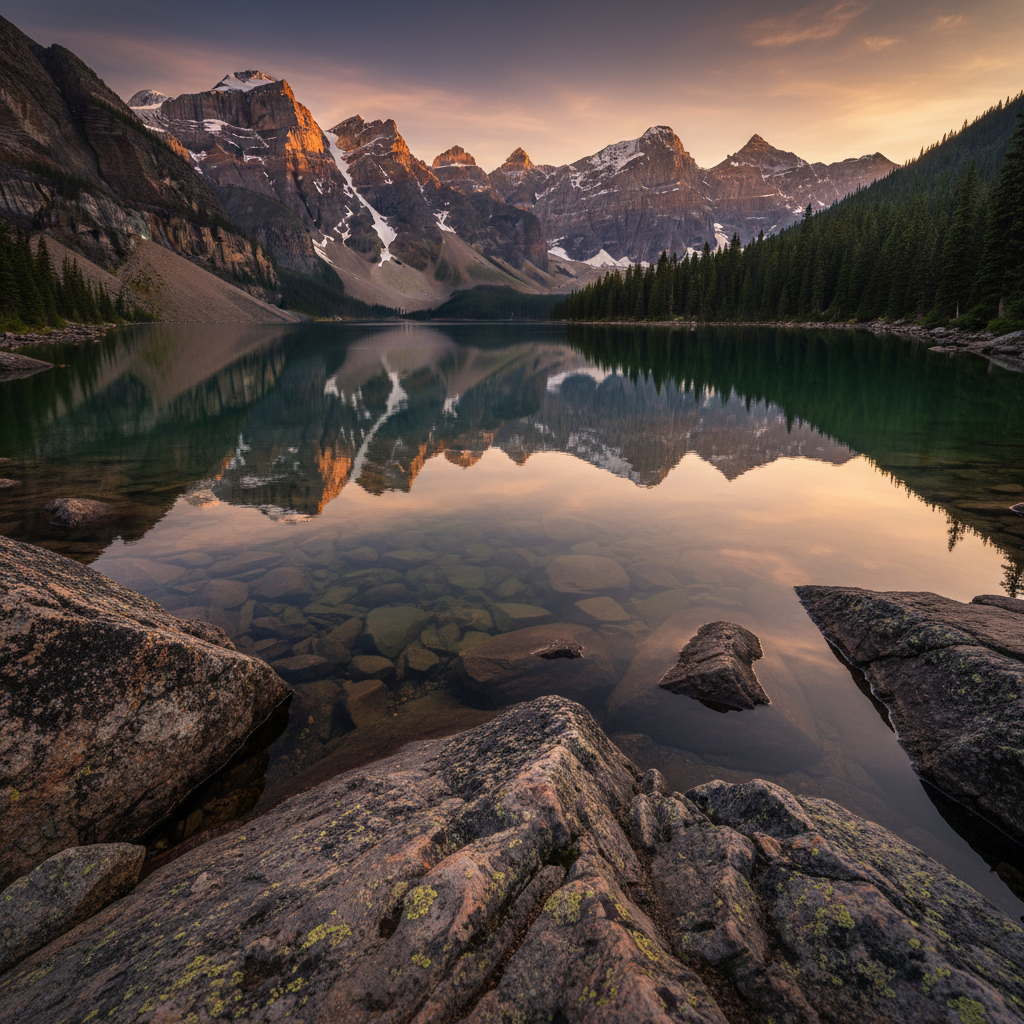
Mountain Lake at Golden Hour
Made with GPT Image 2
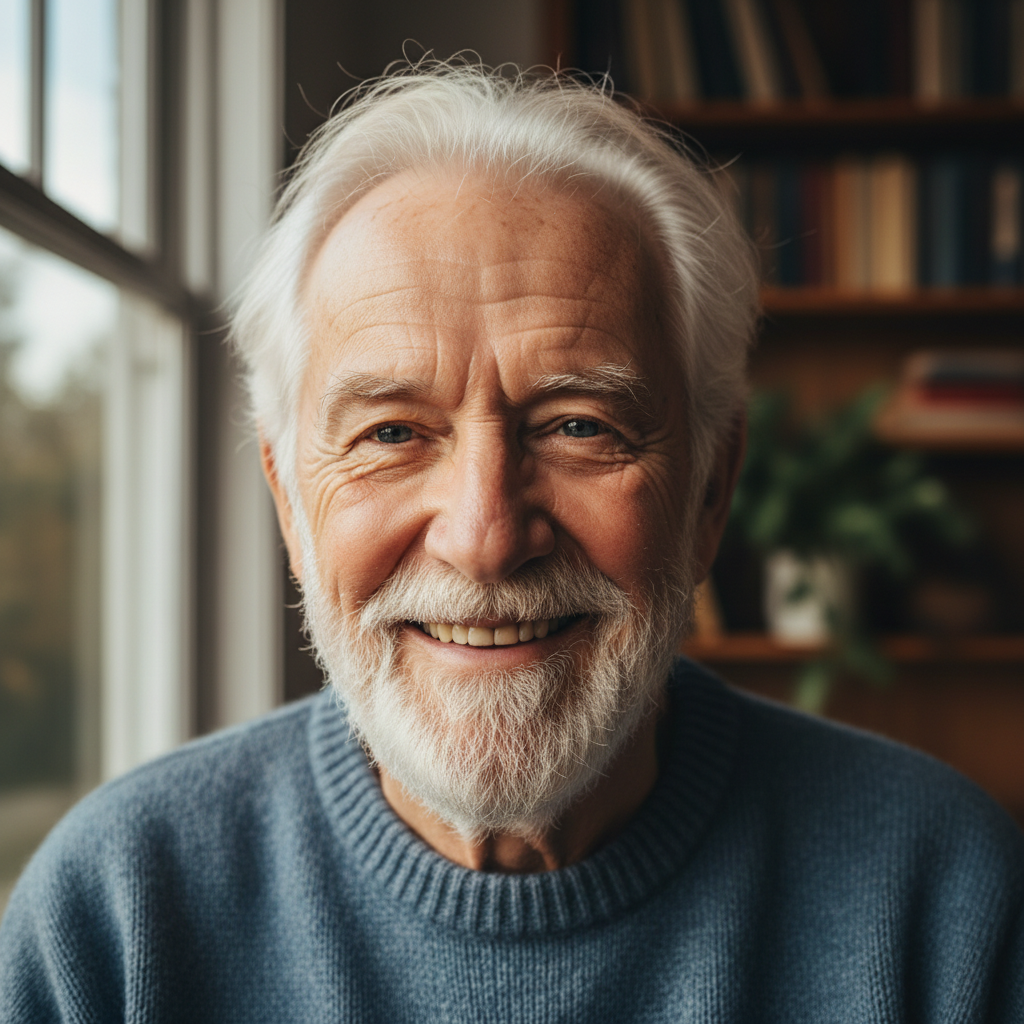
Lifelike Portrait
Made with GPT Image 2
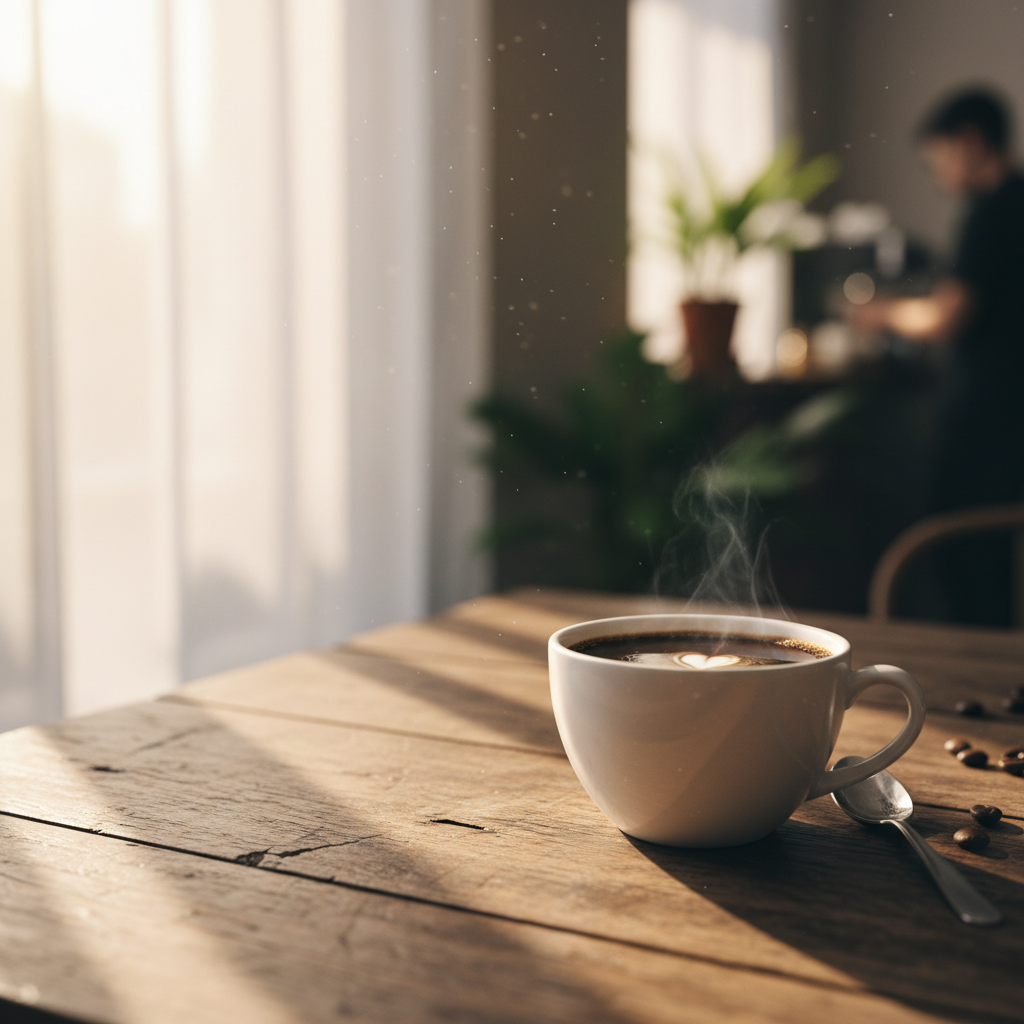
Morning Coffee
Made with GPT Image 2
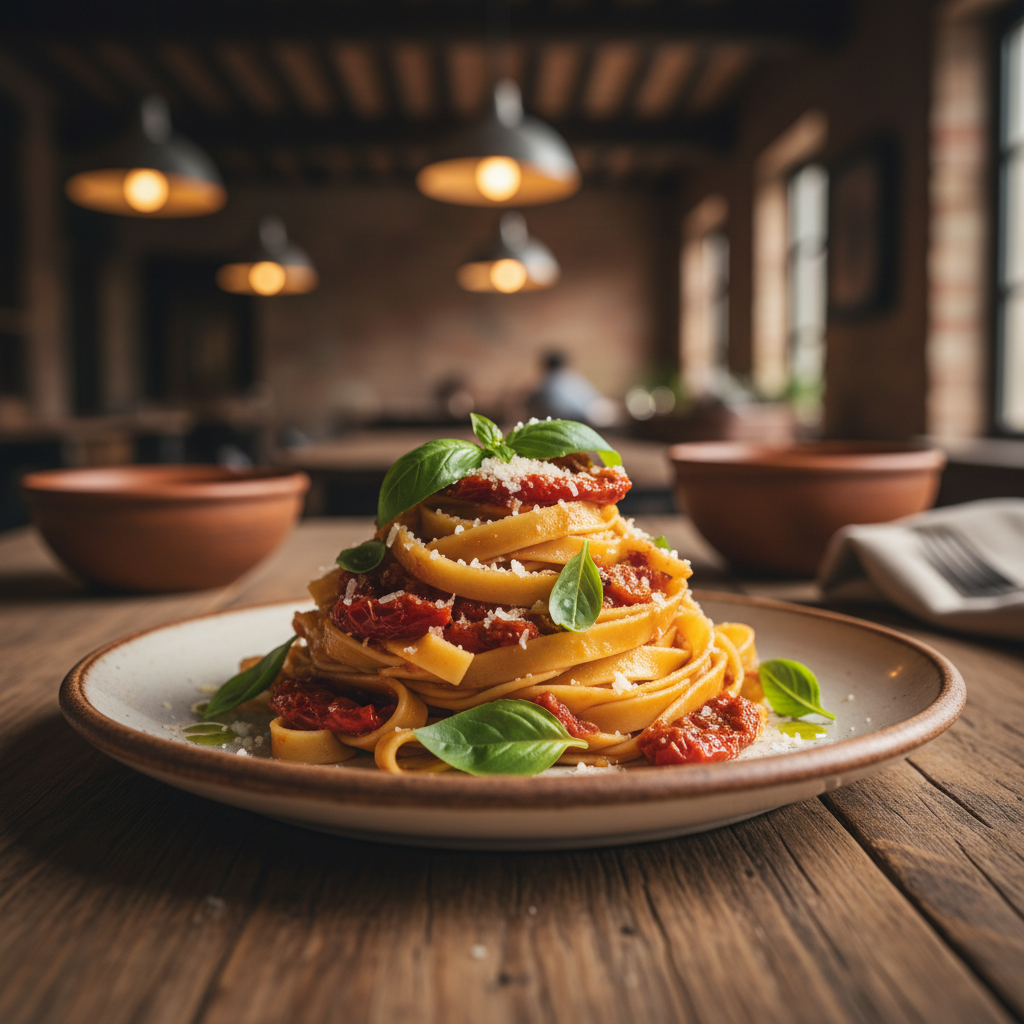
Gourmet Food Photo
Made with GPT Image 2
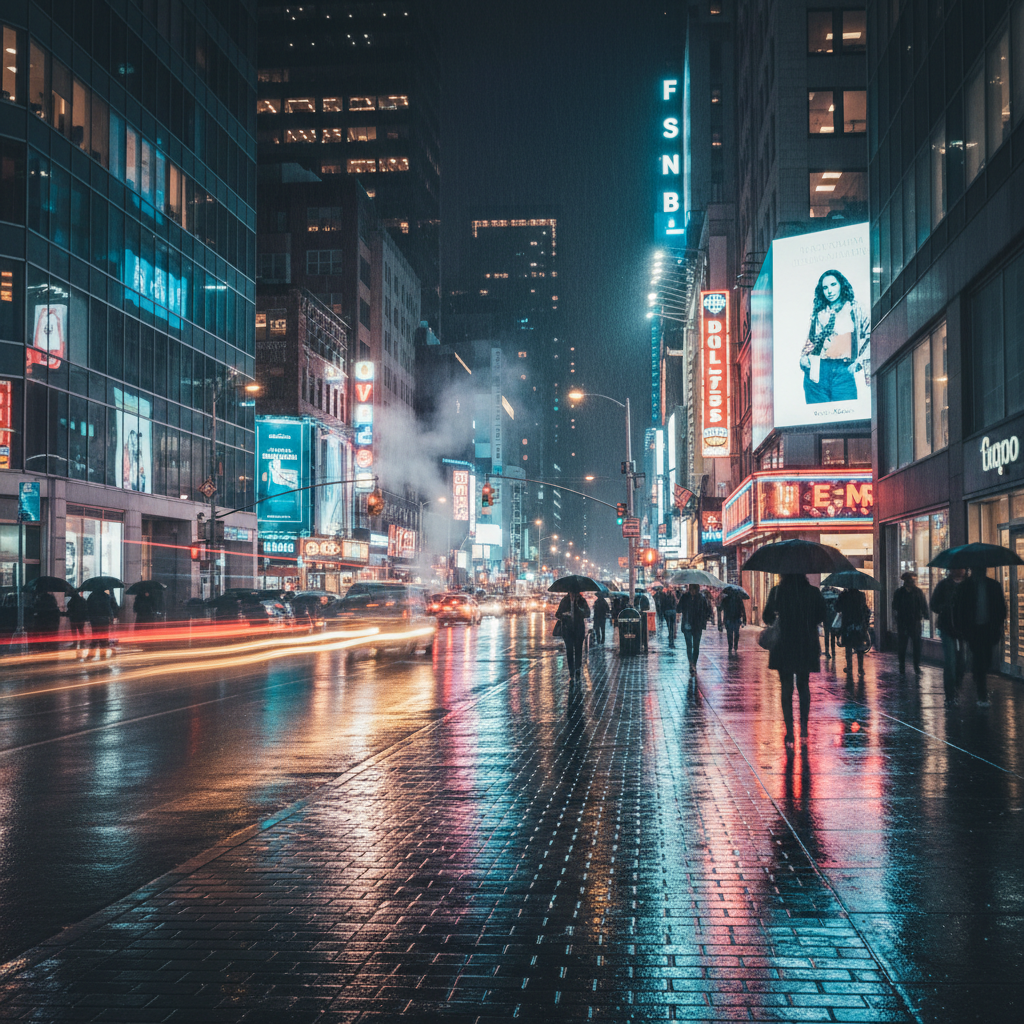
Rainy City at Night
Made with GPT Image 2
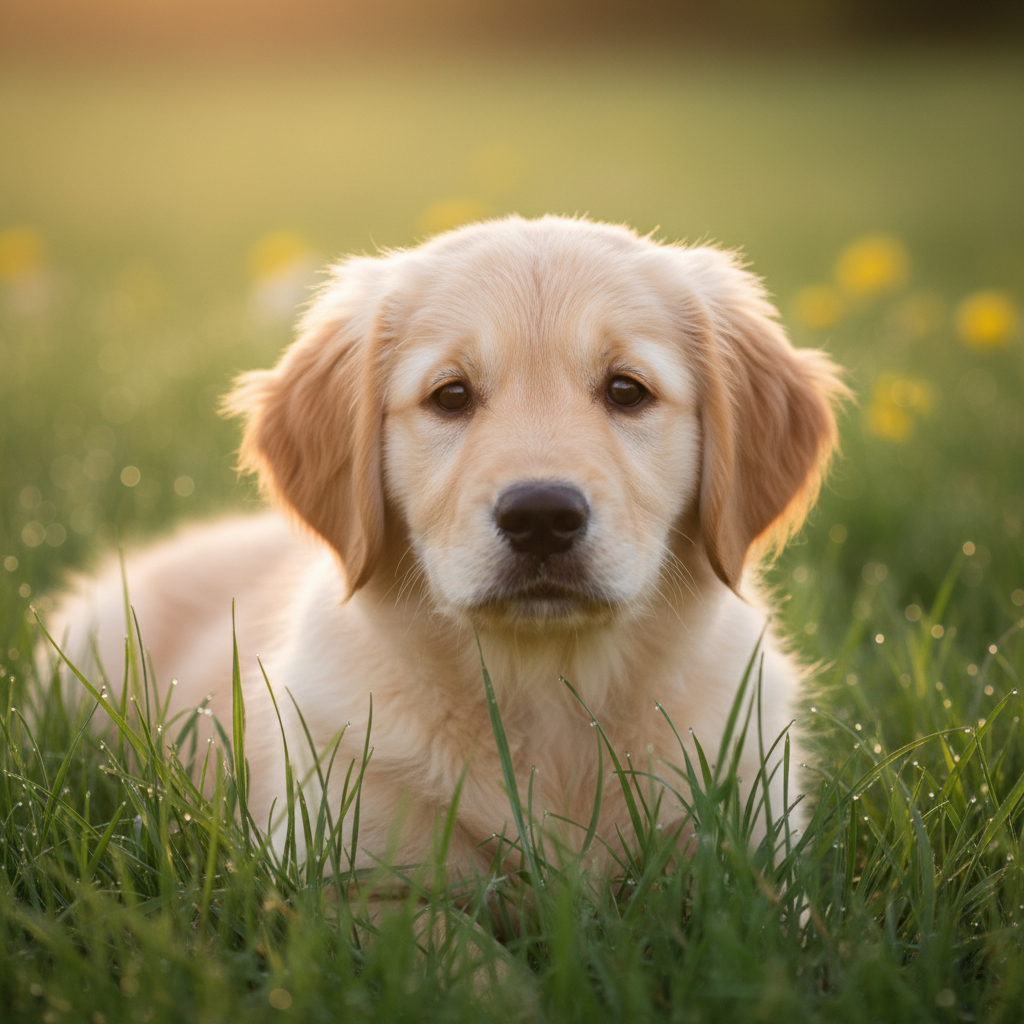
Lifelike Animal Close-Up
Made with GPT Image 2
How the AI Realistic Photo Generator Works
Go from idea to a photorealistic image in three simple steps
Pick a Photo Style
Choose a preset like portrait, landscape, food, or product to set the direction for your realistic photo.
Describe the Scene
Add your subject, lighting, time of day, and mood — for example "golden hour" or "soft window light" — to shape the shot.
Generate & Download
Click generate and the AI realistic photo generator returns a photorealistic image in seconds, ready to download.
Why Creators Love This Realistic Photo Maker
Everything you need to create photorealistic images without a camera
True Photorealism
Natural lighting, accurate depth of field, and lifelike textures make every result look like a real photograph, not an illustration.
Any Photo Genre
Portraits, landscapes, food, product shots, interiors, and street scenes — pick a preset or describe your own realistic photo.
Photos in Seconds
Skip the camera, model, and studio. Describe the scene and the AI realistic photo generator returns a finished image in seconds.
Lighting You Control
Call for golden hour, soft window light, studio softboxes, or moody night neon and the generator renders it convincingly.
Free & No Sign Up
Start creating photorealistic images instantly with no account and no watermark on previews. Paid plans add commercial rights.
Crisp Detail & Text
Powered by GPT Image 2, the generator renders fine textures and readable text in signs and labels for believable scenes.
Who Uses the AI Realistic Photo Generator
From blog headers to ad creatives and product mockups
Bloggers & Publishers
Generate unique, photorealistic header and in-article images instead of overused stock photos. Describe the exact scene your post needs and download it in seconds.
Marketers & Advertisers
Create lifelike ad creatives and campaign visuals on demand. Test concepts fast with realistic images that match your message without booking a photo shoot.
Designers & Studios
Drop photorealistic placeholders and hero images into mockups, decks, and prototypes. Generate exactly the shot your layout calls for instead of hunting stock libraries.
Content & Social Creators
Produce scroll-stopping, realistic visuals for posts, thumbnails, and stories. Describe the moment you want and the realistic photo generator brings it to life.
AI Realistic Photo Generator FAQ
Everything you need to know about making photorealistic images with AI
The Free AI Realistic Photo Generator for Lifelike Images
Creating photorealistic images used to require a camera, a model, a location, and hours of editing. The GOT IMAGE 2 AI realistic photo generator removes all of that. Describe the scene you want — a portrait by a window, a mountain lake at golden hour, a steaming plate of food, a product on a clean studio backdrop — and our GPT Image 2 model returns a lifelike image with natural lighting, accurate depth of field, and true-to-life textures. No camera skills, no expensive shoots, and no waiting on a photographer; just type a description and get a believable photo in seconds.
What makes the AI realistic photo generator different from a general image tool is its focus on photorealism. The presets and prompts are tuned to push every result toward how a real camera captures a scene: soft window light, golden-hour warmth, shallow depth of field, sharp foreground detail, and faithful colour. You can dial in the look by naming the lighting and lens in your prompt — "85mm portrait, soft natural light" or "wide landscape, golden hour, high dynamic range" — and the generator renders fine textures in skin, fabric, wood, and water so the photo reads as genuine rather than illustrated.
The tool fits real workflows. Bloggers and publishers generate unique header images instead of recycled stock; marketers create lifelike ad creatives and test campaign concepts in minutes; designers drop photorealistic hero shots and placeholders straight into mockups and decks; and social creators produce scroll-stopping, realistic visuals for posts and thumbnails. Because you describe exactly the scene you need, the realistic photo generator frees you from the limits of stock libraries and gives you on-brand, one-of-a-kind images every time.
Getting started is free — no sign up and no watermark on previews. Try as many scenes, lighting styles, and subjects as you like to find the shot that fits your project. When you are ready to publish, paid plans starting at $9.90 unlock higher-resolution downloads, more generations, and full commercial rights so you can confidently use your AI-generated photorealistic images in real products and campaigns. Scroll up, pick a photo style, describe your scene, and let the AI realistic photo generator turn it into a lifelike, ready-to-use image.