AI YouTube Banner Maker
Channel Art in the Right Size
Describe your channel and our AI YouTube banner maker turns it into wide channel art — bold focal design with the key elements framed for the centred safe zone so nothing is cropped on phone, tablet, TV, or desktop. Free to try, no sign up, ready to upload in seconds.
Try the AI YouTube Banner Maker — Free
Pick a channel style, describe your niche, and get wide channel art in seconds
AI YouTube Banner Maker
Choose a channel style, describe your niche, and generate wide channel art instantly
Tip: ask for a "centred clear space for the channel name" so your key art lands in the YouTube safe zone and stays visible on every device.
YouTube Banners Made with AI
A few channel banners created with the AI YouTube banner maker
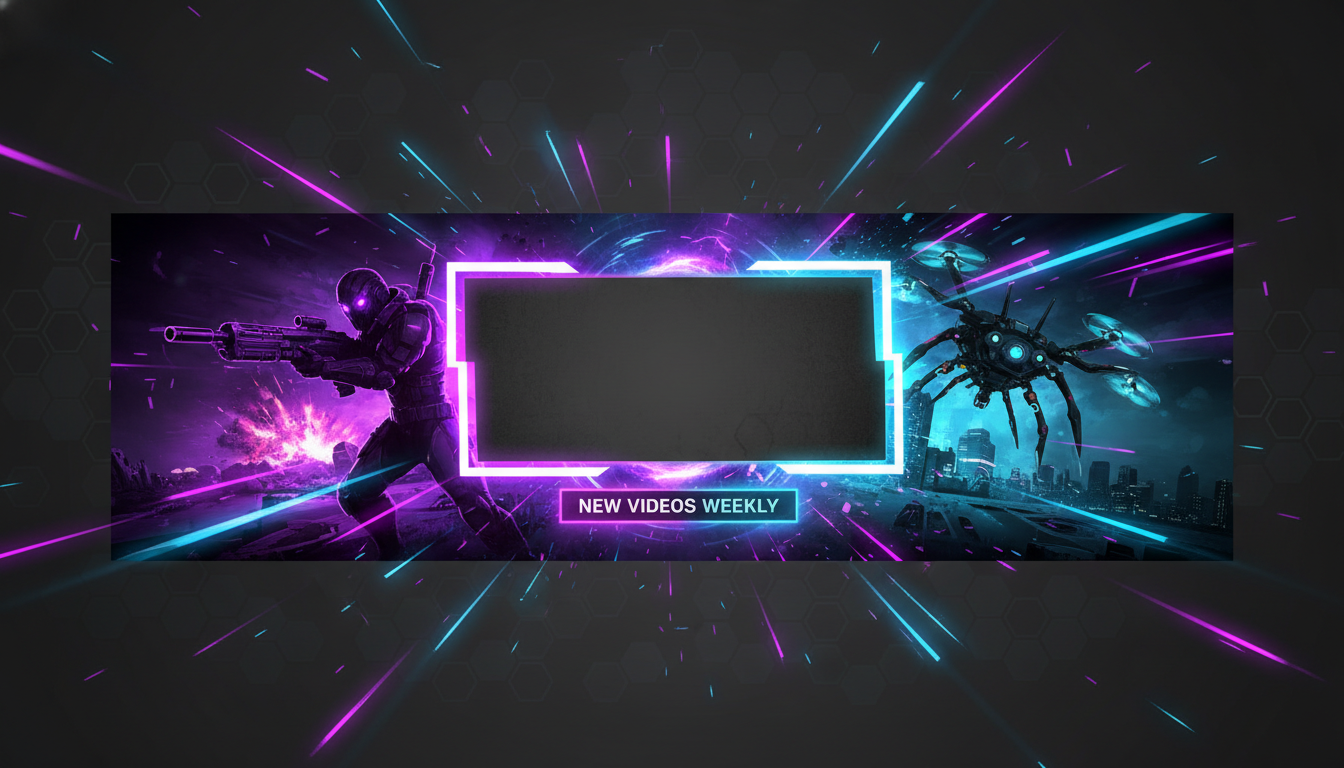
Gaming Channel Banner
Made with GPT Image 2
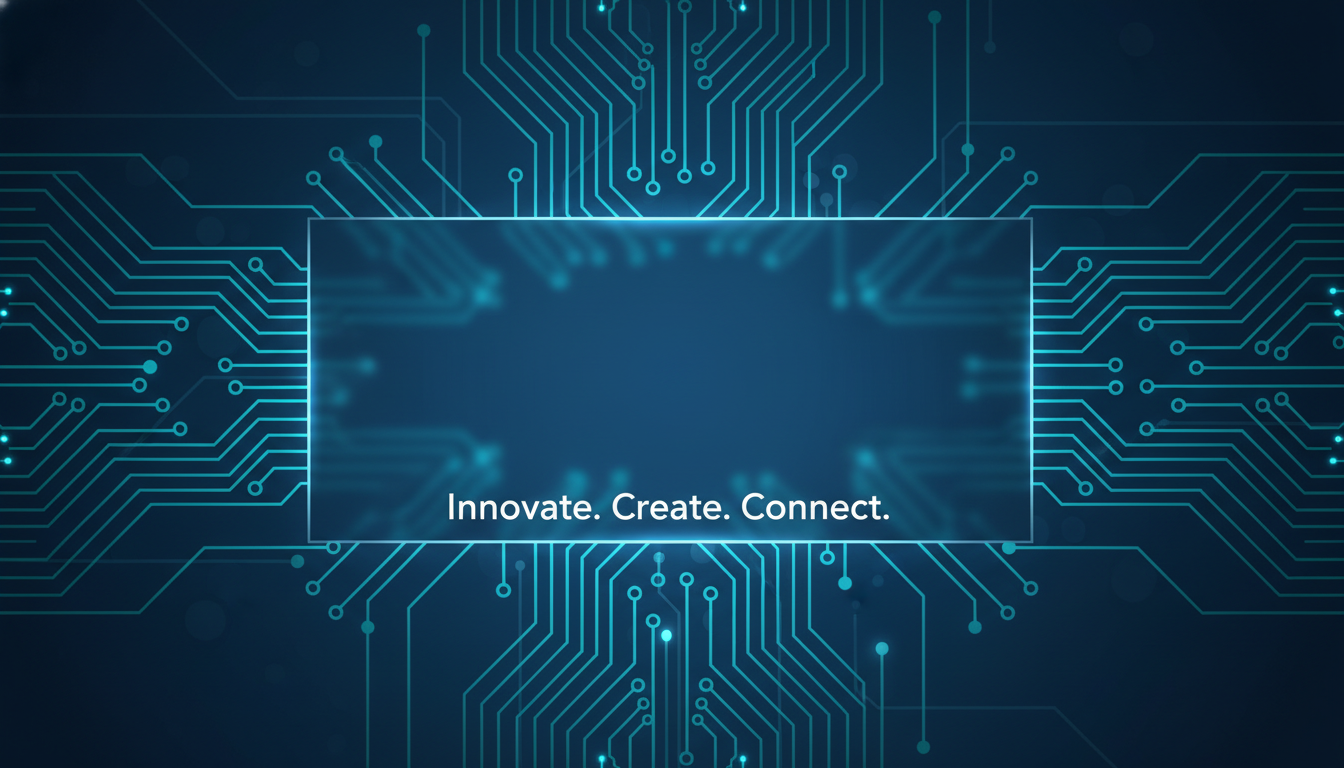
Tech Channel Banner
Made with GPT Image 2
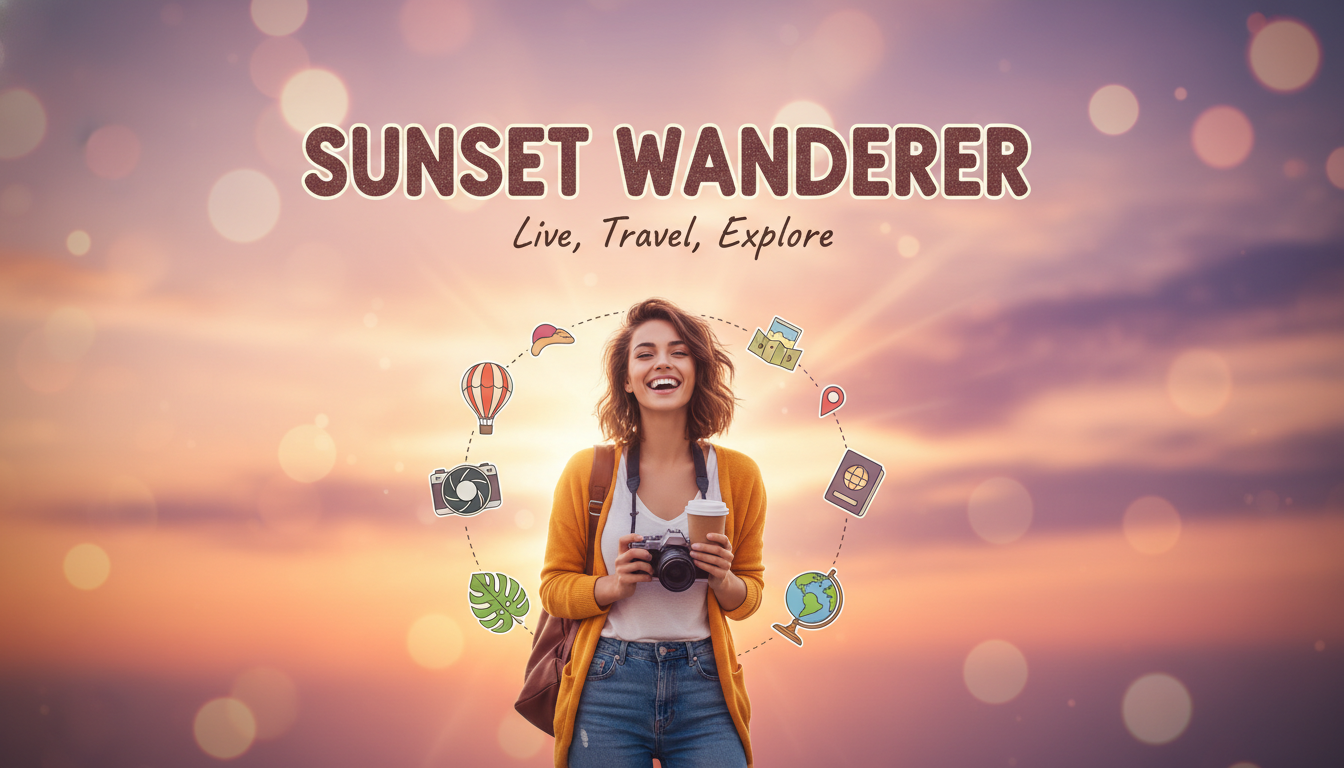
Lifestyle Vlog Banner
Made with GPT Image 2
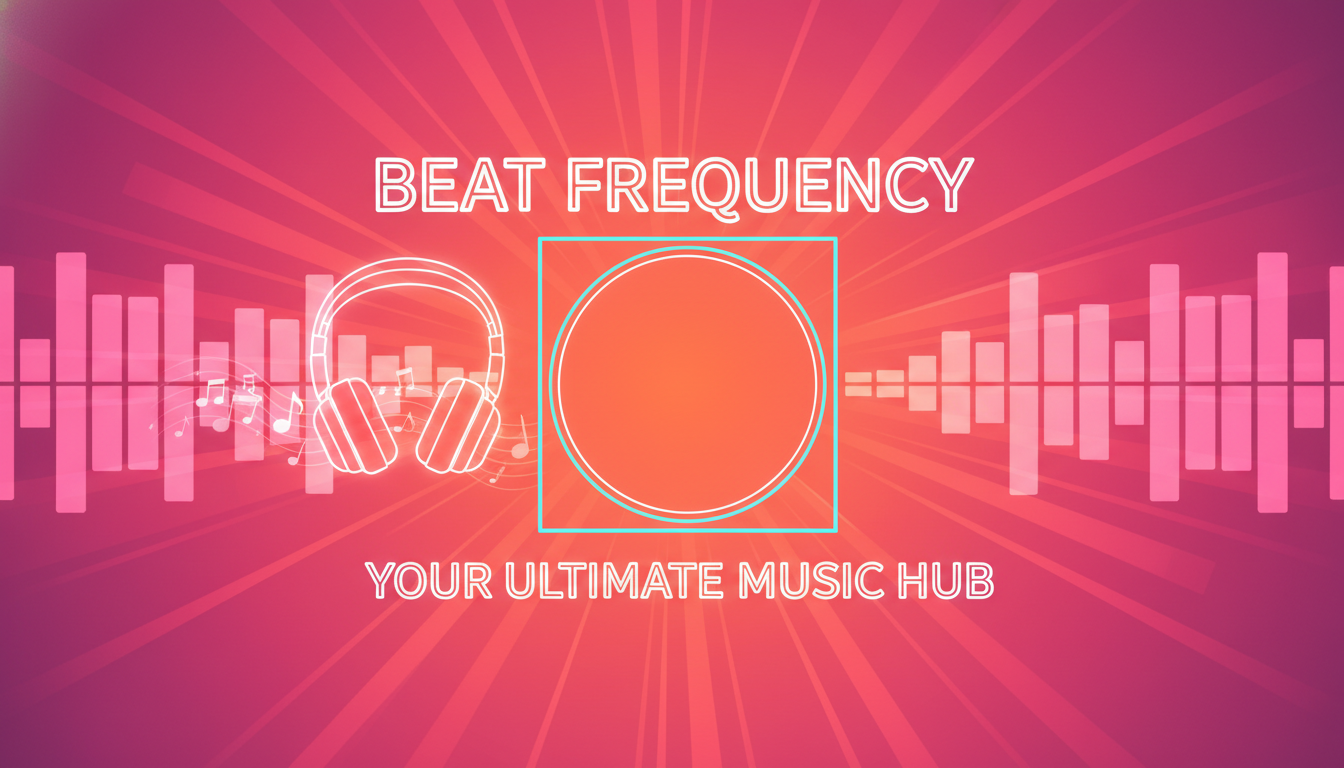
Music Channel Banner
Made with GPT Image 2
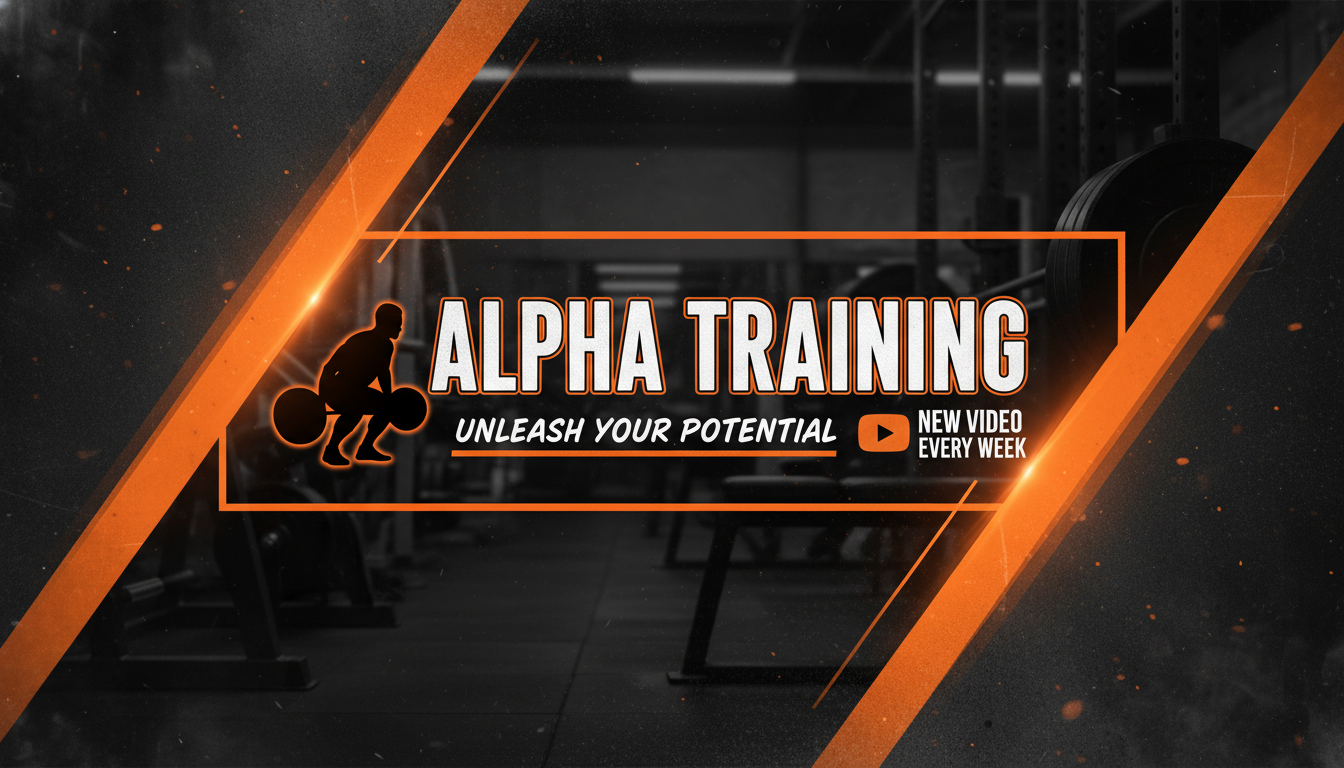
Fitness Channel Banner
Made with GPT Image 2
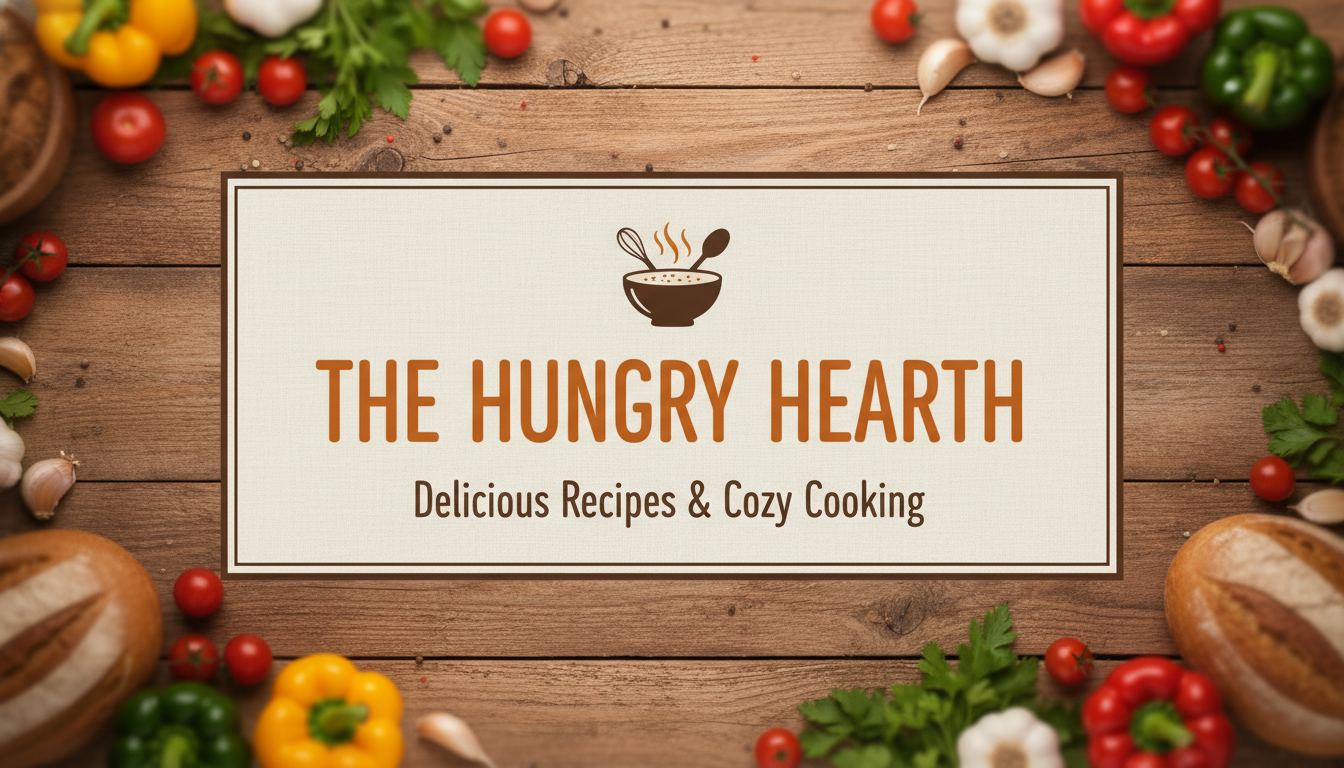
Cooking Channel Banner
Made with GPT Image 2
How the AI YouTube Banner Maker Works
Go from idea to upload-ready channel art in three simple steps
Pick a Channel Style
Choose a preset like gaming, tech, vlog, or music to set the direction and colour mood for your banner.
Describe Your Channel
Add your niche, colours, mood, and any focal subject or channel name to shape the channel art.
Generate & Download
Click generate and the AI YouTube banner maker returns wide channel art in seconds, ready to upload in YouTube Studio.
Why Creators Love This YouTube Banner Maker
Everything you need to create channel art without a designer
Right Size, Every Device
Wide 2560 x 1440-style channel art with the focal subject kept in the centred safe zone so nothing important is cropped on phones, tablets, or TVs.
Any Channel Niche
Gaming, tech, vlog, music, fitness, cooking and more — pick a preset or describe your own style and colours for an on-brand banner.
Banners in Seconds
Skip the design tools and stock art. Describe your channel and the AI YouTube banner maker returns finished channel art in seconds.
Built for YouTube
Layouts are framed for the YouTube safe zone, so your banner reads cleanly in YouTube Studio and on every viewer device.
Free & No Sign Up
Start designing channel art instantly with no account and no watermark on previews. Paid plans add commercial rights.
Bold Focal Art & Text
Powered by GPT Image 2, the maker renders bold focal art and readable text so your channel name and theme stand out.
Who Uses the AI YouTube Banner Maker
From brand-new channels to rebrands and full content lineups
New YouTubers
Launch your channel with professional-looking channel art on day one. Describe your niche and get an on-brand banner without hiring a designer or wrestling with templates.
Streamers
Match your YouTube banner to your stream branding. Generate bold gaming channel art with neon accents and a clear safe-zone focal area in seconds.
Content Creators
Refresh your look whenever your content evolves. Try multiple styles and colours fast, then keep the banner that fits your channel best.
Small Businesses
Give your business channel a polished, consistent header that matches your brand colours. Generate channel art on demand without a design budget.
AI YouTube Banner Maker FAQ
Everything you need to know about making channel art with AI
The Free AI YouTube Banner Maker for Channel Art That Fits
Channel art used to mean opening a design tool, finding the right 2560 x 1440 template, and guessing whether your key elements would survive the crop on a phone. The GOT IMAGE 2 AI YouTube banner maker removes all of that. Describe your channel — your niche, your colours, your mood, and any focal subject — and our GPT Image 2 model returns wide, bold channel art with the important elements framed toward the centred safe zone. No design experience, no template hunting, and no back-and-forth; just type a description and get an upload-ready banner in seconds.
What makes the AI YouTube banner maker different from a general image tool is its focus on the YouTube banner format. YouTube recommends channel art of 2560 x 1440 pixels with a centred safe zone of 1546 x 423 pixels — the only area guaranteed to stay visible across phones, tablets, TVs, and desktops. The presets and prompts here are tuned to keep your focal art, subject, and any title space toward the centre, so your channel reads cleanly everywhere instead of being cut off on mobile. You can dial in the look by naming your colours and theme — "neon gaming, purple and teal" or "clean tech, deep blue circuit patterns" — and the maker renders bold focal art with room for your channel name.
The tool fits real workflows. New YouTubers launch with professional channel art on day one; streamers match their banner to their stream branding; established creators refresh their look whenever their content evolves; and small businesses give their channels a polished, on-brand header without a design budget. Because you describe exactly the style you need, the AI YouTube banner maker frees you from generic templates and gives you a unique banner every time. When it is ready, download it, open YouTube Studio, go to Customisation → Branding, upload your banner image, and preview it on every device before saving.
Getting started is free — no sign up and no watermark on previews. Try as many niches, colours, and styles as you like to find the banner that fits your channel. When you are ready to publish, paid plans starting at $9.90 unlock higher-resolution downloads, more generations, and full commercial rights so you can confidently use your AI-generated channel art on monetised and brand channels. Scroll up, pick a channel style, describe your channel, and let the AI YouTube banner maker turn it into wide, ready-to-upload channel art.