
AI Book Cover Generator
Design Covers That Sell
Type your title, pick your genre, and this AI book cover generator returns a finished portrait cover — artwork, palette and readable title typography together — in seconds. Free, no sign up.
Try the AI Book Cover Generator — Free
Choose your genre, type your real title and author name, and download a finished cover in seconds
AI Book Cover Generator
Pick a genre, type your title and author name, and generate a professional book cover
Tip: put your title in CAPITALS in the details box and keep it under six words — short titles come back with cleaner, larger, more readable lettering.
Book Covers Made with GOT IMAGE 2
Six genres, six sets of design conventions — all generated from a title and a preset
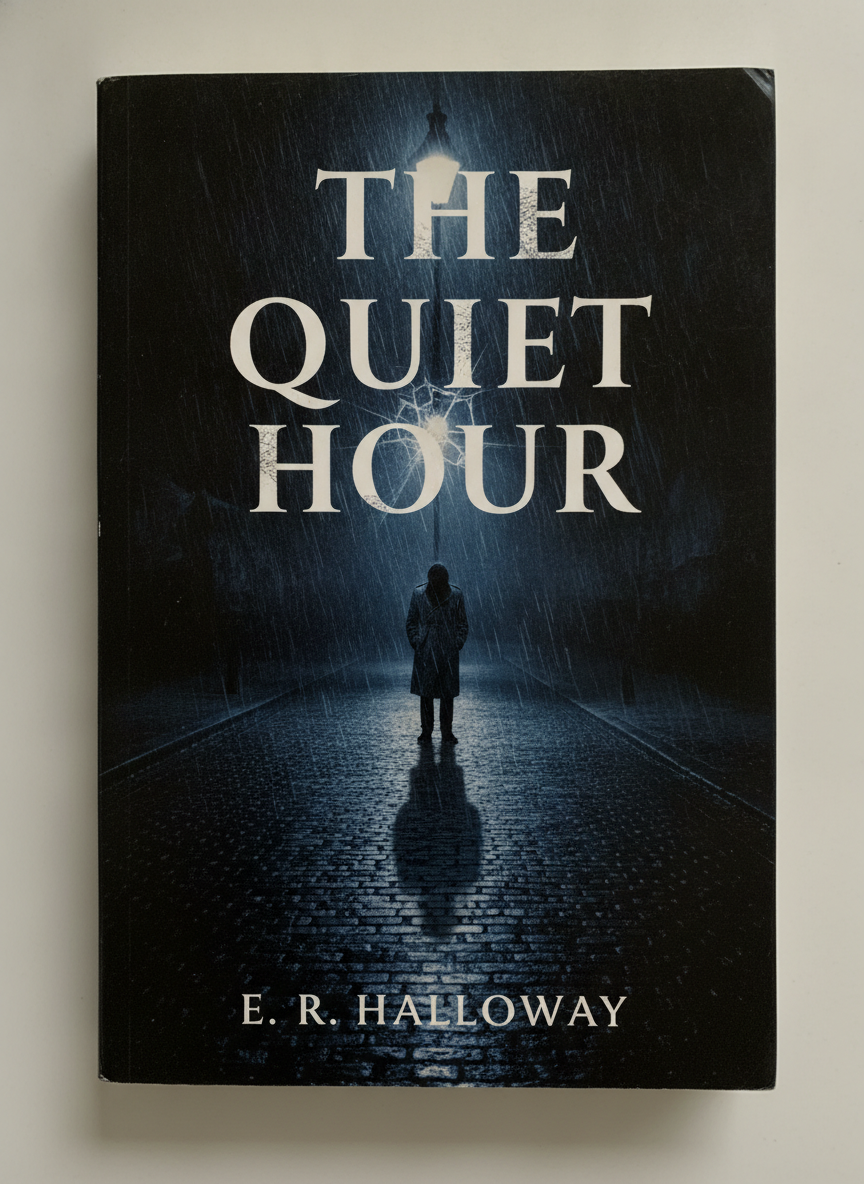
Psychological Thriller
Made with GPT Image 2
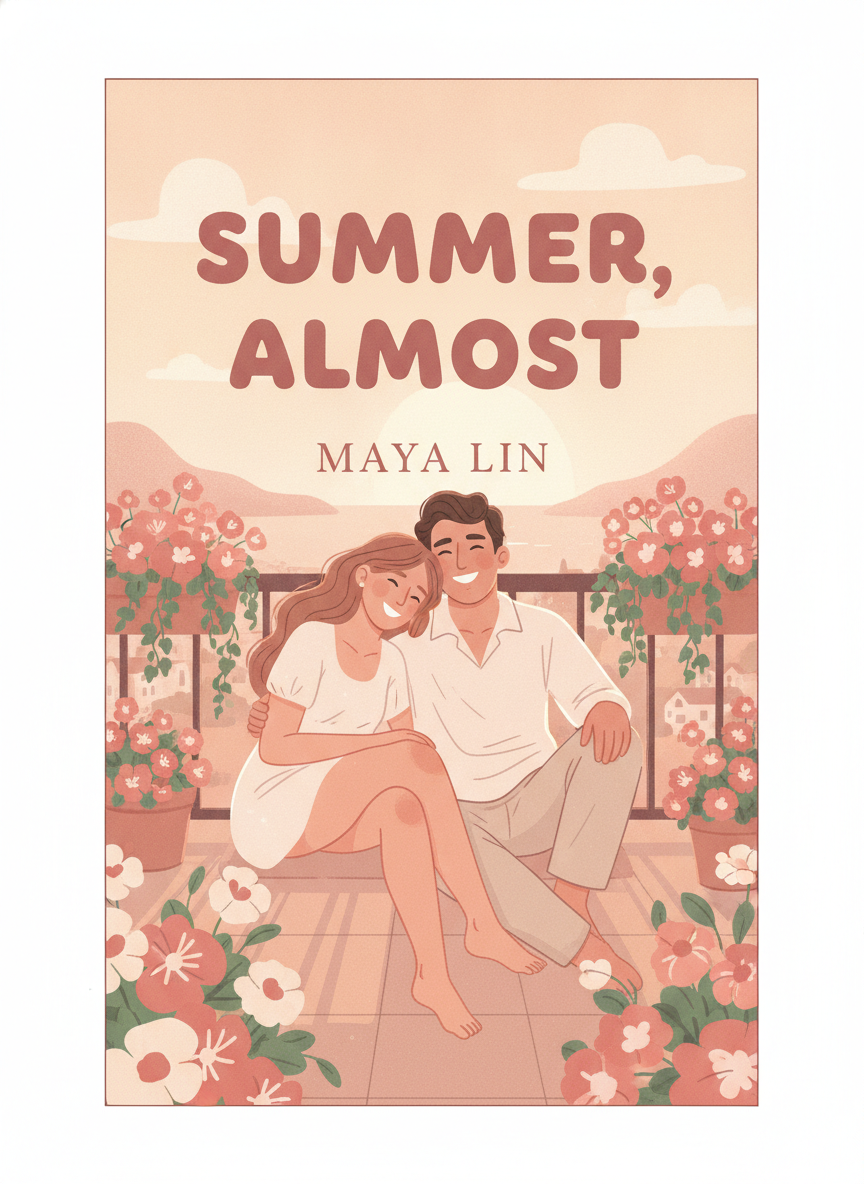
Contemporary Romance
Made with GPT Image 2
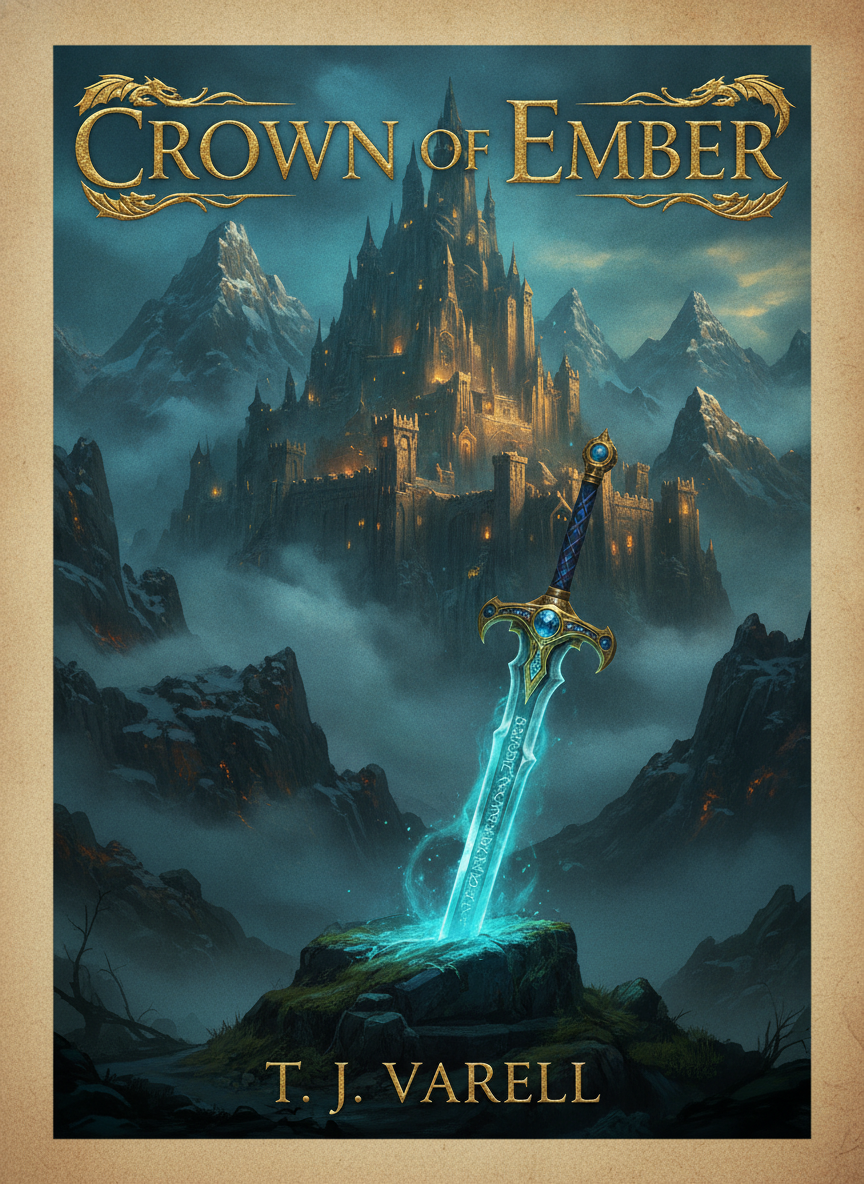
Epic Fantasy
Made with GPT Image 2
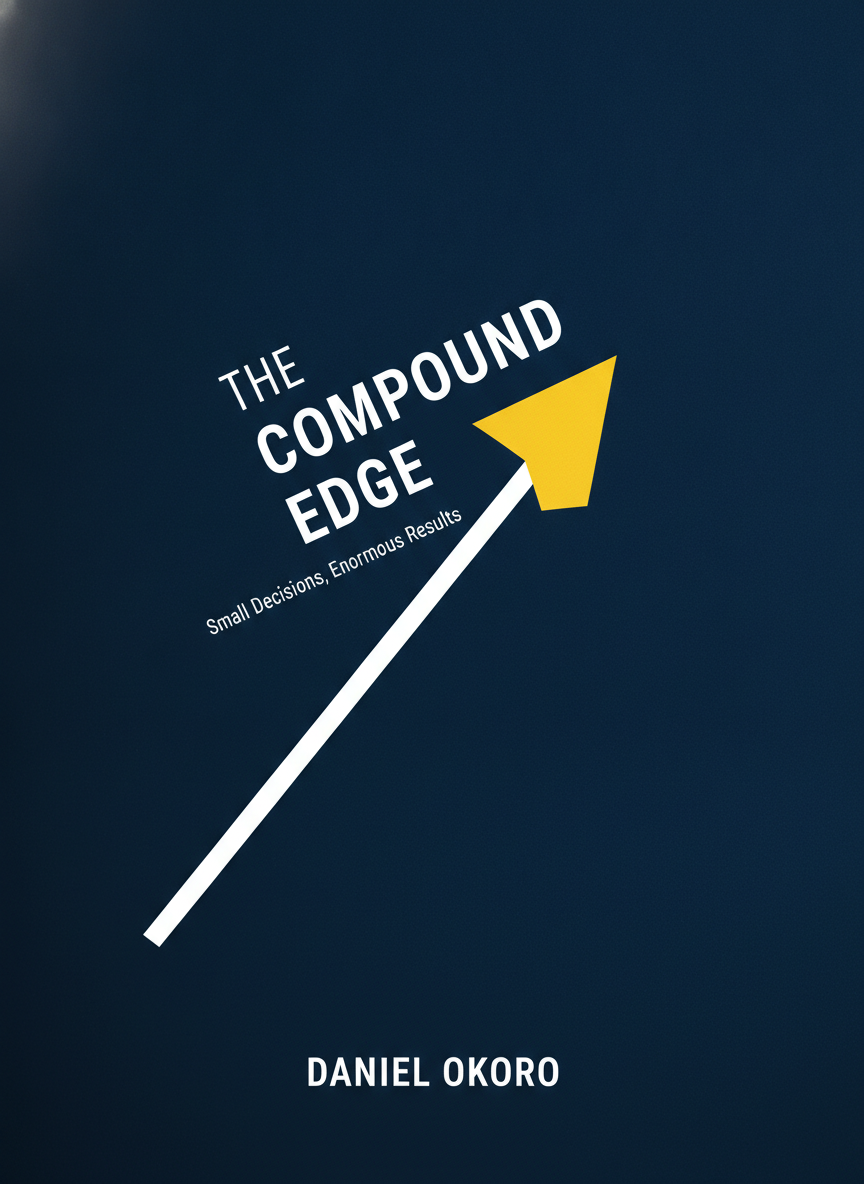
Business Non-Fiction
Made with GPT Image 2

Science Fiction
Made with GPT Image 2
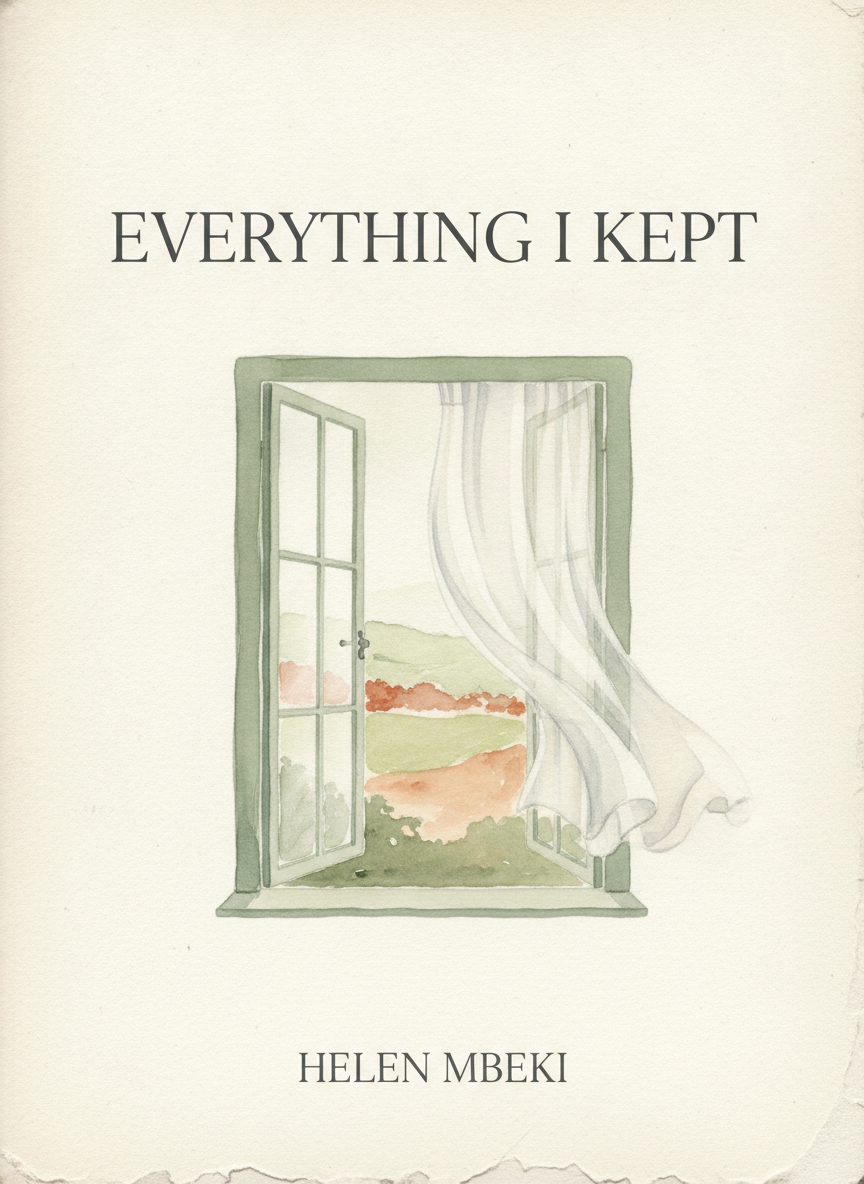
Literary Memoir
Made with GPT Image 2
How the AI Book Cover Generator Works
From a title to a finished cover in three steps
Choose Your Genre
Pick the preset that matches your manuscript — thriller, romance, fantasy, sci-fi, non-fiction or literary memoir.
Type Your Title
Add your real title, subtitle and author name, plus any imagery or colours you want on the cover.
Generate & Download
Your portrait cover arrives in seconds in high resolution. Regenerate freely until one of them is the book.
Why This AI Book Cover Generator Is Different
Most image models cannot write your title. This one can.
Readable Title Typography
Your real title and author name are rendered as clean, correctly spelled lettering inside the artwork — not garbled pseudo-text.
Six Genre Presets
Thriller, romance, fantasy, sci-fi, non-fiction and literary memoir, each with the palette and layout conventions readers expect.
Portrait Cover Ratio
Every cover comes out in a 3:4 portrait format, so it reads correctly as a book rather than a cropped square illustration.
Genre-Correct Palettes
Cold desaturated blues for a thriller, warm blush for romance, teal and gold for fantasy — the colour does half the marketing.
Seconds Per Concept
Generate a dozen directions in the time a design brief takes to write, then pick the one your manuscript actually deserves.
Free & No Sign Up
Try the AI book cover generator instantly with no account. Type your title, choose a genre, and see your cover now.
Who Uses an AI Book Cover Generator
Anyone who needs a cover before they need a designer
Self-Published Authors
A first novel rarely has a design budget, and a bad cover kills a good book on a store page. Generate a cover that reads as professional at thumbnail size, launch with it, and commission a custom one once the book is earning.
Writers Testing Concepts
Seeing your working title on an actual cover changes how you think about the book. Generate five directions in ten minutes, show them to your beta readers, and find out which promise the audience responds to before you write the blurb.
Course & Lead-Magnet Creators
Ebooks, guides, whitepapers and workbooks all sell better with a cover mockup on the landing page. The non-fiction preset produces the clean navy-and-accent look that converts on a signup form.
Designers Sketching Directions
Cover designers use generated concepts as a fast visual brief — six rough directions to react to in a client call beats a blank canvas and a mood board nobody agrees on.
AI Book Cover Generator FAQ
Everything you need to know about generating book covers with AI
The Free AI Book Cover Generator That Can Actually Write Your Title
A book cover has about one second to do its job. On a store page it is a postage stamp among forty other postage stamps, and a reader scrolling past decides from that thumbnail alone whether your book is the kind of thing they read. That is why cover design is not decoration — it is genre signalling. Cold blue and a lone silhouette says thriller before a single word is read. Blush pink and rounded hand-lettering says romance. Navy with one bright accent shape says business non-fiction. An AI book cover generator is useful precisely because it has absorbed those conventions from hundreds of thousands of published covers, so a genre preset gives you a design that already looks like it belongs on the right shelf.
What has historically stopped authors using AI for covers is typography. Image models were notoriously bad at text — you would get a beautiful illustration with a title that read THE QIUET HUOR in melted lettering, and you would still need a designer to strip the artwork and set the type properly. GPT Image 2 is built differently: rendering legible, correctly spelled text inside an image is one of the things it was specifically trained to do. Type your real title and author name into the details box and they come back set on the cover, in a typeface and position appropriate to the genre. That single capability is the difference between a piece of AI art and a finished book cover.
The six presets in the tool above are not filters on one template — each carries its own palette, imagery vocabulary and type treatment. Thriller & Mystery goes high-contrast and desaturated with large condensed lettering. Romance is illustrated, warm and hand-lettered. Fantasy is a painted scene with ornate metallic serifs. Sci-Fi is sleek and luminous with wide-tracked geometric type. Non-Fiction is one bold graphic idea, generous negative space and a confident sans-serif title plus subtitle. Literary & Memoir is restrained — textured paper, a single evocative object, thin elegant serifs. Because generating is free and takes seconds, the right workflow is to run your title through three or four presets and let your eye pick the winner rather than deciding in advance.
Two practical notes before you publish. Keep your main title short — under about six words — because long strings of text are where any AI book cover generator starts to struggle, and a short title gets larger, cleaner lettering that survives thumbnail size. And treat what you download as front-cover artwork rather than a finished print file: for a paperback, enlarge it and place it in your printer's template with the correct trim, bleed and spine, and check your platform's current guidelines on AI-assisted artwork before you upload. With that in mind, scroll up, type your title and see it on a cover — free, no sign up. Related tools: the AI image upscaler to get your cover to print resolution, the AI magazine cover generator for editorial layouts, and the AI poster maker for launch and promo graphics.