
AI Image Upscaler
Enlarge Any Photo to 4K Free
Upload a photo and our AI image upscaler enlarges it with real detail redrawn — sharper faces, cleaner edges, no stretched blur. Works on portraits, old prints, product shots and artwork. Free, no sign up.
Try the AI Image Upscaler — Free
Upload your photo, pick the mode that matches it, and download the enlarged version in seconds
AI Image Upscaler
Upload a photo and get a sharper, higher-resolution version in seconds
Upload the image you want enlarged, choose an upscale mode, then click Generate
Tip: match the mode to the source. Old scans go to Restore, phone shots at night go to Denoise & Deblur, and drawings go to Artwork & Anime.
Images Enlarged with GOT IMAGE 2
The kinds of files people bring to an AI image upscaler most
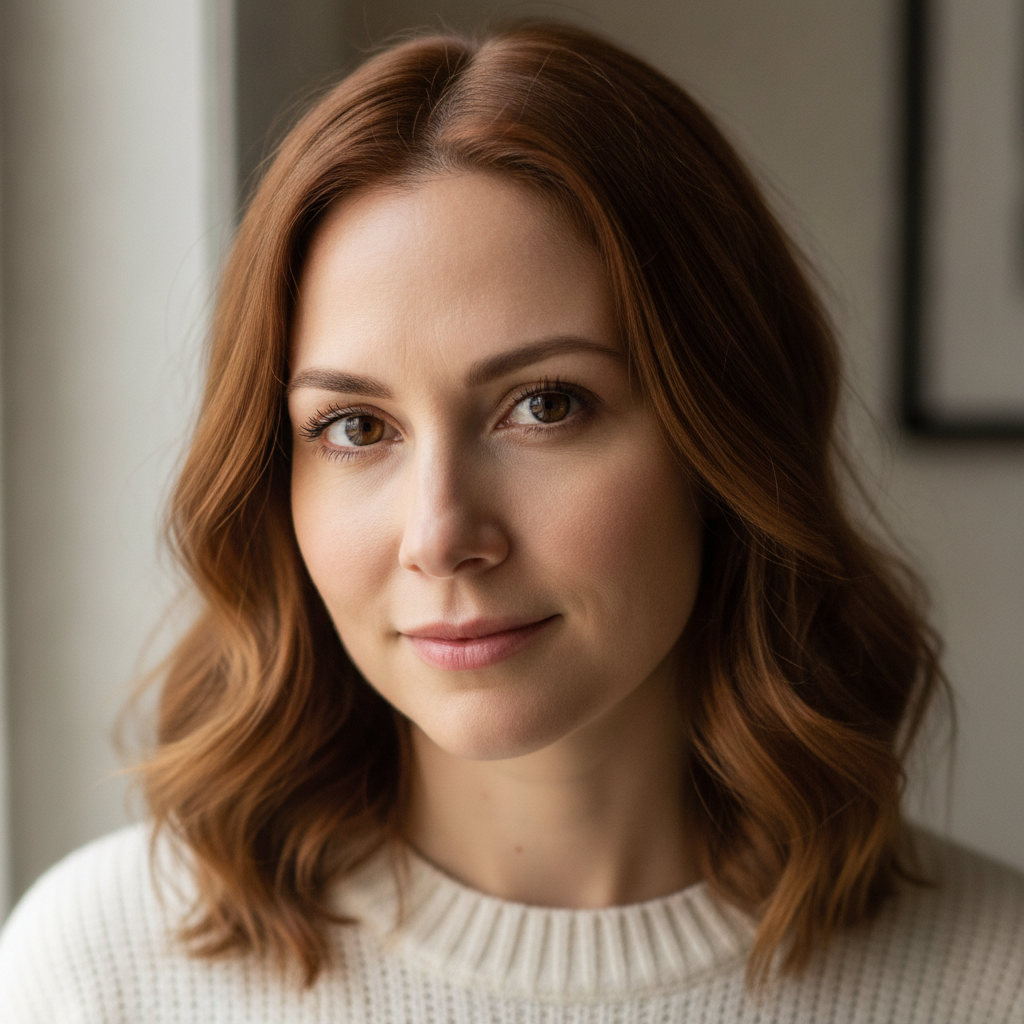
Portrait Upscaled to 4K
Made with GPT Image 2
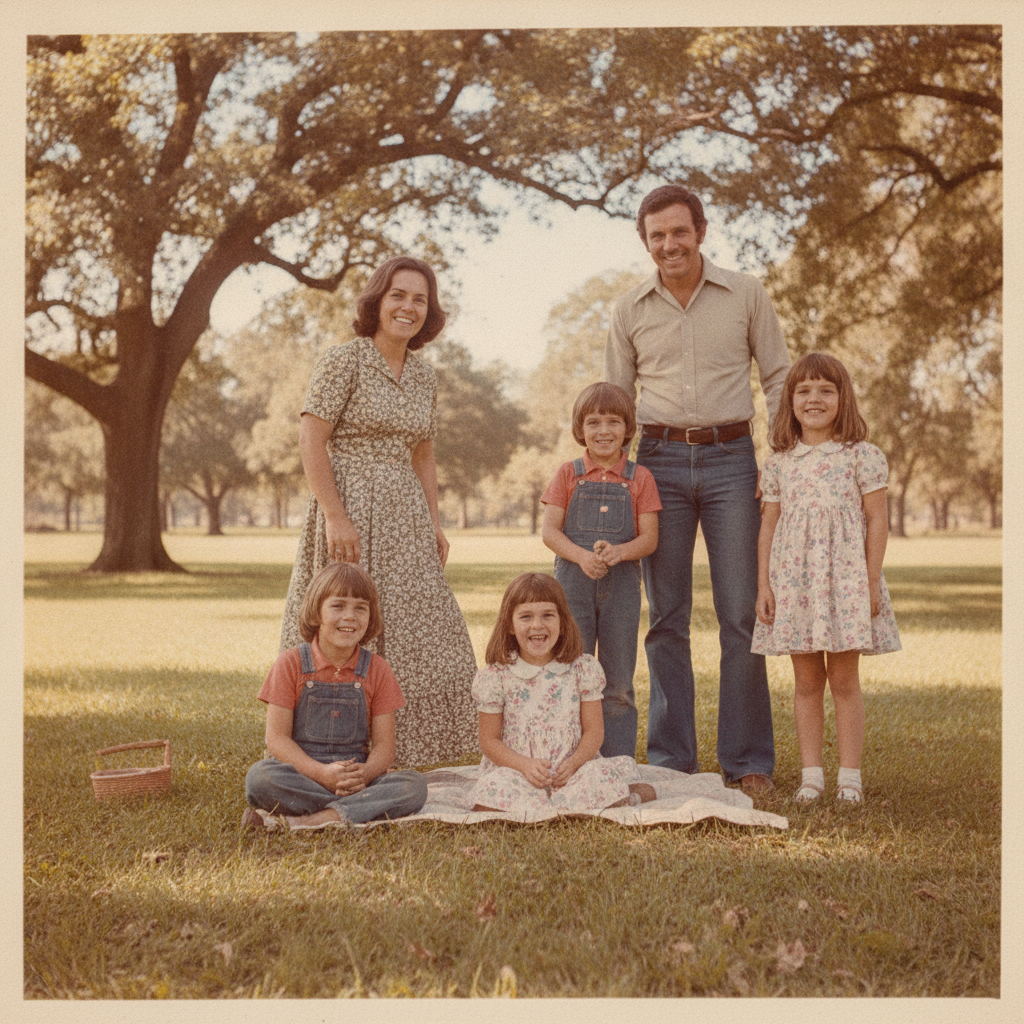
Old Photo Restored
Made with GPT Image 2
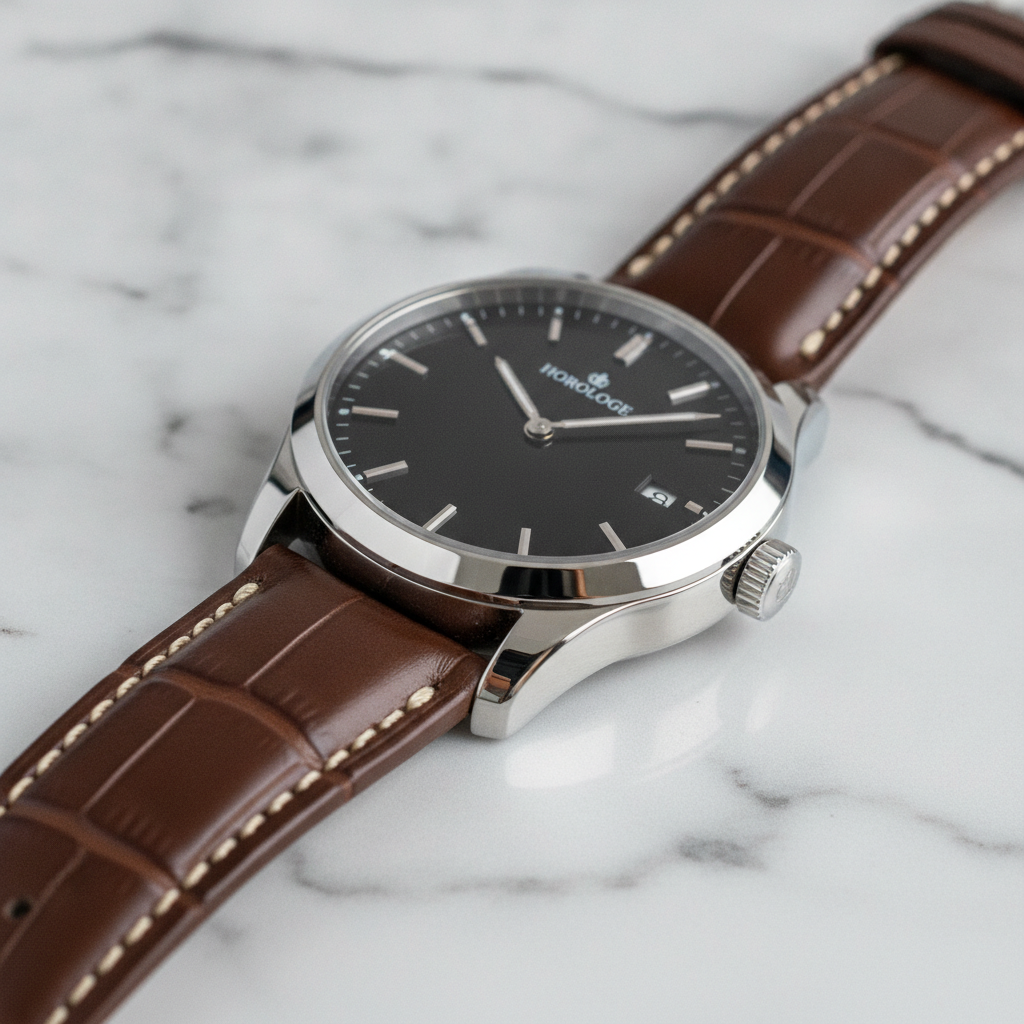
Product Shot Enhanced
Made with GPT Image 2
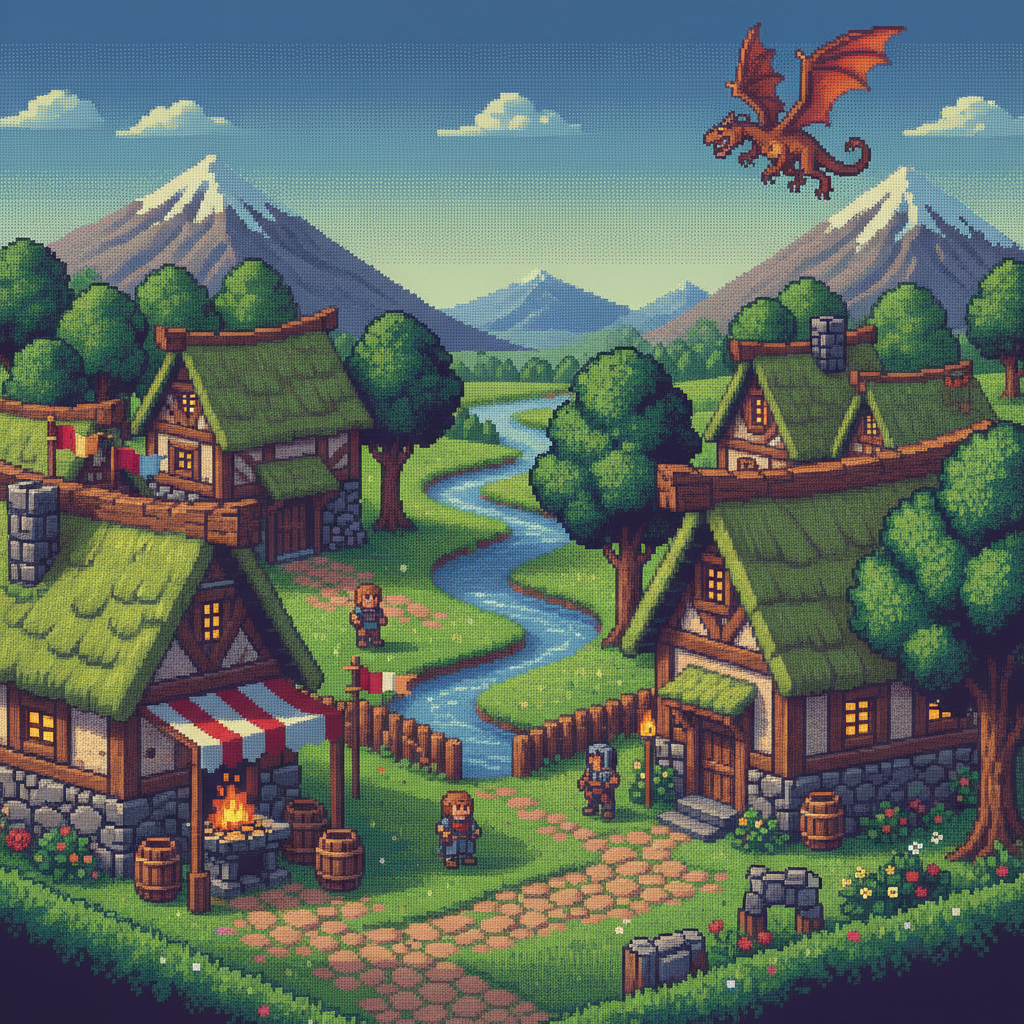
Game Art Enlarged
Made with GPT Image 2
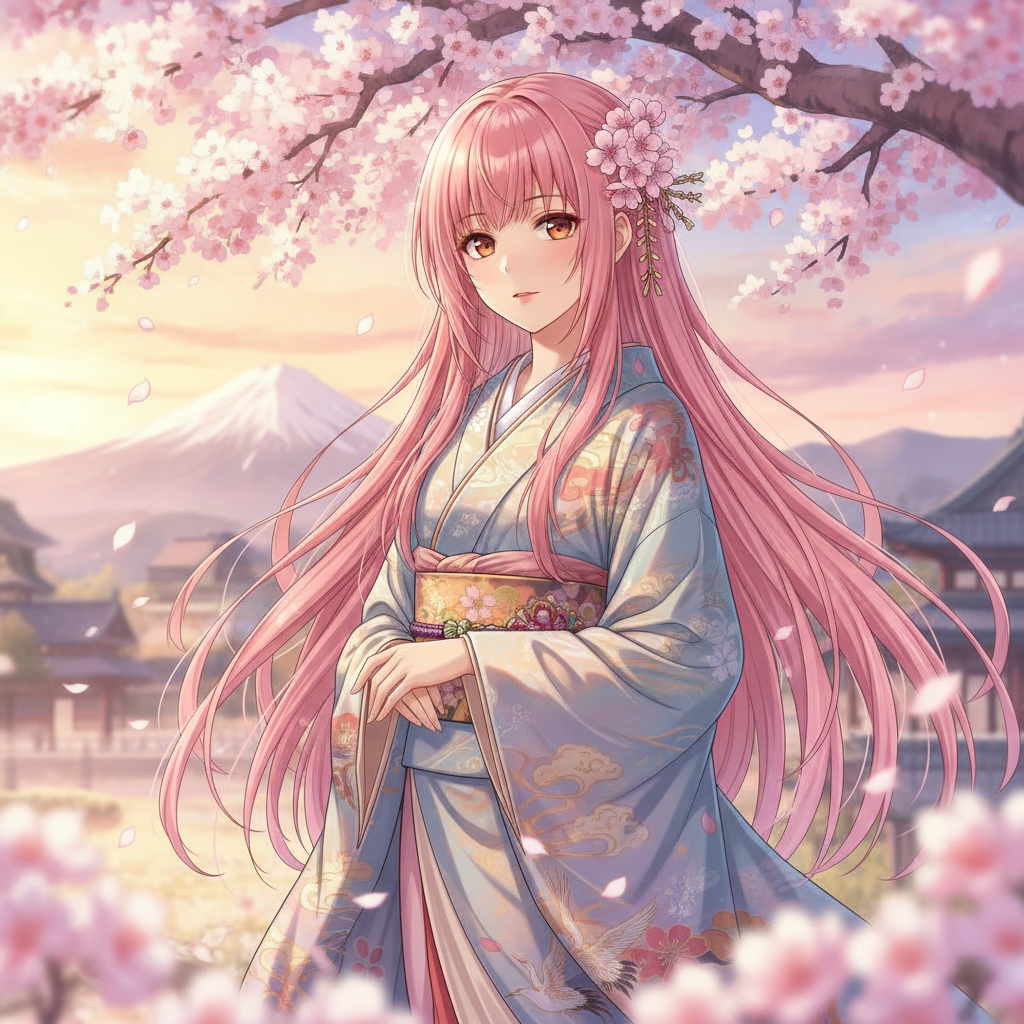
Anime Art Upscaled
Made with GPT Image 2
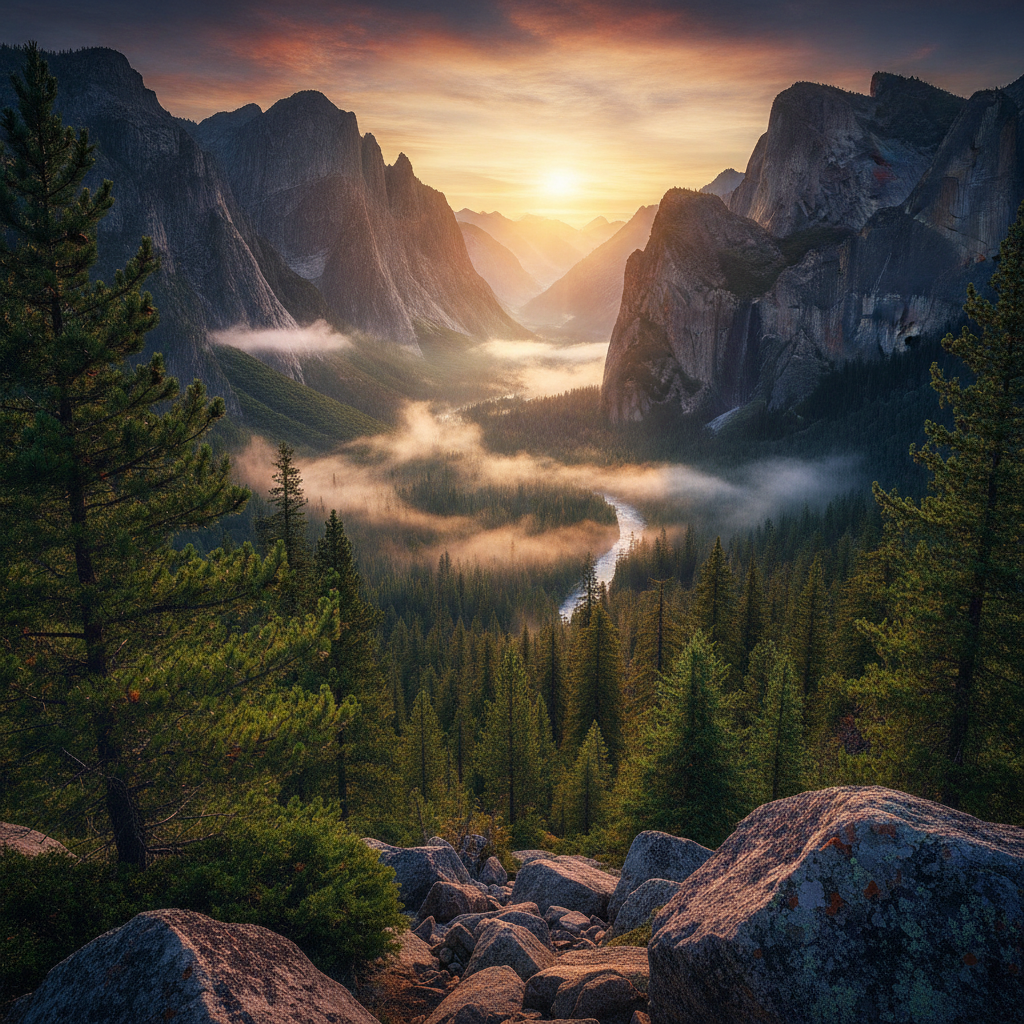
Landscape at Poster Size
Made with GPT Image 2
How the AI Image Upscaler Works
Enlarge a photo in three simple steps
Upload Your Photo
Drop in any JPG, PNG or WebP up to 2MB — a phone snap, a scan, a screenshot or exported artwork.
Pick an Upscale Mode
Sharpen & Upscale, Restore Old Photo, Product Photo, Portrait Detail, Artwork & Anime or Denoise & Deblur.
Download in High Res
Your enlarged image comes back in seconds. Save it and use it for print, listings or wallpaper.
Why This AI Image Upscaler Is Different
A small image goes in, a genuinely detailed one comes out
True 4K Enlargement
Photos come back at high resolution with detail redrawn rather than stretched — sharp at print size, not just bigger.
Detail Reconstruction
Skin texture, fabric weave, hair strands and foliage are rebuilt from what the model recognises, not smeared into mush.
Six Upscale Modes
Photos, old prints, product shots, portraits, artwork and noisy low-light shots each get treatment tuned to them.
Artifacts Cleaned Up
JPEG blocking, colour banding and sensor noise are removed on the way up instead of being magnified.
Seconds Per Image
Fast enough to try two modes on the same photo and keep whichever result holds the detail better.
Free & No Sign Up
Try the AI image upscaler instantly with no account and no cost. Upload a photo and enlarge it right now.
Who Needs to Upscale an Image
From a shoebox of old prints to a product listing that has to look sharp
Sellers & Online Shops
Marketplaces reject images below their minimum resolution, and a supplier photo is often all you have. Upscale it to the size the listing demands and the product stays sharp when a buyer zooms in.
Photographers & Printers
A tight crop leaves you short of pixels for a large print. Enlarging first recovers enough texture in skin, foliage and fabric that the framed result holds up at arm's length.
Family Archives
Scans of prints from the 70s and 80s are small, grainy and faded. Restore mode enlarges them, repairs the creases and brings back faces clearly enough to reprint and frame.
Artists & Game Devs
Old sketches, small sprite sheets and web-sized exports get enlarged with linework kept crisp, so artwork drawn for a screen can be sold as a poster or a print.
AI Image Upscaler FAQ
Everything you need to know about enlarging photos with AI
The Free AI Image Upscaler That Rebuilds Detail Instead of Stretching Pixels
Every image editor can make a picture bigger. What they cannot do is make it better. Classic resampling has only the pixels you gave it, so enlarging a small photo spreads the same information across more space and everything goes soft — the classic blown-up-and-blurry look. An AI image upscaler starts from a different question: not "what colour goes between these two pixels" but "what is this actually a picture of". Once the model recognises skin, hair, brickwork, printed type or a hard illustration edge, it can draw that thing properly at the larger size.
That is why the mode you pick matters. A 1978 print that has been scanned, faded and creased needs a very different treatment from a crisp studio product shot that is simply too small for the listing. Restore Old Photo repairs damage, corrects colour cast and recovers faces. Product Photo protects edges, labels and material texture for a catalogue image. Portrait Detail rebuilds pores and hair strands while holding the person's features fixed, which is the failure mode most upscalers hit — they smooth a face into wax or quietly change what someone looks like. Artwork & Anime keeps flat colour flat and linework hard rather than photo-texturing a drawing. Denoise & Deblur is for handheld low-light shots where grain and softness are the real problem, not size.
Two to four times the original dimensions is the honest working range, and it covers nearly everything people actually need: a phone photo becoming a framed print, a small avatar becoming a banner, a web export becoming a poster. Push much further and the AI is inventing rather than reconstructing, and invented detail drifts from the truth. That matters most with faces and with text, so check both before you commit — if the source was genuinely tiny, treat the result as a plausible reimagining rather than a recovery of what was really there. Used within that range, upscaling is one of the highest-value edits available: the image you already have, at the size you actually need.
Ready to start? Scroll up to the tool, upload your photo, choose a mode and download the enlarged version in seconds — free and with no sign up. Related tools: the AI image enhancement tool for colour and lighting fixes, the AI photo restoration tool for badly damaged prints, and the AI image extender when you need more canvas rather than more pixels.