
AI Photo Restoration
Restore Old Photos Free
Upload a scan of an old picture and our AI photo restoration tool repairs it in seconds — scratches and tears gone, faded colour recovered, blurry faces sharpened, black and white photos colorized. Free, no sign up.
Try AI Photo Restoration — Free
Upload an old photo, choose what needs fixing, and download the restored version in seconds
AI Photo Restoration
Upload an old or damaged photo and restore it in seconds
Upload a scan or a flat, evenly lit phone photo of the print — family portraits, weddings, school and military photos and old colour snapshots all restore well
Tip: scan at 300–600 DPI, or lay the print flat in even light with no glare. The clearer the scan, the less the AI photo restoration has to invent.
Old Photos Restored with GOT IMAGE 2
The kinds of damage people bring to an AI photo restoration tool
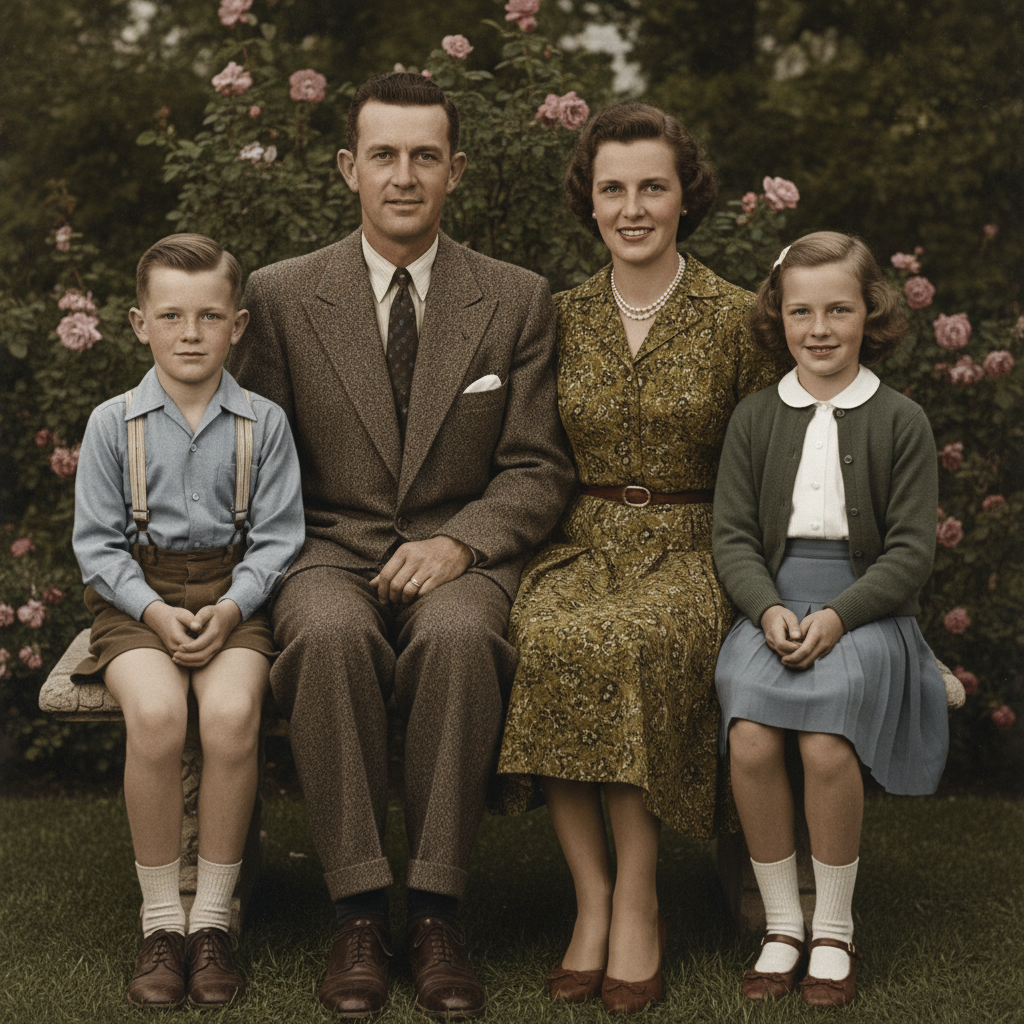
Family Portrait Restored
Made with GPT Image 2
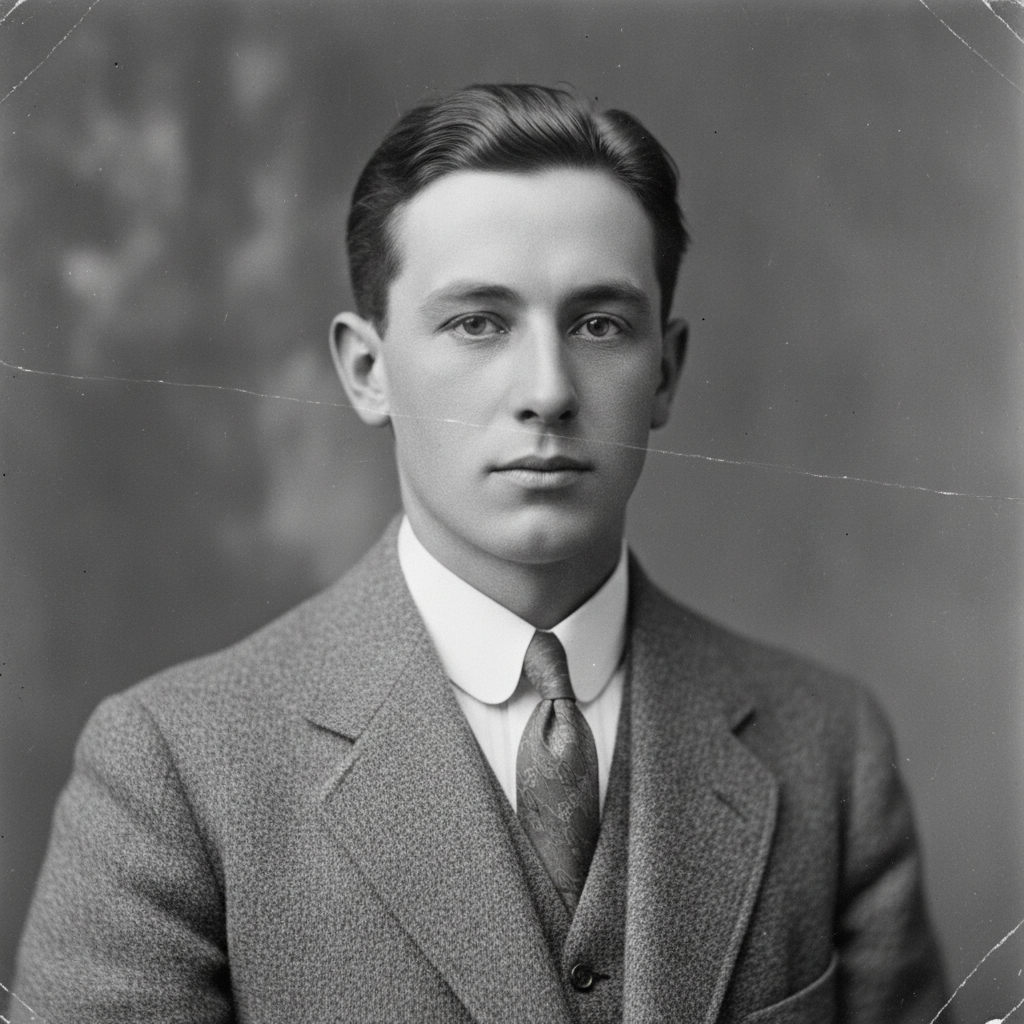
Scratch & Tear Repair
Made with GPT Image 2
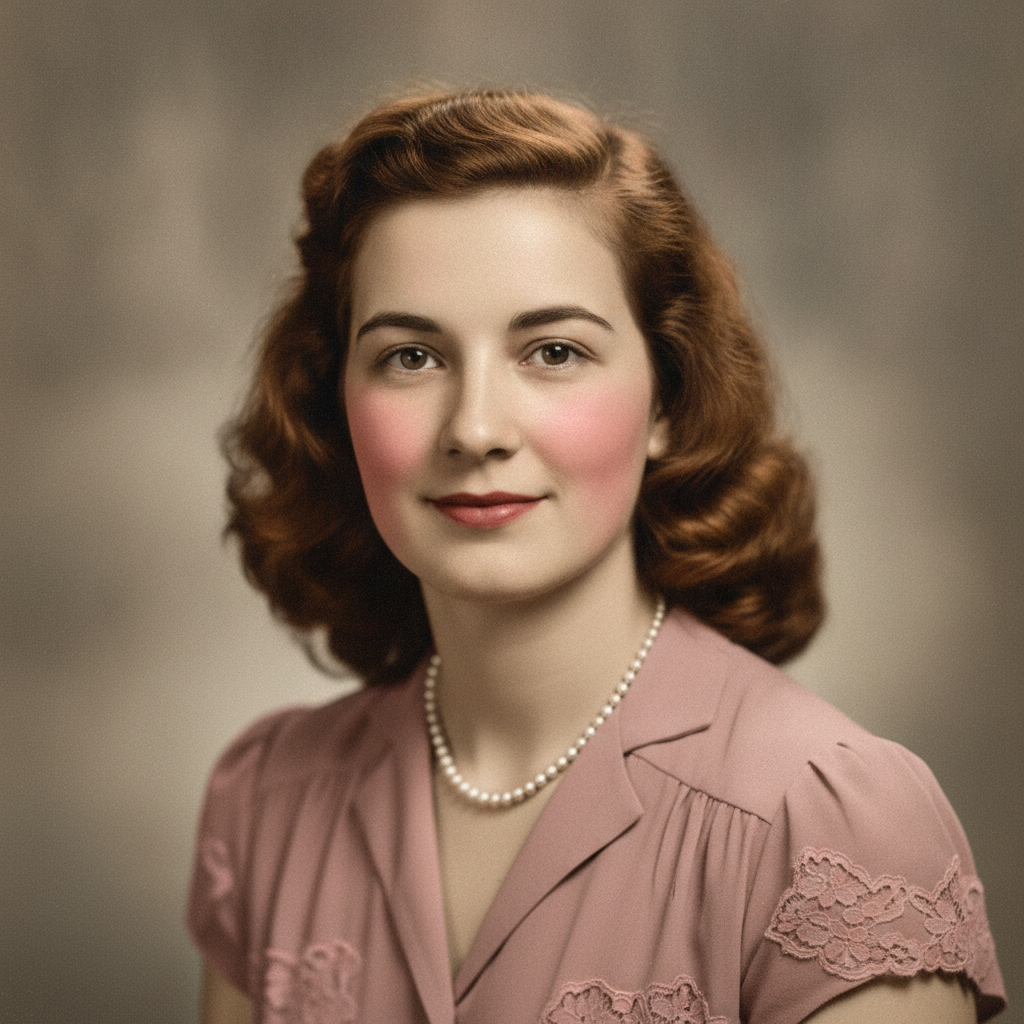
Black & White Colorized
Made with GPT Image 2
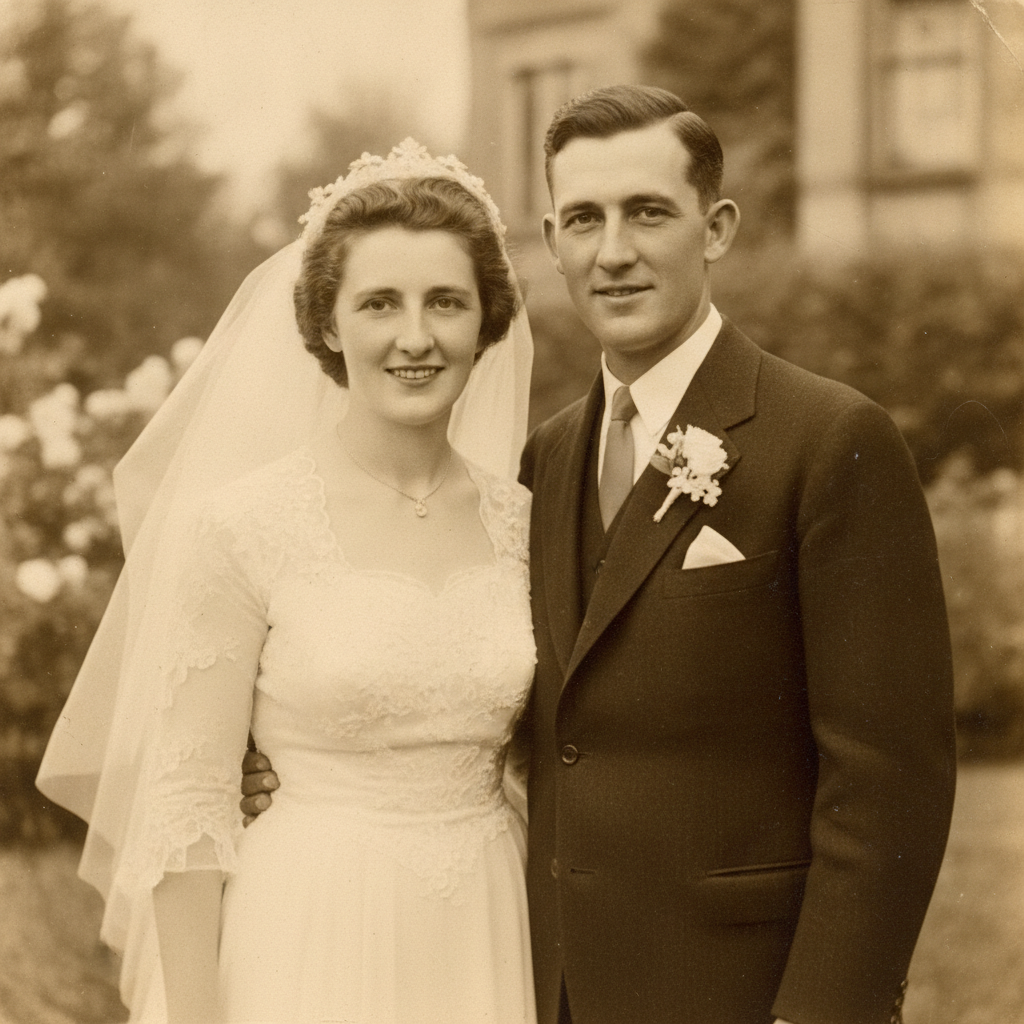
Wedding Photo Revived
Made with GPT Image 2
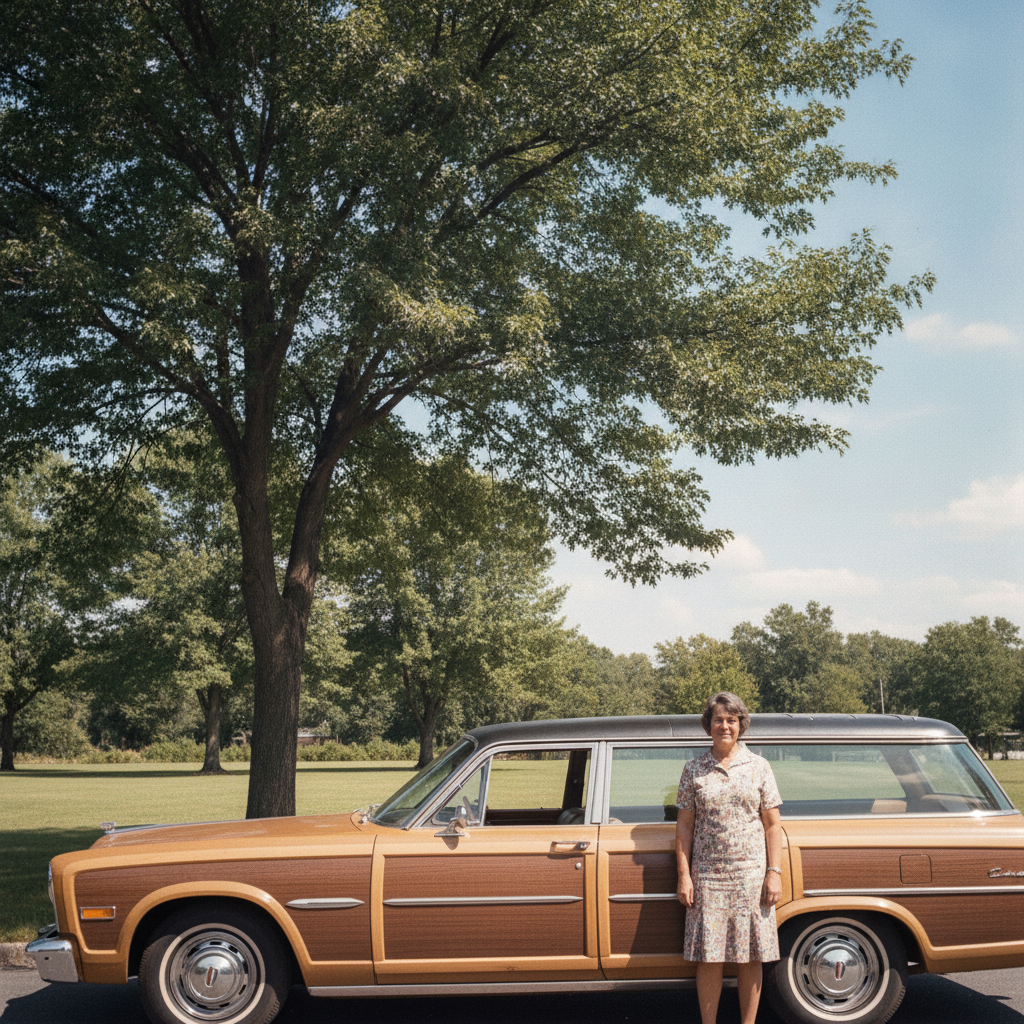
Faded Colour Recovered
Made with GPT Image 2
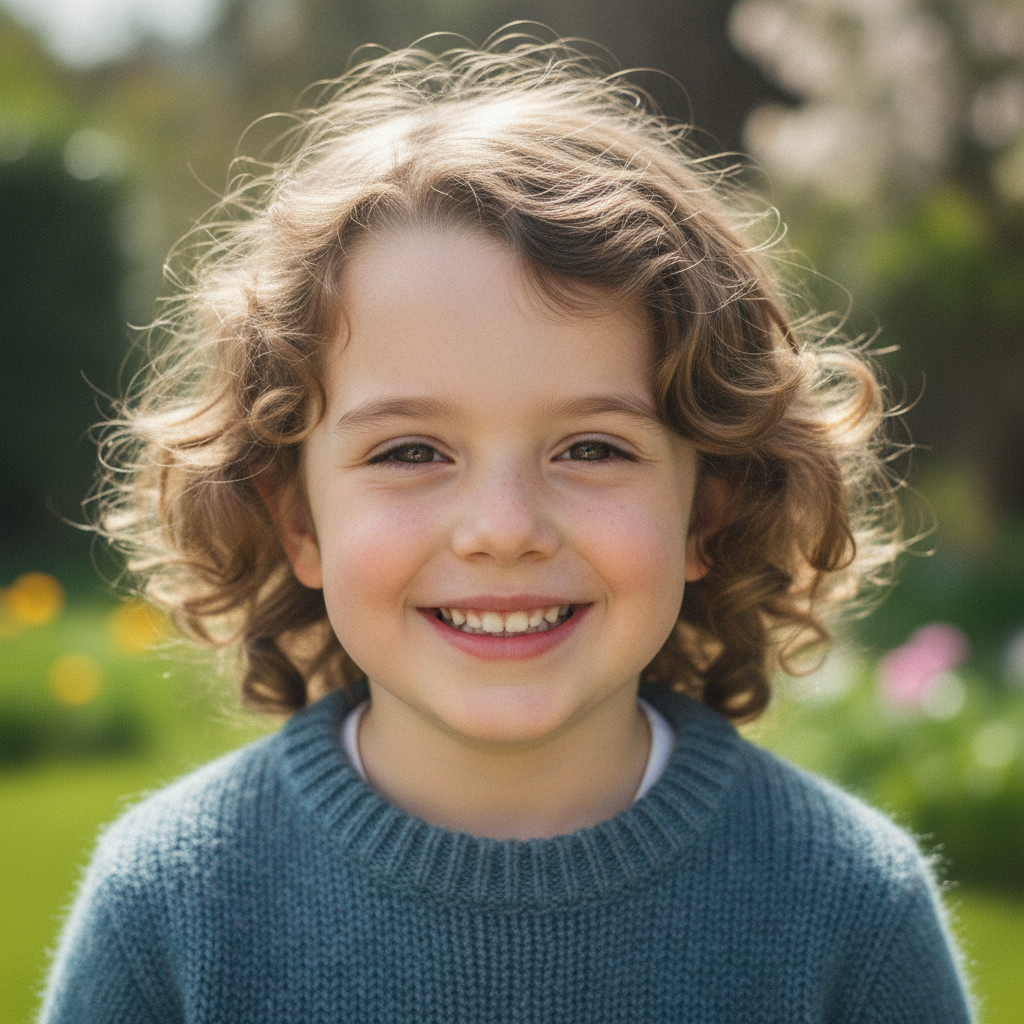
Blurry Face Sharpened
Made with GPT Image 2
How AI Photo Restoration Works
Restore an old photo in three simple steps
Upload the Old Photo
Scan the print or take a flat, evenly lit phone photo of it, then drop the JPG or PNG in.
Choose a Restoration
Pick Restore & Repair, Fix Fading, Colorize Black & White, Sharpen Faces or Remove Damage — the AI handles the rest.
Download & Share
Your restored photo comes back in seconds. Save it, print it, or send it to the family group chat.
Why People Love This AI Photo Restoration Tool
A fast, free way to bring damaged family photos back
Damage Repaired Automatically
Scratches, creases, tears, missing corners and water stains are filled in from the surrounding image — no cloning or healing brush work.
Fading & Colour Casts Fixed
Yellowed sepia, washed-out prints and the orange cast on 70s snapshots are corrected back to balanced, natural tones.
Colorize Black & White
Turn a black and white portrait into a natural colour photograph with realistic skin tones and period-appropriate clothing.
Faces Sharpened
Soft, grainy and low-resolution faces come back clear and detailed while still looking like a real photograph, not a painting.
Seconds, Not Hours
Manual restoration is an afternoon per photo. Here it is seconds — fast enough to work through a whole family album in one sitting.
Free & No Sign Up
Try AI photo restoration instantly with no account and no cost. Restore your first old photo right away.
What People Restore Most
From shoebox snapshots to archive prints
Family Photos
The creased portrait of a grandparent, the wedding photo stuck to the album page, the school picture that faded to orange. AI photo restoration gets them back to something you can frame or send to relatives.
Genealogy & Archives
Family historians restore census-era portraits, military photos and immigration documents so faces are legible again — then attach the restored version to a family tree alongside the untouched scan.
Memorials & Tributes
A single old photo is often all a family has for a memorial slideshow or funeral programme. Restoring and enlarging it turns a small damaged print into something that holds up on a screen or in print.
Gifts & Prints
Restore and colorize a black and white portrait, print it, and it becomes a birthday or anniversary gift that no shop sells — the same photo everyone knows, finally clear and in colour.
AI Photo Restoration FAQ
Everything you need to know about restoring old photos
The Free AI Photo Restoration Tool for Old Family Pictures
Almost every family has a box of them: prints stuck together, corners torn off, a crease straight through someone's face, colour that drifted orange decades ago. Restoring one of those by hand means hours of cloning, healing and colour work in Photoshop, or paying a specialist per photo. The GOT IMAGE 2 AI photo restoration tool does it from a single upload — GPT Image 2 reads what the picture is meant to look like and rebuilds the damaged parts from what surrounds them, so scratches, tears, water stains and dust disappear while the photograph still reads as a photograph.
Damage is only one of the ways old photos fail. Prints fade, dyes shift, and 1970s snapshots turn amber; 1940s portraits are sharp but colourless; small prints scanned at low resolution leave faces soft and grainy. Each of those has its own preset here. Fix Fading rebuilds balanced tones and recovers detail lost in washed-out areas. Colorize Black & White adds believable skin tones and period-appropriate clothing colour. Sharpen Faces recovers eyes, hair and fabric texture from a blurry scan without the plastic over-processed look. Restore & Colorize does the whole job in one pass.
Throughout, the instruction to the model is to preserve identity and change only the damage — the same faces, expressions, poses, clothing and era, with natural film grain kept so the result does not look like a modern digital render. It is still a generative model, so a heavily degraded area is a plausible reconstruction rather than a recovered record. The sensible workflow is the archivist's one: keep your original scan untouched, restore a copy, and store both. Better input helps too — scan at 300–600 DPI, or lay the print flat in even light with no glare, and the AI has far less to invent.
Ready to bring an old photo back? Scroll up to the tool, upload your scan, and restore it in seconds — completely free and with no sign up. Want to go further? Try the AI image enhancement tool for general quality fixes, the AI portrait enhancer for sharper faces, or the AI image editor for broader edits.