
AI Sketch to Image
Turn Any Drawing into Finished Art
Upload a rough pencil sketch and this AI sketch to image tool renders it as photorealistic art, anime, concept art or a product visual — your composition, properly finished. Free, no sign up.
Try AI Sketch to Image — Free
Upload your drawing, choose the style it should be rendered in, and download the finished image in seconds
AI Sketch to Image
Upload a sketch, pick a render style, and get finished art back that follows your drawing
Upload a photo or scan of your sketch, choose a style, and click Generate
Tip: photograph your sketch square-on in good light, and add a few words about the subject — "a timber cabin at dusk" — so the AI resolves what your lines leave open.
Sketches Turned into Finished Images
Six render styles, from photorealistic scenes to anime, product visuals and watercolour
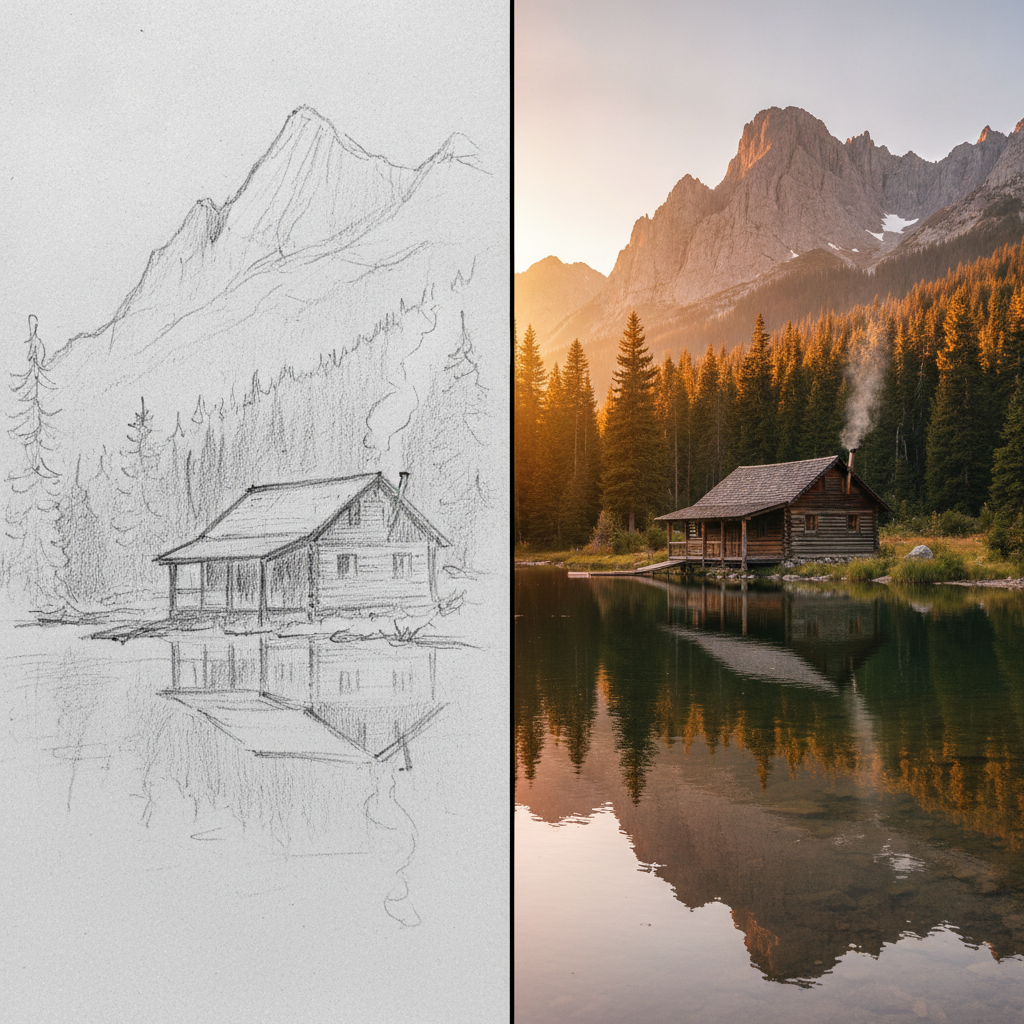
Sketch → Photoreal
Made with GPT Image 2
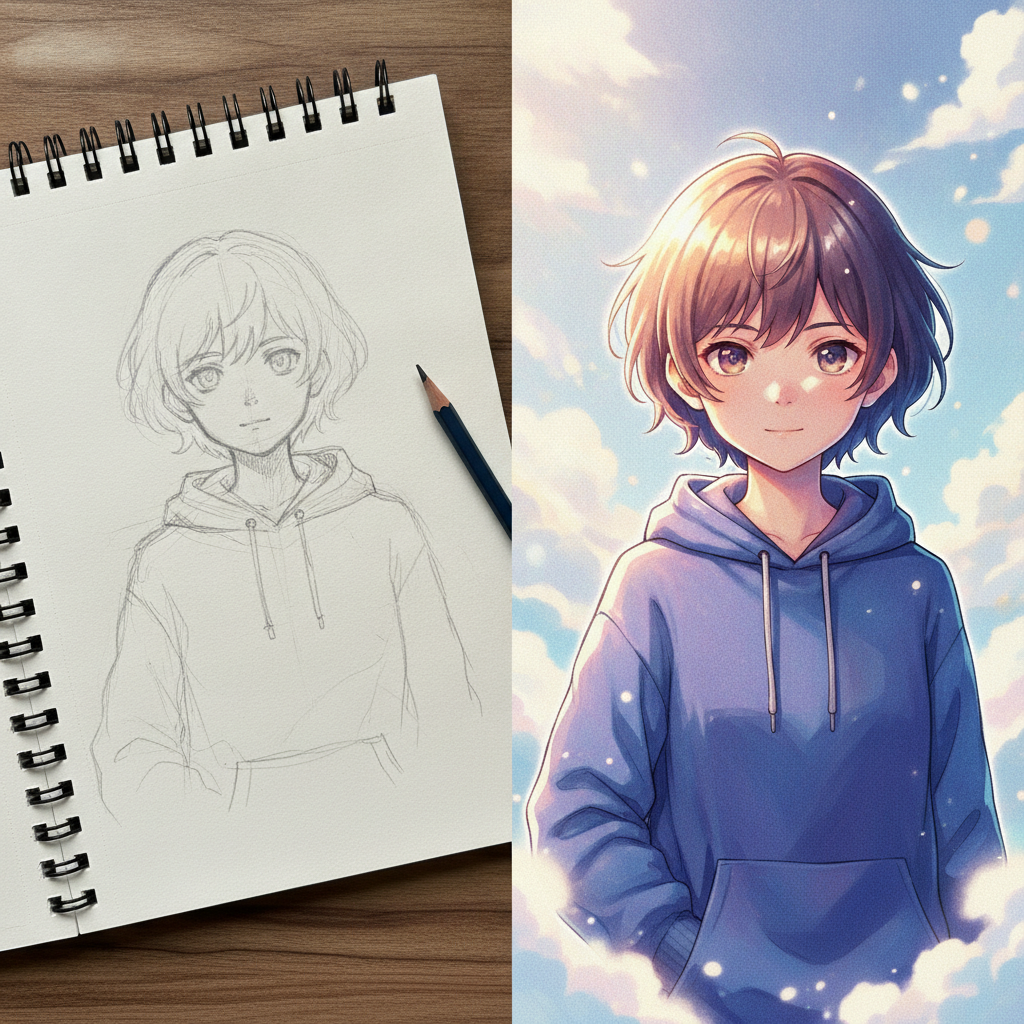
Sketch → Anime
Made with GPT Image 2
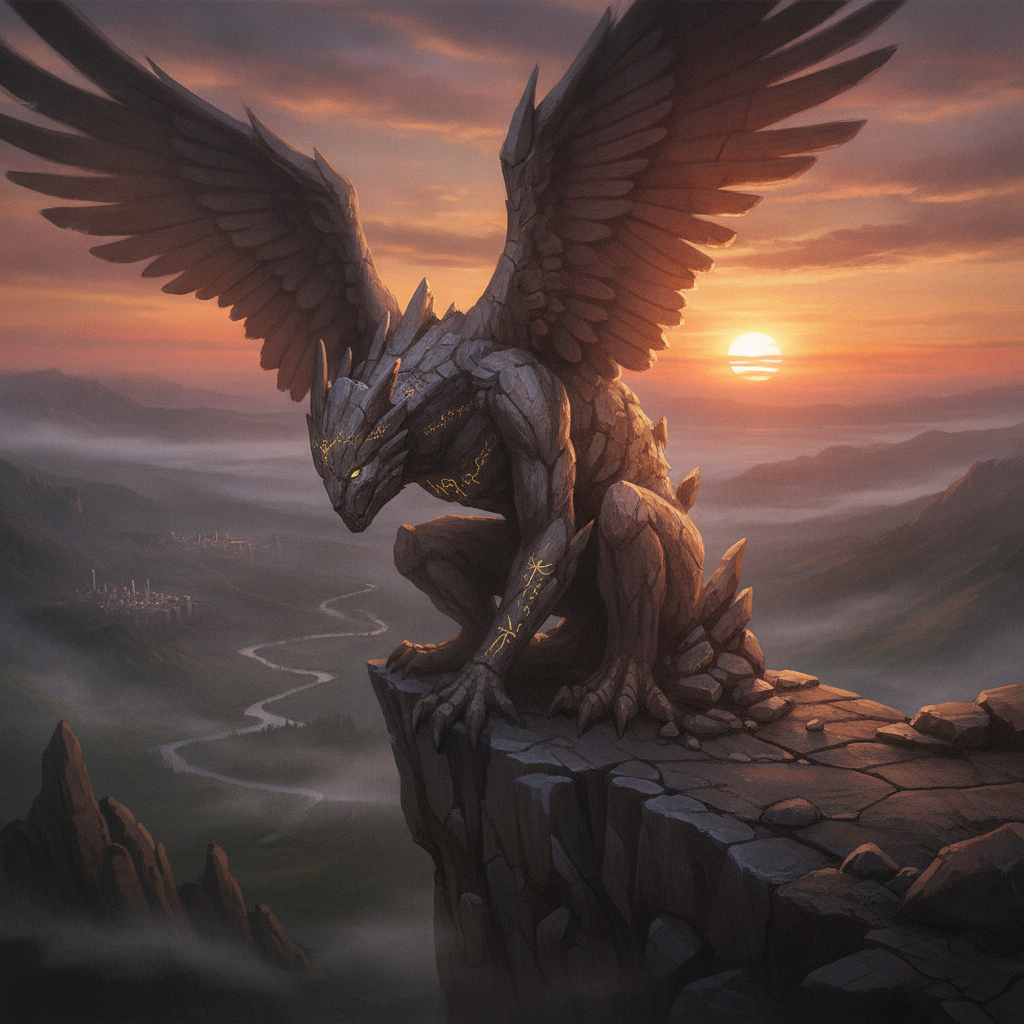
Sketch → Concept Art
Made with GPT Image 2
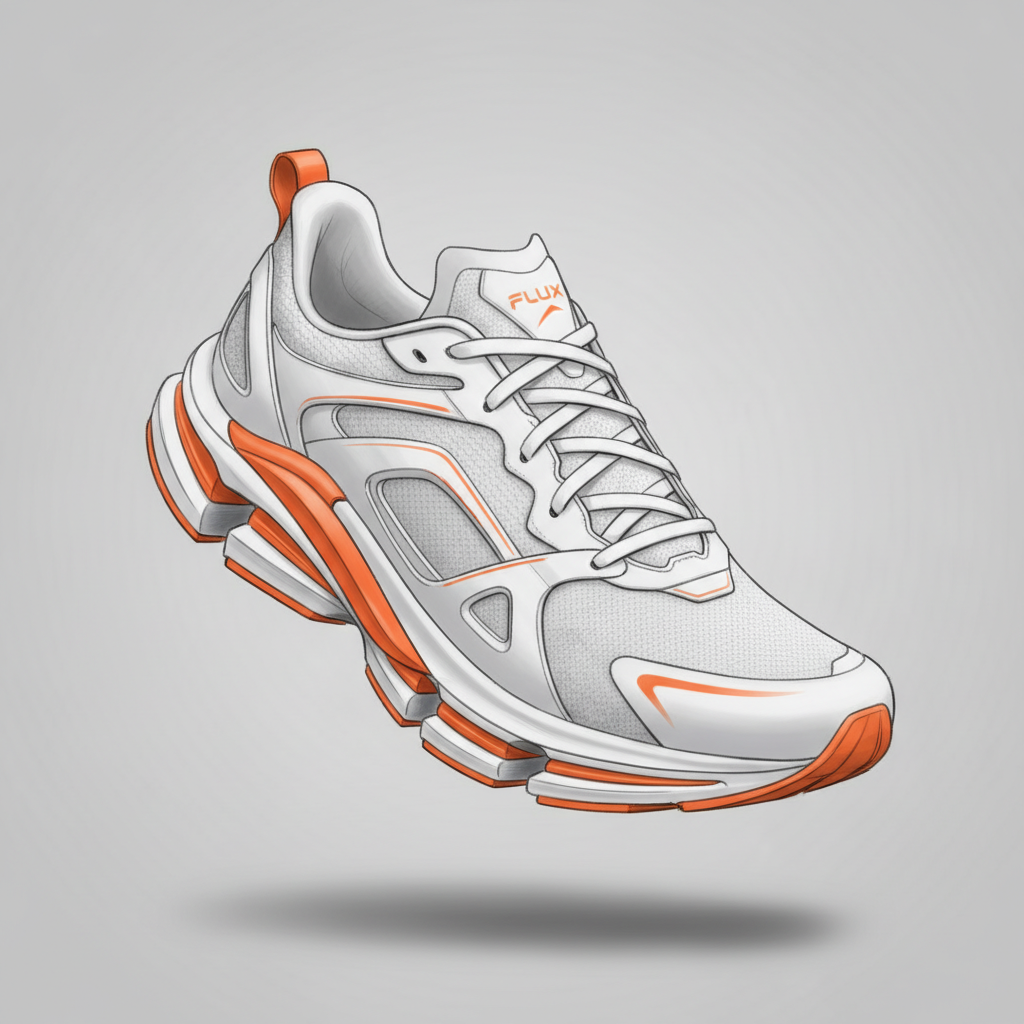
Sketch → Product Render
Made with GPT Image 2
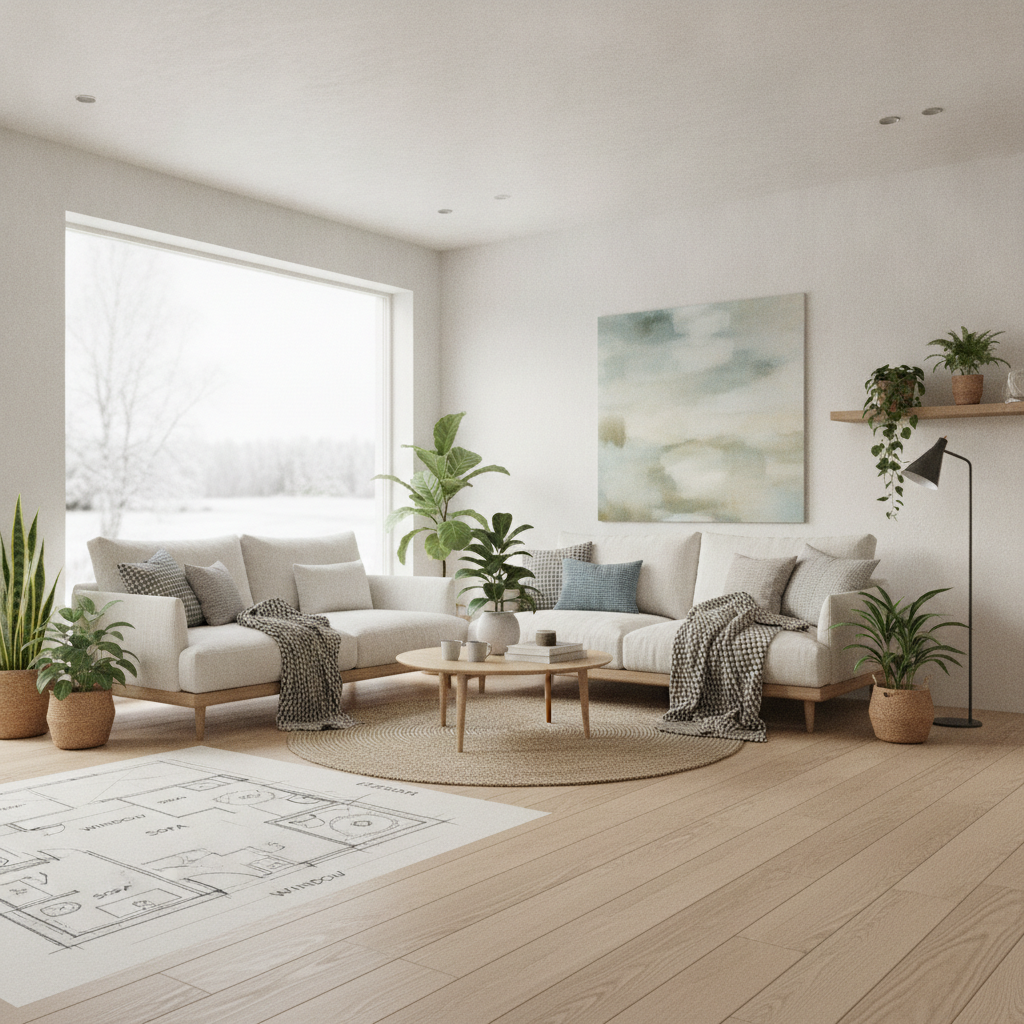
Sketch → Interior Render
Made with GPT Image 2
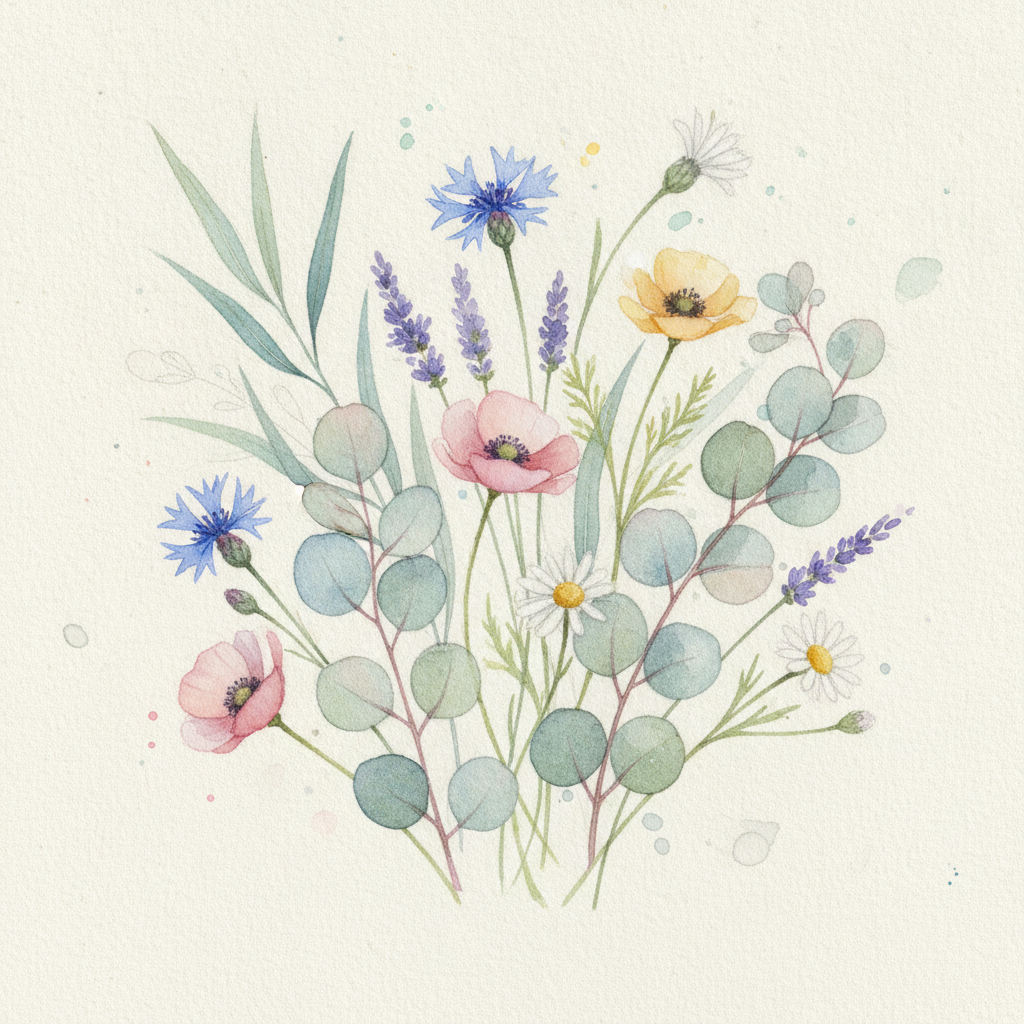
Sketch → Watercolour
Made with GPT Image 2
How AI Sketch to Image Works
Upload the drawing, choose the style, download the finished picture
Upload Your Sketch
Photograph or scan your drawing — pencil, pen, marker or tablet lines all work. Square-on and well lit is ideal.
Pick a Style
Choose photoreal, anime, concept art, product, architectural or watercolour, and add a line describing your subject.
Download the Finished Art
Your sketch comes back rendered in full colour, lighting and detail — ready to share, present or print.
Why This AI Sketch to Image Tool Is Different
Anyone can generate a picture from words. Keeping the picture you already drew is the harder job.
Rough Sketches Welcome
Thumbnails, stick figures and napkin doodles all work. The AI reads your lines as structure, not as finished art it has to copy.
Your Composition Survives
Subject placement, proportions and camera angle stay where you drew them. Only surface, colour and lighting are invented.
Six Render Styles
Photoreal, anime, concept art, product render, architectural render or watercolour — or type your own style instruction.
Seconds Per Iteration
Redraw a line, re-run it, compare. Exploring ten versions of an idea costs minutes instead of an afternoon of rendering.
Understands What You Meant
Add a few words alongside the sketch and the model resolves the ambiguity your lines left — material, time of day, mood.
Free & No Sign Up
Turn a sketch into an image straight in your browser — no account, no install, no watermark on the preview.
Who Uses AI Sketch to Image
Anyone whose ideas arrive faster than their rendering skills
Artists & Illustrators
Sketch the pose and composition you want, then see six colour and lighting directions before committing a single finished layer. Useful for studies, mood exploration and getting unstuck on a blank canvas.
Product & Industrial Designers
Turn a marker sketch into a presentable render in seconds instead of modelling it first. Show a client three form directions in the time it used to take to set up one CAD scene.
Architects & Interior Designers
Hand drawn plans and elevations become visualisations a client can actually react to. Perfect for the early conversation, long before anything gets modelled properly.
Hobbyists & Kids' Drawings
Watch a child's crayon monster become fully rendered creature art, or turn your own doodle into a poster. No drawing ability required — the model does the finishing.
AI Sketch to Image FAQ
Everything you need to know about turning drawings into finished images
The Free AI Sketch to Image Tool That Keeps What You Drew
There is a gap between the picture in your head and the one your hands can produce, and for most people a sketch is where that gap becomes obvious. The composition is right. The pose is right. The idea is completely legible to you and completely unfinished to everyone else. Rendering it — choosing colour, working out where the light falls, building surface and material and depth — is the slow part, and it is the part that stops good ideas from ever being shown to anyone. An AI sketch to image model closes that gap by treating your drawing as the plan rather than as the artwork: it reads the lines for structure, works out the spatial relationships you implied, and then paints everything the sketch never specified on top of that skeleton.
That is a genuinely different job from typing a prompt into a text-to-image box. A prompt describes; a sketch commits. When you write "a cabin by a lake" you get whatever cabin the model feels like putting wherever it likes. When you draw it, the cabin sits where you put it, at the size you drew it, seen from the angle you chose, with the treeline exactly where you wanted the horizon broken. Control over layout is the thing prompts are worst at and drawings are best at, which is why sketch to image conversion has become the standard way designers and concept artists actually work with these models. You get the model's rendering ability without surrendering your own composition.
The six styles above cover most of what people upload. Photorealistic turns a scene sketch into something that reads as a photograph. Anime Illustration finishes character drawings with clean line art and cel shading. Concept Art develops thumbnails into painterly production art with real atmosphere. Product Render takes a marker sketch to a studio-lit industrial visual. Architectural Render converts plans, elevations and interior sketches into client-ready visualisations. Watercolour gives line drawings soft translucent pigment and paper texture. Each preset instructs the model to respect your drawn proportions, perspective and placement first, then render — which is why the output still looks like your picture. For the best results, shoot the sketch square-on with even light, keep the background plain, and add a short subject description so the model does not have to guess at anything ambiguous.
It is worth knowing which neighbouring tools do the reverse or the adjacent job. To go the other way and turn a photo into a drawing, use the AI pencil sketch generator or the AI line art generator. If you have no drawing at all and want to start from words, the AI image generator is the right entry point, and the AI concept art generator covers production art from a text brief. For restyling a finished image rather than a sketch, see AI image to image, and once you have a render you like, the AI image upscaler takes it up to print resolution. Scroll back up, upload the sketch sitting in your notebook, and finally see it finished — free, no sign up.