
AI Album Cover Generator
Cover Art for Your Next Release
Describe the record and this AI album cover generator paints the sleeve in seconds — square, high resolution and ready for Spotify, Apple Music, Bandcamp and vinyl. Free, no sign up.
Try the AI Album Cover Generator — Free
Choose a genre, describe the mood and your title text, and download square cover art in seconds
AI Album Cover Generator
Pick a genre, describe the imagery and title text you want, and generate square cover art
Tip: put your title in quotes and say where it sits — "text reading LATE SHIFT, small, lower left" beats hoping the model guesses.
Album Covers Made with GOT IMAGE 2
Six genres, six visual languages — every one generated from a short description
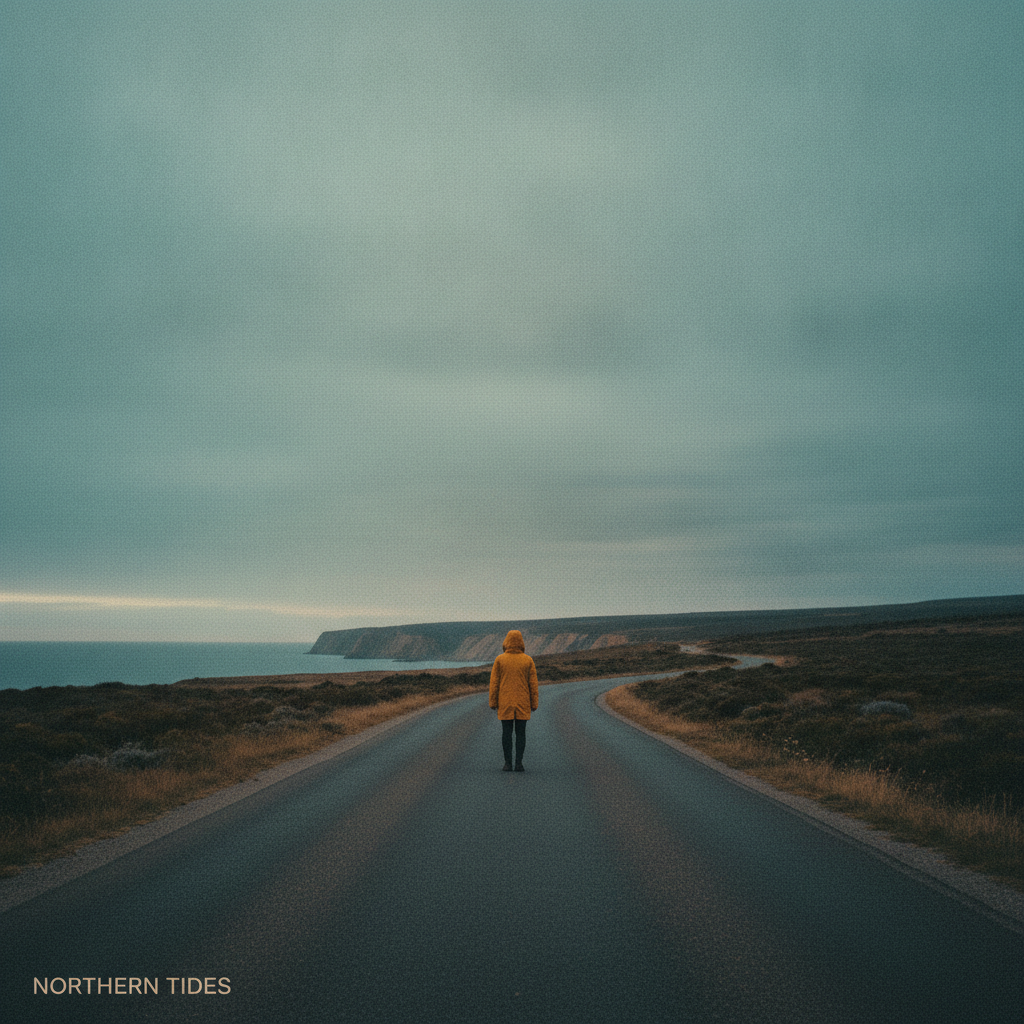
Indie
Made with GPT Image 2
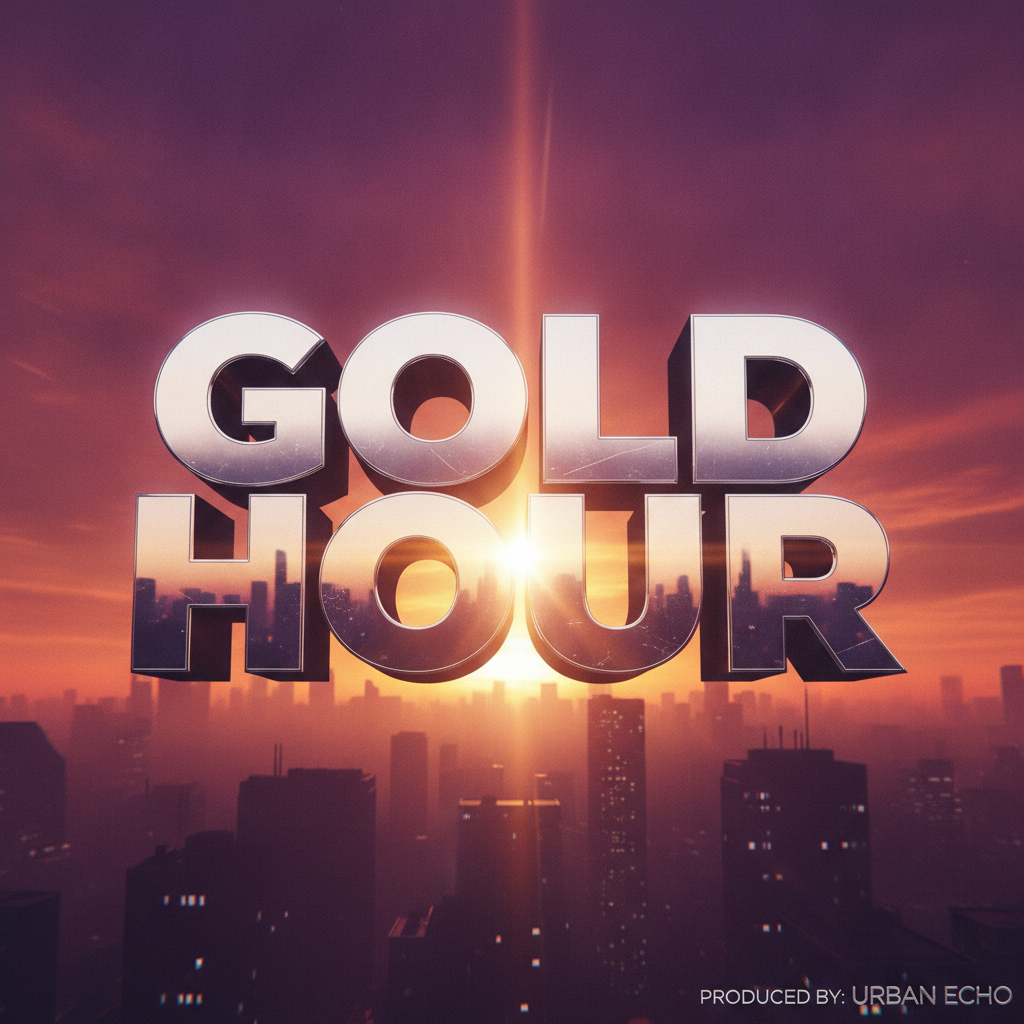
Hip Hop
Made with GPT Image 2
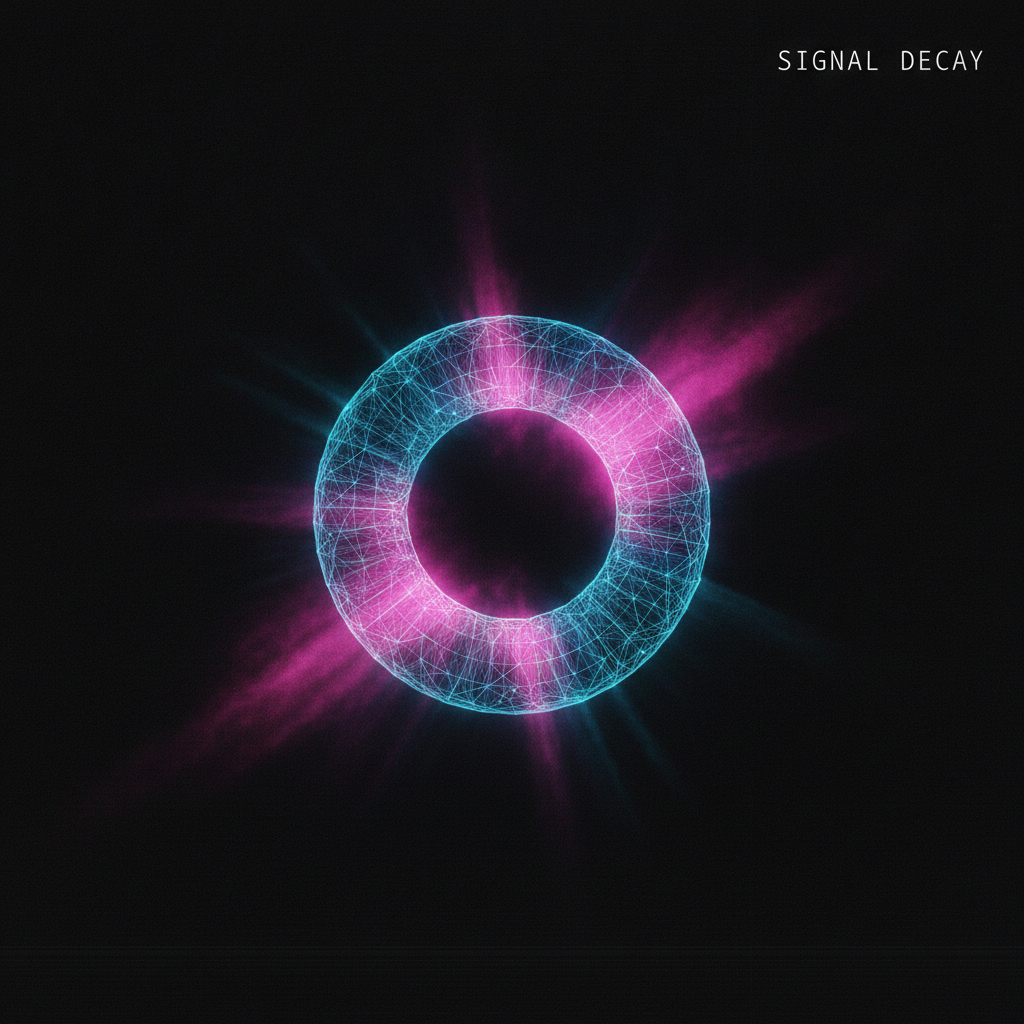
Electronic
Made with GPT Image 2
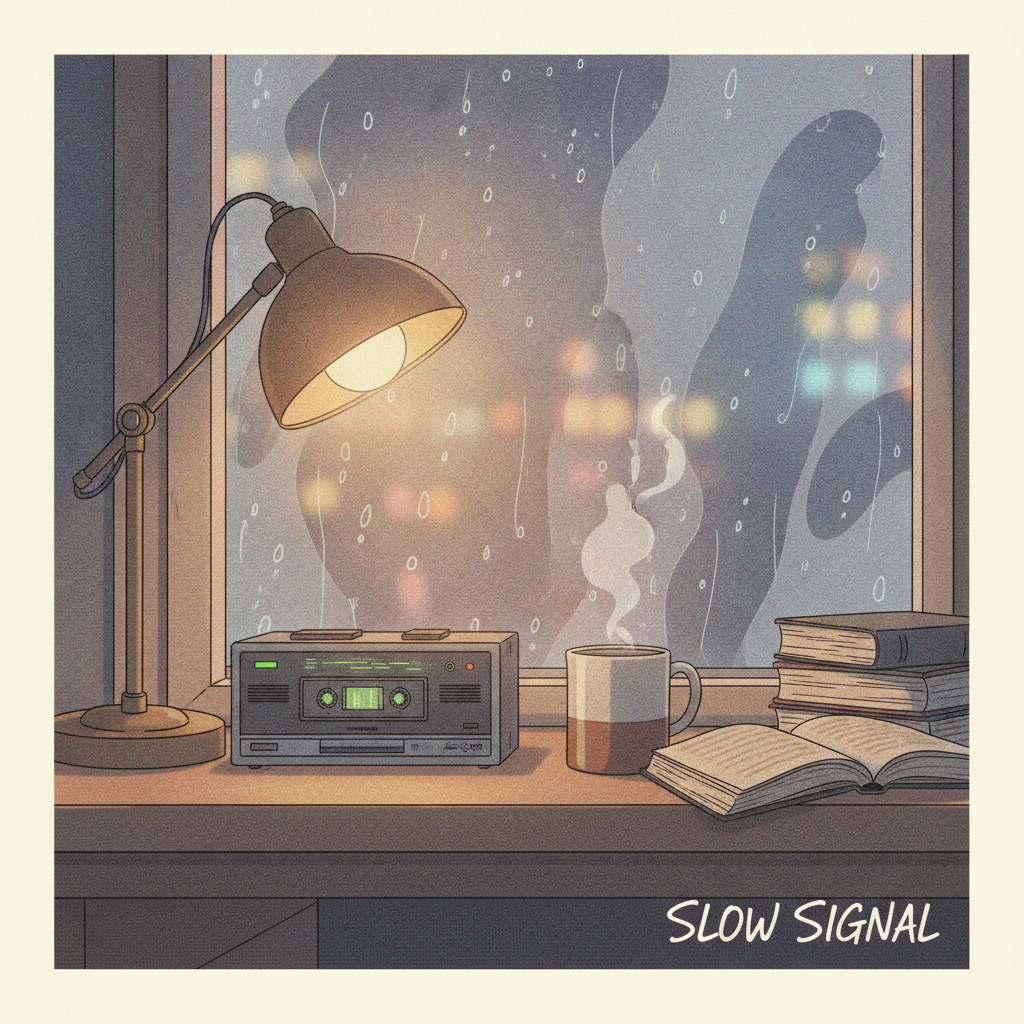
Lo-Fi
Made with GPT Image 2
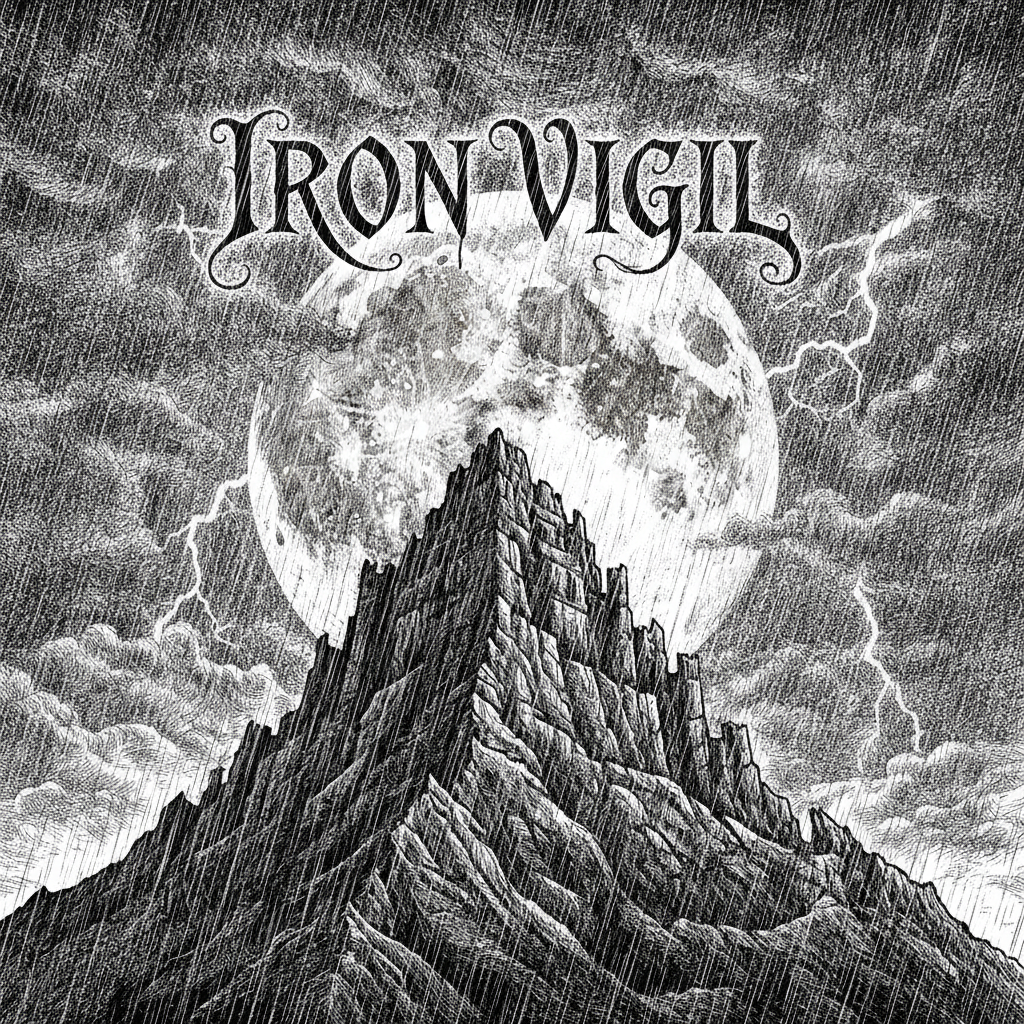
Metal
Made with GPT Image 2
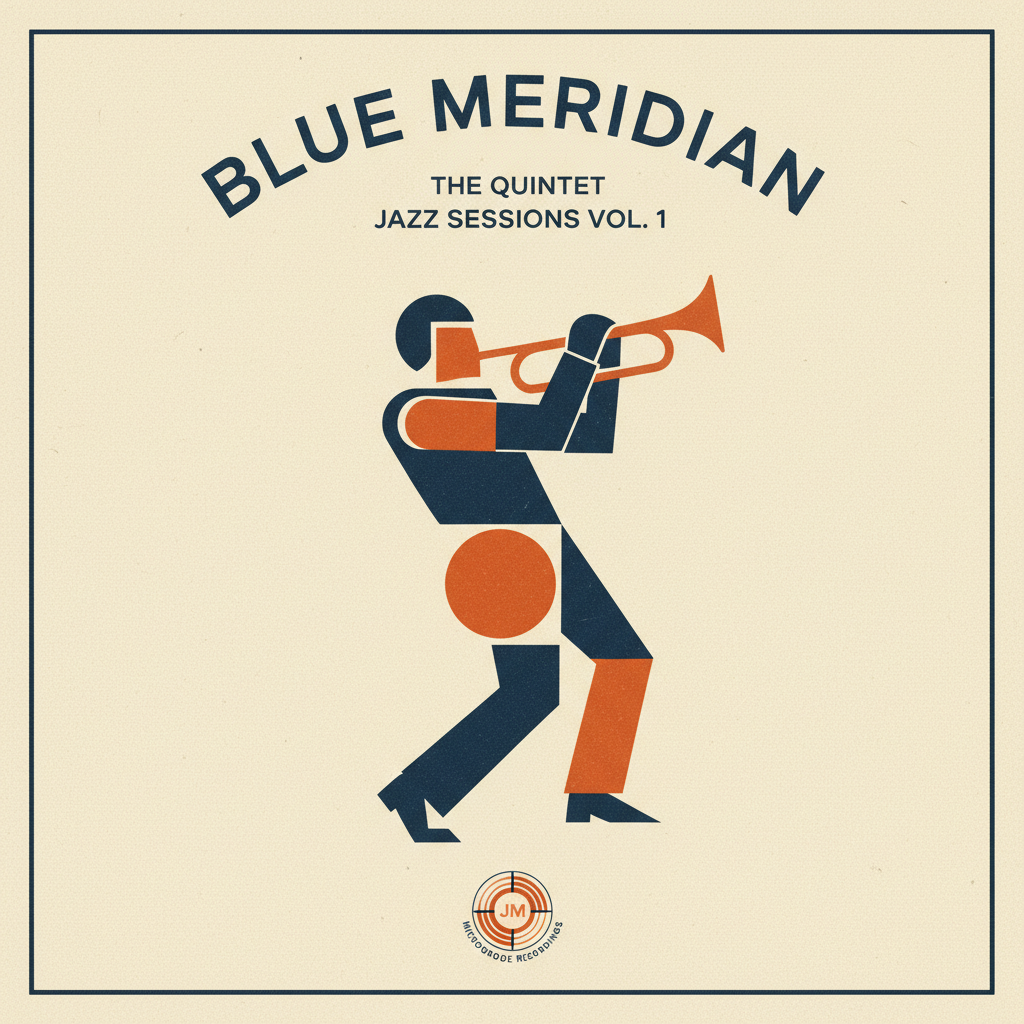
Jazz
Made with GPT Image 2
How the AI Album Cover Generator Works
From a description to a finished sleeve in three steps
Pick Your Genre
Choose the preset closest to your sound — indie, hip hop, electronic, lo-fi, metal or jazz.
Describe the Cover
Add the imagery, palette and mood you hear in the track, plus the artist and title text you want on the sleeve.
Generate & Download
Your square cover arrives in seconds in high resolution, ready for your distributor upload.
Why This AI Album Cover Generator Is Different
Cover art has one job: make someone press play before they have heard a note
Six Genre Presets
Indie, hip hop, electronic, lo-fi, metal and jazz — each preset carries its own palette, texture and typographic feel.
Square 1:1 Output
Covers come out in the shape Spotify, Apple Music, Bandcamp and SoundCloud actually want. No cropping guesswork.
Title Text on the Sleeve
Name your artist and album in the details box and the model sets the type into the artwork, or leaves you clean space for it.
Unique to Your Release
No stock photo that another band already used. Every cover you generate exists only on your record.
Seconds Per Cover
Try six visual directions in the time one design revision round would take, then keep the one that matches the music.
Free & No Sign Up
Use the AI album cover generator instantly without an account. Describe the record and see the sleeve now.
Who Uses an AI Album Cover Generator
Anyone with a finished track and an empty artwork slot in the upload form
Independent Artists
You finished the mix at 2am and the distributor wants square artwork before it will schedule the release. Generate a cover that actually matches the record instead of shipping a phone photo with the title typed over it.
Producers & Beatmakers
Beat tapes and loop packs live or die on the thumbnail in a crowded marketplace feed. Generate a consistent visual language across a whole series so your drops are recognisable at a glance.
Podcasters & DJs
Podcast art, mixtape sleeves and radio show covers use the same square canvas and the same rules. Build one strong image and reuse the palette across every episode or set in the series.
Labels & Designers
Pitch three finished-looking directions to an artist in the time a mood board used to take, then take the winner into your own editor for final typography and the vinyl layout.
AI Album Cover Generator FAQ
Everything you need to know about making cover art with AI
The Free AI Album Cover Generator Built for the Thumbnail, Not the Gallery Wall
Cover art used to be twelve inches across and people stared at it while the record played. Now it is a small square in a playlist, on a lock screen, in a share card — often the only thing a listener sees before deciding whether to press play. That change has not made covers matter less; it has made a particular kind of cover matter more. One clear idea, a palette you could describe in three words, contrast strong enough to survive being shrunk to the size of a stamp. An AI album cover generator is unusually good at exactly that job, because you can try six completely different ideas in the time it takes to write one brief.
The way to get a good result is to describe the record rather than the artwork. Models respond far better to atmosphere and specifics than to design vocabulary: "a neon-lit petrol station at 3am, empty forecourt, deep blue and hot pink, rain on the tarmac" gives you something with a point of view, while "cool modern album cover" gives you a shape with colours on it. Name the palette, the era, the light and the one object the eye should land on. If you want your artist name or album title set into the sleeve, put the exact words in quotes and say how big they should be and where they belong — short titles in a stated position come out cleanly, and anything long is safer set yourself over a clear area you asked for.
Each genre preset above starts you in a different visual tradition. Indie leans on grainy film photography, washed colour and restrained type at one edge. Hip Hop puts bold dimensional lettering front and centre over a saturated urban scene. Electronic works in minimal glowing geometry against dark negative space. Lo-Fi paints the cosy nighttime illustration that the whole study-beats genre runs on. Metal goes monochrome and dramatic with heavy ink linework. Jazz borrows the mid-century modern flat shapes and halftone print texture of the classic label sleeves. Pick the one closest to your sound, then push it somewhere personal in the details box — the presets exist to set the register, not to decide your record for you.
Practical release notes: covers here are generated square at 1:1, which is what Spotify, Apple Music, Bandcamp, SoundCloud and distributors like DistroKid and TuneCore all ask for. Most want at least 1400x1400 and recommend 3000x3000, so if a file comes back under the bar, run it through the AI image upscaler before you upload. Doing a tall shape instead — a book, a poster, a magazine — means a different canvas and a different hierarchy, so use the AI book cover generator, the AI poster maker or the AI magazine cover generator. And when the cover is done, the AI thumbnail generator will give you matching art for the video upload. Scroll up, describe the record, and have the sleeve before the master comes back — free, no sign up.