
AI Background Generator
Create Any Background You Need
Describe the backdrop you want and this AI background generator paints it in seconds — product scenes, video call rooms, gradients, studio canvas and website heroes. Free, no sign up.
Try the AI Background Generator — Free
Choose a background type, describe your colours and framing, and download a widescreen background in seconds
AI Background Generator
Pick a background type, describe the colours and framing you need, and generate a custom background
Tip: name the exact colour and where the empty space goes — "warm terracotta, soft light from the left, clear area on the right" beats "nice background" every time.
Backgrounds Made with GOT IMAGE 2
Six background types, six different jobs — all generated from a short description

Product Photography
Made with GPT Image 2
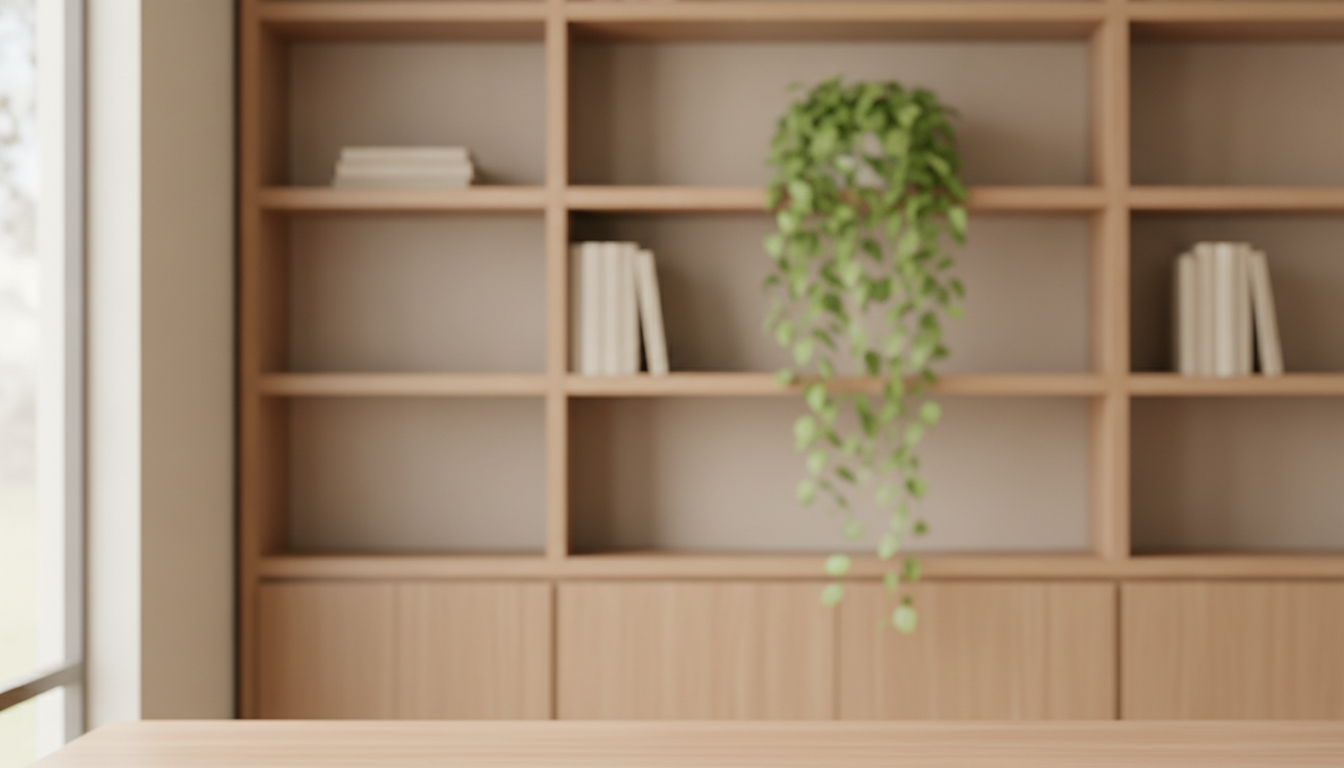
Video Call
Made with GPT Image 2

Abstract Gradient
Made with GPT Image 2
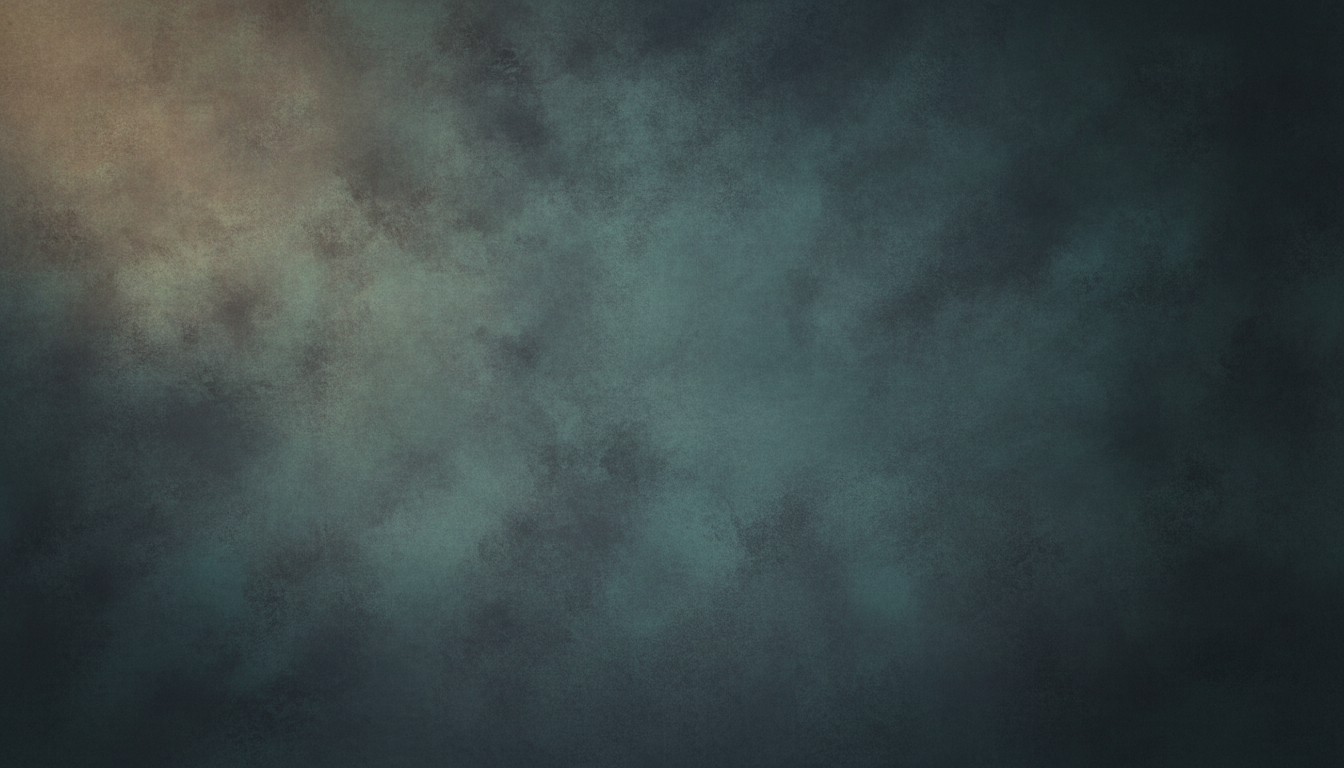
Studio Backdrop
Made with GPT Image 2

Website Hero
Made with GPT Image 2
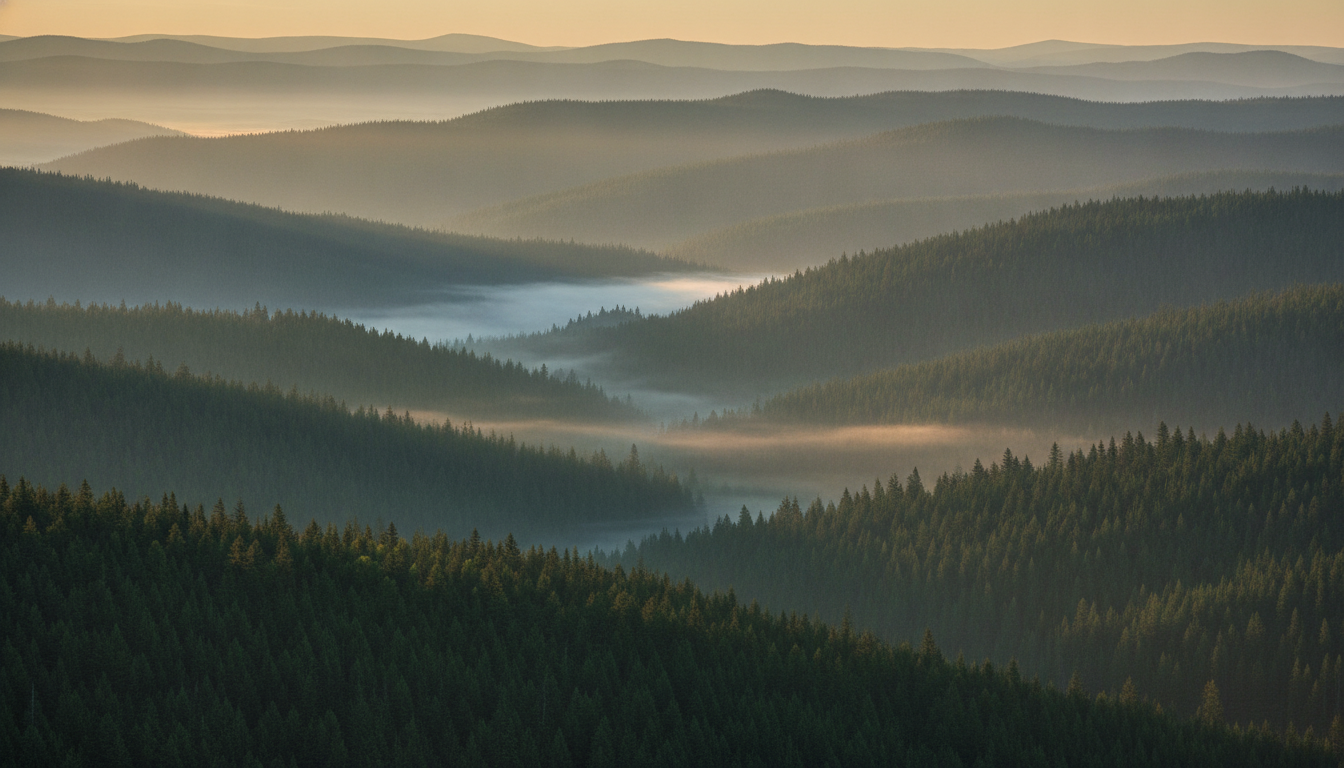
Nature Scene
Made with GPT Image 2
How the AI Background Generator Works
From a description to a finished background in three steps
Choose a Background Type
Pick the preset that matches the job — product, video call, gradient, studio, website hero or nature scene.
Describe the Details
Add your colours, lighting, mood and where you want empty space left for your subject or text.
Generate & Download
Your widescreen background arrives in seconds in high resolution. Regenerate freely until it fits.
Why This AI Background Generator Is Different
A background has one job: to make what sits on top of it look good
Six Background Types
Product backdrops, video call scenes, abstract gradients, studio portrait canvas, website heroes and nature scenes — each with its own lighting model.
Composed for Negative Space
Ask for a clear area and you get one. Backgrounds are built to sit behind a product, a person or a headline rather than compete with it.
Unique Every Time
No stock library, no duplicate backdrop on a competitor's listing. Every background you generate is yours alone.
Wide 16:9 Output
High-resolution widescreen files that drop straight into Zoom, YouTube, a landing page hero or a desktop wallpaper.
Seconds Per Background
Try six colour directions in the time it takes to filter one stock search, then keep the one that matches your brand.
Free & No Sign Up
Use the AI background generator instantly without an account. Describe the background you need and see it now.
Who Uses an AI Background Generator
Anyone whose subject deserves a better backdrop than the wall behind them
Online Sellers
A product shot on a kitchen table converts worse than the same product on a considered backdrop. Generate a set of matching scenes, drop your cutouts in, and a whole catalogue suddenly looks like it came from one shoot.
Remote Workers & Streamers
Stock video call backgrounds are recognisable and slightly embarrassing. A generated room that matches your actual lighting reads as real, and you can make one that fits your brand colours for client calls.
Web & Product Designers
Hero sections, section dividers, empty states and slide masters all need backgrounds that carry a mood without stealing attention. Generate one in your exact palette instead of tinting a stock gradient.
Photographers & Editors
Painted studio canvas costs hundreds and lives in a cupboard. Generate the backdrop you would have bought, composite your cutout onto it, and change the whole look between two frames of the same session.
AI Background Generator FAQ
Everything you need to know about generating backgrounds with AI
The Free AI Background Generator That Builds the Backdrop Around Your Subject
Backgrounds are the part of an image nobody notices until they are wrong. A product floating on a grey void looks cheap; the same product on a warm stone plinth with a soft shadow looks like it costs three times as much. A sales call taken against a cluttered hallway reads as improvised; the same call against a calm, well-lit room reads as professional. The problem has always been supply — stock libraries give you a fixed set of scenes in someone else's colours, and the good ones show up on a hundred other sites. An AI background generator removes that constraint entirely: you describe the backdrop your subject needs and it exists, in your palette, at your framing, seconds later.
The trick to using one well is to think compositionally rather than decoratively. A background is not a picture in its own right — it is the space around whatever you are putting on top of it. So the instructions that matter most are about emptiness and light: where the clear area sits, which direction the light comes from, how deep the depth of field goes, how much contrast the surface carries. "Cool grey concrete, soft window light from the left, large clear area on the right, shallow depth of field" produces something you can actually build on. "Cool aesthetic background" produces something you will end up cropping to death. The six presets in the tool above each set those parameters sensibly for their job, and the details box is where you make them yours.
Each preset targets a different real workflow. Product Backdrop builds an empty staging scene with a plinth and a natural shadow, ready for a cutout to be composited in. Video Call generates a tidy, softly blurred interior with the centre of the frame kept clear for a person on camera. Abstract Gradient produces clean flowing colour with no objects at all — the right choice for slide masters, app backgrounds and desktop wallpaper. Studio Portrait paints the mottled canvas backdrop that photographers otherwise buy and store. Website Hero gives you an atmospheric banner with a deliberate dead zone for a headline. Nature Scene makes a calm, wide landscape for video calls, wallpapers and video backdrops. Because generation is free and takes seconds, generate three variants of the one you need and pick with your eye.
One workflow note worth internalising: generating a background and removing one are complementary, not competing. If you already have a photo of your subject, run it through the AI background remover for a clean cutout, generate the backdrop here, and composite the two — or use the AI photo editor to swap a background in place. For phone and desktop wallpapers specifically, the AI wallpaper generator is tuned to device ratios, and the AI image upscaler will take any background you generate up to print or big-display resolution. Scroll up, describe what you need, and get a background made for your subject instead of one that happened to exist — free, no sign up.