
AI Jewelry Design Generator
Design the Piece Before You Commission It
Free AI jewelry design generator. Describe the metal, stone, cut and setting you want and get photorealistic custom jewellery renders in seconds — engagement rings, pendants, earrings, bracelets and heirloom redesigns.
Try the AI Jewelry Design Generator — Free
Choose a piece type, describe the metal, stone and setting, and download the render in seconds
AI Jewelry Design Generator
Pick a jewellery type, describe the metal, stone, cut and setting you want, and generate a photorealistic design render
Tip: name the cut and the setting explicitly — "bezel set emerald cut" beats "green stone" every time.
AI Jewelry Design Examples
Six directions, from a classic solitaire to a full designer concept board
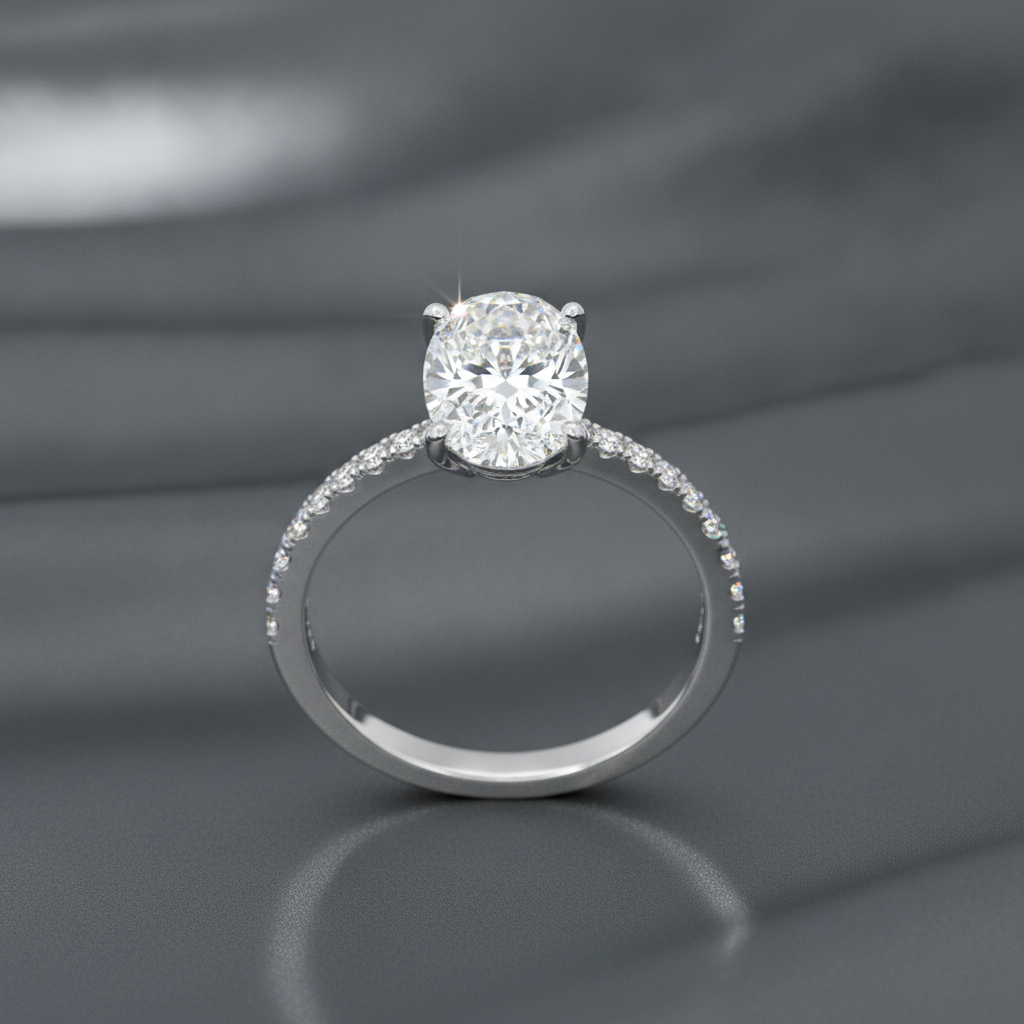
Engagement Rings
Made with GPT Image 2
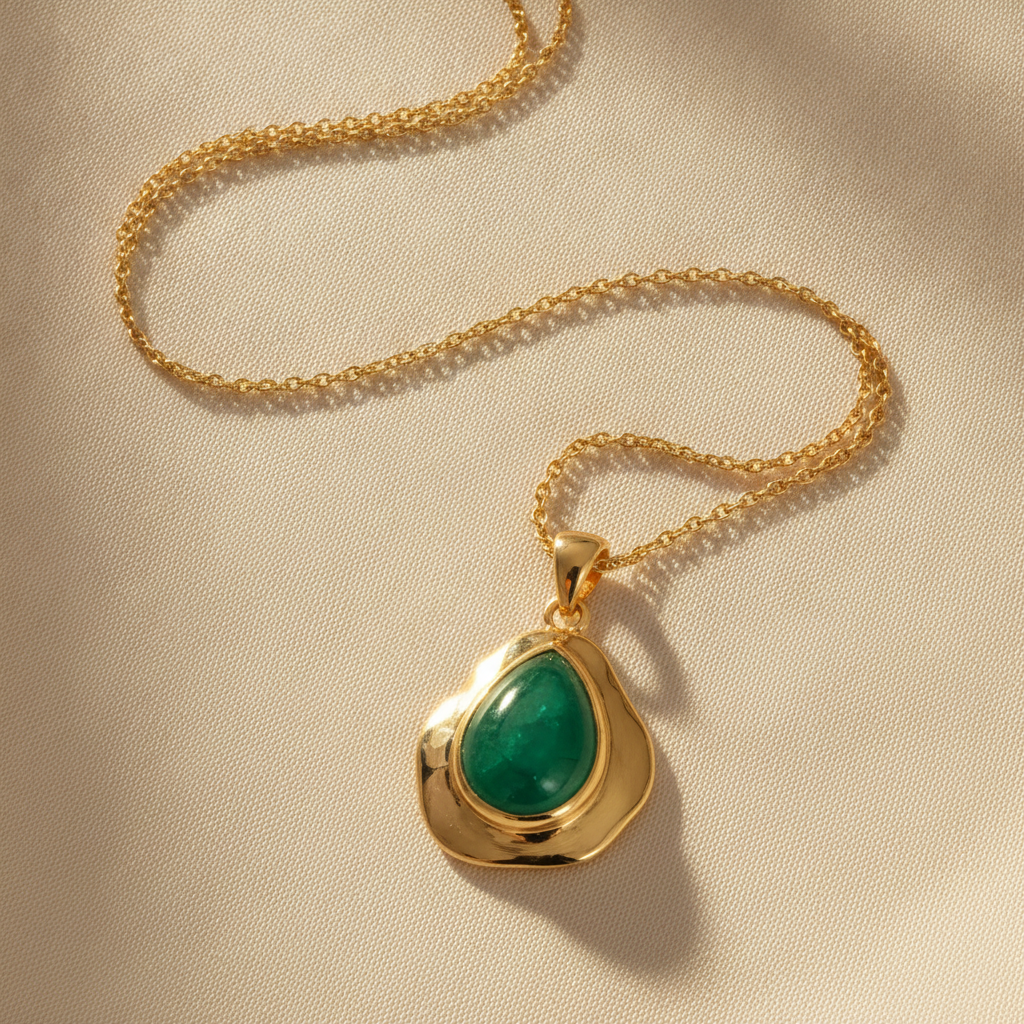
Pendants & Necklaces
Made with GPT Image 2
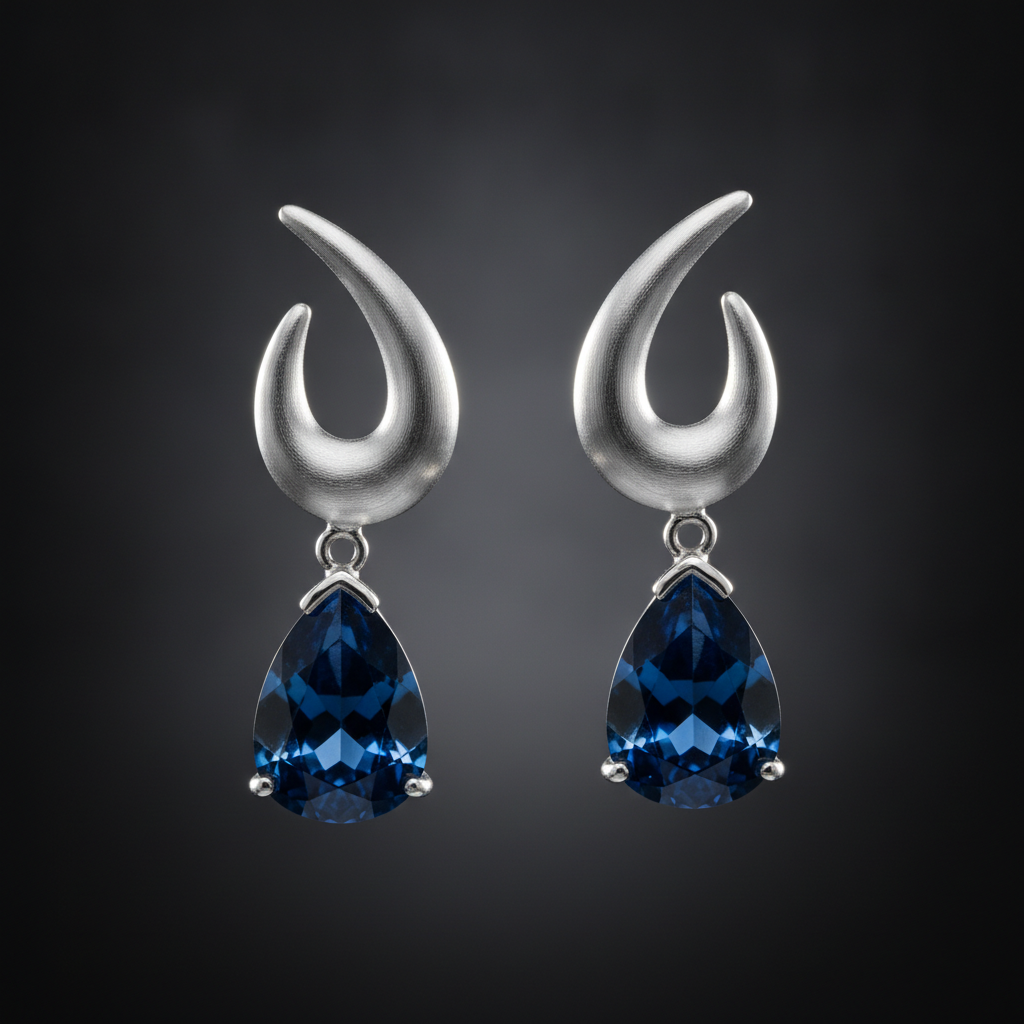
Statement Earrings
Made with GPT Image 2
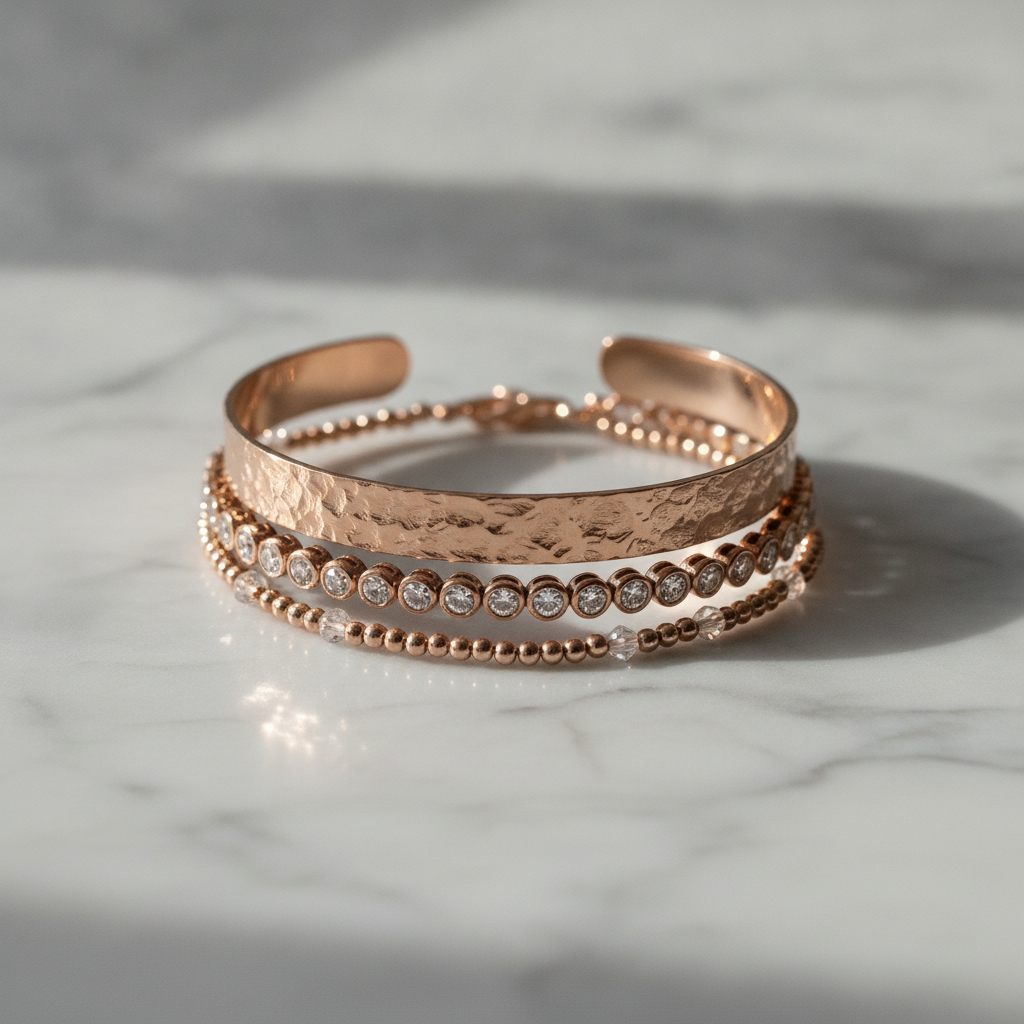
Bracelets & Stacks
Made with GPT Image 2
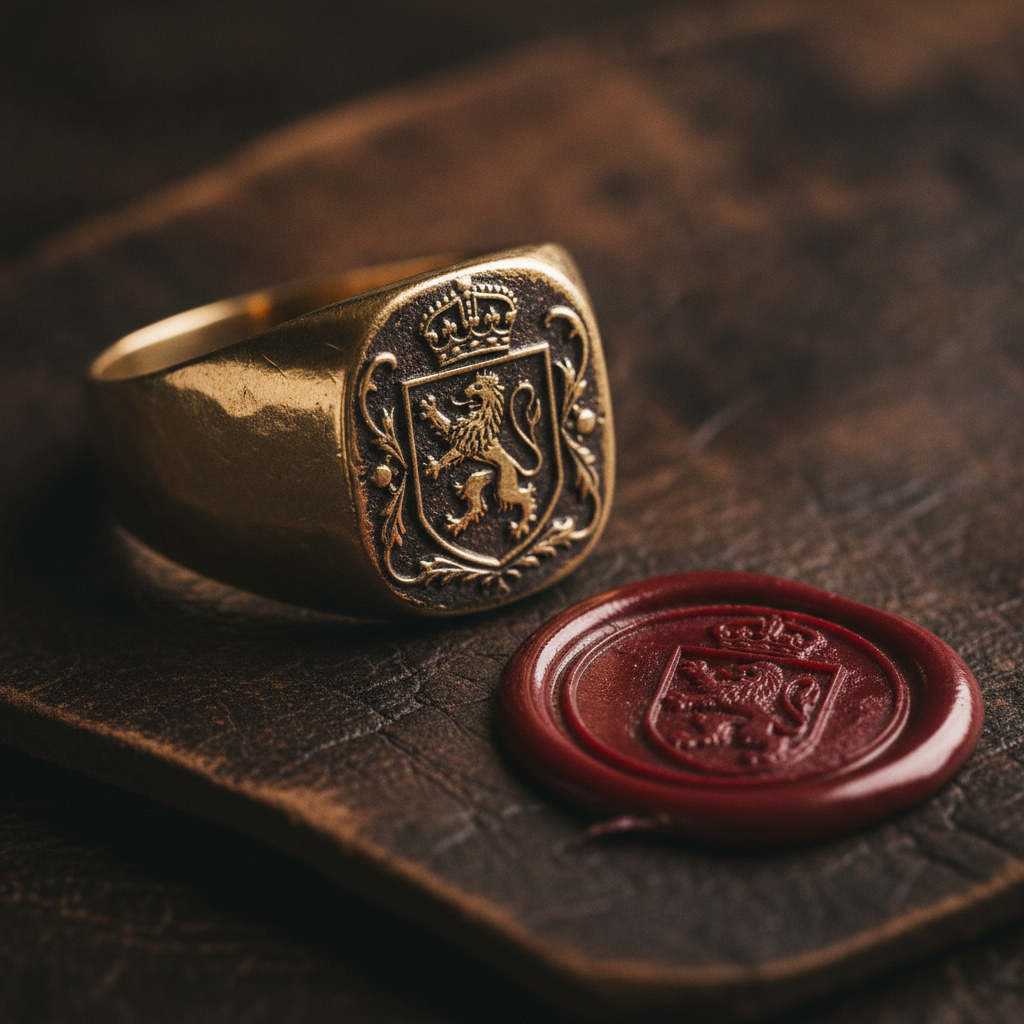
Signet & Heritage
Made with GPT Image 2
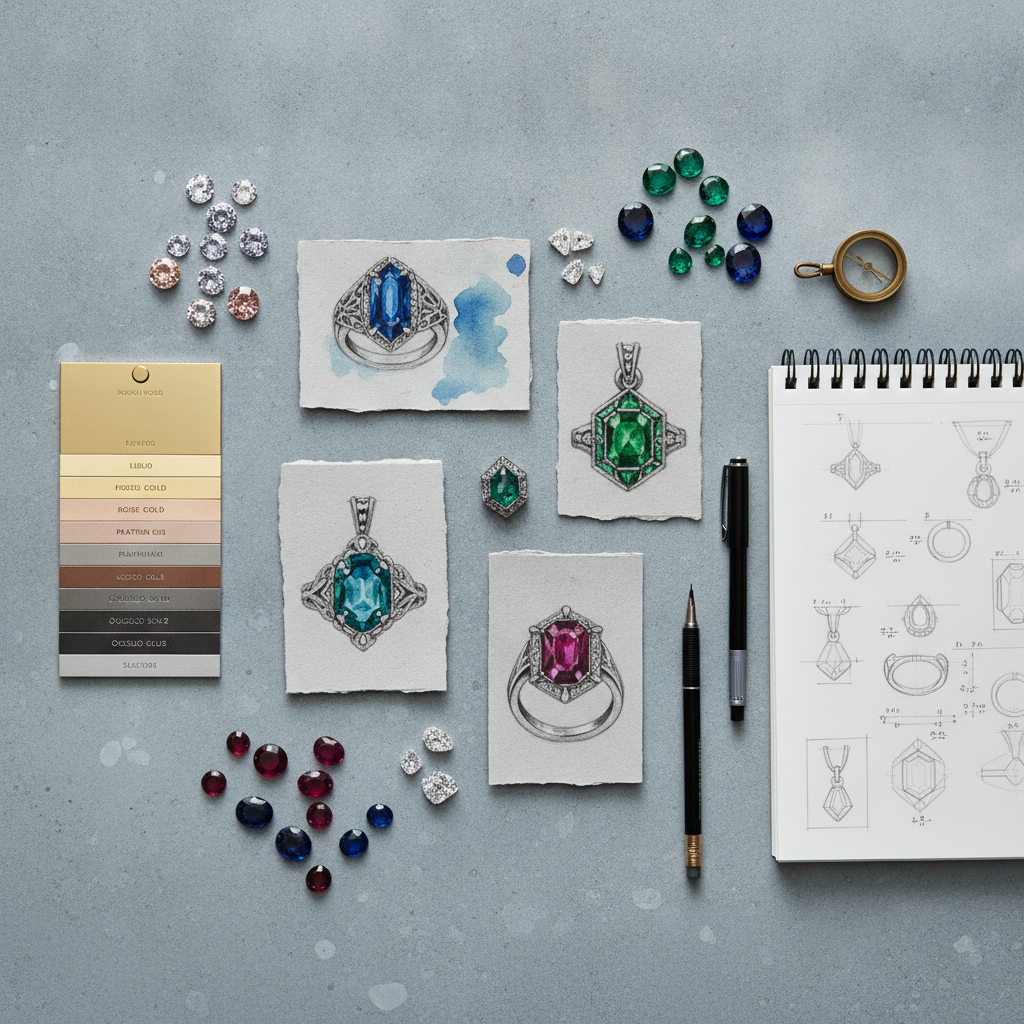
Concept Boards
Made with GPT Image 2
How the AI Jewelry Design Generator Works
Pick a piece, describe the design, download the render
Pick a Piece
Start from a ring, pendant, earring, bracelet, signet or concept board — or write your own from scratch.
Describe the Design
Name the metal and finish, the stone and cut, the setting, and how you want it photographed.
Download & Quote
Save the render, take it to a jeweller, or keep regenerating until the piece is exactly right.
Why Render a Design Before You Commission It
A showroom shows you what exists. A render shows you what you want.
Every Stone & Cut
Round brilliant, oval, emerald, pear, marquise, cushion, cabochon — in sapphire, emerald, ruby, opal, moonstone or diamond.
Real Metal Finishes
Platinum, white, yellow and rose gold, oxidised silver or brass — polished, brushed, matte, hammered or milgrain.
Six Piece Presets
Engagement rings, pendants, earrings, bracelets, signet rings and concept boards, each tuned as its own start point.
A Brief for the Bench
Download a render and take it to your jeweller or CAD designer so the first quote is for the piece you actually want.
Yours to Use
Use your designs commercially in lookbooks, proposals, listings and social posts. No watermark, no attribution.
Seconds Per Concept
See one stone in eight settings in the time a single hand sketch takes, and only draw the ones that survive.
Who Uses an AI Jewellery Design Generator
Anyone deciding what a piece should look like before money changes hands
Couples Buying a Ring
See one centre stone as a solitaire, a halo, a three-stone and a vintage setting in every metal, then walk into the jeweller with two options instead of a vague feeling.
Independent Makers
Explore a collection as images before you cast anything, test whether ten pieces read as one line, and only spend bench hours on the designs that earn it.
Jewellers & Studios
Turn a client consultation into three visual directions the same afternoon, so the CAD stage starts from an agreed look rather than a redraw.
Brands & Creators
Fill mood boards, campaign decks and trend round-ups with consistent, well-lit jewellery imagery instead of hunting for photos you have the rights to use.
AI Jewelry Design Generator FAQ
Stones, settings, manufacturability and commercial rights
Free AI Jewelry Design Generator for Custom Rings, Pendants and Earrings
Commissioning jewellery has always started with the hardest possible brief: describing a piece that does not exist yet to someone who has to build it. You say "something vintage but not fussy, in rose gold", the jeweller sketches an interpretation, and three rounds later you converge on something you both meant from the beginning. An AI jewelry design generator collapses that loop. You describe the piece and it renders it in seconds, so the first conversation with a bench jeweller starts from an image you already agree on rather than a paragraph you are both guessing at.
The descriptions that work read like a spec sheet, not a mood. Five attributes carry almost the whole result: the piece type, the metal and its finish, the stone and its cut, the setting style, and how the shot is lit and staged. "18k rose gold bezel set oval morganite ring on a thin hammered band, milgrain edge, on pale marble in soft window light" leaves the model almost nothing to invent. Keeping the staging consistent across renders matters too — the same surface and lighting across ten pieces is what turns a folder of images into something that looks like a collection.
One caveat is worth more than all the tips: a render is a concept, not a construction drawing. The model draws what looks right, not what holds a stone. It will happily produce prongs too thin to secure a centre stone, a shank that could not carry the head, a pave field with no metal between the stones, or a cut and carat combination that does not exist. None of that is a defect in the tool — it is the difference between a design image and CAD. Take the render to a jeweller, expect them to change things for structural and cost reasons, and treat the list of changes as the real design conversation. The same honesty applies commercially: renders are excellent for lookbooks, decks and proposals, and wrong for listing photos of pieces you have not actually made.
Neighbouring tools cover the rest of a jewellery workflow. Try the AI fashion design generator and AI outfit generator to build a look around a piece, and the AI mood board creator to pull a collection direction together. Makers selling online will want the AI product mockup generator for packaging, AI product image enhancement for real listing photos and the AI logo generator for the brand around them. Couples designing a ring can carry the palette through to the AI wedding invitation generator and a matching set from the AI nail art generator, while the AI pattern generator is a good source of engraving motifs and the AI image upscaler takes a favourite render up to print size. Scroll back up and design your piece free.