
AI Manga Generator
Draw the Panel You Can Already See
Free AI manga generator. Describe a scene and get inked black-and-white panels, full pages with screentone and gutters, character sheets, shoujo and shonen art, or full-colour webtoon pages — in seconds.
Try the AI Manga Generator — Free
Pick a manga style, describe the scene, and download the panel or page in seconds
AI Manga Generator
Choose a manga style, describe who is in the panel and what happens, and generate inked manga art
Tip: ask for "empty speech balloons" and letter the dialogue yourself — it comes out far cleaner than generated text.
AI Manga Art Examples
Six directions, from an inked six-panel page to a full-colour volume cover
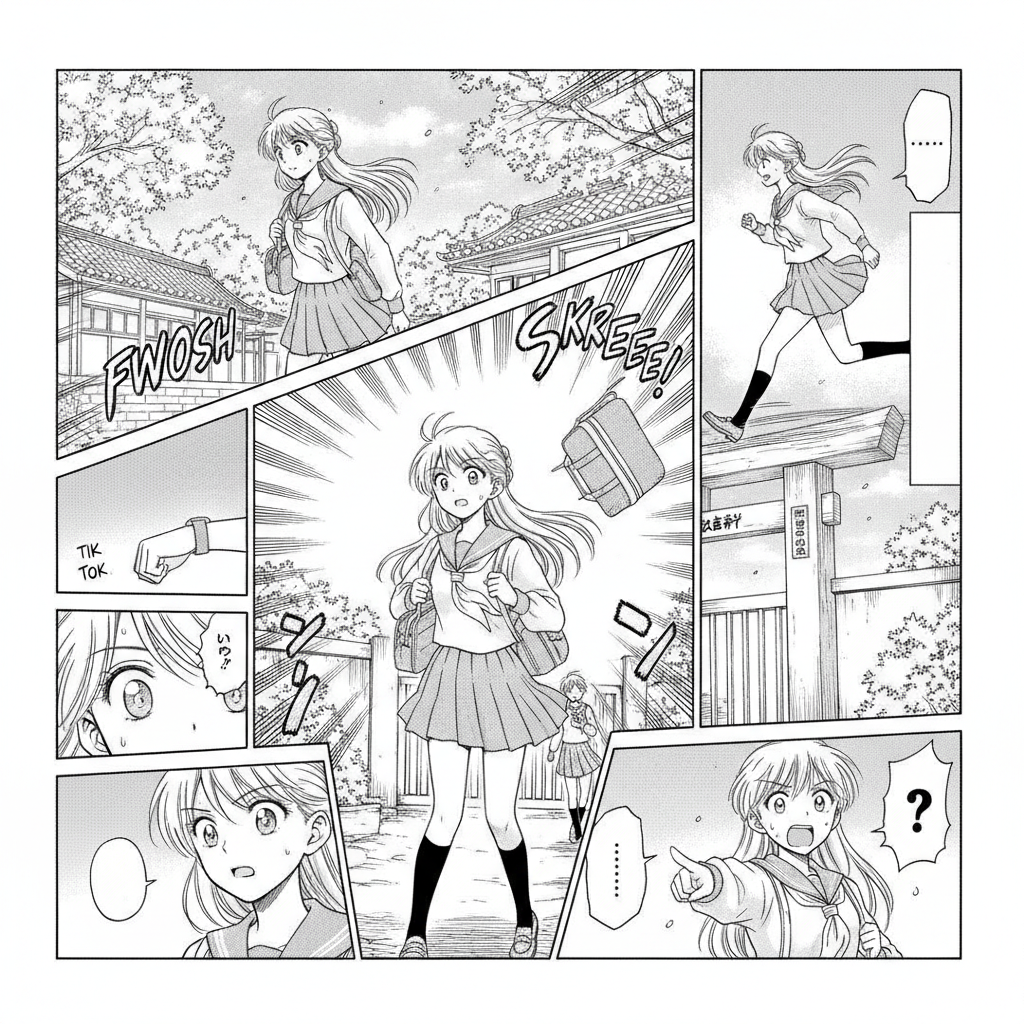
Multi-Panel Pages
Made with GPT Image 2
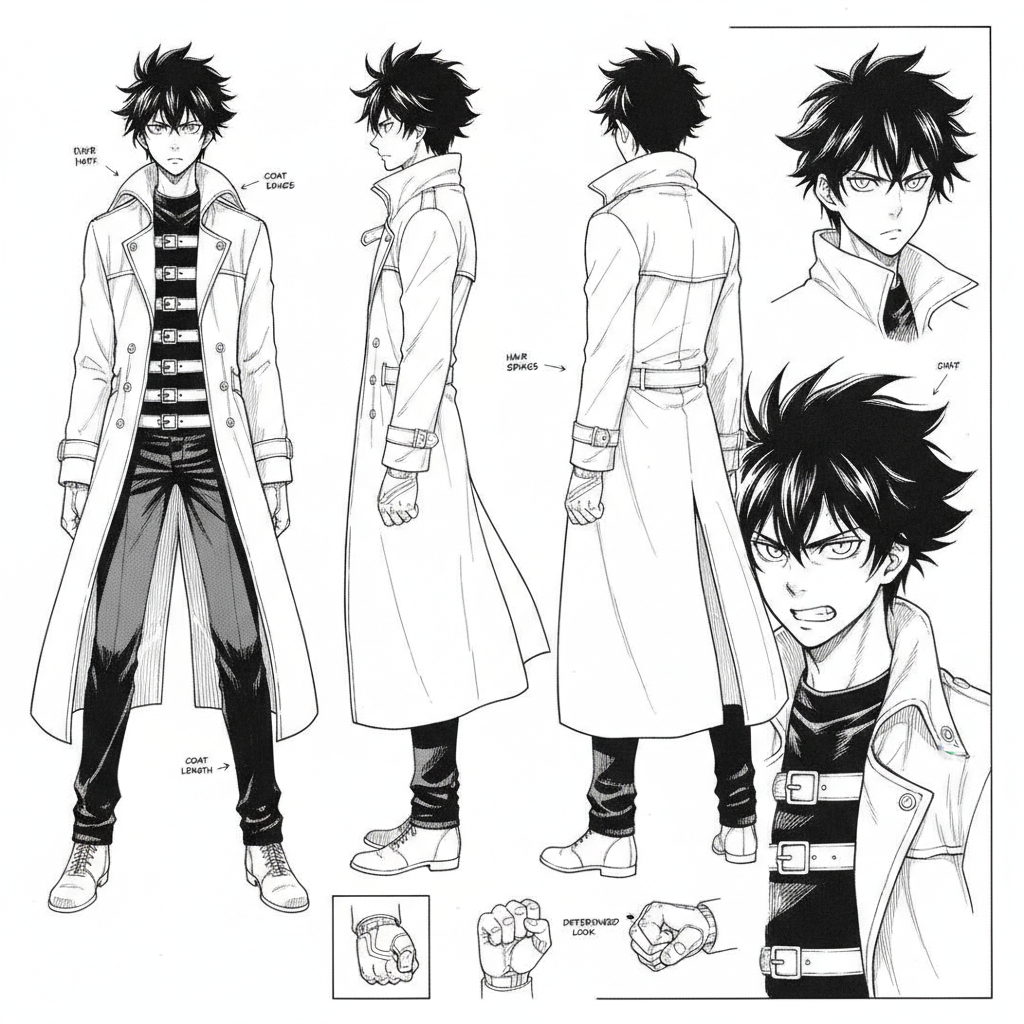
Character Sheets
Made with GPT Image 2
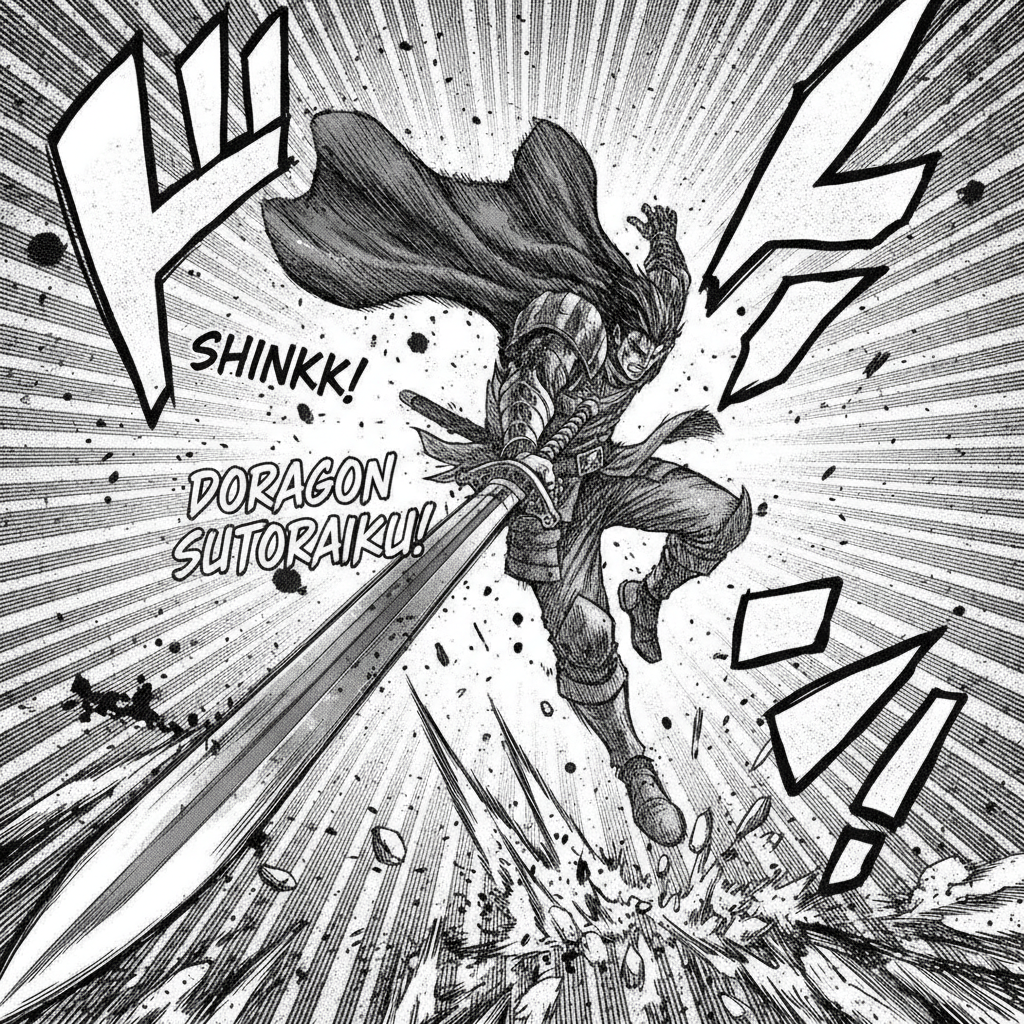
Shonen Action
Made with GPT Image 2
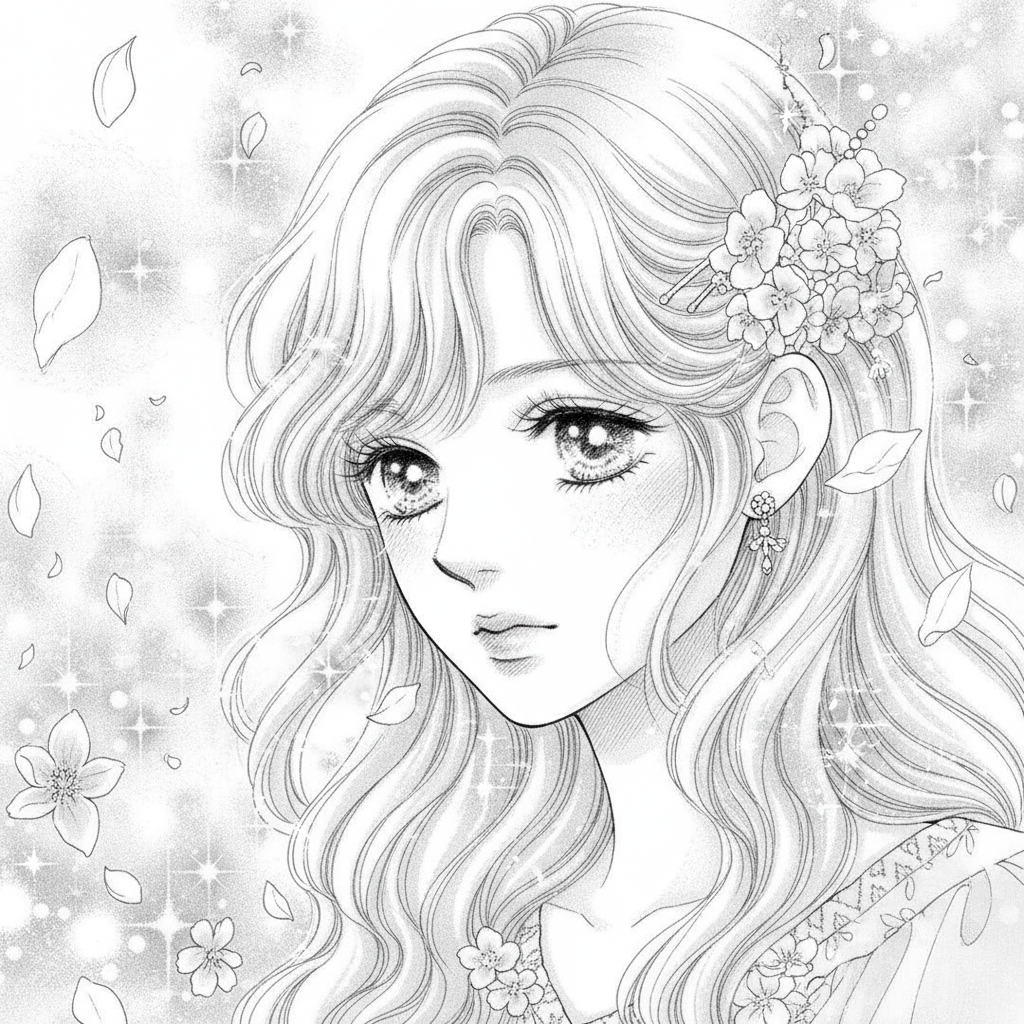
Shoujo Close-Ups
Made with GPT Image 2
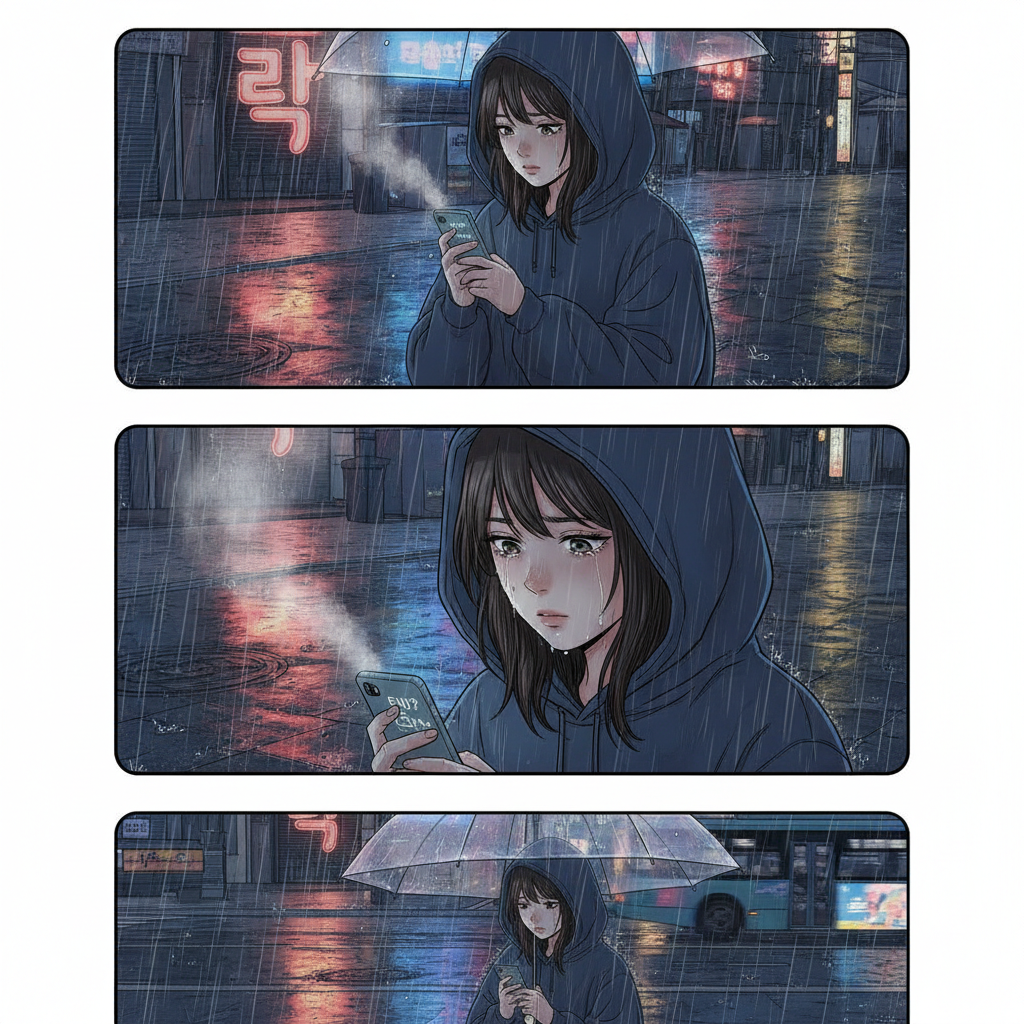
Colour Webtoon
Made with GPT Image 2
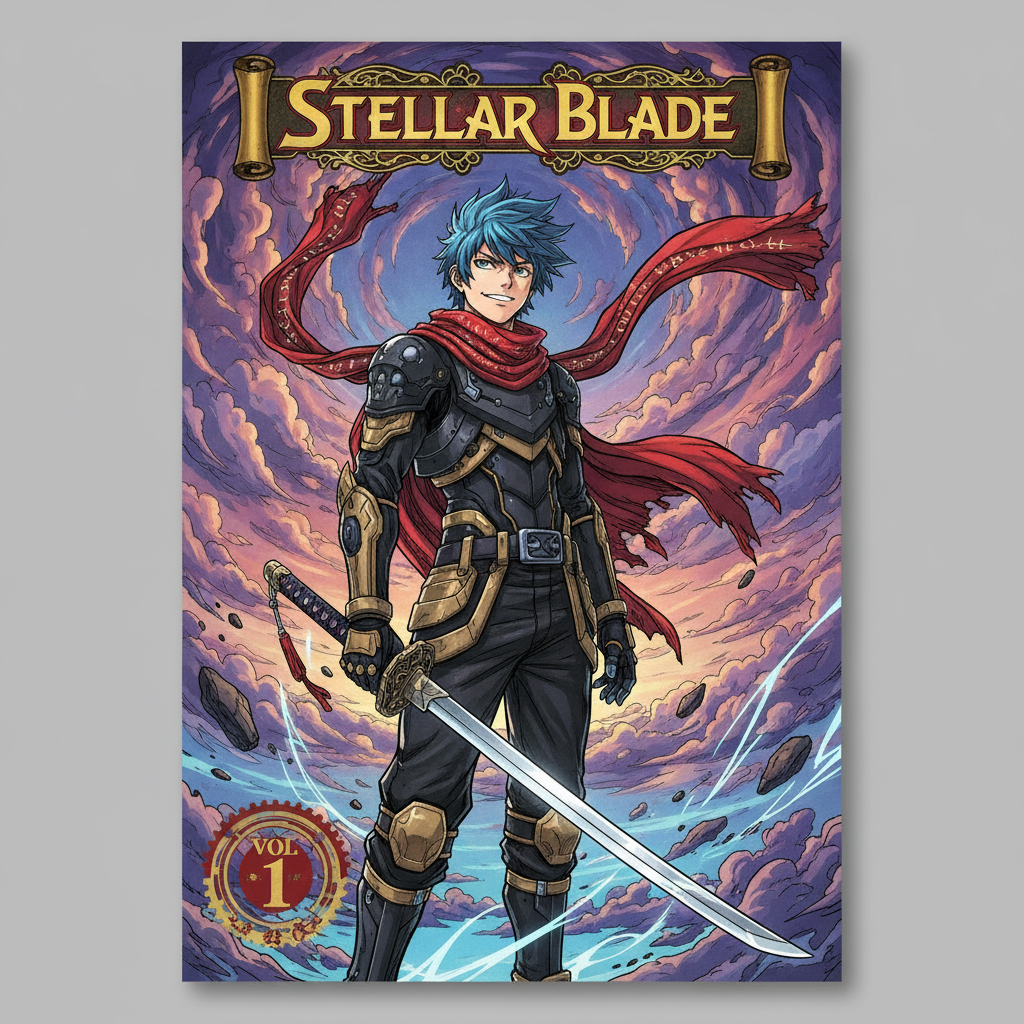
Volume Covers
Made with GPT Image 2
How the AI Manga Generator Works
Pick a style, describe the panel, download and letter it
Pick a Style
Start from a full page, shonen action, shoujo panel, character sheet, webtoon or cover — or write your own.
Describe the Panel
Say who is in it, what they are doing, the camera angle and the shading — the more specific, the closer the first try.
Download & Letter
Save the art, add your dialogue in any editor, and keep regenerating until the page reads the way you hear it.
Built for Manga, Not Just Anime Portraits
Ink, screentone and panel structure — the parts that make a page read as manga
Real Panel Layouts
Multi-panel pages with irregular grids, white gutters and balloon placement — not a single illustration pretending to be a page.
Ink & Screentone
Clean linework, halftone dot gradients, spotted blacks and speed lines, the way manga is actually printed.
Six Style Presets
Shonen action, shoujo close-ups, character sheets, full pages, colour webtoon and volume covers, each tuned separately.
Character Sheets First
Lock a design in four views before you draw a chapter, so every later panel has something to describe back to.
Yours to Publish
Use your pages in webcomics, doujinshi, covers and merch. No watermark, no attribution required.
Seconds Per Panel
Thumbnail an entire chapter in an evening and spend your drawing hours only on the panels that survived.
Who Uses an AI Manga Generator
Anyone with more chapters in their head than drawing hours in their week
Aspiring Mangaka
Thumbnail a whole chapter as generated panels to test whether the pacing works, then hand-draw only the pages that earned their place in the final cut.
Webtoon Creators
Keep a weekly vertical-scroll schedule alive by generating backgrounds, establishing shots and colour panels instead of redrawing the same street every episode.
Writers Without Artists
Turn a script into visual pages you can actually show a collaborator, a publisher or a crowdfunding page, instead of asking them to imagine it from prose.
Teachers & Fans
Build manga-style classroom handouts and club materials, or draw your own characters, doujinshi covers and fan art without twenty years of ink practice.
AI Manga Generator FAQ
Styles, speech bubbles, character consistency and commercial use
Free AI Manga Generator for Panels, Pages, Character Sheets and Webtoons
Manga has always had a brutal ratio between imagination and labour. A chapter is twenty pages, a page is five or six panels, and every one of them is inked, screentoned and lettered by hand. Most people who want to make manga stall long before the drawing skill catches up with the story in their head. An AI manga generator changes what the first draft costs: you describe a panel and it comes back inked in seconds, so an idea gets to exist as a page while you still care about it.
Prompts for manga work differently from prompts for illustration, because manga is a language of shots rather than pictures. Four things carry most of the result: the genre word (shonen, shoujo, seinen, chibi, webtoon), the shot itself (low angle, extreme close-up on the eyes, over the shoulder, wide establishing), the action in plain verbs, and the rendering (screentone density, speed lines, heavy black spotting, empty speech balloons). "Shoujo manga panel, extreme close up of a girl looking away, sparkling eyes, floral screentone, fine linework" leaves the model very little to invent. "Anime girl, manga style" leaves it everything, and you will feel the difference in how many regenerations it takes.
Two limits are worth knowing before you plan a chapter around this. Generated text is unreliable — short balloon lines often land, but dialogue-heavy pages come out as lettering-shaped noise, so generate empty balloons and letter them yourself in Clip Studio, Photoshop or Krita. And character consistency does not come free: each generation is independent, so the same protagonist drifts between panels unless you fix their description word for word and reuse it, ideally after locking a character sheet first. Serious workflows lean on the image-to-image editor for continuity — edit a panel you already like rather than rolling the dice again. Neither limit is fatal; both are the difference between a folder of nice images and something a reader can actually follow.
The rest of a manga workflow lives in neighbouring tools. Try the AI anime generator for full-colour character art, the AI comic strip generator for Western-style strips and the AI storyboard generator to block out a chapter before you draw it. Build your cast with the AI character portrait generator, the AI chibi generator for gag panels and the AI Ghibli generator for softer painted backgrounds. When a chapter is done, the AI book cover generator handles the volume cover, the AI line art generator gives you clean uncoloured linework, the AI sticker generator turns your cast into merch and the AI image upscaler takes a page up to print resolution. Scroll back up and draw your first panel free.