
AI Menu Design Generator
Restaurant, Cafe & Bar Menus in Seconds
Free AI menu design generator. Describe your venue and your dishes, and get a fine dining card, a cafe board, a rustic bistro sheet, a casual layout, a wedding menu card or a cocktail list.
Try the AI Menu Design Generator — Free
Pick a format, describe your venue and dishes, and download the layout in seconds
AI Menu Design Generator
Choose a menu format and describe your venue — the type character, the palette, the paper, how many sections and where the prices sit
Tip: say how many sections and items you want and where the prices go. Six to ten items across three sections keeps the type large enough to read; a twenty-item list renders small and mushy.
AI Menu Design Examples
Six formats, from a tasting card to a board on the wall behind the counter
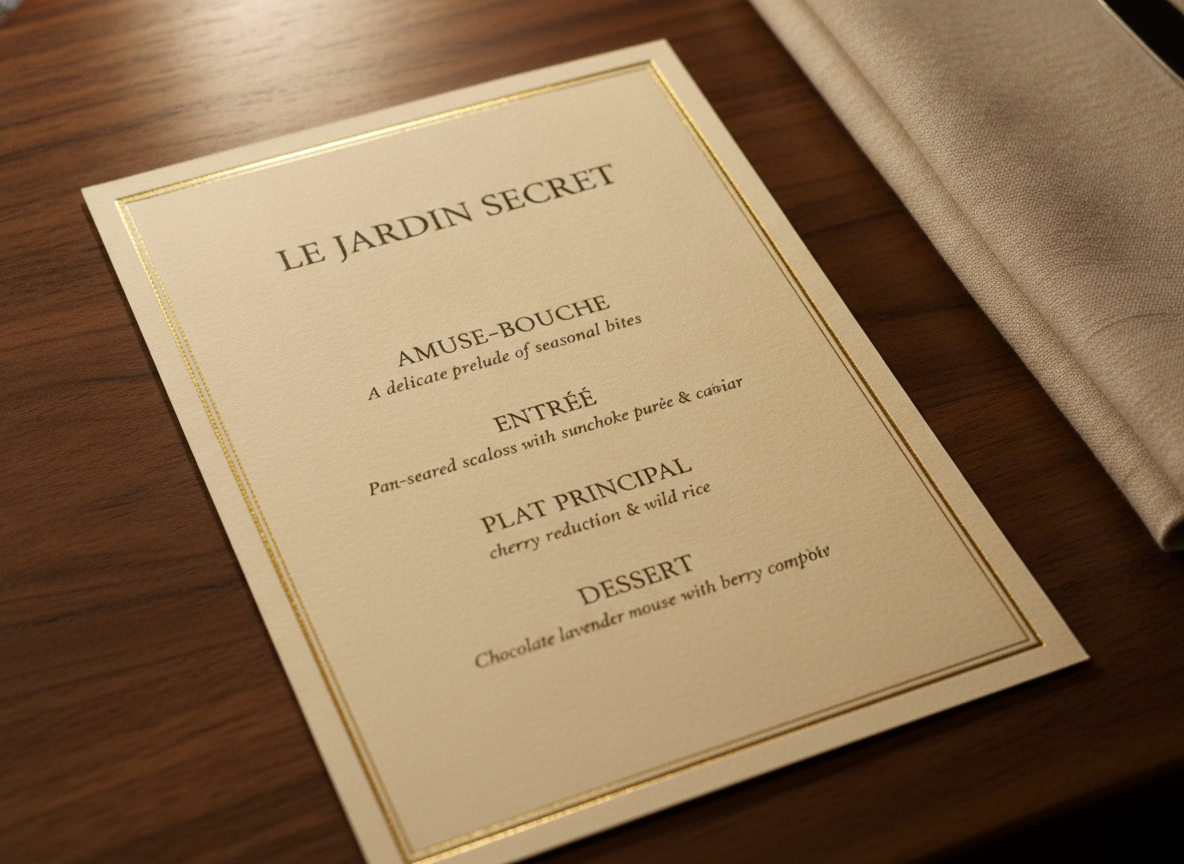
Fine Dining Card
Made with GPT Image 2
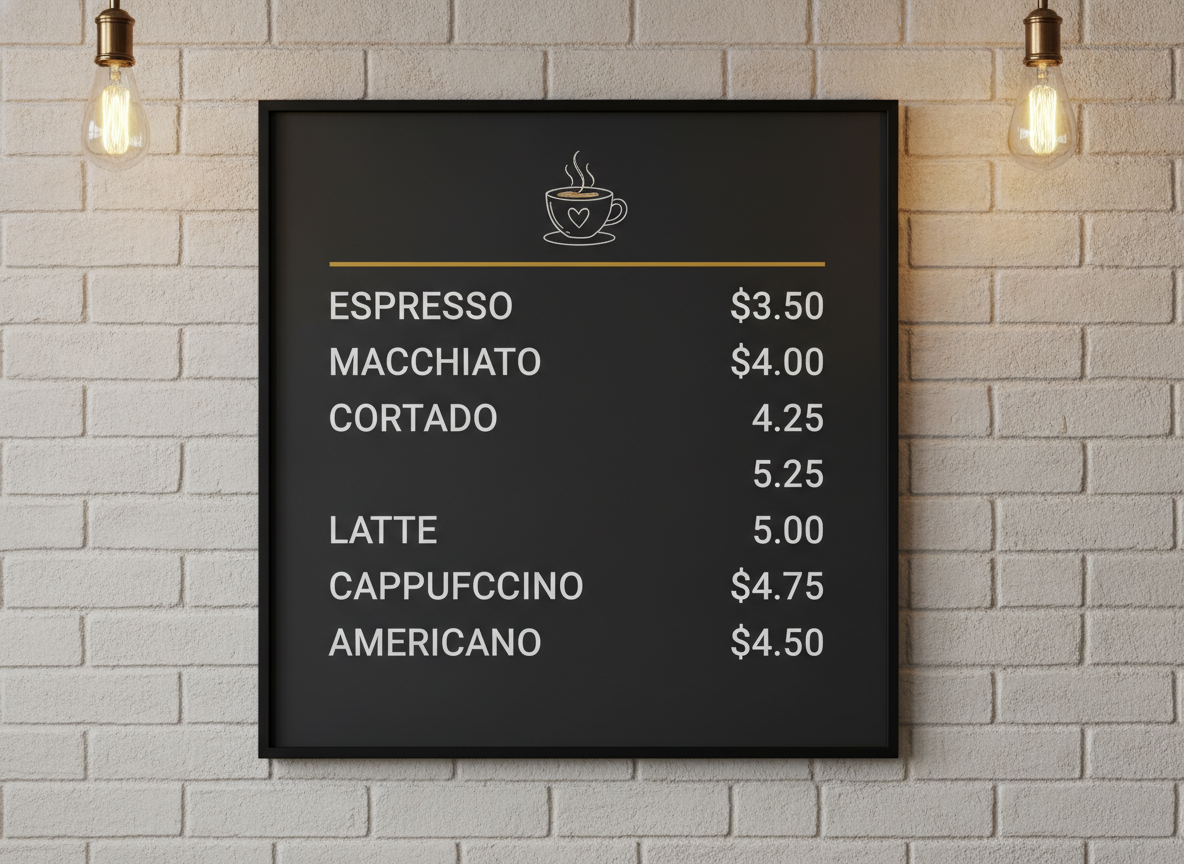
Cafe Board
Made with GPT Image 2
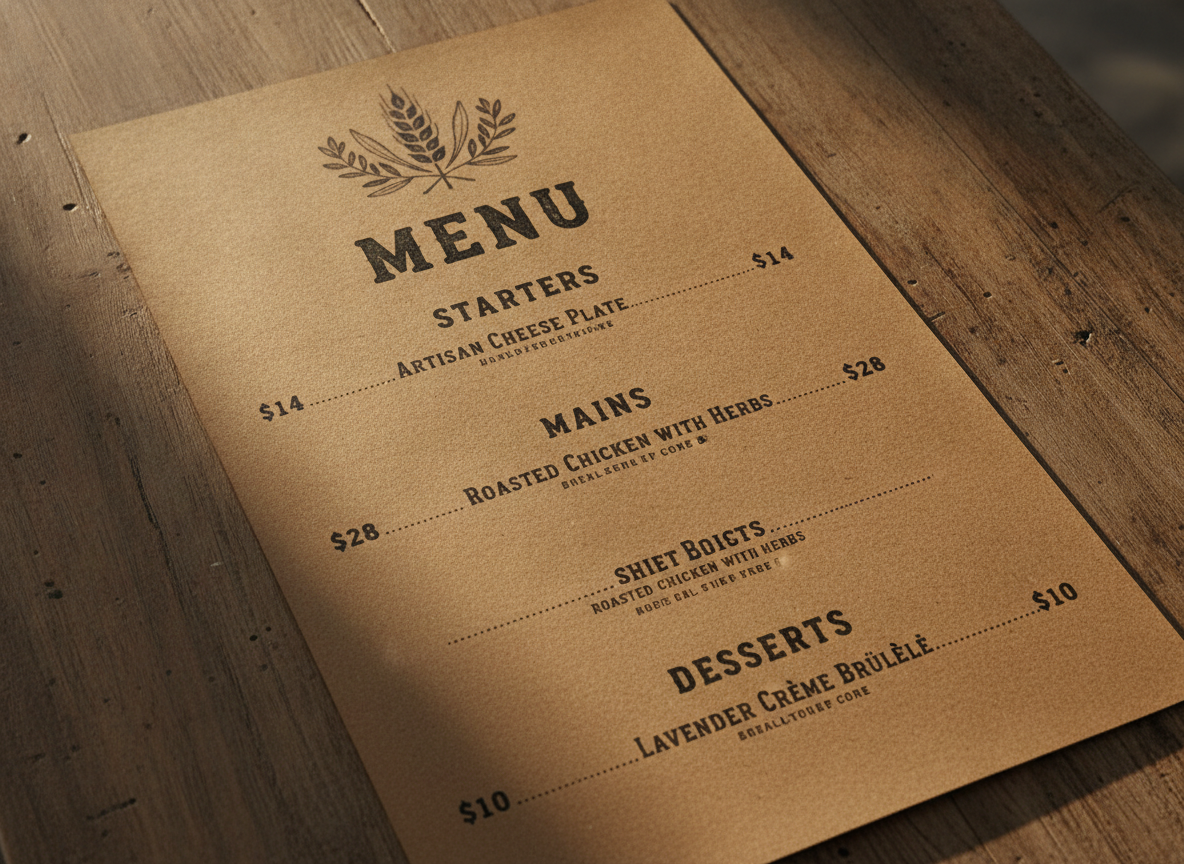
Rustic Bistro
Made with GPT Image 2
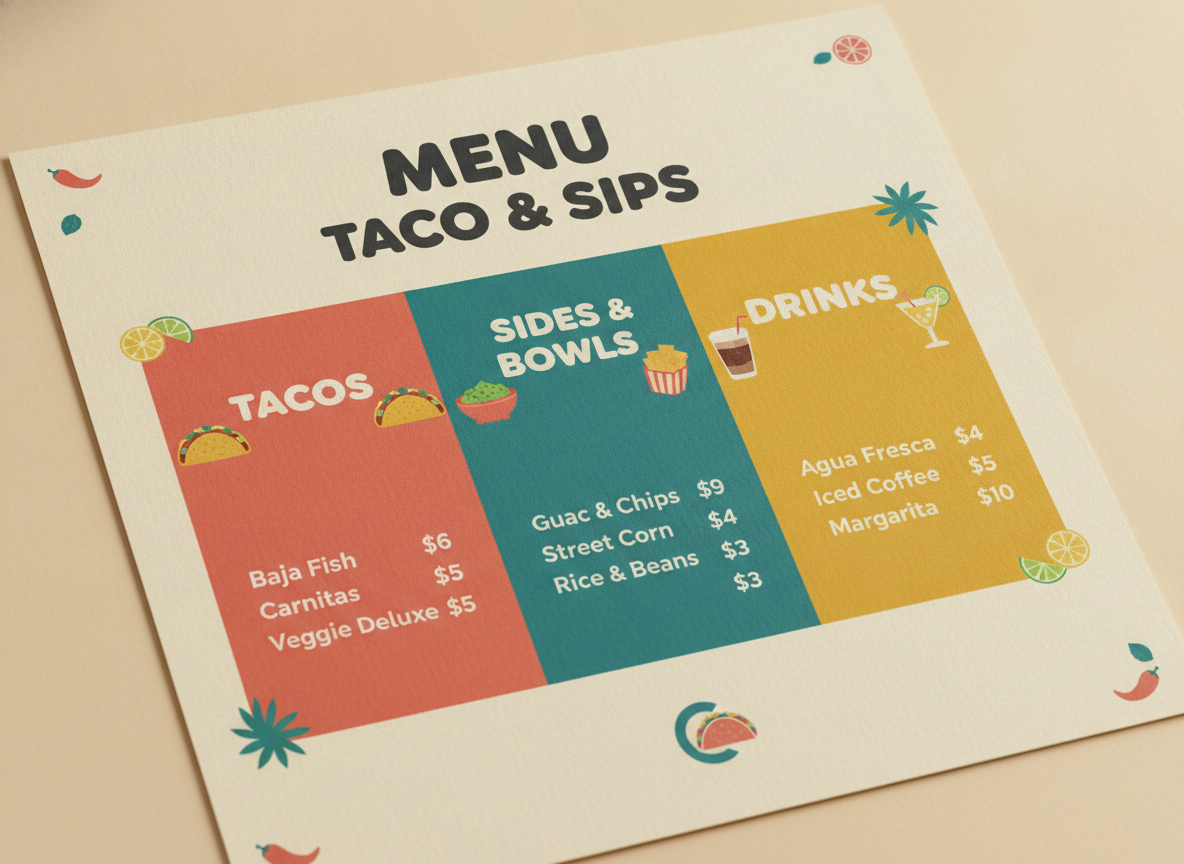
Casual Eatery
Made with GPT Image 2
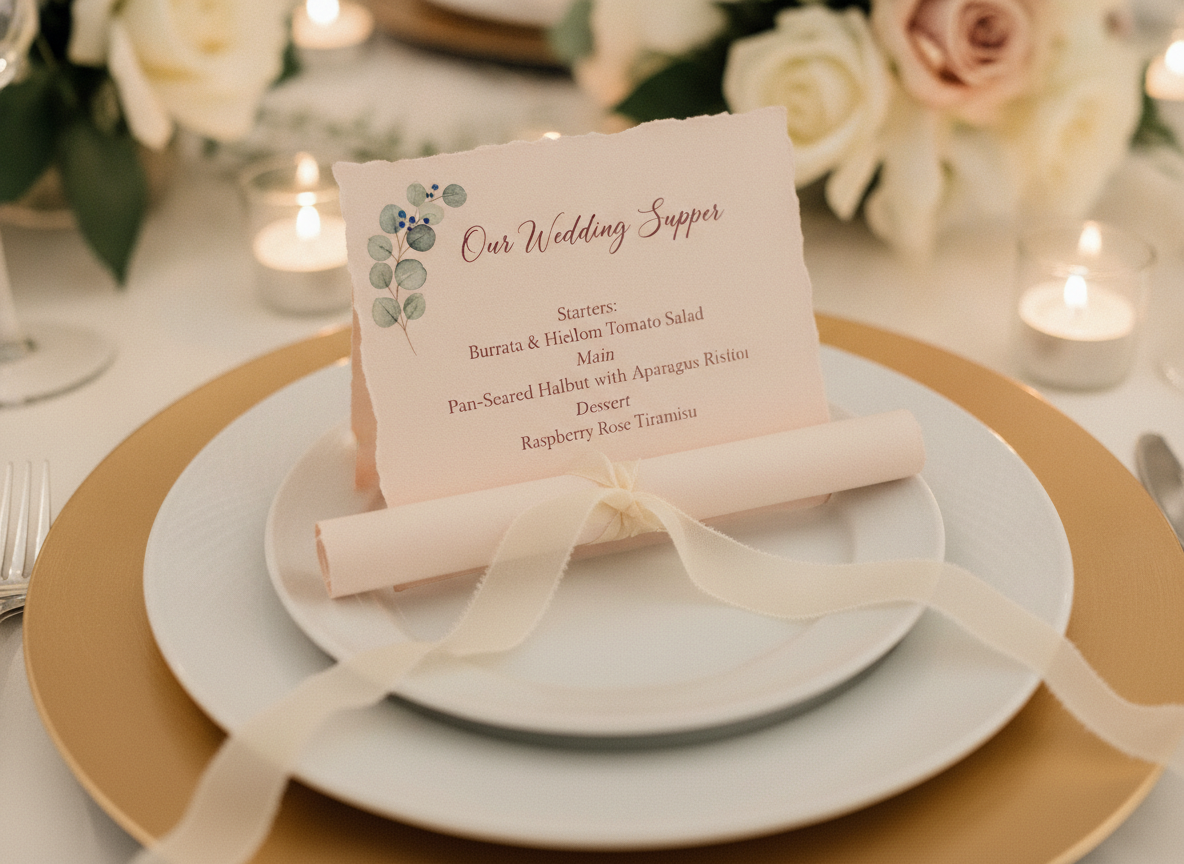
Wedding Menu Card
Made with GPT Image 2
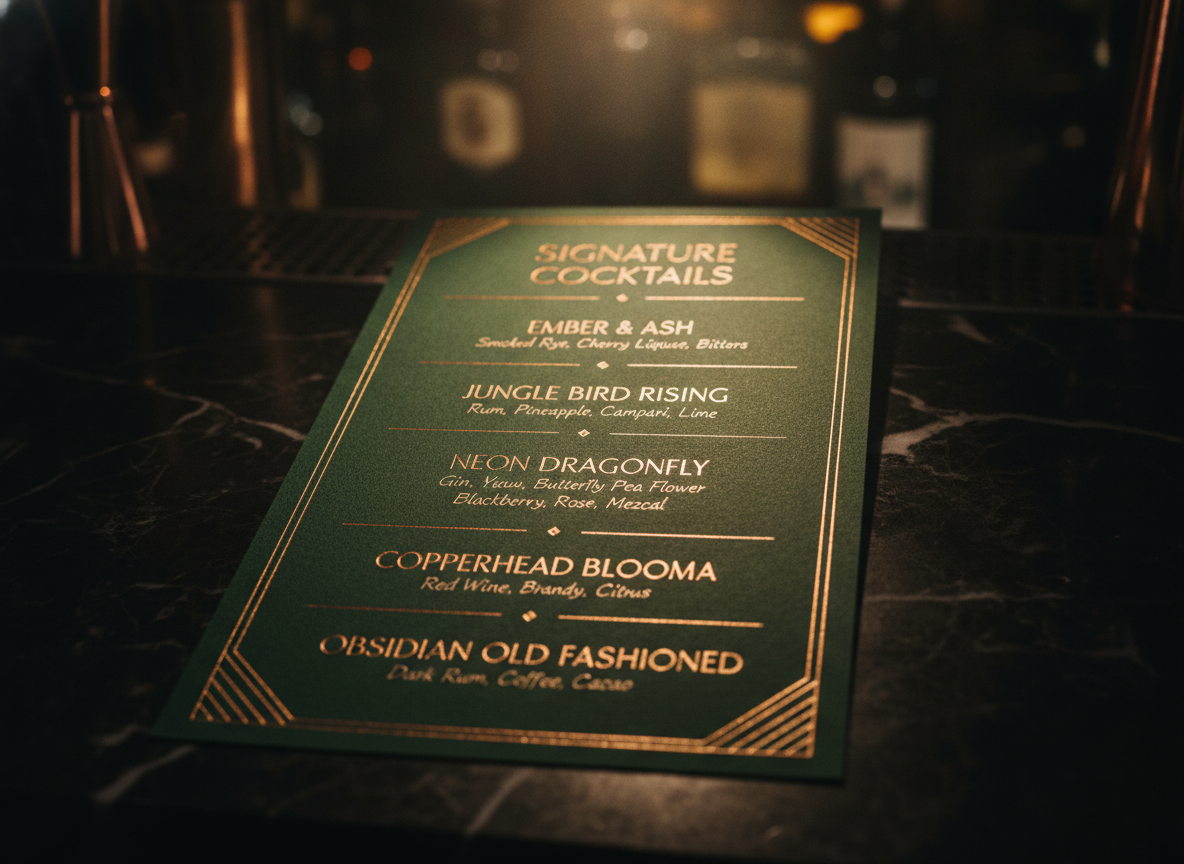
Cocktail Bar List
Made with GPT Image 2
Proofread Before You Print — This Is a Design Concept
The generator renders type as artwork, so dish names can come out misspelled and prices can shift a digit. Read every line against your own list before anything goes to a printer, and check allergen, dietary and provenance text with particular care — an incorrect gluten-free or nut-free mark is a safety problem, not a typo. The download is also a screen-resolution RGB PNG with no bleed, no crop marks and no editable text, so treat it as a layout concept: pick the direction you like, then rebuild it in Canva, Affinity Publisher or InDesign with your copy retyped as real text. That way you can fix a price in thirty seconds the next time one changes.
How the AI Menu Design Generator Works
Describe the venue, pick the format, proof the copy, print with confidence
Describe the Venue
Format first, then the type character, the palette and the paper. Say how many sections and items, and where the prices should sit.
Pick a Format
Fine dining, cafe board, rustic bistro, casual eatery, wedding card or cocktail list. Each one sets the framing, the stock and the lighting.
Proof, Then Rebuild
Download with no watermark, check every dish name and price, then retype the copy in Canva or InDesign for the final print file.
Why Use an AI Restaurant Menu Maker
Because a menu is the one piece of design every guest actually reads
Six Menu Formats
Fine dining card, cafe board, rustic bistro sheet, casual eatery layout, wedding menu card and cocktail list — chosen by how the menu gets seen, not by mood.
Typography That Holds Up
Section headings, dish names, italic descriptions and aligned prices render as a real hierarchy, so the layout reads at arm length instead of falling apart.
Price Columns & Leaders
Right aligned price columns, dotted leader lines or prices under the description — say which you want and the layout is built around that decision.
Your Palette, Your Paper
Ivory and gold, charcoal and mustard, kraft and dark ink, forest green and copper. Paper stock and lighting render too, so it looks printed, not previewed.
Yours Commercially
No watermark, no attribution. Print it for the venue, post it, put it on the website or sell it as part of a wedding stationery suite.
Four Directions in Ten Minutes
Menu decisions are comparative. Run the same dish list through four styles, put them side by side, and pick — instead of paying for one rough draft.
Who Uses It
Anyone who has to redo the menu and does not have a designer on call
Independent Restaurant Owners
You changed three dishes and put every price up by fifty cents, and the designer who made the last one has moved on. Run the new list through four styles over a coffee, pick the one that fits the room, and rebuild it for print the same afternoon.
Cafes & Coffee Shops
A drinks board has to read from the door, which is a typography problem before it is a design problem. The cafe board format keeps the two-column layout and the right-aligned prices intact, so you can see what actually holds up at four metres.
Pop-Ups & Food Trucks
The board changes with the market and the weather, so nothing can take an afternoon. Generate a fresh casual layout for this weekend, post it to Instagram on Friday, and reprint the A3 without opening a design file.
Wedding & Event Hosts
Per-guest menu cards are the detail that ties a place setting together and the one nobody budgets for. Use the AI wedding menu card generator to match your invitation palette, then print the cards yourself on deckled stock.
AI Menu Design Generator FAQ
Formats, print files, proofreading, branding and licensing
Free AI Menu Design Generator — From Dish List to Printed Card
A menu is the only piece of design in a restaurant that every single guest reads, holds and makes a decision from, and it is almost always the piece that gets made last, fastest and by whoever happens to be free. Independent venues rarely have a designer on call, so the menu ends up as a Word document with the prices tabbed by hand, or as a template that fits somebody else’s room. An AI menu design generator collapses the concepting stage to about fifteen seconds a try, which is why it lands hardest with the people who redo a menu most often: neighbourhood restaurants changing dishes with the season, cafes reprinting a board when the coffee price moves, pop-ups and food trucks rewriting the list every weekend, and couples printing per-guest cards for a reception.
The six formats map to how a menu is physically encountered rather than to six decorative moods. The fine dining card is ivory stock and a gold rule, right for a tasting menu or a prix fixe where the list is short and the typography carries the room. The cafe board is the dark two-column drinks layout built to be printed large and mounted behind the counter, where legibility at four metres matters more than anything else. The rustic bistro sheet is kraft paper with letterpress type and dotted leader lines running to the prices, the format that suits seasonal food and small plates that change weekly. The casual eatery layout is bright colour blocking and rounded display type for tacos, burgers and bowls, and it is the one that photographs best on a delivery app listing. The wedding menu card is a single blush deckled card for a place setting, and the cocktail bar list is a dark card with copper foil and a short ingredient line under each drink name.
Prompting a menu well is mostly a matter of describing structure instead of style. Lead with the venue and the format, then the type character — an elegant high-contrast serif, a clean geometric sans, a condensed grotesque — then the palette, then the paper stock. Then give the two structural facts that make the difference between a readable layout and a mushy one: how many sections and items you want, and where the prices go. Six to ten items across three sections keeps the type large; a twenty-item list will render small no matter how good the prompt is. Saying “prices right aligned in a column” or “dotted leader lines to the prices” changes the whole grid. And then proof it. The model renders words as artwork, so dish names can come out misspelled and a price can lose a digit, which is a nuisance on a starter and a genuine problem on an allergen mark. Read every line against your own list, then rebuild the layout in Canva or InDesign with real text before it goes to print — the PNG has no bleed, no CMYK and nothing editable, but it is a perfectly good answer to “what should this look like?”
A menu never travels alone, so the neighbouring tools cover the rest of the venue. Put the same identity on a mark with the AI logo generator, set the headline lettering with the AI typography generator, and hand guests something to take away with the AI business card maker. Announce the opening or the new season with the AI flyer generator, the AI poster maker or the AI event poster designer. Shoot the dishes that go beside the listing with the AI food photography generator, mock up branded packaging for takeaway with the AI packaging design generator and the AI product mockup generator. Match a reception suite with the AI wedding invitation generator and the AI greeting card maker, keep the feed fed with the AI social media content creator, and push the file up to print size with the AI image upscaler. Scroll back up and design your first menu free.