
AI Typography Generator
Word Art That Spells It Right
Free AI typography generator. Type a word and get glossy 3D lettering, a neon sign, liquid chrome, copperplate calligraphy, gold-leaf signwriting or balloon letters — with spelling that actually comes out right.
Try the AI Typography Generator — Free
Pick a lettering treatment, type your word in quotes, and download it in seconds
AI Typography Generator
Choose a lettering treatment and type your word — one or two words in caps works best
Tip: put your word in quotes and keep it under about twenty characters. Short strings spell reliably; long phrases start dropping letters, so generate the headline word here and set body copy in your design tool.
AI Typography Examples
Six lettering treatments, every word rendered as a real material in real light
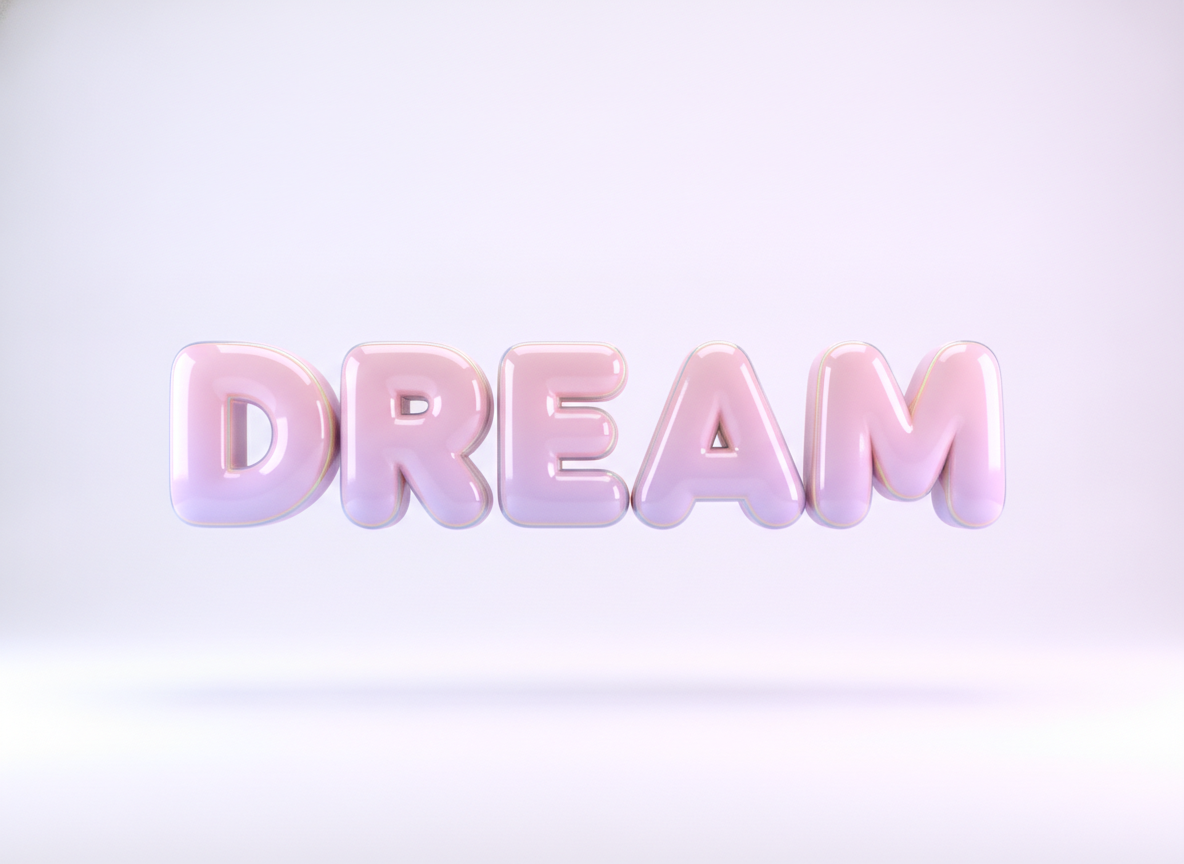
Glossy 3D Lettering
Made with GPT Image 2
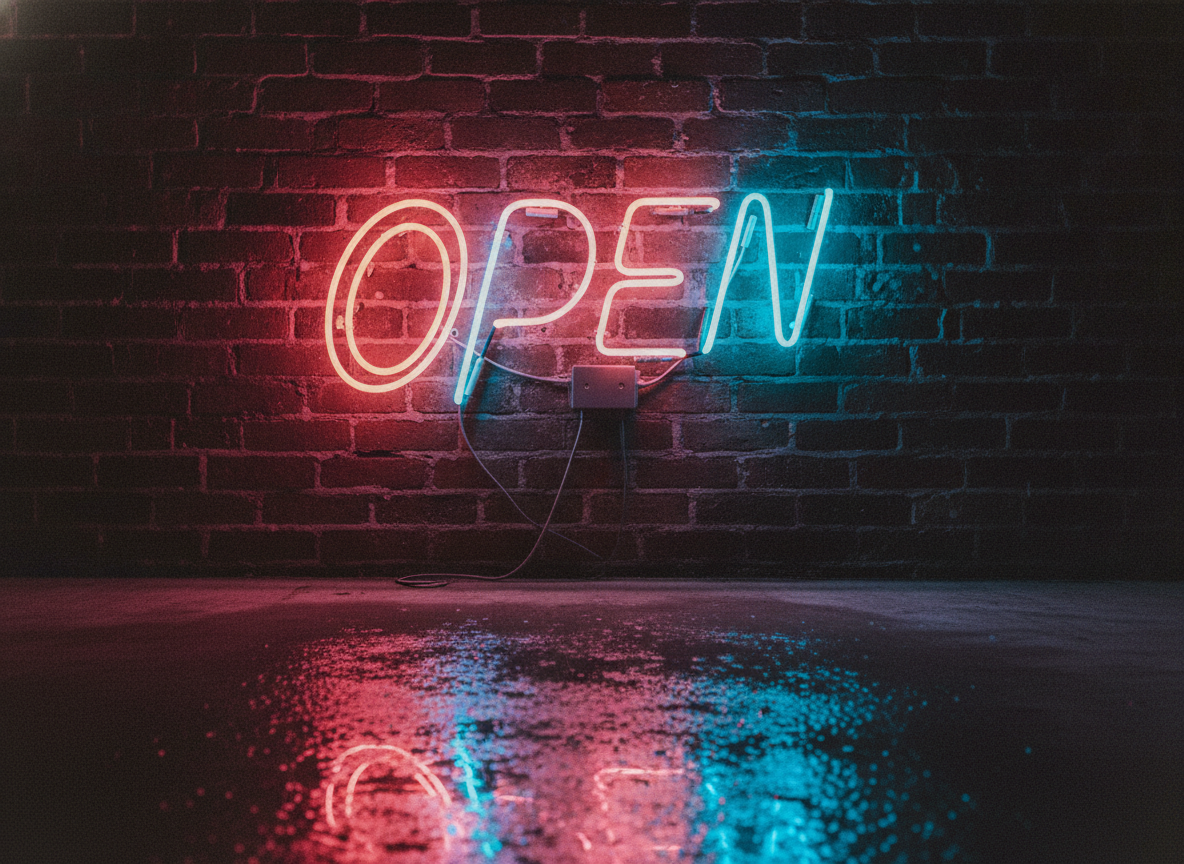
Neon Sign Script
Made with GPT Image 2
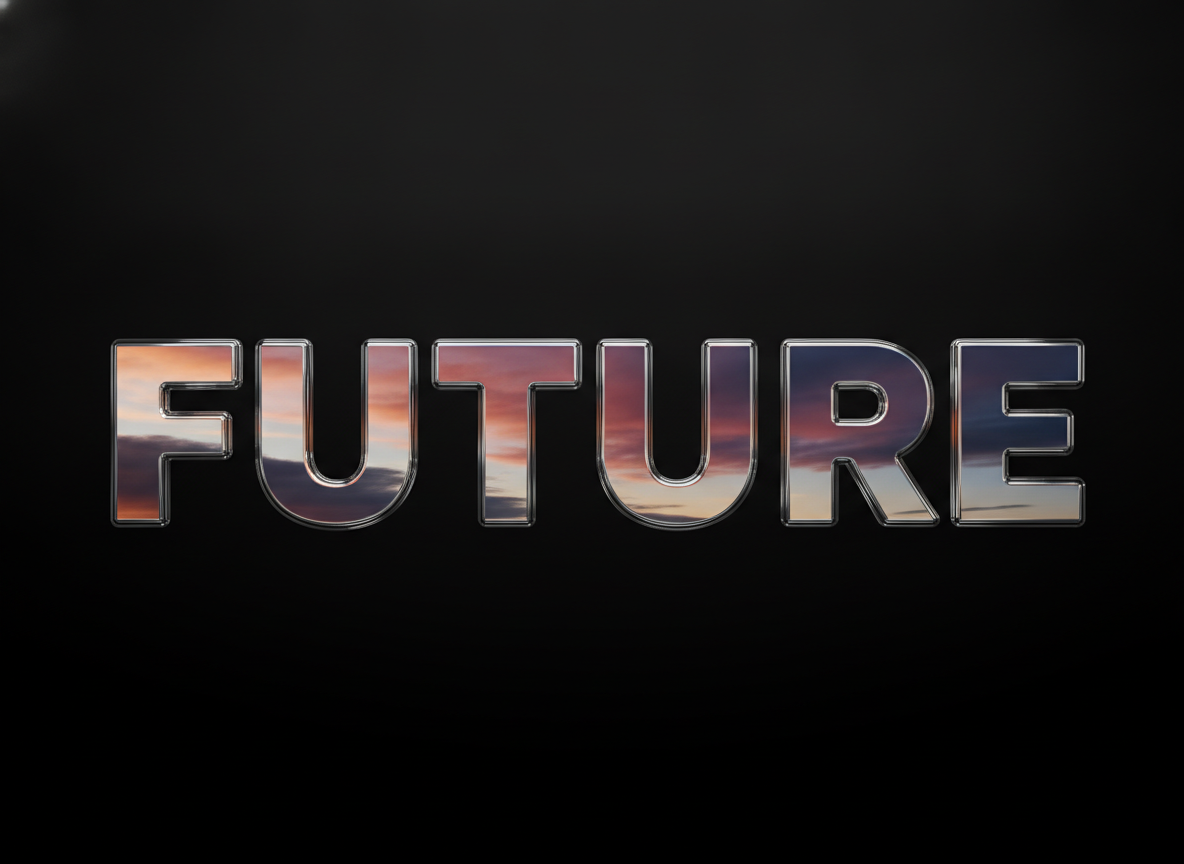
Liquid Chrome Type
Made with GPT Image 2
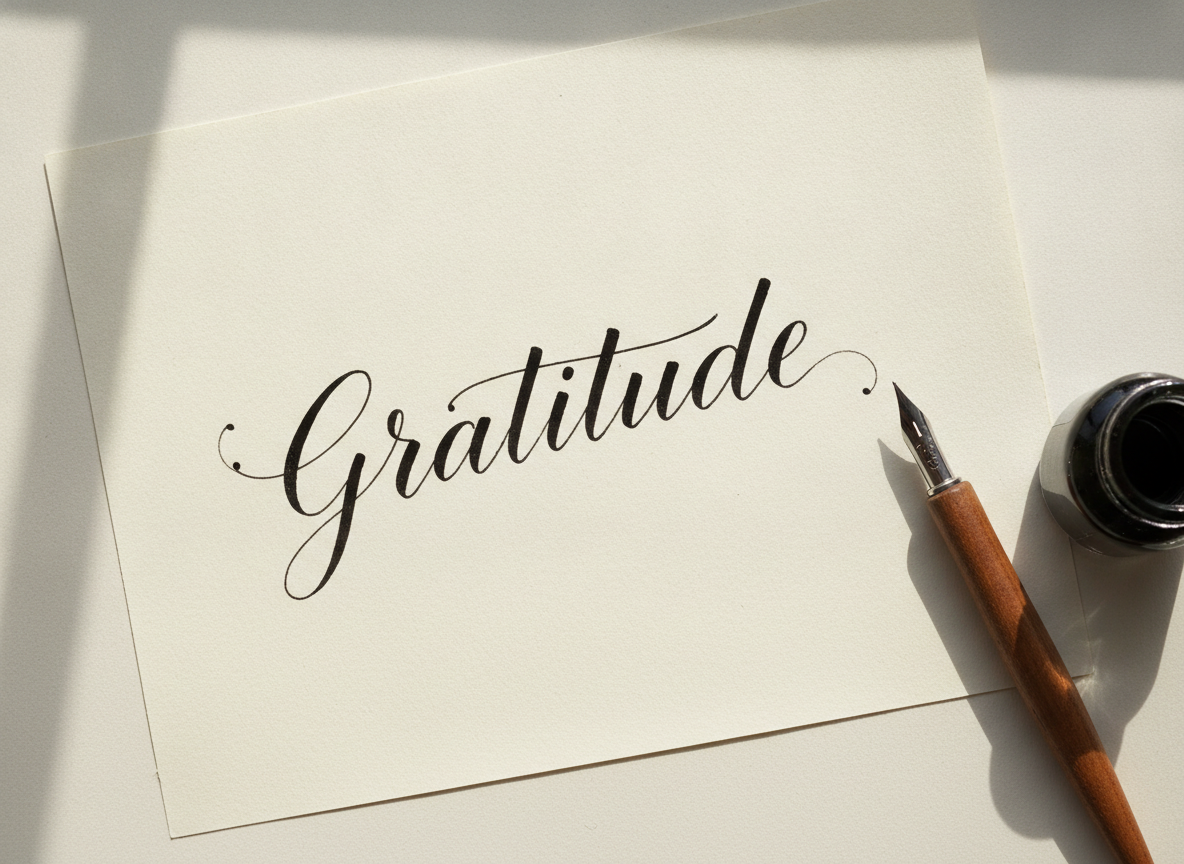
Copperplate Calligraphy
Made with GPT Image 2
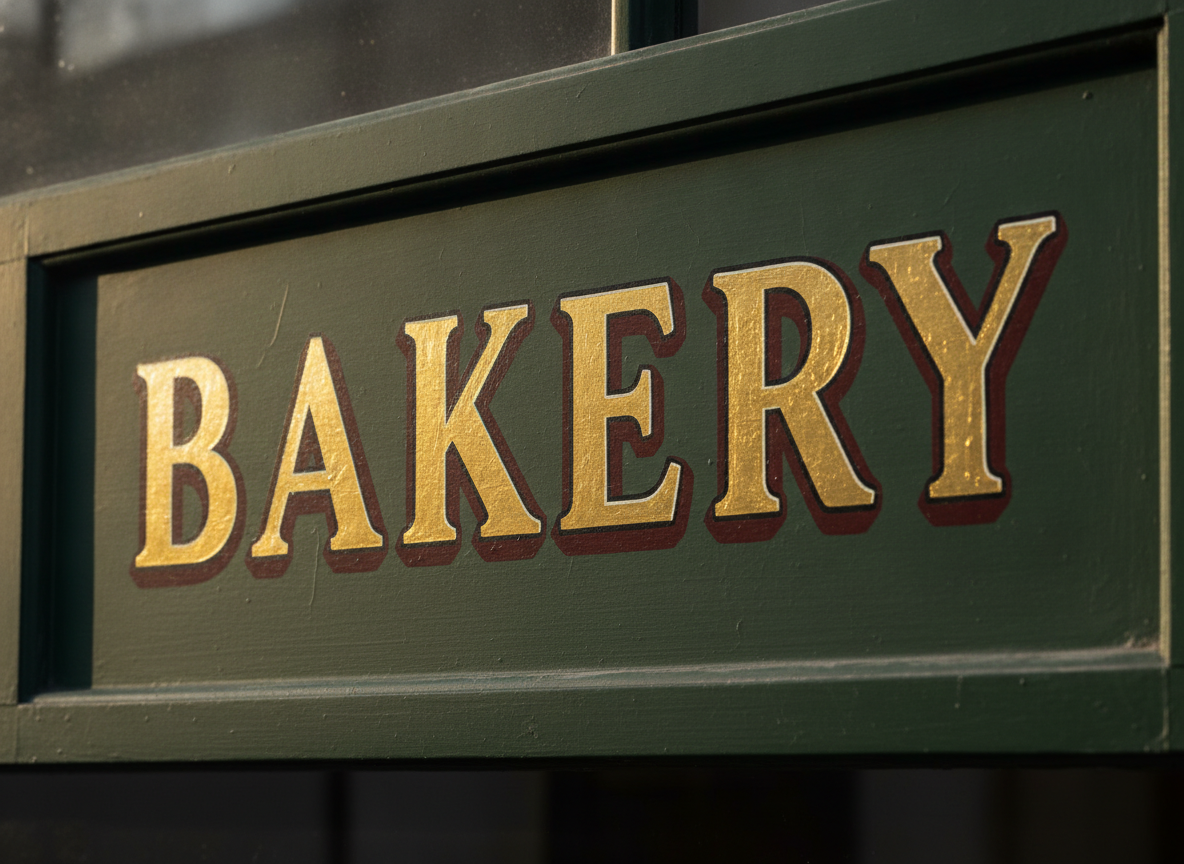
Gold Leaf Signwriting
Made with GPT Image 2
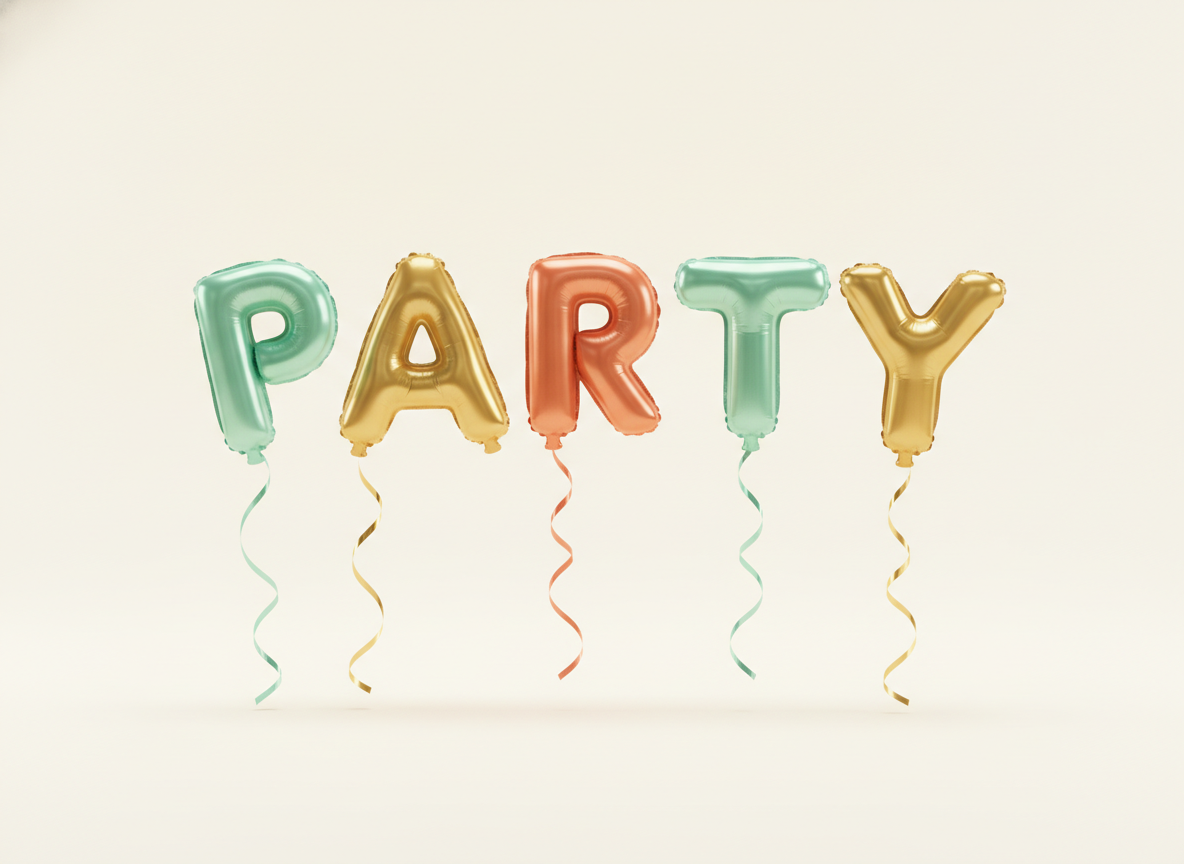
Foil Balloon Letters
Made with GPT Image 2
About the Spelling — Read This First
Accurate in-image text is the single biggest thing GPT Image 2 improved, and it is why this page exists. Short words spell correctly the large majority of the time — one or two words in caps is the sweet spot. Accuracy drops as the string grows, because the model is painting letter shapes rather than typesetting a string, so always read the result before you use it. If a character slips, regenerate rather than rewording the prompt; the next run is usually clean.
How the AI Typography Generator Works
Type the word, pick the treatment, download the lettering
Type Your Word
One or two words in caps works best. Put the text in quotes so the model knows exactly what to spell.
Pick a Treatment
3D, neon, chrome, calligraphy, signwriting or balloons. Each preset sets the letterforms, material, lighting and backdrop.
Check & Download
Read the letters, regenerate if one slipped, then download without a watermark and drop it into your design.
Why Use an AI Typography Generator
Because a font gives you shapes; this gives you a finished piece of lettering
Spelling That Lands
Accurate in-image text is the headline capability of GPT Image 2 — short words render right, so your lettering is usable instead of a punchline.
Six Lettering Treatments
Glossy 3D, neon tubing, liquid chrome, copperplate calligraphy, gold-leaf signwriting and foil balloon letters.
Letters as Real Objects
Neon spills light on the brick, chrome reflects the sky, ink pools at the stroke ends. Material and lighting, not a filter on a font.
Any Word You Type
Your name, your brand, your headline, your one-word poster. Type it, pick a treatment, done — no font hunting.
Yours Commercially
No watermark, no attribution. Use the lettering on thumbnails, merch, packaging and client work.
Rerun Until It Is Perfect
Typography is a numbers game. Six variants in a minute beats an afternoon of kerning a font you already own.
Who Uses It
Anyone whose design is mostly one very good-looking word
Designers Mocking Up Titles
A client wants to see the wordmark three ways by Thursday. Generate chrome, gold leaf and glossy 3D versions of the same name in a couple of minutes, put them on a board, and spend your real hours on the direction they pick.
YouTube & Social Creators
Thumbnail text is the whole click. A glossy 3D or neon treatment of one loud word reads at phone size in a way a system font never will — and you can have a fresh one for every upload.
Small Businesses
Signage mock-ups, menu headers, window decals and market stall boards. See your shop name in gold-leaf signwriting or a neon script before you commission a sign painter — and use the image itself in the meantime.
Crafters & Print Sellers
Wall art of a single word, personalised name prints, card fronts, party banners and sticker sheets. Copperplate calligraphy and balloon letters are the two treatments that sell, and both are one prompt away.
AI Typography Generator FAQ
Spelling, word length, licensing and where the tool stops
Free AI Typography Generator — Lettering With Spelling That Holds Up
For years the running joke about AI images was the text. Ask for a shop sign and you got confident nonsense; ask for a word on a cake and you got four extra letters nobody ordered. That is the failure mode people search around, and it is exactly what changed. Accurate in-image text rendering is the headline capability of the model behind this page, which is why an AI typography generator is now a tool you can actually ship work from rather than a novelty. Short words come out spelled right the large majority of the time. It is still worth reading every result before you use it — but you are checking, not gambling.
The important distinction is between a font and a piece of lettering. A font hands you outlines and leaves the design to you: you still have to pick a colour, add a shadow, fake a bevel, find a texture, and build a background that does not fight the word. This tool renders the whole thing as a scene. The neon preset does not draw a glow around a script face — it builds glass tubes on a brick wall, with mounting hardware, light spilling across the mortar and a wet reflection on the floor. Chrome reflects an actual sunset and an actual sky, so the highlights sit where physics would put them. Copperplate calligraphy pools ink at the ends of strokes and thins the upstrokes to hairlines, on paper with real fibre. Gold-leaf signwriting carries brush texture and a hand-cut drop shadow. That richness is the reason to come here instead of opening a font menu, and it is also why the output is a single finished image rather than a typeface you can reuse.
Getting a great result comes down to three habits. Put the text in quotes and keep it short — one word is ideal, two are comfortable, and under about twenty characters is the safe zone, because the model paints letter shapes rather than setting type, so every extra character is another chance to slip. Describe material, lighting and surface in that order, since those three are what make lettering look expensive: “thick rounded 3D letters, glossy ceramic in soft coral, bright studio light, plain cream background” will beat “cool 3D text” every single time. And name a lettering tradition when you have one in mind — copperplate, blackletter, brush script, sign painter, varsity block, art deco — because those words carry a century of letterform convention the model already knows. When a character comes out wrong, regenerate instead of rewriting; the fix is almost always in the next run.
Lettering rarely travels alone, so the neighbouring tools finish the job. Turn a wordmark into a full brand mark with the AI logo generator, build the click-winning frame around your word with the AI thumbnail generator, and lay out the full sheet with the AI poster maker. Put the lettering on merch with the AI t-shirt design generator, cut it into a sticker sheet with the AI sticker generator, or set it on a card front with the AI greeting card maker. For covers and channel art there is the AI album cover generator, the AI book cover generator and the AI YouTube banner maker; for street-style letterforms, the AI graffiti generator. Clean the artwork up for print with the AI vector art generator and the AI image upscaler. Scroll back up and render your first word free.