
AI Photo Colorizer
Colorize Black & White Photos
Upload any black and white photograph and our AI photo colorizer adds realistic, natural colour in seconds. Bring old family portraits, wedding photos and historical images back to life — free, no sign up.
Try the AI Photo Colorizer — Free
Upload a black and white photo, choose a colour treatment, and download the colorized result in seconds
AI Photo Colorizer
Upload a black and white photo, pick a colour treatment, and get it back in full colour
Upload your black and white photo, select a colour treatment, then click Generate
Tip: if your photo is scratched, creased or badly faded, start with Restore & Colorize — it repairs the damage and adds the colour in a single pass.
Photos Colorized with GOT IMAGE 2
Black and white originals brought back in natural, believable colour
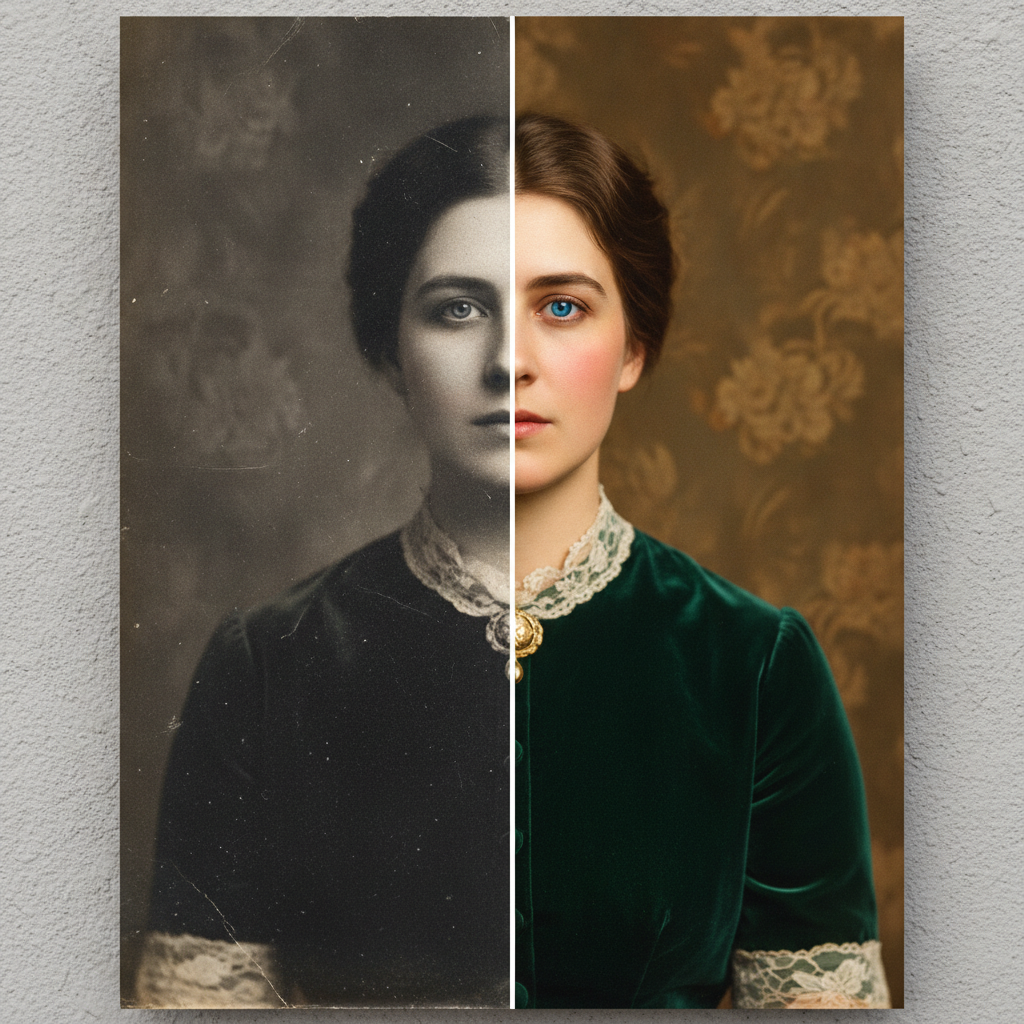
Before & After
Made with GPT Image 2
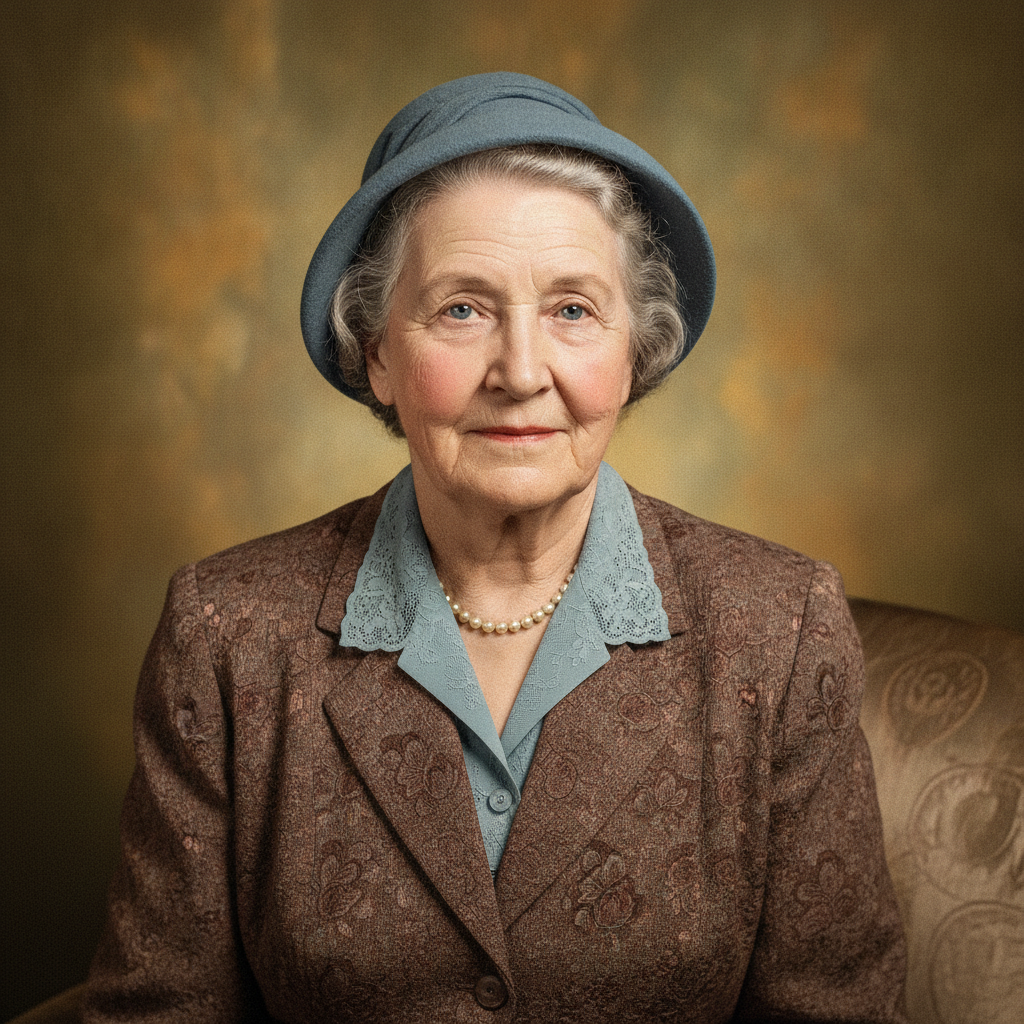
Colorized Portrait
Made with GPT Image 2
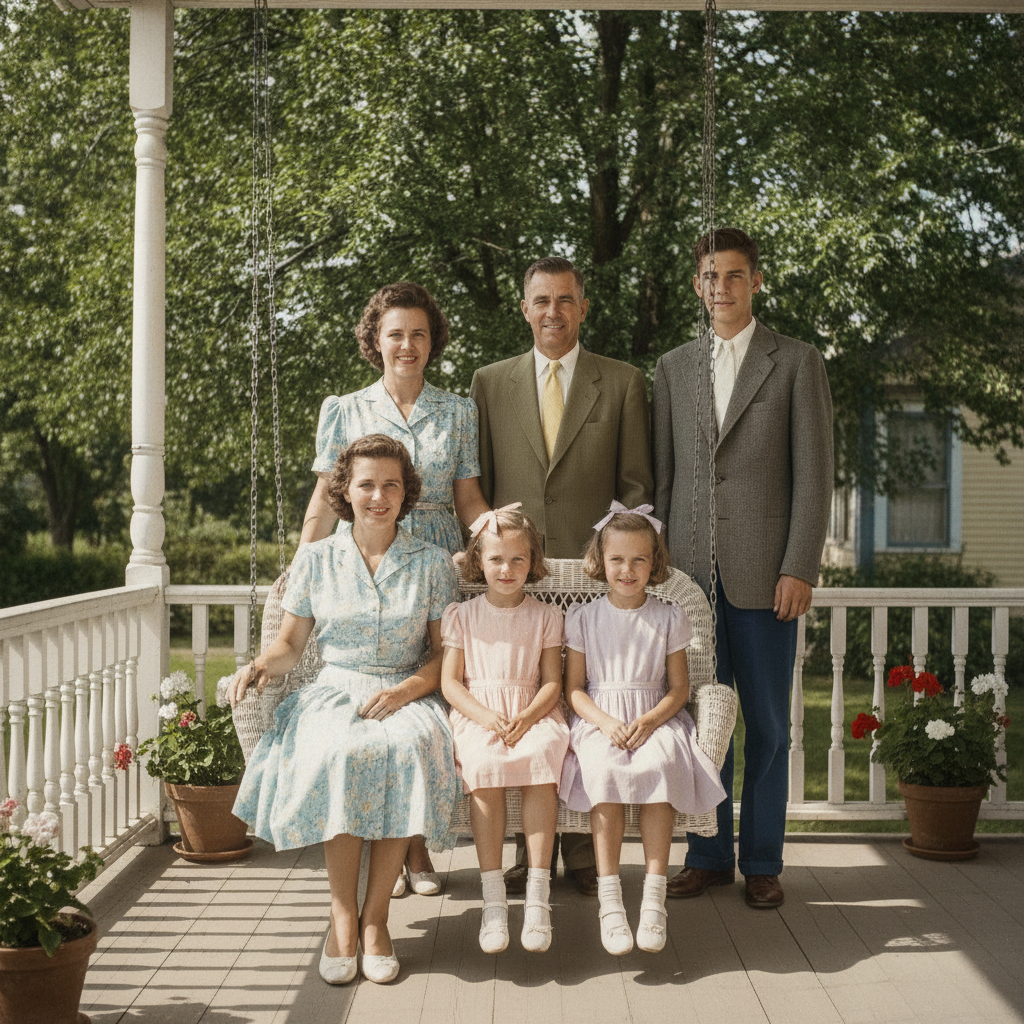
Family Photo
Made with GPT Image 2
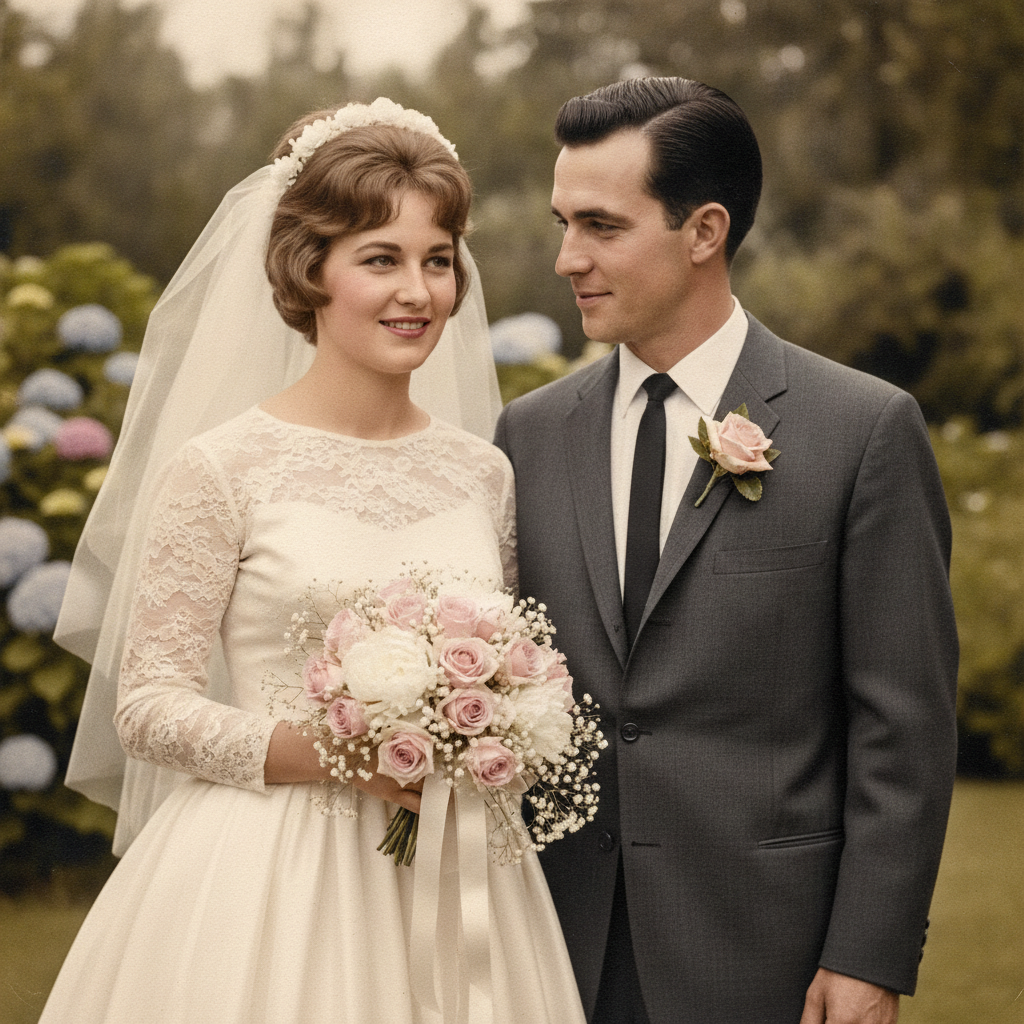
Wedding Photo
Made with GPT Image 2
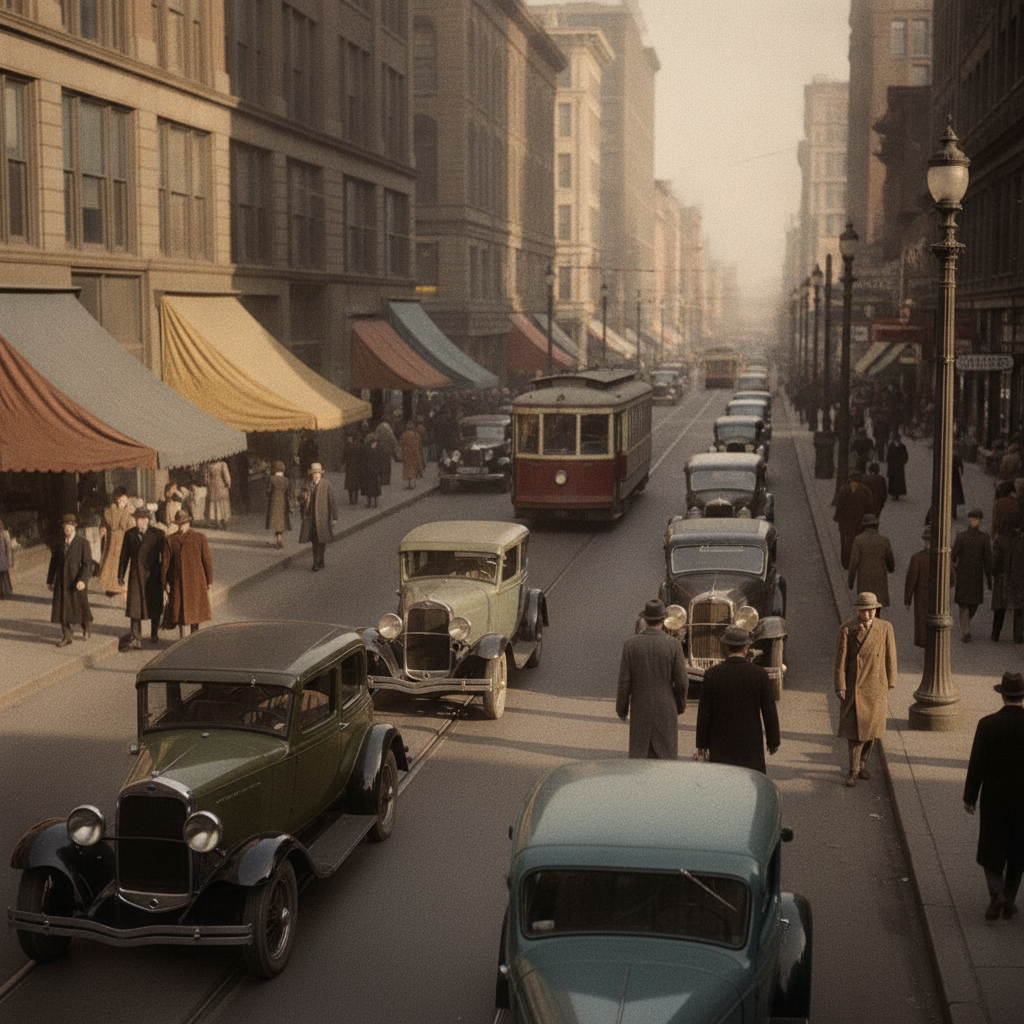
Historical Street Scene
Made with GPT Image 2
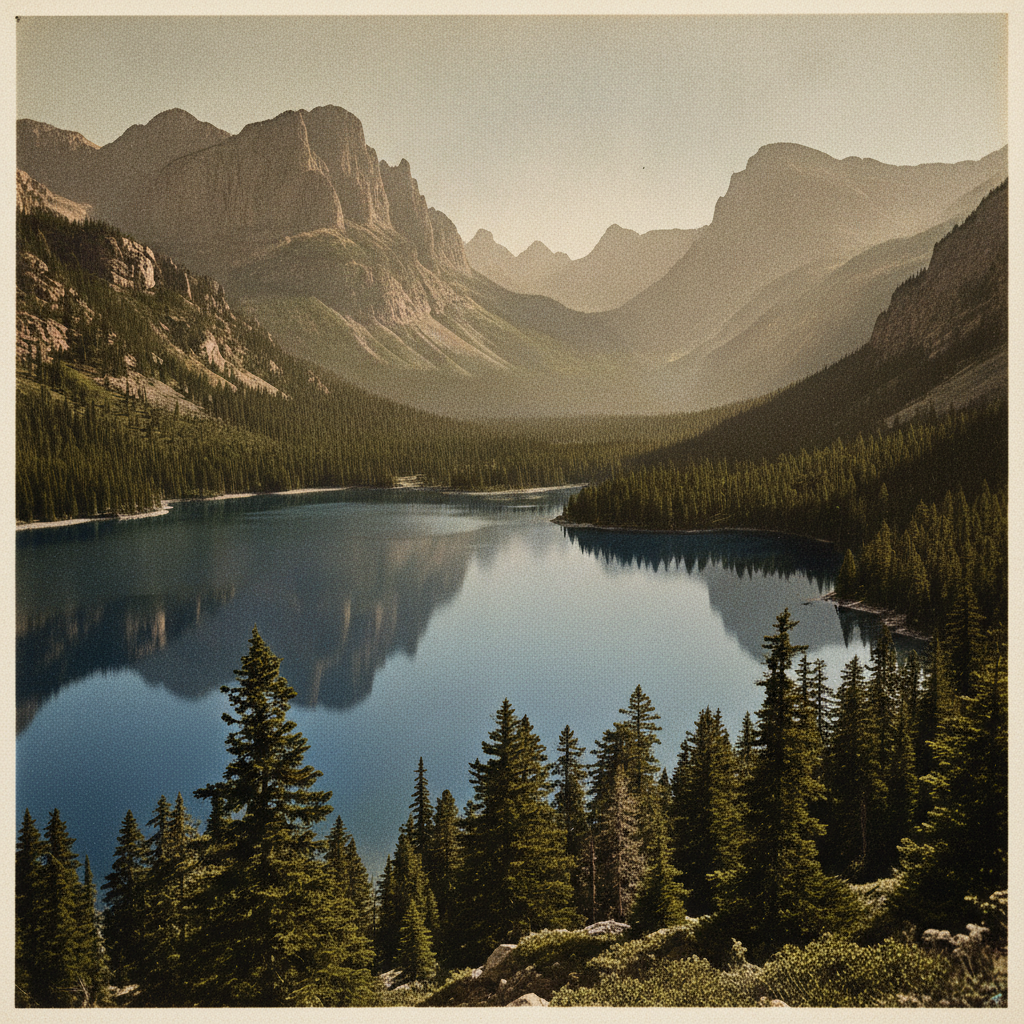
Vintage Landscape
Made with GPT Image 2
How the AI Photo Colorizer Works
Colorize a black and white photo in three simple steps
Upload Your Photo
Drop in any black and white or faded photograph — a scan, a phone snap of a print, JPG or PNG up to 2MB.
Pick a Colour Treatment
Natural, vintage warm, vivid, restore, cinematic or hand-tinted. Each grades the colour a different way.
Generate & Download
Your colorized photo arrives in seconds in high resolution. Save it, print it or send it round the family.
Why This AI Photo Colorizer Is Different
A greyscale photograph goes in, a believable colour photograph comes out
Object-Aware Colour
Skin, fabric, foliage and sky each get colour appropriate to what they are, not a single tint washed over the frame.
Original Detail Kept
Colour is laid over the existing greyscale tones, so grain, texture and fine detail survive the process intact.
Six Colour Treatments
Natural, vintage warm, vivid, full restoration, cinematic film and hand-tinted — each graded separately.
Repairs While It Colours
The restore treatment clears scratches, creases and fading in the same pass that adds the colour.
Seconds, Not Hours
What used to take a retoucher a full day of masking and painting now finishes before you have refilled your coffee.
Free & No Sign Up
Try the AI photo colorizer instantly with no account. Upload a black and white photo and see it in colour now.
What People Colorize Most
The photographs that are worth seeing in colour
Family Photographs
The shoebox of prints nobody has looked at in twenty years. Colorize a grandparent's wedding portrait or a childhood holiday snap and it stops being an artefact — people recognise the room, the dress, the light.
Genealogy & Archives
Family-tree researchers and local history groups use colorization to make ancestor portraits legible and engaging in albums, memorial books and exhibition boards, alongside the original scans.
History Content Creators
Documentary channels, history newsletters and museum social accounts colorize period photographs to stop the scroll — a colorized 1930s street scene reads as a place someone lived, not a dusty record.
Photographers & Retouchers
A colorization that used to mean a day of masking and hand-painting now takes seconds, leaving the retoucher free to refine the result rather than build it from nothing.
AI Photo Colorizer FAQ
Everything you need to know about colorizing photos with AI
The Free AI Photo Colorizer That Reads the Photograph Before It Paints
Colorizing a black and white photograph used to be craft work. A retoucher would mask the image into dozens of regions — face, hair, collar, wall, window, sky — decide a colour for each, then paint it in on separate layers and spend hours fighting the edges where those layers met. A single family portrait could take most of a working day, which is why almost nobody had it done. An AI photo colorizer collapses that process into a few seconds by doing the hard part automatically: recognising what each region of the frame actually is, and assigning it a colour that belongs to that kind of surface.
That recognition step is what separates a good result from an obviously fake one. A naive tint spreads one colour cast over the whole image and leaves everything looking like weak tea. GPT Image 2 works out that this patch is skin and needs the narrow, warm, slightly uneven range human skin actually occupies; that this is wool and should sit muted; that this is foliage, this is brick, this is overcast sky. Then it lays that colour over the original greyscale tones rather than replacing them, so the grain, the texture of the fabric and the detail in the eyes all survive underneath. The photograph you get back is the photograph you uploaded — the same faces, the same composition, the same light — only now in colour.
Because old photographs are rarely pristine, the treatments here are not all doing the same job. Natural Colour is the everyday choice for a clean scan. Vintage Warm holds the muted mid-century palette people expect from a 1950s print. Vivid Restoration pushes contrast and saturation for images that will be printed or projected. Restore & Colorize is the one to reach for when the original has been through something: it clears scratches, creases, dust and water damage and rebuilds faded contrast in the same pass that adds the colour. Cinematic Film applies a graded teal-and-amber look, and Hand-Tinted mimics the soft translucent washes of an early twentieth century hand-coloured portrait. Run the same upload through two or three of them — it costs you seconds, and the right treatment is usually obvious once you can compare.
One thing worth being straight about: the colours are inferred, not recovered. A greyscale negative simply does not record whether a dress was blue or teal, so the AI photo colorizer gives you the most plausible reading rather than a documented fact. For family photographs that is exactly right — the point is recognition and feeling, and the result is usually close enough that relatives confirm the details from memory. For archival or published historical work, keep the original scan alongside the colorized version and check contested colours against written records. With that caveat noted, scroll up, upload a photo and see it in colour — free, no sign up. Related tools: AI photo restoration for damage repair without colour, the AI image upscaler to enlarge a small scan before you colorize it, and the AI photo editor for everything else you want to change.