
AI Pumpkin Carving Stencil Generator
Printable Templates You Can Actually Cut
Free pumpkin carving stencil maker. Describe any design — a jack o lantern face, a cat on the moon, a haunted house, your own dog in silhouette — and get a bold black-and-white template built to print, tape on and carve.
Try the AI Pumpkin Carving Stencil Generator — Free
Pick a style, swap in your own subject, and print it tonight
AI Pumpkin Carving Stencil Generator
Choose a template style below, then describe your own subject. Ask for chunky connected shapes and pure black on white — black is what you cut away.
Before you print: trace every white island with your finger. If it never reaches the outside of the design, it will drop out of the pumpkin — draw a bridge across the black with a marker and cut around your own line. Want a version to colour in rather than carve? The AI coloring page generator does outlines instead of solids.
AI Pumpkin Carving Stencil Examples
Three templates, the bridge problem in its simplest form, a full sheet, and what it looks like lit
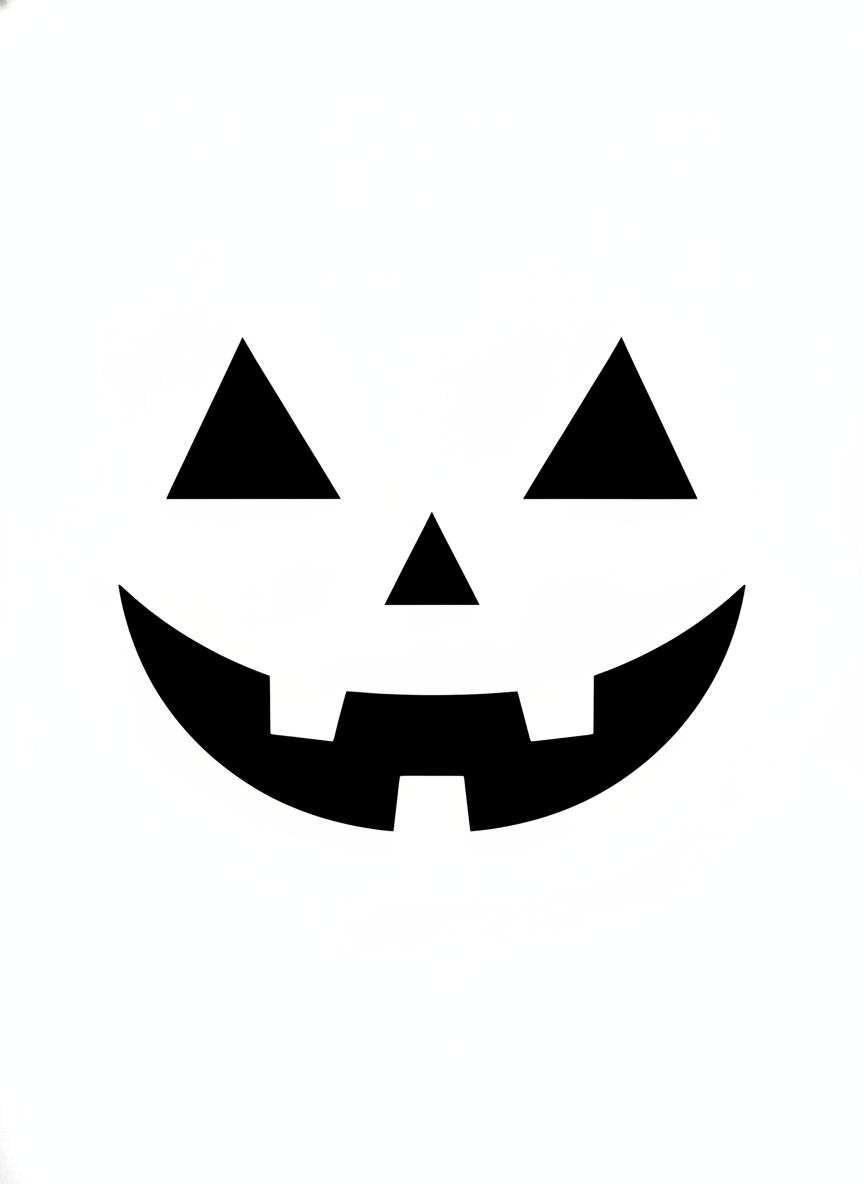
Classic Jack O Lantern
Made with GPT Image 2
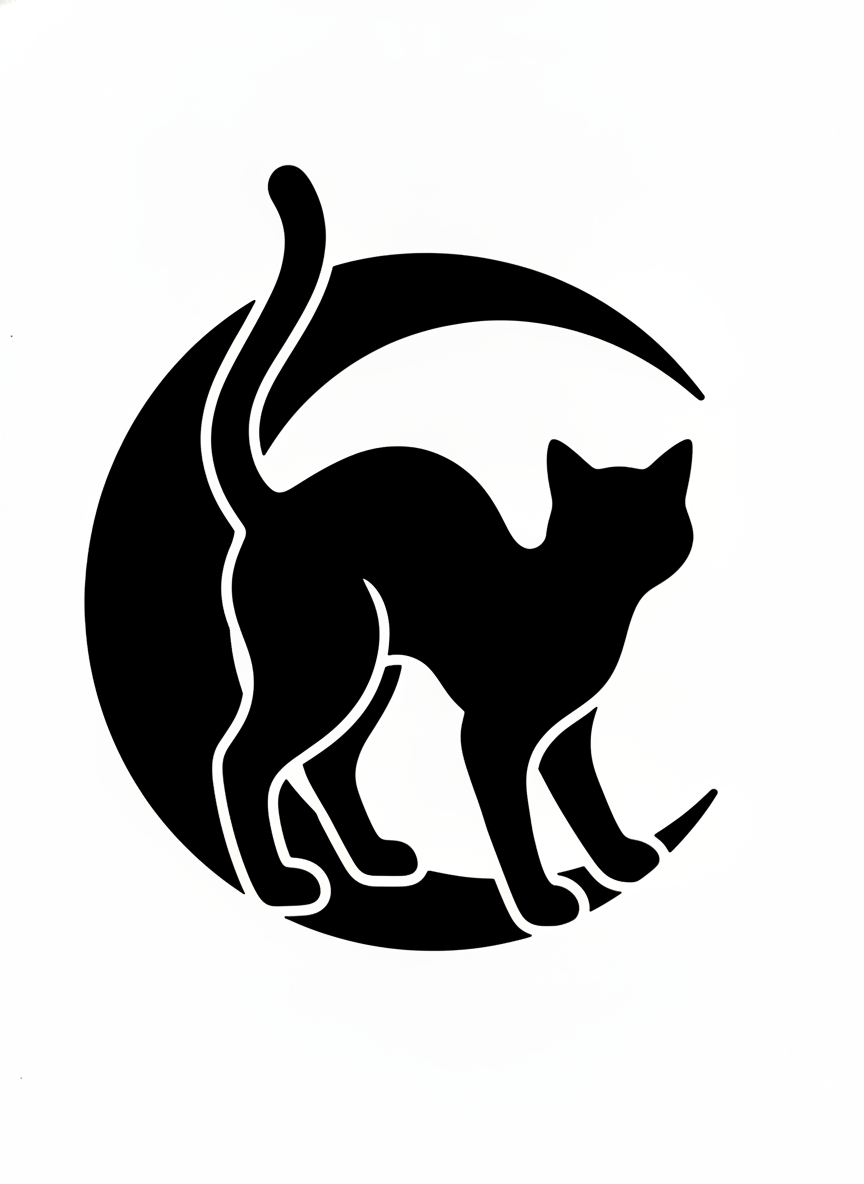
Cat and Crescent Moon
Made with GPT Image 2
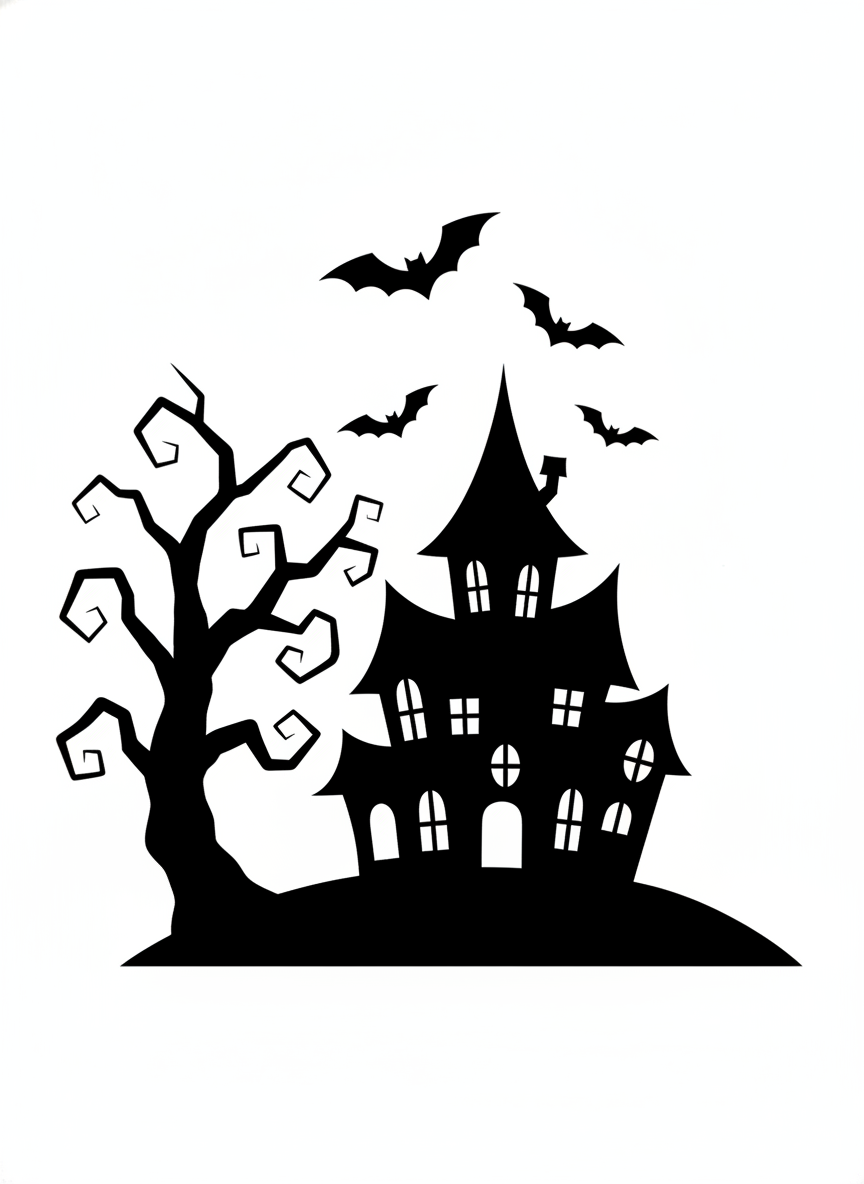
Haunted House — Spot the Islands
Made with GPT Image 2
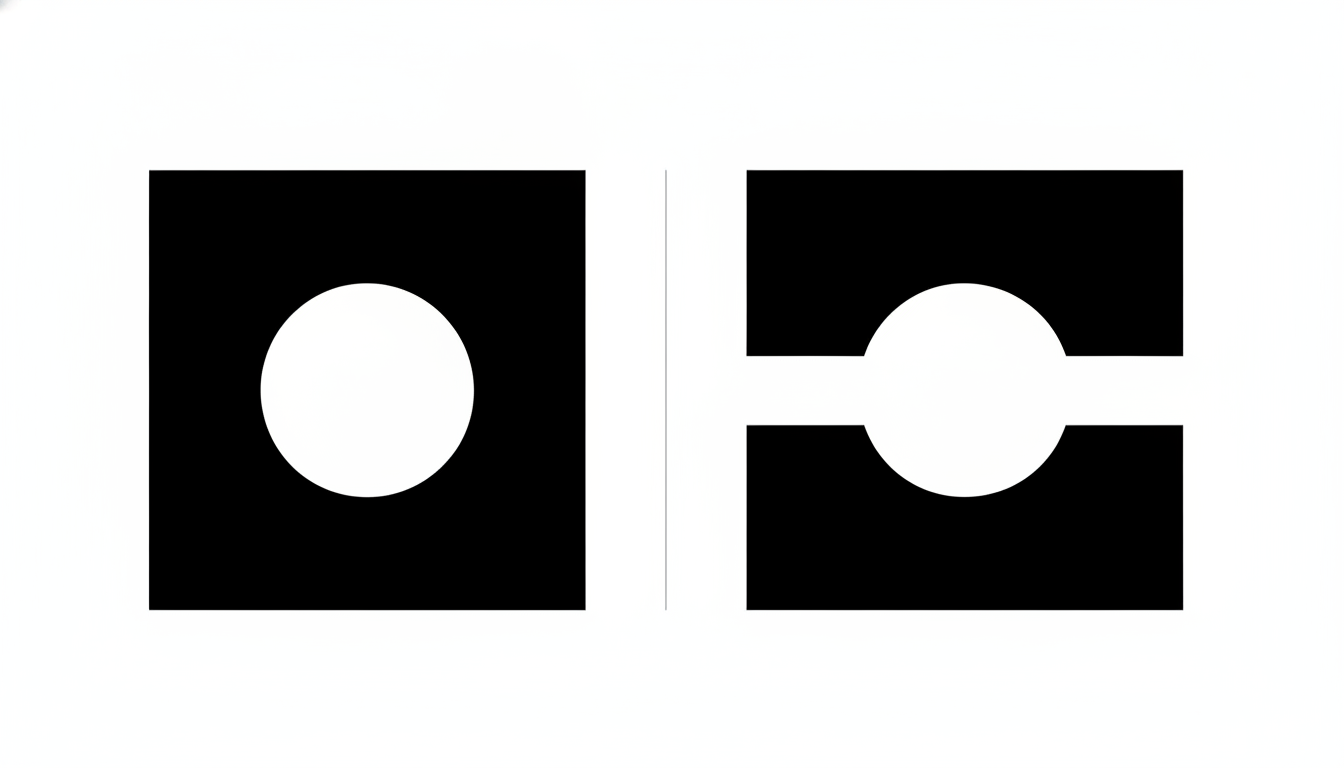
What a Bridge Looks Like
Made with GPT Image 2
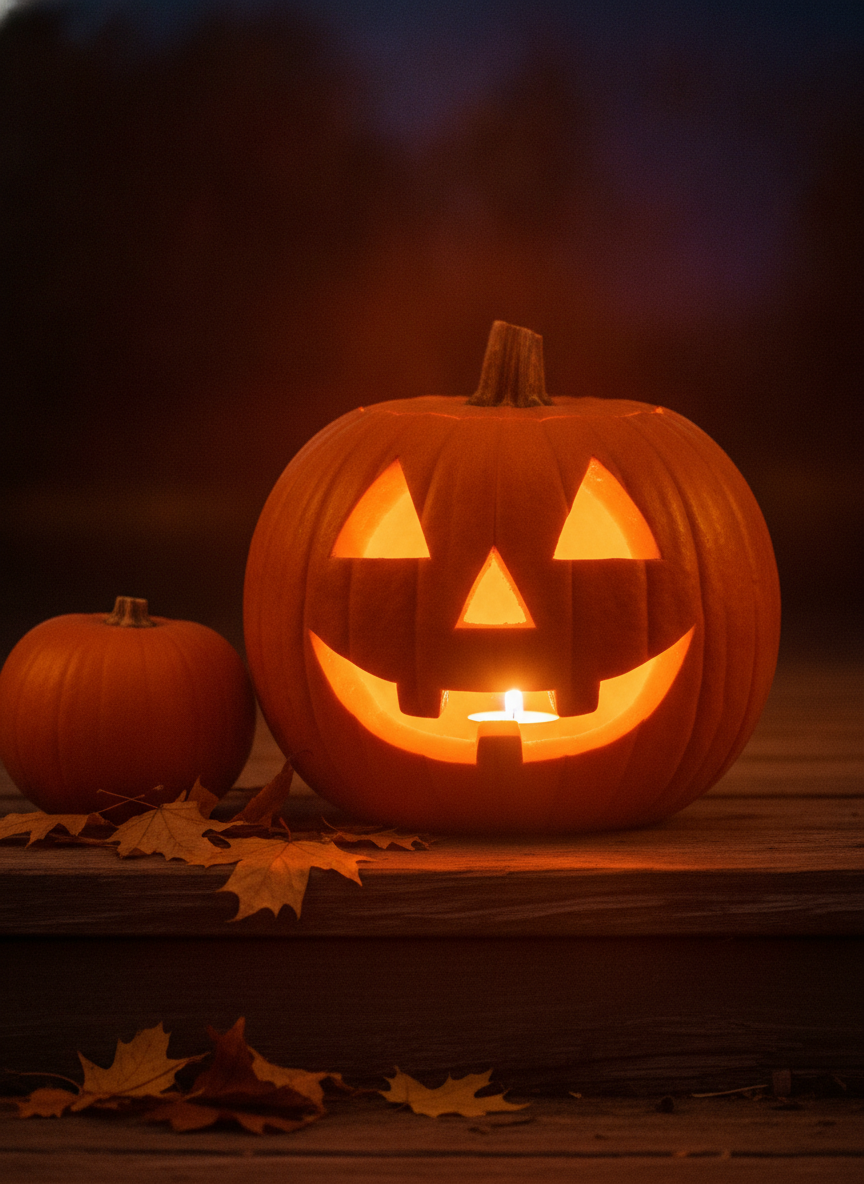
How It Reads Lit
Made with GPT Image 2
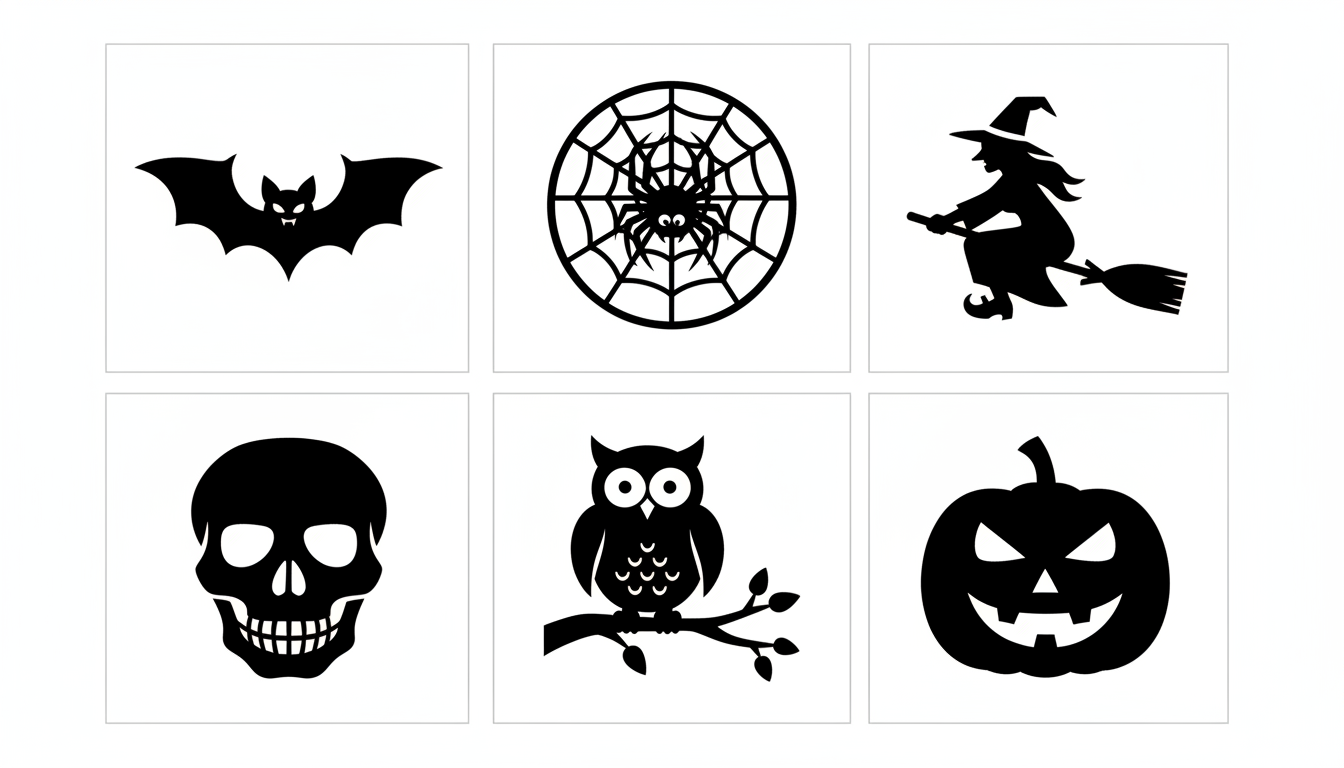
A Whole Stencil Sheet
Made with GPT Image 2
Check the Bridges Before You Cut
A stencil only works if every piece of pumpkin skin is still attached to something. Any white shape completely ringed by black has nothing holding it — carve all the way round it and it falls straight into the pumpkin. Real stencil artists leave deliberate strips called bridges to prevent that, and AI generation does not reliably add them. That is a limitation we would rather state than paper over. The fix costs thirty seconds: run a finger over the printout, follow each white island outward, and anywhere it never reaches the edge of the design, draw a bridge across the black with a marker and cut around your line instead. Carving is a sharp-tool job, so do the design thinking on paper and let the youngest helpers poke the outlines through rather than handle the blade.
How the AI Pumpkin Carving Stencil Generator Works
Design it, check it holds together, then get it onto a round orange thing
Describe the Design
Pick a preset or say what you want in silhouette — a subject, a pose, and the word chunky. Simple beats clever once it is orange.
Check the Bridges
Trace every white island with a finger. If it does not connect to the edge, draw a bridge across the black with a marker before you print.
Print, Transfer, Carve
Scale it to the flat face, slit the margins, tape it on, poke the outlines through, then cut the small interior shapes first.
Why Generate Your Own Pumpkin Template
Because every house on the street printed from the same free template pack
Pure Black and White, No Grey
Every preset asks for hard two-tone shapes with no shading or gradients, because a soft grey edge gives you nothing to put a blade against.
Chunky Enough to Actually Carve
Thick shapes and wide gaps by default. Fine filigree looks great on paper and snaps the moment it meets a real pumpkin wall.
Bridges Explained, Not Hidden
We show you how to spot a white island that will fall out and how to bridge it with a marker. AI cannot guarantee bridges — a thirty-second check can.
Print, Slit, Tape, Poke
Designed for the real workflow: scale to the flat face of your pumpkin, slit the margins so the paper wraps, then transfer with a pushpin.
Beyond the Same Six Faces
Cats, haunted houses, bats, owls, your own dog in silhouette. Describe anything instead of scrolling the same template pack everyone else printed.
Free, No Watermark, Print-Ready
Nothing stamped on the download, no sign up to try it, and a whole matched sheet if you are carving with a crowd.
Who Uses It
Anyone who has ever stood over a pumpkin at ten at night with no plan
Families Carving Together
Generate one simple design per person, scaled to each pumpkin, so the six-year-old gets four big chunky shapes and the teenager gets the haunted house. Nobody has to freehand and nobody cries.
Porch Competitors
Street contests are won by designs nobody recognises from a template pack. Describe something specific — your own dog, the shape of your house, a very local joke — and carve the only one of its kind.
Classrooms and Parties
Generate a whole matched sheet in one go so twenty templates share a style, print them in black and white, and hand them out. Works for foam pumpkins and paper craft just as well as the real thing.
Other Two-Tone Crafts
Nothing here is pumpkin-specific except the subject matter. The same bold black-on-white output works for paper cutting, vinyl cutting, window silhouettes and luminary bags — anywhere black means remove.
Pumpkin Carving Stencil FAQ
Reading the template, bridges, detail limits, printing to size and transferring
Free AI Pumpkin Carving Stencil Generator — Printable Halloween Templates on Demand
A pumpkin carving stencil is not really a picture, and that is why a general art tool keeps letting you down here. It is a cutting plan: black means take this away, white means leave this, and the whole thing has to survive being transferred onto a curved, wet, thick-walled vegetable and then attacked with a short blade. An AI pumpkin carving stencil generator that is actually useful therefore pushes you toward the qualities that survive that process — hard two-tone contrast with no grey anywhere, chunky shapes rather than fine linework, wide white gaps, and generous margins. Every quality you would add to impress someone looking at the printout is exactly what turns to mush once it is orange. Design for the pumpkin, not for the page, and you will get something that reads from the pavement.
The failure that ruins more carvings than any other is the floating island. If a piece of skin ends up completely surrounded by the parts you are cutting out, nothing is holding it, and the moment you finish the last stroke it drops inside. Traditional stencil design solves this with bridges — deliberate connecting strips left in place, the same struts that keep the middle of an O attached in a spray-paint stencil. Hand-drawn template packs have them worked in from the start. AI-generated designs may or may not, and we would rather tell you that plainly than let you find out with a knife in your hand. The check is quick and completely reliable: put the printout down, pick each white region in turn and follow it outward with a finger; if it never reaches the outer edge of the design, take a marker, draw a strip of white straight across the black to connect it, and cut around your own line rather than the printed one. Do that once and the technique becomes automatic.
Getting the design onto the pumpkin has its own two problems. The first is scale: your canvas is not a sheet of paper, it is the flattest usable face of a lumpy sphere, so hold the paper against the pumpkin and see how much of it genuinely sits flat before you decide how big to print. The second is that flat paper does not wrap around curves — the standard fix is to cut slits inwards from the paper’s edges all the way around so the margins can overlap and lie down. Tape it firmly, then transfer by poking closely spaced holes along every outline with a pushpin or awl, or by pressing hard with a ballpoint pen to dent the skin. Pull the paper away and you have a dotted map. Carve the small interior shapes first while the pumpkin is still rigid, and work outwards. And if you were hoping for the softly glowing three-tone patterns where you scrape the skin thin instead of cutting through — that is a different technique with a different kind of pattern, and this generator makes clean two-tone cut-through stencils, which is the kind most people actually want.
The rest of the Halloween kit is on this site too. Plan the outfit with the AI Halloween costume generator, put the party details on paper with the AI flyer generator or the AI event poster designer, and hand out invitations from the AI greeting card maker. For quieter craft the AI coloring page generator gives you outlines to fill instead of solids to cut, and the AI line art generator, the AI vector art generator and the AI clipart generator cover the rest of the flat-graphic family. Turn a favourite design into decorations with the AI sticker generator or the AI t-shirt design generator, print it large after a pass through the AI image upscaler, and drop the background with the AI background remover. Scroll back up and generate your first stencil free.