
AI Silhouette Generator
Solid Black Shapes With Nothing Inside Them
Profile portraits, animals, bare trees, couples, city skylines and botanical stems — flat black on clean white, no shading and no interior detail. This AI silhouette generator is free, takes about fifteen seconds, and needs no account.
Try the AI Silhouette Generator — Free
Pick a subject, describe the pose and the direction it faces — and never describe anything inside the shape
AI Silhouette Generator
Choose a subject below, then describe it in the box — the species or the person, which way it faces, the pose, whether it is cropped. Describe the outline only. Anything you ask for inside the shape is something you will have to remove afterwards.
The tool here renders at 1:1 square, the shape every example on this page was generated at. The model leaves generous margins, so trim the dead space with the AI image cropper before you scale anything up, and use the home page generator if you need a wide banner strip instead. For an outline with detail drawn inside it, use the AI line art generator; for something coloured and illustrative, the AI clipart generator.
AI Silhouette Generator Examples
Six renders exactly as they came back — four clean, two with detail drawn where none was wanted
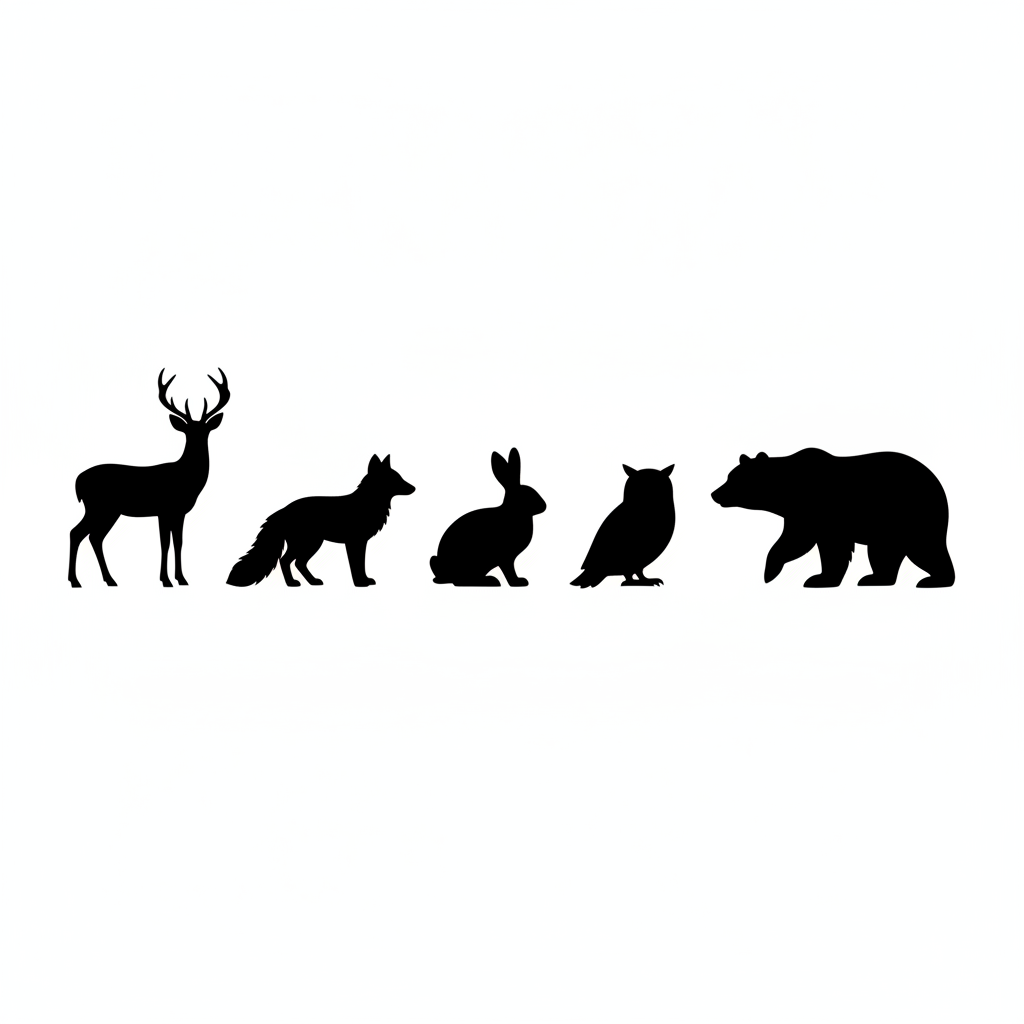
Five Animals, Five Correct Species — at Five Different Scales
The count landed exactly: five animals, in the order asked, deer, fox, rabbit, owl, bear, each one a clean solid shape with nothing drawn inside it. This is an animal silhouette generator working properly. What it ignored is the instruction that all five stand at a similar height — the deer and the bear tower over the rabbit and the owl, so as a set for a nursery wall or a sticker sheet you would have to scale each one separately after the fact. Note also how much of the square is empty: the animals occupy a band about a fifth of the height, so the artwork is far smaller than the 1024px file suggests.
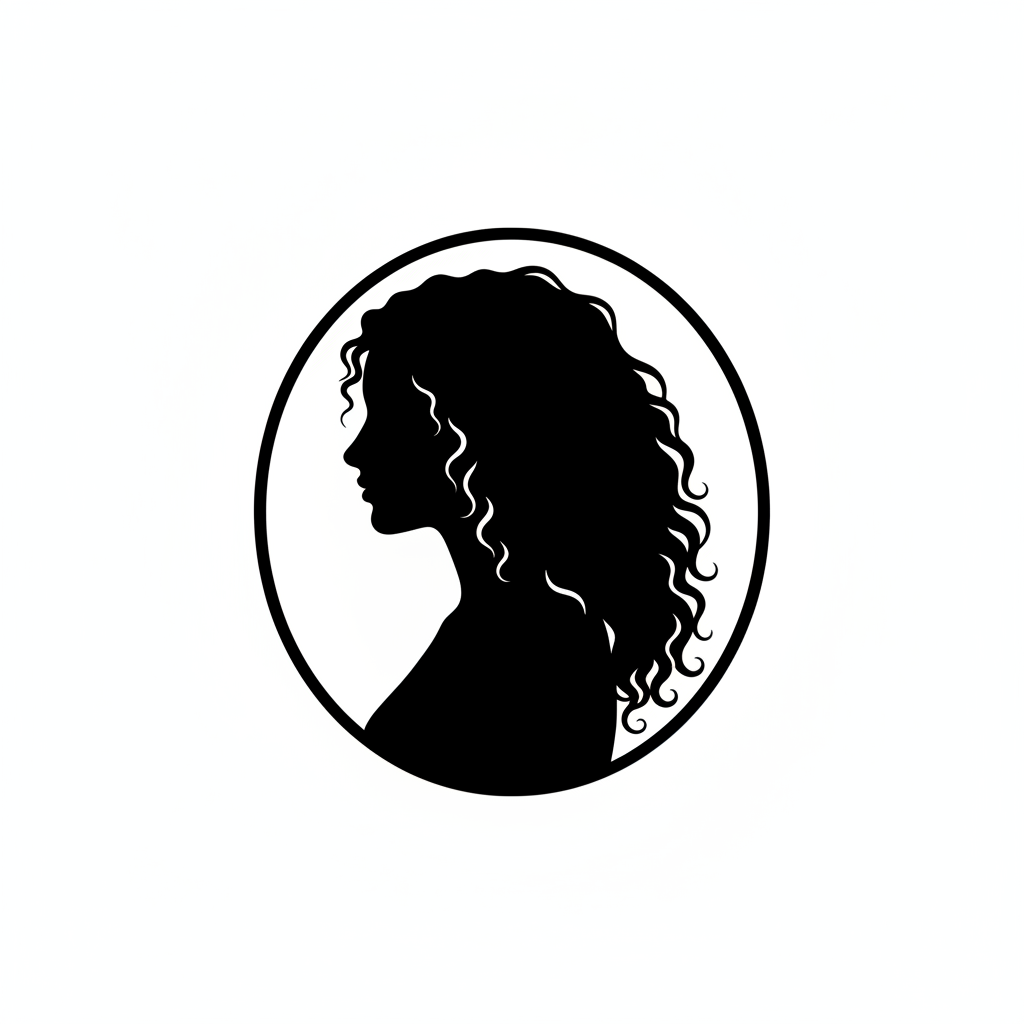
A Cameo Portrait, With Curls Drawn on the Inside
The profile itself is superb — brow, nose, lips and chin all read at a glance, which is the whole test of a portrait silhouette. But zoom into the hair and the rule is broken: there are white comma-shaped strokes sitting fully enclosed inside the black mass, drawing individual curls. A silhouette has no interior detail, and this prompt said so in those words. Each of those strokes is a separate island a cutting machine has to cut and weed. The oval ring is unrequested too — the phrase “cameo framing” was meant as a crop and came back as an actual drawn frame, which the shoulder then breaks through at the bottom left.
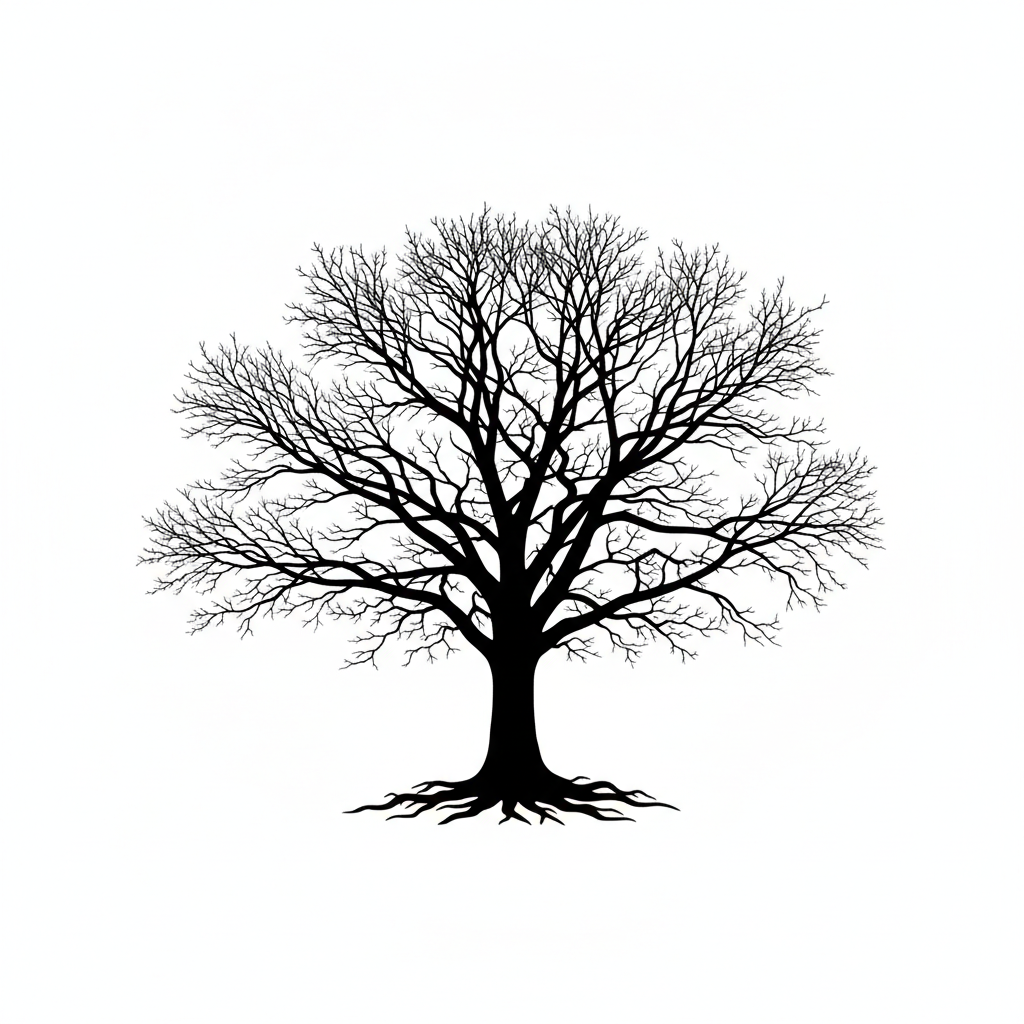
The Best One — and Grey Where It Matters
As a picture this is the pick of the six: a full crown, branches that taper convincingly, visible root flare at the base, no ground line, nothing inside the shape. Crop into the outer crown, though, and the finest twigs are not black at all. They fade to soft grey against an off-white background, so the image is not the two-tone black and white the prompt demanded. For printing that is invisible and fine. For anyone auto-tracing this into a cut file it is the decisive problem, because a tracer has to pick a threshold, and every grey twig either disappears below it or fattens into a blob above it.
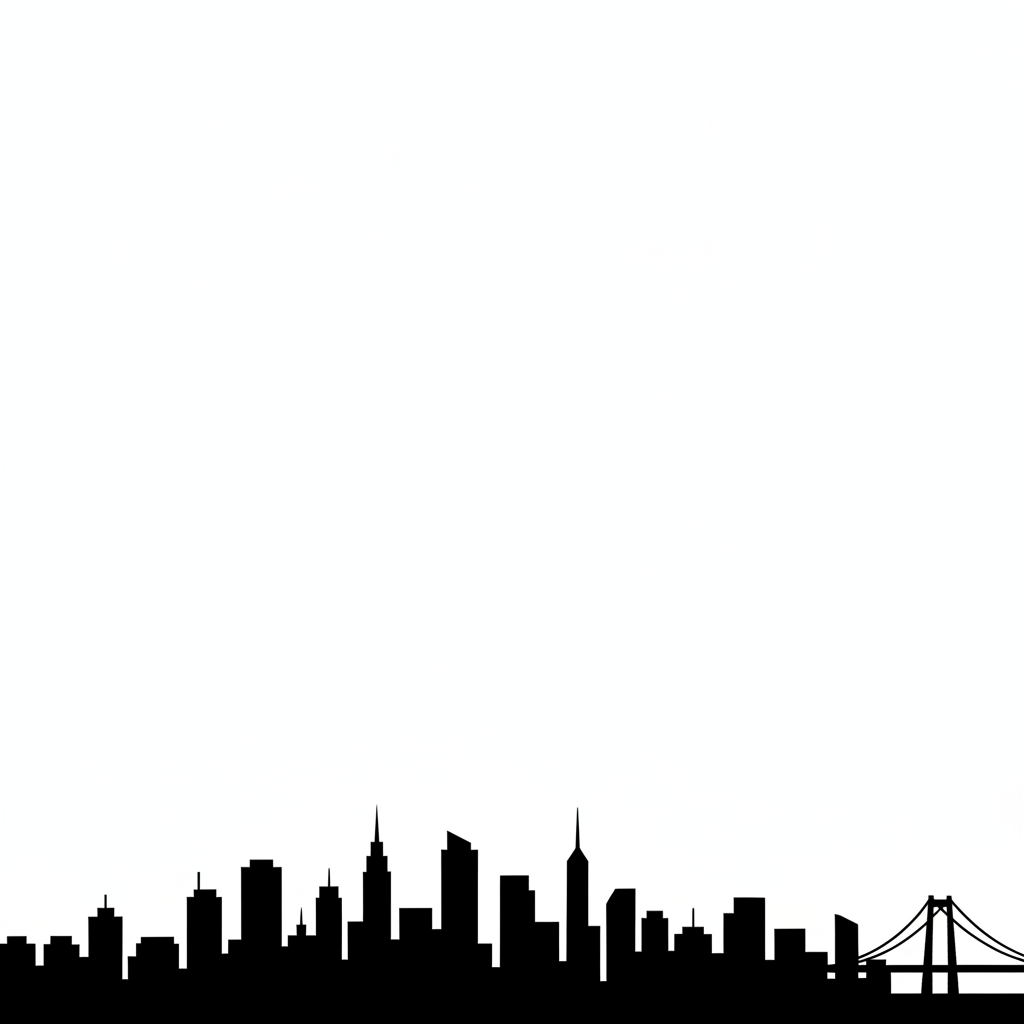
A Flawless Skyline Using a Fifth of the Canvas
Everything asked for arrived: varied building heights, two spires, a suspension bridge at the right end, no windows or interior lines anywhere, and every building fused into one continuous unbroken band along the bottom edge — which is exactly what you want if the thing is ever going to be cut as a single piece. The catch is framing. The strip was meant to fill the bottom third and occupies more like the bottom fifth, leaving around 78% of the square blank. The bridge also runs off the right edge. Crop it before you use it, or the header you drop it into will be mostly empty space.
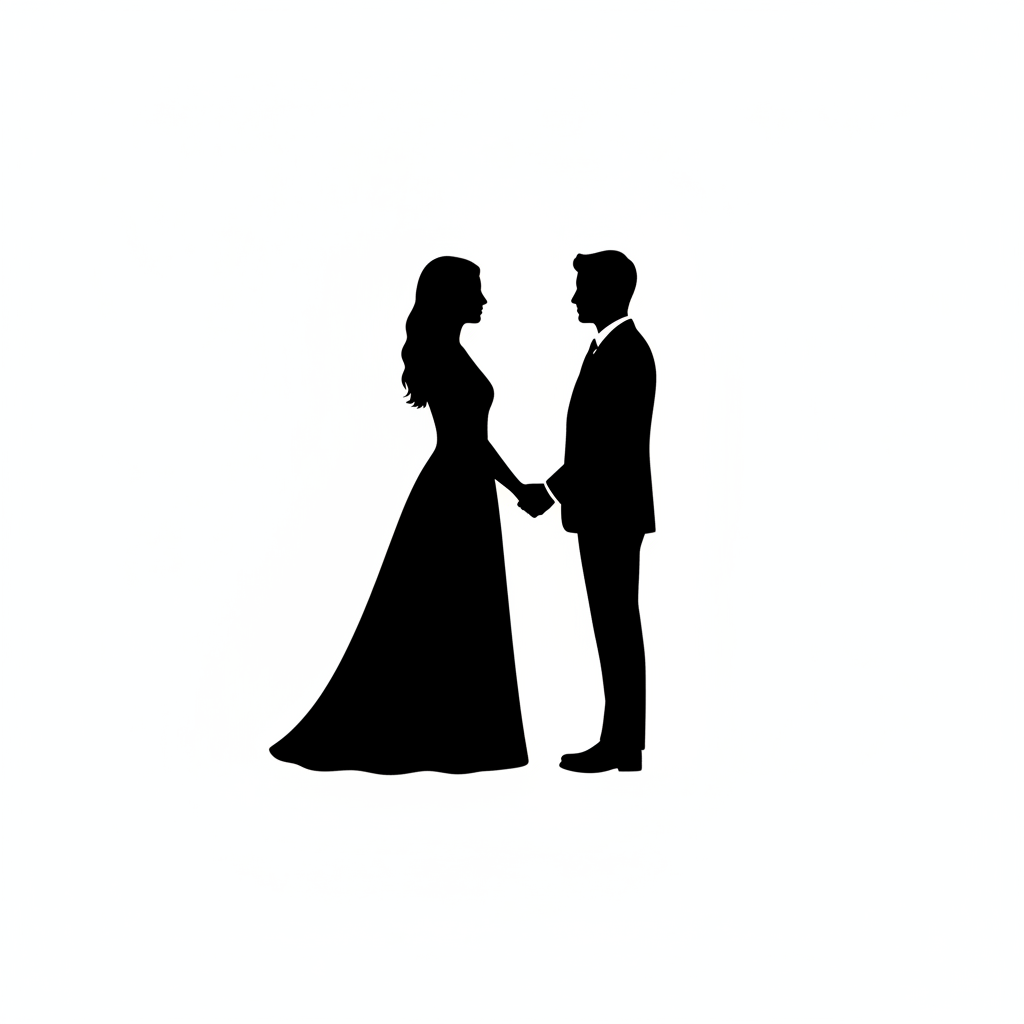
Clean Negative Space, Then a White Shirt Collar
The hardest part of couple silhouette art is the gap: the two figures have to read as two people, not one blob, and here the white channel runs cleanly from the joined hands up between their faces. The dress hem and the profiles are excellent. Then look at the groom’s chest — there is a white shirt triangle and a collar notch sitting inside the black, plus a white break at his cuff. That is the same failure as the portrait above, on a completely different subject, which is what makes it a rule rather than a one-off: asked for a solid shape, the model keeps reaching for the detail that makes it legible.
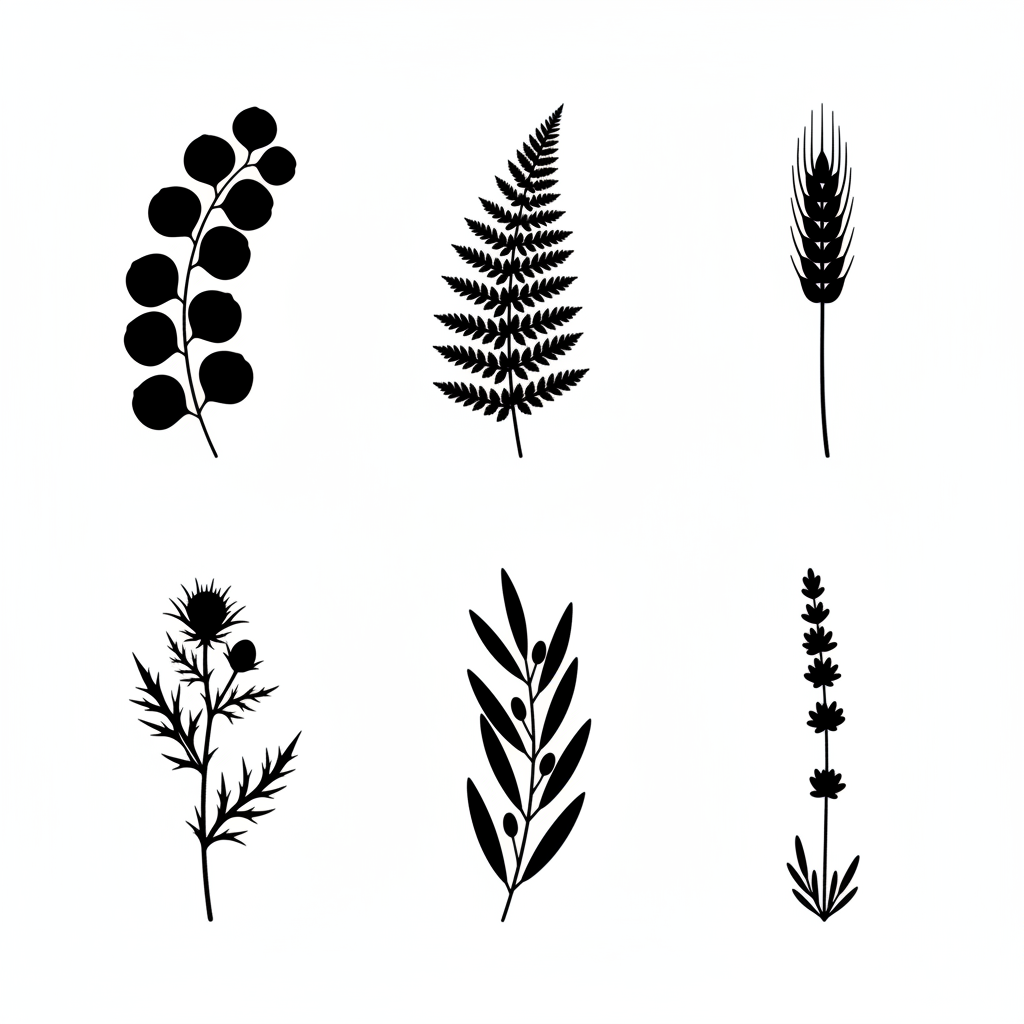
Six Stems, Six Right Species, Nothing Drawn Inside Them
The strongest result of the set and the one that shows what this is genuinely good for. Six stems in two rows of three, and every species is identifiable and in the order requested: eucalyptus, fern, wheat, thistle, olive, lavender. No interior detail anywhere, no grey, hard clean edges. Two small drifts: the eucalyptus leans diagonally while the rest stand upright, and the bases float at different heights rather than sitting on a common line, so you will be nudging them in your layout. The thistle and the lavender also taper to near-hairline stems that will not survive a blade at small sizes.
This Gives You a PNG, Not a Cut File — What That Costs You
A cutting machine follows a vector path; this produces a grid of pixels. The bridge between them is an auto-trace, which every major cutting program includes, and the trace is never the end of the job. Two things in the gallery above show why, and neither is hypothetical. First, the thin ends are grey. Crop into the oak’s outer crown and the finest twigs have faded to soft grey against an off-white ground, despite a prompt demanding two colours only. A tracer has to threshold the image, and wherever you set that threshold those twigs either vanish or swell into blobs. The same applies to the thistle spikes and the lavender tip in the botanical sheet. Second, enclosed white marks become islands. The curl strokes inside the portrait’s hair and the shirt collar inside the groom’s suit are not edge detail; they are closed shapes floating within the black, and a blade will cut every one of them for you to weed out by hand. So the working order is: trace, simplify the path, delete the stray islands, thicken anything thinner than your material can physically hold, and test-cut one small copy before you commit a sheet of vinyl. For print, none of this matters and you can use the PNG as it comes. One point of clarity on the name. This page is about the silhouette as an art form — the filled profile shape. It is not affiliated with, endorsed by or guaranteed compatible with Silhouette, Cricut or any other cutting-machine brand, and nothing here should be read as a promise that a given file will cut cleanly on a given machine.
The Model Keeps Wanting to Draw Inside the Shape
All six prompts on this page said, in those words, that there must be no interior detail. Four obeyed and two did not. The animals, the skyline, the tree and the botanicals came back as pure filled shapes. The portrait grew white comma strokes describing individual curls, fully enclosed inside the black hair. The couple grew a white shirt triangle, a collar notch and a cuff break inside the groom’s suit. The split is not random, and knowing where it falls saves you a regeneration. People are where it happens. Faces and clothing are subjects the model has learned to render legibly, and a human figure reduced to an undifferentiated black mass reads to it as an unfinished drawing, so it adds back the marks that make the figure make sense. Plants, animals, trees and buildings have no such pull, and they come back clean almost every time. The fix is to forbid the specific marks, not the general category. “No interior detail” is too abstract to bite. “No facial features, no collar, no shirt, no buttons, no clothing seams, no hair strands drawn inside the shape” is concrete, and the presets on this page are written that way for exactly that reason. Then check at full size before you use it. These marks are small, confident and well drawn, which is precisely why they survive a glance at thumbnail size — the portrait above looks immaculate until you zoom in. Open the PNG at 100%, look at the interior of every filled area, and only then take it to print or to a tracer.
How the AI Silhouette Generator Works
Three steps, and the middle one is where most silhouettes are won or lost
Pick a Subject That Reads in Outline
A deer, a bare tree, a profile, a skyline. Ask yourself whether you could name it as a shadow on a wall — if not, no silhouette of it will work, however good the render.
Say the Pose, Not the Detail
Direction, stance, head position, whether it is cropped. Interior features are the one thing you never describe, because everything you ask for inside the shape is something you will have to remove.
Check the Edge, Then Crop
View it at full size and look for stray white marks inside the black and grey softness at the thin ends. Then crop out the dead margin before you print, trace or scale it.
Which Subjects Actually Work as a Silhouette
The test is old and still the best one: could you name this thing from its shadow on a wall? Anything whose identity lives in its outline passes easily. A stag is antlers and a back line. A rabbit is ears and a crouch. An oak is a spreading crown over a thick trunk. A skyline is a rhythm of heights. A human profile is a brow, a nose and a chin, which is why cameo portraits worked for two centuries before photography. Anything whose identity lives in its surface fails, and no amount of prompting rescues it. A tabby and a black cat have the same silhouette. A brick wall and a plaster wall have the same silhouette. Two faces of the same build, seen head-on rather than in profile, have the same silhouette — which is why every portrait preset here asks for full side profile rather than a front view. Pose matters as much as subject, because a silhouette can only show one moment and it has to be the legible one: a bird with its wings spread, not folded; a deer standing clear of its own legs rather than with all four aligned; a couple with daylight between them rather than merged into a single mass. When a shape overlaps itself the overlap disappears, since both halves are the same black. Plan the gaps deliberately and the silhouette will read from across a room.
Why Use a Silhouette Art Generator
Because a shape with nothing inside it is the most portable artwork there is
Solid Fill, No Interior Detail
The whole point of the format. One flat black shape on white, with nothing drawn inside it, so the outline does all the work and the image reads instantly at any size.
Six Subjects That Suit the Format
Profile portraits, animals, trees, skylines, couples and botanical stems — the subjects whose outline alone is enough to recognise them, which is not true of every subject.
Single-Ink Ready
One colour means cheap screen printing, clean foiling, crisp vinyl and no muddy midtones. Silhouettes survive being shrunk onto a place card or blown up onto a wall.
Straight About Cut Files
You get a raster PNG, not a vector cut path. This page tells you exactly what auto-tracing will and will not fix, with worked examples, instead of pretending the gap is not there.
Drops Onto Any Background
A shape with no interior colour sits happily on a photo, a pattern or a block of brand colour. That flexibility is why silhouettes outlive whatever palette you are using this year.
Free, No Sign Up, No Watermark
About fifteen seconds per render and a clean full-resolution PNG at the end. Try eight versions of a pose in the time it takes to trace one by hand.
Who Uses It
Anyone who needs artwork that still works in one colour at one inch
Crafters and Decal Makers
Source shapes for vinyl, stencils, papercuts and heat transfer. Generate the design here, trace it in your cutting software, clean the path, test-cut one before you commit the sheet.
Print-on-Demand Sellers
Single-ink designs screen-print cheaply and never go muddy at small sizes. A row of animals, a botanical set, a skyline — whole product lines out of one visual idea.
Wedding and Event Stationers
Couple silhouette art foils and letterpresses beautifully because there is no midtone to lose, and it survives being shrunk onto a place card or a favour tag.
Teachers and Decor Shops
Shadow-matching games, nature identification sheets and habitat displays for the classroom; wall prints, window graphics and nursery sets for the shop.
AI Silhouette Generator FAQ
Cut files, interior detail, licensing, framing and how this differs from line art
Free AI Silhouette Generator — Animal, Portrait, Tree and Couple Silhouette Art
A silhouette is the oldest trick in graphic design and still one of the best: fill the shape solid, throw away everything inside it, and let the outline carry the whole picture. It has survived paper-cut portraits, shadow theatre, road signage and app icons for one reason — a shape with no interior detail reads instantly, at any size, in any single colour, on any background. This free AI silhouette generator makes them from a description. Say what you want, pick a subject preset, and about fifteen seconds later you have a flat black shape on clean white: a profile portrait, a stag, a bare oak, a couple, a skyline, a wheat stem. No account, no watermark, no tracing by hand from a photograph on a lightbox.
The six presets are subjects rather than styles, because the subject is what decides whether a silhouette works at all. A profile portrait is the classical cameo, which is why the preset asks for a full side profile — seen head-on, two different faces make the same shape. The animal silhouette generator preset covers the subjects with the strongest outlines, the ones whose antlers, ears or hunched back name them without a single interior mark. Tree and nature handles bare winter crowns and root flare. City skyline joins every building into one continuous connected band, which matters if the strip will ever be cut as a single piece. Couple silhouette art ai is built around the negative space between two figures, because two people merged into one black mass stop being two people. And botanical stems produce the sets — six species, matched, ready to lay out across a menu, a card or a print. Every preset names the marks it forbids rather than just asking for “no detail”, since the abstract instruction does not bite and the concrete one does.
Two honest limits, both demonstrated in the gallery rather than asserted. The first is that a black silhouette image generator gives you a raster PNG, not a vector cut path. If you are printing, that is the end of the story. If you are cutting vinyl, you have to auto-trace it and then clean up, and the oak in the gallery shows precisely why the cleanup is real: its finest twigs fade to grey rather than staying black, so any threshold you pick either deletes them or fattens them. The second is that the model keeps drawing inside the shape when the subject is a person. Four of the six examples came back perfectly clean; the portrait grew white curl strokes enclosed inside the hair and the couple grew a shirt collar inside the suit, both against explicit instructions. Plants, animals, trees and buildings almost never do this. People almost always try to. Check any figure at full size before you use it, and expect to weed stray islands if it goes to a blade. To be plain about the name: this page is about silhouette the art form, and is not affiliated with or guaranteed compatible with any cutting-machine brand.
If a silhouette is not quite what you want, the neighbouring pages probably are. For an outline with detail drawn inside it — the inverse of this format — use the AI line art generator. For coloured, illustrative graphics rather than a single filled shape, the AI clipart generator is the silhouette clipart generator’s more decorative sibling. For seasonal carving templates, which need bridges holding every region together so the pumpkin survives the knife, use the AI pumpkin carving stencil generator. Outlines to fill in with crayons come from the AI coloring page generator, flat scalable graphics from the AI vector art generator, and a mark built to read at 16 pixels from the AI logo generator. A silhouette of your own animal needs a photograph, which the AI pet portrait generator accepts, and stickers come from the AI sticker generator. Everything is free to try, nothing is watermarked, renders come back at 1:1 square, and paid plans start at $2.99 if you are building a catalogue. Scroll back up, describe a shape, and see it in one colour.