
AI Car Design Generator
Concept Vehicles in Seconds
Free AI car design generator. Describe a vehicle and get a studio concept render, a designer marker sketch, an off-road build, an orthographic side profile, a wrap livery or a restomod coupe.
Try the AI Car Design Generator — Free
Pick a format, describe the vehicle, and download the render in seconds
AI Car Design Generator
Choose a design format and describe your vehicle — body type and proportion first, then surfacing, paint and wheels
Tip: three quarter front is the most reliable view. Name the wheel size and the stance explicitly — they change a design more than anything else — and describe the qualities you want rather than a manufacturer or model name.
AI Car Design Examples
Six formats, from a first marker sketch to a finished presentation render
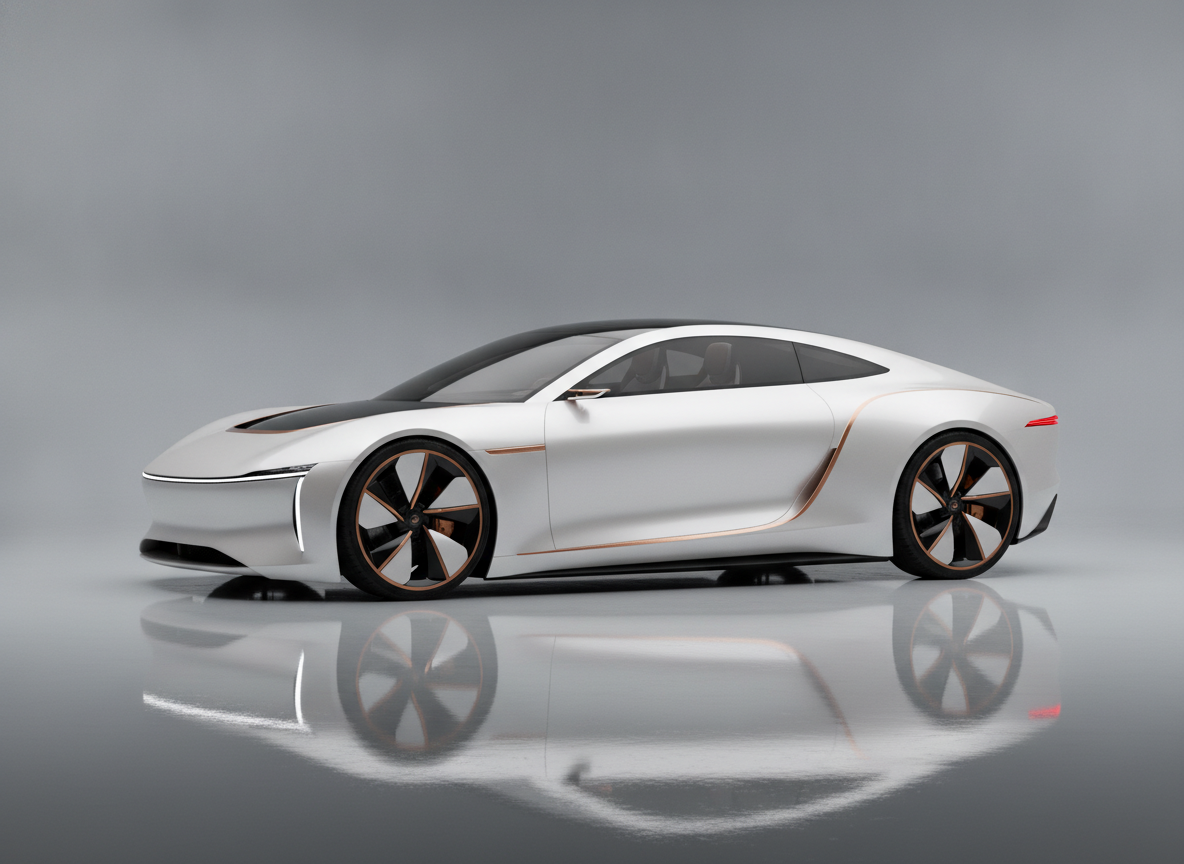
EV Concept Render
Made with GPT Image 2
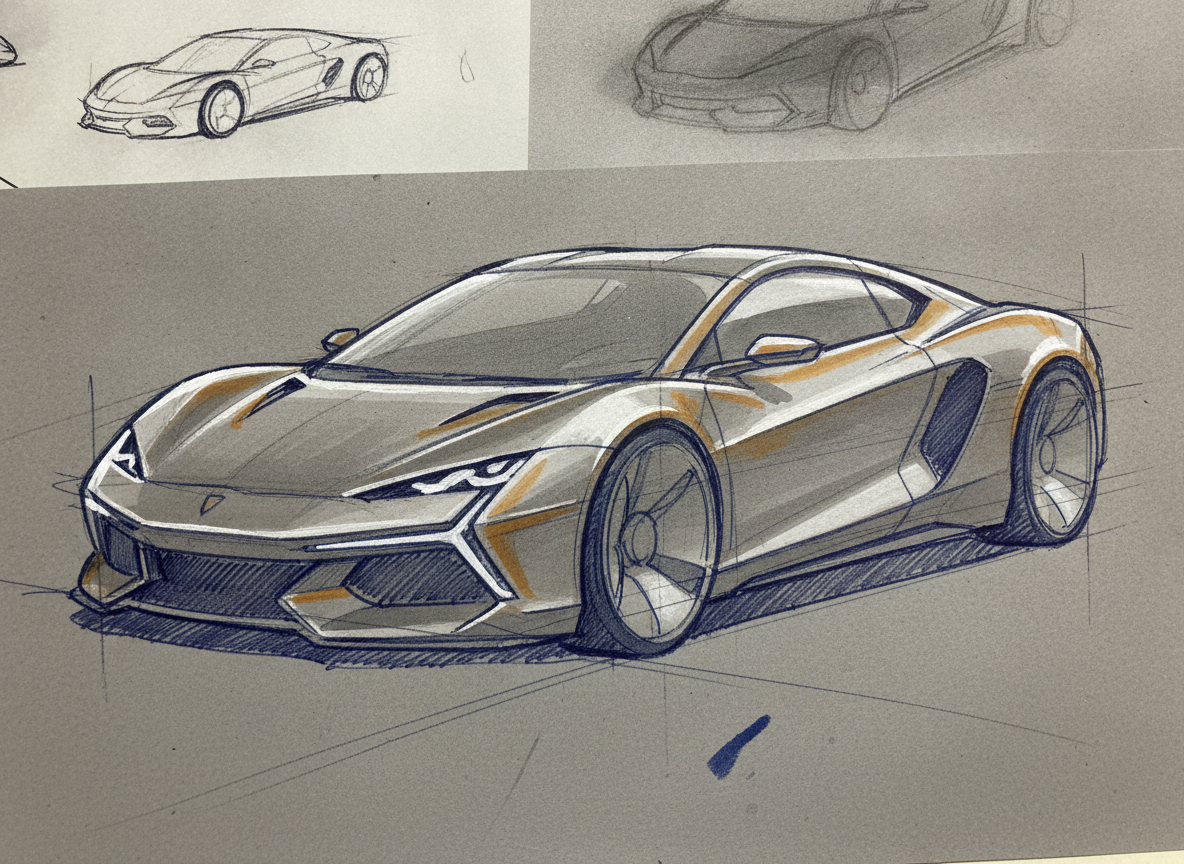
Designer Marker Sketch
Made with GPT Image 2
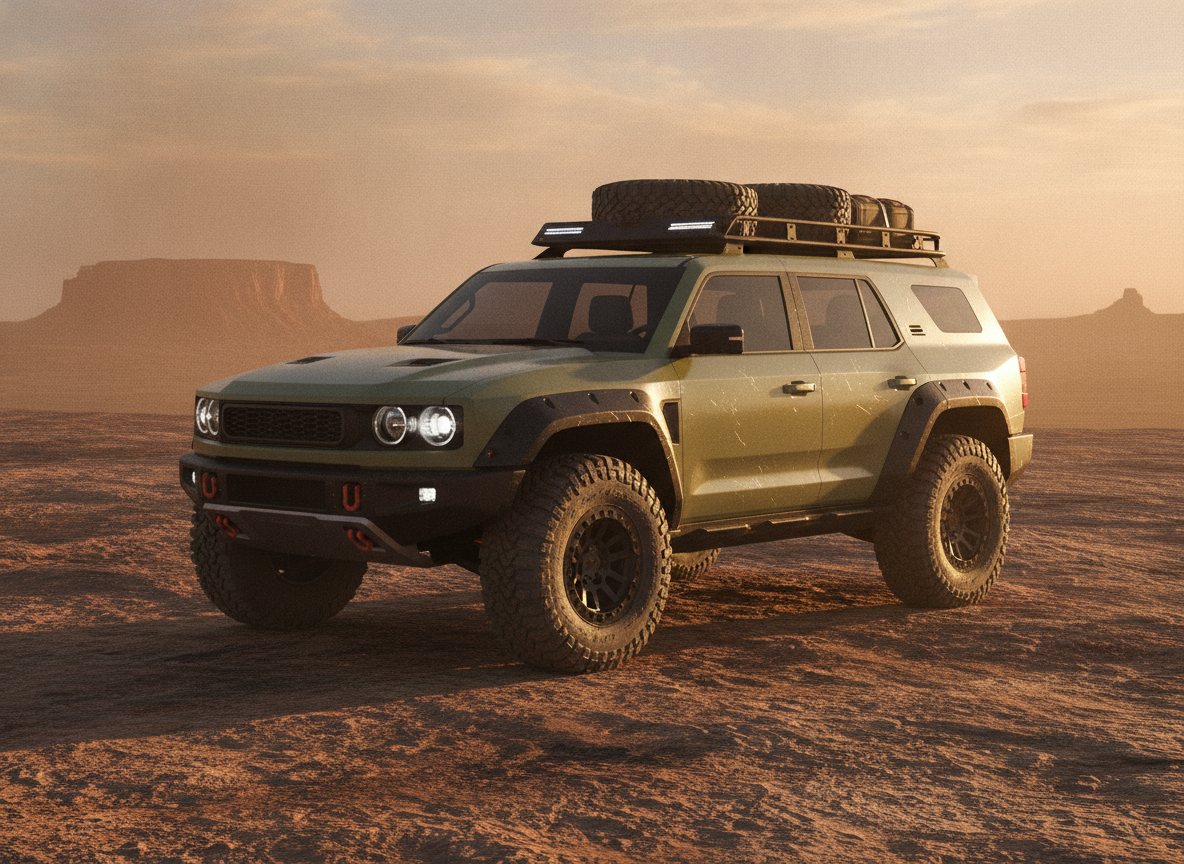
Off-Road SUV Concept
Made with GPT Image 2
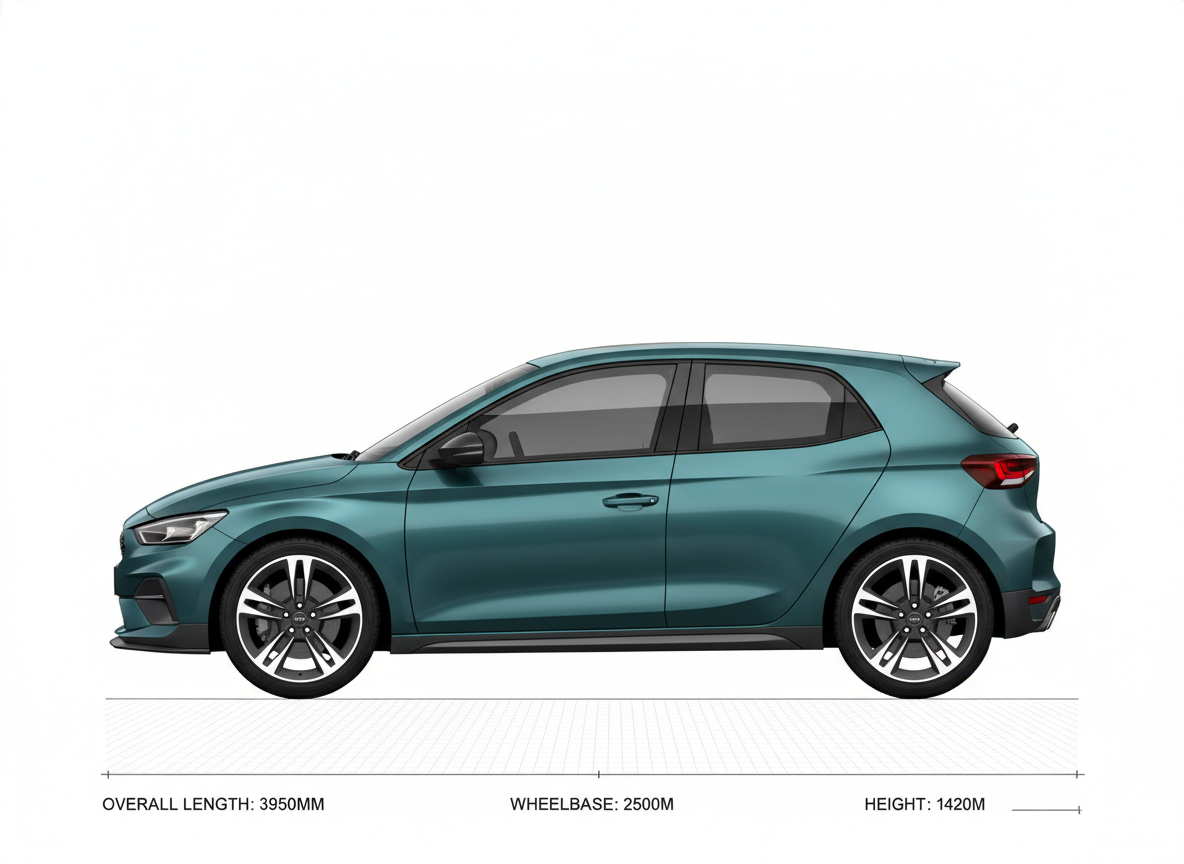
Orthographic Side Profile
Made with GPT Image 2
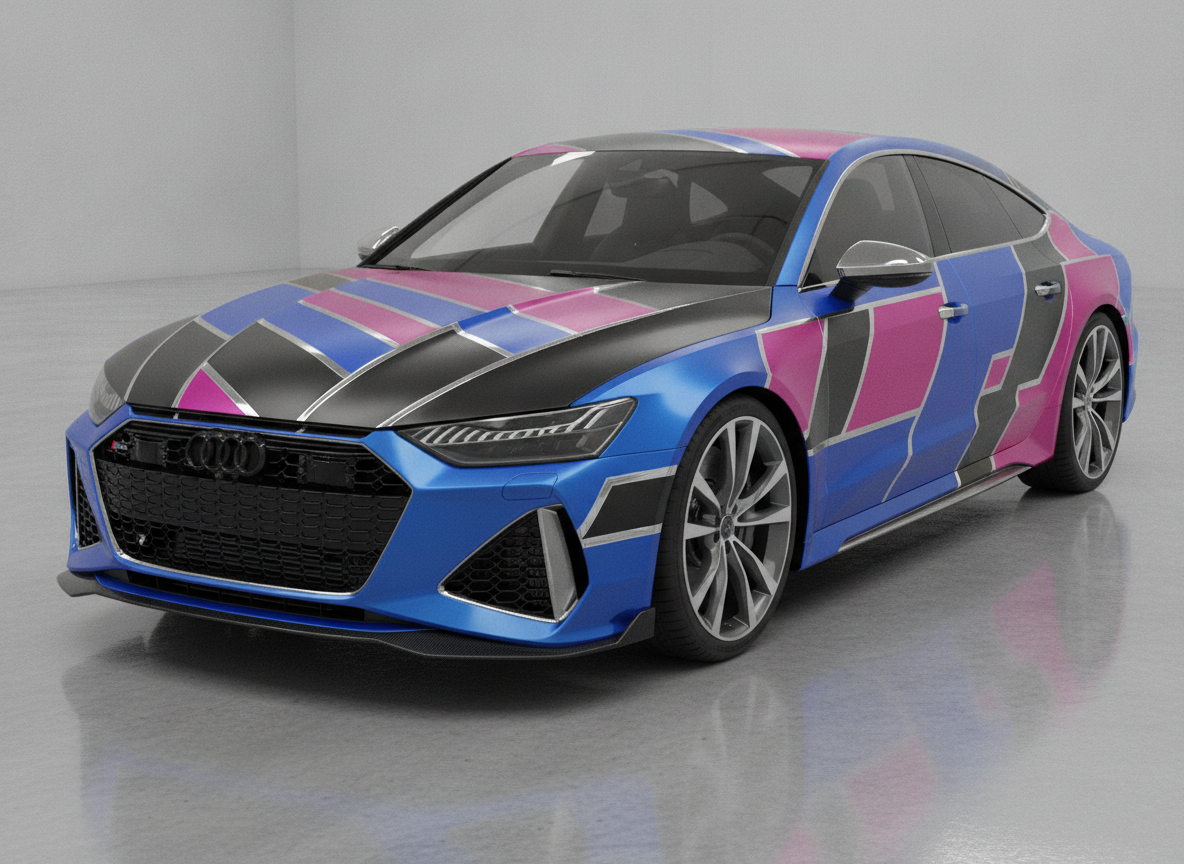
Vinyl Wrap Livery
Made with GPT Image 2
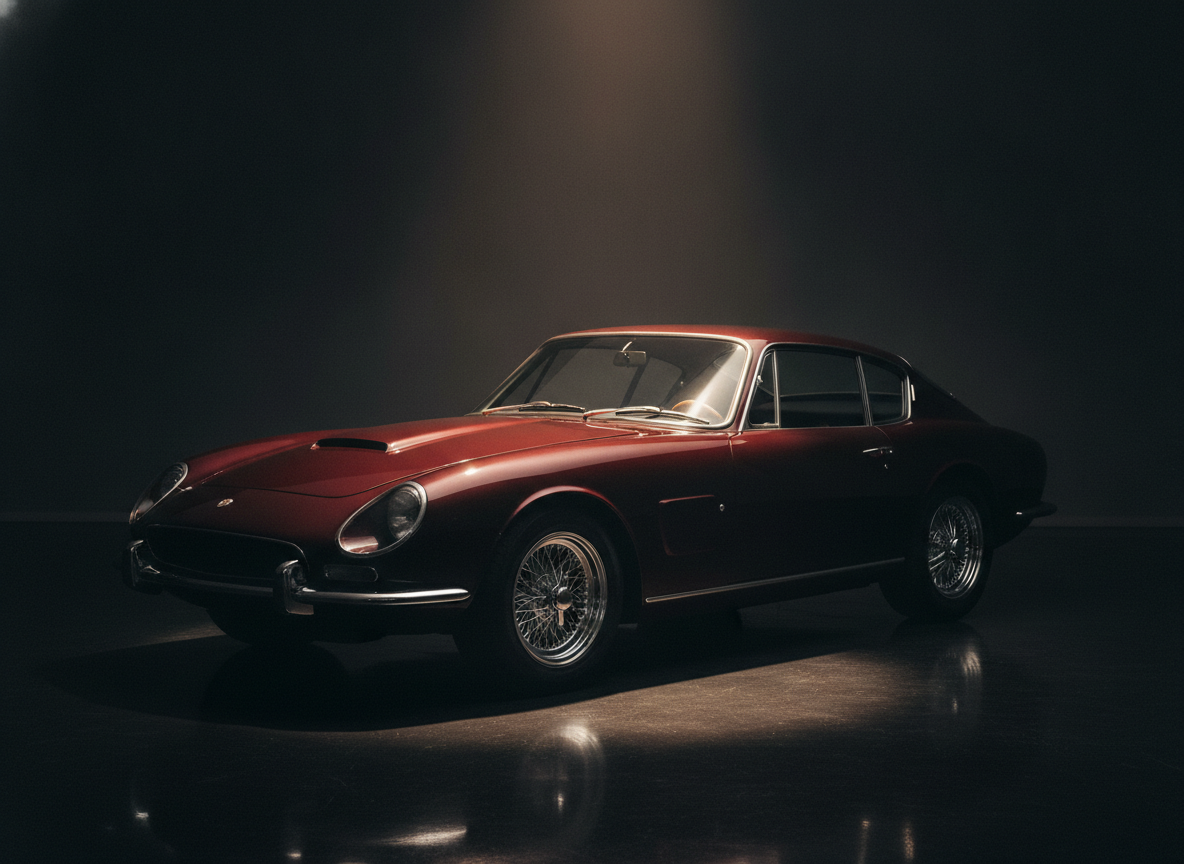
Restomod Coupe
Made with GPT Image 2
These Are Styling Concepts, Not Engineering
Everything this page produces is an illustration of a shape. Nothing here is engineered, simulated, packaged or homologated — there is no crash structure under the surfaces, no aerodynamic validation, no ergonomics and no manufacturability check, and proportions are often exaggerated beyond what a production car could be. Use the renders as direction, mood and portfolio work, and take them to a designer or engineer if you intend to build anything. Please also keep real manufacturers out of it: badges, model names and distinctive body shapes are protected, so describe the qualities you like instead of the nameplate.
How the AI Car Design Generator Works
Describe the vehicle, pick the format, iterate until the stance is right
Describe the Vehicle
Body type and proportion first, then surfacing, details, paint and wheels. Wheel size and stance change a design more than anything else.
Pick a Format
Studio concept render, marker sketch, off-road build, side profile, wrap livery or restomod. Each sets the view, the lighting and the background.
Iterate & Download
Rerun with the roofline lower or the wheels bigger until the stance is right, then download without a watermark.
Why Use an AI Car Design Generator
Because the first fifty ideas are supposed to be cheap
Six Vehicle Formats
EV concept render, marker sketch, off-road SUV, orthographic side profile, wrap livery and restomod coupe — each a different job in the design process.
Real Studio Sketch Look
Grey and ochre marker over ballpoint line work with gouache highlights — the presentation language transport design studios actually use.
Proportion Views
Flat side profiles on a grid, with panel gaps and wheel centre marks, for when you are judging wheelbase and overhang rather than styling.
Paint, Wraps & Wheels
Satin pearl, matte sand green, two-tone graphite, geometric livery blocking, turbine wheels or polished wires. Say it and it renders.
Yours Commercially
No watermark, no attribution. Use the renders in portfolios, pitch decks and client work — with no manufacturer badges on them.
Iterate at Sketch Speed
Ten variants of a roofline in the time one marker render used to take. Vehicle design is a volume game and this is the volume.
Who Uses It
Anyone who has to show a vehicle before it exists
Transport Design Students
Portfolio boards want range: a sketch page, a side profile, a hero render. Generate the exploration fast, pick the two directions worth developing, and spend your studio hours on the drawing that will actually be marked.
Enthusiasts & Builders
Planning a restomod or a stance change and want to see it before you commit. Try the ride height, the wheel size and the paint in a dozen combinations for free instead of arguing about it on a forum.
Wrap & Detailing Shops
Pitch three livery directions on Monday instead of one on Friday. Colour blocking, fades, pinstripes and matte finishes render in seconds — flag the mock-up as indicative and adjust to the real panel geometry at print.
Game & Film Artists
Vehicles fill worlds and nobody has time to design them all. Generate a fleet with a shared design language — same light signature, same wheel family — and hand the sheet to your modellers as reference.
AI Car Design Generator FAQ
Views, prompts, licensing and where a concept render stops
Free AI Car Design Generator — From Marker Sketch to Presentation Render
Vehicle design has always been a volume business at the front end. A studio kills hundreds of sketches before anyone builds a clay model, and the whole point of that phase is that ideas are supposed to be cheap and fast. An AI car design generator drops the cost of one more idea to about fifteen seconds, which is why it has landed hardest with the people who sketch the most: students building a portfolio, enthusiasts planning a build, wrap shops pitching liveries, and concept artists who need a whole street full of vehicles that look like they came from the same company.
The six formats on this page are not just style presets — they map to different moments in the process. The designer marker sketch is the front of the funnel: grey and ochre marker over ballpoint, gouache highlights on the shoulder line, construction lines still showing, the language every transport design studio presents in. The orthographic side profile is the proportion check, where you stop admiring the surfaces and look honestly at wheelbase, overhang and roofline against a grid. The studio concept render is the hero image for a board or a portfolio, lit on a cyclorama the way a real design freeze would be photographed. The off-road build puts a vehicle in its context, because a boxy SUV only reads as credible with dust and a rock plateau behind it. The wrap livery is a client mock-up. The restomod is the enthusiast’s daydream, rendered well enough to argue over.
Prompting a vehicle well is a matter of ordering your description outside in. Body type and proportion first, then the surfacing language, then the detail elements, then paint and wheels, then the environment and the light. Two levers matter more than the rest: wheel size and stance. Move a design from eighteen inch wheels to twenty two, or drop the ride height by an inch in the prompt, and the character changes more than any amount of adjectives about the grille will manage. Choose your view deliberately too — three quarter front is the most reliable and the most flattering, straight profile is the honest one, and front-on or top-down will take several attempts. Above all, remember what the output is: a styling concept, a picture of a shape, with no engineering behind it and no manufacturer’s badge on it. Describe the qualities you admire rather than the nameplate, and the results are both better and safer to use.
Vehicles rarely stay alone in a project, so the neighbouring tools carry the work onward. Put your car into a full scene with the AI concept art generator, build the wider world around it with the AI landscape image generator, and block out a sequence with the AI storyboard generator. Turn a hand drawing into a render with the AI sketch to image tool, restyle an existing render with AI image to image, or explore surfaces with the AI 3D image generator. Gather your directions on a board with the AI mood board creator, dress the brand around it with the AI logo generator, and pull the whole design language together with the AI fashion design generator for the crew kit. Prepare the final board for print with the AI poster maker, the AI vector art generator and the AI image upscaler. Scroll back up and render your first concept free.