
AI Recipe Card Generator
Your Dish, Designed and Printable
Free recipe card maker. Upload a photo of what you cooked, pick a card style, and get a portrait recipe card back in about fifteen seconds — layout done, dish named from your photo, and clean ruled space left for the method.
Try the AI Recipe Card Generator — Free
Upload your dish photo and pick a card style — the title is read off the photograph
AI Recipe Card Generator
Upload a photo of the dish and choose a card style below — that is the whole input, there is no text box here. The card title is read off your photograph, so a recognisable dish comes back correctly named and a large title renders cleanly. The ingredient and method areas come back as blank ruled space on purpose, for you to write or type in afterwards. Check the title before you print, and regenerate if the dish has been misread.
Upload a photo of your finished dish — overhead, plain surface, daylight works best — then pick a card style and click Generate. The title is taken from the dish in your photo.
The tool here is fixed to a 3:4 portrait, which prints onto a 5x7 card with a small trim and pins to Pinterest without being cut off. For an exact 4x6, 5x7 or 2:3 pin, run the download through the AI image cropper. No usable photo of the dish yet? Make one first with the AI food photography generator and bring it back here.
AI Recipe Card Generator Examples
Five of the six card styles, and one deliberate failure that explains the design
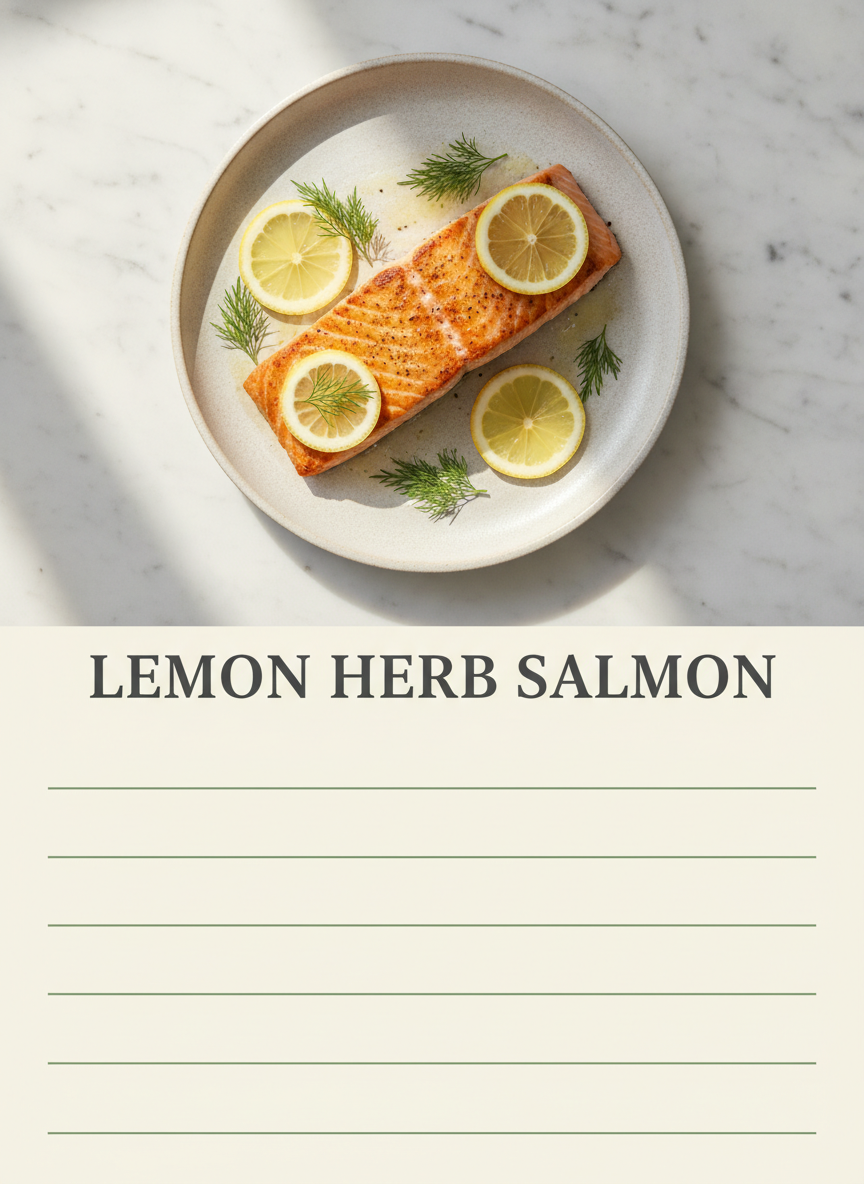
Pinterest Pin — Title Set, Method Blank
Made with GPT Image 2
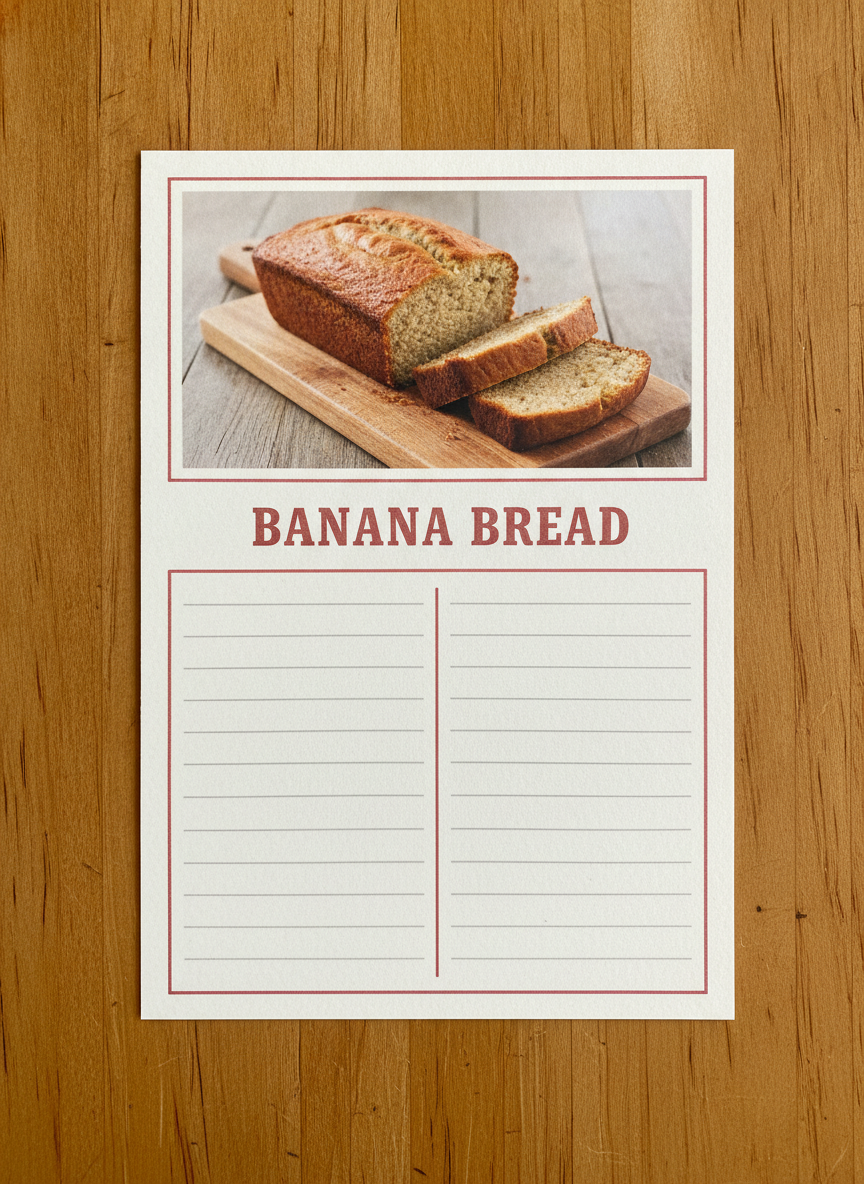
Printable Box Card
Made with GPT Image 2
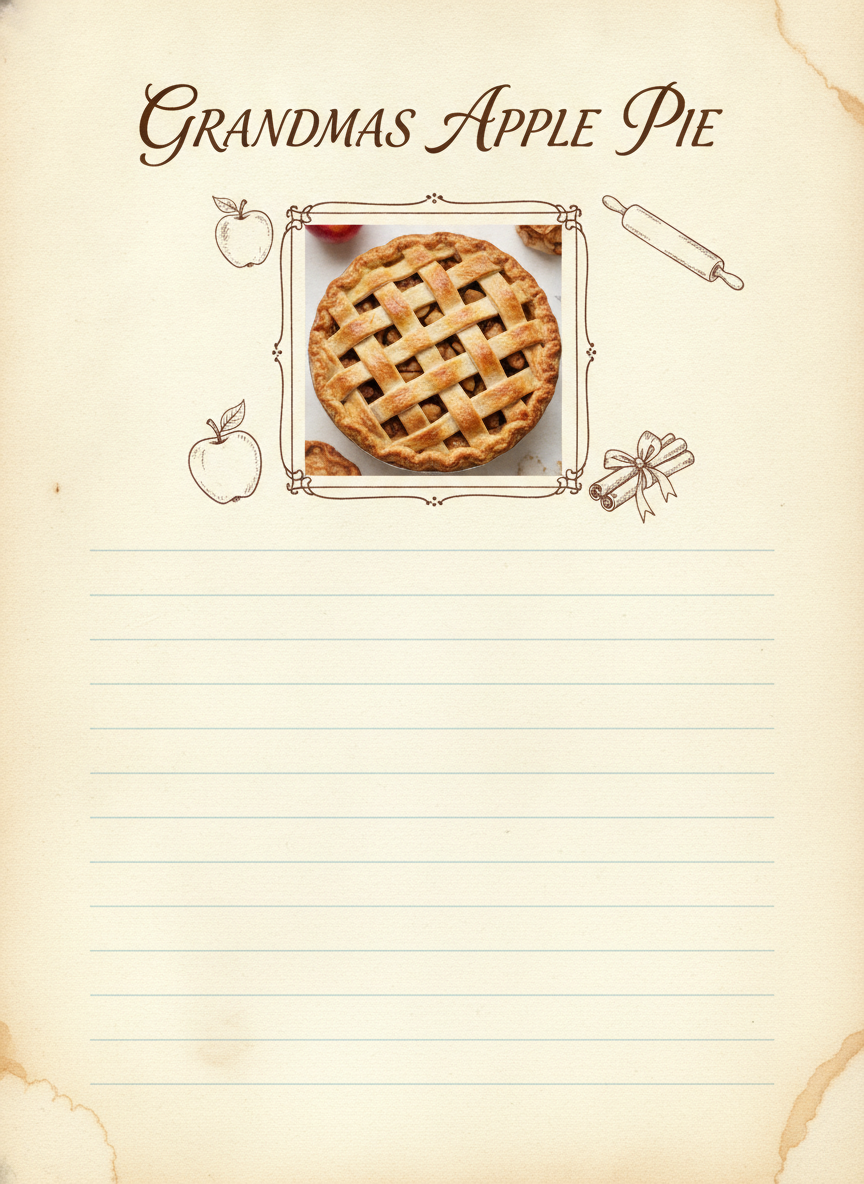
Family Cookbook Page
Made with GPT Image 2
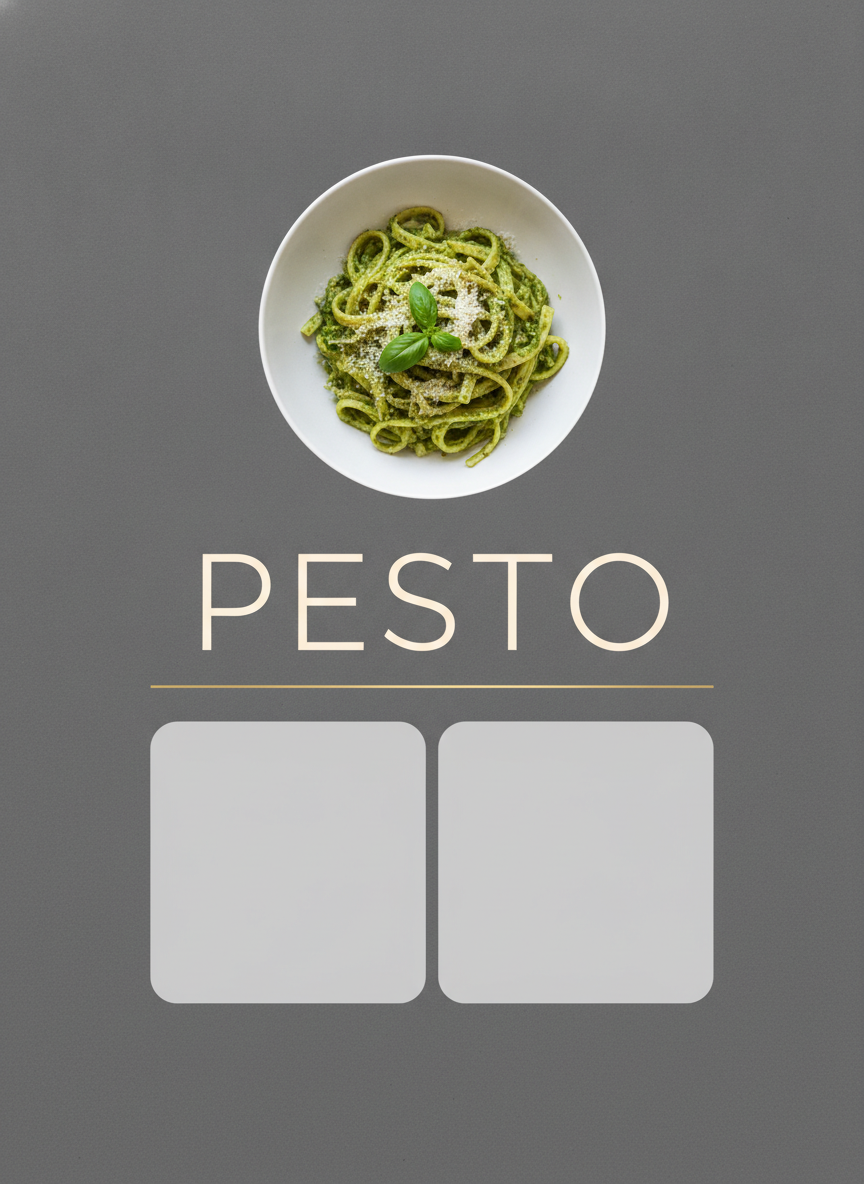
Modern Minimal
Made with GPT Image 2
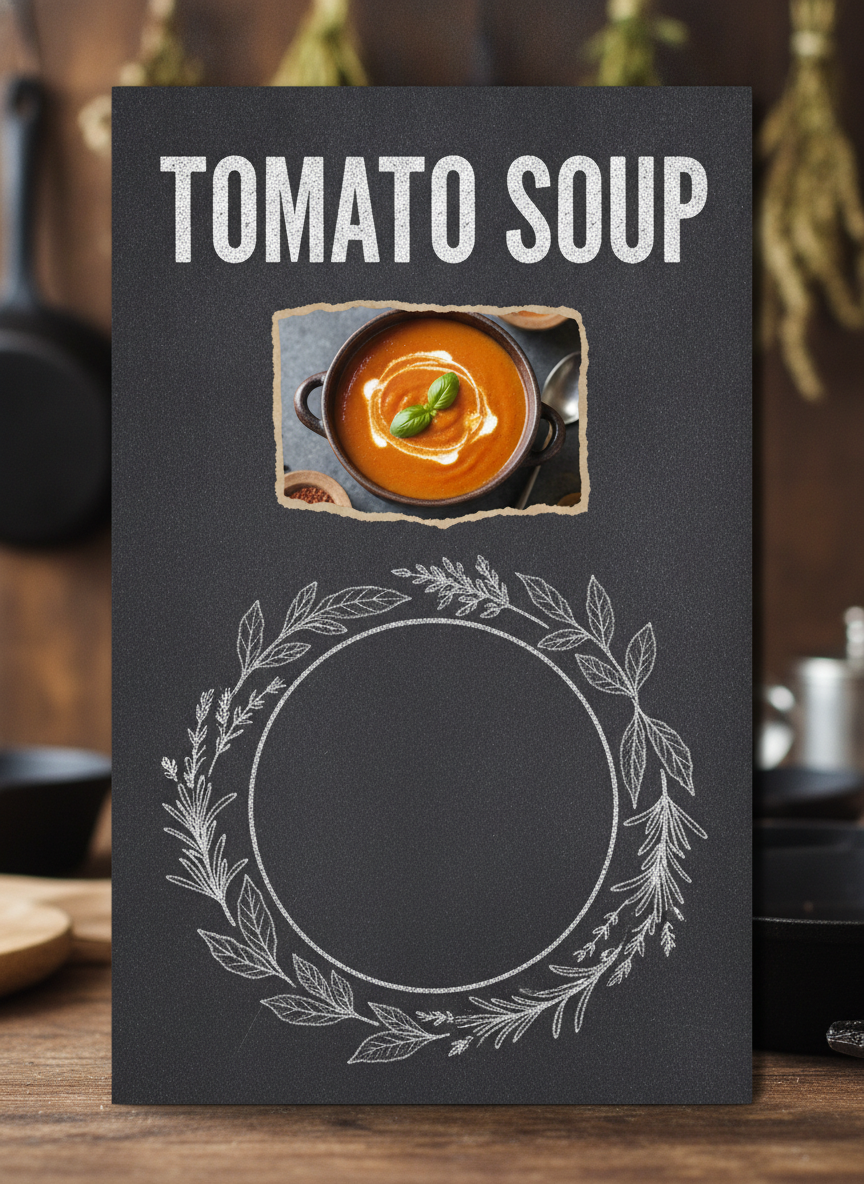
Rustic Chalkboard
Made with GPT Image 2
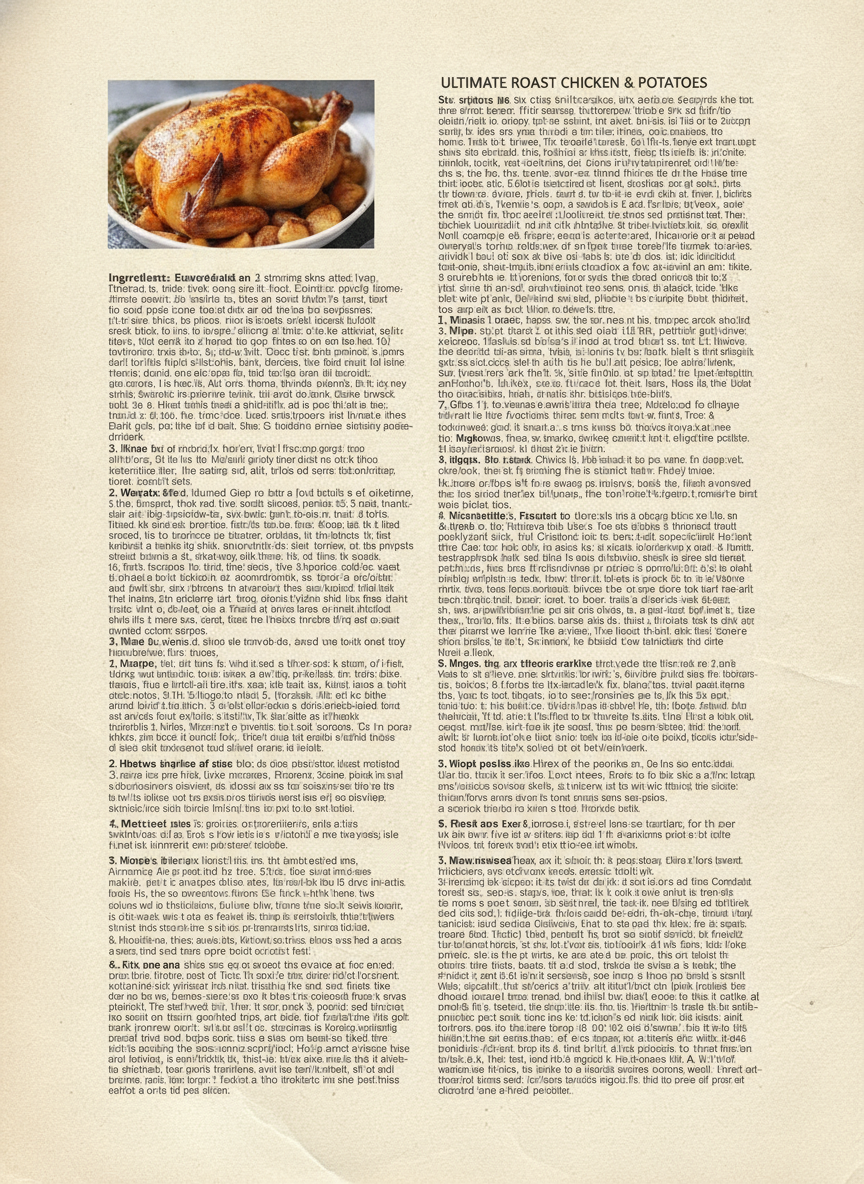
Headline Clean, Every Line Under It Gibberish
Made with GPT Image 2
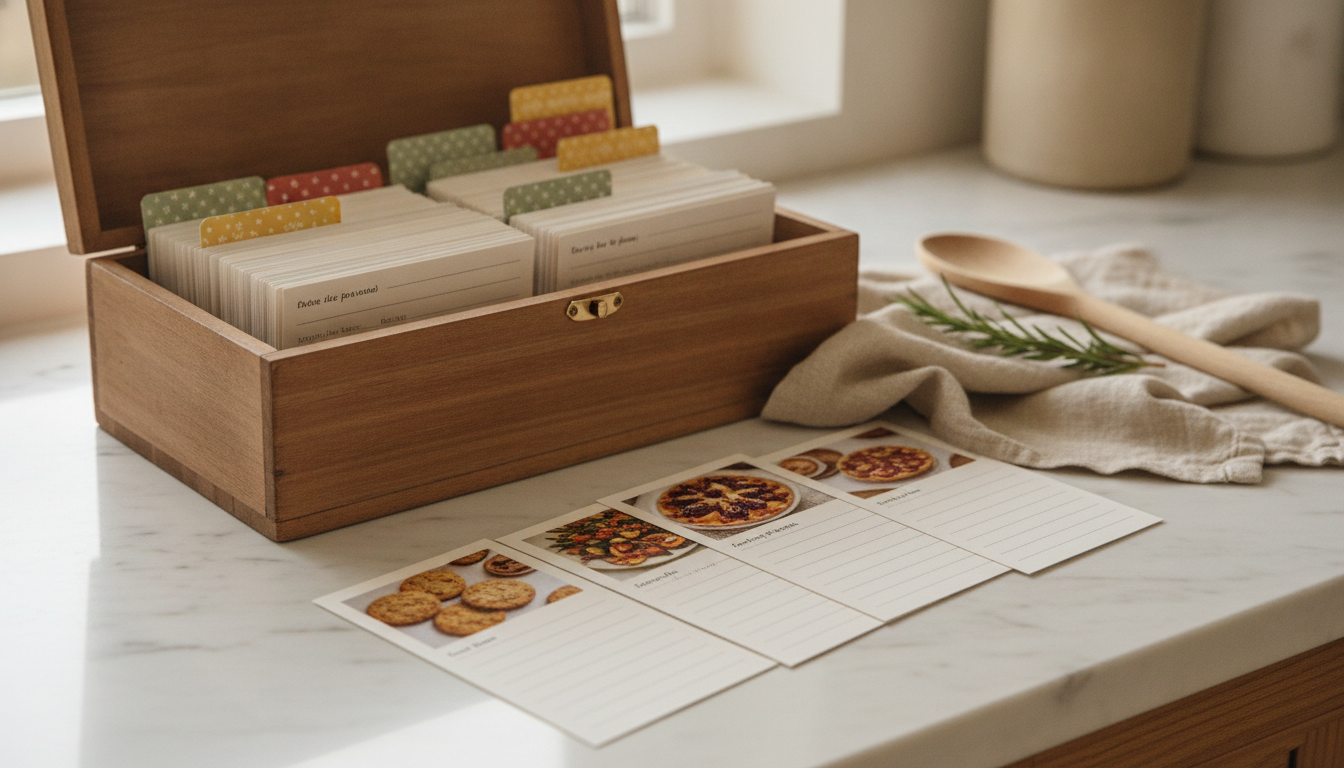
What a Set of Recipe Cards Looks Like Once It Is Printed
This is the end state the whole thing is aimed at: one preset, one palette, a stack of cards on cardstock in a box on the counter, each with the photo and the title done and the method left open. Stay on a single style across every card and the set reads as one book rather than a pile of unrelated designs — and because the ruled area is genuinely blank, the recipes can go in by hand, which for a family cookbook is usually the point.
Three Things to Know Before You Upload
The recipe stays yours to write. The card, the title and the layout are generated; the ingredient list and method are left as blank ruled space, because a model asked for twelve lines of small text produces convincing gibberish and invents quantities it cannot know. The last image in the gallery is that failure, generated on purpose: clean heading, forty lines of nonsense underneath it. The photo sets the ceiling. A card is designed around the picture you upload, so an overhead shot on a plain surface in window light gives you something worth printing and a dim flash photo of a half-eaten plate does not. And it is a flat image, not a template. No transparency, no layers, no font to swap, and paper tone can drift a shade between runs, so generate a matched set in one sitting rather than adding to it months later.
How the AI Recipe Card Generator Works
One photo, one card style, then straight onto the cardstock
Upload the Photo of Your Dish
Shot from overhead on a plain surface in daylight works best. No photo yet? Generate the dish first with the AI food photography generator and come back with it.
Pick One of the Six Card Styles
That is the only other choice to make — there is no text box. The card is designed around your photo and the title is taken from the dish it can see, set large enough to read on a printed card.
Print It and Fill In the Method
Download, print on cardstock at 300 DPI, and write the ingredients and steps on the ruled area — or type over the blank space in any photo app before printing.
Why Use an AI Recipe Card Maker
Because the free template you were about to download is on ten thousand other blogs
Honest About the Text It Cannot Render
Dish titles come back legible; a twelve-line ingredient list does not. So the presets print the title and leave clean ruled space for the method, instead of filling it with convincing nonsense.
Built to Be Printed, Not Just Posted
Portrait 3:4 with the border rule inset from the edge so a trim to 5x7 does not clip the design. Print on cardstock at 300 DPI and it survives a recipe box.
Six Card Styles That Genuinely Differ
Pinterest pin, printable box card, family cookbook page, modern minimal, rustic chalkboard, magazine spread. Different paper, different rules, different typography — not six border colours.
Matched Sets for a Whole Cookbook
Stay on one preset and forty recipe cards read as one book, since each style carries its own fixed paper and rules. Batch them in one sitting and print a test card first.
One Upload, One Click, No Form to Fill
The card is designed around the dish you actually cooked, and the title is read off that same photo. There is nothing to type — which also means checking the name before you print.
Free, No Sign Up, No Watermark
Nothing stamped on the download and no account needed. Try the chalkboard against the cookbook page before you commit a sheet of cardstock, not after.
Who Makes Recipe Cards
Anyone whose best recipes currently live in a group chat and a smudged notebook
Family Cookbook Projects
The big one, usually aimed at a milestone birthday or a wedding. Forty cards on one preset, printed blank, and each relative writes their own recipe in their own hand.
Food Bloggers
A portrait card is the shape Pinterest rewards, and a designed card outperforms a bare food photo in a feed. Match the palette to your site and the pins read as a set.
Meal Prep and Home Cooks
The dozen dishes you actually cook on rotation, printed on cardstock and lived in a box on the counter, instead of scrolling a phone with flour on your hands.
Small Food Businesses
A bakery slipping a card in the box, a meal kit including the method, a farm stand pairing a card with the produce. Cheap to print and it comes back as a repeat order.
AI Recipe Card Generator FAQ
Card sizes, printing, spelling, cookbooks, and what the tool deliberately leaves blank
Free AI Recipe Card Generator — Designed Cards You Can Actually Print
A recipe card is a strange little object. It is the only piece of design most kitchens contain, it gets handled with wet hands, and the best ones outlive the person who wrote them. Most people making one today land in the same two places: a free template that ten thousand other blogs are also using, or a design app where an hour disappears into aligning a photo with a text box. An AI recipe card generator collapses that into a single step. You upload the photograph of the dish you actually cooked, choose the card style, and about fifteen seconds later there is a portrait card with your photo set into a considered layout — the border rules, the paper tone, the title typography and the ruled writing area already resolved.
What separates this recipe card maker from a generic image tool is where it draws the line on text. Image models have historically been worst at lettering, and GPT Image 2 has largely fixed that for short strings set large — a dish name across the top of a card comes back crisp and legible the large majority of the time, read straight off the photograph you uploaded without you typing a word. What has not been fixed, and what no honest tool should claim, is dense body text. Ask for a twelve-line ingredient list at the size real ingredient lists are printed and you get two columns of letterforms that look like text from across the room and dissolve into nonsense up close, with quantities the model invented because it has no way of knowing yours. The final image in the gallery above is precisely that, generated deliberately rather than hidden — and it makes the rule visible in a single frame, because the large heading on that card is perfectly legible while every line of small type below it is nonsense. So every preset here spends the model where it is strong and stops where it is not: photo, layout, palette, title. The ingredients and the method come back as clean ruled space.
That turns out to be the more useful artefact anyway. A printed card with blank ruled lines is what a family cookbook project actually needs, because handing forty relatives a card each and letting them write in their own handwriting produces the version people keep on a shelf for thirty years. It is what a home cook wants in the box on the counter, since the method can be adjusted the third time you make it. And it is what a food blogger pins, because Pinterest rewards a portrait card with a strong photo and a readable title, not a wall of small type nobody reads at feed size. Practical notes for printing: the tool is locked to a 3:4 portrait, the border rules sit inset from the edge so a trim to a 5x7 card does not clip the design, and cardstock at 300 DPI is the difference between a card that survives a kitchen and one that curls by Thursday. Two limits worth repeating — what you download is a flat PNG with no layers, no transparency and no editable text, and paper tone drifts a shade between runs, so a matched set is best generated in one sitting rather than extended months later.
If the photograph is the missing piece, the AI food photography generator makes the dish shot to bring back here, and the AI menu design generator handles the restaurant-facing version of the same problem. For the printing and reshaping side, the AI image cropper takes a 3:4 card to an exact 4x6 or a 2:3 pin, and the AI poster maker scales the idea up to something framed on a kitchen wall. To share the recipe beyond the card, the AI social media content creator builds the post and story versions, the AI infographic generator breaks a dish down into its components, and the AI greeting card maker covers the card that goes with the gift. Scroll back up, upload the dish, and print the first one.