
AI Stock Photo Generator
Royalty-Free Images, Made to Order
Describe the shot you need and this AI stock photo generator creates it — business, lifestyle, food, nature or abstract backgrounds, royalty-free and unique to you. Free, no sign up.
Try the AI Stock Photo Generator — Free
Pick a category, describe the shot you need, and download a royalty-free stock image in seconds
AI Stock Photo Generator
Choose a stock category, describe the scene and framing you need, and generate a royalty-free image
Tip: name the lighting, the camera angle and where the empty space should sit — "soft window light, side angle, copy space on the left" — and the image lands in your layout without a crop.
AI Stock Photos Made From a Sentence
Six categories covering what marketing teams and publishers actually need
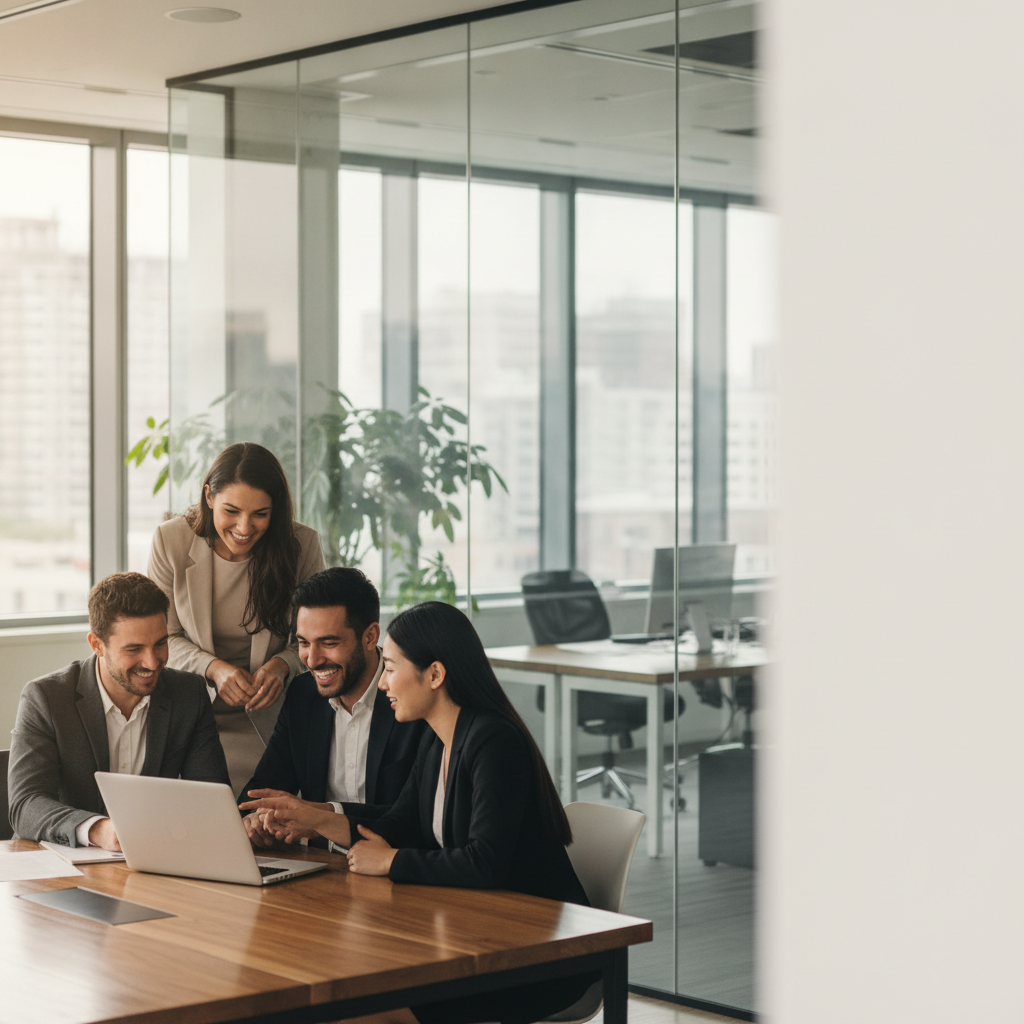
Business & Office
Made with GPT Image 2
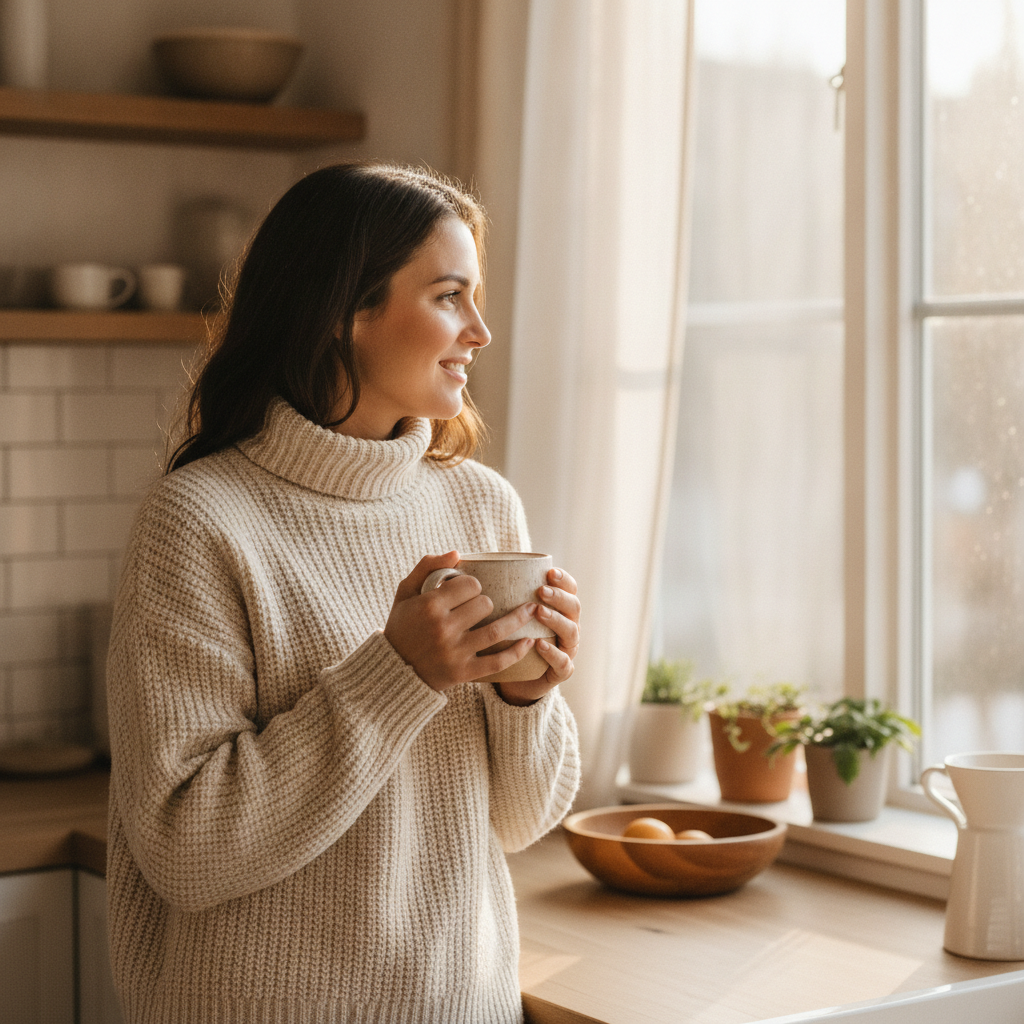
Lifestyle & People
Made with GPT Image 2
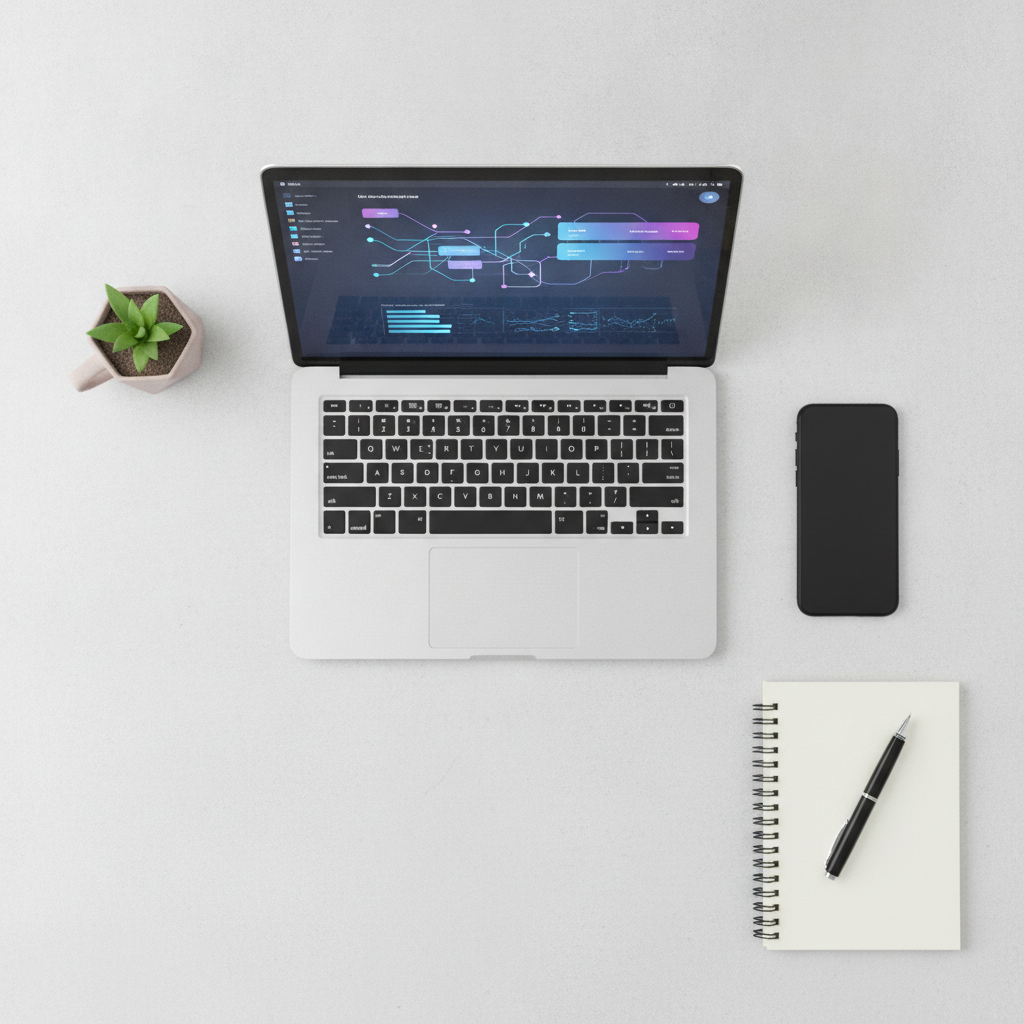
Technology & Desk
Made with GPT Image 2
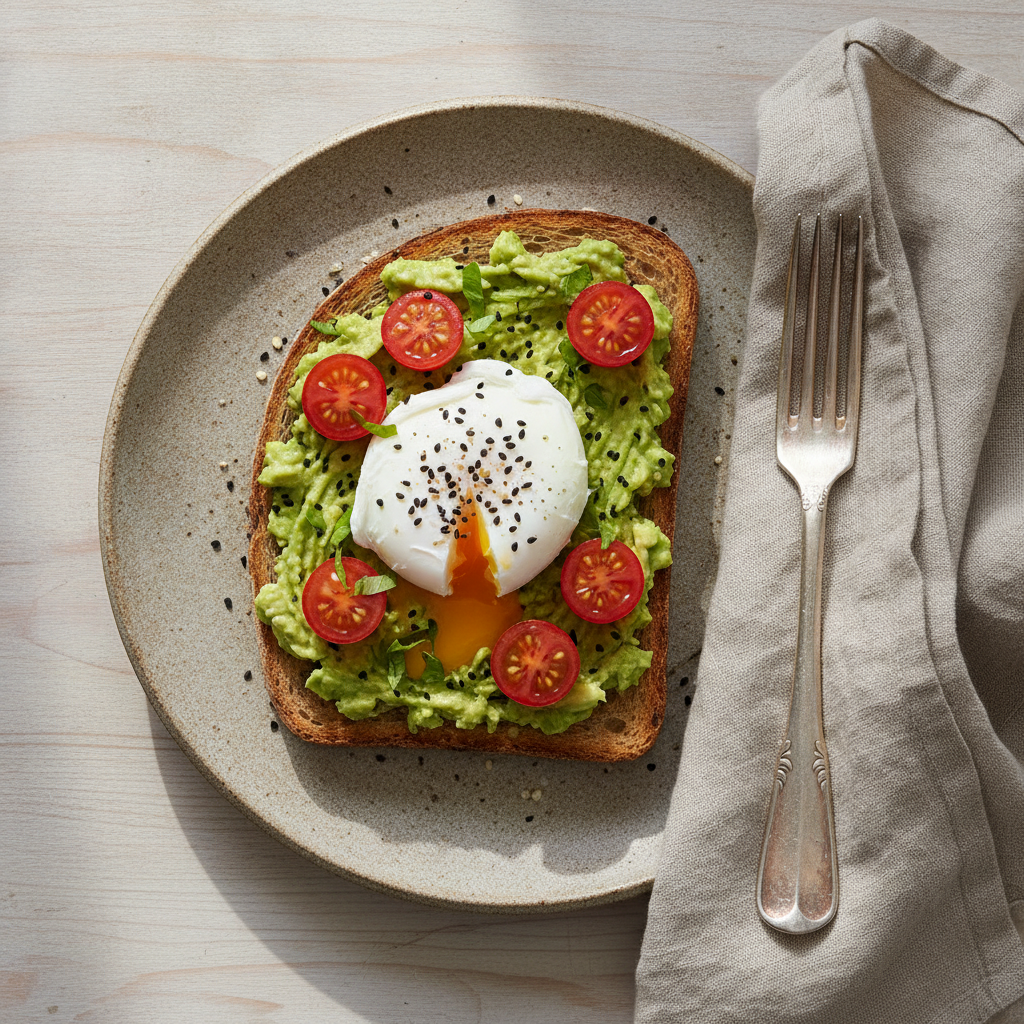
Food & Drink
Made with GPT Image 2
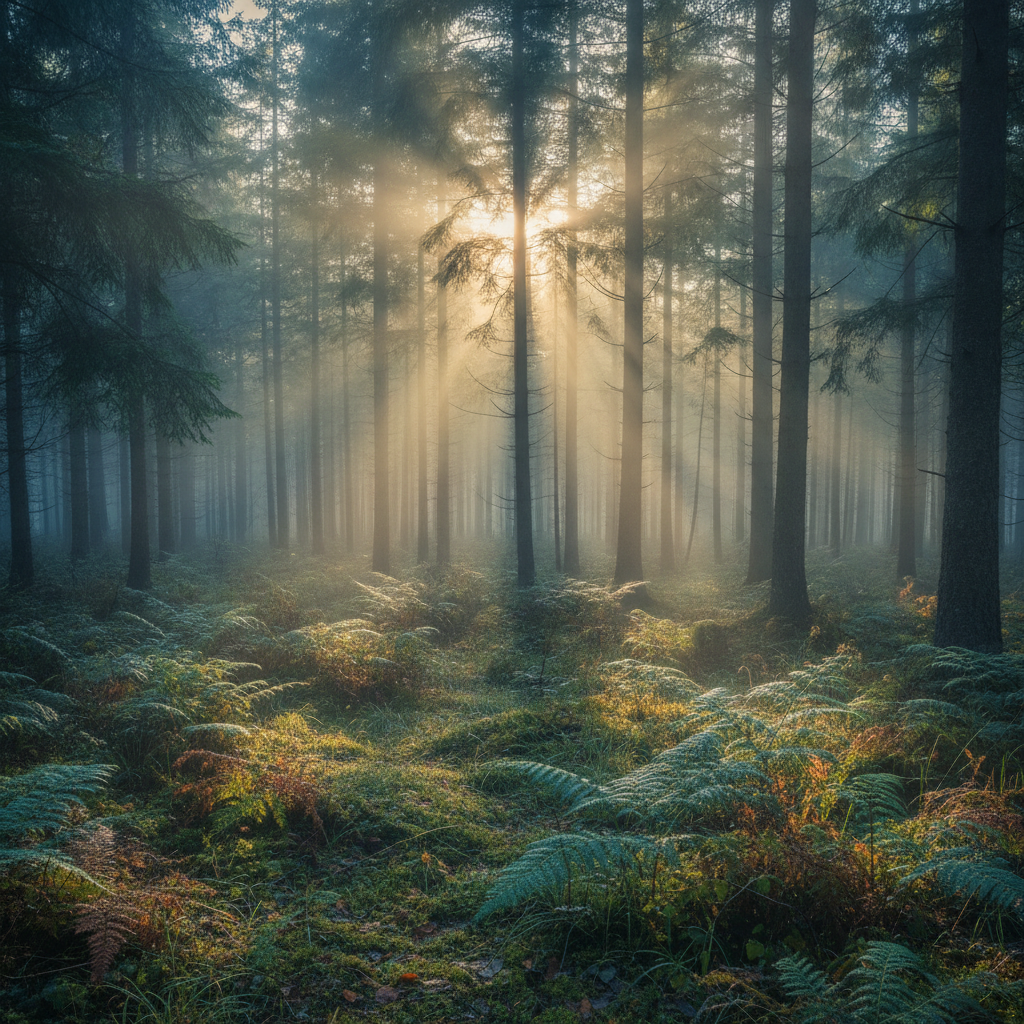
Nature & Travel
Made with GPT Image 2

Abstract Backgrounds
Made with GPT Image 2
How the AI Stock Photo Generator Works
Choose the category, describe the shot, download the image
Choose a Category
Business, lifestyle, technology, food, nature or abstract background sets the photographic style for you.
Describe the Shot
Say what is in frame, how it is lit, the angle, and where you want empty space for headlines or logos.
Download & Use
Get a royalty-free image in seconds, ready for your site, ad, deck or post — commercial use included.
Why Generate Stock Photos Instead of Buying Them
The right image usually does not exist yet. That is the whole problem with libraries.
No More Searching
Stop scrolling page four of a stock library for a near-match. Describe the exact shot you need and get it on the first try.
Real Photography Look
Presets tuned for natural light, believable depth of field and true colour — not the over-lit gloss that reads as fake.
Royalty-Free & Commercial Use
Use every image in ads, sites, decks and client work. No attribution, no licence tiers, no per-seat accounting.
Six Stock Categories
Business, lifestyle, technology, food, nature and abstract backgrounds — or write your own brief from scratch.
Built for Your Layout
Ask for copy space, a specific crop or a banner-friendly composition and the image arrives ready to place.
Seconds, Not Subscriptions
Free to start with no account. Generate what you need today without committing to a monthly image credit plan.
Who Uses AI Stock Photos
Anyone who needs a specific image today and does not have a photographer
Marketers & Ad Teams
Generate five variations of the same campaign visual and test which one converts, instead of licensing one hero shot and hoping. Copy space is part of the brief, so creative fits the ad slot first time.
Bloggers & Publishers
Every post gets a header image that actually matches the article, not the same overused laptop-and-coffee photo your competitors are running. Keep one lighting style and your archive looks art-directed.
Small Businesses
Fill a website, menu, brochure or listing with professional imagery before you can justify a photo shoot. Royalty-free from the start, so nothing has to be swapped out when traffic grows.
Designers & Agencies
Populate mockups, pitch decks and prototypes with images that fit the concept rather than grey placeholder boxes. Fast enough to explore a direction before the client meeting, not after it.
AI Stock Photo Generator FAQ
Licensing, realism and how to brief the generator properly
The Free AI Stock Photo Generator That Builds the Shot You Briefed
Stock photography has always worked backwards. You know exactly what the page needs — a warehouse worker scanning a parcel, shot from behind, with clean space above their shoulder for a headline — and then you spend twenty minutes typing keywords into a library, scrolling past increasingly irrelevant results, and finally settling for something that is close enough if you crop it hard. An AI stock photo generator inverts that. You state the brief and the image is built to it, which means the compromise step simply disappears. That is the whole pitch: not cheaper stock, but stock that matches.
The second problem it solves is sameness. The most-downloaded images on the big libraries appear on tens of thousands of websites, and audiences have started to notice — the handshake, the headset, the laughing woman with the salad. When your landing page runs the same photograph as three competitors, the image stops doing any brand work at all. Generated images are made once, for you, so a set of six for a campaign shares a look with each other and with nothing else on the internet. Reuse the same lighting and palette language across every prompt and the whole set reads as a deliberate art direction rather than a shopping trip.
The six categories above cover the bulk of commercial demand. Business & Office produces candid workplace scenes with the negative space marketing layouts need. Lifestyle & People handles authentic everyday moments in natural light. Technology & Business covers device flat lays and minimal workspace compositions. Food & Drink gives you editorial-grade dishes for menus, delivery apps and recipe posts. Nature & Travel makes wide banner-friendly landscapes. Abstract Backgrounds generates gradient and shape backdrops for hero sections and slides. In every case the useful discipline is specificity: name the subject, the setting, the light, the angle and the copy space, and skip vague quality words like "beautiful" or "professional" — the presets already handle those, and your words are better spent on the things only you know.
A few neighbouring tools finish the job. For product shots specifically, the AI product mockup generator and AI product image enhancement are tuned for e-commerce rather than editorial. If you want maximum photographic realism as a style, try the AI realistic photo generator, and for people-first imagery the AI headshot generator handles portraits. To drop a generated subject onto a different backdrop, use the AI background generator, and when an image needs to go to print or a large banner, the AI image upscaler takes it up to resolution. Scroll back up, describe the shot your page has been waiting for, and download it free.