
AI Thanksgiving Card Generator
With Words You Can Actually Read
Free Thanksgiving card maker. Pick a style, type your own wording — the family name, the dinner time, a guest’s name for the table — and get a printable card back in about fifteen seconds.
Try the AI Thanksgiving Card Generator — Free
Pick the card you need, then type the exact words you want printed on it
AI Thanksgiving Card Generator
Choose a style below, then type your own wording in the box — a family name, a dinner date and time, or a single guest name for a place card. Put the words in quotation marks and keep them short: fewer lines means cleaner lettering. Note that Photo Card Layout designs a card around a generated autumn photo, not your own — see the FAQ for how to use your family photograph instead.
Tip: the tool here is fixed to 3:4 portrait, the shape a folded card wants — for a square or landscape card, crop the result with the AI image cropper, or use the main generator on the home page where you pick the ratio yourself. Printing on card stock? Run it through the AI image upscaler first.
AI Thanksgiving Card Examples
Six cards made with the tool on this page — look at the lettering, not just the artwork
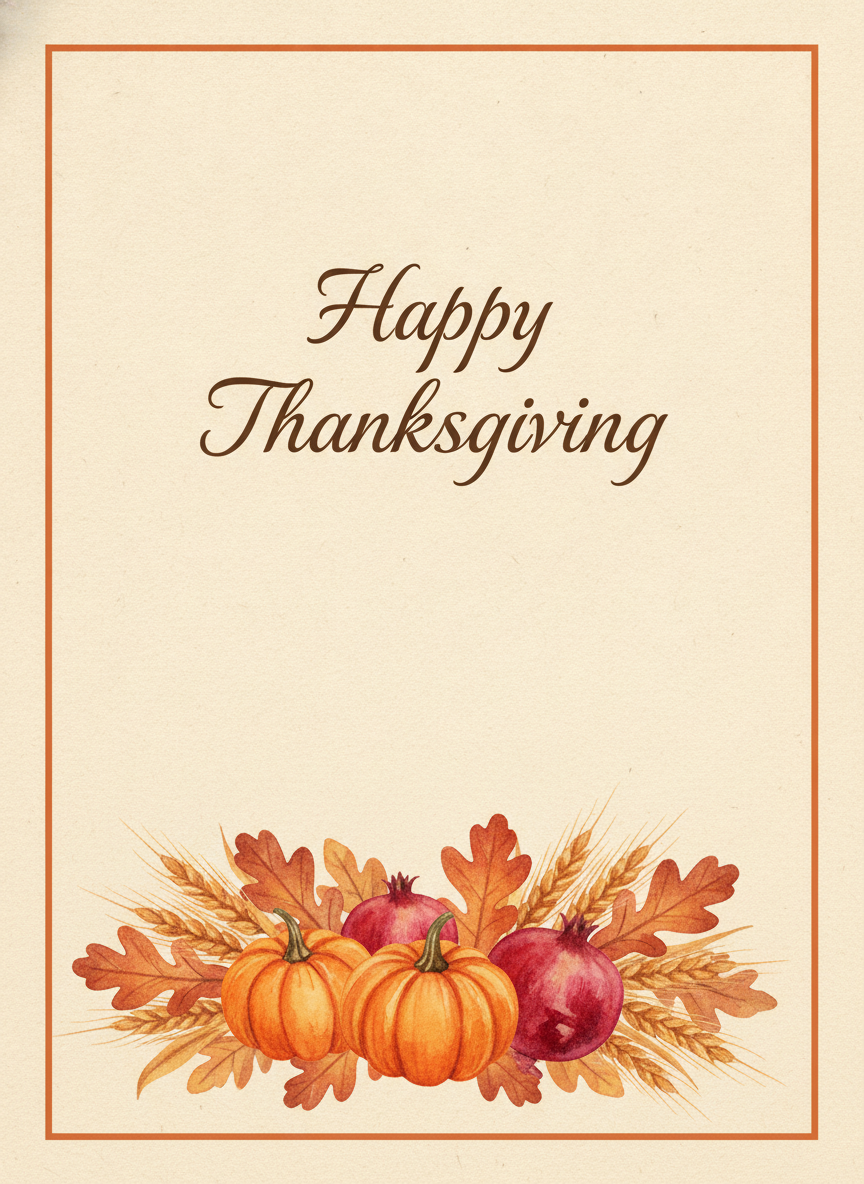
Classic Harvest
Made with GPT Image 2
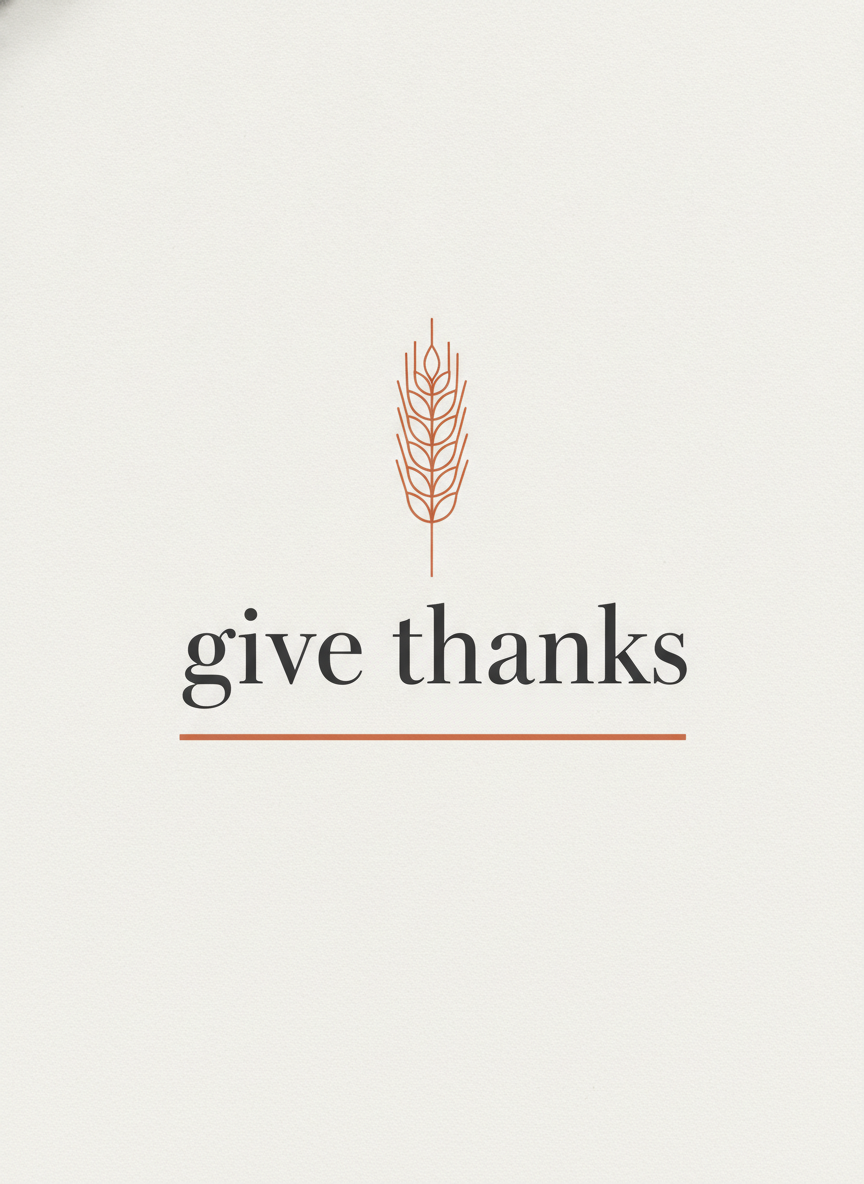
Modern Minimal
Made with GPT Image 2
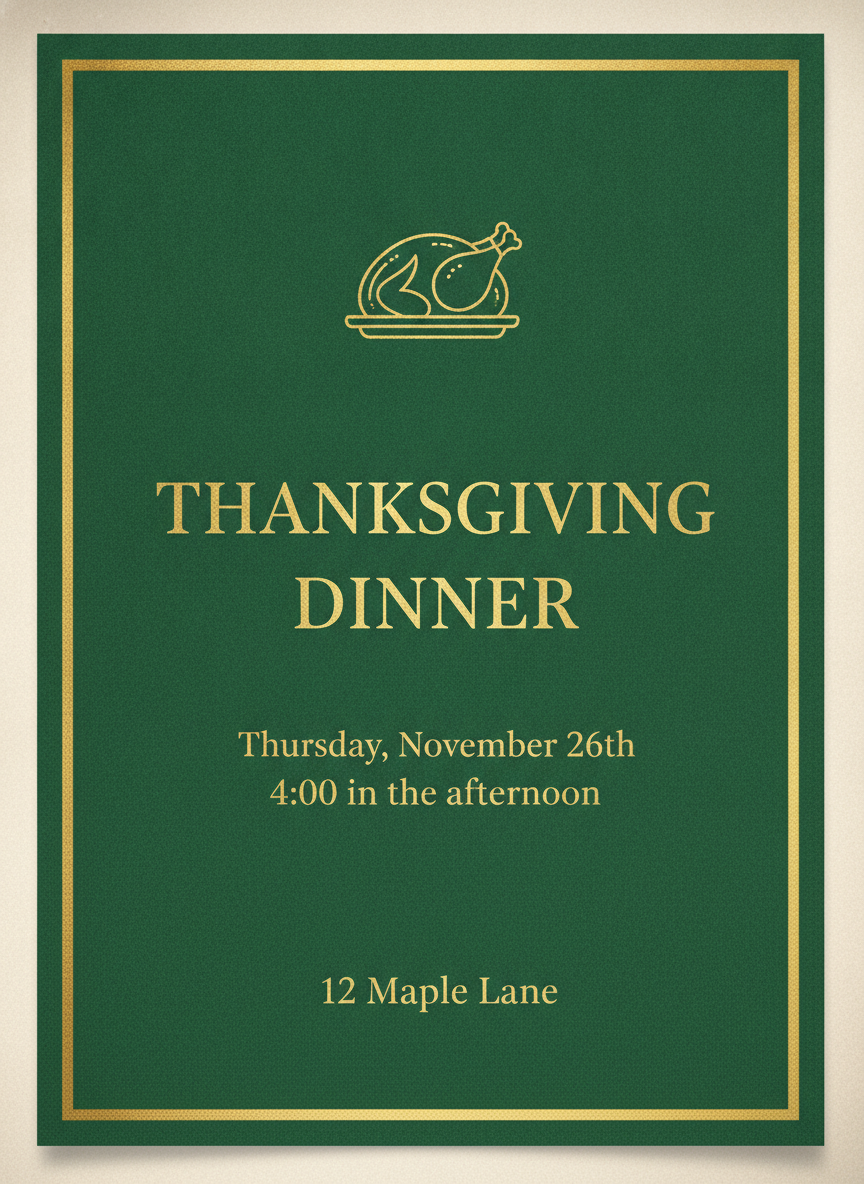
Dinner Invitation — Four Lines of Text
Made with GPT Image 2
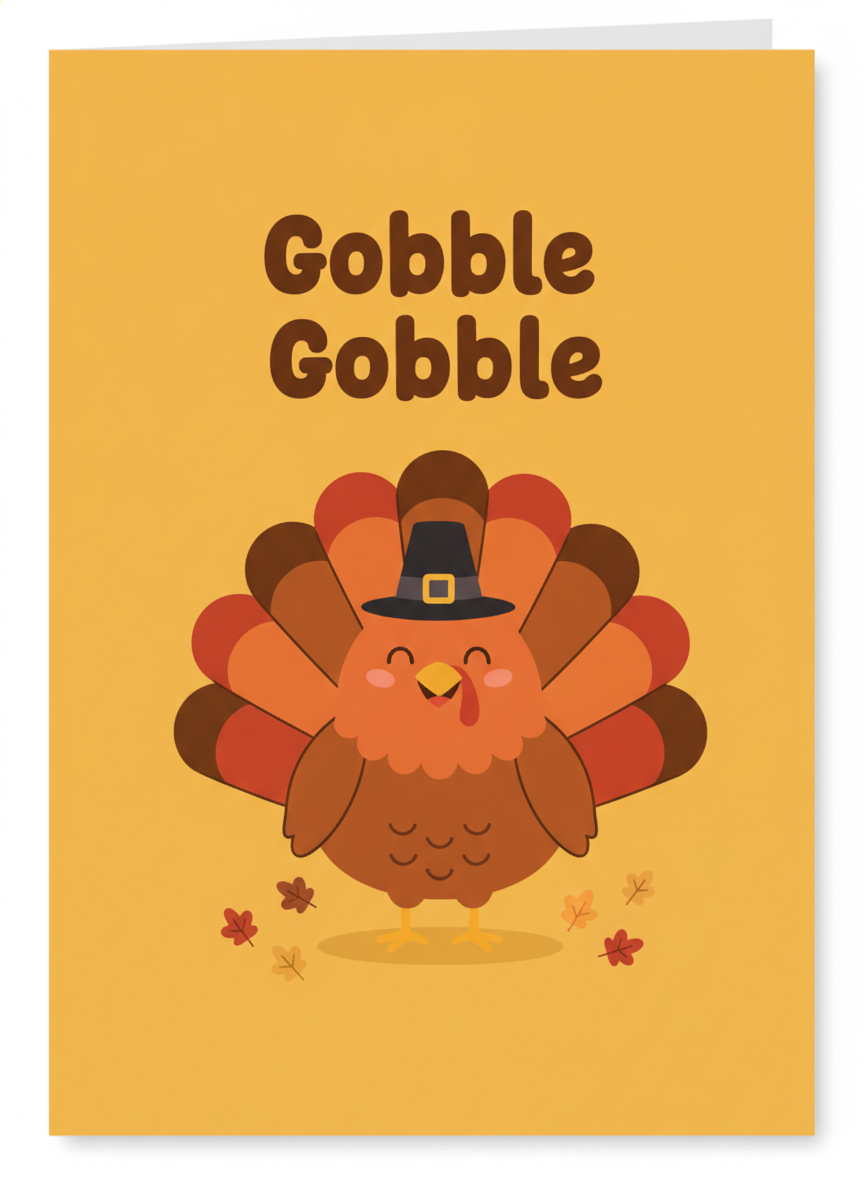
Gobble Gobble — For Kids
Made with GPT Image 2
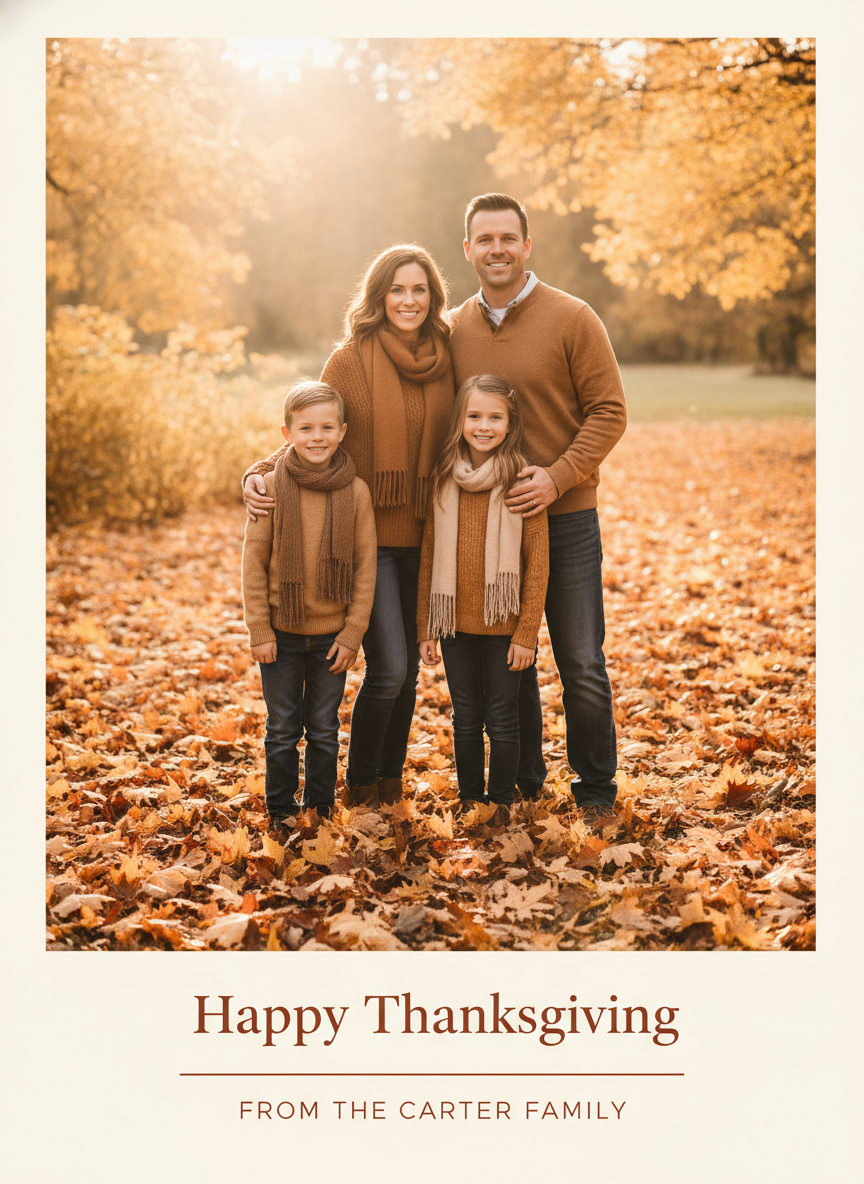
Photo Card Layout
Made with GPT Image 2
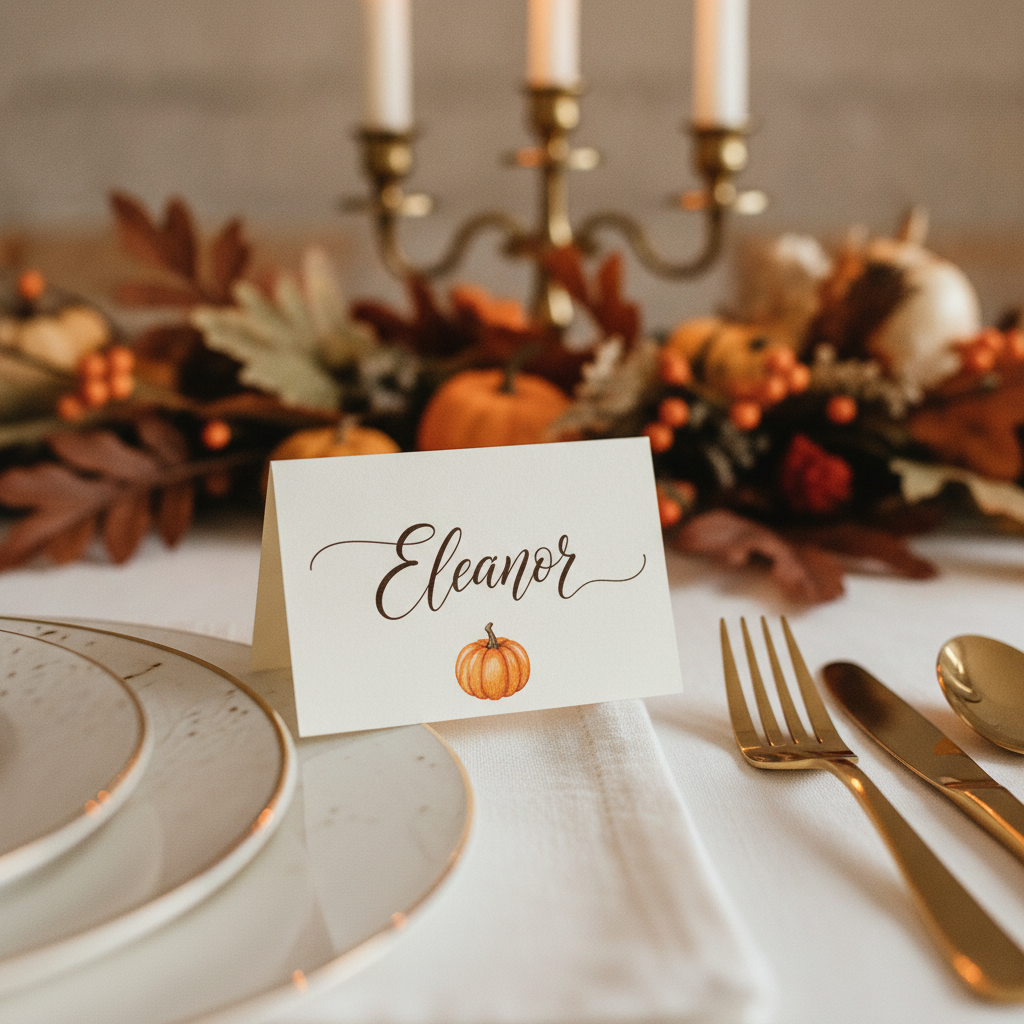
Place Card, Close Up
Made with GPT Image 2
Two Things to Know Before You Print Fifty
Proofread every word. Short greetings come back clean the large majority of the time, but a four-line invitation with a date and a street address is harder than two words in the middle of a card, and unusual surnames are the most likely thing to slip. Read the card before it goes to the printer; if a letter has drifted, generate again rather than patching it. And what you get is a flat image, not an editable template. There is no PDF, no vector, no text box and no font to swap, so fixing a wrong date means changing your wording and running it again — fifteen seconds, not a redesign. Neither of these is a reason to skip it. They are simply the two things worth knowing before a stack of card stock goes through the machine.
How the AI Thanksgiving Card Generator Works
One style, your own wording, then read it twice before it goes to the printer
Pick the Card You Need
Classic harvest, modern minimal, dinner invitation, kids, photo card or place card. The preset sets the palette, the layout and the mood.
Type Your Exact Wording
Add the family name, the date, the time or a single guest’s name. Put it in quotation marks and keep it short — fewer lines means cleaner lettering.
Proofread, Then Print or Send
Read every word before you commit. Upscale it for card stock, or attach it straight to an email if you are sending it digitally.
Why Use an AI Thanksgiving Card Maker
Because a card with the wrong words on it is worse than no card at all
The Lettering Is the Point
Most image tools produce beautiful cards with garbled words on them. Short greetings, family names and dinner details come back readable here — which is the entire job of a card.
Your Words, Not a Template
Type the exact wording and it is designed into the card rather than dropped on top, so the type sits inside the layout instead of floating over somebody else’s.
Invitations and Place Cards Too
Thanksgiving needs more than a card. Presets cover the dinner invitation with date, time and address, and the folded place card with a single name for the table.
Six Directions, One Table
Classic harvest watercolour, modern minimal, formal green and gold, playful for the kids, photo card layout and a hand lettered place card. Run all six in two minutes.
Honest About the Limits
Flat image, not an editable template, and long text can still slip. Both are stated here plainly, with what to do about them, before you print fifty copies.
Free, No Sign Up, No Watermark
Nothing stamped across the download and no account needed. Decide between five directions without handing over an email address first.
Who Uses It
Anyone with a table to set and a week and a half to do it in
Families Sending Cards
The main use. One evening, six designs, your own family name on the front, and nobody else on the street received the same one from a template site.
Hosts Setting a Table
Place cards and a matching dinner invitation are the two Thanksgiving formats no other holiday needs as badly, and both have presets here rather than being an afterthought.
Small Businesses
A warm thank-you to customers in the week before the holiday lands better than a discount code. Generate one, put it in the newsletter header, send it Wednesday morning.
Teachers & Classrooms
The playful preset produces cards children are happy to colour, sign and take home — and it takes a lunch break rather than a weekend to make thirty of them.
AI Thanksgiving Card Generator FAQ
Spelling, your own wording, printing, editing, photos and how it differs from the other card tools
Free AI Thanksgiving Card Generator — A Card Nobody Else Sent
Thanksgiving cards have a peculiar problem. There is not much time between deciding to send them and needing them in the post, the shops are already full of Christmas, and the template sites all show you the same forty layouts that everybody else is also scrolling through that week. So most people either send nothing or send the card four hundred other households received. An AI Thanksgiving card generator changes the economics of that decision: you pick a direction, type the words you want on it, and fifteen seconds later there is a finished card that was made for your wording and exists nowhere else. Run six of them in the time it would have taken to filter a template gallery by colour, and the awkward part — choosing — becomes the only part left.
What makes this AI Thanksgiving card maker worth using rather than a general image tool is the lettering. Cards are a text-first medium: a beautiful watercolour of pumpkins is worthless if the greeting above it reads “Happv Thanksgivnig”, and that has been the standard failure of image generators for years. GPT Image 2 renders short phrases cleanly — Happy Thanksgiving, Give Thanks, Gobble Gobble — and holds up well enough on longer blocks that a dinner invitation carrying a date, a time and a street address is a realistic thing to ask for, which is why there is a preset for exactly that. The same capability is what makes the folded place card work: a single guest name in calligraphy on cream stock, generated fresh for each person at the table. Between the card, the invitation and the place cards, that is most of what Thanksgiving stationery actually consists of, and it comes from one tool rather than three.
Two limits deserve stating as plainly as the strengths, because most pages in this niche stay quiet about both. First, proofread. Short greetings are reliable, but longer text is harder and unusual surnames are the single most common thing to come back subtly wrong — read every word on the card before a stack of card stock goes through the printer, and if a letter has drifted, change the wording and generate again rather than trying to patch it. Second, what you get back is a flat image, not an editable template: no PDF, no vector, no text box, no font to swap. Fixing a wrong date means another fifteen-second run, which is fine for one card and genuinely the wrong instrument if what you need is one design mail-merged with thirty different names. Knowing which of those two jobs you have will save you an evening. The tool here is also fixed to 3:4 portrait — close to a 5x7 folded card, but not exactly, so choose “fit” rather than “fill” at the print shop unless you are happy losing a few millimetres.
For everything around the card, the other tools divide by occasion and by job. The AI Christmas card generator takes over in December with its own palette, the AI greeting card maker handles everything without a fixed date, and the AI birthday card generator and AI wedding invitation generator cover their own occasions. If you want your real family photograph on the front rather than a generated one, place it with the AI photo editor first. Before printing, size it up with the AI image upscaler, or reshape it with the AI image cropper if you need a square. And if the table needs decorating too, the AI coloring page generator will keep the children busy while the turkey rests. Scroll back up, pick a style, and type the words you want on the front.