
AI Christmas Card Generator
One Photo, A Finished Card
Free AI Christmas card generator. Upload a family, couple or pet photo and get a print-ready holiday card — festive styling, background, border and lettering rendered together, in seconds.
Try the AI Christmas Card Generator — Free
Upload a photo, pick a card style, and download your holiday card in seconds
AI Christmas Card Generator
Upload a family, couple or pet photo, choose a card style, and get a finished Christmas card design
Upload a well-lit photo with faces clearly visible, select a card style, then hit Generate
Tip: upload the photo where everyone is closest together and best lit — the more clearly the AI Christmas card generator can see each face, the better the likeness survives the restyling.
AI Christmas Card Examples
Six directions, from a classic garland border to a hand-painted village
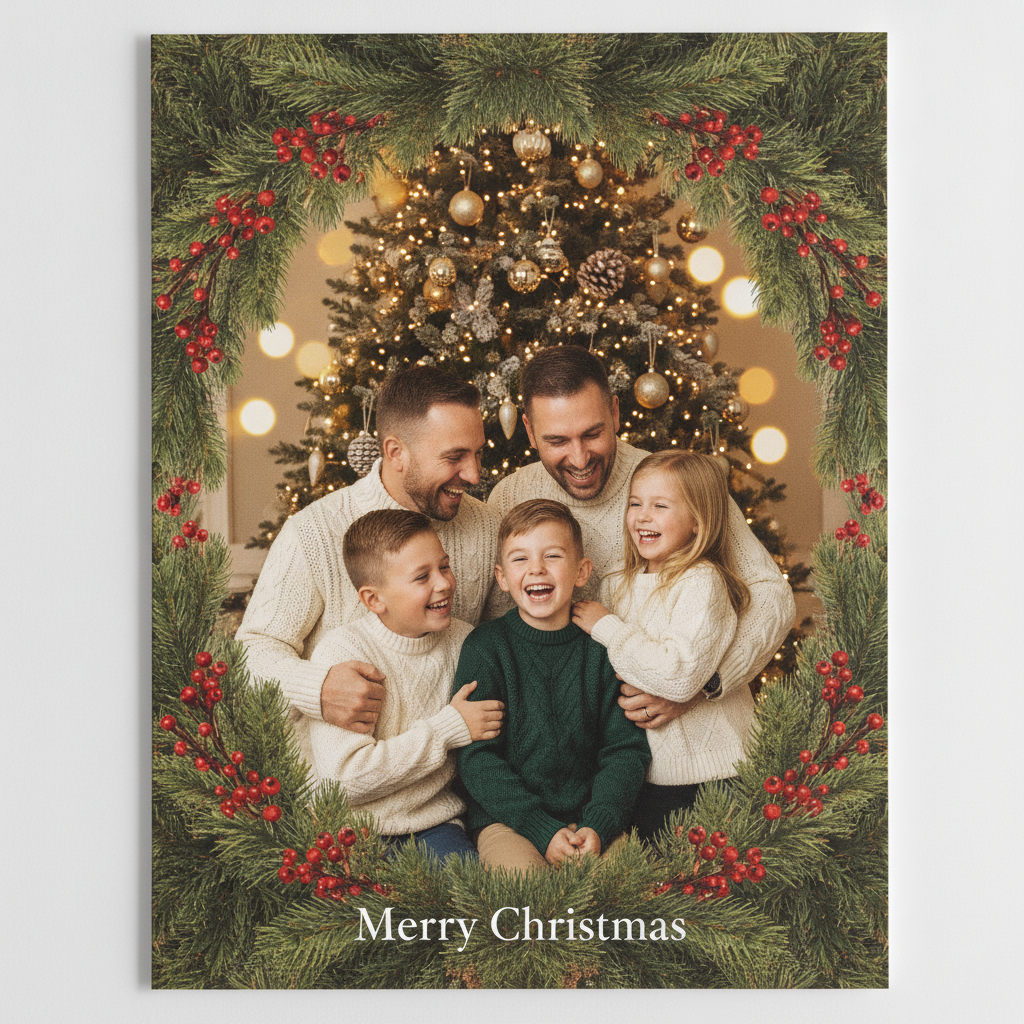
Classic Family
Made with GPT Image 2
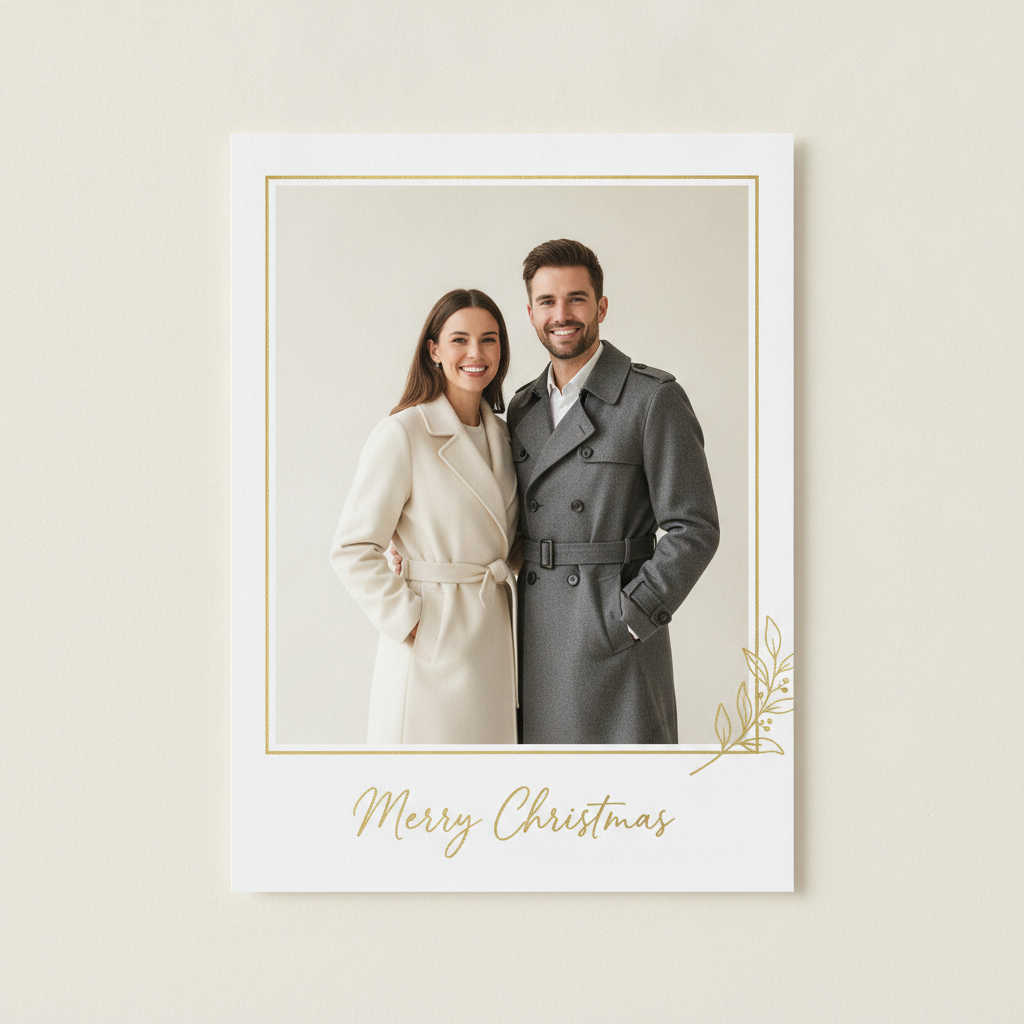
Minimalist Gold
Made with GPT Image 2
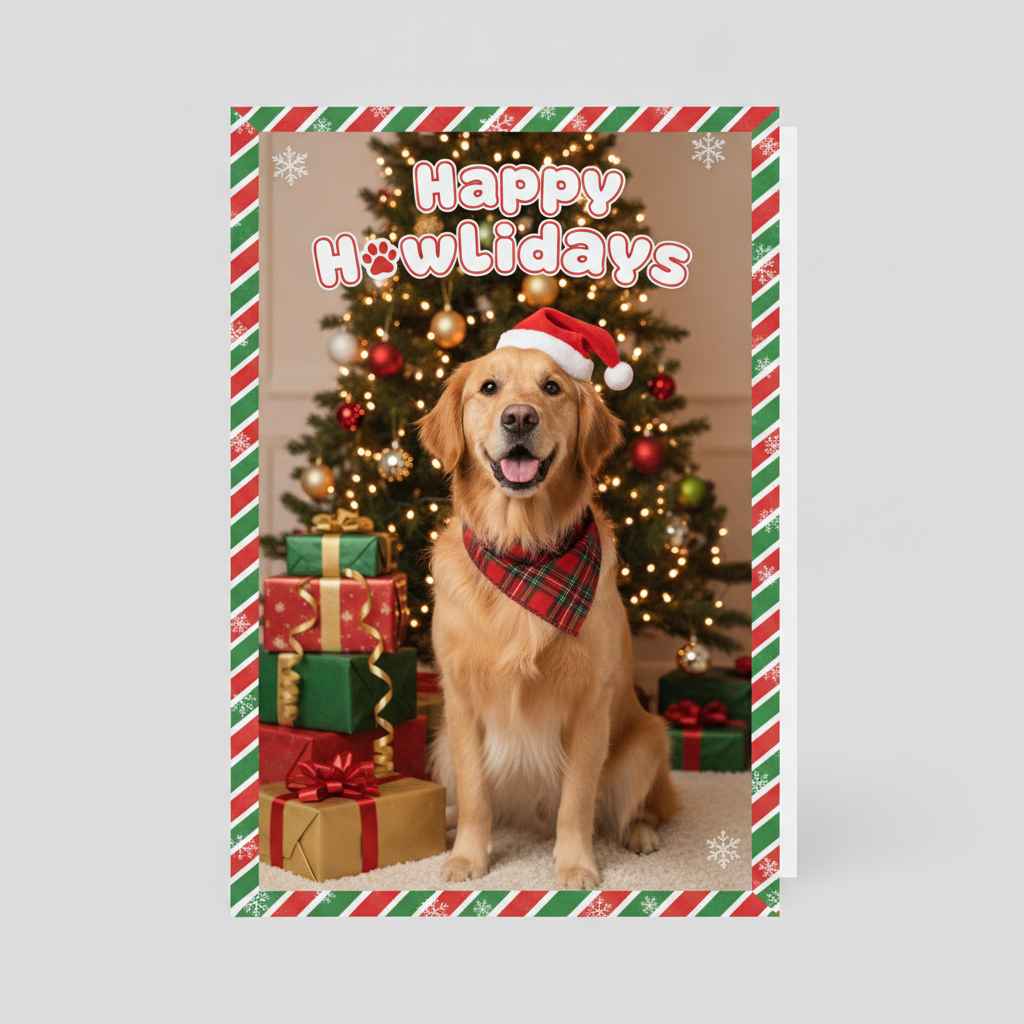
Pet Card
Made with GPT Image 2
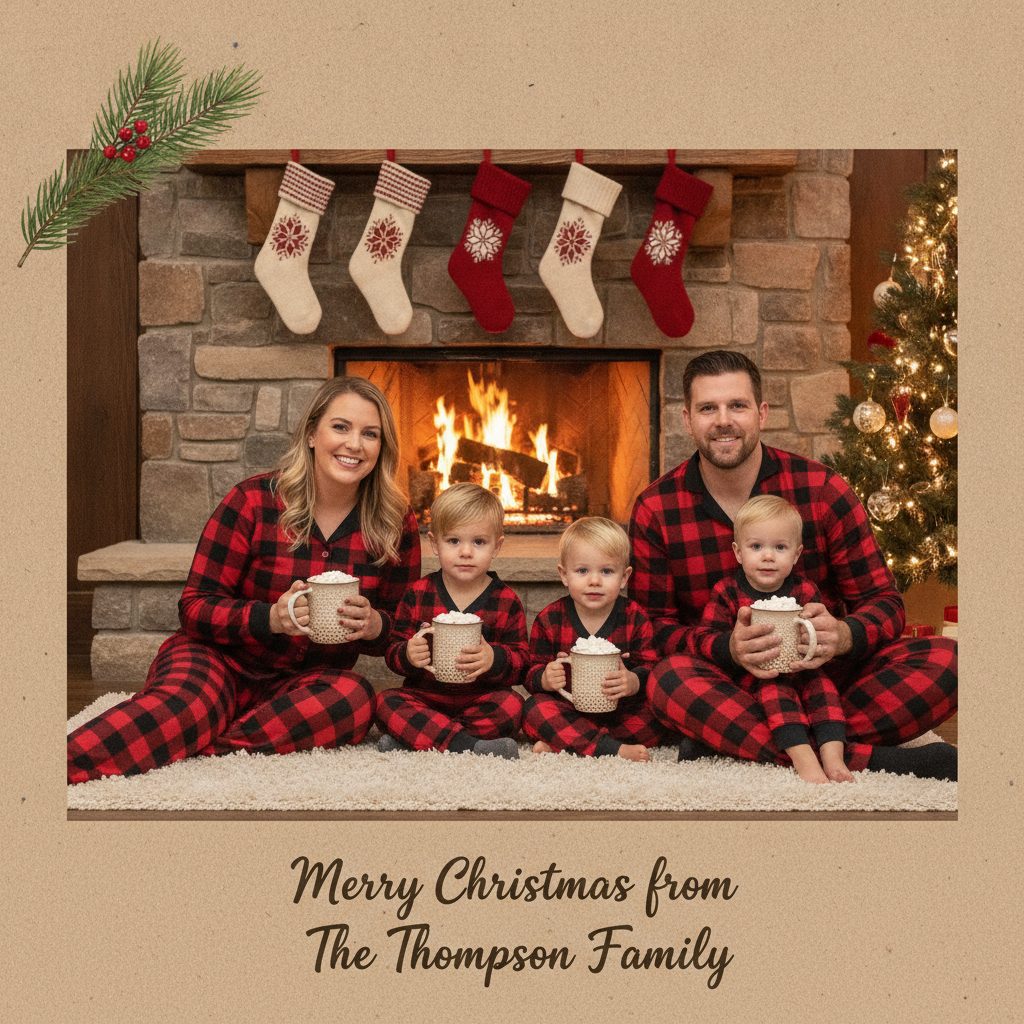
Cozy Fireplace
Made with GPT Image 2
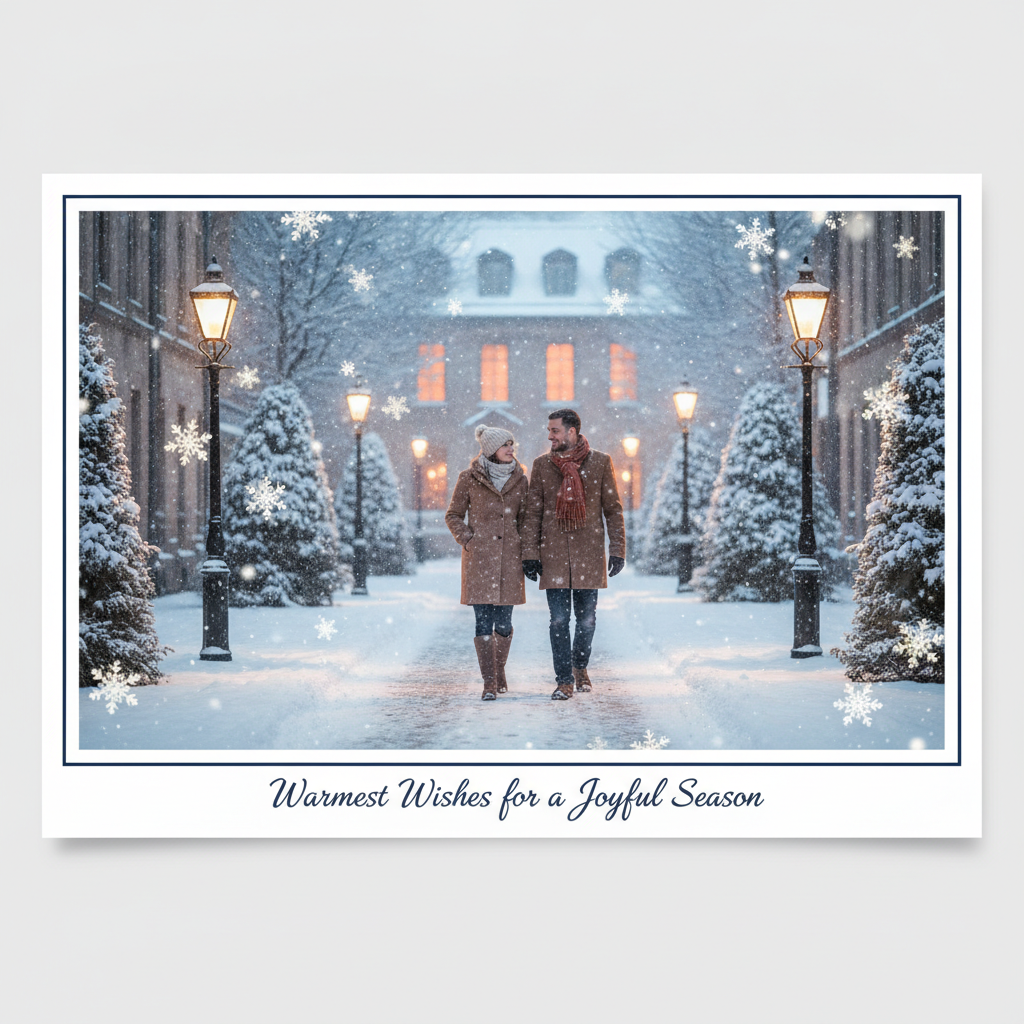
Snowy Outdoor
Made with GPT Image 2
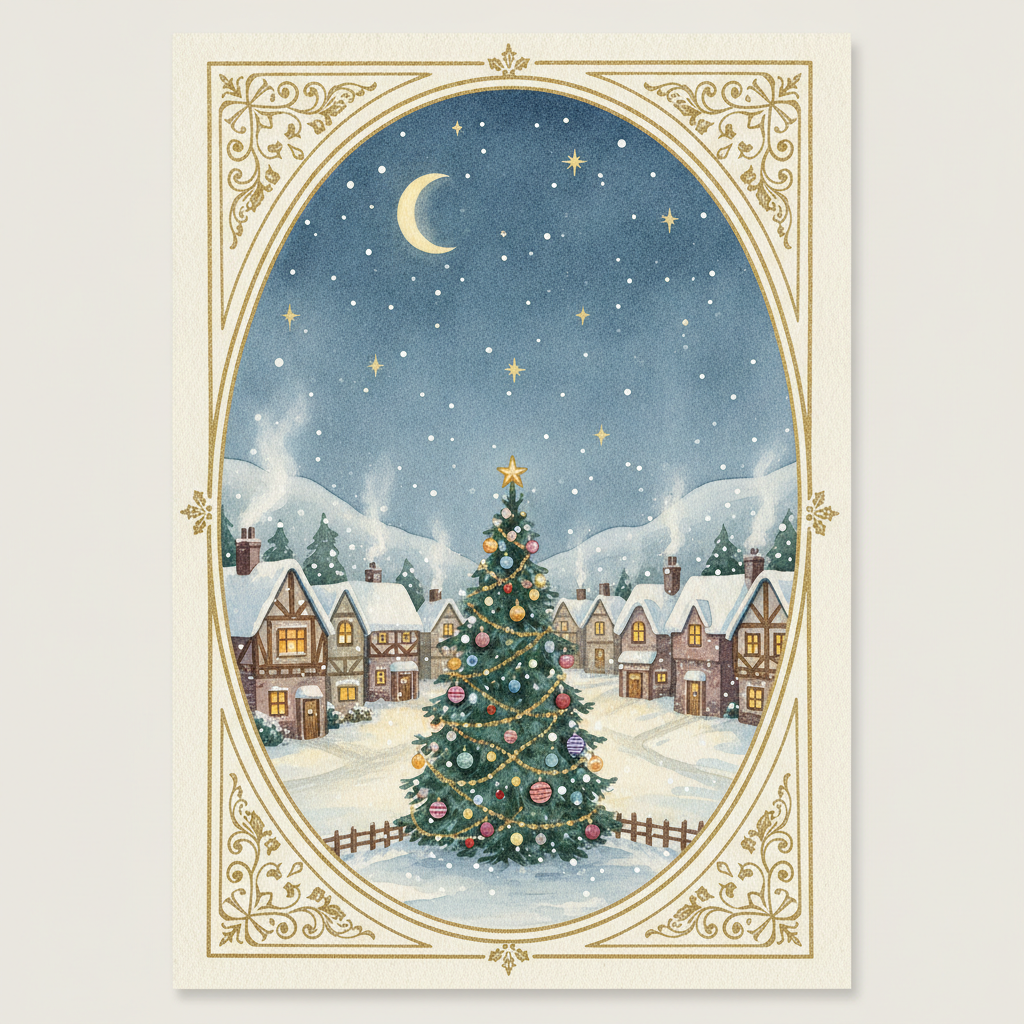
Illustrated Scene
Made with GPT Image 2
How the AI Christmas Card Generator Works
Upload a photo, pick a style, download the card
Upload Your Photo
A clear, well-lit family, couple or pet photo works best. Everyone should be close together with faces large in the frame.
Pick a Card Style
Choose classic family, minimalist gold, pet, cozy fireplace, snowy outdoor or illustrated — each sets the styling, border and setting.
Generate & Download
Get your Christmas card in seconds, download it watermark-free, and run another style while you decide which one goes to print.
Why Use an AI Christmas Card Generator
Because the hard part was never the greeting — it was the photo session and the layout editor
Use the Photo You Have
No holiday photo session, no photographer, no wrangling everyone into matching sweaters. A good photo from any month becomes a winter card.
Six Card Styles
Classic family, minimalist gold, pet, cozy fireplace, snowy outdoor and hand-illustrated — each written as a full styling, border and lighting brief.
Background Included
The setting changes with the style, so a photo taken in a plain living room can arrive as a snowy street or a firelit hearth.
Print or Send Digitally
Download without a watermark, upscale, and send it to a print shop — or skip the post entirely and send the file by email and message.
Yours to Use
No watermark and no attribution. Personal cards, client cards, shop signage and social posts are all fair game.
Minutes, Not Evenings
Try six card directions in the time a template editor takes to load, and settle the family argument about this year’s card in one sitting.
Who Uses It
Anyone whose December to-do list still has “cards” on it in week three
Families
Skip the coordinated-outfit photo session nobody enjoys. A good photo from a summer trip becomes a snowy December card, and everyone stays on speaking terms.
Couples & Newlyweds
First card as a married couple, first card in the new house. The minimalist gold preset gives a photo the kind of finish that usually costs a stationery order.
Small Businesses
Client holiday cards, seasonal shop signage and December social posts, produced in an afternoon without a designer retainer or a stock photo licence.
Pet Owners
The card people actually keep on the fridge. The pet preset handles the Santa hat that your dog would never tolerate in real life for more than four seconds.
AI Christmas Card Generator FAQ
Photos, lettering, pets, printing and when to start
Free AI Christmas Card Generator for Family, Couple, Pet and Illustrated Holiday Cards
Holiday cards fail at the same two points every year: the photo session that never gets booked, and the template editor that turns a five-minute job into a lost evening. An AI Christmas card generator collapses both. You bring a photo you already have — the good one from the summer, the one where everybody is actually smiling — and it comes back as a finished card with a festive setting, a printed border and short seasonal lettering baked in. Six directions cost you nothing and about ten minutes, which is roughly the time the average card template takes to load its font picker.
The six presets cover where most cards actually land. Classic family puts you in front of a lit tree inside a pine-garland border, which is the card most people picture when they picture a card. Minimalist gold goes the other way — cream backdrop, thin gold frame, one sprig of eucalyptus — and is the reliable choice for couples and for business cards that should not look like a cartoon. The pet preset adds the Santa hat your dog will not wear. Cozy fireplace gives you matching pyjamas and firelight, snowy outdoor puts you on a lantern-lit street in falling snow at blue hour, and the illustrated preset repaints the whole photo as a watercolour village scene for people who would rather send art than a portrait. Each preset is written as a full brief covering styling, setting, light and border, because a card only reads as designed when the light on the faces matches the scene behind them.
Two practical notes before you order a print run. First, your source photo does the heavy lifting: faces should be large, well lit and close together, since the AI Christmas card generator restyles what it can see and cannot invent detail that the original photo lost to backlighting or blur. Second, the lettering. Short festive phrases render cleanly most of the time, but AI-drawn text is not typesetting — surnames, exact years and longer messages can come out garbled. The dependable workflow is to generate the card art here and add your family name and message afterwards in an editor with real fonts, treating any generated lettering as decoration you can keep or crop. Regenerating is free and each run is independent, so a near miss is usually one more attempt away from right. Start in October or early November if you plan to print, because print shops and post cutoffs both tighten fast in December.
The rest of the seasonal workflow lives next door. For non-Christmas occasions there is the AI greeting card maker and the AI birthday card generator, and for events the AI wedding invitation generator. Clean up a source photo first with the AI photo editor, rescue an old one with AI photo restoration, or drop the background with the AI background remover. Give the dog a card of its own with the AI pet portrait generator, turn the year into a multi-photo layout with the AI photo collage maker, print gift tags with the AI sticker generator, and make party signage with the AI poster maker. October is covered by the AI Halloween costume generator. Before anything goes to a print shop, run it through the AI image upscaler. Scroll back up and make your first card free.