
AI Certificate Generator
Award Certificates With the Names Spelled Right
Free certificate maker for awards, participation and course completion. Quote the lines you want, get a finished landscape certificate — border, seal and signature rules included — in about fifteen seconds.
Try the AI Certificate Generator — Free
Pick an occasion, then quote your own award title, recipient name and date
AI Certificate Generator
Start from an occasion below, then replace the wording with yours. Put every line you actually want in quotes — dictated lines render cleanly, invented ones are where the typos appear.
Tip: the tool here is fixed to landscape 16:9, which is a touch wider than Letter or A4 — trim the side margins in the AI image cropper, or pick your own ratio in the main generator on the home page. Printing bigger than Letter? Run it through the AI image upscaler first.
AI Certificate Generator Examples
Six certificates generated in one pass — including two that show exactly where the lettering breaks
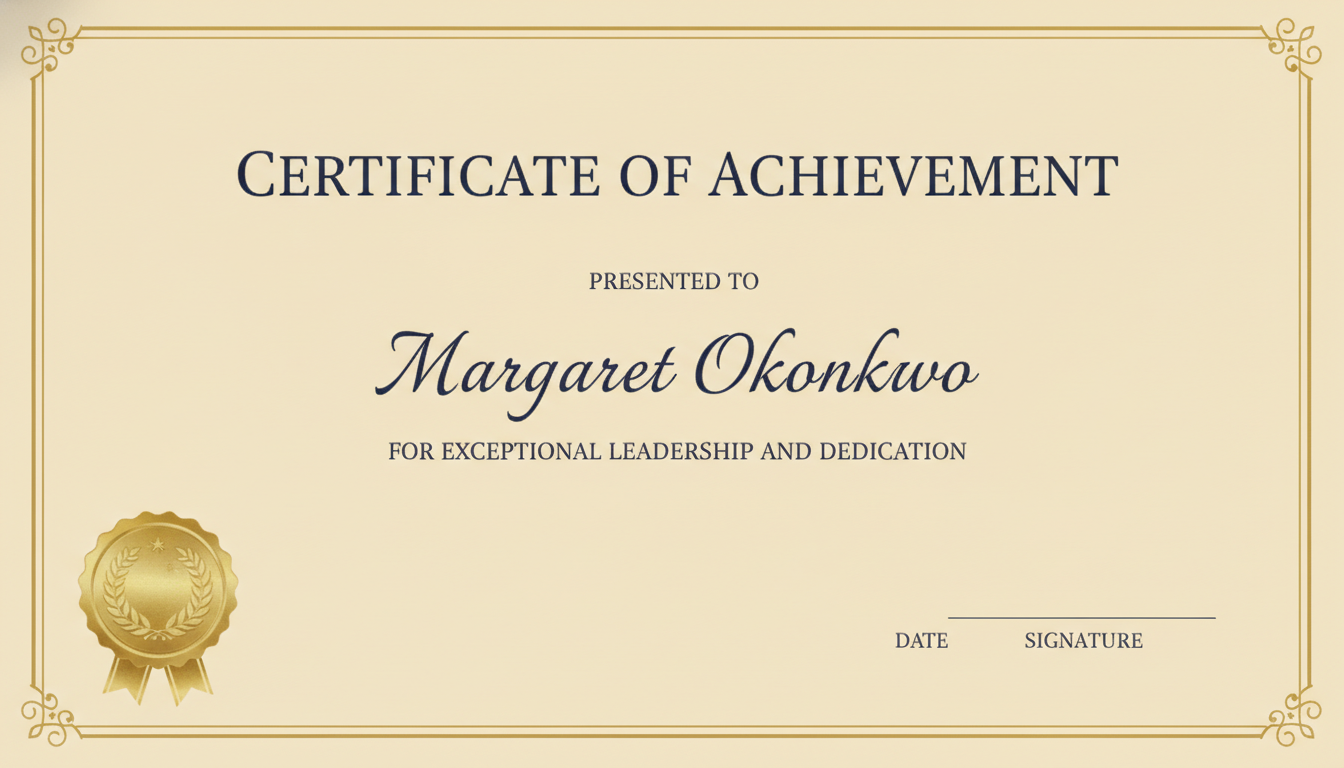
Classic Gold — Every Line Dictated
Made with GPT Image 2
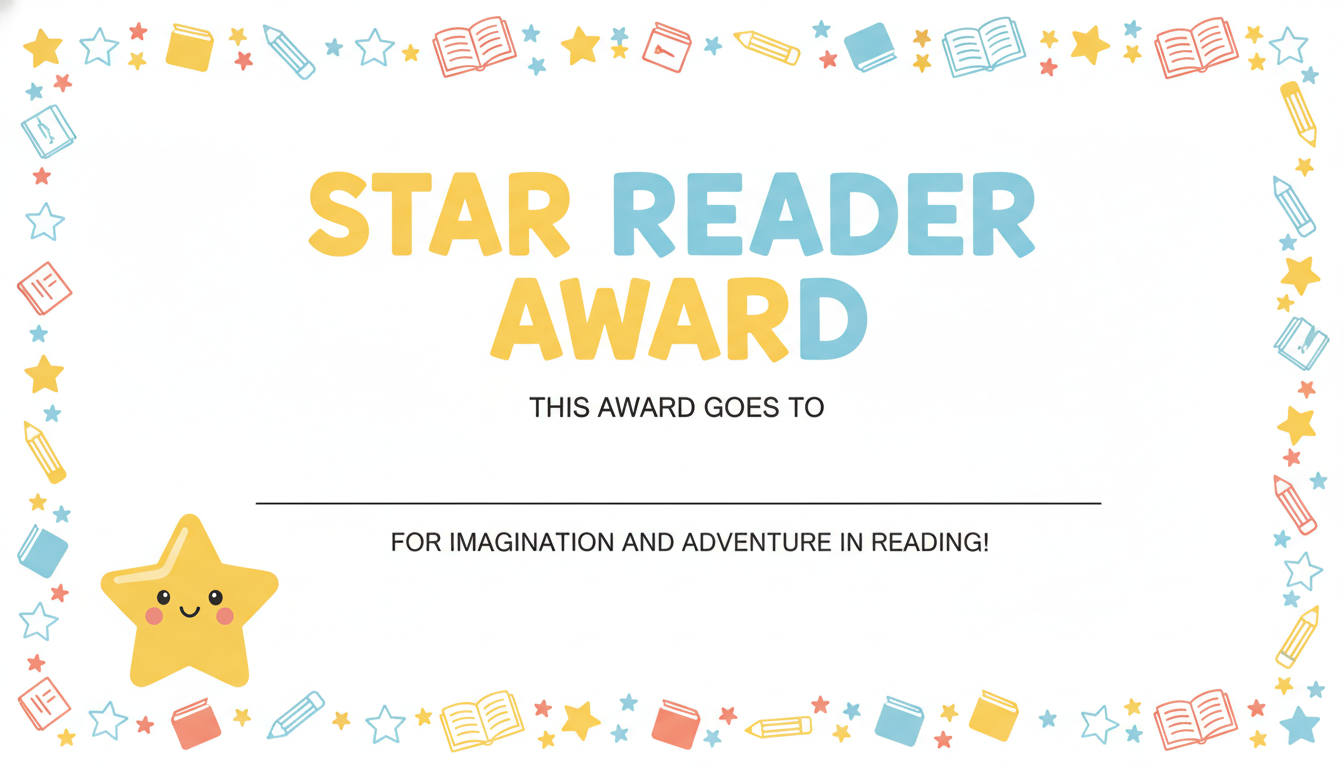
Star Reader — Blank Name Line
Made with GPT Image 2
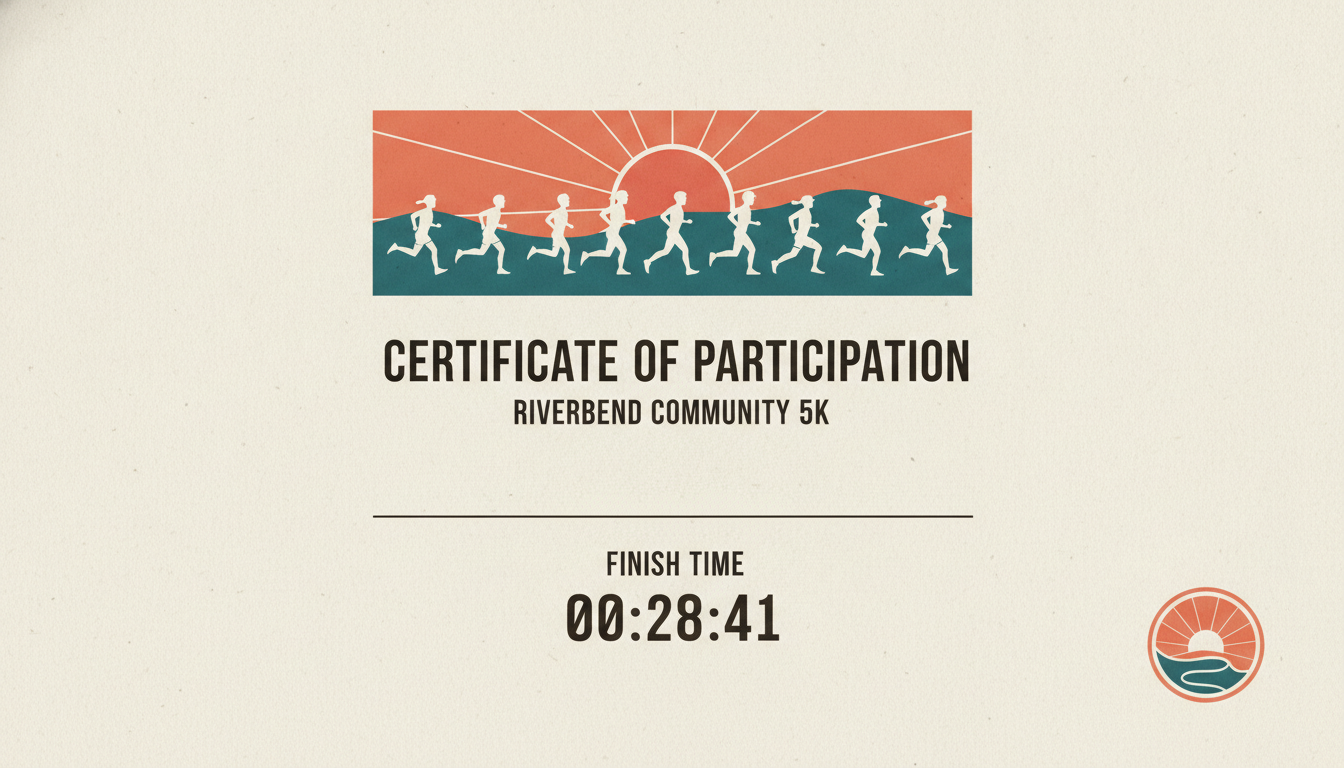
Participation — Digits Land Cleanly
Made with GPT Image 2
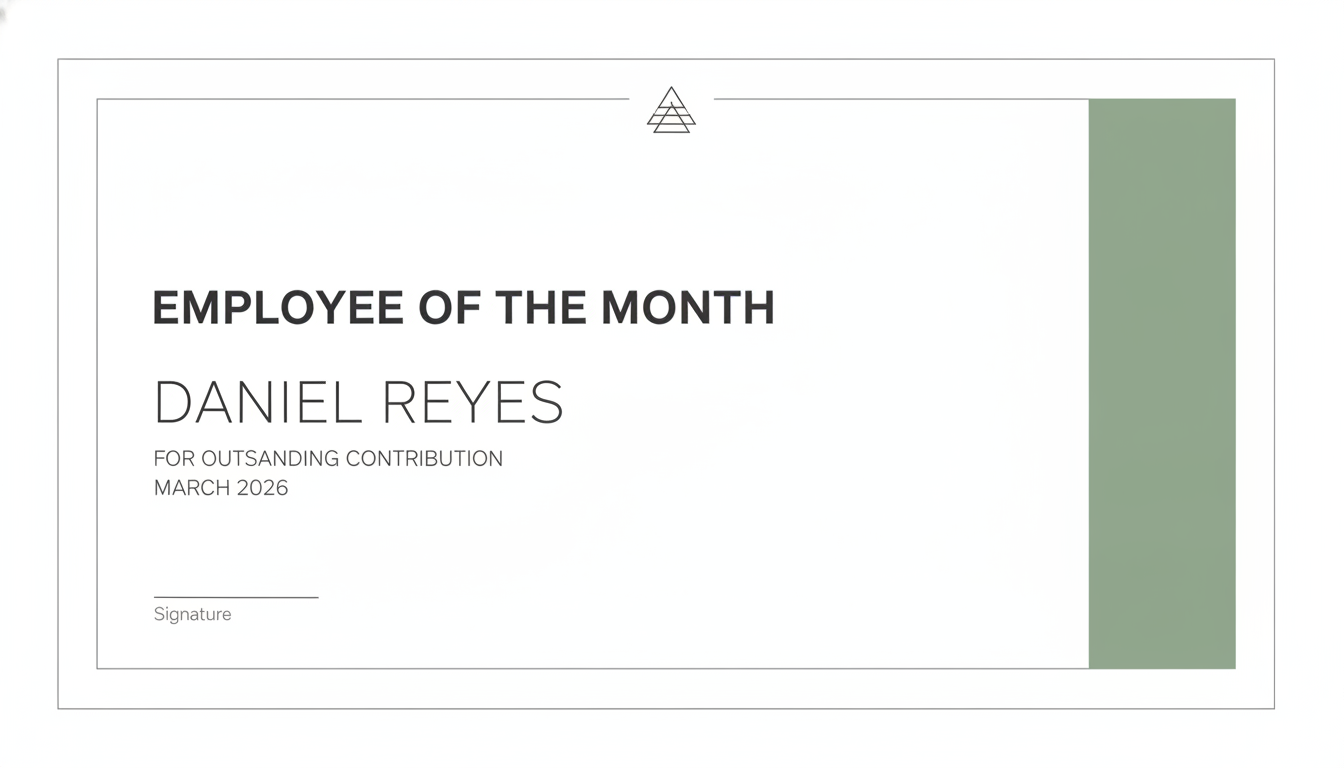
Employee of the Month — Spot the Typo
Made with GPT Image 2
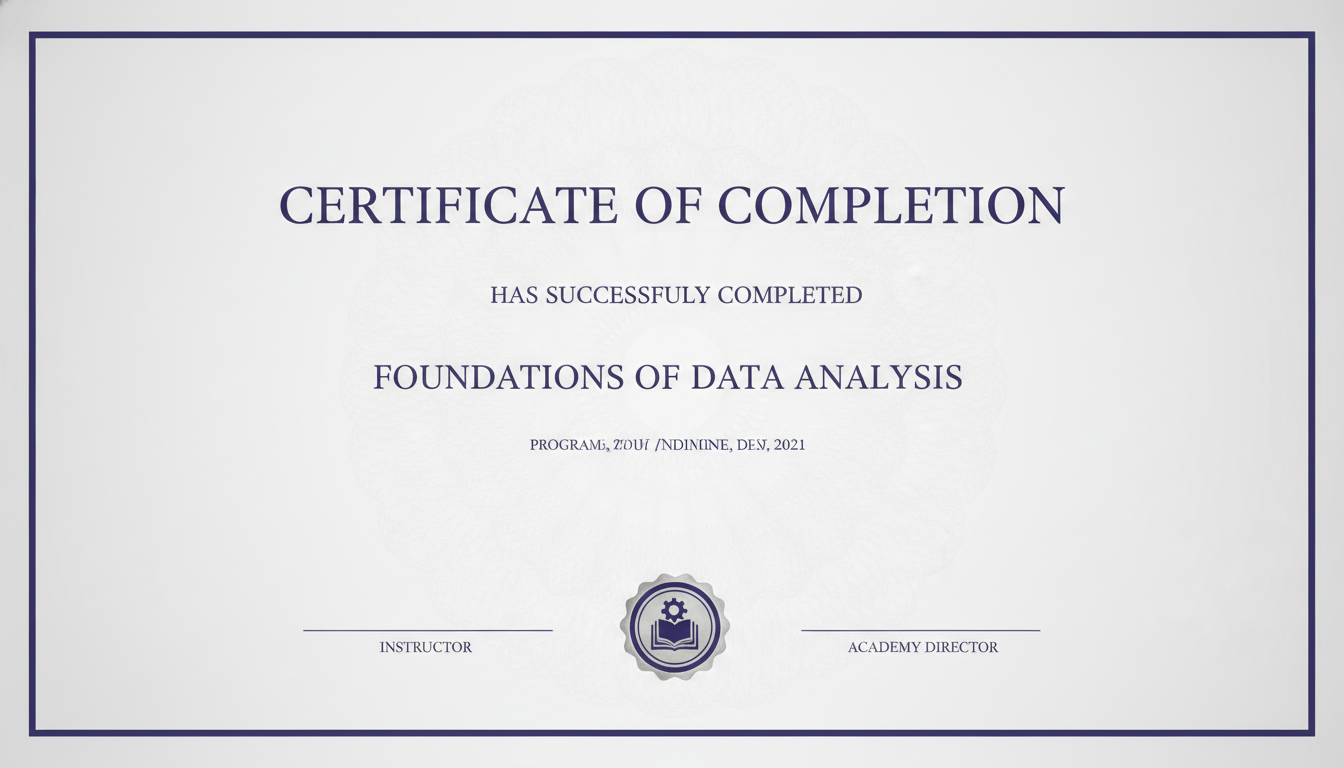
Completion — Where Small Print Breaks
Made with GPT Image 2
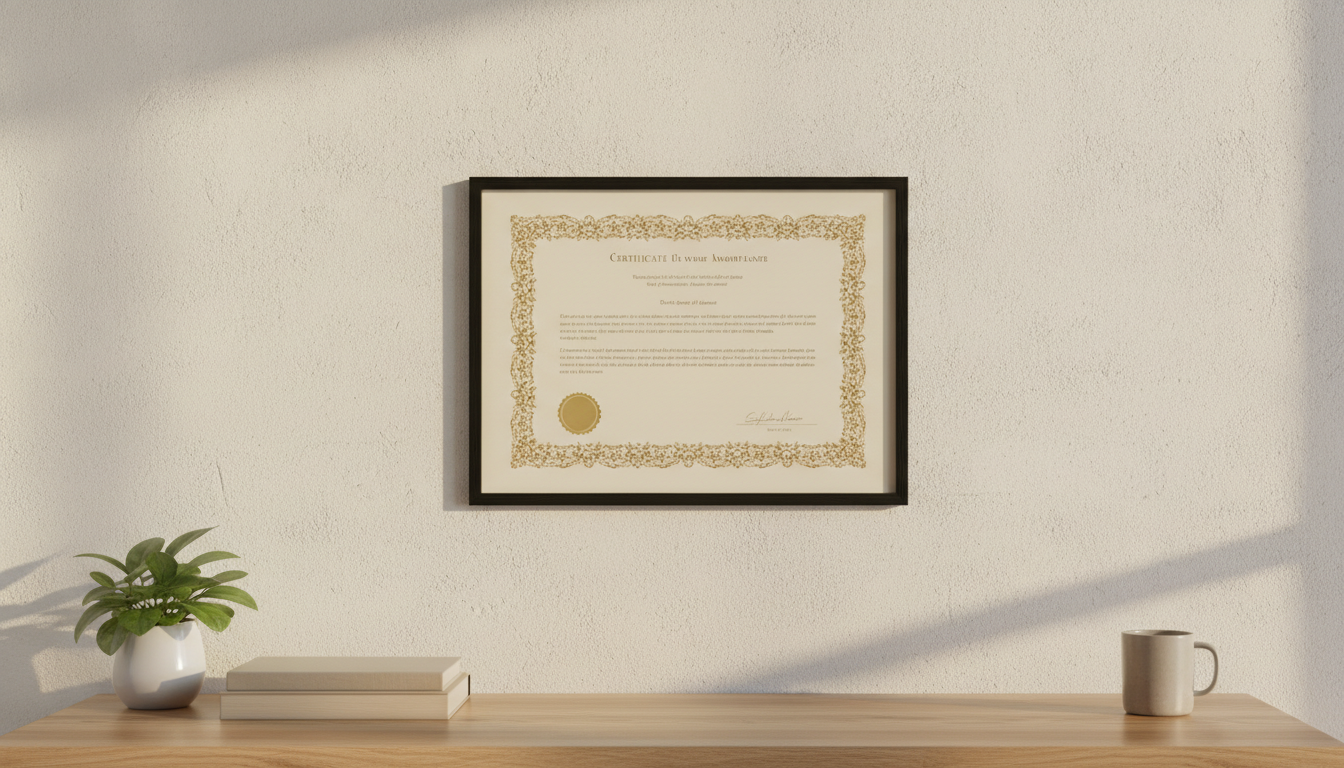
Printed, Framed, On the Wall
Made with GPT Image 2
The One Rule That Decides Whether Your Certificate Is Usable
Dictated lines render. Invented lines drift. Every phrase we quoted word for word above came out perfect in a single pass — the award titles, the names, the course, even a finish time. The two failures in our gallery are both in lines we did not dictate: the workplace certificate wrote OUTSANDING where our prompt said only “a short line of small text”, and the completion certificate produced SUCCESSFULY plus a line of small print that is not words at all. We left them in rather than regenerating, because the fix is simple and nobody else in this niche mentions it: put every line you want in quotes, keep the small print short or leave it out, and read the finished certificate letter by letter before it goes on the wall.
How the AI Certificate Generator Works
Quote the wording, match the occasion, proofread before you print
Quote Every Line You Want
Write the exact words in quotes — the award title, the recipient, the reason, the date. Anything you leave vague, the model invents, and invented lines are where typos live.
Pick the Occasion, Not Just a Style
A classroom award, a workplace recognition and a race finish want different borders, palettes and weights. Start from the layout that matches the room it will hang in.
Proofread, Then Print on Card
Read it letter by letter, including the small print. Then print landscape on 200gsm or heavier — or print it blank-lined and write the names in.
Why Use an AI Certificate Maker
Because the template library gives everyone the same certificate, and the border is the slow part
Typography That Actually Renders
Names, award titles, dates, even a 00:28:41 finish time come out sharp and correctly spelled when you quote them — which is exactly where most AI image tools turn a certificate into gibberish.
Seals, Borders and Ornament Included
Gold foil seals, double rules, guilloche watermarks, corner flourishes and hand-drawn classroom borders, all generated to match the occasion instead of pulled from the same tired template pack.
Blank-Line Class Sets
Ask for a blank ruled name line, print the batch, write the names in by hand. Zero spelling risk across thirty certificates and it reads as more personal, not less.
Landscape and Print-Ready
Generated 16:9 landscape with generous margins, so a small crop puts it on Letter or A4 without cutting into the border. Print it on card stock and it feels like an award.
Honest About Its Limits
It is a flat image, not a mail merge, and undictated lines can misspell — both are demonstrated in our own gallery rather than hidden, with the fix for each.
Free, No Watermark
Nothing stamped across the download and no sign up to try it. Run four designs, pick the one that suits the occasion, print it today.
Who Makes Certificates Here
Anyone who needs an award by Friday and does not have a designer
Teachers & Classrooms
End of term, reading challenges, kindness awards, sports day. Generate one blank-lined design, print the class set, write the names in at the desk on Friday afternoon.
HR & Team Recognition
Employee of the month, service anniversaries, a send-off for someone leaving. A certificate that matches your palette beats the default template everyone in the building recognises.
Clubs & Event Organisers
Parkruns, junior leagues, quiz nights, hackathons. Participation certificates with the event name and a finish time set properly, produced the evening before rather than the week before.
Course & Workshop Hosts
Issue your own certificate of completion for a course you actually run — a legitimate, everyday use, and a small thing that makes a workshop feel finished rather than merely over.
Certificate Generator FAQ
Spelling, class sets, print sizes, official credentials, logos and edits
Free AI Certificate Generator — A Printable Award in Fifteen Seconds
A certificate is an odd little design problem. Ninety percent of it is typography — a title, a name, a reason, a date, two signature rules — and the other ten percent is a border and a seal that have to feel right for the room it will hang in. Template libraries solve it by giving everyone the same four layouts, which is why the employee-of-the-month certificate in most offices is instantly recognisable as the default. An AI certificate generator solves it the other way round: you describe the occasion and the wording, and the border, the ornament, the palette and the seal are all drawn to fit. A Star Reader award for eight-year-olds gets hand-drawn books and pencils; a formal certificate of achievement gets a double gold rule and a foil seal; a 5K participation certificate gets flat runners against a sunrise. Fifteen seconds each, so you can generate four and pick, rather than accepting the first template that loads.
The thing that decides whether an AI certificate maker is usable at all is whether the lettering survives, and this is where being specific matters more than on any other kind of image. GPT Image 2 sets dictated text cleanly — in the examples above, CERTIFICATE OF ACHIEVEMENT, PRESENTED TO, the script name, EMPLOYEE OF THE MONTH, RIVERBEND COMMUNITY 5K, FOUNDATIONS OF DATA ANALYSIS and the finish time 00:28:41 all rendered correctly in a single pass, including the monospaced digits. The boundary is just as clear, and we have left the evidence of it in the gallery rather than curating it away. Where the prompt asked vaguely for “a short line of small text”, the workplace certificate produced FOR OUTSANDING CONTRIBUTION with a missing letter, and the completion certificate produced HAS SUCCESSFULY COMPLETED along with a line of small print that is not language at all. Two rules follow from that, and they are the whole craft of this page: quote every line you actually want, and treat anything you have not quoted as decoration that may come back as nonsense. Small type is the most fragile of all, so keep the fine print short or leave it off entirely.
Three practical notes before you print. First, on volume: this produces a flat image, not a mail merge, so there is no field to swap for thirty names. Generate the design once with a blank ruled line where the name goes — the classroom example above does exactly this — print the batch, and write the names in by hand. It removes the spelling risk entirely and a handwritten name reads as more personal than a typeset one. Second, on size: the tool here is fixed to landscape 16:9, the classic certificate shape but a little wider than office paper, so expect a small trim off the sides for Letter or A4 landscape. The layouts keep generous margins for that reason, and you can crop precisely with the image cropper or pick a different ratio in the main generator on the home page. Print on 200gsm card or heavier if you want it to feel like an award, and upscale first for anything larger than Letter. Third, on editing: what comes out is flat artwork, so changing a name means regenerating rather than retouching — at fifteen seconds a run that is usually faster than opening an editor anyway, and patched letters always look patched.
One boundary worth stating plainly, since most pages in this category stay quiet about it. This is a tool for awards, recognition and participation: employee of the month, a reading award, a finisher’s certificate, completion of a course you yourself run. It is not for producing diplomas, degrees, professional licences or accreditation documents, and making something that appears to be an official credential from an institution you are not is fraud regardless of how the artwork was drawn. The same goes for emblems: the seals and crests generated here are original ornament, and asking for a real organisation’s logo or seal means using someone else’s trademark in exactly the context where it implies an endorsement that does not exist — generate space for your own mark and add it afterwards instead. Within those lines, build the rest of the set here: the AI typography generator and AI quote image generator when the words are the whole piece, the AI icon generator for a badge or crest to sit beside the seal, the AI poster maker and AI flyer generator for the event the award belongs to, the AI business card maker and AI greeting card maker for the rest of the printed set, and the AI coloring page generator if you are already printing for a classroom. Scroll back up and make your first certificate free.