
AI Quote Image Generator
Turn a Line of Text Into a Design
Free AI quote image generator and quote graphic maker. Type the words, pick a mood, and get a finished square — minimal serif, photo overlay, bold gradient, handwritten, dark gold or botanical.
Try the AI Quote Image Generator — Free
Pick a style, swap in your own line, and generate the graphic in seconds
AI Quote Image Generator
Choose a style below, then replace the quoted words with your own line. Keep it short, keep it in quotation marks, and proofread the result before you post it.
Tip: keep the phrase text reading exactly and the quotation marks when you swap in your own words — that is what stops the model treating your line as a theme to illustrate rather than letters to draw.
AI Quote Image Generator Examples
Six styles for the same job — one line of text, six completely different designs
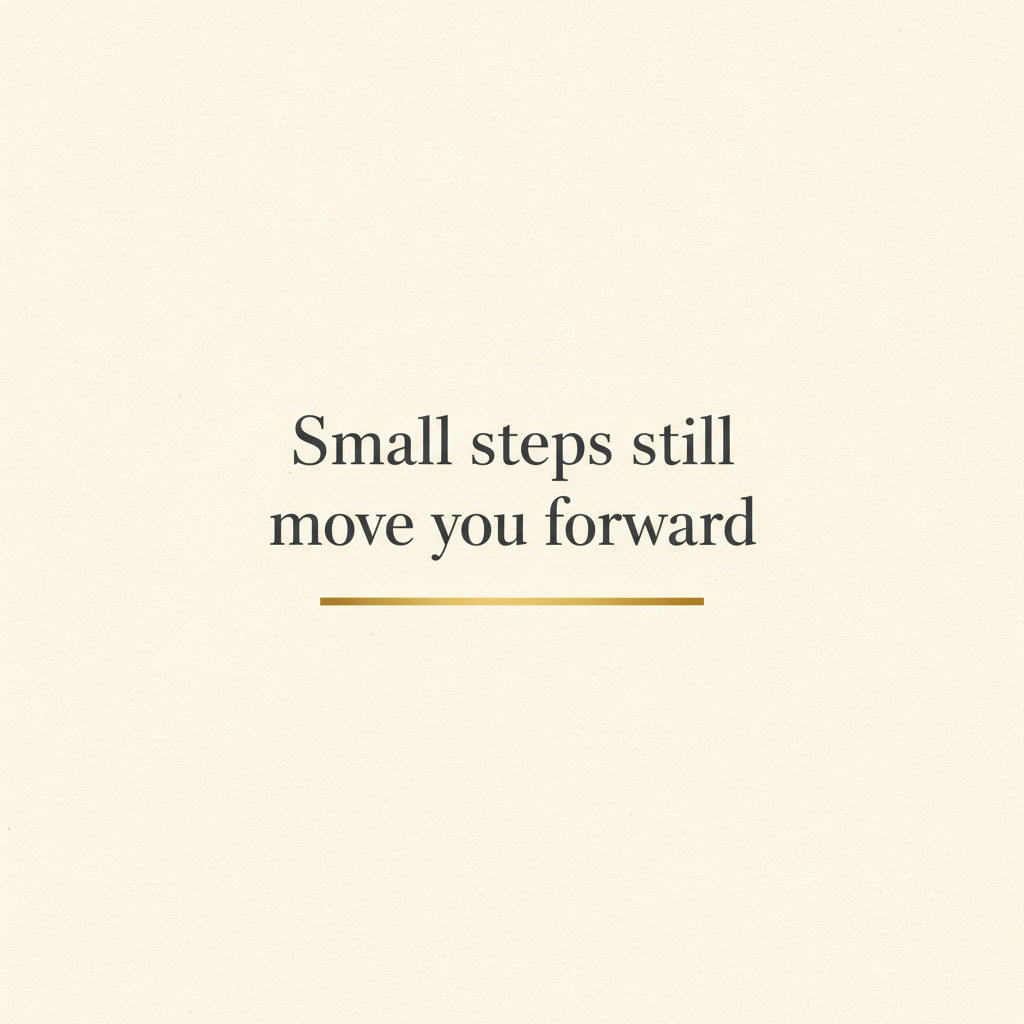
Minimal Serif
Made with GPT Image 2
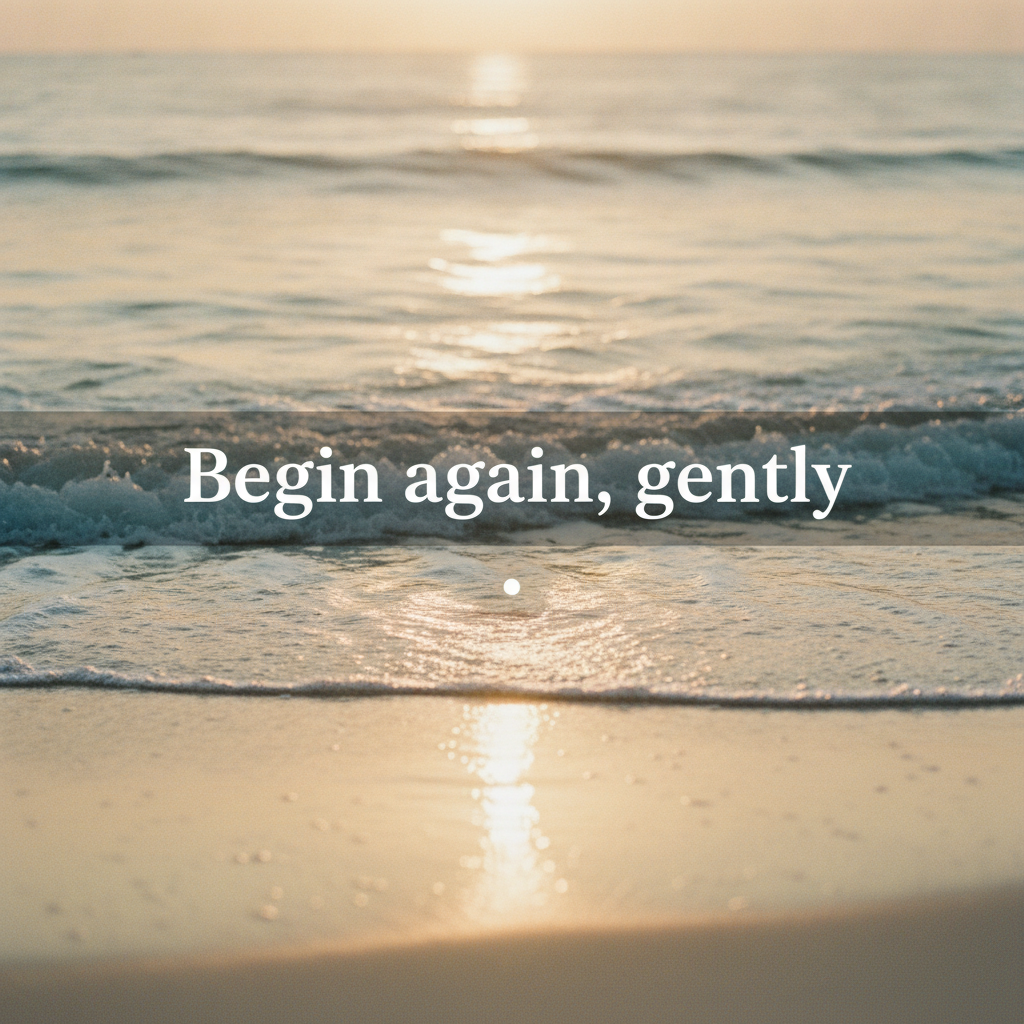
Photo Overlay
Made with GPT Image 2
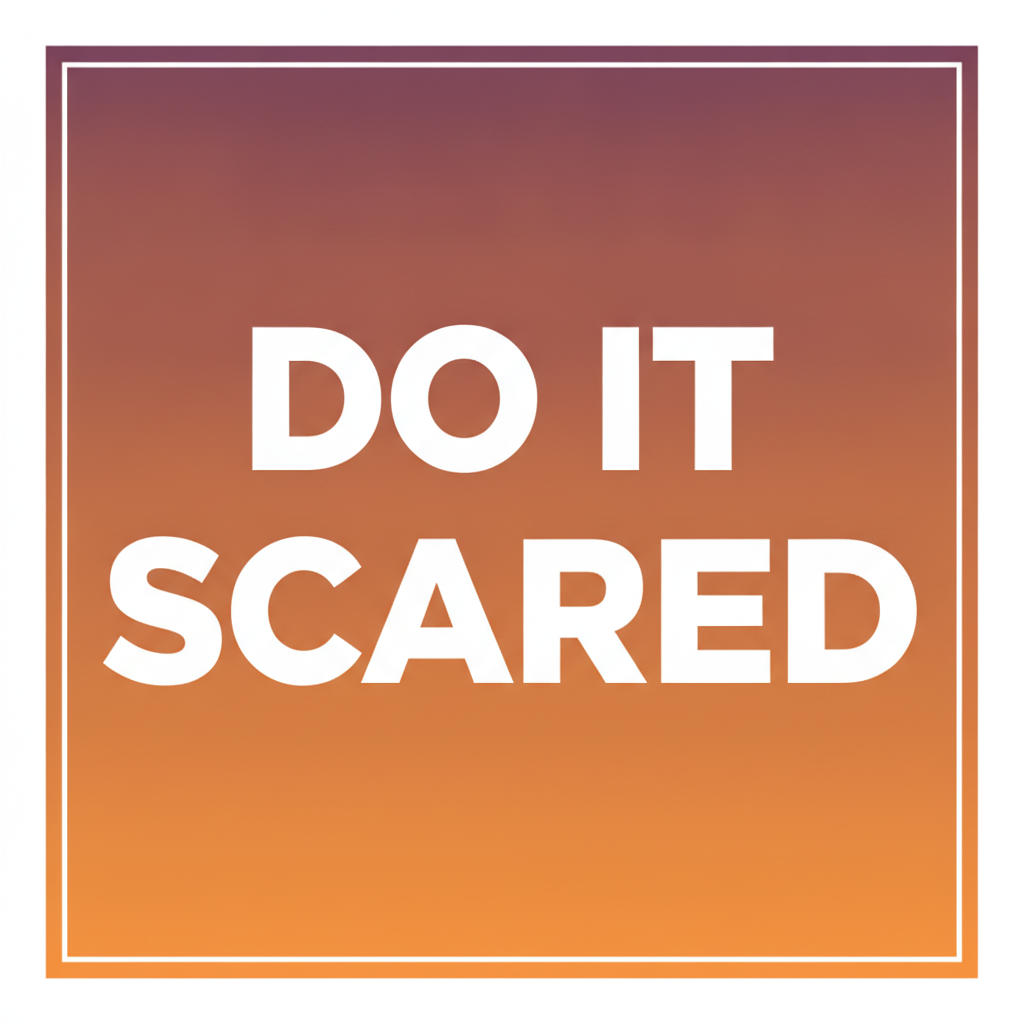
Bold Gradient
Made with GPT Image 2
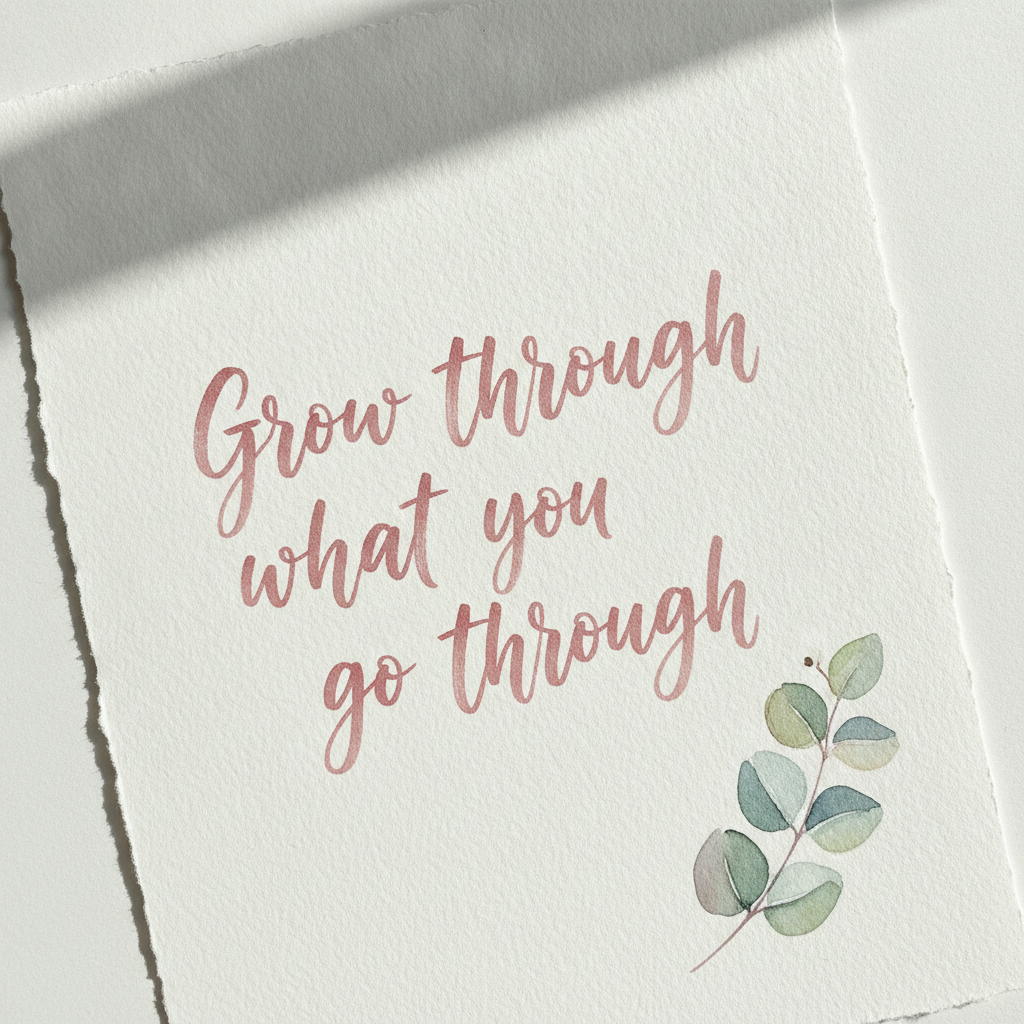
Handwritten Script
Made with GPT Image 2
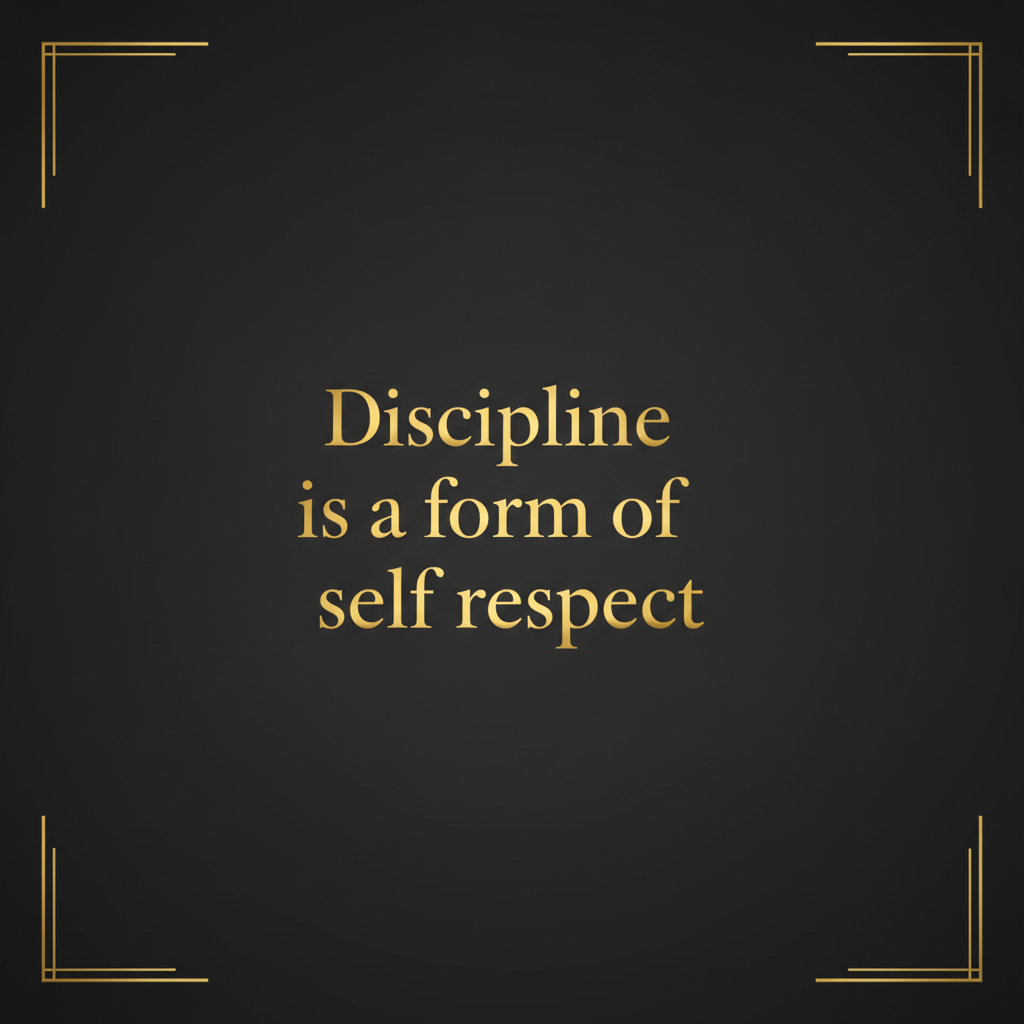
Dark & Gold
Made with GPT Image 2
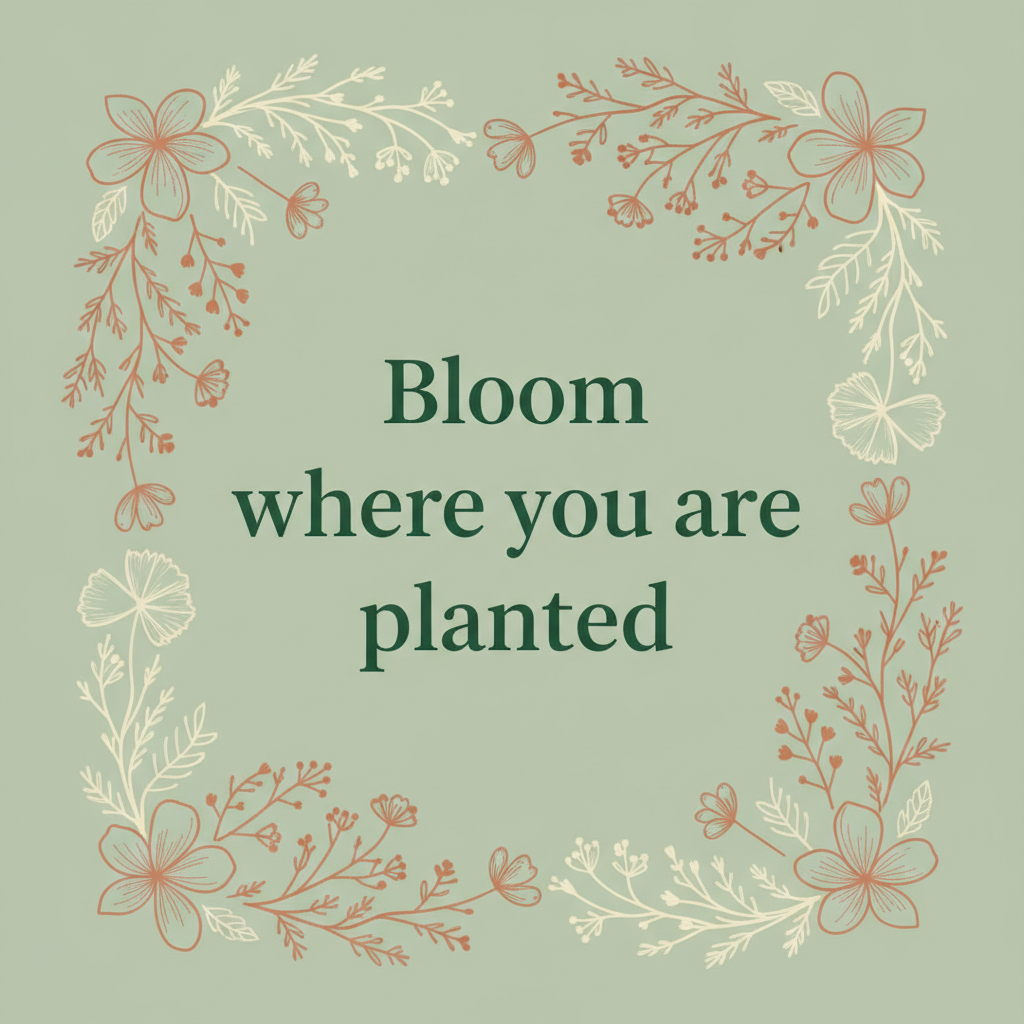
Botanical Print
Made with GPT Image 2
Proofread Every Letter Before You Post
The model draws letters rather than setting type, so spelling is very good but not guaranteed — long quotes, script faces, unusual names and fancy punctuation are where it slips. Read every character, and regenerate rather than trying to describe a fix. Two more things the licence cannot solve for you: the words may not be yours — song lyrics and modern poems stay in copyright however the image was made — and a huge share of quotes online are misattributed. If a real person’s name is going under the line, check that they actually said it.
How the AI Quote Image Generator Works
Write the line, describe the look, then read it back before it goes out
Write the Line
Keep it under ten words if you can. Put it in quotation marks after the words "text reading exactly" so the model treats it as literal rather than as a theme.
Describe the Look
Background, typeface family, colour, alignment, how many lines and what sits around the text. Pick a style below to start from a full prompt.
Proofread, Then Post
Read every character before it goes out. Generate four, keep the clean one, and verify any attribution you have put under the quote.
Why Generate Quote Images
Because choosing a template takes longer than seeing eight finished designs
The Design Is Generated Too
Not a text box on a template. Background, typeface, colour, spacing and decoration are composed together, so every run is a different design rather than the same frame recoloured.
Six Distinct Styles
Minimal serif, photo overlay, bold gradient, handwritten script, dark and gold, and botanical print — the looks that quote accounts and print shops actually use.
Literal Text Prompting
Say "text reading exactly" and put the line in quotation marks. Short quotes in clean typefaces come out right far more often than long ones in script.
Feed, Story & Pin Ready
Square for the grid, 4:5 for feed reach, 9:16 for stories, 2:3 for Pinterest. Leave margin — crops and stickers eat the edges.
No Watermark, Commercial Use
A watermark ruins a clean typographic design. Free downloads carry none, need no account, and can be used commercially.
Honest About the Words
The image licence is yours; the quote may not be. Lyrics and modern poetry stay copyrighted, and half the quotes online are misattributed. Check before you print.
Who Uses It
Anyone whose words need to look like something
Quote & Faith Accounts
A daily post needs a daily graphic, and the same template thirty times reads as a template. Rotate the six styles across the month so the grid has texture without losing its voice.
Coaches & Newsletter Writers
Pull the one line worth remembering out of a long piece and give it a picture. A pull quote graphic is the cheapest share you will ever produce, and it links straight back to the full post.
Print & Wall Art Sellers
Botanical and dark-gold prints sell steadily on Etsy and at markets. Generate the design, upscale before printing, and stick to your own words or public domain lines so the listing is defensible.
Gifts, Cards & Weddings
A vow, an in-joke or a line from a toast, set in brush script on watercolour paper, becomes a framed gift in about a minute. Handwritten styles slip on spelling most, so check it twice.
AI Quote Image Generator FAQ
Spelling, exact wording, sizes, copyright and how it compares to a template editor
Free AI Quote Image Generator — Quote Graphics for Instagram, Pinterest & Print
Quote graphics are the most-shared format on social media and the most tedious to make well, which is the gap an AI quote image generator fills. The tedium is not the typing — it is everything after: choosing a background that suits the sentiment, finding a typeface that is not the same one everyone else used this week, balancing the line breaks so the phrase lands, and then doing it again tomorrow. A template editor speeds up the assembly but keeps you making the same decisions inside the same frame. Describing the design instead collapses all of it into one instruction, and because the layout is generated rather than selected, running the same line eight times gives you eight different directions to choose between rather than eight colourways of one.
The six styles here are the ones that do the work in practice. Minimal serif on cream is the quiet editorial look that suits a long thought. Photo overlay puts white type over golden hour water and is the most feed-native of the six. Bold gradient with heavy uppercase is built for motivational lines that need to shout at thumbnail size. Handwritten brush script on watercolour paper is the gift-and-card register, warm and personal. Dark and gold reads as luxury and works for discipline-and-ambition lines. Botanical print with a wildflower border is the one that sells as wall art. Swap your own words into any of them and change nothing else, and you inherit a composition that already balances.
Two limits are worth stating plainly, because both bite people who skip them. The first is that the model is drawing letterforms rather than setting type from a font file, so spelling is very good and not certain. Short lines in clean typefaces come out right nearly every time; fifteen-word quotes in flowing script are where letters get dropped, doubled or invented. The habits that fix it are cheap — put the words in quotation marks after the phrase “text reading exactly”, keep the line under about ten words, prefer common words to unusual names, generate four and keep the clean one, and read every character before you publish. The second limit has nothing to do with the technology: owning the image does not mean owning the words. Song lyrics, poems and passages from living authors remain in copyright regardless of how the graphic was produced, and that matters most when you are selling prints rather than posting. Misattribution is the quieter version of the same problem, since a great many quotes circulating online were never said by the person credited. Your own words, proverbs and public domain sources sidestep both.
Typography is a whole cluster on this site, so the neighbouring tools carry on where this one stops. Push the lettering itself further with the AI typography generator and the AI line art generator. Take the same line to other formats with the AI poster maker, the AI greeting card maker, the AI birthday card generator and the AI wedding invitation generator. For scripture and devotional graphics use the AI bible verse image generator; for a funnier register try the AI meme generator or the AI sticker generator. Plan the grid with the AI social media content creator and the AI mood board creator, set a backdrop with the AI background generator or the AI watercolor generator, then get it print-ready with the AI image upscaler. Scroll back up and make your first quote image free.