
AI Object Remover
Erase Anything from Your Photos
Upload a photo and this AI object remover erases people, clutter, wires and distractions — then rebuilds the background behind them so it looks like they were never there. Free, no sign up.
Try the AI Object Remover — Free
Upload your photo, choose what should disappear, and download the clean version in seconds
AI Object Remover
Upload a photo, pick what to erase, and the AI rebuilds the background behind it
Upload the photo you want cleaned up, choose a removal type, and click Generate
Tip: name the object and where it is — "the red car on the left" beats "remove the thing". For busy photos, remove in two passes.
What the AI Object Remover Can Clear
Six kinds of removal, from crowded beaches to cluttered desks and wire-crossed skylines

Tourists Removed
Made with GPT Image 2
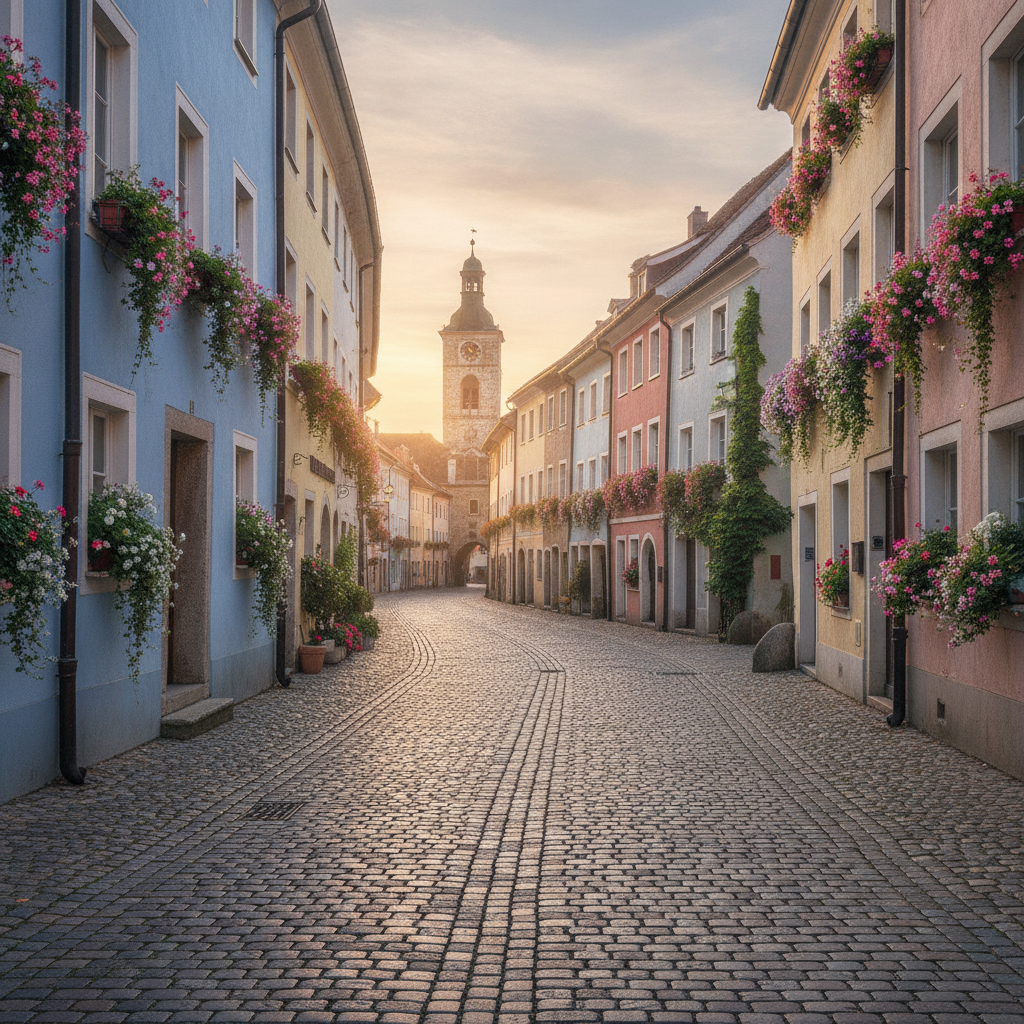
Street Cleared
Made with GPT Image 2

Clutter Removed
Made with GPT Image 2
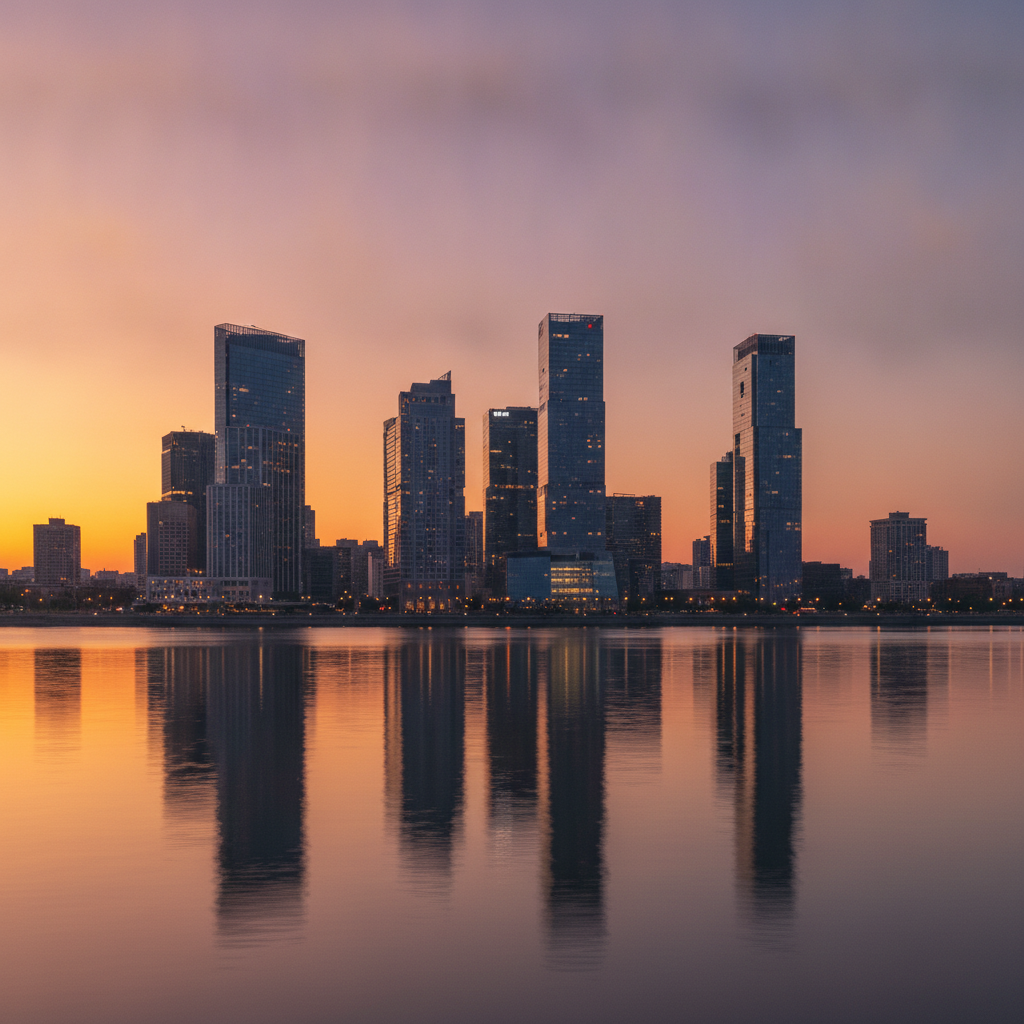
Wires Removed
Made with GPT Image 2

Photobombers Removed
Made with GPT Image 2
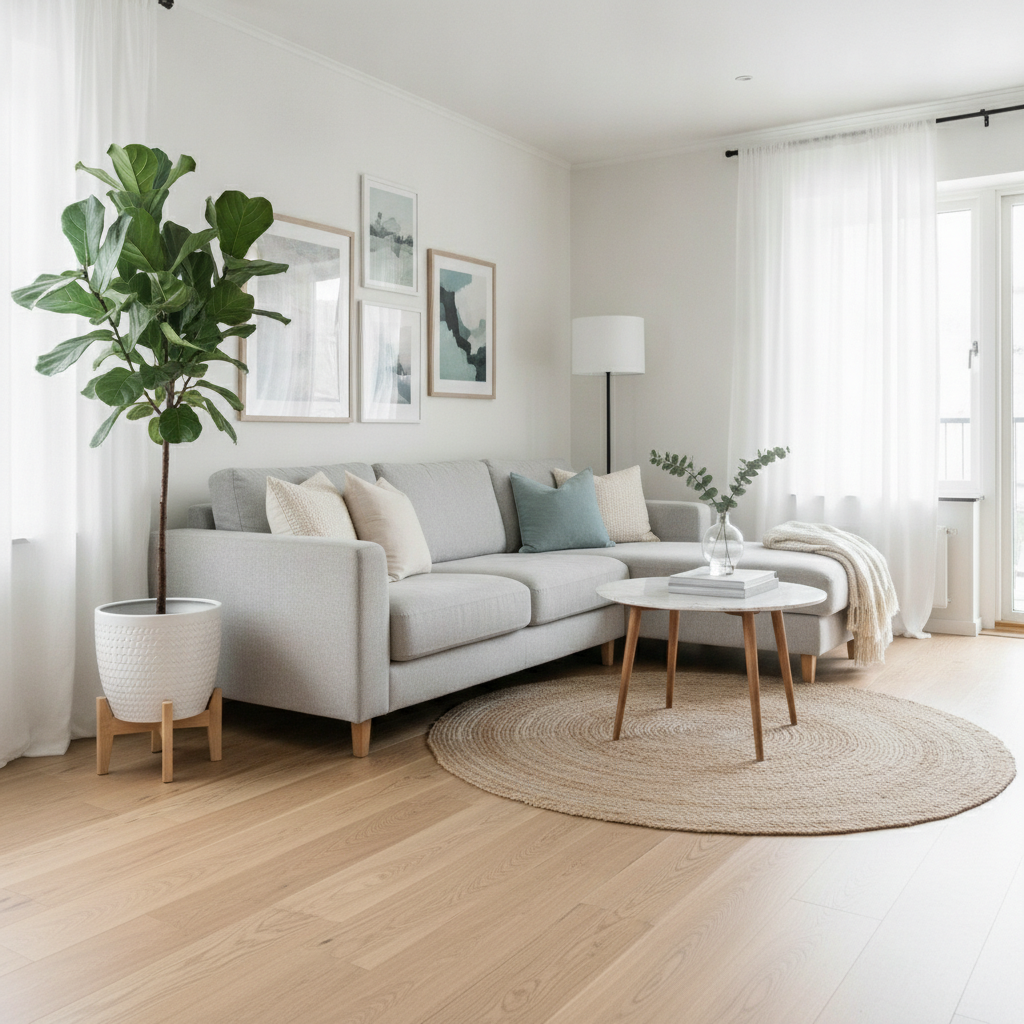
Room Tidied
Made with GPT Image 2
How the AI Object Remover Works
Upload, point at the problem, download the clean shot
Upload Your Photo
Drop in the shot you want cleaned up — a portrait, a travel photo, a product image or a room interior.
Say What Should Go
Pick a removal preset and describe the object in your own words: "the red car on the left", "the wires above the roof".
Download the Clean Shot
The object disappears, the background is rebuilt behind it, and your image is ready in seconds.
Why This AI Object Remover Is Different
Deleting the object is easy. Convincingly rebuilding what was behind it is the whole trick.
True Background Fill
The gap left behind is rebuilt to match the scene — continuing brickwork, sand, sky and shadow instead of smearing nearby pixels.
People & Crowds
Clear photobombers, tourists and passers-by from portraits, landmarks and travel shots without touching your subject.
Six Removal Presets
People, clutter, wires and poles, text and signage, vehicles, or a full cleanup — each tuned for a different kind of removal.
Seconds, Not Layers
What used to be twenty minutes of clone stamping and healing brush work is one upload and one click.
Keeps the Rest Sharp
Only the removed area is regenerated. Faces, product edges and fine texture elsewhere in the frame stay exactly as shot.
Free & No Sign Up
Use the AI object remover instantly in your browser — no account, no install, no watermark on the preview.
Who Uses an AI Object Remover
Anyone whose best shot has one thing in it that should not be
Travel & Everyday Photos
You waited twenty minutes for a clear shot of the landmark and someone still walked into frame. Remove the strangers, the bins and the traffic cone, and keep the photo you meant to take.
Sellers & Ecommerce
Marketplace listings sell faster on clean images. Strip the cables, price stickers, reflections and background mess out of your product shots without rebuilding a studio setup.
Estate Agents & Hosts
Property and rental listings need rooms that read as calm and spacious. Clear the boxes, laundry, wires and wheelie bins so buyers see the space rather than the stuff.
Creators & Designers
Clean a plate before compositing, pull distractions out of a hero image, or clear a stretch of wall to leave room for headline text. One upload replaces a layer stack of masking work.
AI Object Remover FAQ
Everything you need to know about removing objects from photos with AI
The Free AI Object Remover That Rebuilds What Was Behind It
Almost every photograph has one thing in it you wish was not. A stranger crossing the frame at the exact moment you pressed the shutter. A wheelie bin parked outside the house you are trying to sell. A tangle of power lines cutting across an otherwise clean sunset. For twenty years the fix was a clone stamp and a steady hand, which worked beautifully on flat sky and fell apart on anything with structure — because copying pixels from one part of a picture into another is not the same as knowing what should be there. An AI object remover approaches it the other way round: it deletes the object and then generates a plausible continuation of the scene, following the perspective lines, the direction of the light and the texture of the surface it is filling.
That difference shows up most on the shots people actually care about. Remove a person standing in front of a tiled wall and the tiles have to keep their spacing and grout lines. Remove a car from a street and the kerb, the road markings and the gutter shadow all have to continue past where it was parked. Remove a crane from a skyline and the building behind it needs windows that match the floors above and below. Those are reconstructions, not copies, and they are the reason this tool handles busy urban and interior photos that older healing brushes smeared into mush. To get the cleanest result, be specific about what should go — name the object and its position, use one of the six presets above as your starting point, and for a crowded frame do two passes rather than asking for everything at once.
The six presets cover the removals people ask for most. Remove People clears photobombers, crowds and passers-by while leaving your subject untouched. Remove Clutter tidies desks, rooms and product surfaces. Remove Wires & Poles gives you the clean sky that architectural and property photography depends on. Remove Text & Signs takes out date stamps, stickers, signage and watermarks on your own images. Remove Vehicles empties streets and driveways. Full Cleanup does a general pass over everything distracting at once. Each one carries detailed instructions about matching lighting, grain and perspective, so you get a photograph back rather than an obvious edit.
Worth knowing where the boundary sits between this and the neighbouring tools. If you want your subject cut out onto transparency rather than the photo kept whole, that is the AI background remover. If you want to keep the subject but put them somewhere completely new, use the AI background generator. For wider edits — recolouring, restyling, adding elements — the AI photo editor takes free-form instructions, and damaged or faded originals are better served by AI photo restoration first. Once your image is clean, the AI image upscaler will take it up to print resolution. Scroll back up, upload your photo, and see it without the thing that was ruining it — free, no sign up.