
AI Playlist Cover Generator
Built to Read at Thumbnail Size
Free playlist cover maker. Pick a mood, name the playlist — study, gym, midnight — and get square cover art back in about fifteen seconds. Big enough to read where it actually lives: a small square in your library.
Try the AI Playlist Cover Generator — Free
Pick the mood, then name the playlist in one short word
AI Playlist Cover Generator
Choose a mood below, then type the word you want on the cover and the colour behind it — for example “the word GYM, flat orange background” or “the word RAIN, deep navy”. Keep it to one short word set large: your cover spends most of its life as a square about seventy pixels wide in a library list, and nothing longer survives at that size.
The tool here is fixed to a 1:1 square, which is the shape Spotify, Apple Music and YouTube Music all want — nothing to reshape afterwards. If you need a different ratio for a banner or a header, use the AI image cropper. Releasing music rather than organising it? The AI album cover generator is built for that instead.
AI Playlist Cover Generator Examples
Four finished covers, one that proves the point about type size, and the list where they all end up
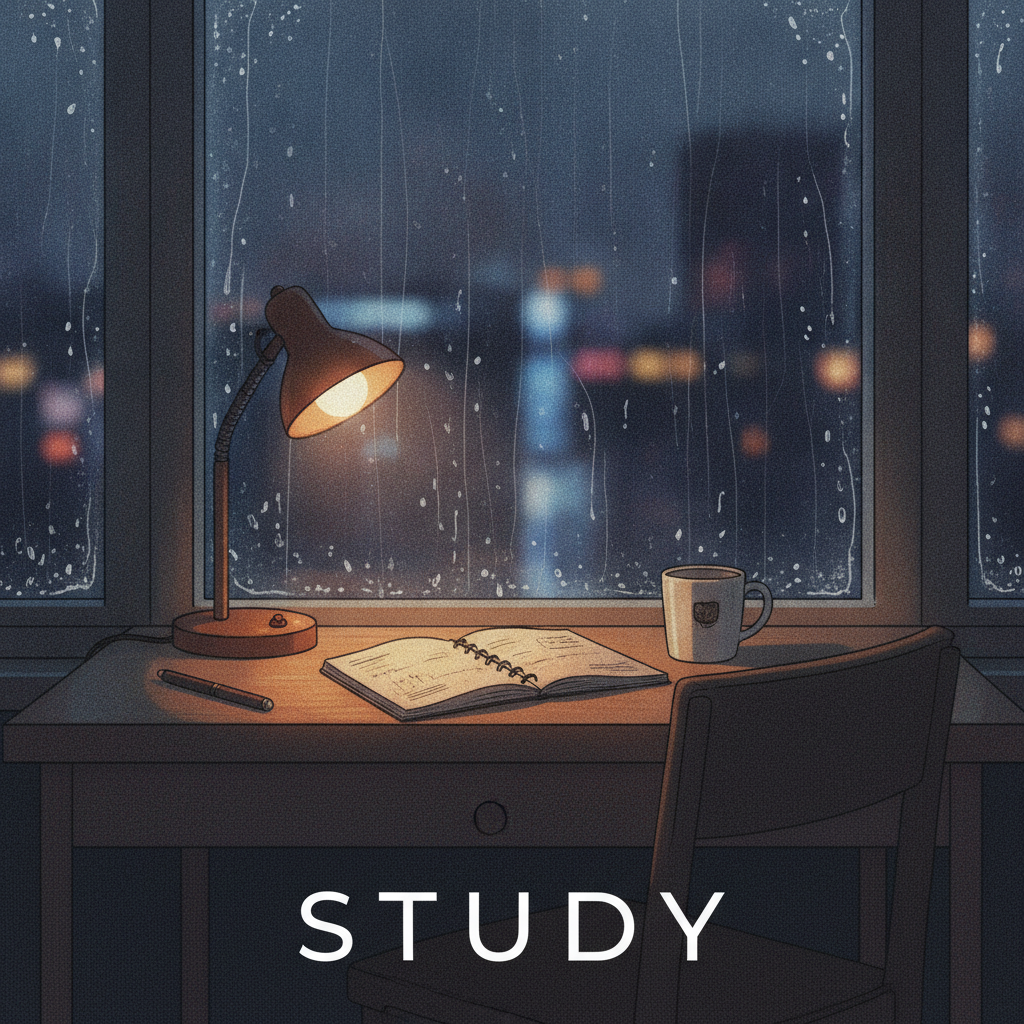
Lo-Fi Illustration
Made with GPT Image 2

Bold Type — Still Legible at Any Size
Made with GPT Image 2
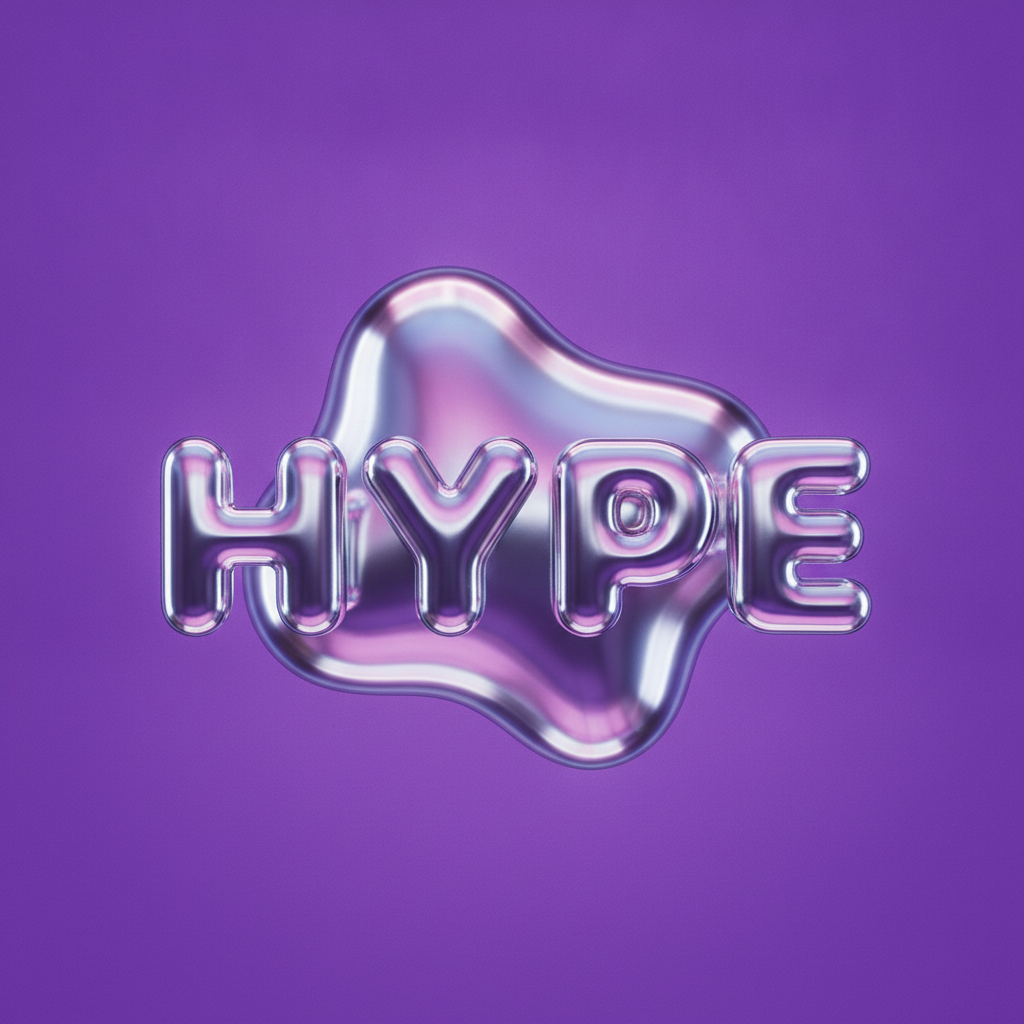
Y2K Chrome
Made with GPT Image 2
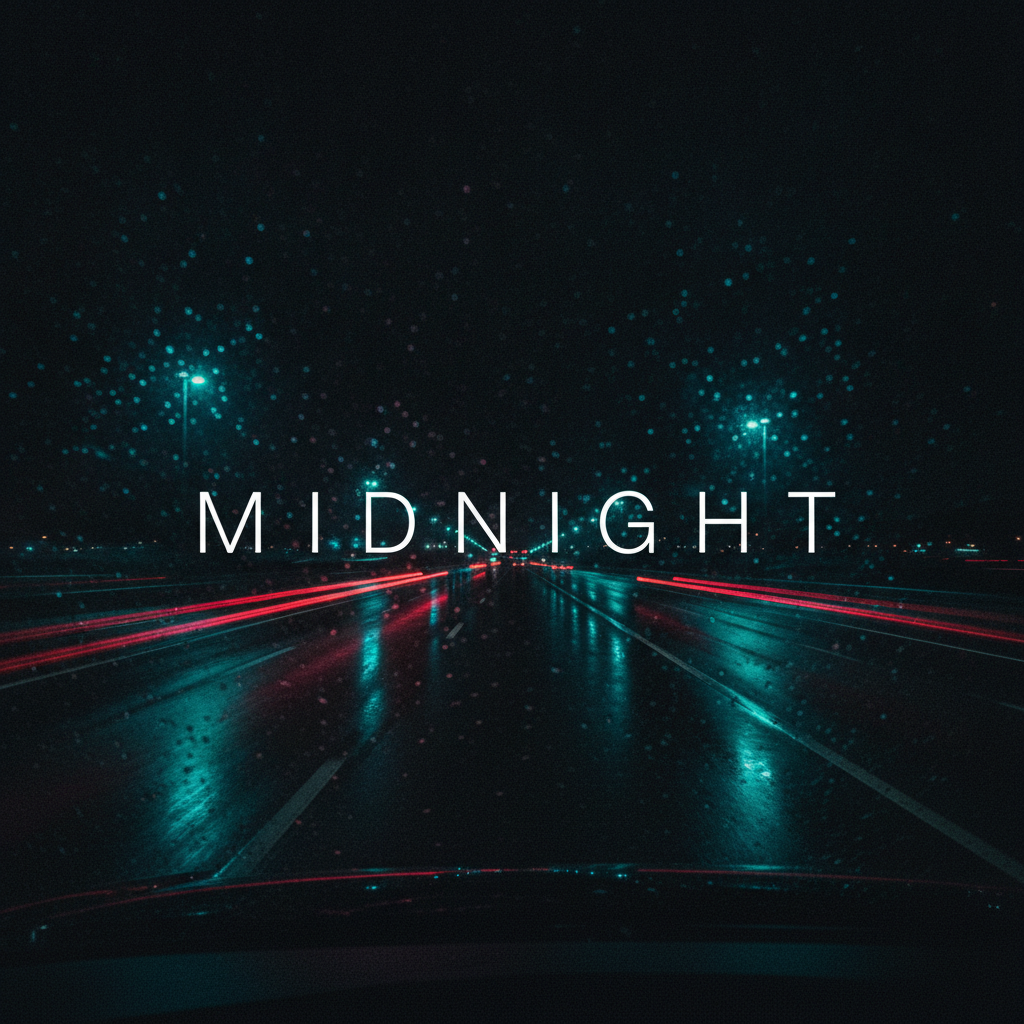
Night Drive
Made with GPT Image 2
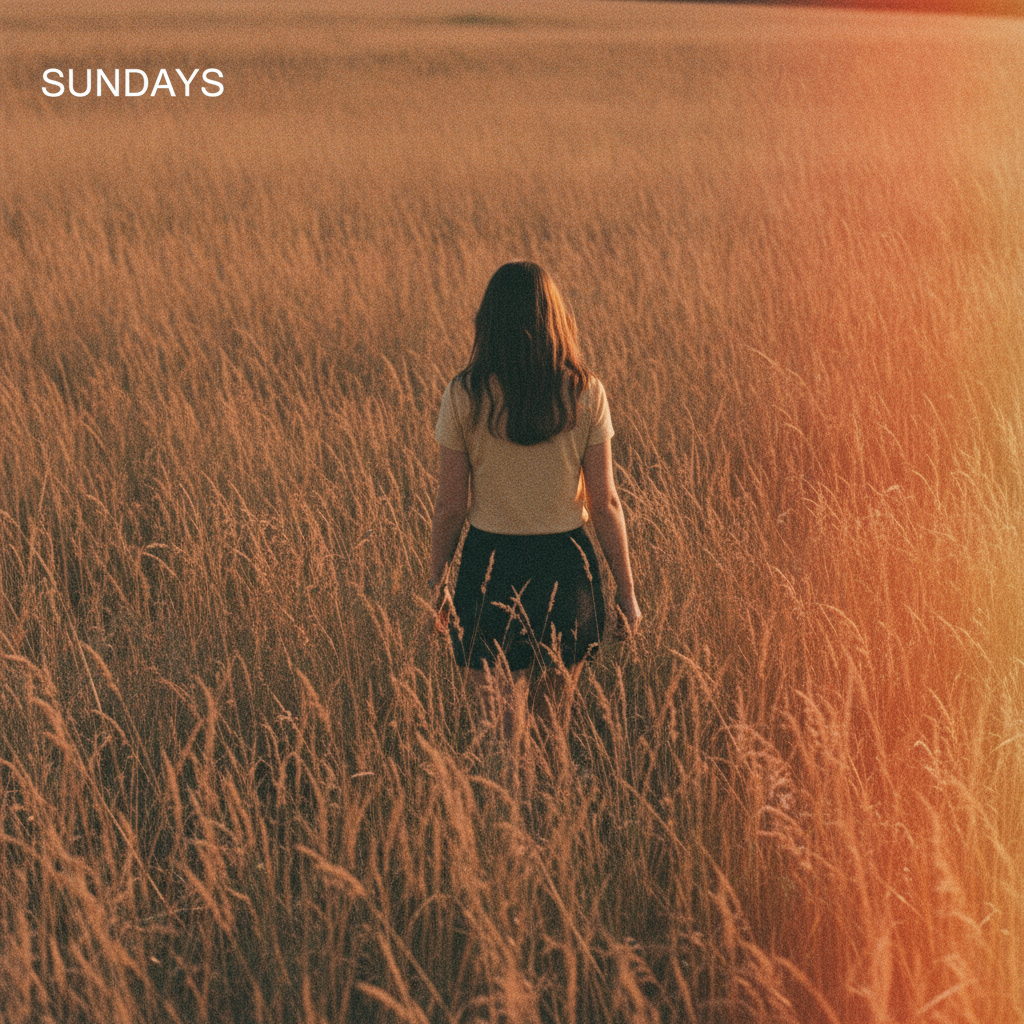
Film Grain — and a Label Set Far Too Small
Made with GPT Image 2
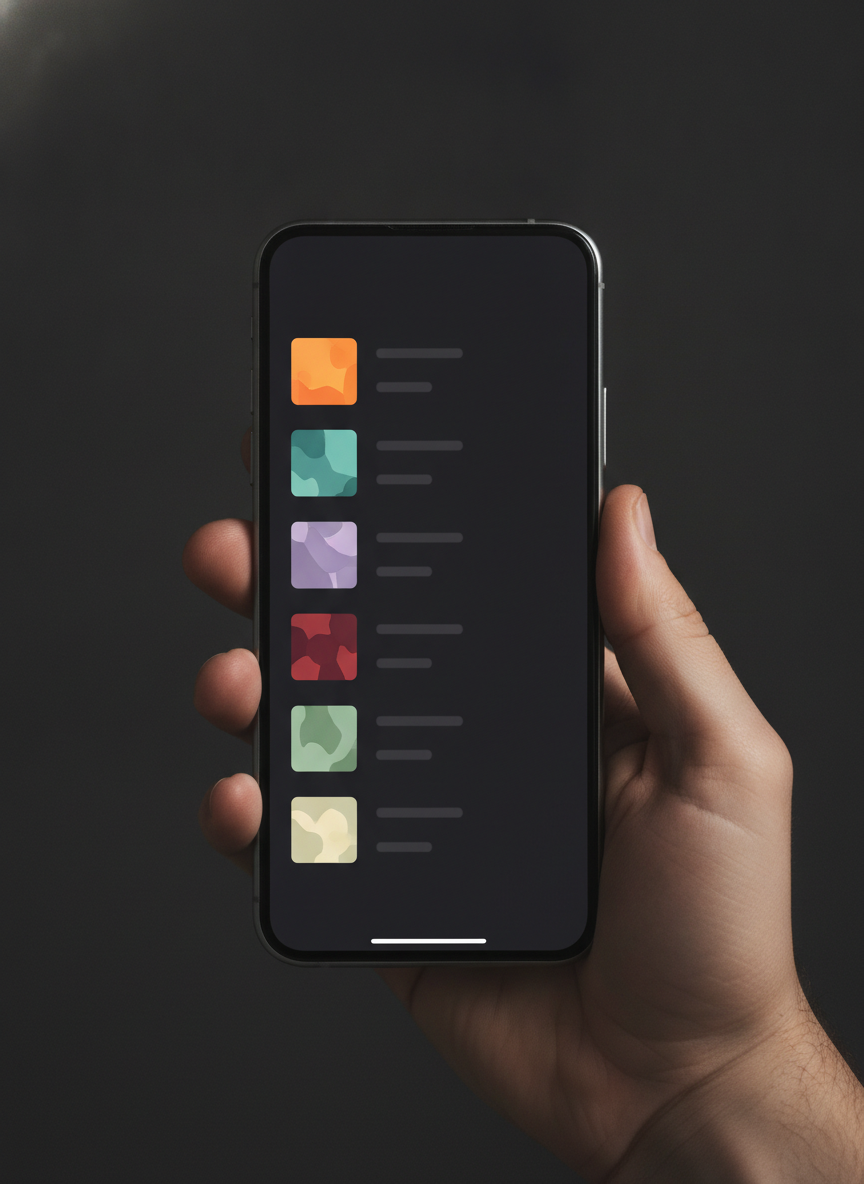
The Size It Is Actually Seen At
Made with GPT Image 2
Three Things to Know Before You Upload
It lives small. Your cover fills the Now Playing screen once and then spends the rest of its life as a square about seventy pixels wide in a list. Judge every design shrunk down, not full size — the SUNDAYS example above looks lovely here and reads as a blank photo in a library. Only your own playlists. Spotify and Apple Music let you replace the cover on playlists you created, not on anyone else’s and not on editorial ones, and uploading your own image permanently replaces the four-panel mosaic they build from your tracks. And it is a flat image, not a template. No transparency, no layers, no font to swap, and the tone can drift a shade between runs. If an app rejects the file it wants a JPEG — the download is a PNG and any photo app converts it in one step.
How the AI Playlist Cover Generator Works
One mood, one word, then straight into your library
Pick the Mood, Not the Picture
Choose the preset that matches how the playlist feels — rainy and studious, loud and chrome, faded and nostalgic. The preset fixes the palette and the type treatment for you.
Name It in One Short Word
Type the word you want on the cover and the colour you want behind it — “the word GYM, flat orange background”. One word, set large, is what reads in a library list.
Download and Set It as the Cover
Save the image, open the playlist you created, choose Edit details on desktop or Edit on mobile, and pick the file. Convert to JPEG first if your app asks for one.
Why Use an AI Playlist Cover Maker
Because the photo you were about to screenshot is on a thousand other playlists
Designed to Survive the Thumbnail
Every preset pushes one strong shape or one big word, because a playlist cover spends most of its life about seventy pixels wide in a library list. Busy art dies at that size.
The Playlist Name Comes Out Readable
STUDY, GYM, HYPE, MIDNIGHT. Short words render cleanly here, which is the one thing generic image tools still get wrong — and a misspelled cover is worse than no words at all.
Six Moods That Actually Differ
Lo-fi illustration, Y2K chrome, film grain photo, night drive, bold type and soft pastel. Different palettes and different logic, not six variations on a gradient.
Square by Default, No Ratio to Get Wrong
Spotify, Apple Music and YouTube Music all want a square. The tool is locked to 1:1, so what you download is already the right shape for every one of them.
Honest About What It Cannot Do
No transparency, no editable file, tone drifts a shade between runs, and you can only change covers on playlists you made yourself. All of it stated plainly, with the workaround.
Free, No Sign Up, No Watermark
Nothing stamped on the download and no account needed. Try three moods against your library before deciding, not after.
Who Uses It
Anyone whose library is a wall of identical four-panel mosaics right now
People Tidying a Library
The main use. Six covers in one palette turns a scroll of look-alike mosaics into something you can navigate by colour, and it takes one sitting rather than one evening.
Playlist Curators
If you are trying to get followers, the cover is the entire pitch in a search result. Distinct art beats a stolen stock photo, and it is genuinely yours to post.
DJs and Radio Shows
A recurring set needs a recognisable mark across episodes. Stay on one preset, change only the number or the date, and the run reads as a series.
Cafes, Gyms and Shops
Morning, Peak, Close. Staff playlists are easier to find on a shared account when each one is a flat block of colour with one enormous word on it.
AI Playlist Cover Generator FAQ
Sizes, uploading to Spotify, spelling, album covers, and what you cannot get back
Free AI Playlist Cover Generator — Cover Art That Survives the Thumbnail
A playlist cover is the smallest piece of design most people ever commission for themselves, and one of the most looked at. It is what you scan past forty times a week deciding what to put on. Left alone, a music app fills that square with a four-panel mosaic of album art, which is functional and completely anonymous — twenty playlists that all look like the same grey grid. The usual fix is to screenshot somebody else’s photograph off the internet, which solves the sameness for about a week until you notice the same image on three other playlists, and which was never yours to post in the first place. An AI playlist cover generator changes the arithmetic. You describe the mood and the name, and fifteen seconds later there is art made for your word and your palette that exists nowhere else.
What makes this playlist cover maker worth using instead of a general image tool is that it is built around the constraint the format actually imposes: display size. Cover art is designed on a big screen and lived with at the size of a fingernail. On the Now Playing view it is nearly the full width of the phone; everywhere else — the library list, the queue, the search result, the little bar at the bottom — it is a square on the order of seventy pixels wide. Fine detail disappears there, and so does any word set smaller than about a fifth of the frame. Every preset here is written to push one strong shape or one large word for exactly that reason, and the examples above show both outcomes honestly: the GYM cover is three black letters on flat orange and it is unmistakable at any size, while the film grain SUNDAYS cover puts its label small in a corner and loses it completely the moment it is shrunk. The second one is not a broken image, it is a design decision that only fails at the size that matters.
The other half of the job is the lettering. Putting a playlist name on cover art has historically been the thing image generators were worst at, which is why so much AI cover art is wordless abstraction — the letters came back as gibberish, so people stopped asking for them. GPT Image 2 renders short words cleanly, and every word in the gallery above landed correctly on the first attempt. That single capability is what lets a generated square do the actual job of a playlist cover, which is to be identifiable at a glance rather than merely pretty. It is still worth reading the word before you upload, and long titles remain a bad idea for design reasons as much as spelling ones. Two limits deserve stating as plainly as the strengths: what comes back is a flat image with no transparency, no layers and no editable text, and because covers are generated one at a time the background tone can drift a shade between runs. Naming the colour explicitly on every cover keeps a matched set in line.
If you are releasing music rather than organising it, the AI album cover generator is built for that job, and the AI podcast cover art generator handles show artwork under the same square-and-tiny constraints. For the type-led covers, the AI typography generator goes deeper on lettering, and the AI poster maker scales the same idea up to something printable. Sharing the playlist beyond the app is its own task — the AI social media content creator makes the story and post versions, and the AI image cropper reshapes a square into whatever ratio a platform demands. To pull a mark off its background before placing it yourself, use the AI background remover. Scroll back up, pick a mood, and name your first playlist.