
AI Profile Picture Maker
One Selfie, A PFP You’ll Keep
Free AI profile picture maker. Upload one selfie and get a square, crop-safe profile picture for Instagram, LinkedIn, X, Discord or WhatsApp — lighting, background and grade handled in seconds.
Try the AI Profile Picture Maker — Free
Upload a selfie, pick a look, and download your new profile picture in seconds
AI Profile Picture Maker
Upload a selfie, choose a look, and get a square profile picture ready for any platform
Upload a clear, front-facing selfie in good light, select a look, then hit Generate
Tip: upload the selfie with the best light on your face, not the one with the best background — the AI profile picture maker replaces the background anyway, but it cannot recover detail the lighting lost.
AI Profile Picture Examples
Six looks, from a clean studio headshot to a neon-lit gaming avatar
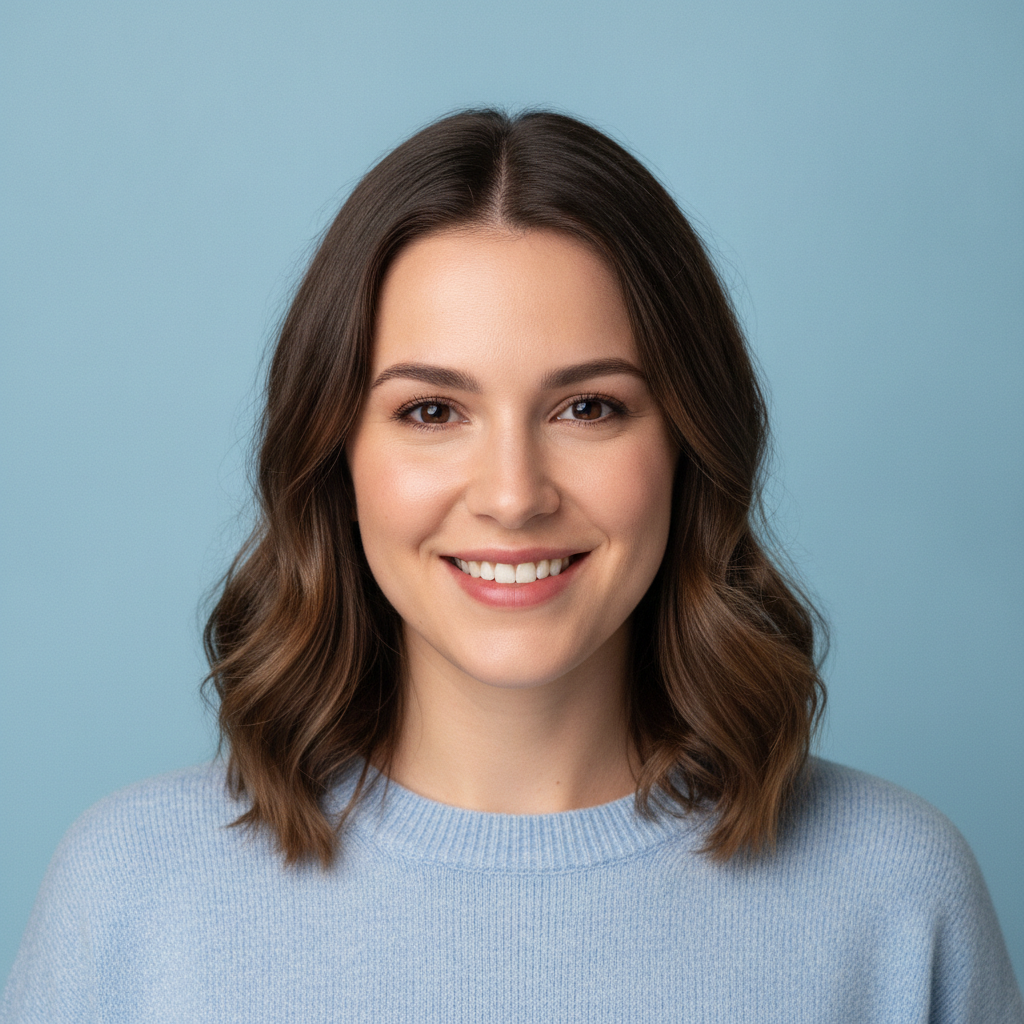
Clean Studio
Made with GPT Image 2
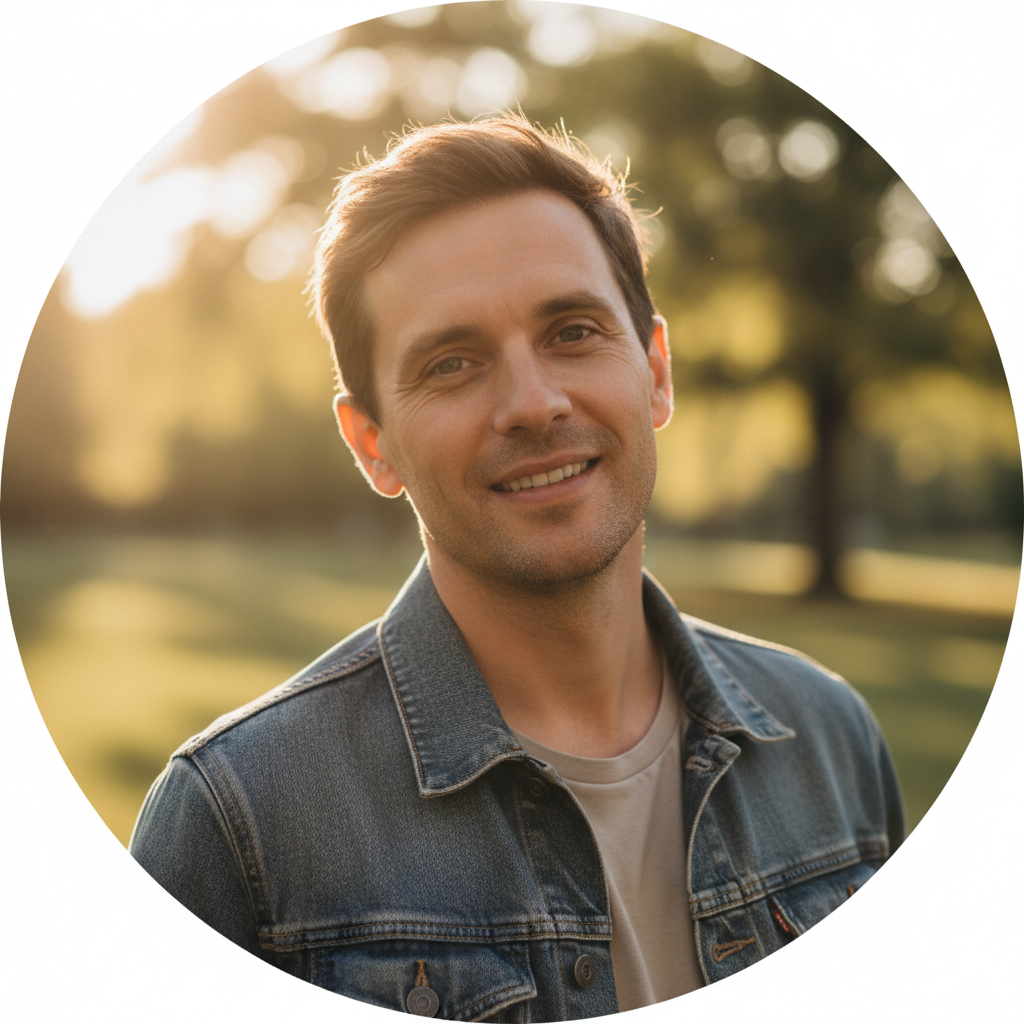
Golden Hour
Made with GPT Image 2
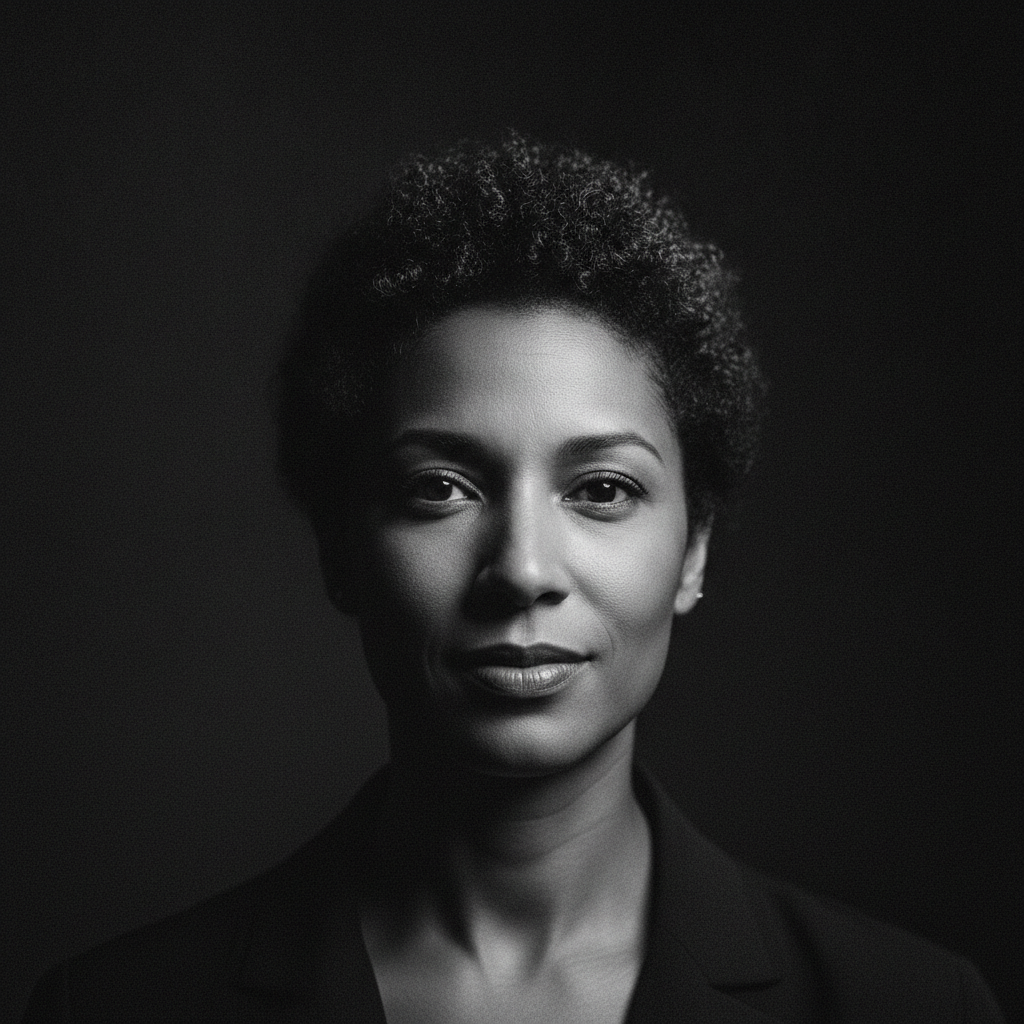
Black & White
Made with GPT Image 2
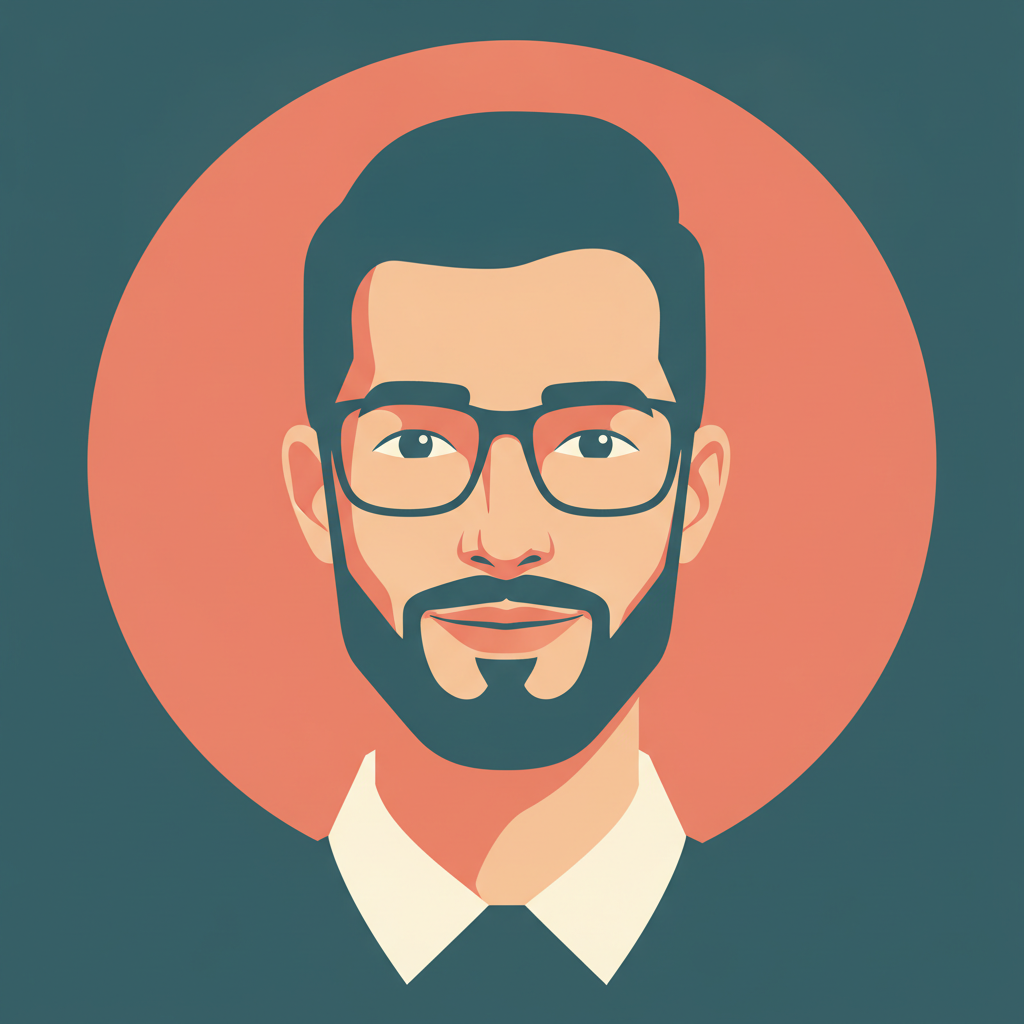
Illustrated
Made with GPT Image 2
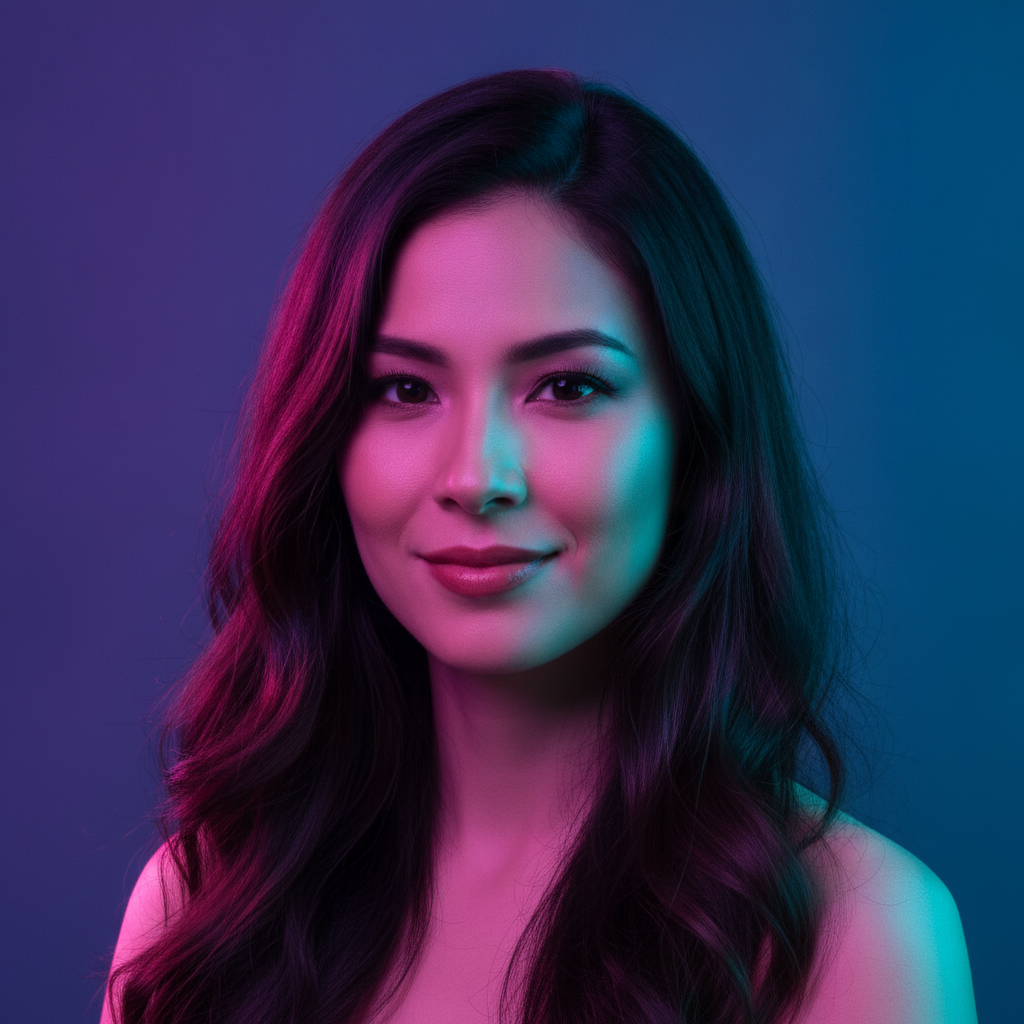
Gradient Pop
Made with GPT Image 2
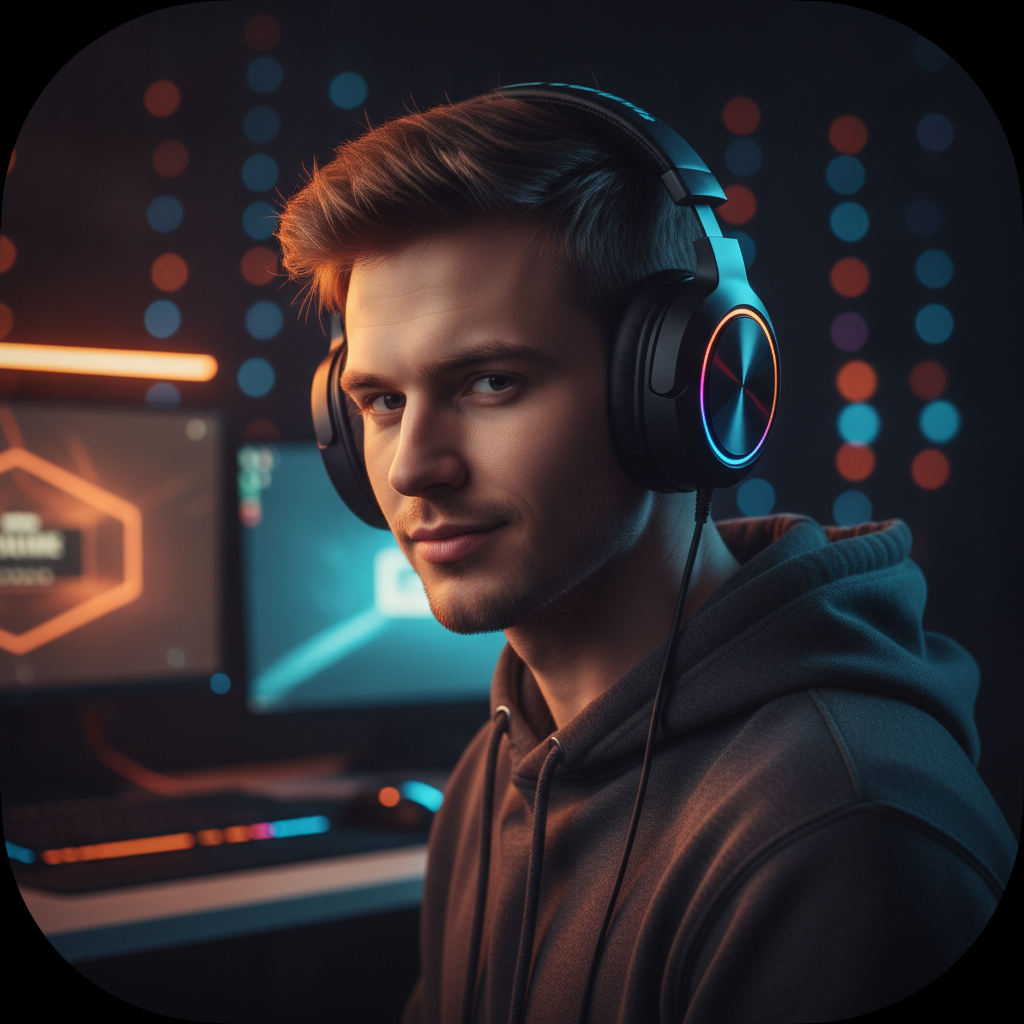
Gaming Setup
Made with GPT Image 2
How the AI Profile Picture Maker Works
Upload a selfie, pick a look, download the PFP
Upload a Selfie
A clear, front-facing, well-lit photo works best. Your face should be large in the frame, with no sunglasses and no blur.
Pick a Look
Choose clean studio, golden hour, black and white, illustrated, gradient pop or gaming — each sets the lighting, backdrop and grade.
Generate & Download
Get a square profile picture in seconds, download it watermark-free, and run another look for a different platform.
Why Use an AI Profile Picture Maker
Because the problem was never your face — it was the ceiling light and the kitchen behind you
Start From Your Own Selfie
No invented character and no photo studio. The photo already on your phone becomes a profile picture that looks like it was planned.
Six Directions
Clean studio, golden hour, black and white, illustrated, gradient pop and gaming — each written as a full lighting, background and styling brief.
Square and Crop-Safe
Generated 1:1 with room around the head, so the circular mask on Instagram, Discord or LinkedIn does not clip your hair or chin.
Background Handled
Your cluttered room becomes a seamless studio backdrop, a blurred park at golden hour or a neon-lit desk — no cutting out required.
Yours to Use
No watermark and no attribution. Social profiles, gaming handles, work chat, a personal site or a newsletter header are all fair game.
Seconds, Not a Shoot
Try six looks in the time it takes to set up a tripod, and refresh every platform in one sitting instead of reusing a 2019 photo again.
Who Uses It
Anyone still using the cropped wedding photo from four years ago
Social Media
One selfie becomes a matching set — golden hour for Instagram, clean studio for X, illustrated for the group chat — so every profile finally looks like the same person on purpose.
Gamers & Streamers
A Discord and Twitch PFP with RGB rim light and headphones that still reads at 128 pixels, without paying an artist for a commission you needed yesterday.
Freelancers
A consistent picture across a portfolio site, an invoice footer, a newsletter and a client Slack — the cheapest credibility upgrade available to a one-person business.
People Who Hate Selfies
You need one usable photo, not a shoot. Take the least bad selfie in your camera roll, run it twice, and stop thinking about it for another two years.
AI Profile Picture Maker FAQ
Selfies, likeness, sizes, platforms and how many to make
Free AI Profile Picture Maker for Instagram, LinkedIn, Discord and X
A profile picture is the one image of you that almost everyone sees, and it is usually the one that got the least thought — a cropped group photo, a selfie lit from directly overhead, a picture from a job two roles ago. An AI profile picture maker fixes that without a camera, a photographer or an afternoon. You upload a selfie you already have, pick a direction, and the lighting, background, colour grade and square framing are all handled in one pass. Six looks cost you nothing and about five minutes, which is less time than most people spend scrolling their camera roll looking for something usable.
The six presets cover where profile pictures actually live. Clean studio is the default that works everywhere — pastel seamless backdrop, even flattering light, the version you send when someone asks for a photo for a conference badge. Golden hour is warmer and more personal, with backlit hair and blurred greenery, and tends to be the one people pick for Instagram. Black and white is the quiet, serious option with a hard side light. Illustrated redraws you as a flat vector avatar for Discord and forums. Gradient pop adds magenta and cyan studio lighting for anyone whose feed already has a colour. Gaming adds headphones and RGB rim light for Twitch and Steam. Every preset is generated at 1:1 with deliberate space around the head, because the failure mode of a good portrait as an avatar is the platform’s circular mask cutting through your hair.
Two things are worth knowing before you upload. Your source photo sets the ceiling: a front-facing selfie in daylight with your face large and sharp in frame gives the AI profile picture maker enough to work with, while a dim, backlit or motion-blurred shot cannot be rescued by any preset. And the tool repaints rather than retouches, so you get a strong likeness rather than an exact copy — expression, hair and face shape carry across reliably, while jewellery, small marks and shirt logos may drift. Each run is independent, which is why the right habit is to generate three or four and keep the one where you look like yourself on a good day. For anything where identity has to be verifiable — passports, visas, ID badges — use a real photo instead.
The rest of the portrait workflow is next door. When the audience is recruiters, use the AI headshot generator or the AI LinkedIn headshot generator; for an invented character rather than your own face, the AI avatar generator and the AI character portrait generator build one from a text prompt. Go stylised with the AI anime generator, the AI Pixar portrait or the AI cartoon image generator. Fix a source photo first with the AI photo editor or the AI background remover, sharpen a small one with the AI image upscaler, and for official documents use the AI passport photo maker. Streamers can match their PFP to a set of Twitch emotes. Scroll back up and make your first profile picture free.