
Try the AI Shoe Design Generator — Free
Pick a format, describe the shoe, and download the render in seconds
AI Shoe Design Generator
Choose a footwear format and describe your shoe — silhouette first, then upper material, sole construction and colourway
Tip: name the material precisely — nubuck, engineered mesh, patent, gum rubber and knit all render very differently. Describe the qualities you want rather than a brand or a signature silhouette, and keep logos off the render.
AI Shoe Design Examples
Six formats, from a first marker sketch to a finished product render
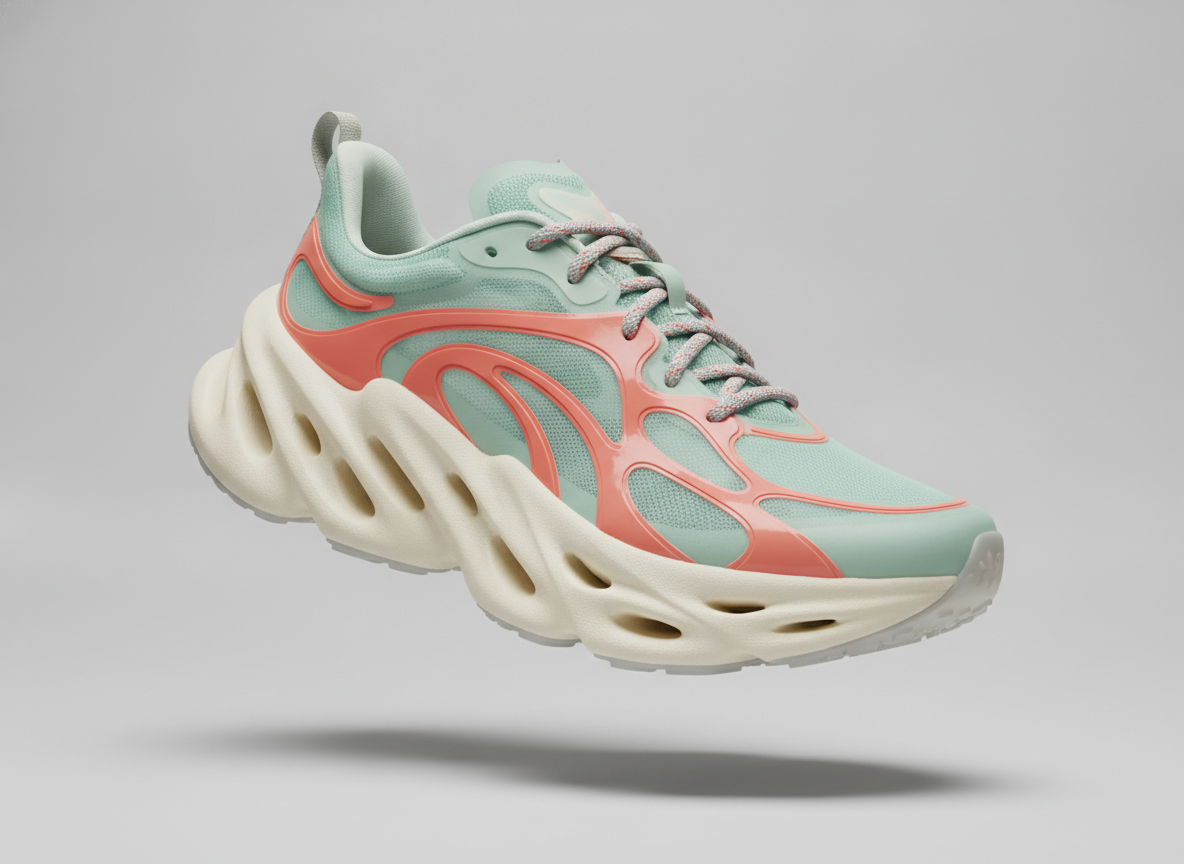
Runner Concept
Made with GPT Image 2
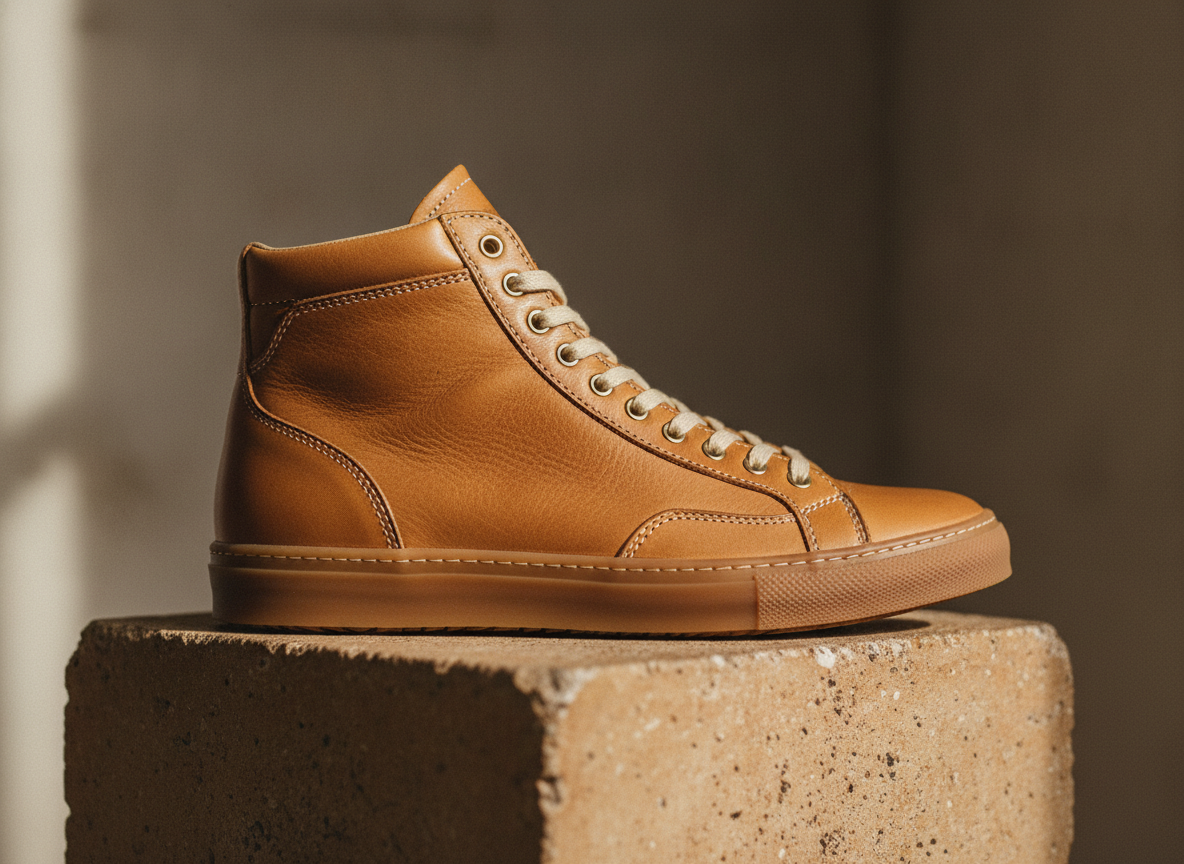
Leather High Top
Made with GPT Image 2
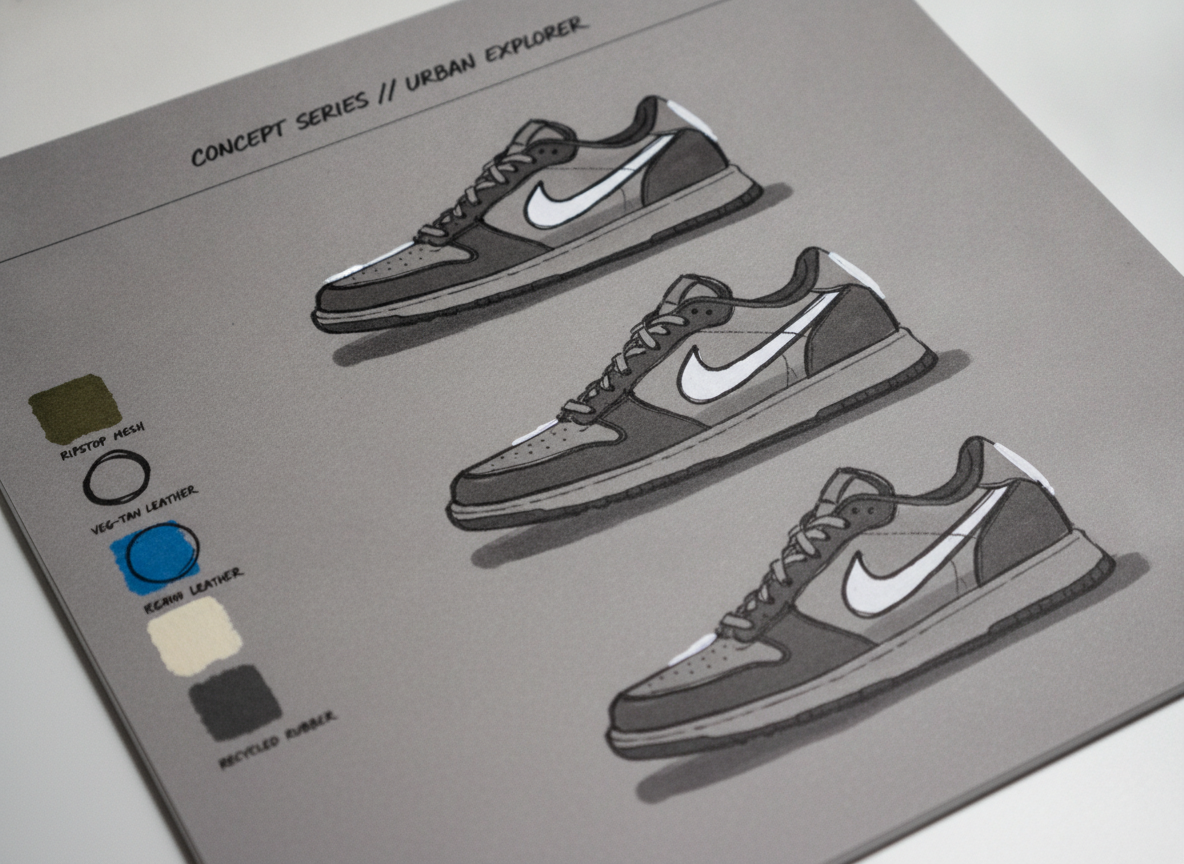
Designer Sketch Page
Made with GPT Image 2
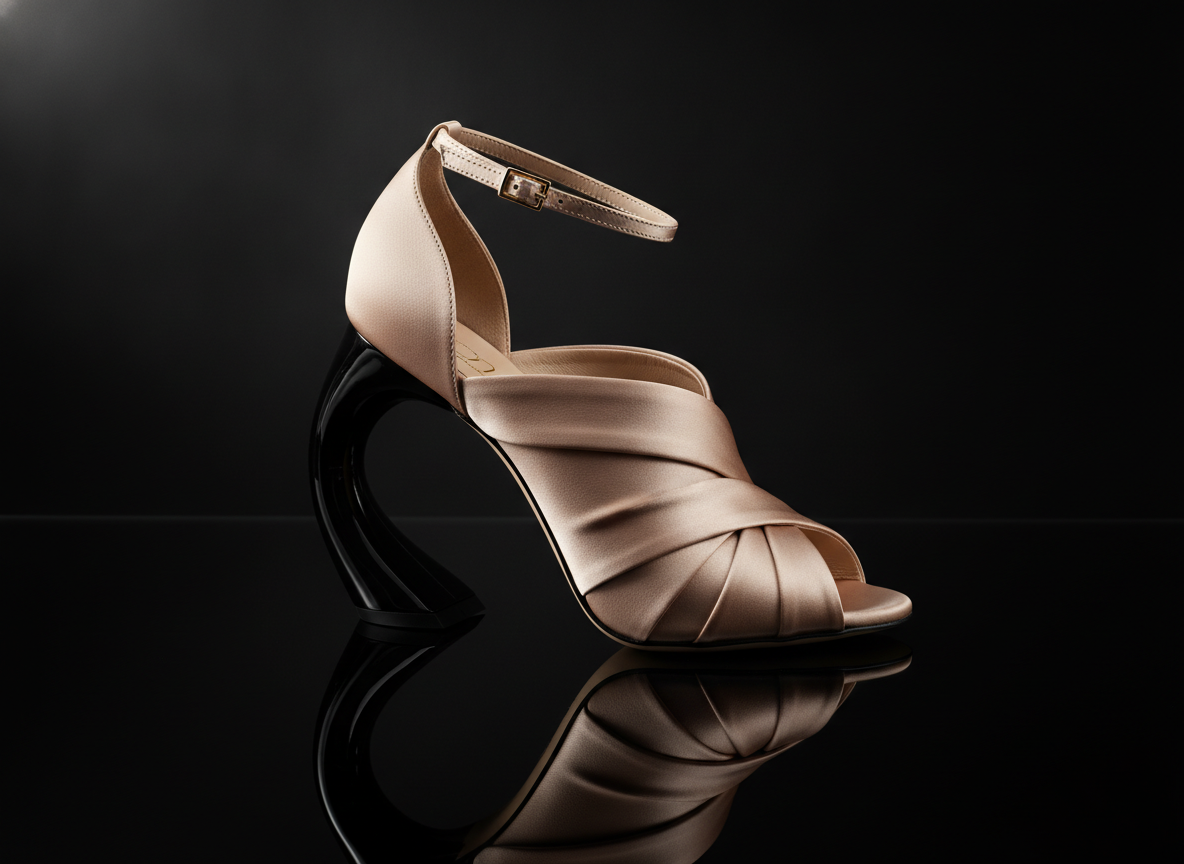
Sculptural Heel
Made with GPT Image 2
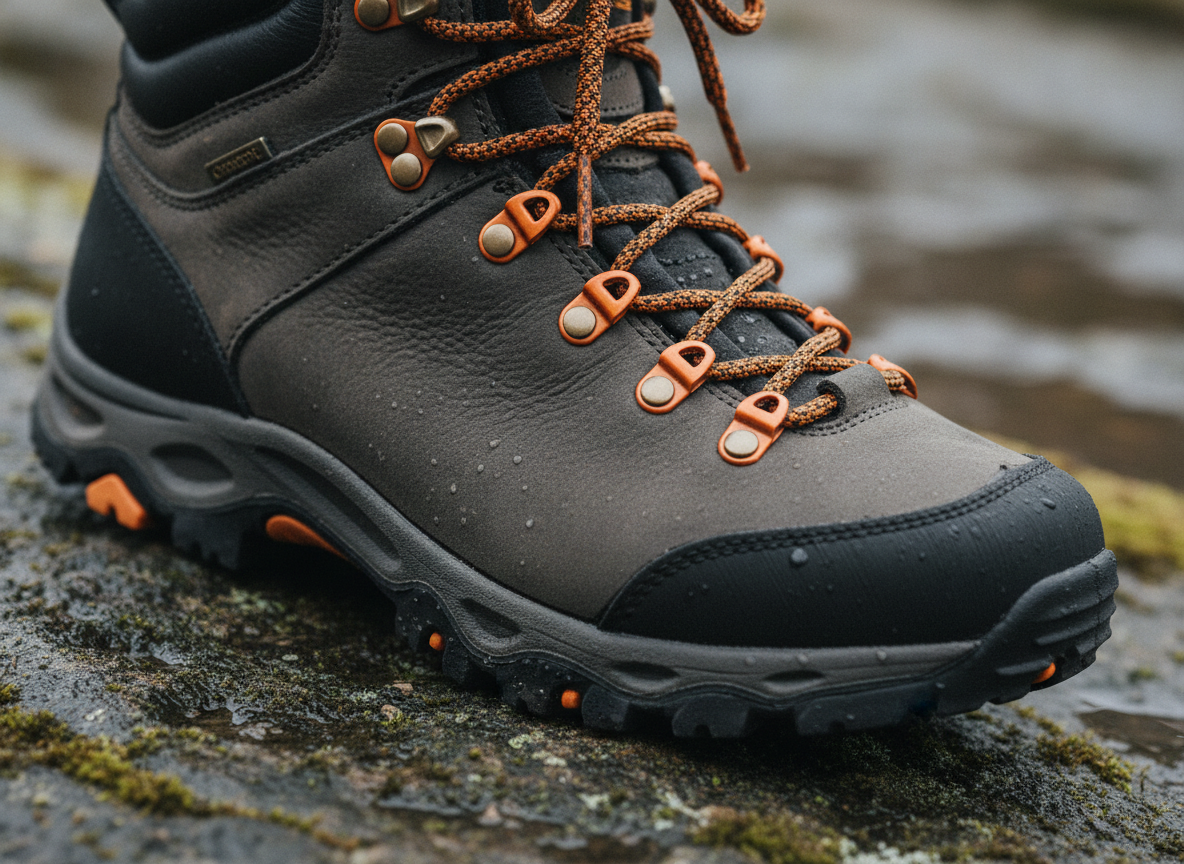
Hiking Boot
Made with GPT Image 2
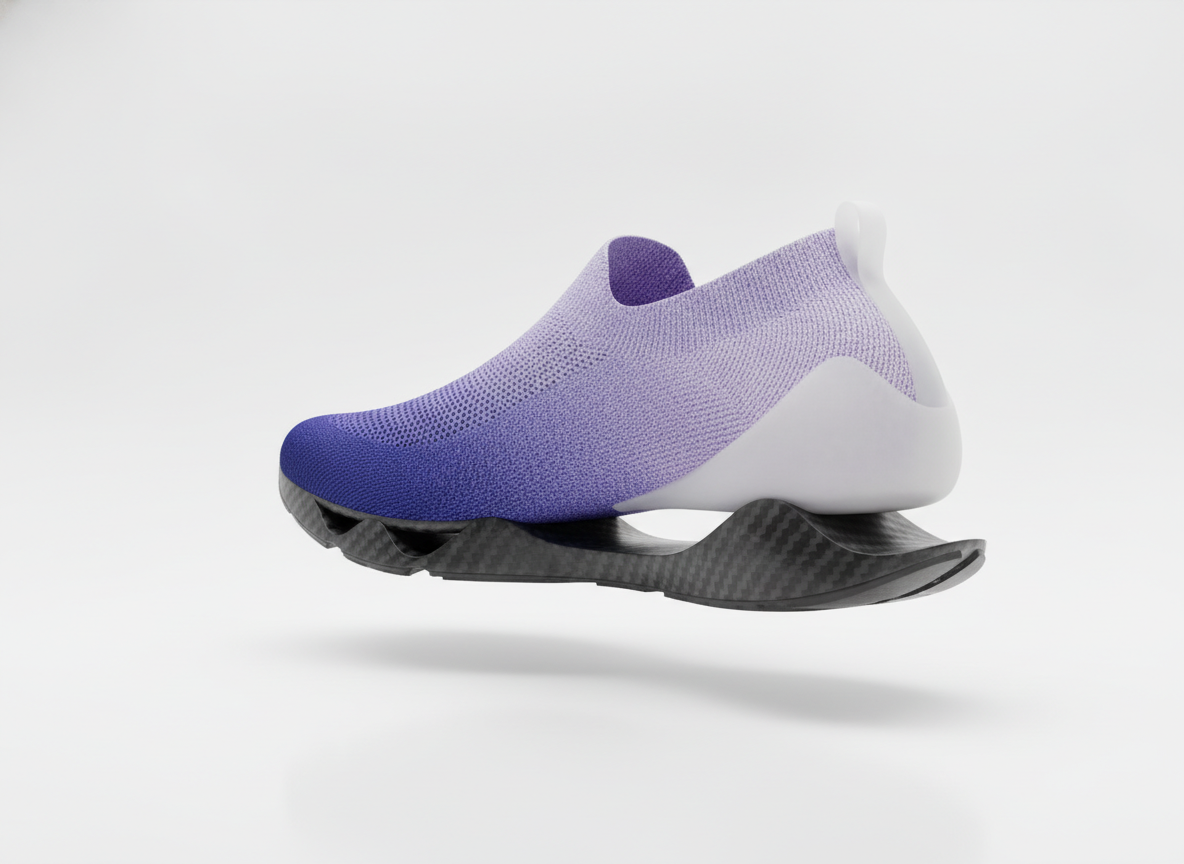
Laceless Slip-On
Made with GPT Image 2
These Are Design Concepts, Not Tech Packs
Everything on this page is a picture of a shoe, not a manufacturing document. There is no last, no graded pattern, no bill of materials and no sole tooling behind a render — and the model will happily draw a midsole that could not be moulded or an upper that could not be laid flat. Send the image to a pattern maker or product developer as design intent, alongside a real spec, and expect it to change on the way to a sample. Please also keep other brands out of it: logos, wordmarks, signature side graphics and distinctive silhouettes and sole patterns are protected by trademark and design rights, so describe the qualities you like instead of the brand — especially on anything you intend to sell.
How the AI Shoe Design Generator Works
Describe the shoe, pick the format, iterate until the proportions read right
Describe the Shoe
Silhouette first, then upper material, sole construction, colourway and hardware. Material words matter more than adjectives in footwear.
Pick a Format
Runner concept, leather high top, sketch page, sculptural heel, hiking boot or slip-on. Each sets the view, the surface and the lighting.
Iterate & Download
Rerun with a lower stack, a different overlay colour or a gum sole until it reads right, then download without a watermark.
Why Use an AI Shoe Design Generator
Because the first fifty silhouettes are supposed to be cheap
Six Footwear Formats
Runner concept, leather high top, designer sketch page, sculptural heel, hiking boot and laceless slip-on — sneakers, dress and outdoor in one place.
Real Sketch Page Look
Marker and ink silhouettes on tinted paper with gouache highlights, material callouts and colourway chips — the presentation language footwear studios use.
Materials That Read
Full grain leather, nubuck, engineered mesh, patent lacquer, gum rubber, EVA foam and knit each render with their own grain, sheen and translucency.
Colourways in Seconds
Run one silhouette through ten colour stories — tonal, high contrast overlays, gradient knits — and lay them out side by side before you commit.
Yours Commercially
No watermark, no attribution. Use the renders in portfolios, lookbooks and factory briefs — with no brand logos or protected silhouettes on them.
Iterate at Sketch Speed
A dozen midsole stacks in the time one marker render used to take. The front of footwear design is a volume game, and this is the volume.
Who Uses It
Anyone who has to show a shoe before it exists
Footwear Design Students
A portfolio board wants range: a sketch page, a colourway run, a hero render. Generate the exploration in an evening, pick the two directions worth developing, and spend your studio hours on the drawing and the last that will actually be marked.
Sneaker Customisers
See the colourway before you open the paint. Try six overlay combinations, two sole colours and a swapped lace in a few minutes, show the client the one you both like, and only then commit to a pair you cannot un-paint.
Small Brands & Founders
Briefing a sample factory across a language barrier is easier with a picture. Generate the intent, hand it over with a real spec sheet, and use the render to argue about the midsole stack before anyone cuts material.
Concept & Game Artists
Characters need shoes, and nobody has time to design a whole wardrobe of them. Generate a family of footwear with a shared design language — same sole unit, same hardware — and hand the sheet to your modellers as reference.
AI Shoe Design Generator FAQ
Views, materials, licensing and where a concept render stops
Free AI Shoe Design Generator — From Marker Sketch to Product Render
Footwear has always been a sketch-heavy discipline. A design team fills pages with silhouettes before anyone carves a last, and the whole point of that phase is that an idea should cost almost nothing. An AI shoe design generator drops the price of one more idea to about fifteen seconds, which is why it has landed hardest with the people who sketch the most: footwear students building a portfolio, customisers planning a colourway, small brands briefing a sample factory, and concept artists who need a wardrobe of shoes that look like they came from the same house.
The six formats on this page map to different moments in that process rather than to different styles. The designer sketch page is the front of the funnel — marker and ink on tinted paper, gouache highlights, colourway chips down the margin, the language a footwear studio actually presents in. The runner concept is the surfacing study, where a sculpted midsole and a translucent mesh upper get to be more extreme than a factory would allow. The leather high top is the material study: full grain, contrast stitching and a gum sole under raking window light, which is the render that tells you whether a material story holds together. The sculptural heel takes the same approach into dress footwear, the hiking boot puts a product in its context because outdoor gear only reads as credible on wet rock, and the laceless slip-on is the far end of the brief, where construction is the idea.
Prompting a shoe well is mostly about ordering the description from the outside in and choosing material words carefully. Name the silhouette first, then the upper material and how it behaves, then the sole construction, then the colourway with real colour names, then hardware and laces, and finally the surface and the light. Footwear lives or dies on material: nubuck, full grain, patent, engineered mesh, ripstop, knit, gum rubber and EVA foam all render with completely different grain, sheen and translucency, so “oatmeal suede with a cream gum wedge sole” will beat “nice leather shoe” every single time. Pick the view deliberately as well — a flat lateral profile is the honest one for judging toe spring, heel height and midsole stack, three quarter is the flattering hero shot, and outsole or exploded views will take several attempts. And keep in mind what you are holding at the end: a design concept with no last, no pattern and no bill of materials under it, and no other brand’s logo or protected silhouette on it.
A shoe rarely ships alone, so the neighbouring tools carry the work onward. Build the whole look around it with the AI fashion design generator, add the accessories with the AI jewelry design generator, and match the finishing details with the AI nail art generator. Put your graphics on apparel with the AI t-shirt design generator and the AI product mockup generator, develop the upper graphics with the AI pattern generator, and turn a hand drawing into a render with AI sketch to image. Gather your direction on a board with the AI mood board creator, explore the sole form in the round with the AI 3D image generator, and dress the brand around it with the AI logo generator. Prepare the final board with the AI vector art generator and the AI image upscaler, or set the shoe into a wider scene with the AI concept art generator. Scroll back up and render your first pair free.