
AI Day of the Dead Generator
Ofrendas, Calaveras and Papel Picado
Free Día de los Muertos image generator. Pick a style, add a name if you want one, and get square artwork back in about fifteen seconds — built on the real iconography of the holiday rather than a generic skull with flowers on it.
Try the AI Day of the Dead Generator — Free
Pick a style, then add a name or a colour if the design should carry one
AI Day of the Dead Generator
Choose a Día de los Muertos style below, then optionally type a name for the ribbon or the palette you want held — for example “the name ELENA on the ribbon, deep purple background”. Keep names short and plain: accented characters are the least reliable, so read the result before you print it. Every image comes out square at 1:1.
Everything here comes out square at 1:1. For a wide papel picado strip, widen the result with the AI image extender or use the ratio picker on the home page generator; to trim a square down, use the AI image cropper. Want a photograph of a relative in the ofrenda frame? Repair it first with the AI photo restoration tool, then place it yourself.
AI Day of the Dead Generator Examples
All six presets, generated at 1:1 and shown exactly as they came back
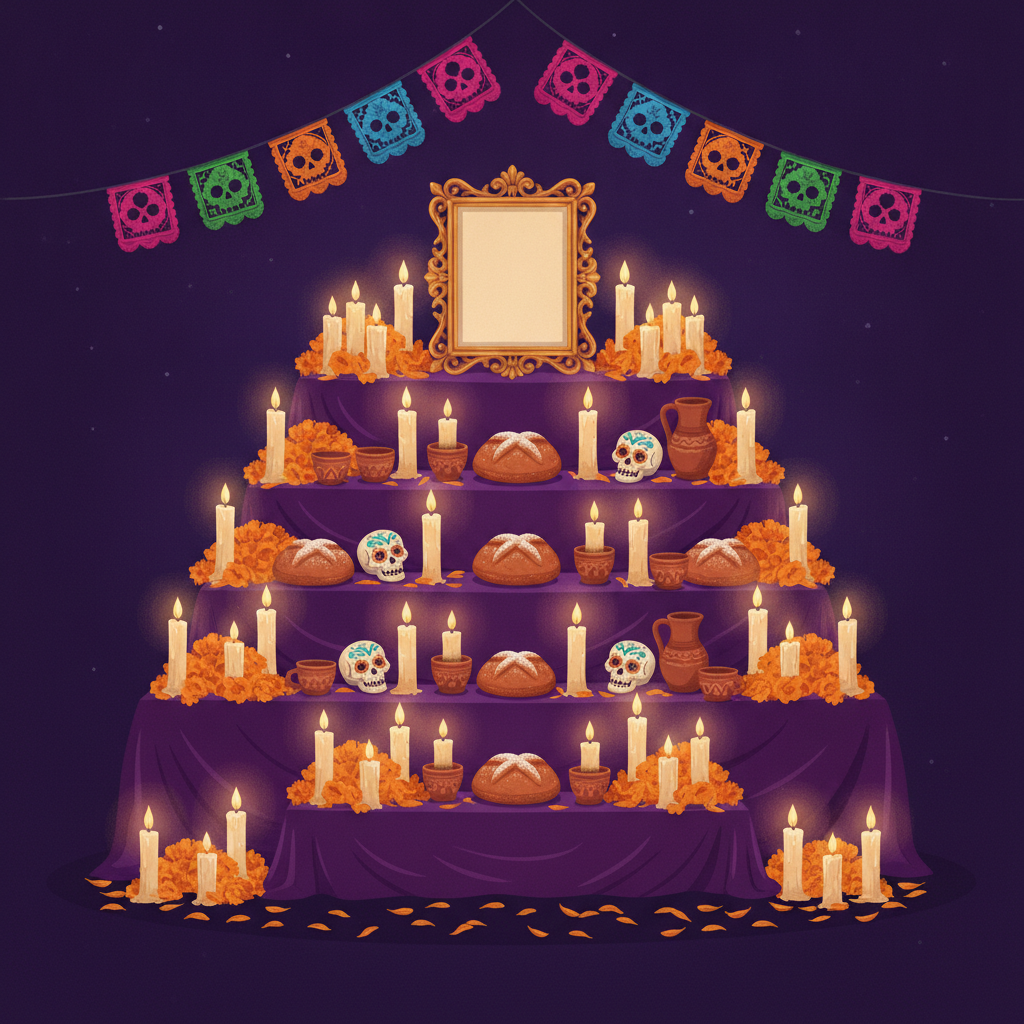
Ofrenda Altar — With the Frame Left Empty
Made with GPT Image 2
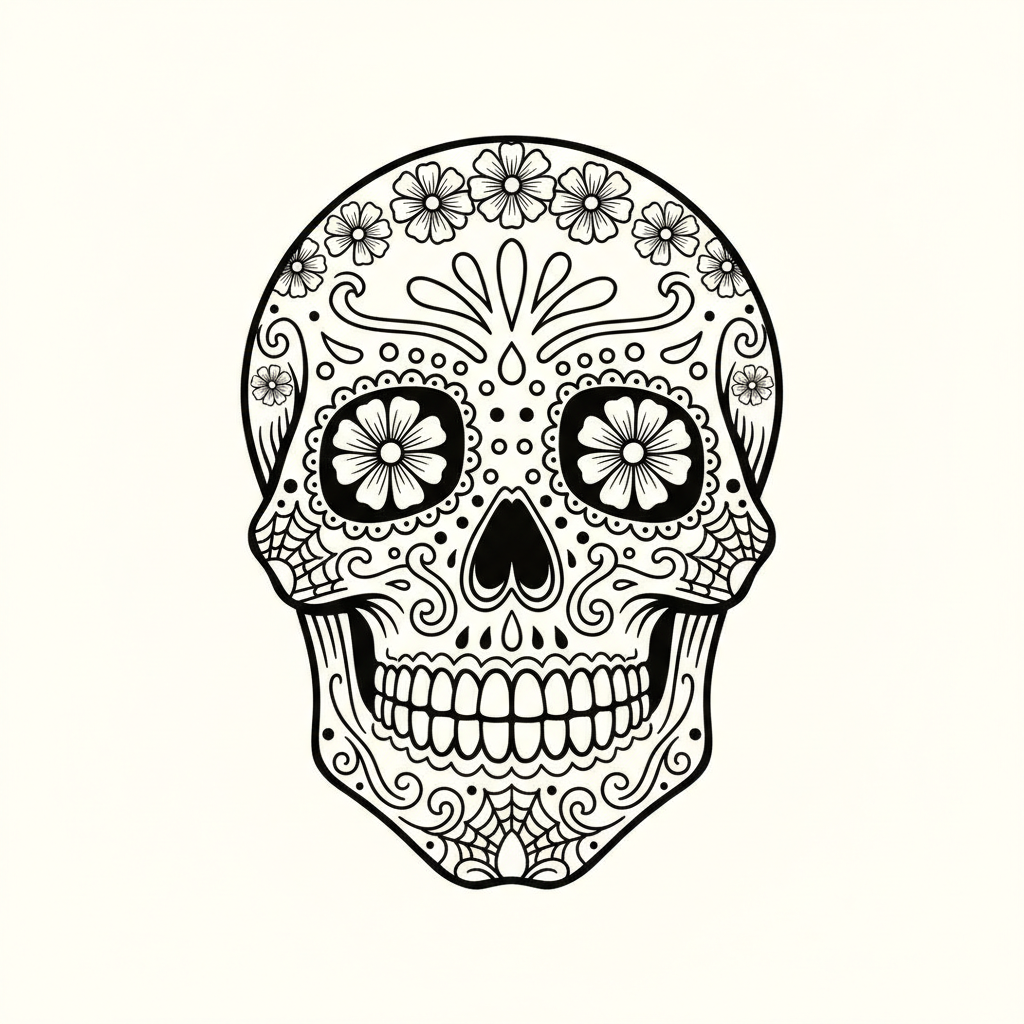
Sugar Skull Line Art — Print and Colour It
Made with GPT Image 2
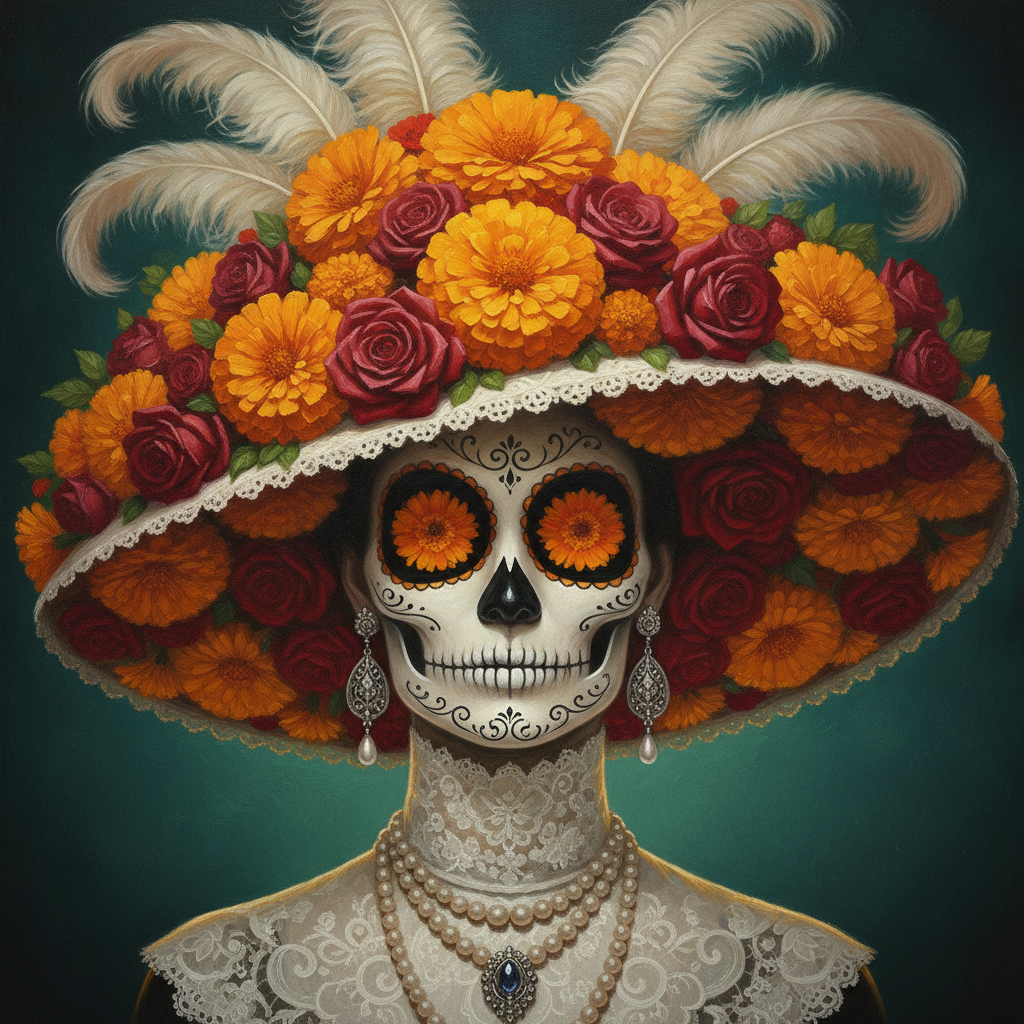
La Catrina Portrait
Made with GPT Image 2
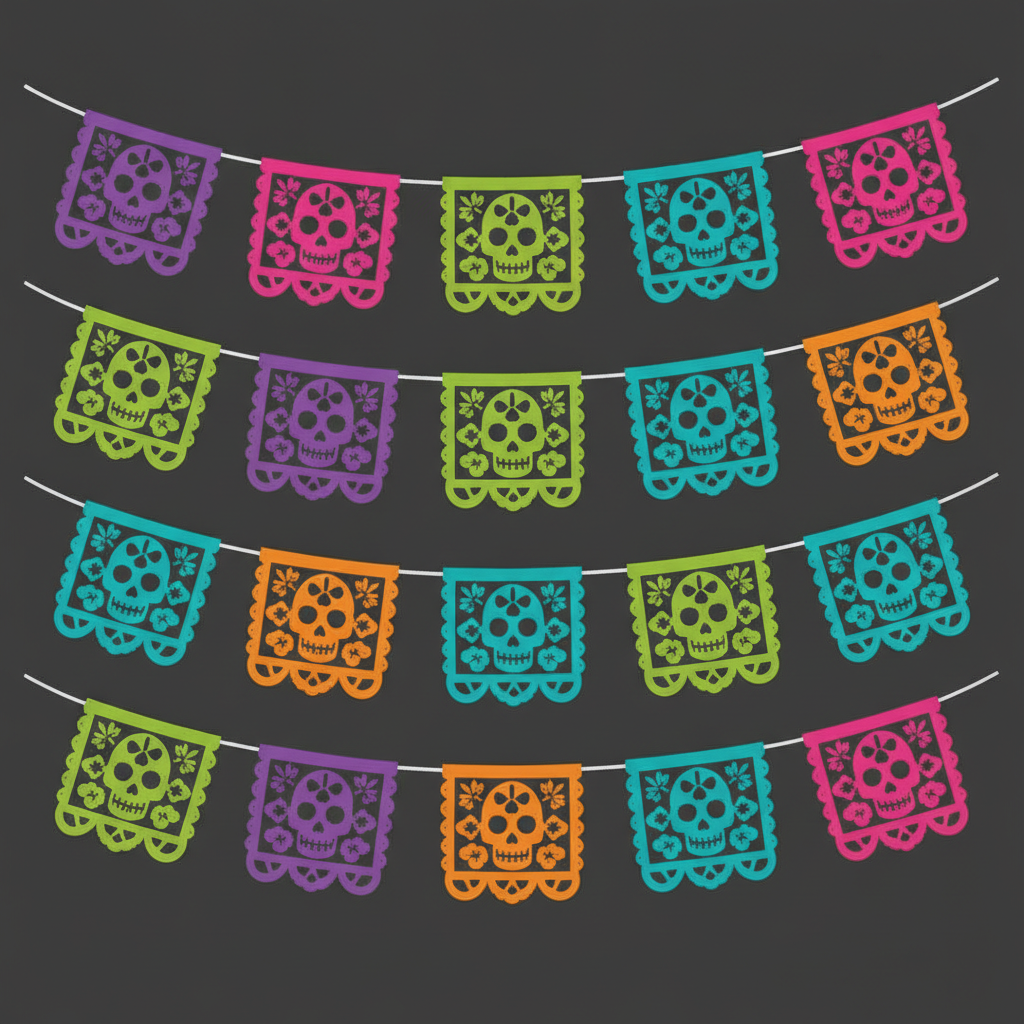
Papel Picado — Four Short Strings, Not One Long One
Made with GPT Image 2
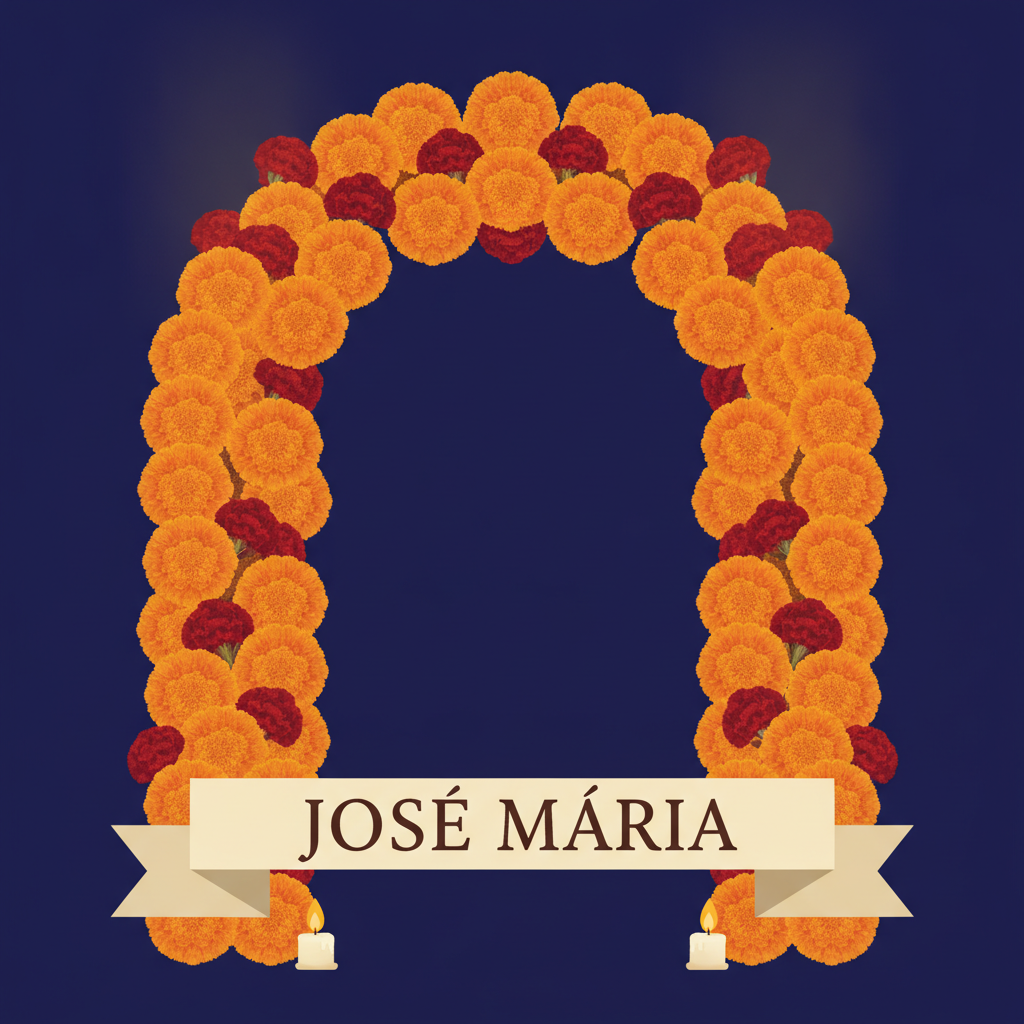
Marigold Arch — and an Accent on the Wrong Vowel
Made with GPT Image 2
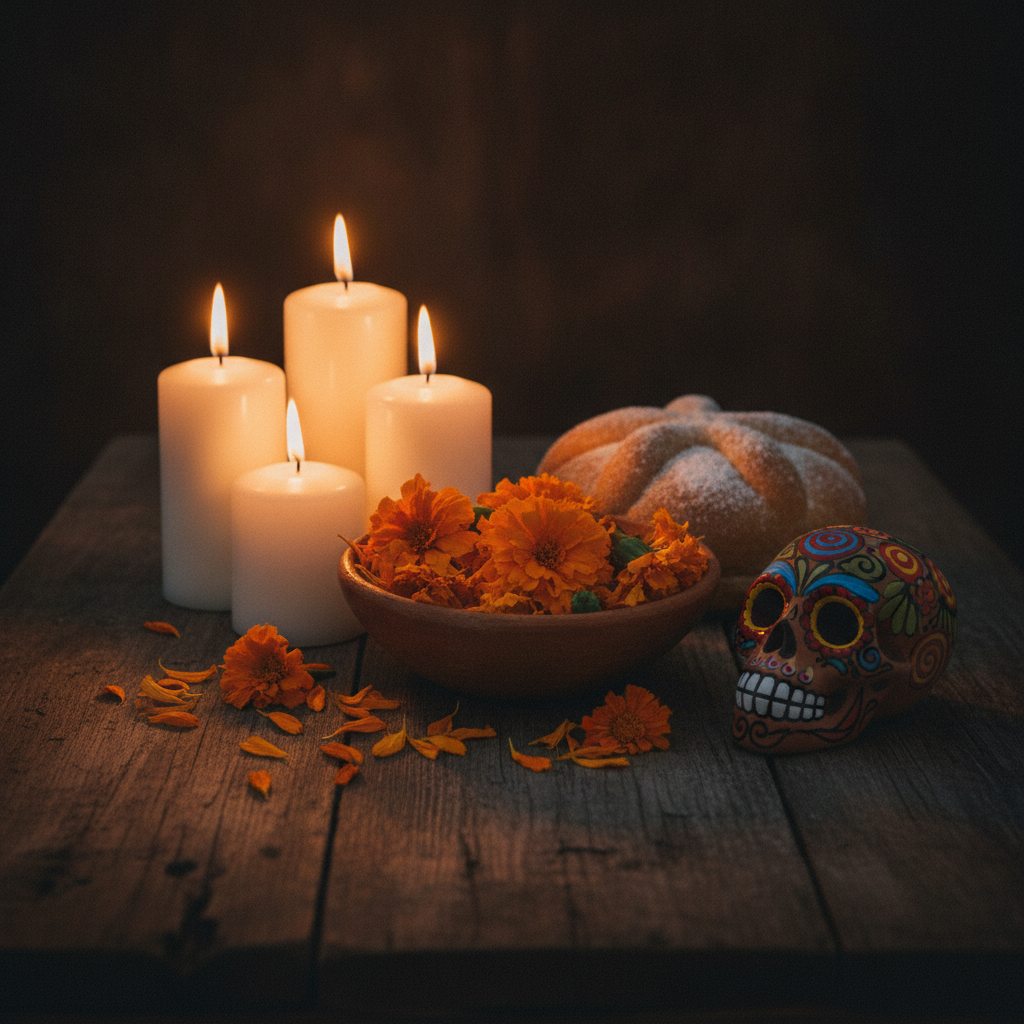
Candlelit Marigolds
Made with GPT Image 2
Three Things to Know Before You Generate
It cannot see a photograph. This is a text-to-image tool with no upload, so it has no way to know the face of the person you are remembering — the ofrenda preset leaves the frame on the top tier deliberately empty rather than inventing someone. Generate the altar here, then drop the real photograph in yourself. Everything is square. The ratio is locked at 1:1, which suits a post, a print or a card front, but it is the wrong shape for papel picado — real papel picado runs in one long horizontal line, and the version above is four short strings stacked into a square instead. And accents are the weak spot. The arch above was asked for the plain name JOSE MARIA and returned JOSÉ MÁRIA — it invented two accent marks and put María’s on the wrong vowel. The letterforms themselves are perfect, which is what makes it easy to miss. Read a name character by character before you print it, or leave the ribbon blank and letter it yourself.
How the AI Day of the Dead Generator Works
One style, an optional name, and about fifteen seconds
Pick a Style
Ofrenda altar for an invitation or a poster, sugar skull line art for printing and colouring, La Catrina for a portrait, papel picado for a background, the marigold arch for a memorial, candlelit marigolds for a photographic header.
Add a Name or a Palette
The custom box is where a name for the ribbon goes, or a colour you want held — “the name ELENA on the ribbon, deep purple background”. Keep names short and plain, and leave it empty if the preset is already what you want.
Download and Finish It Yourself
The result is a square PNG. Drop a real photograph into the ofrenda frame in any editor, print the line art for the table, or lift a calavera off its background before putting it on a card.
Why Use a Día de los Muertos Image Generator
Because a vague prompt returns a generic skull, and clip art returns the same one everybody else used
The Real Iconography, Spelled Out
Cempasúchil marigolds, pan de muerto, tiered ofrendas, papel picado, clay calaveras. Each preset names the elements explicitly, which is the difference between Día de los Muertos art and a generic skull with flowers on it.
Remembrance, Not Horror
Nothing here comes back bloody or ghoulish. La Catrina is elegant, the sugar skulls are decorated and cheerful, and the ofrenda is reverent — because that is what the holiday actually is.
Line Art That Prints and Colours
The calavera preset returns clean black outlines on cream at an even weight with no shading fill, so it works on paper with pencils rather than only looking good on a screen.
Readable Letters, Unreliable Accents
The marigold arch carries a short name on a ribbon and the letterforms come back clean. Accents are the weak spot — the example in the gallery invented two and misplaced one — and this page shows you that rather than hiding it.
Honest About What It Cannot Do
No upload, so it cannot place your relative’s photograph — the ofrenda frame is left empty on purpose. The 1:1 lock, the flat PNG and the colour drift between runs are all stated, with the workaround.
Free, No Sign Up, No Watermark
Nothing stamped on the download and no account needed. Try four styles before you commit to the one going on the invitation.
Who Uses It
Families building an ofrenda, teachers, small businesses and anyone printing something for 1 November
Families Building an Ofrenda
The marigold arch with a name on the ribbon is the preset for this. Print it, stand it behind the candles, and put the real photograph in front of it — the artwork is the surround, not the person.
Teachers and Libraries
The line art preset gives you a fresh calavera per class instead of photocopying the same worksheet for the tenth year. Print, hand out, and let the colouring do the explaining.
Restaurants and Event Hosts
Papel picado as a menu background, the candlelit still life as a header photo, La Catrina on the poster. One palette named in the custom box keeps a whole set looking like it belongs together.
Makers and Crafters
Calavera line art transfers well onto stickers, tote bags, candles and cards. Lift it off the cream background first and it drops onto anything.
AI Day of the Dead Generator FAQ
Photographs, sizes, spelling a name, how it differs from Halloween, and printing
Free AI Day of the Dead Generator — Built on the Real Iconography
Día de los Muertos falls on 1 and 2 November, and the artwork it needs is unusually specific. An ofrenda is not a generic altar: it is tiered, it is draped, it carries pan de muerto and the food and drink the person actually liked, and it is lit along its length by cempasúchil marigolds, whose scent is said to guide the dead home. A calavera is not a horror prop; it is decorated, symmetrical and cheerful, and La Catrina is elegant rather than frightening. That specificity is exactly what a vague prompt loses. Type “day of the dead” into a general image tool and you will usually get one skull, some orange flowers and a candle — recognisable, and wrong in every detail that matters to the people who observe it. An AI Day of the Dead generator is worth having as its own page for that one reason: each of the six presets here writes the iconography out in full, element by element, so the model has nothing left to guess.
The six styles cover the jobs this artwork actually gets used for. The ofrenda altar preset is the one for an invitation, a poster or a printed backdrop, rendered straight on with the tiers, the candles, the clay calaveras and the papel picado strung across the top. The sugar skull preset returns clean black line art on cream with no shading fill, which is the format that prints and colours in — a shaded illustration looks better on screen and is useless with pencils. La Catrina is a painted portrait for a poster or a profile image. Papel picado gives you a background or a menu header of punched cut-paper flags. The marigold arch is the memorial preset, built around a cream ribbon that carries a short name. And the candlelit marigolds preset is photographic rather than illustrated, for when you want a header image that looks like a real table rather than a drawing. All six are in the gallery above exactly as they came back, at the same 1:1 the tool produces.
Three limits are worth stating as plainly as the strengths, because two of them change how you plan the job. The first and biggest: this is a text-to-image tool, so there is no upload and it cannot place a photograph of the person you are remembering. That is why the ofrenda preset renders an empty frame instead of inventing a face — the honest workflow is to generate the surround here and add the real photograph yourself, repairing it first if it is old or faded. The second: the ratio is locked at 1:1. Square is right for a post, a print or a card front, and it is the wrong shape for papel picado, which in real life runs in one long horizontal line rather than four short strings stacked into a square. The third is lettering, and the arch in the gallery is there to demonstrate it rather than to flatter it. Asked for the plain unaccented name JOSE MARIA, it returned JOSÉ MÁRIA — two accent marks nobody requested, one of them correct and one of them on the wrong vowel. Every letterform is clean and evenly spaced, which is precisely what makes the error easy to miss. Plain capitals are dependable; diacritics are treated as decoration rather than spelling. Read a name character by character before it goes anywhere near an altar, or generate the ribbon blank and letter it yourself. Beyond that, the output is a flat PNG with no layers or transparency, and colour drifts a shade between runs, so name your palette explicitly if you are making a matching set.
One last thing, said plainly: this is a living tradition rather than a costume theme, and the presets are written for remembrance rather than for scares. If you want the other holiday, the AI Halloween costume generator transforms a photo of you into a costume, which is a genuinely different job. For the rest of the work around a Día de los Muertos image: the AI photo restoration tool repairs a creased or faded family portrait and the AI photo colorizer brings a black and white one into colour before it goes in the frame. The AI colouring page generator turns the calavera idea into a whole set of printable pages, the AI tattoo generator handles calavera tattoo composition, and the AI mandala generator will build a symmetrical mandala with a sugar skull at its centre. To lift a calavera off its cream background before putting it on a card or a shirt, use the AI background remover; to widen a square into a banner, the AI image extender; and to trim one down, the AI image cropper. Scroll back up, pick a style, and start with the name.