
AI Instagram Highlight Cover Generator
Made for the Circle, Not the Square
Free Instagram highlight cover maker. Pick an aesthetic, name your category — travel, menu, reviews — and get a centred square cover back in about fifteen seconds. Change one word and repeat for the whole set.
Try the AI Instagram Highlight Cover Generator — Free
Pick one aesthetic, then name the icon and the word for each cover in your set
AI Instagram Highlight Cover Generator
Choose an aesthetic below, then type the icon and the single word you want in the box — for example "a camera, the word PHOTOS" or "a coffee cup, the word CAFE". Keep it to one short word: the cover displays as a circle about 110 pixels wide and nothing longer survives at that size. For a matching set, stay on the same preset and name your background colour every time so the tones line up.
The tool here is fixed to a 1:1 square — the easiest shape to centre inside Instagram’s circular crop. If you would rather upload the full 1080×1920 story shape, reshape the result with the AI image cropper. Want the icon on its own to layer over a photo? Generate it on white, then use the AI background remover.
AI Instagram Highlight Cover Examples
Four finished covers, the crop that decides whether they work, and a set in place on a profile

Minimal Line Icon
Made with GPT Image 2
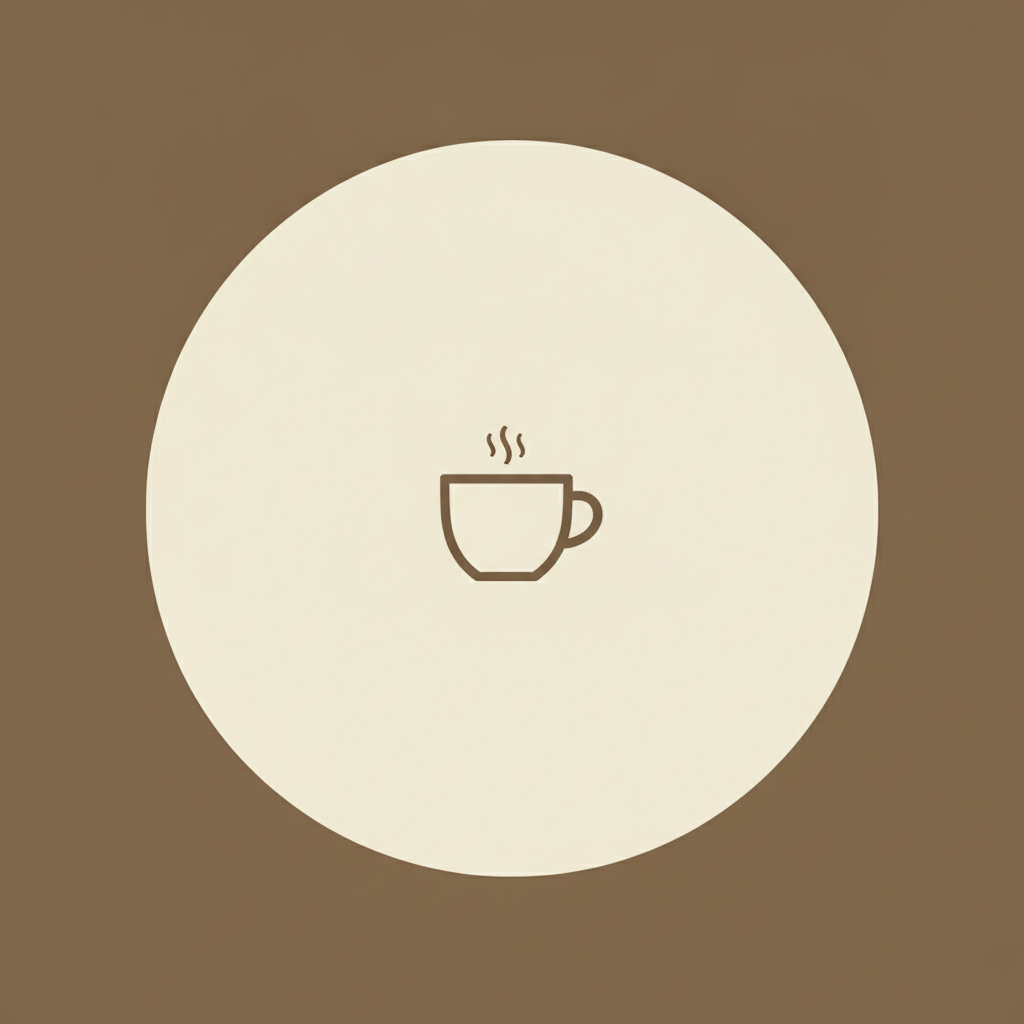
The Circle Is What Shows
Made with GPT Image 2
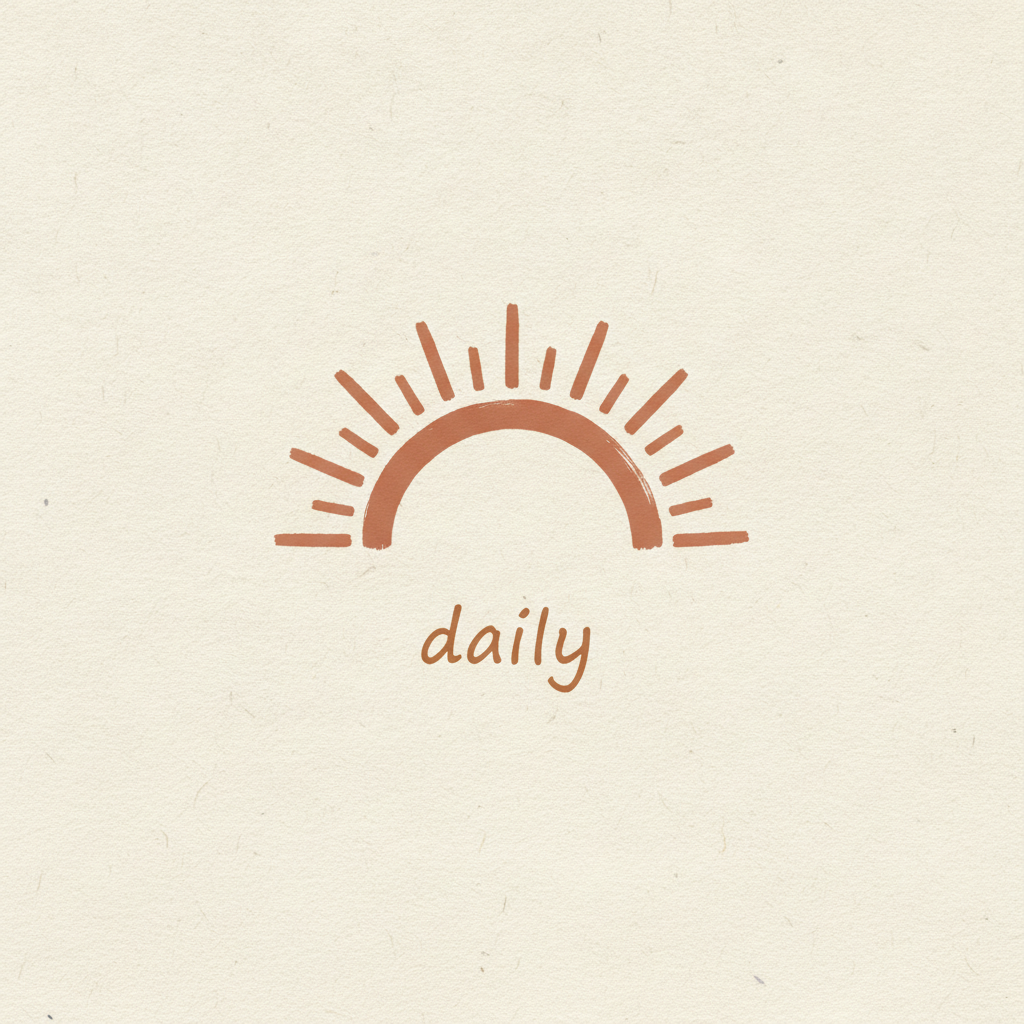
Boho Texture
Made with GPT Image 2
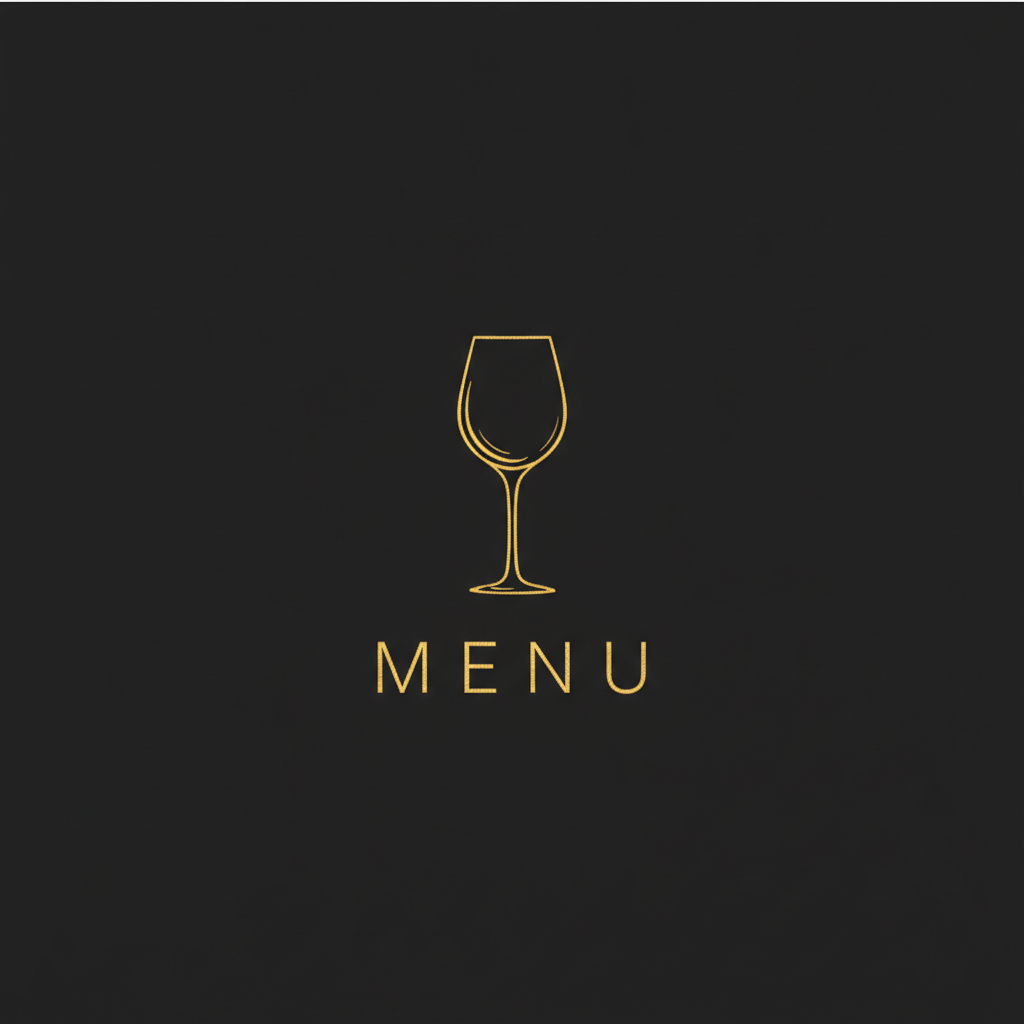
Dark & Gold
Made with GPT Image 2
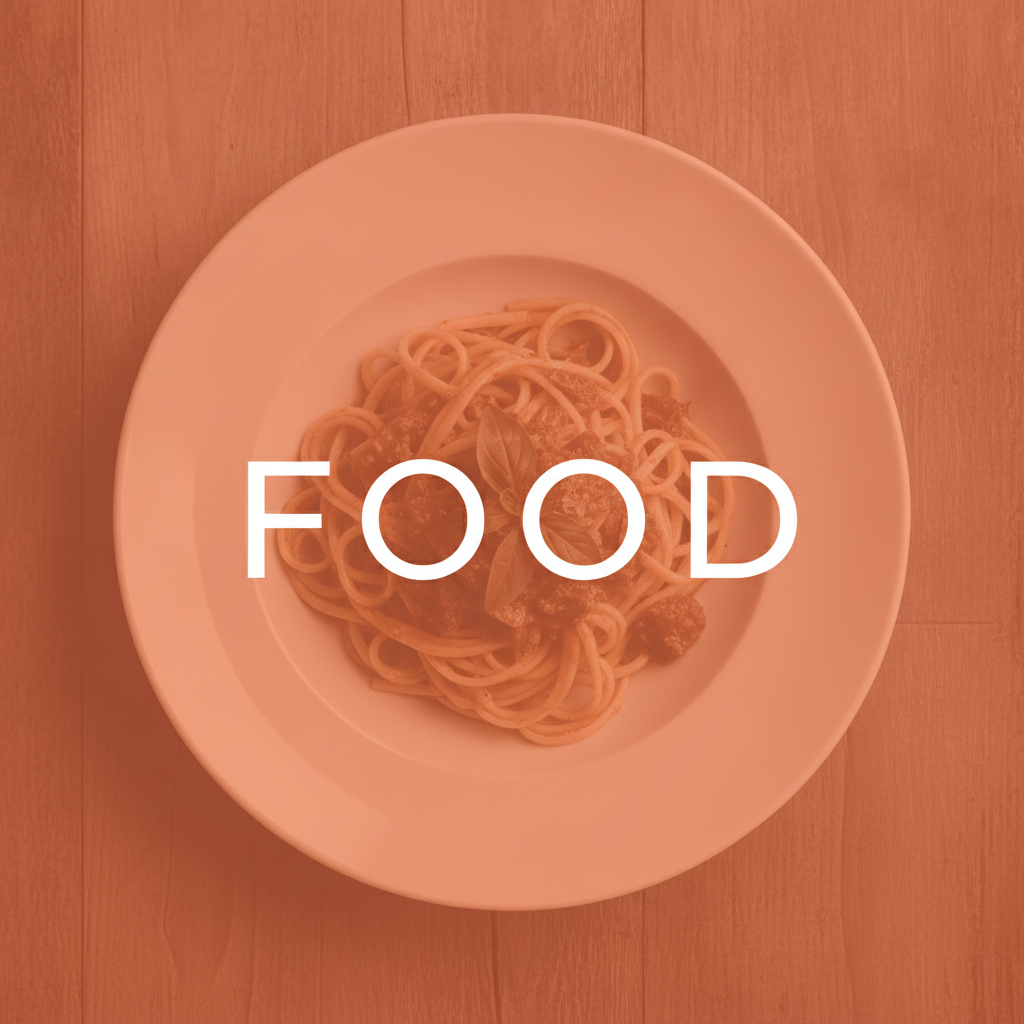
Duotone Photo — and a Word Set Too Wide
Made with GPT Image 2
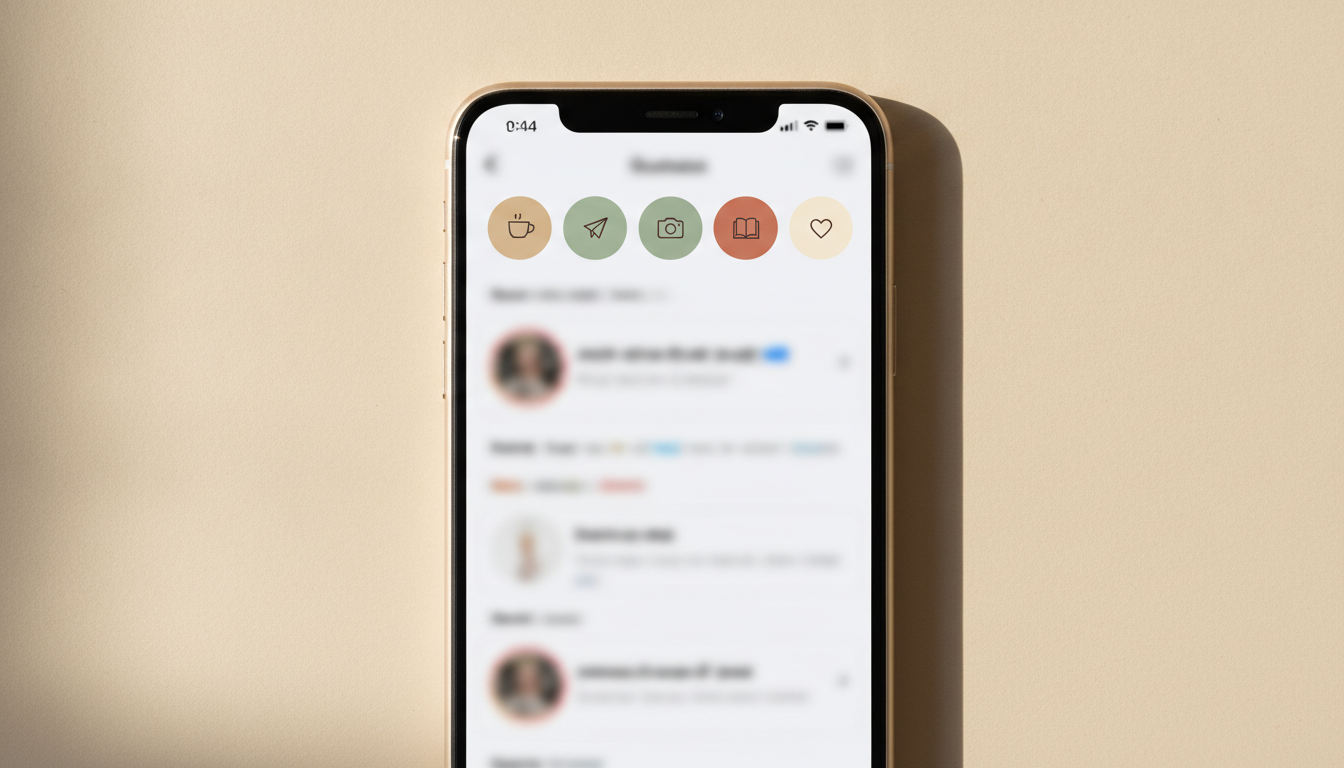
A Matching Set, In Place
Made with GPT Image 2
Three Things to Know Before You Build a Set
The corners get cut. Instagram inscribes a circle in your square, so roughly a fifth of the image never appears and anything near an edge is gone. Every preset here already centres the subject, but if you write your own description, say “centred with wide margins”. It displays tiny. A cover is about 110 pixels across on a phone, so one icon and one short word is not a stylistic preference, it is the whole design brief — fine detail and long labels turn to mush. And it is a flat image, not a template. No transparency, no layers, no font to swap, and because covers are generated one at a time the background tone can drift a shade between runs. Naming the colour in your description on every cover keeps a set in line.
How the AI Instagram Highlight Cover Generator Works
One aesthetic, one word per cover, then straight into the circle
Pick One Aesthetic and Stay On It
The preset fixes the palette, the background and the type treatment. Choosing once and keeping it is what makes the row of circles read as a set.
Name the Icon and the Word
Type what you want in the middle and the single word underneath — "a camera, the word PHOTOS". Repeat with a new icon and word for each cover.
Save, Then Set It as the Cover
Download to your camera roll, press and hold the highlight, choose Edit Cover, pick the image and pinch it into the circle.
Why Use an AI Instagram Highlight Cover Maker
Because the free icon pack you were about to download is already on ten thousand profiles
Designed for the Circle, Not the Square
Every preset centres the subject and leaves a wide margin, because Instagram crops your square to a circle and eats the corners. Art that ignores that arrives on your profile decapitated.
The Category Word Comes Out Readable
TRAVEL, MENU, FAQ, REVIEWS. Short words render cleanly here, which is the one thing generic image tools still get wrong — and a cover with a misspelled label is worse than no label.
Built for Sets, Not Single Covers
Nobody needs one highlight cover. Stay on one preset, change only the icon and the word, and six matching covers take about ninety seconds in total.
Six Aesthetics That Actually Differ
Minimal line icon, boho texture, dark and gold, duotone photo, bold type only and pastel gradient. Different palettes and different logic, not six shades of beige.
Honest About What It Cannot Do
No transparency, no editable file, and background tones can drift a shade between runs. All three are stated plainly here, with the workaround, before you build a set on top of them.
Free, No Sign Up, No Watermark
Nothing stamped on the download and no account needed. Try a palette against your grid before deciding whether it works, not after.
Who Uses It
Anyone whose profile has a row of grey circles on it right now
Creators Tidying a Profile
The main use. Six matching circles in your own palette is the cheapest thing you can do to make a profile look considered, and it takes one sitting rather than one evening.
Small Businesses
Menu, Hours, Reviews, Delivery, FAQ. Those five covers do more practical work than a bio link, and the labels have to be readable, which is exactly what this handles.
Social Media Managers
A different palette per client, generated to brief rather than hunted for in an icon pack, and rebuilt in minutes when a client changes their colours again.
Photographers & Shops
The duotone preset pulls a real photograph into a single brand tone, so covers made from your own work still sit together as a set instead of clashing.
AI Instagram Highlight Cover Generator FAQ
Sizes, the circular crop, matching sets, spelling, and what you cannot get back
Free AI Instagram Highlight Cover Generator — Covers Nobody Else Is Using
Highlight covers are the smallest design decision on a profile and one of the most visible. They sit directly under the bio, they are the first structured thing a new visitor sees, and a row of default grey circles pulled from whatever story happened to be first reads as an account nobody is tending. The standard fix is a free icon pack, which solves the tidiness problem and creates a sameness problem: the same beige aeroplane, the same thin coffee cup, on ten thousand other profiles that downloaded the same zip. An AI Instagram highlight cover generator changes that calculation. You describe the aesthetic and the category, and fifteen seconds later there is a cover made for your palette and your word that exists nowhere else — and because each one takes fifteen seconds, a set of six is a single sitting rather than a project.
What makes this Instagram highlight cover maker worth using rather than a general image tool is that it is built around the two constraints the format actually imposes. The first is the crop: Instagram inscribes a circle in whatever square you give it, so the corners are cut and about a fifth of your image is never seen. Every preset here centres its subject and leaves a wide margin for that reason, which is why the covers survive the circle instead of arriving with the top of an icon sliced off. The second is the size. A cover renders at roughly 110 pixels across on a phone, which means fine detail vanishes and long labels are unreadable, so the right design is one icon and one short word — and that short word has to be spelled correctly, which is the thing image generators have historically been worst at. GPT Image 2 renders short words like TRAVEL, MENU and REVIEWS cleanly, and that single capability is the reason a generated cover can carry a label at all.
Two limits deserve stating as plainly as the strengths. First, what comes back is a flat square image: no transparency, no vector, no layers, no font to swap. For highlight covers that is usually irrelevant, because a cover is a solid circle with one thing in the middle and there is nothing to edit — but if you wanted a transparent icon to layer over your own photograph, generate it on plain white and knock the background out afterwards instead. Second, covers are generated one at a time, so the background tone can drift a shade between runs rather than matching to the exact hex value. In a row of small circles that is usually invisible; when it is not, name the colour explicitly on every cover — “warm sand beige background” on all six — and they line up. If you genuinely need pixel-identical backgrounds across twenty covers, one master design in an editor is the right instrument and this is not.
The rest of the profile has its own tools here. The AI profile picture maker handles the avatar that sits above the highlight row, and the AI social media content creator covers the posts and carousels that fill the grid beneath it. For other platforms, the AI YouTube banner maker and the AI Twitch emote generator do the same job with different dimensions. If a cover needs reshaping to the full story ratio, the AI image cropper will do it, and the AI background remover will free an icon from its background when you want to place it yourself. For a house style across the whole set before you start, build one with the AI mood board creator. Scroll back up, pick an aesthetic, and name your first category.