
AI Family Portrait Generator
One Photo, Six Portraits
Free AI family portrait generator. Upload the family photo you already have and get back a finished portrait — studio sitting, oil painting, golden hour outdoor, cartoon, holiday card or vintage heirloom — in seconds.
Try the AI Family Portrait Generator — Free
Upload a family photo, pick a portrait style, and download the result in seconds
AI Family Portrait Generator
Upload a family photo and get it back as a finished portrait — new setting, new lighting, same family
Upload a family photo where every face is clearly visible, pick a style, then hit Generate
Tip: give the AI family portrait generator a photo where every face is clearly visible and evenly lit — that single choice does more for likeness than anything else you can control.
AI Family Portrait Examples
Six styles, from a classic studio sitting to a cartoon family on the fridge
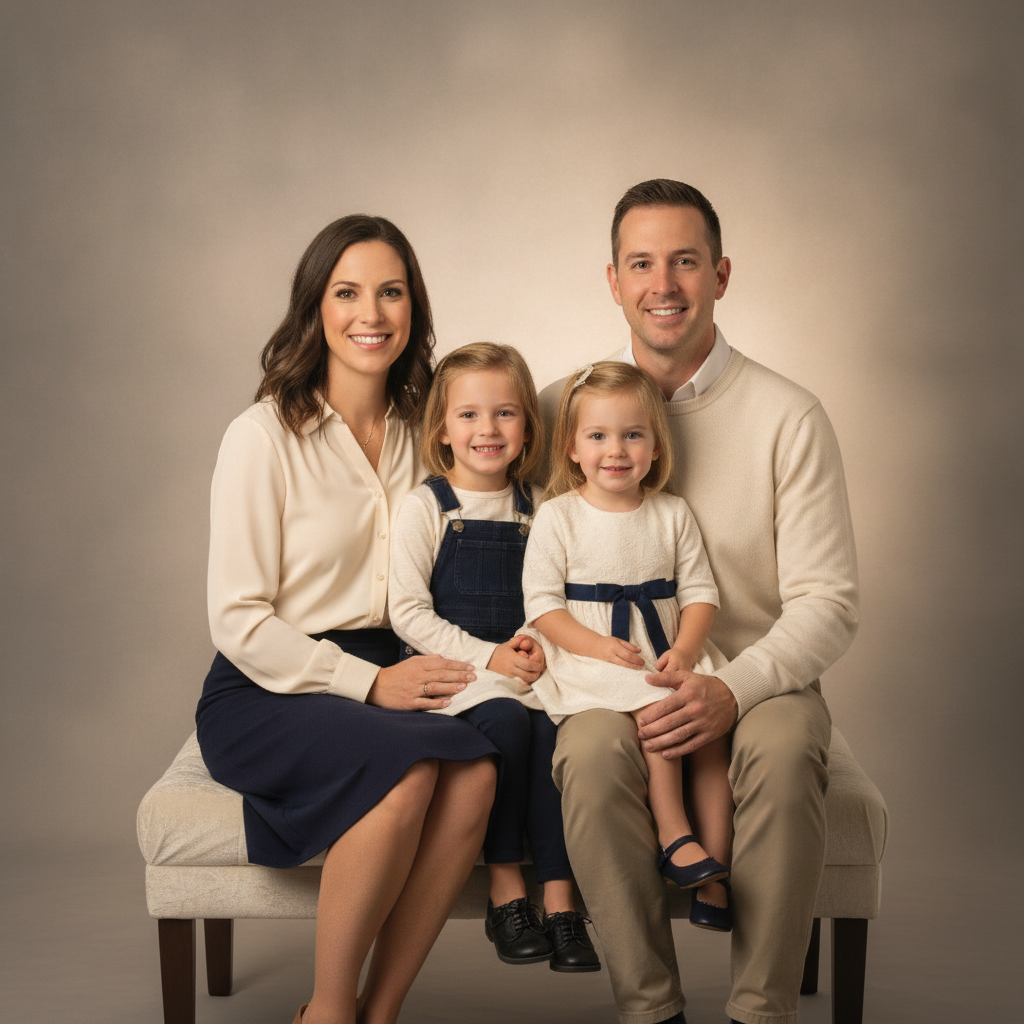
Classic Studio
Made with GPT Image 2
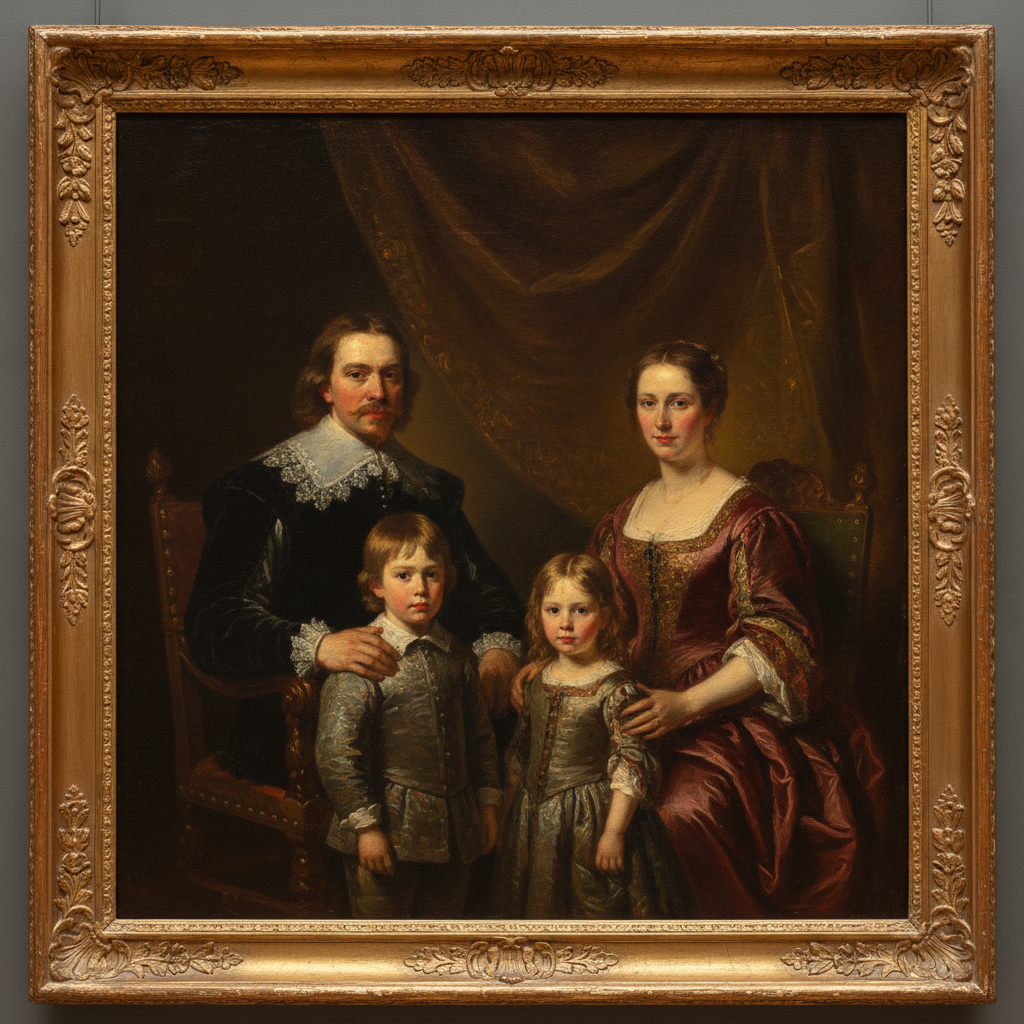
Oil Painting
Made with GPT Image 2
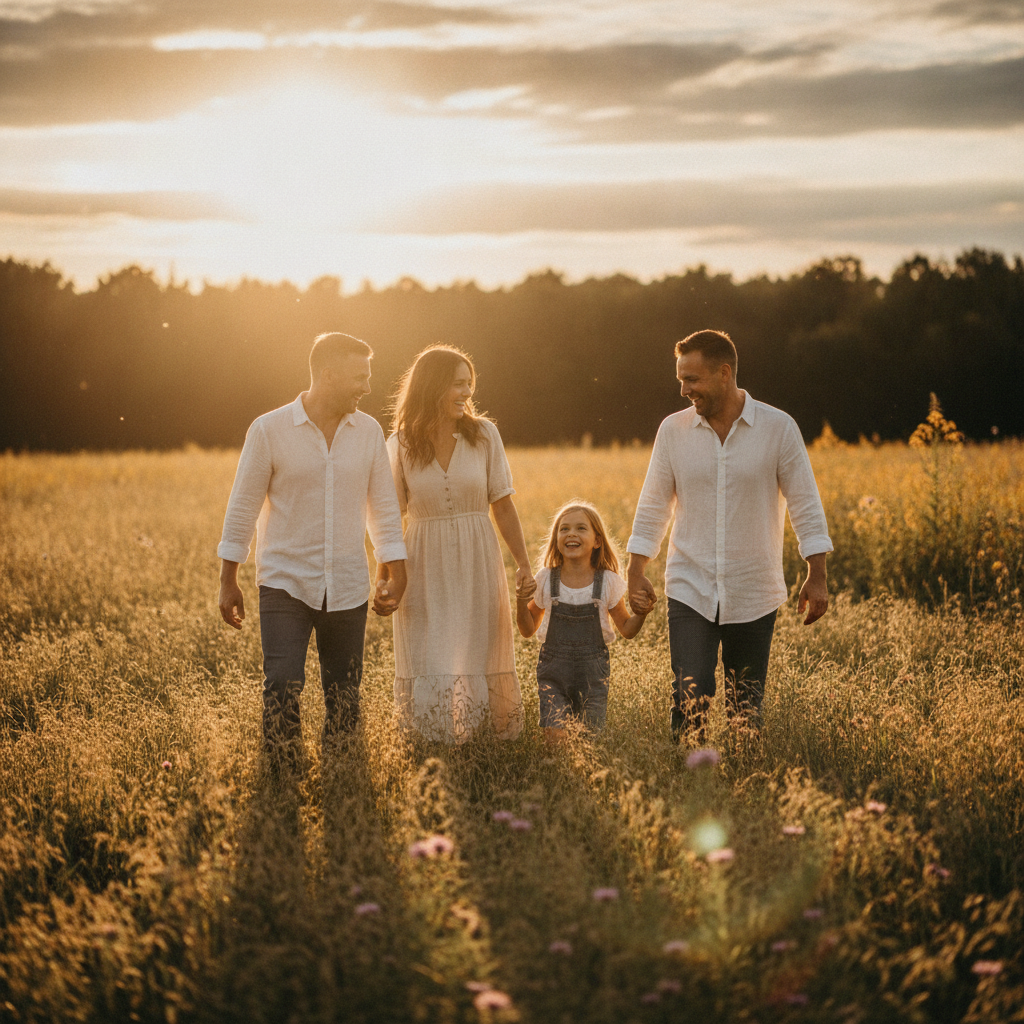
Golden Hour Outdoor
Made with GPT Image 2
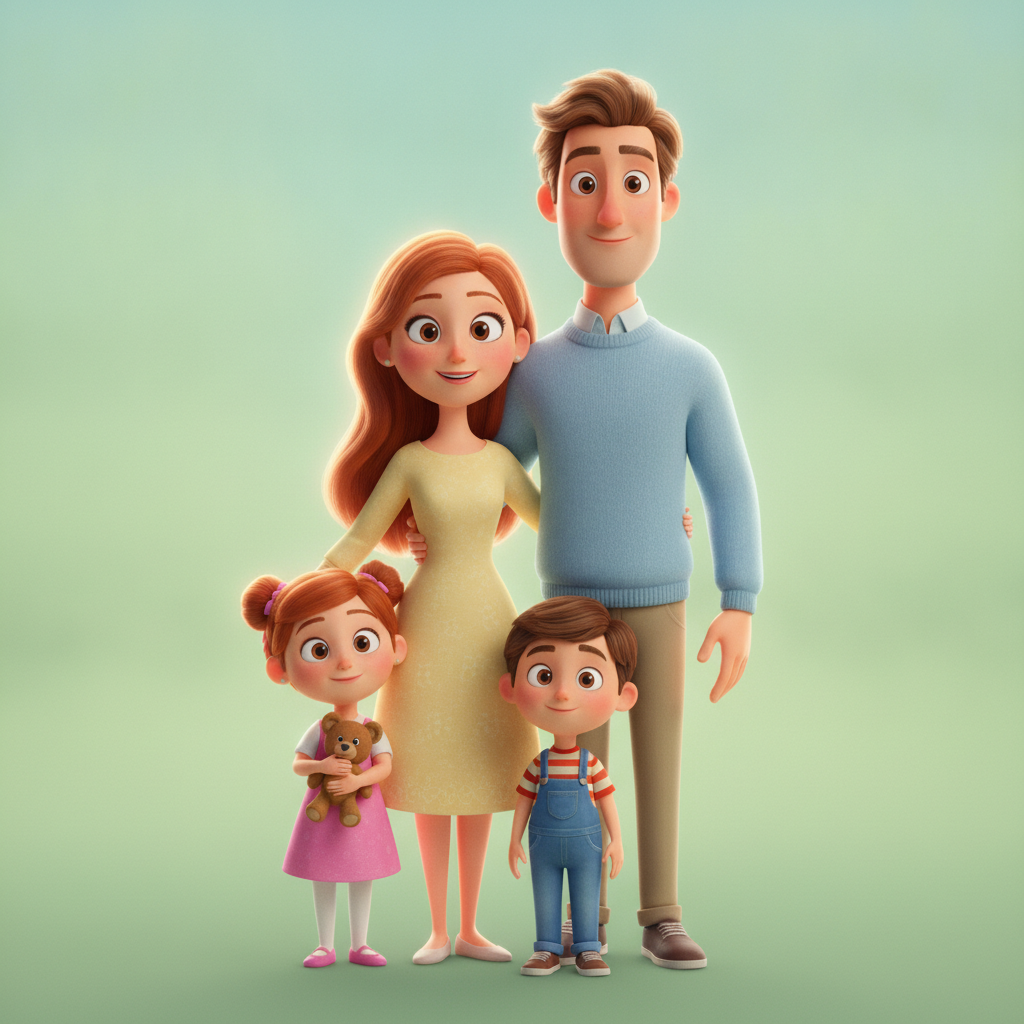
Animated Cartoon
Made with GPT Image 2
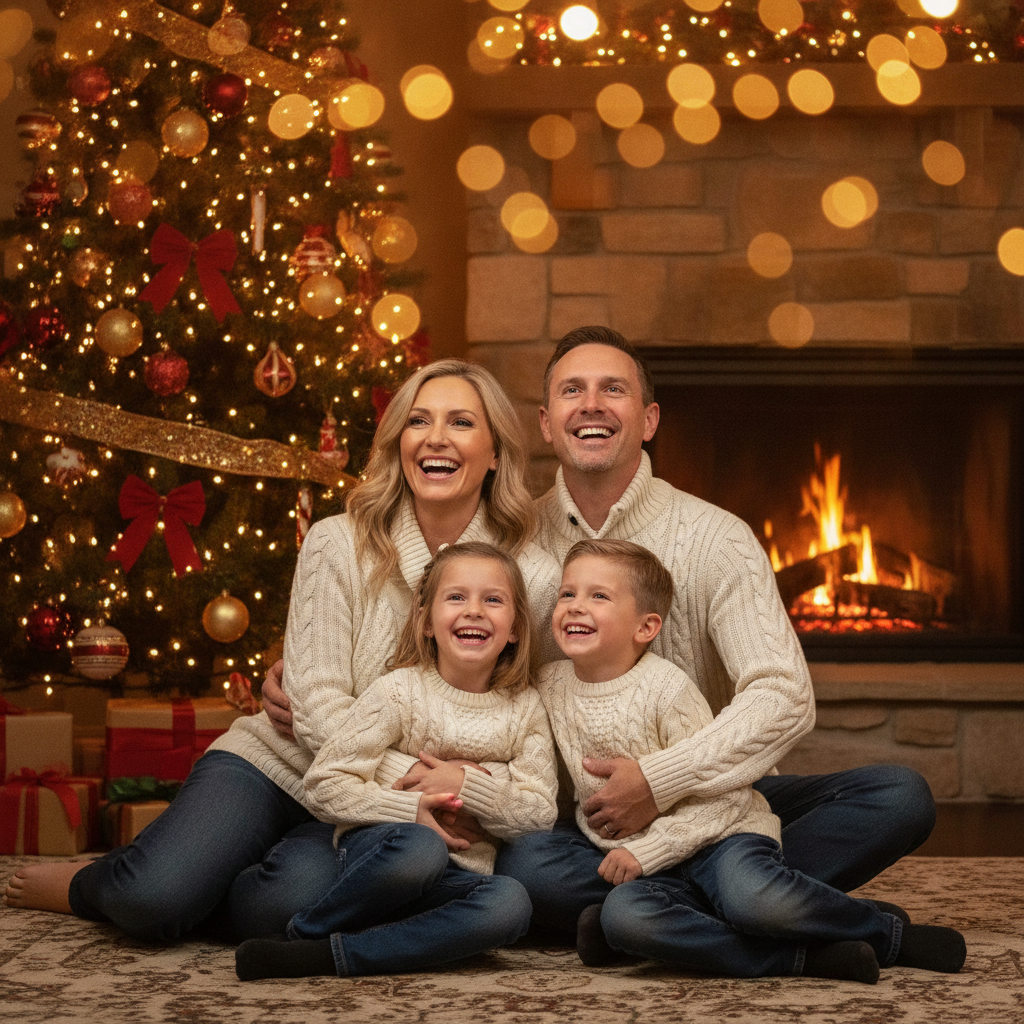
Holiday Card
Made with GPT Image 2
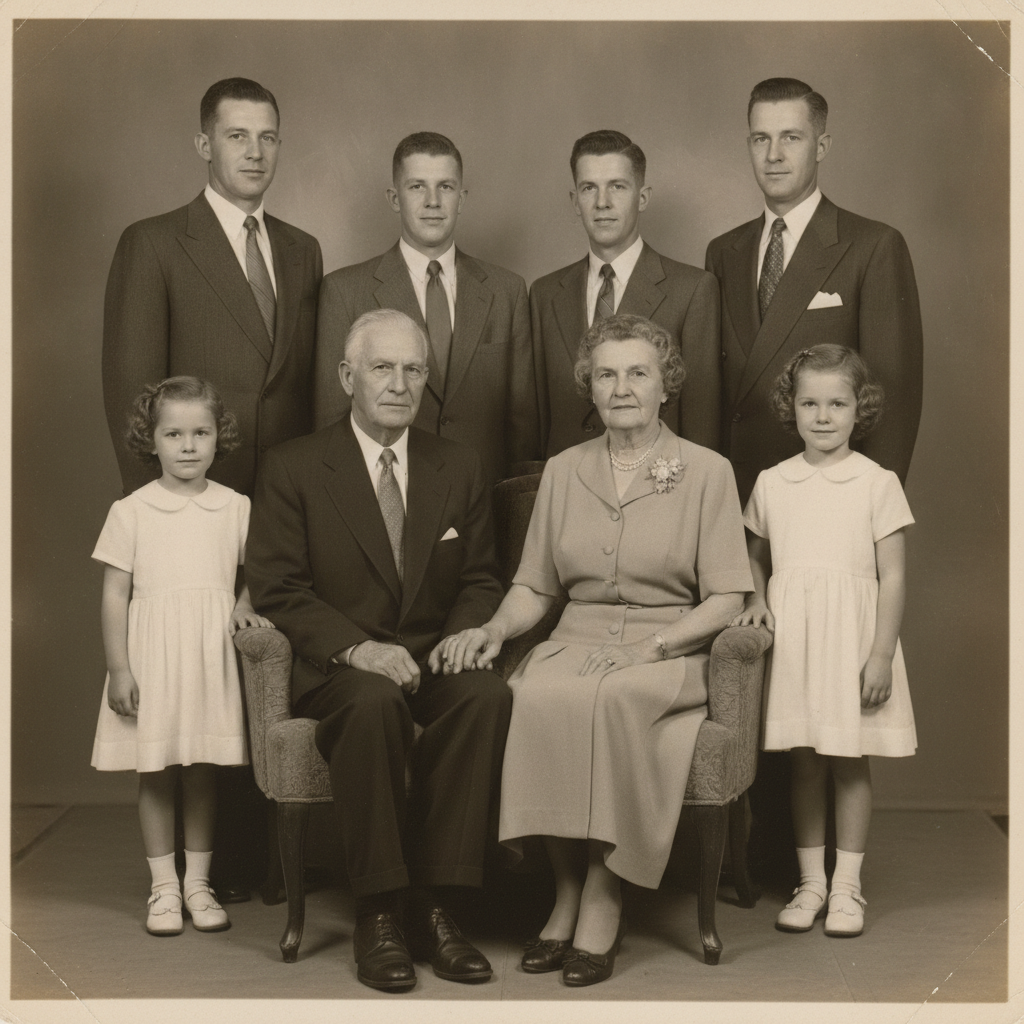
Vintage Heirloom
Made with GPT Image 2
How the AI Family Portrait Generator Works
Upload a family photo, pick a style, download the portrait
Upload a Family Photo
Pick one where every face is clearly visible and evenly lit. Everyone facing roughly towards the camera matters far more than the photo being a good one.
Choose a Portrait Style
Studio, oil painting, golden hour outdoor, cartoon, holiday or vintage — each sets the pose, backdrop, lighting and finish.
Generate & Download
Get the portrait in seconds, download it without a watermark, and run the next style while the first one is already on its way to the print shop.
Why Use an AI Family Portrait Generator
Because getting everyone in one room, dressed and smiling is the hard part
Six Portrait Styles
Classic studio, heirloom oil painting, golden hour outdoor, animated cartoon, holiday card and vintage black and white — each a full art-direction brief.
Keeps Your Family
Upload one photo and everyone in it carries through — face, hair and colouring intact while the setting, wardrobe and lighting are rebuilt around them.
No Studio Booking
A family sitting is a Saturday morning, a car full of outfits and a few hundred dollars. This is a photo you already took and about fifteen seconds.
Made to Give
Grandparents, anniversaries, Christmas cards. The painted and vintage presets are the ones people frame; the cartoon is the one that ends up on the fridge.
Yours to Print & Share
No watermark, no attribution. Print it on canvas, put it on a card, send it to the group chat.
Every Style, Same Photo
One upload runs through all six directions. Try the oil painting and the cartoon before you decide which one goes on the wall.
Who Uses It
Anyone whose last proper family portrait predates the youngest child
Parents
You have four thousand photos and nothing on the wall. Take the one where everyone happens to be looking at the camera and turn it into something worth framing.
Gift Givers
An oil painting of their grandchildren is the anniversary present that lands every time. Generate it in the morning, have it printed on canvas by the weekend.
Holiday Card Senders
Nobody wants a December photoshoot. The holiday preset puts the family you photographed in August in front of a fireplace in time for the cards.
Reunions & Milestones
Big birthdays, anniversaries, the summer everyone was finally in the same place. The vintage preset makes a modern group photo feel like it has always been on the mantelpiece.
AI Family Portrait Generator FAQ
Likeness, group size, printing and using photos of your children
Free AI Family Portrait Generator for Studio, Painted, Holiday and Vintage Portraits
Almost every family has the same gap: thousands of photos on a phone and nothing on the wall. The reason is never sentiment, it is logistics — a proper family sitting means finding a Saturday everyone is free, coordinating outfits nobody hates, driving to a studio and paying a few hundred dollars for twenty minutes of asking a four-year-old to look at the lens. An AI family portrait generator removes every one of those steps. You upload a photo you already took, pick a direction, and about fifteen seconds later you have a finished portrait of the same people in a setting that was designed rather than stumbled into.
The six presets cover the styles families actually ask for. Classic studio is the formal one — warm graduated backdrop, soft butterfly lighting, coordinated neutral wardrobe, the portrait you would have booked. Oil painting turns the group into an heirloom in the manner of a classical master, with real brushwork and chiaroscuro, and it is the preset that most often ends up on canvas because painterly interpretation flatters a photo rather than competing with it. Golden hour outdoor rebuilds the whole thing in a backlit meadow with genuine laughter and shallow depth of field. Animated cartoon stylises everyone into a feature-film family, which is the version that gets a magnet and a spot on the fridge. Holiday card seats you in matching knits in front of a decorated tree, in August if that suits you better. Vintage heirloom renders a black and white multi-generational sitting with silver gelatin grain, so a photo taken last summer feels like it has been on the mantelpiece for fifty years.
Two practical notes will get you a better result than any prompt tweak. First, your source photo decides almost everything: every face should be clearly visible, reasonably large in the frame, evenly lit and turned roughly towards the camera. A slightly awkward photo where everyone is visible beats a beautiful one where a child is looking away. Two to six people is the sweet spot — beyond that, the likeness budget spreads thin and faces at the back of a large group will drift. Second, be realistic about likeness. The overall read of each person carries through well, and the painted and cartoon presets are forgiving by design, but photorealistic styles are the strict test and small details can shift — the exact set of a mouth, glasses frames, freckles. Regeneration is free and every run is independent, so two attempts usually give you one where the faces land. Keep the original photo either way; the portrait is a keepsake, the photo is the record.
The rest of the family album lives next door. Fix a damaged or faded source first with the AI photo restoration tool, bring an old black and white shot to life with the AI photo colorizer, or combine several photos with the AI photo montage maker and the AI photo collage maker. Give the couple their own version with the AI couple generator, add the dog with the AI pet portrait generator, and turn the result into a painted piece with the AI photo to painting or AI oil painting generator. Take the holiday version through to the AI Christmas card generator, try the cartoon route with the AI photo cartoonizer, and before anything goes to canvas run the download through the AI image upscaler. Scroll back up and make your first family portrait free.