
AI Furniture Design Generator
Bespoke Piece Concepts in Seconds
Free AI furniture design generator. Describe a piece and get a lounge chair, a live edge dining table, modular shelving, a designer sketch page, a Japandi sideboard or built-in joinery.
Try the AI Furniture Design Generator — Free
Pick a format, describe the piece, and download the render in seconds
AI Furniture Design Generator
Choose a furniture format and describe your piece — type first, then timber and finish, then base, upholstery and hardware
Tip: name the timber precisely — walnut, white oak, ash, birch ply and rattan all render very differently. Naming a movement like mid century, Shaker or Japandi is the fastest way to fix the proportions and the hardware language.
AI Furniture Design Examples
Six formats, from a first marker sketch to a finished piece in a room
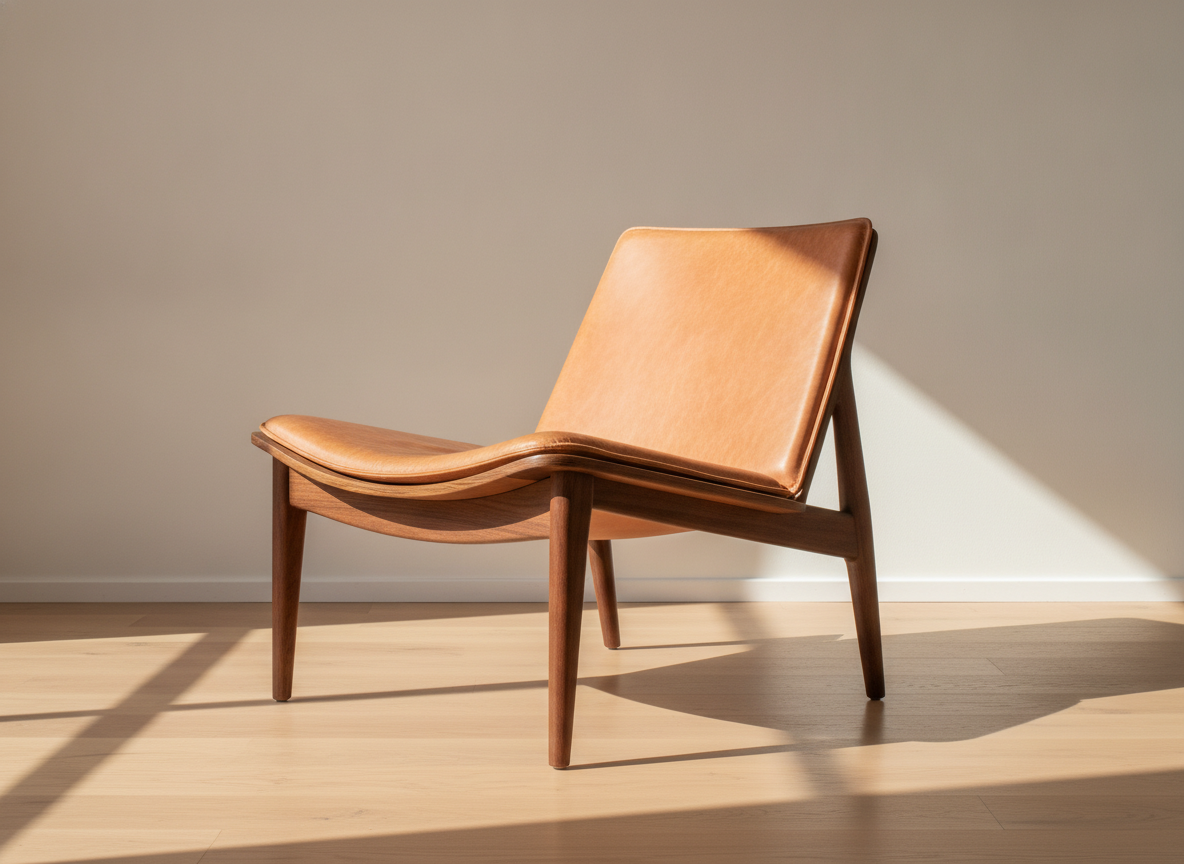
Lounge Chair
Made with GPT Image 2
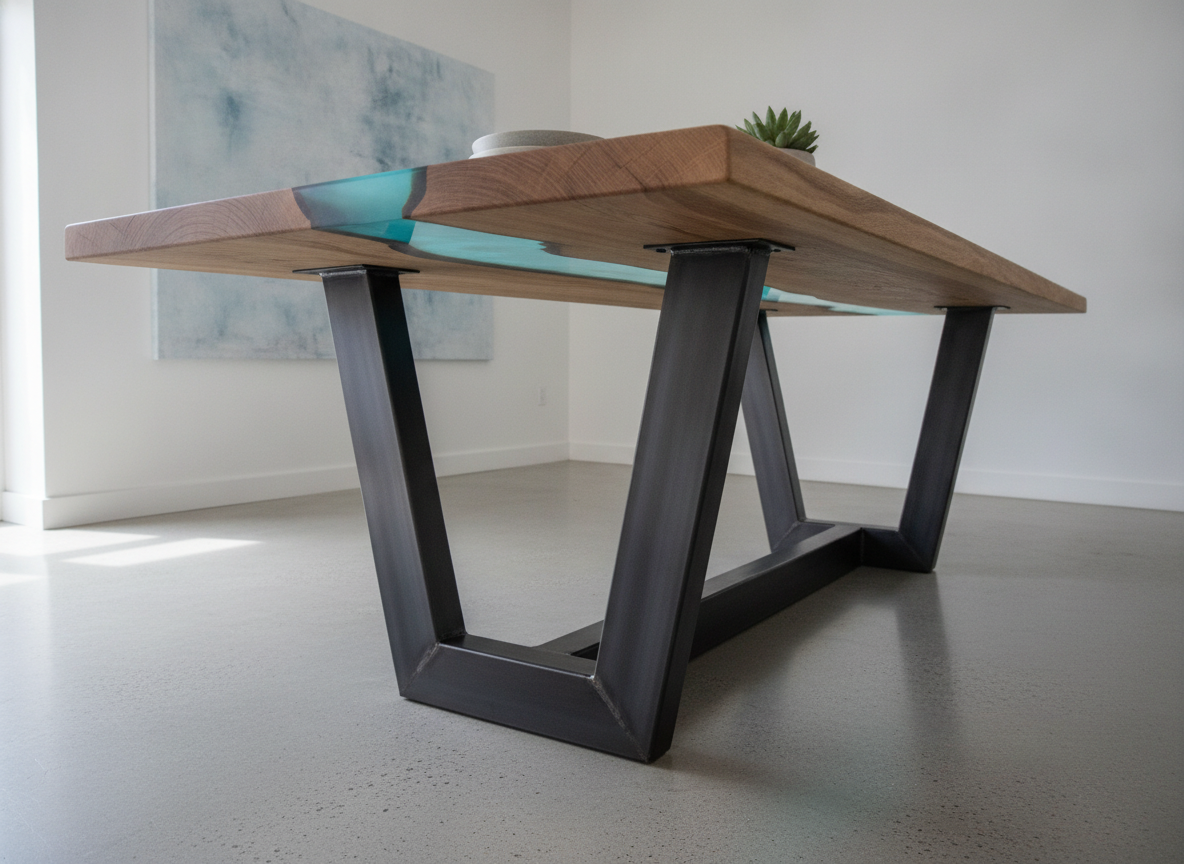
Live Edge Dining Table
Made with GPT Image 2
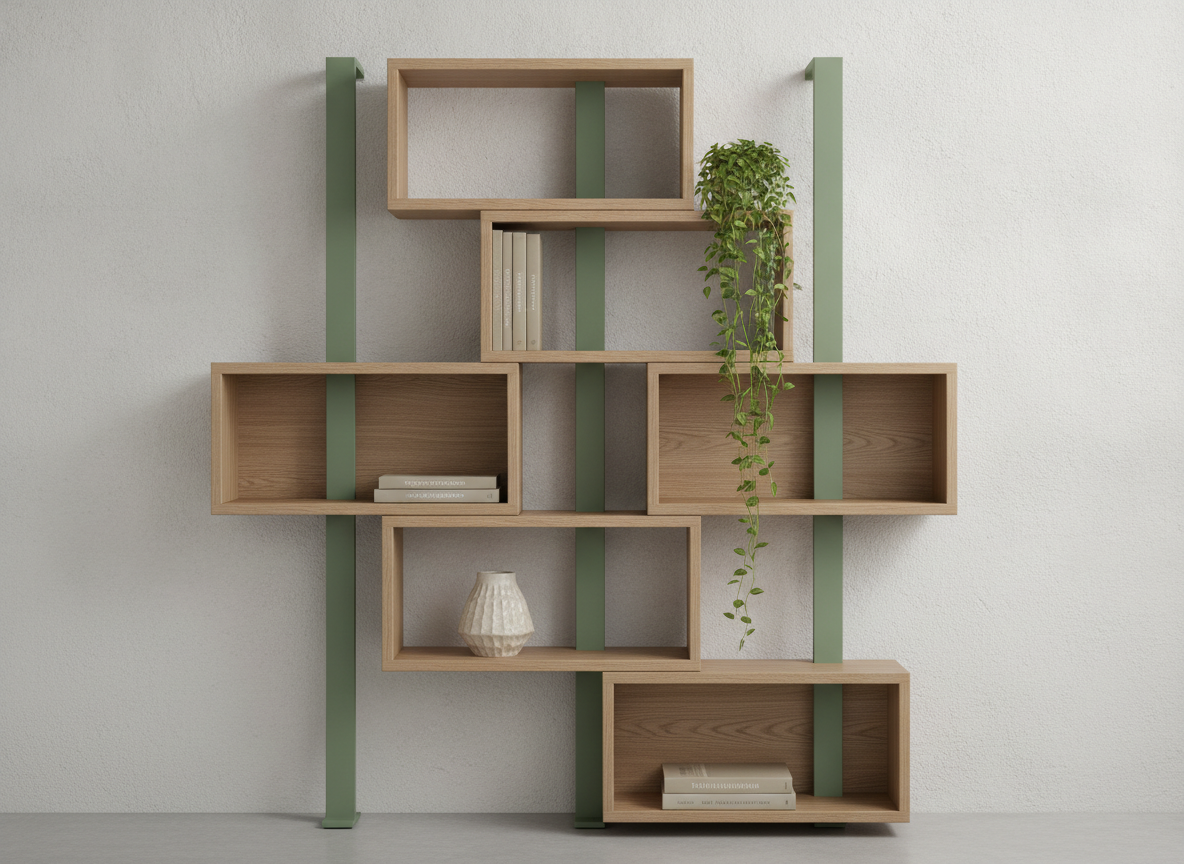
Modular Shelving
Made with GPT Image 2
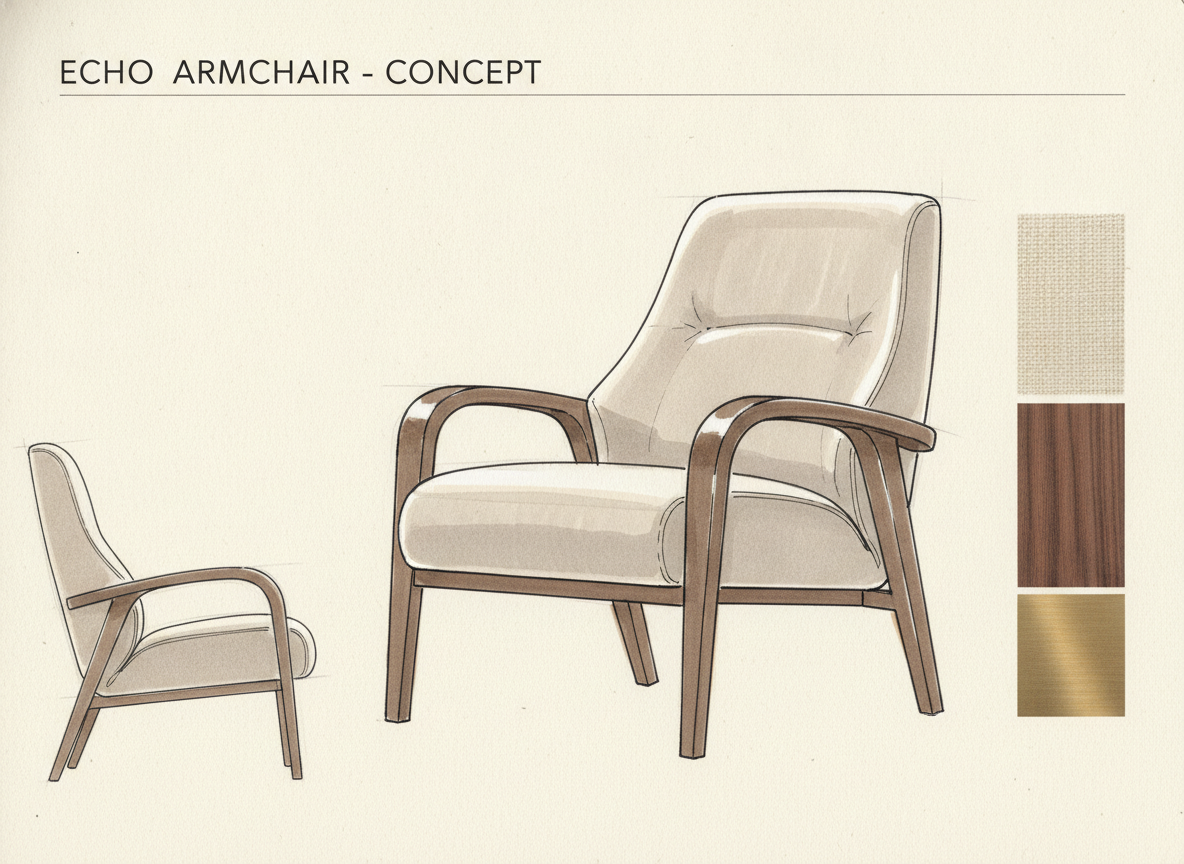
Designer Sketch Page
Made with GPT Image 2
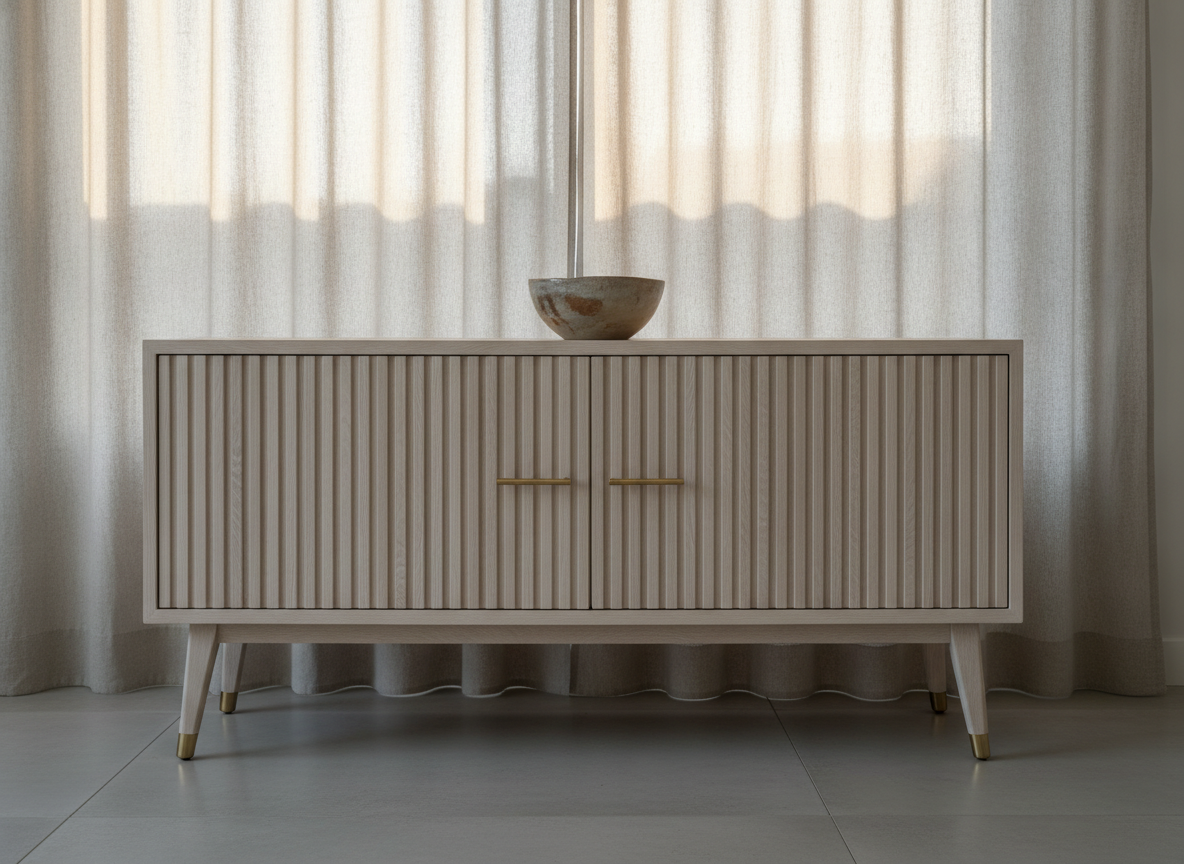
Japandi Sideboard
Made with GPT Image 2
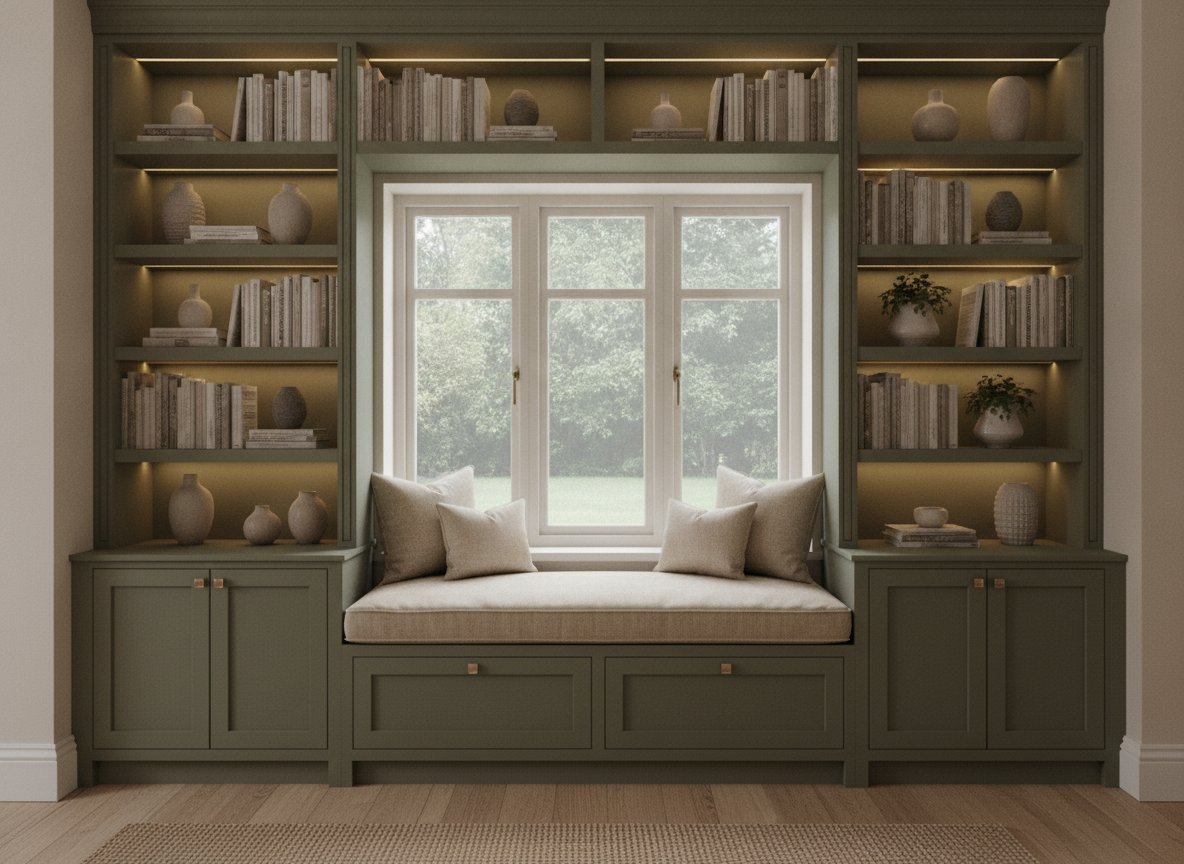
Built-In Joinery
Made with GPT Image 2
These Are Styling Concepts, Not Shop Drawings
Everything on this page is a picture of a piece of furniture, not a document you can build from. There are no dimensions, no joinery details, no load ratings and no cut list behind a render — a shelf span the model draws may sag, a cantilever it draws may not stand, and a joint it draws may be impossible to cut. Hand the image to a joiner or cabinet-maker as design intent, alongside real measured drawings, and expect the proportions to move once actual timber sizes and real load paths are involved. Please also keep protected designer pieces out of it: iconic chairs and lamps are covered by registered designs and, in several countries, copyright — so describe the qualities you like rather than naming the classic.
How the AI Furniture Design Generator Works
Describe the piece, pick the format, iterate until the proportions read right
Describe the Piece
Type first, then timber and finish, then base or frame, then upholstery, hardware and colour. Material words matter more than adjectives here.
Pick a Format
Lounge chair, dining table, shelving, sketch page, sideboard or built-in joinery. Each sets the view, the setting and the lighting for you.
Iterate & Download
Rerun with a slimmer leg, a darker timber or a different door detail until the proportions read right, then download with no watermark.
Why Use an AI Furniture Design Generator
Because the first twenty versions of a piece should cost nothing
Six Furniture Formats
Lounge chair, live edge dining table, modular shelving, designer sketch page, Japandi sideboard and built-in joinery — seating, tables, storage and cabinetry.
Real Sketch Page Look
Ink line work with warm grey marker shading, a side elevation and a material swatch strip down the margin — the way a furniture studio presents a concept.
Timber & Finish That Read
Walnut, white oak, ash, birch ply, rattan, travertine, blackened steel, brass, boucle and linen each render with their own grain, sheen and texture.
Try Every Material Story
Run one sideboard through eight timbers and three hardware finishes, lay them side by side, and settle the argument before anyone buys a board.
Yours Commercially
No watermark, no attribution. Use the renders in client proposals, portfolios and workshop briefs — just keep protected designer pieces out of them.
Iterate at Sketch Speed
A dozen leg tapers in the time one hand render used to take. The exploration phase of a bespoke build is supposed to be cheap, and this makes it cheap.
Who Uses It
Anyone who has to show a piece before the timber is cut
Woodworkers & Makers
Settle the look before you settle the joinery. Try four leg profiles, two edge treatments and three timbers in an evening, pick the one that reads right, and only then sit down to work out the real dimensions and the cut list.
Homeowners Briefing a Joiner
Describing built-in shelving over the phone rarely works. Generate the alcove cabinetry you have in your head — door style, colour, shelf rhythm — and hand the joiner a picture to quote against, then let them tell you what the room and the timber will actually allow.
Furniture & Product Students
A crit board wants range: a sketch page, a material study, a hero render. Generate the exploration quickly, choose the two directions worth developing, and spend your workshop time on the prototype and the measured drawing that will actually be marked.
Small Studios Pitching Bespoke
A commission is won on the picture, not the paragraph. Show a client three credible directions for their dining table in the first meeting, agree the language, and put the drawing hours into the one you are being paid to build.
AI Furniture Design Generator FAQ
Materials, views, licensing and where a concept render stops
Free AI Furniture Design Generator — From Marker Sketch to Finished Piece
Furniture design has always started on paper. A maker fills a sketchbook with leg profiles and edge details before touching a board, and the point of that phase is that one more idea should cost nothing. An AI furniture design generator drops the price of one more idea to about fifteen seconds, which is why it has landed hardest with the people who sketch the most: woodworkers planning a build, homeowners trying to describe built-ins to a joiner, furniture and product design students filling a crit board, and small studios pitching a bespoke commission they have not been paid for yet.
The six formats here map to different moments in that process rather than to six decorating styles. The designer sketch page is the front of the funnel — ink and warm grey marker on cream paper, a side elevation beside the three quarter view, a swatch strip down the margin, which is how a studio actually presents a concept. The lounge chair is the proportion study, where a walnut frame and a low slung leather seat let you judge the stance of a piece. The live edge dining table is the material study: a thick slab with real grain and a resin filled crack on a blackened steel base, the render that tells you whether a timber-and-metal story holds together. The modular shelving is the rhythm study, shot straight on because that is the only view in which shelf spacing and asymmetry can be judged honestly. The Japandi sideboard is the detail study, where fluted slats, brass pulls and a leg taper are the whole idea. And the built-in joinery format is the one piece that has to sit in a room, because alcove cabinetry and a window seat are defined by the wall they belong to.
Prompting furniture well is a matter of ordering the description from the object outward and choosing material words with care. Name the piece type first, then the timber and finish, then the base or frame, then upholstery and hardware, then the colour story, and last of all the room and the light. Material is doing most of the work: walnut, white oak, ash, birch ply, rattan, travertine, powder coated steel, blackened steel, boucle and linen render with completely different grain, sheen and texture, so “pale white oak with fluted slat doors and brass pulls” will beat “nice wooden cabinet” every time. Naming a movement — mid century, Shaker, Japandi, Brutalist, Art Deco — is the quickest way to lock proportions and hardware language in one word. Choose the view deliberately too: three quarter flatters, straight-on elevation is where you judge proportion and division, and a low angle exaggerates mass. Then remember what you are holding. A render carries no dimensions, no joinery, no load ratings and no cut list, and the model cannot tell a shelf that spans safely from one that will sag. Take the styling from the image and take every number from a maker or a measured drawing.
A single piece rarely lives alone, so the neighbouring tools carry the work onward. Place it in a whole room with the AI interior design tool, fill an empty property with the AI virtual staging tool, set the plan out with the AI floor plan generator, and design the building around it with the AI architectural design tool. Take the same language outside with the AI garden design generator, gather your direction on a board with the AI mood board creator, and turn a workshop sketch into a render with AI sketch to image. Develop upholstery prints with the AI pattern generator, explore the form in the round with the AI 3D image generator, and shoot the finished piece for a listing with the AI product mockup generator. Brand the studio with the AI logo generator, prepare the presentation board with the AI vector art generator and the AI image upscaler. Scroll back up and render your first piece free.