
AI Vision Board Generator
A Printable Board With Words You Can Actually Read
Free vision board maker for the year ahead. Photo grids, big year headers and affirmation word tiles, laid out and finished in about fifteen seconds — no magazines, no glue stick, no gibberish lettering.
Try the AI Vision Board Generator — Free
Pick a layout, then swap in your own scenes, your own words and two colour names
AI Vision Board Generator
Start from a layout below, then replace the scenes with the ones you actually mean. Name two or three colours and keep any words to one to three capitals — that is where the lettering stays sharp.
Tip: before you print, trace the grid tile by tile and name each one out loud — collage generations sometimes solve the same tile twice, and it is much easier to catch on screen than on paper. Going on the wall at poster size? Run it through the AI image upscaler first.
AI Vision Board Examples
Six boards generated in one pass — including two that show the flaw worth checking for
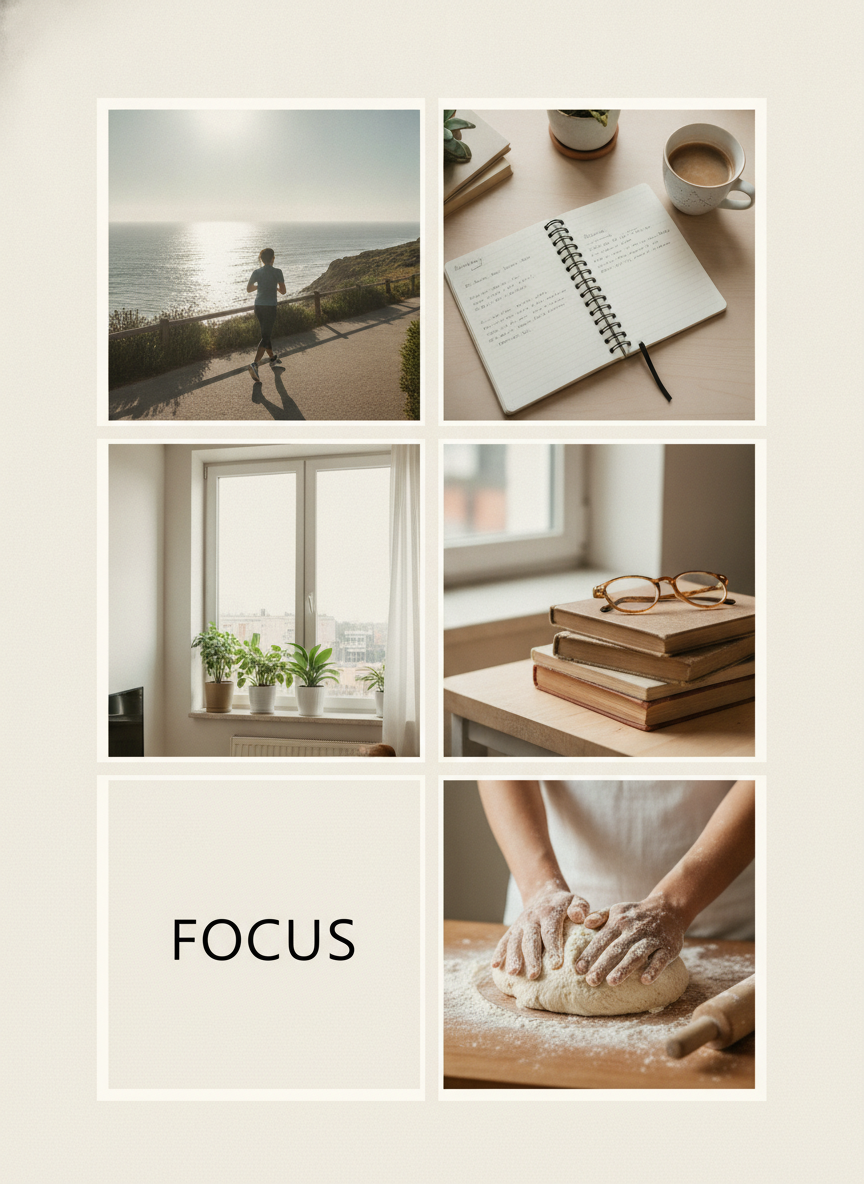
Classic Photo Grid
Made with GPT Image 2
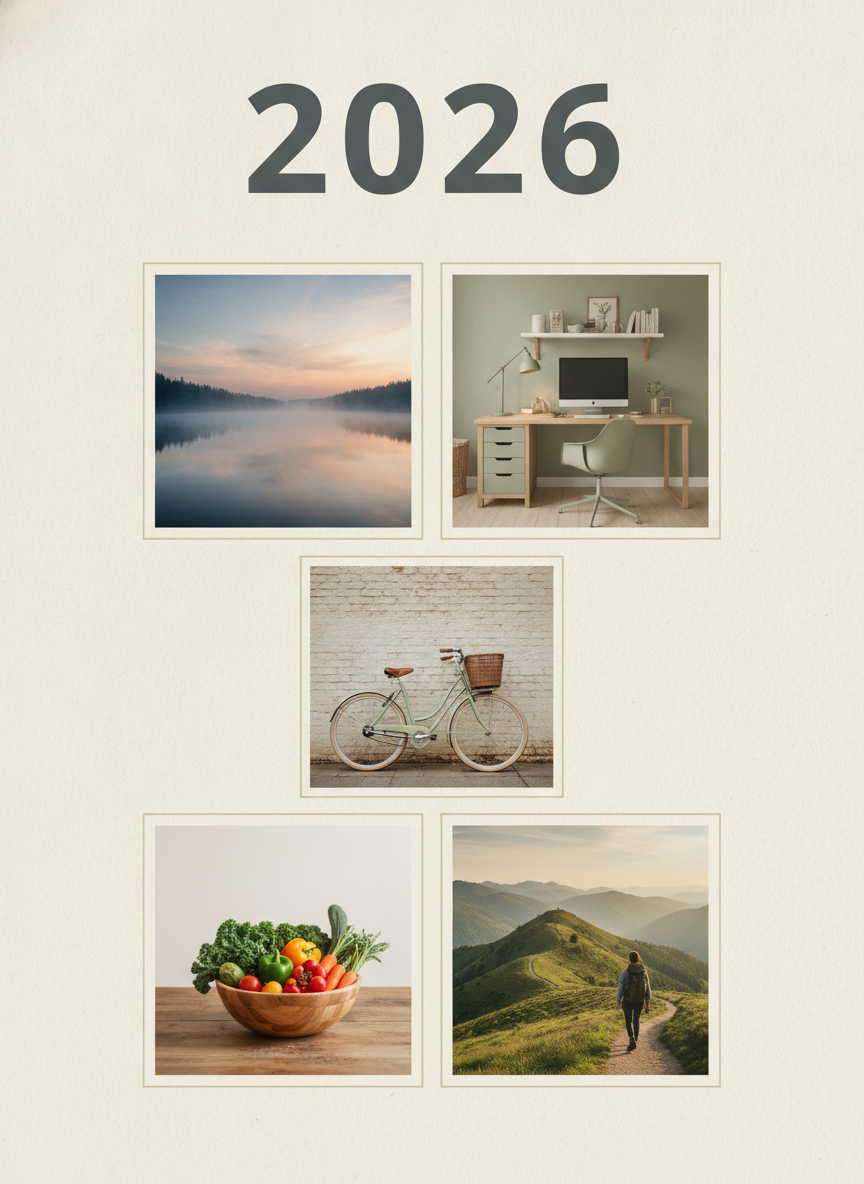
2026 Year Header
Made with GPT Image 2
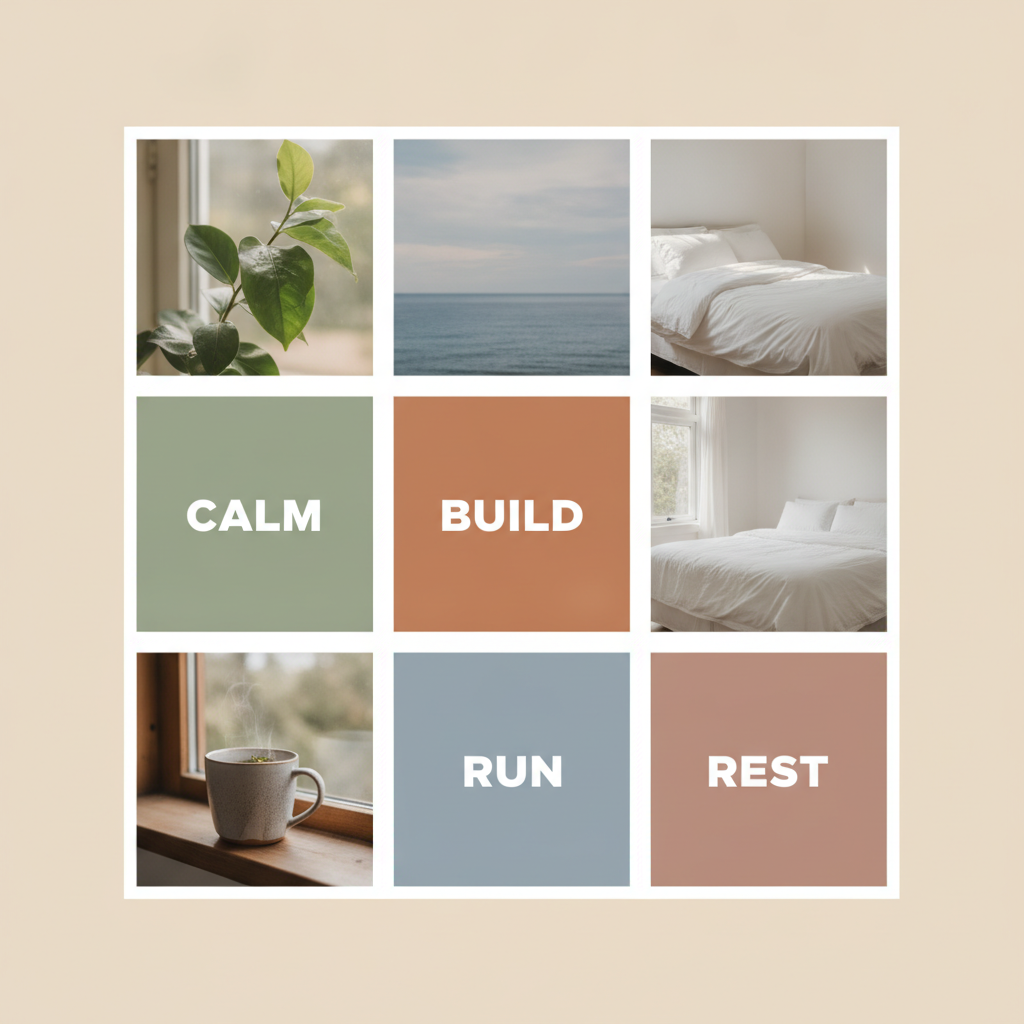
Word Tiles — Read Every Letter
Made with GPT Image 2
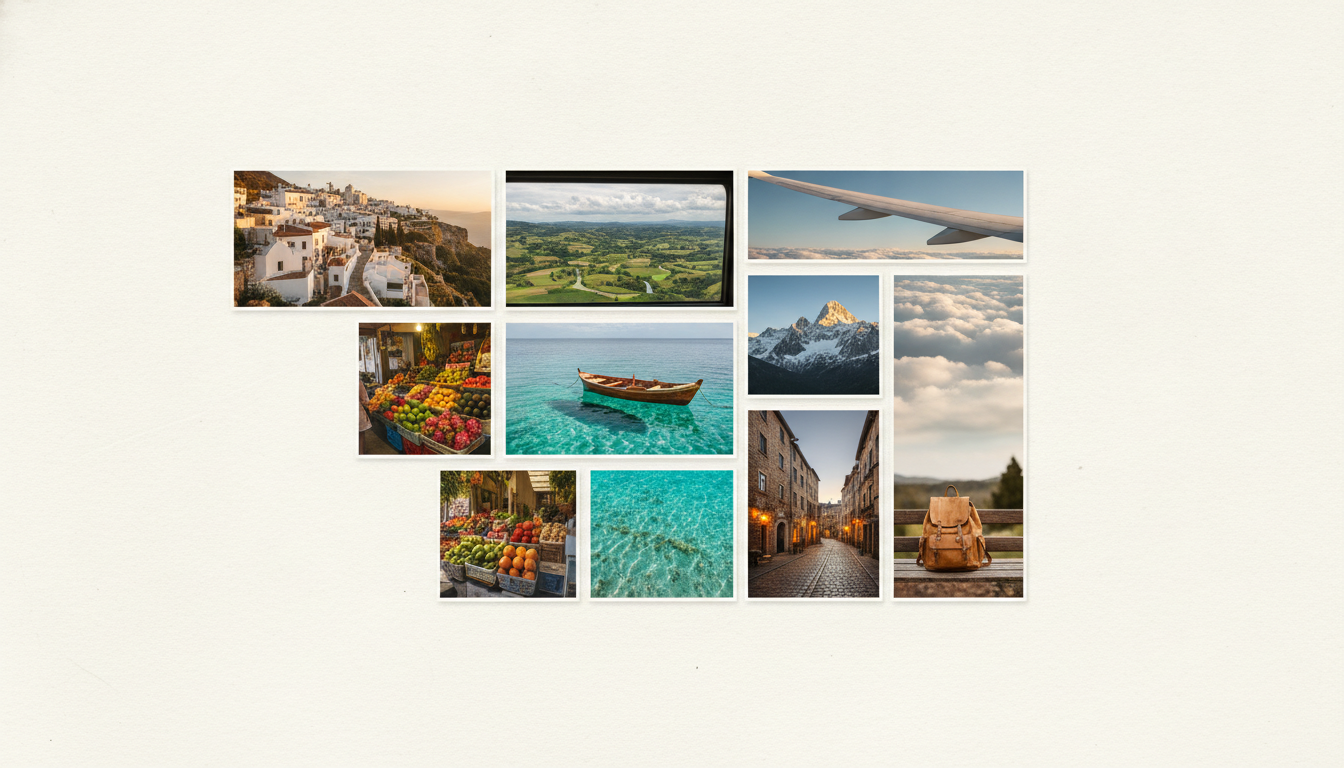
Travel Board — Spot the Repeat
Made with GPT Image 2
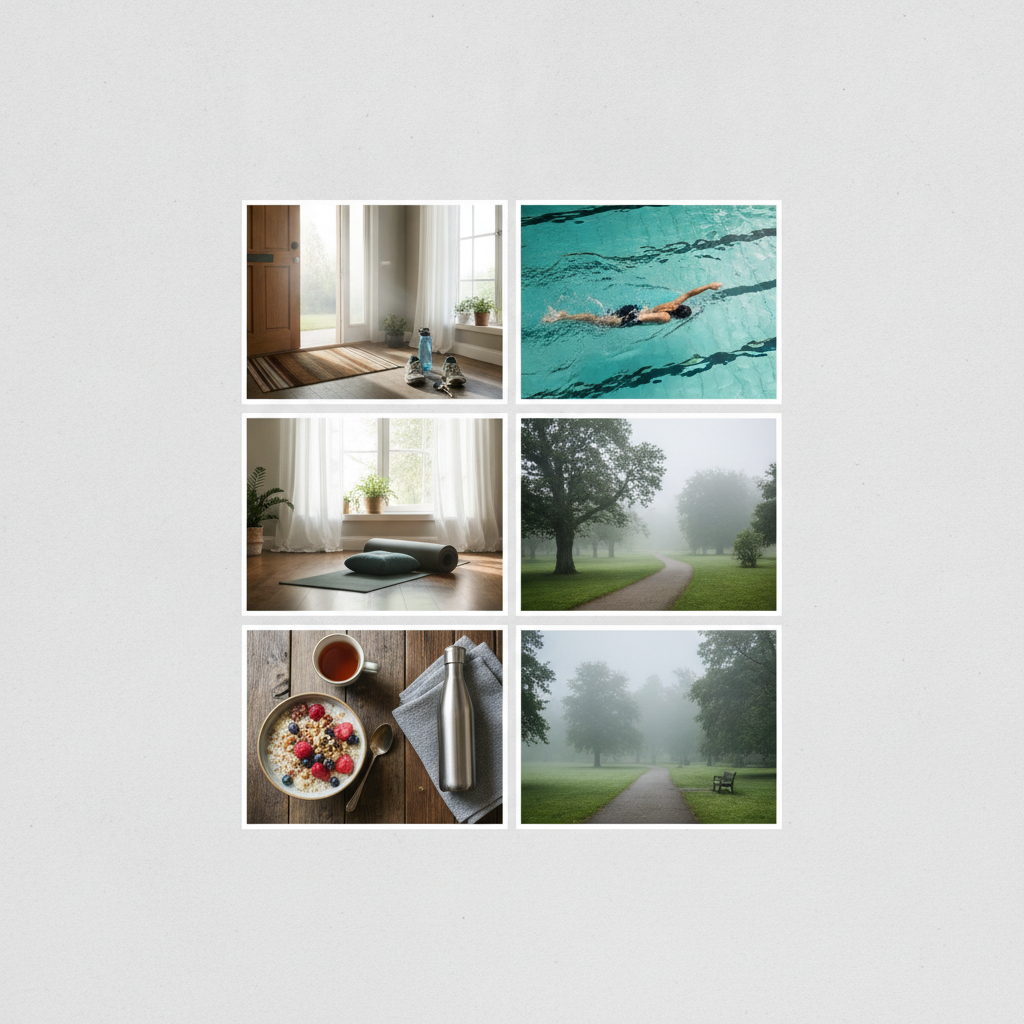
Movement & Routine
Made with GPT Image 2
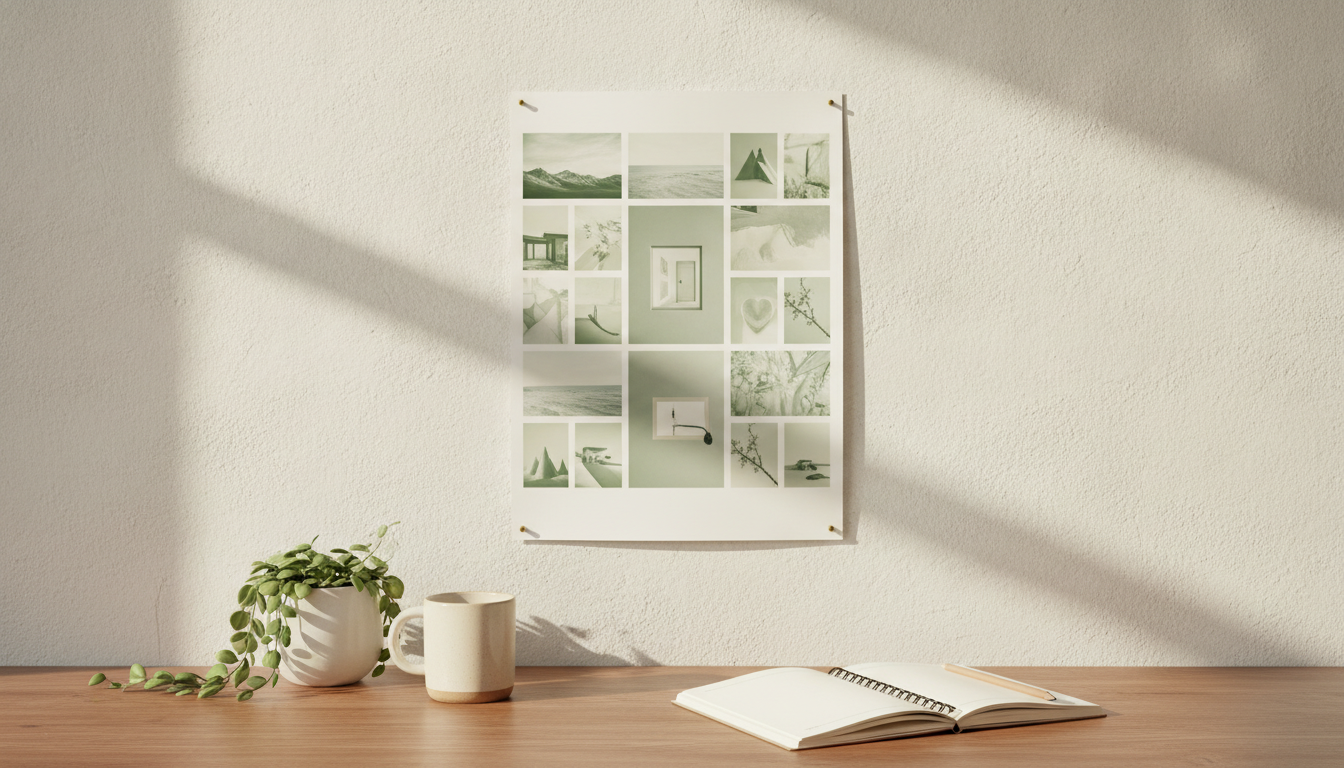
Printed and On the Wall
Made with GPT Image 2
Two Things This Vision Board Maker Will Not Do
It is not an editable collage. You get one finished board image, so you cannot import six of your own photographs as tiles or drag a tile after the fact — if your real house, your real family or the exact car is the whole point, build it in the AI photo collage maker instead, or pin a few printed photos around a generated board. And long text will drift. One to three short capitalised words per tile render cleanly; a full affirmation sentence is where the letters start to slide. Neither of these is a reason not to use it — they are just the two things worth knowing before you print.
How the AI Vision Board Generator Works
Name concrete scenes, keep the words short, check the grid before it goes on the wall
Name the Areas, Not the Vibe
Four to six concrete scenes — a coastal run, a studio with a window, a lake at sunrise — plus two or three colour names. Specific beats aspirational.
Add Two or Three Short Words
Capitals, one to three words, and put them in their own tiles. That is the range where the lettering stays crisp instead of drifting.
Trace the Grid, Then Print
Check every tile for a repeat and read every letter. Then print it matte, pin it where you will see it at breakfast, or set it as your wallpaper.
Why Use an AI Vision Board Maker
Because the evening you lose to magazines and a glue stick is the reason most boards never get made
Lettering That Actually Renders
FOCUS, CALM, BUILD, 2026 — short words and year headers come out sharp and correctly spelled, which is exactly where most AI image tools fall apart on a board.
Laid Out, Not Just Generated
You get a composed grid with even gutters and a coherent palette, not six loose images you then have to arrange yourself in something else.
Portrait and Print-Ready
Generated portrait 3:4 so it drops onto A4, Letter or an 8x10 frame with only a small trim — the shape a board is actually printed at, not a square you have to crop down.
Built for the January Reset
Year headers, quarterly boards and birthday resets. Make one in fifteen seconds instead of losing an evening to magazines and a glue stick.
Honest About Its Limits
It makes a flat board image, not an editable collage of your own photos — and it can repeat a tile. Both are stated plainly here, with the fix.
Free, No Watermark
Nothing stamped across the download, no sign up to try it. Run six boards, pick the one you want to look at every morning.
Who Makes One
Anyone who has ever written a list of goals in January and never looked at it again
The New Year Reset
The classic use, and the one the year header layout exists for. A board above the desk keeps the January intentions visible in March, which is the month they usually quietly disappear.
Vision Board Parties
Six friends, one afternoon. Everyone describes their own tiles and walks out with a printed board instead of half a collage and a pile of cut-up magazines nobody wants to tidy.
Students & Quarter Planners
Exam terms and quarterly goals do not run on the calendar year. A twelve-week board with three concrete scenes and one word beats a wall of sticky notes.
Couples & Households
A shared board is a surprisingly good way to find out you were both quietly planning different years. Generate one together, argue about the tiles, print the version you agree on.
Vision Board Generator FAQ
Lettering, print sizes, your own photos, mood boards, trademarks and repeated tiles
Free AI Vision Board Generator — A Printable Board in Fifteen Seconds
The reason most vision boards never get made is not a lack of intent, it is the evening. Finding a photograph of the specific thing you mean — not luxury in general, but a small pottery studio with light from one window — is the part that stalls, and a stack of magazines will never contain it. An AI vision board generator removes that step entirely: you describe the tile and the tile gets made. What you get back is a laid-out board with even gutters and a single coherent palette, not six loose images you would then have to arrange somewhere else, and it takes about fifteen seconds rather than an evening. That changes what a board is for. When one costs you a quarter of a minute, you stop treating it as an annual ceremony and start making a fresh one each quarter, or one for a single project, or three variations to see which you actually want to look at.
The specific thing that makes this vision board maker work is lettering. A board almost always needs words — a year across the top, or three short ones you want in front of you at breakfast — and words are exactly where most AI image tools produce a smear of pseudo-letters that ruins the print. GPT Image 2 sets short text cleanly, and every example above was generated in a single pass: FOCUS, CALM, BUILD, RUN, REST and a 2026 header, all correctly spelled with even spacing. The honest boundary is worth stating as plainly as the strength. One to three short capitalised words in their own tile is the reliable range. A whole affirmation sentence, a very long word, or eight separate labels competing in one board will start to drift. Small incidental text inside a photograph — handwriting in an open notebook, a spine on a book — is decorative squiggle rather than real words, which you can see in the first example if you look closely. So write few words, keep them short, and read every character before it goes to the printer.
Two other things are worth knowing before you commit paper to it. First, this makes a flat finished image, not a layered collage, so you cannot import your own photographs as tiles or move a tile after the fact. If your actual house, your actual family or a specific real object is the point of the board, assemble it in a collage tool instead, or pin a couple of printed photos around a generated board — that hybrid is what most people end up with anyway. Second, collage-style generation sometimes solves the same tile twice; our own travel example has two market stalls and two turquoise-water shots, and the movement example has two misty park paths. We left them in rather than quietly regenerating, because the check takes thirty seconds and nobody else in this niche mentions it: trace the grid tile by tile, name each one out loud, and if two match, either name the duplicate differently in your prompt or ask for fewer tiles. Six deliberate tiles beat nine with a repeat. On sizing, the tool here is fixed to portrait 3:4 because that is what a printed board wants — A4, Letter or an 8x10 frame with a small trim. For a square frame or a phone lock screen, crop that 3:4 board rather than fighting it, and upscale before any large poster print. Print matte if you can — a board on the wall catches glare all day.
One last note on what goes on it. Brand logos, car badges and recognisable faces are trademarks and publicity rights held by other people; our licence covers the image we generate for you and cannot grant rights in someone else’s marks. Above your own desk that is academic, but printable vision board kits are a real thing to sell, and a sold product is a different risk category from a print in your bedroom — the feeling of the thing you want almost always makes a better tile than a logo of it anyway. If you are planning a brand, a wedding aesthetic or a shoot rather than a year, the AI mood board creator is the right tool for that job. Otherwise, build the rest of the set here: the AI photo collage maker and AI photo montage maker for boards built from your own pictures, the AI quote image generator and AI typography generator when the words are the whole piece, the AI image cropper for a phone lock screen, the AI image upscaler for poster prints, and the AI wall art generator, AI poster maker and AI wallpaper generator for everything else that ends up on the wall or the screen. Scroll back up and make your first board free.