
AI Wall Art Generator
Art Sized for Your Actual Wall
Free AI wall art generator for printable wall art. Describe the room and get the piece — abstract neutral, botanical line art, misty landscape, vintage plate or a matching set of three.
Try the AI Wall Art Generator — Free
Pick a style, swap the colours for the ones already in your room, and generate the print
AI Wall Art Generator
Choose a style below, then replace the named colours with the two or three already in your room. Generate at the ratio of the frame you own, and upscale before printing anything larger than 8×10.
Tip: keep no text anywhere in the prompt. Lettering that comes out slightly wrong is invisible on a phone and unbearable at 40cm on a wall — for typographic prints use the AI quote image generator instead.
AI Wall Art Generator Examples
Five prints and a room preview — the styles that hang well rather than the ones that scroll well
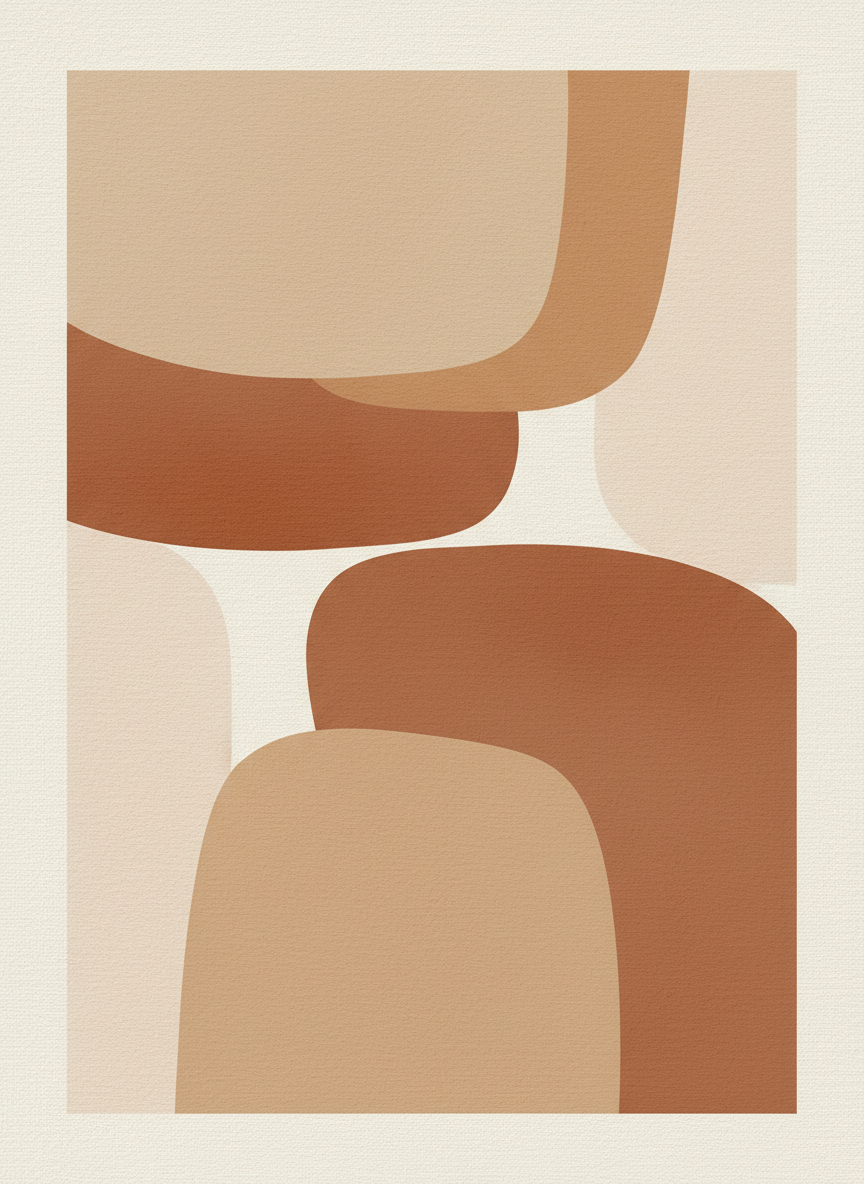
Abstract Neutral
Made with GPT Image 2
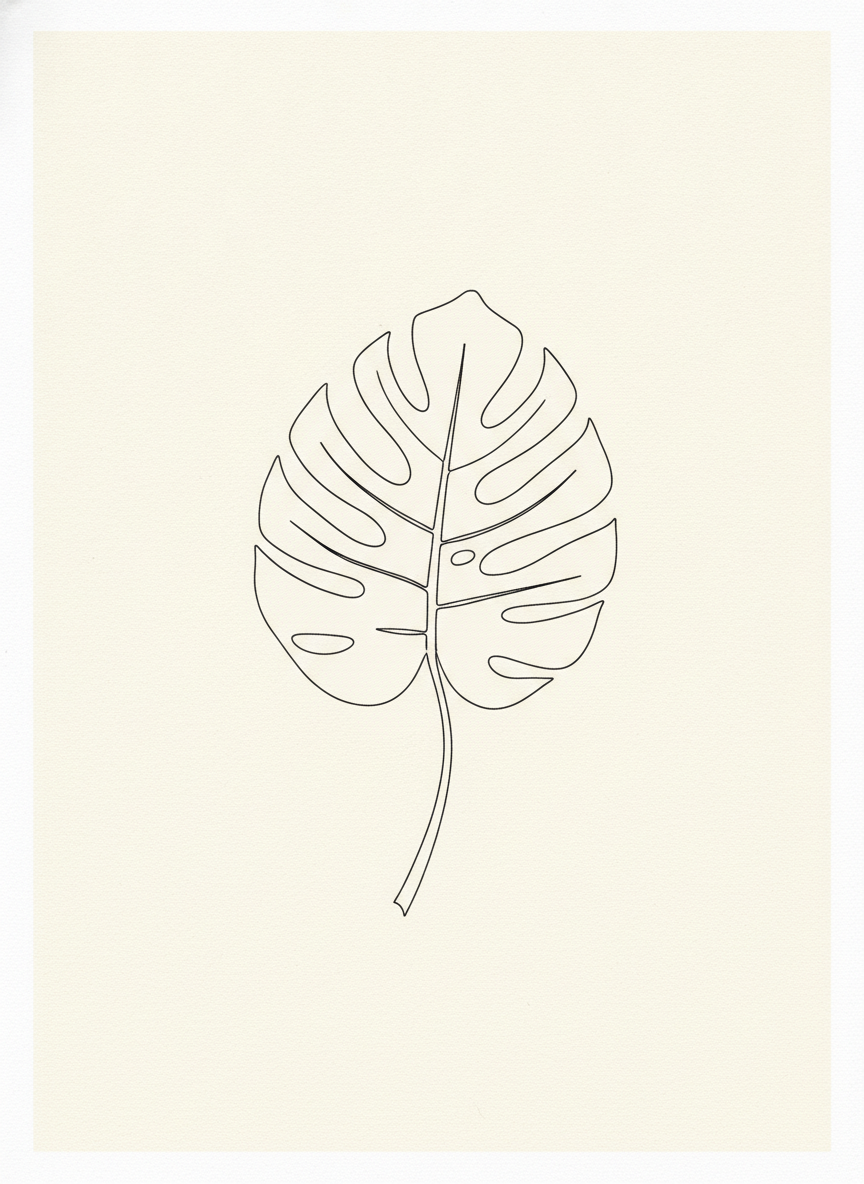
Botanical Line Art
Made with GPT Image 2
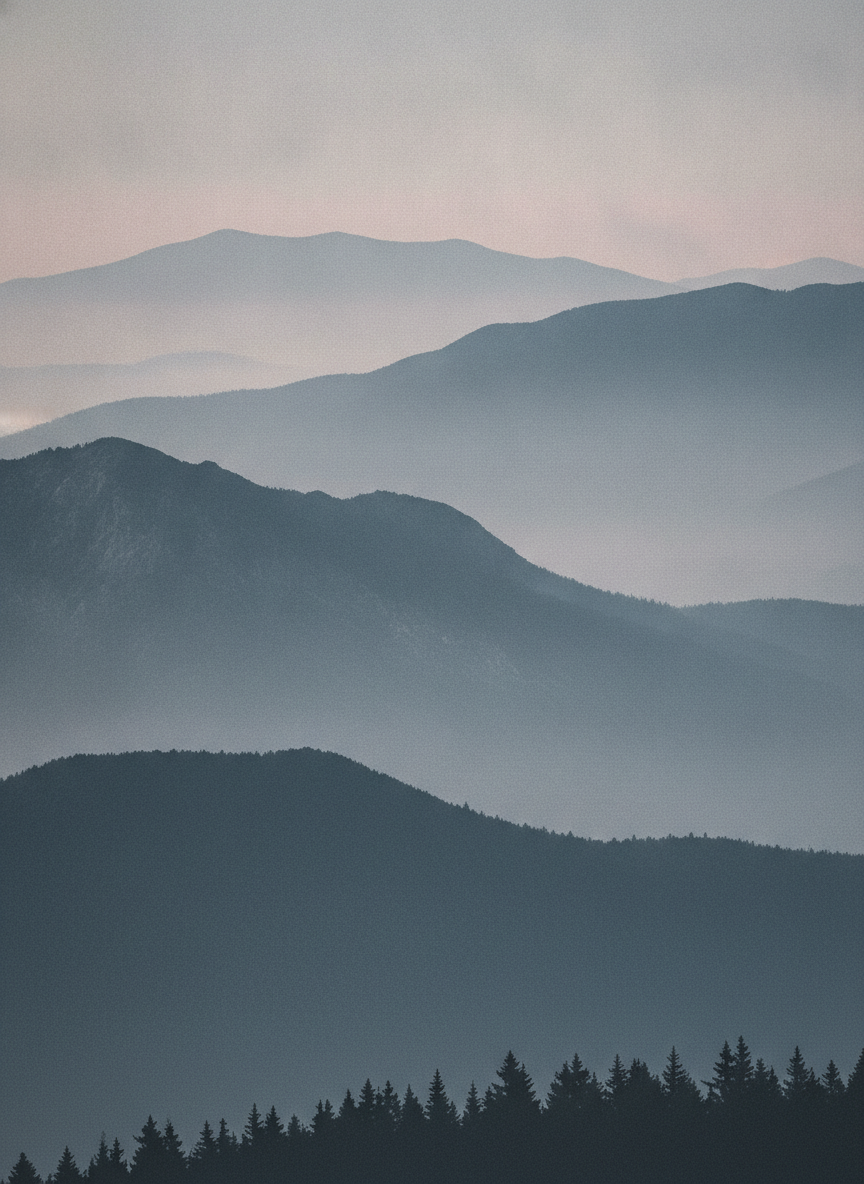
Misty Landscape
Made with GPT Image 2
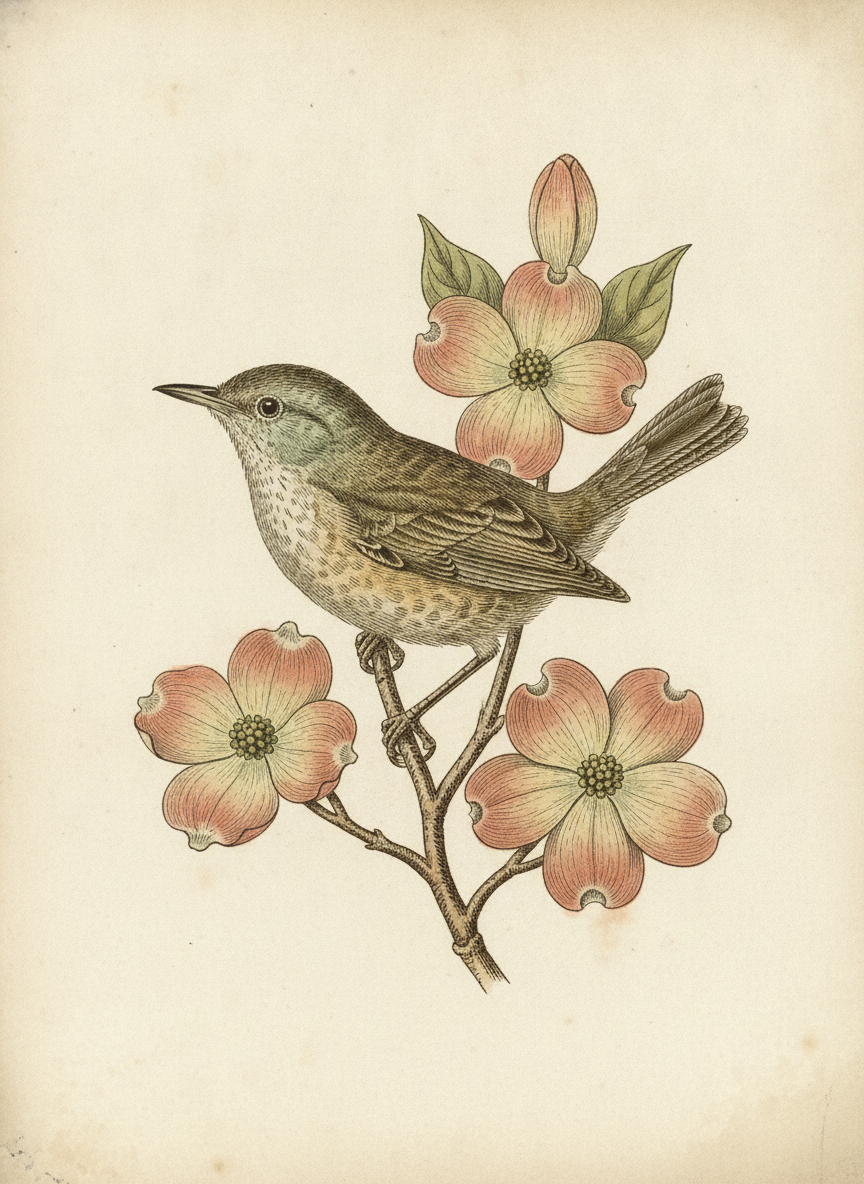
Vintage Plate
Made with GPT Image 2
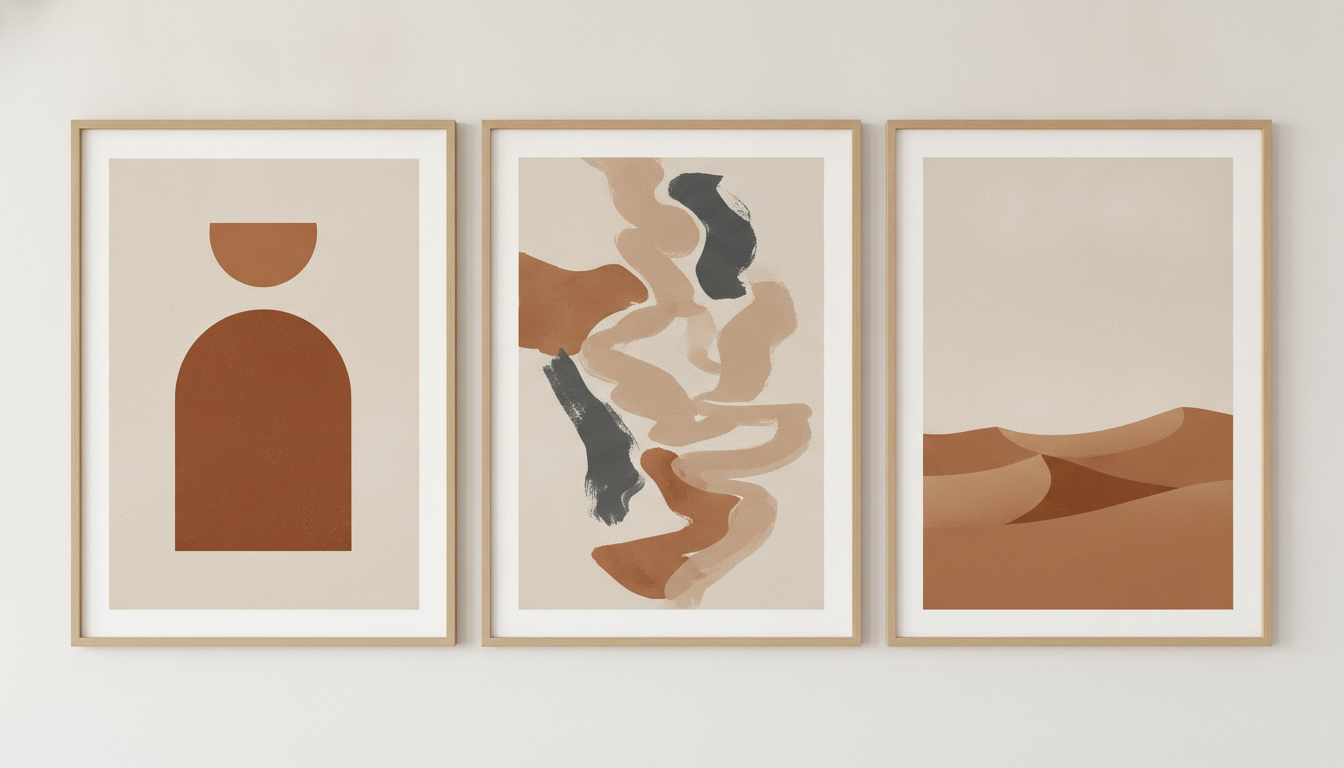
Matching Triptych
Made with GPT Image 2
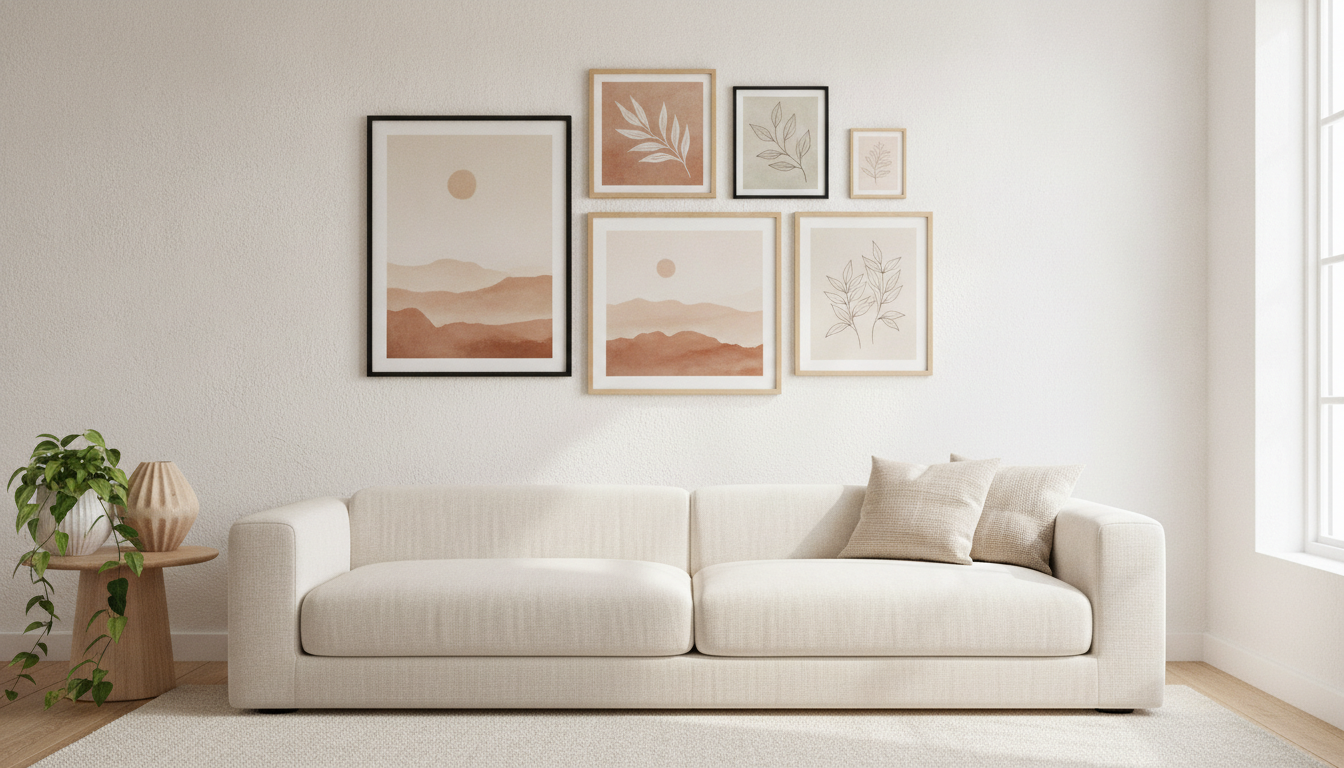
Gallery Wall Preview
Made with GPT Image 2
Upscale Before You Print — and Test the Colour
A generation here is roughly one to two megapixels. An 8×10 at 300 DPI wants about seven, a 16×20 about twenty-nine, a 24×36 about seventy-eight. So anything bigger than a small frame goes through the AI image upscaler first — abstract shapes and washes hide invented detail well, fine hatching does not. Then expect the colour to shift: screens are backlit RGB, paper is reflective CMYK, so saturated blues and neons come back duller while warm neutrals survive almost unchanged. Order one small test print on your chosen paper before committing to a large canvas.
How the AI Wall Art Generator Works
Start from the wall, not from the prompt — then upscale, test and print
Start From the Wall
Measure the frame or the empty space and pick the ratio first — 2:3 is the safest default. Note the two or three colours already in the room; that is your palette.
Describe the Piece
Subject, palette by name, texture and how much empty space. Pick a style below to start from a complete prompt, then swap the colours for the ones on your wall.
Upscale, Test, Print
Run the winner through the upscaler, order one small test print to check the colour on your chosen paper, then commit to the full size.
Why Generate Your Wall Art
Because a blank wall is a colour problem, and scrolling a marketplace does not solve colour problems
Made for Frames, Not Feeds
Limited palettes, compositions that read across a room, and clean margins so a mat board does not crop the piece. Generate at the ratio of the frame you own.
Honest About Print Size
A generation is 1–2 MP. A 16×20 at 300 DPI wants 29. Small prints go straight to paper; anything large goes through the upscaler first, and that step is not optional.
Sets That Actually Match
Generate a triptych as one image with a shared palette and split it afterwards. Three separate runs give you three near-misses that look wrong side by side.
Six Directions to Choose From
Abstract neutral, botanical line art, misty landscape, vintage plate, matching triptych and a gallery wall preview — the looks that hang well rather than the looks that scroll well.
Print Colour Explained
Screens are backlit RGB, paper is reflective CMYK. Blues and neons dull down, warm neutrals survive intact. Order a small test print before a large canvas.
No Watermark, Commercial Use
A logo across a print makes the file worthless. Downloads carry none. Selling on a marketplace? Check that platform’s own AI disclosure rules too.
Who Uses It
Anyone standing in front of a wall that has been empty for two years
Renters & New Homeowners
Furnishing a room costs enough without art on top. Match the two colours already in the sofa and the rug, generate a dozen candidates, print the winner at 8×10 in a cheap frame and see whether you still like it in a month.
Gallery Wall Builders
The hard part of a gallery wall is coherence across mismatched frames. Generate every piece from one named palette, or produce a triptych in a single run, and the wall reads as deliberate instead of accumulated.
Print Sellers & Stagers
Coordinated sets at real print sizes are the product; a lone file is not. Stagers get neutral, inoffensive art that suits any buyer. Sellers: read your marketplace’s current AI disclosure rules before listing.
Cafés, Studios & Offices
A long blank corridor needs six pieces that belong together and nobody objects to. Generate the set in one palette, print large after upscaling, and hang them at a consistent centre height.
AI Wall Art Generator FAQ
Print resolution, frame ratios, colour shift, matching sets and selling what you make
Free AI Wall Art Generator — Printable Wall Art for Real Frames
Most image generators are pointed at a screen. An AI wall art generator is pointed at a wall, and that changes what a good result looks like. A piece that will be printed, framed and lived with wants a palette borrowed from the room rather than from a trending aesthetic, a composition that still reads from four metres away, and empty space around the edges where a mat board is going to sit. It also has to arrive at a shape a real frame accepts, which is why the first decision is not the subject at all — it is the ratio. Measure the frame you own, or the gap you are filling, and start there. 2:3 covers most standard sizes from 5×7 up to 24×36 and is the easiest file to get printed anywhere; 4:5 fits the 8×10 and 16×20 frames that supermarkets sell; 3:4 suits 9×12 and 18×24. Then take the two or three colours already in the room and name them in the prompt, because “warm neutrals” is a mood and “oatmeal, burnt sienna and soft charcoal” is an instruction.
The six styles here cover the directions that hang well. Abstract neutral is the quiet default that suits almost any room and survives the trip to paper better than anything else, because sand, clay and cream sit comfortably inside the CMYK gamut. Botanical line art is the scandinavian look, cheap to frame and forgiving in small sizes. Misty landscape gives a room depth without a focal point competing with the furniture. The vintage naturalist plate is the one that reads as inherited rather than bought, and works beautifully as a grid of four. The triptych is generated as a single image and split afterwards, which is the only reliable way to get three panels that genuinely match. The last one is not a print at all — it is a room preview, useful for deciding whether a palette works above a sofa before you spend anything on printing.
Three limits deserve stating plainly, because all three cost money when ignored. Resolution is the first: a generation here is one to two megapixels, and 300 DPI printing wants seven for an 8×10 and twenty-nine for a 16×20, so anything beyond a small frame has to be upscaled before it goes to the printer. That step works well on this kind of artwork — washes, shapes and gradients conceal invented detail in a way that a photographed face never does — but fine hatching and tight linework show the seams first. Colour is the second: screens emit light in RGB and paper reflects it in CMYK, so deep blues, purples and neons come back noticeably duller, blacks lift toward charcoal, and warm neutrals barely move. Matte and cotton papers mute everything slightly and read as art; gloss holds saturation and holds fingerprints. One small test print settles all of it for a few dollars. The third is text: the model draws letterforms rather than setting type, and a spelling slip that nobody notices on a phone is impossible to ignore at arm’s length on a wall, which is why every prompt above ends with “no text anywhere”. If you want words in the piece, use the quote generator that is built for it and proofread every character. And if you are selling what you make, our licence allows it, but the marketplace you list on has its own AI disclosure rules — Etsy requires disclosure, several print-on-demand services restrict AI work outright, and those policies change often enough that you should read the current terms rather than a summary.
Decorating is a whole cluster on this site. Get the file print-ready with the AI image upscaler, and reshape it for an odd frame with the AI image cropper or the AI image extender. Try other media for the same wall with the AI oil painting generator, the AI watercolor generator, the AI line art generator, the AI pencil sketch generator or the AI mandala generator. For personal pieces, turn your own photograph into art with the AI photo to painting tool, or frame the family with the AI family portrait generator and the AI pet portrait generator. Typographic and poster-style walls belong to the AI quote image generator, the AI poster maker, the vintage travel poster maker and the AI city poster tool. Plan the room around it with the AI interior design tool, the AI mood board creator and AI virtual staging, or keep it on screen with the AI wallpaper generator. Scroll back up and make your first print free.